Rising Front for macOS
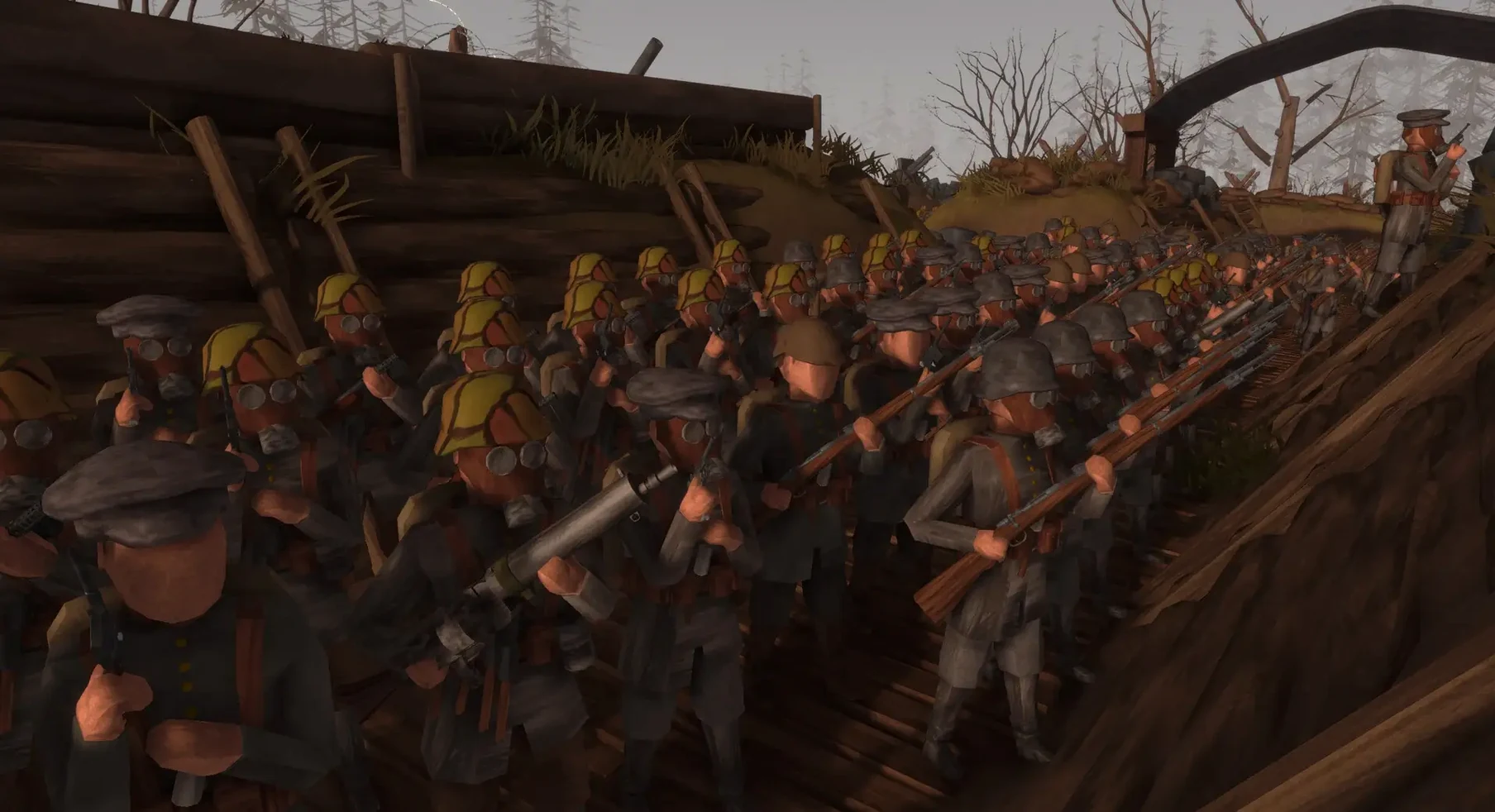
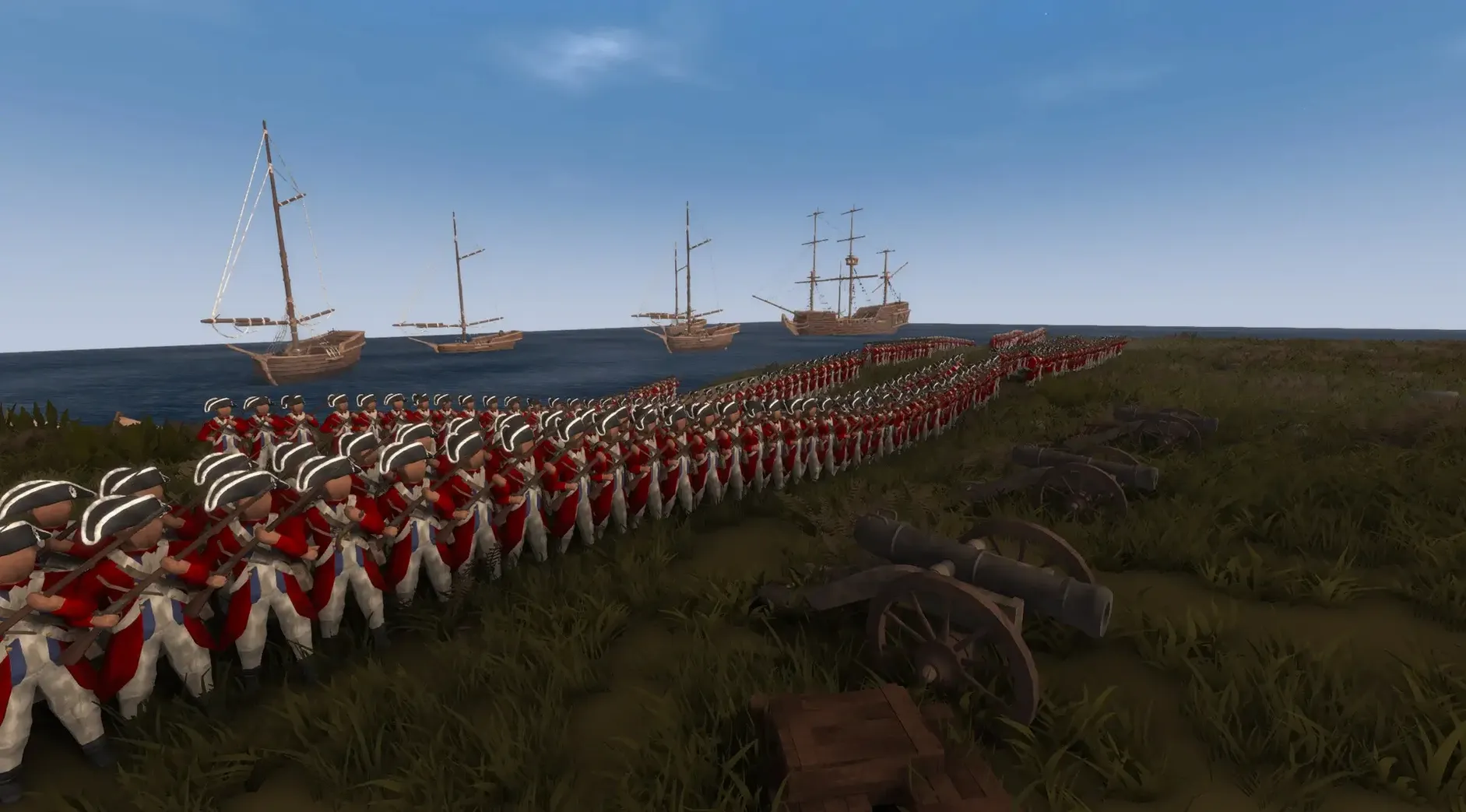
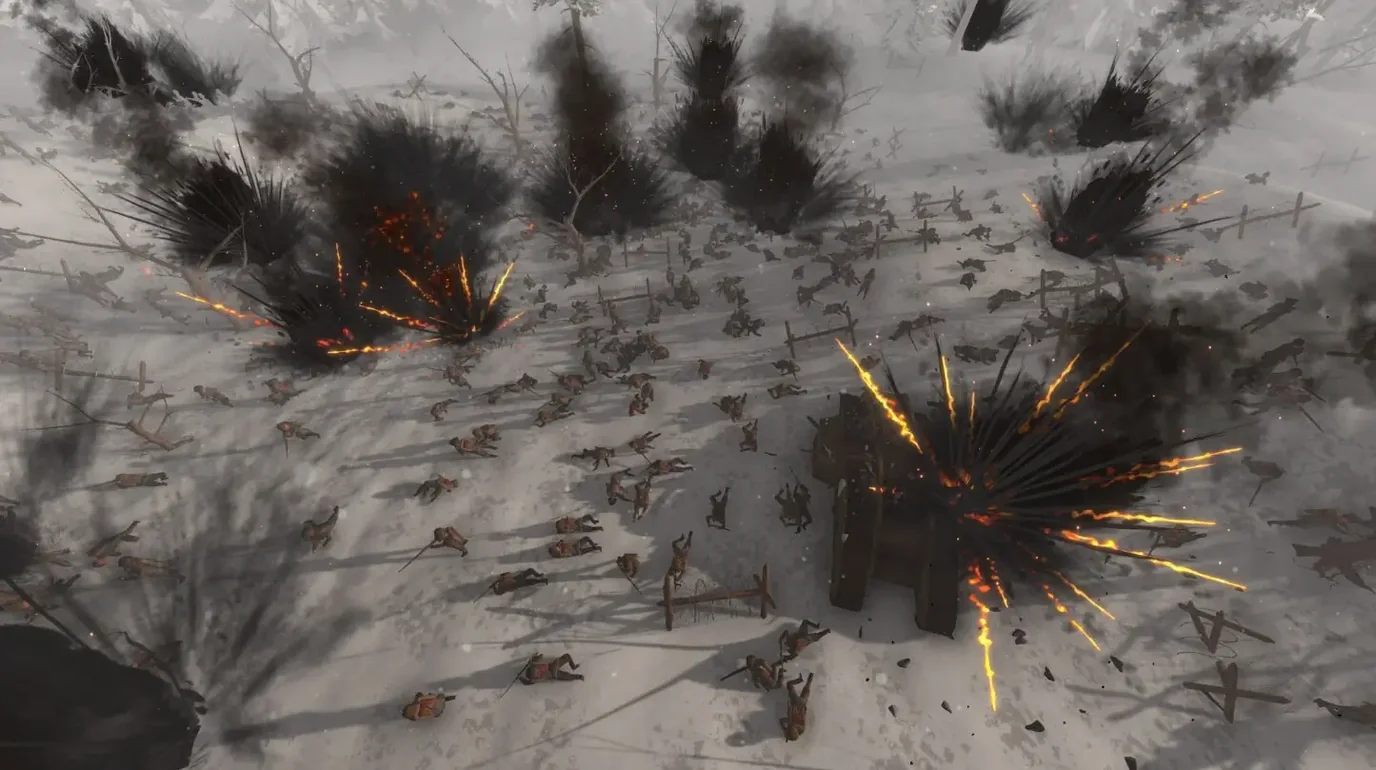
Command a battalion from the mud
The core loop hands you a rifle and a set of blueprints at the same time. You can fire from a procedurally generated cover position, then pop into an overhead view to issue AI unit commands and drag out fortifications. It never commits to being just a shooter or just a strategy game, which makes the trench line feel alive and unpredictable.
Build while the barrage lands
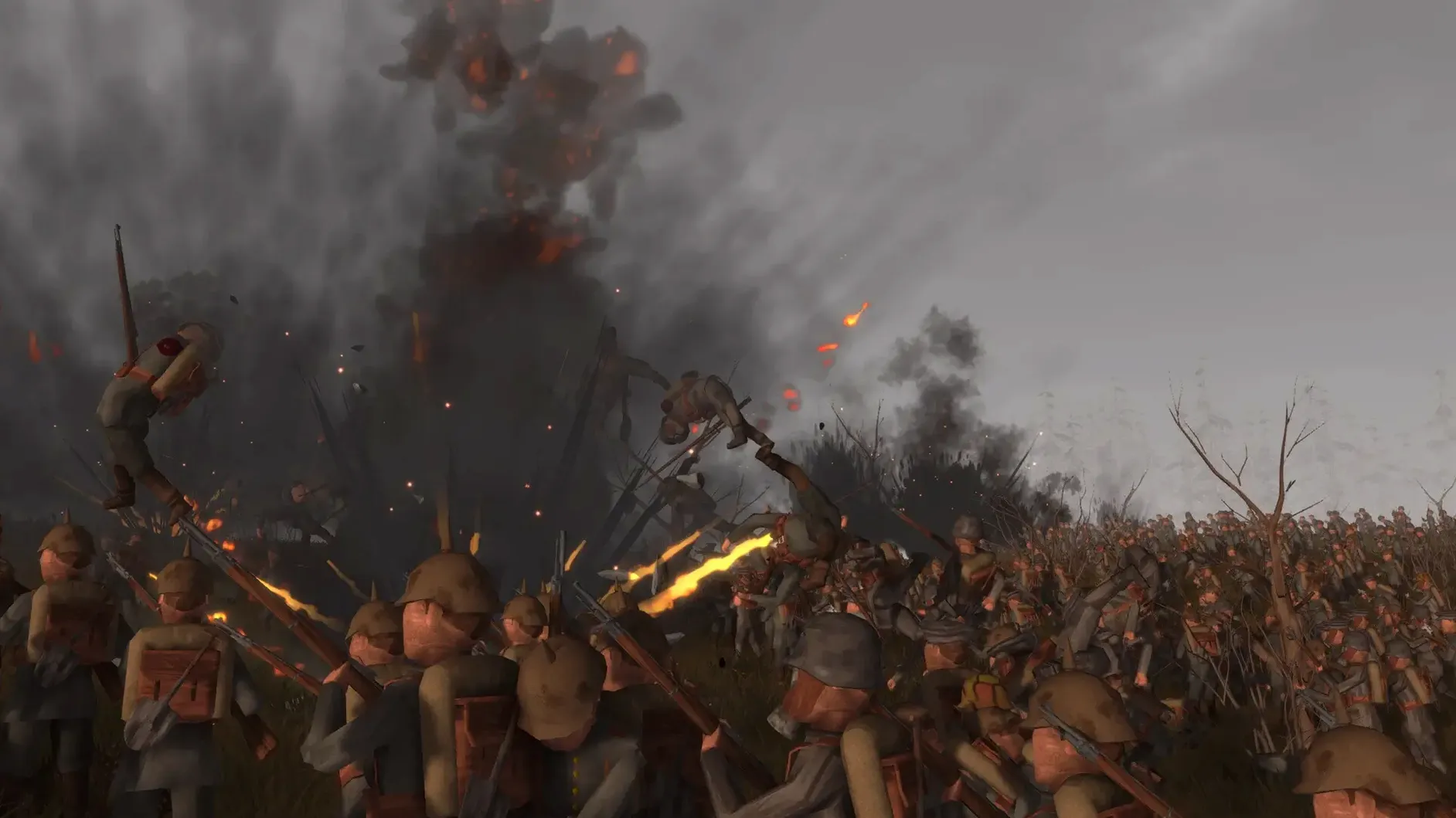
The building system lets you place sandbags, trenches, and firing steps on the fly. Artillery shells land with ragdoll-driven impact, so a position you just constructed can come apart seconds later. The procedural cover system recalculates sightlines after each hit—cover isn't baked into the map, it shifts with the terrain damage.
Run a battle, not just a firefight
Switch to the RTS layer and you are placing units, setting advance paths, and timing barrages. The AI responds to terrain and cover states rather than following scripted routes. Workshop content keeps the scenario list growing, so the simulator side leans more on community-built engagements than a fixed campaign. It is a sandbox for combined-arms chaos more than a curated story.
Stability under load
On a Mac mini M4 running macOS Tahoe, the 1.01 build keeps frame pacing steady even when the unit count pushes past 800. The simulation thread handles ragdoll and cover recalculation on a separate loop from the renderer, so a collapsing trench line does not hitch the camera. Memory use climbs with workshop scenarios that pack the map with custom assets, but the base install runs lean—around 2.1 GB RAM during a 400-unit engagement. The .app bundle ships as a universal binary, so ARM Macs get native Metal rendering without Rosetta overhead.
What 1.01 quietly improved
The patch notes list bug fixes and small changes, but a few adjustments stand out in daily play. Unit pathfinding across cratered ground no longer stalls when a ragdoll blocks the navmesh—soldiers step around fallen comrades instead of piling up. Cover recalculation after artillery strikes triggers faster, which makes the procedural system feel more responsive when you are switching between FPS and overhead views. Workshop content loading times also dropped, likely from asset-streaming tweaks that went undocumented.
Adds an overhead command layer Ravenfield leaves out
Next to Ravenfield, Rising Front adds the overhead command layer that Ravenfield leaves out—Ravenfield sticks to pure FPS chaos with bot armies, while Rising Front lets you pause and reposition entire platoons. Compared to Men of War: Assault Squad 2, the building system here is looser and faster: Men of War wants precise inventory management per soldier, where Rising Front drags sandbags into place mid-firefight. Totally Accurate Battle Simulator shares the ragdoll sandbox spirit, but Rising Front's procedural cover andWorkshop focus push it toward serious combined-arms simulation rather than physics comedy. None of the three mix first-person shooting with real-time unit placement quite the same way, which leaves Rising Front in an odd, appealing gap.
- Update 1.01 ships bug fixes and small adjustments across the simulation layer.
- Steam announcements describe the patch as stability-focused, cleaning up edge cases in unit behavior and construction placement.
- Interface language: English.
Comments 0
Sign in or create an account to leave a comment.
No comments yet. A codec, a slice, a machine — they appear after moderation.