
Half-Life Source for macOS
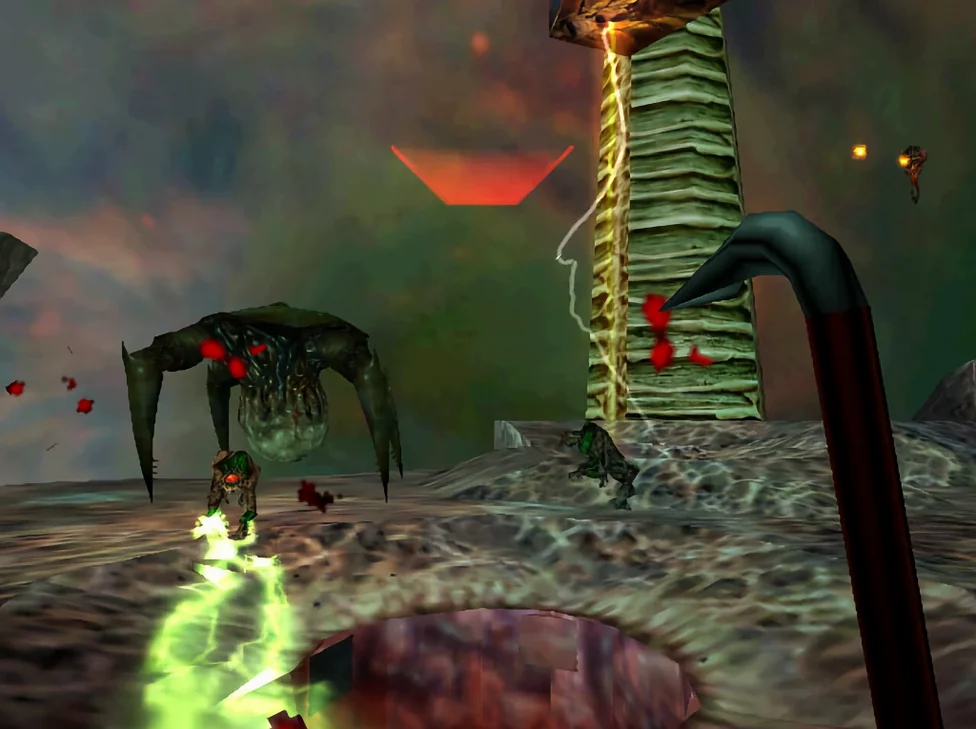
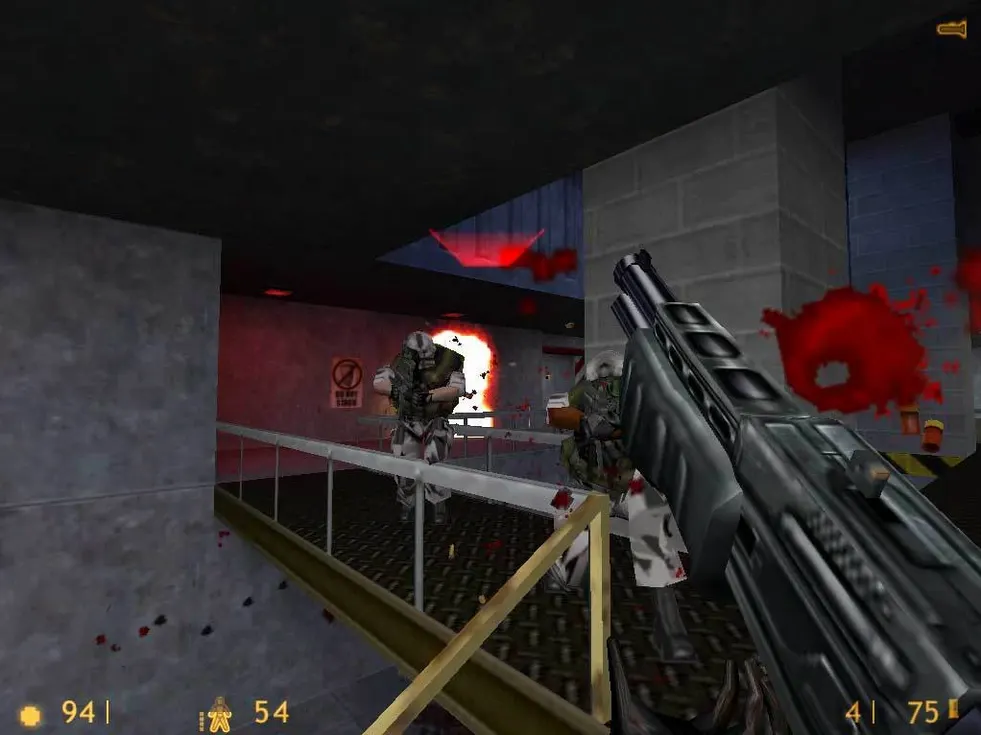
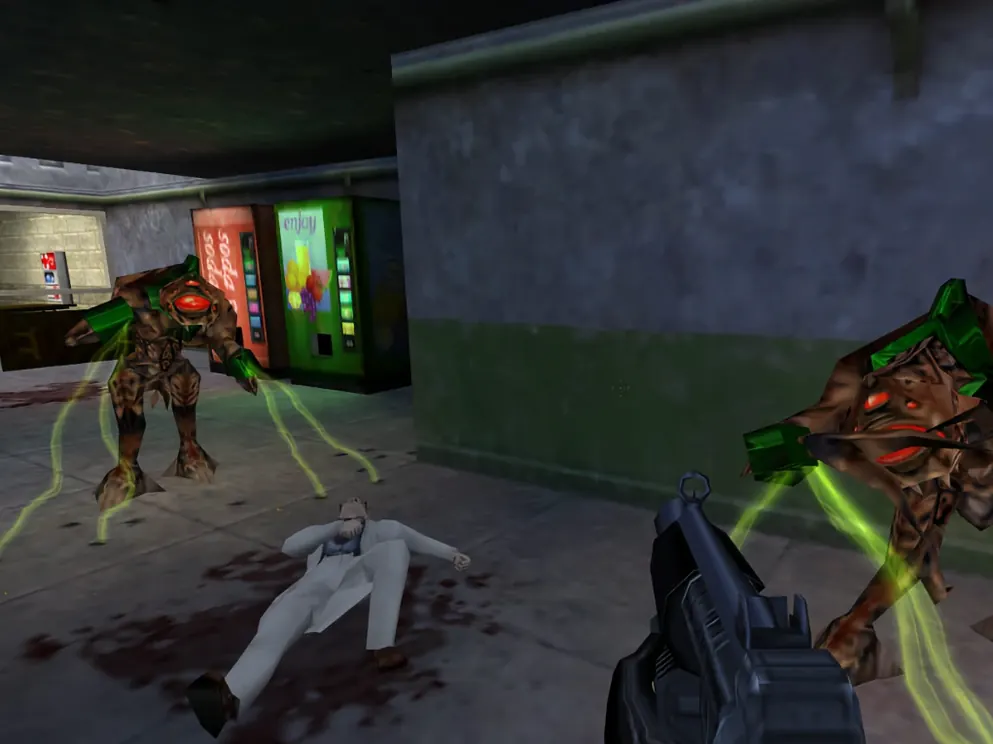
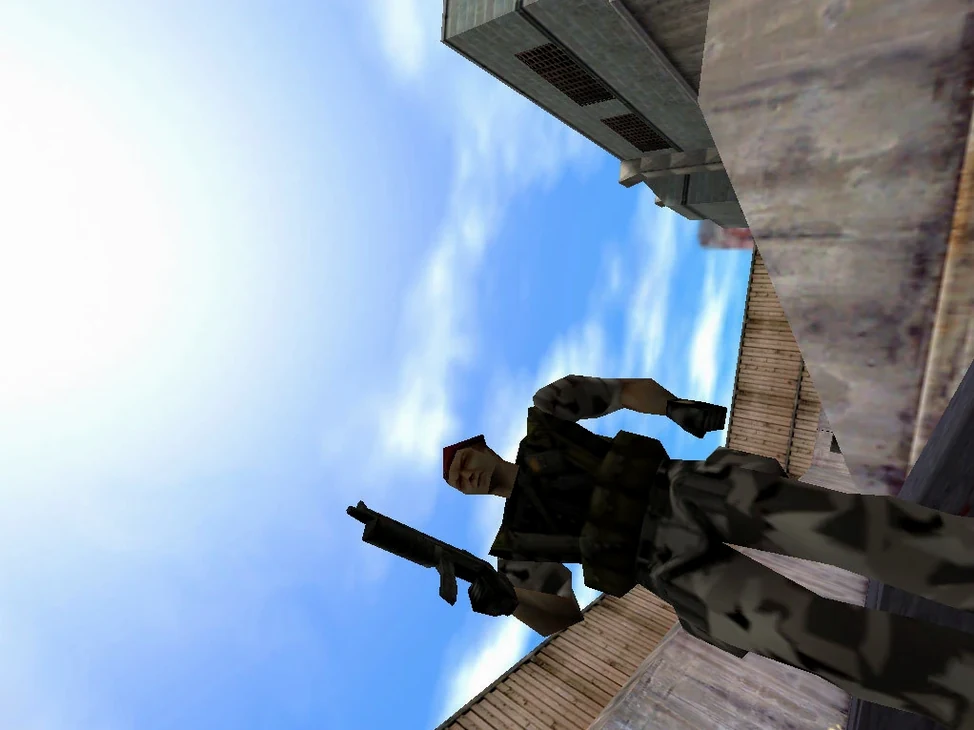
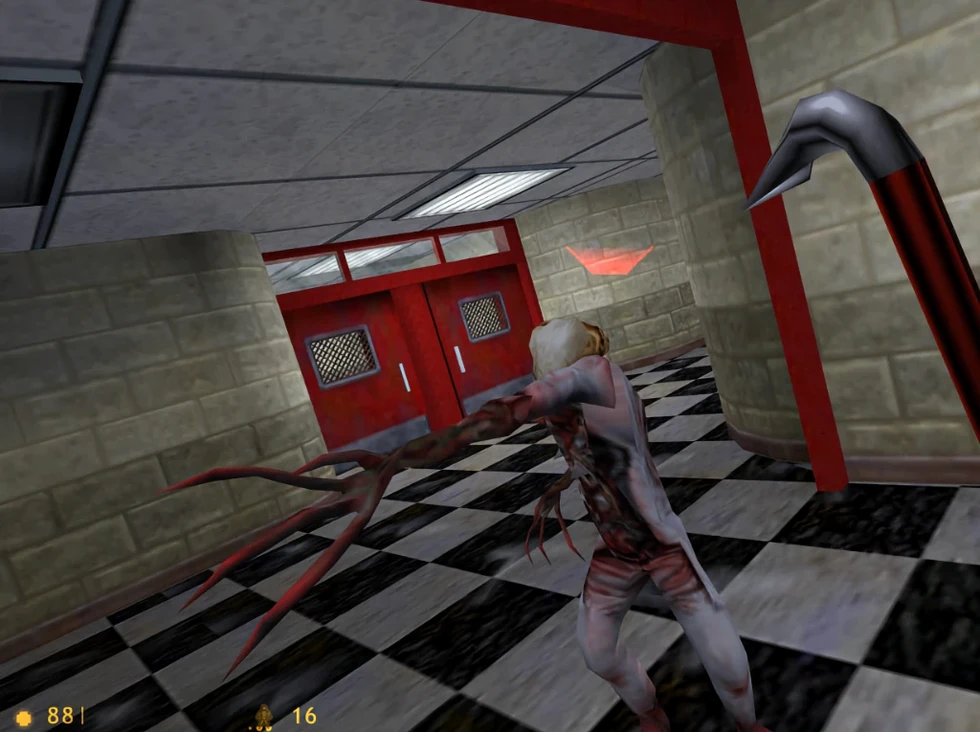
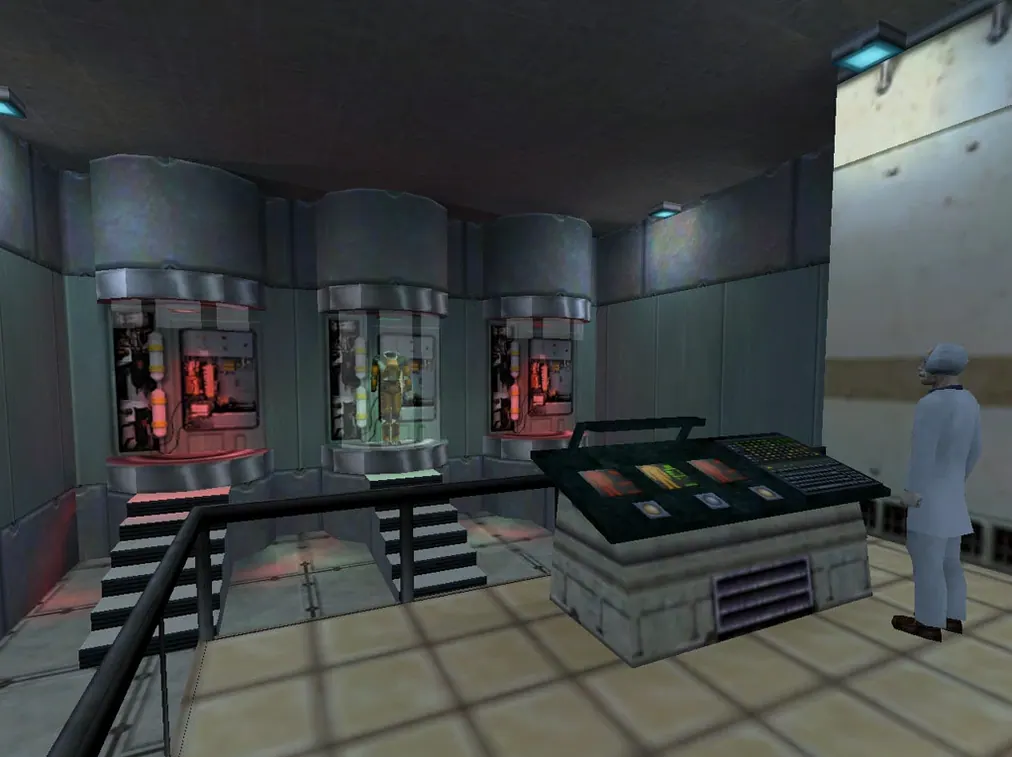
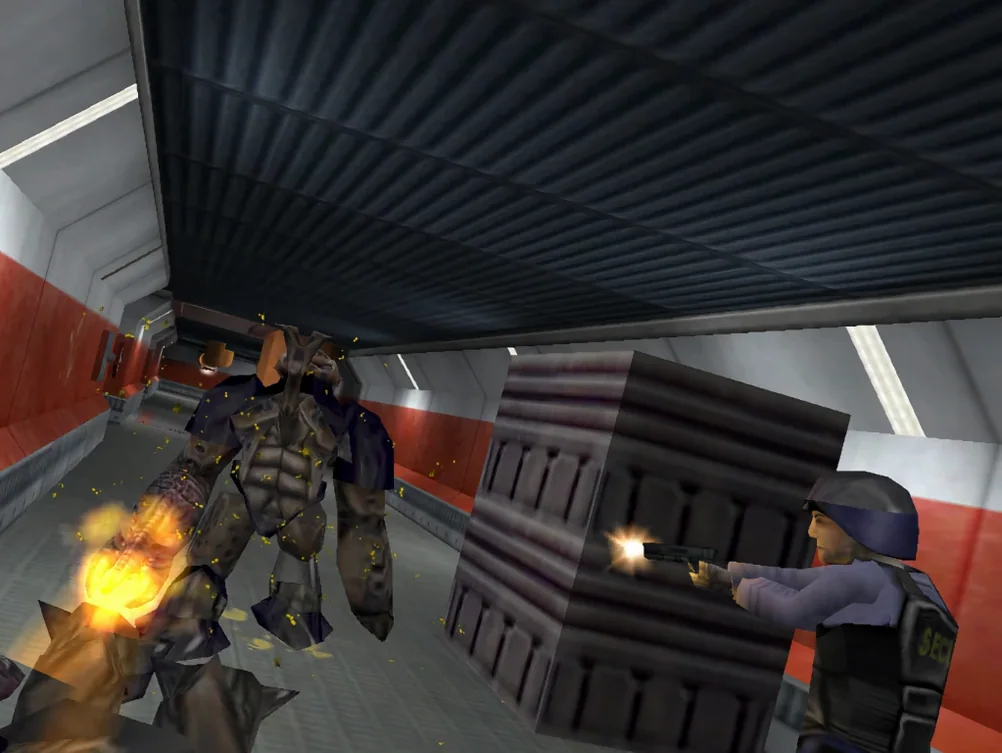
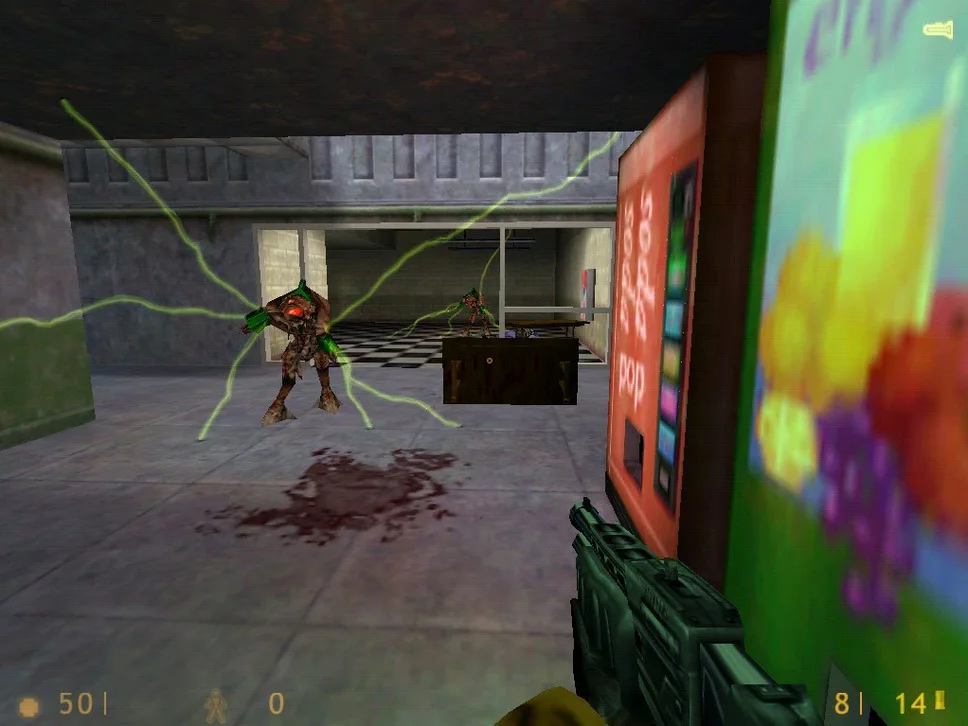
The physics engine is the quiet star here, turning the Black Mesa facility into a more reactive, weightier space than the original GoldSrc release. Half-Life Source is a direct port of the 1998 action-adventure classic into the Source engine, released in 2004 as a way to experience Gordon Freeman's story with the newer renderer.
Engine — Source 2013 Singleplayer branch, running as build 8491853.
Architecture — Apple Silicon native, not an Intel translation.
Voice audio — English. The app includes interface support for Russian, German, Spanish, Italian, Traditional Chinese, Simplified Chinese, Korean, Thai, French, and Japanese, but switching languages requires editing a file directly.
Save location — Inside the app bundle at Contents/Resources/GameData/hl1/save. Back these up manually if you reinstall.
Launch issues — A Fix file is included on the disk image for error-on-launch cases.
The port preserves the campaign and weapons unchanged but maps the Source lighting and water shaders onto the old geometry. Performance on M-series chips is predictably smooth, with the engine's age being the main bottleneck, not the hardware. Expect keyboard-and-mouse controls to map cleanly; the Source engine's input handling holds up well.
What mistakes do new players make on the Mac build?
The most common slip is treating the save folder like a normal Mac application's data directory. It is not in ~/Library/Application Support or ~/Documents — it lives deep inside the app bundle at Contents/Resources/GameData/hl1/save. Dragging a fresh copy of the app from the disk image overwrites it, so if you reinstall without backing up that folder, your progress is gone.
Another frequent stumble: ignoring the Fix file. The disk image ships a small patch utility, and players sometimes skip it, then stare at a blank screen or an immediate crash on launch. On Apple Silicon Macs tested under Sonoma, running the Fix once after copying the app to /Applications is almost always necessary. If you move the app bundle after running the Fix, you may need to run it again — the permissions it adjusts are path-sensitive.
Language switching also trips people up. There is no in-game menu for it. You open the app bundle with Show Package Contents, find HL.command, and edit the language token in TextEdit. Changing it to a value the build does not recognise leaves you with English voice audio and scrambled interface text, so check the supported list before saving the file.
Console commands that get you unstuck from physics jank
The Source engine's developer console is still here, and it gives you a few quick-fix tools the original Half-Life never offered. Press the tilde key and sv_cheats 1 opens up noclip for getting unstuck from Source-physics jank — which does happen when a prop wedges you into a corner. The map command lets you jump directly to any chapter, handy if a save corrupts after the 2013 update's occasional scripting hiccups.
If you play on a MacBook, the default field-of-view setting can feel claustrophobic on a 14- or 16-inch screen. Pull down the console and set fov_desired 90 (or higher) for a more comfortable view; the Source build respects it without breaking the weapon viewmodel. The change persists across sessions once it is written to config.cfg inside the save folder.
Quick-saving and quick-loading are bound to F6 and F7, but on compact Mac keyboards without a function row, those are awkward. Remap them through the console with bind "[" "save quick" and bind "]" "load quick" — bracket keys are easy to reach and rarely used for anything else in the campaign.
Why squad behaviour broke after the 2013 lighting update
The shift from the original 2004 Source port to the Source 2013 Singleplayer branch brought better lighting and shadow maps, but it also carried over bugs the earlier build did not have. The most visible one: NPC squad behaviour is less reliable. Security guards and scientists sometimes fail to follow you through level transitions, which was not a problem in the GoldSrc original. In practice, this means you occasionally have to reload a checkpoint to keep a story-critical character moving.
Water rendering improved noticeably in the 2013 branch — reflections are sharper, and underwater fog behaves more naturally — but the trade-off is that some older mods and custom maps expecting the 2004 shader model now break or render with missing textures. If you are only running the base campaign, this is invisible to you. If you experiment with third-party maps from places like Half-Life Source torrent Mac archives, a quick launch with -oldshaders or a community shader fix pack usually sorts out the glitches.
On the Apple Silicon build specifically, the 2013 update's increased draw-call load is handled without trouble; frame pacing is steady even during the Surface Tension firefights where the original engine used to stutter. The one practical annoyance that crept in: the Options menu's video settings sometimes reset after a crash, so it is worth locking your resolution and detail settings in config.cfg rather than relying on the GUI to remember them.
- Build 8491853 ships with the Source 2013 Singleplayer update, which introduced some unpatched bugs alongside the engine refresh.
- macOS version unspecified by developer
- Apple Silicon architecture
$ man half-life-source | grep -A2 "?"
How do I change the display language?
Right-clickHalf-Life Source macOS.app, choose Show Package Contents, then open HL.command in TextEdit and modify the language parameter.
Where are the save files stored?
They live inside the application package at/Applications/Half-Life Source macOS.app/Contents/Resources/GameData/hl1/save.
Comments 0
Sign in or create an account to leave a comment.
No comments yet. A codec, a slice, a machine — they appear after moderation.