
House Flipper for macOS
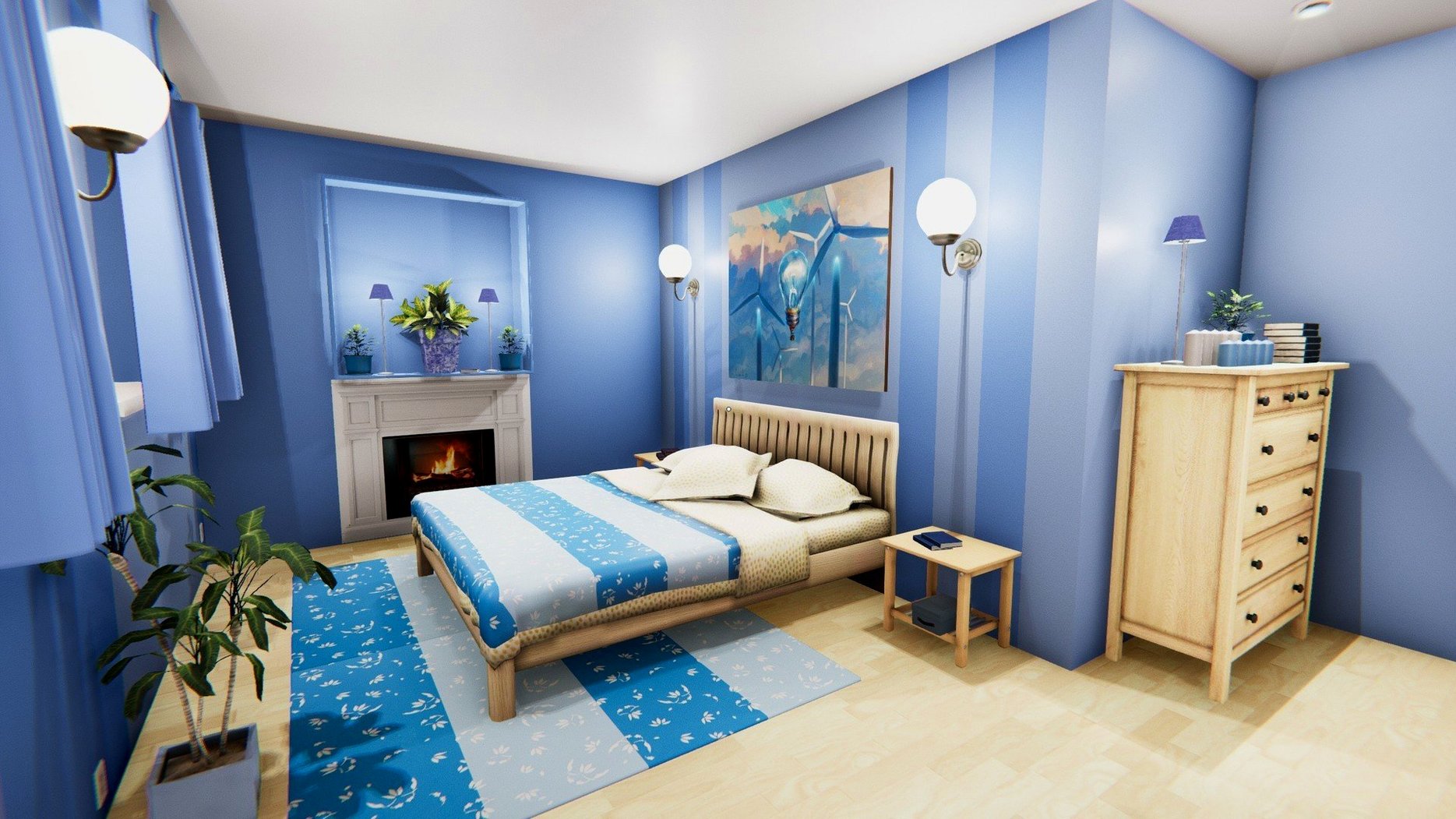
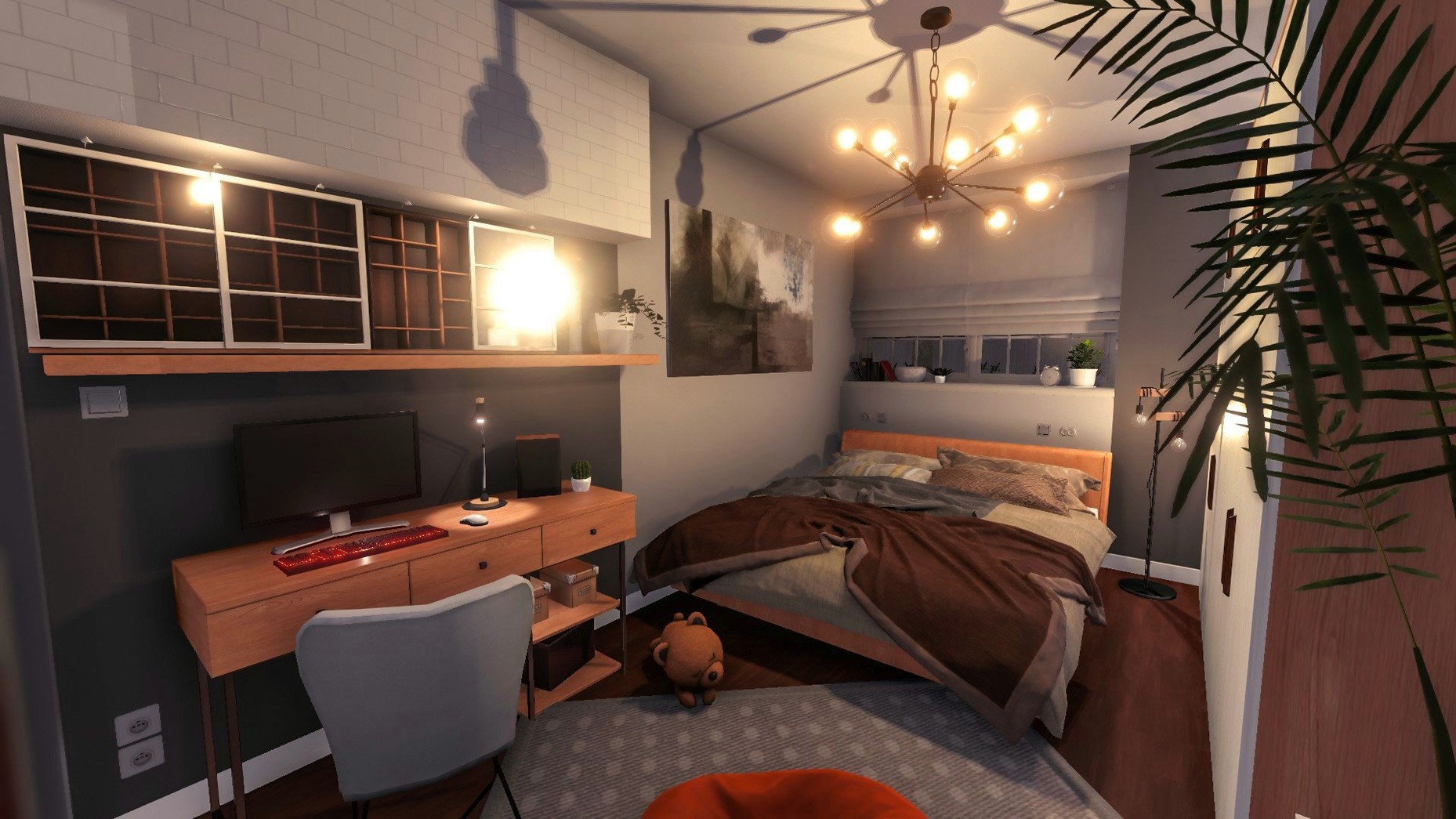
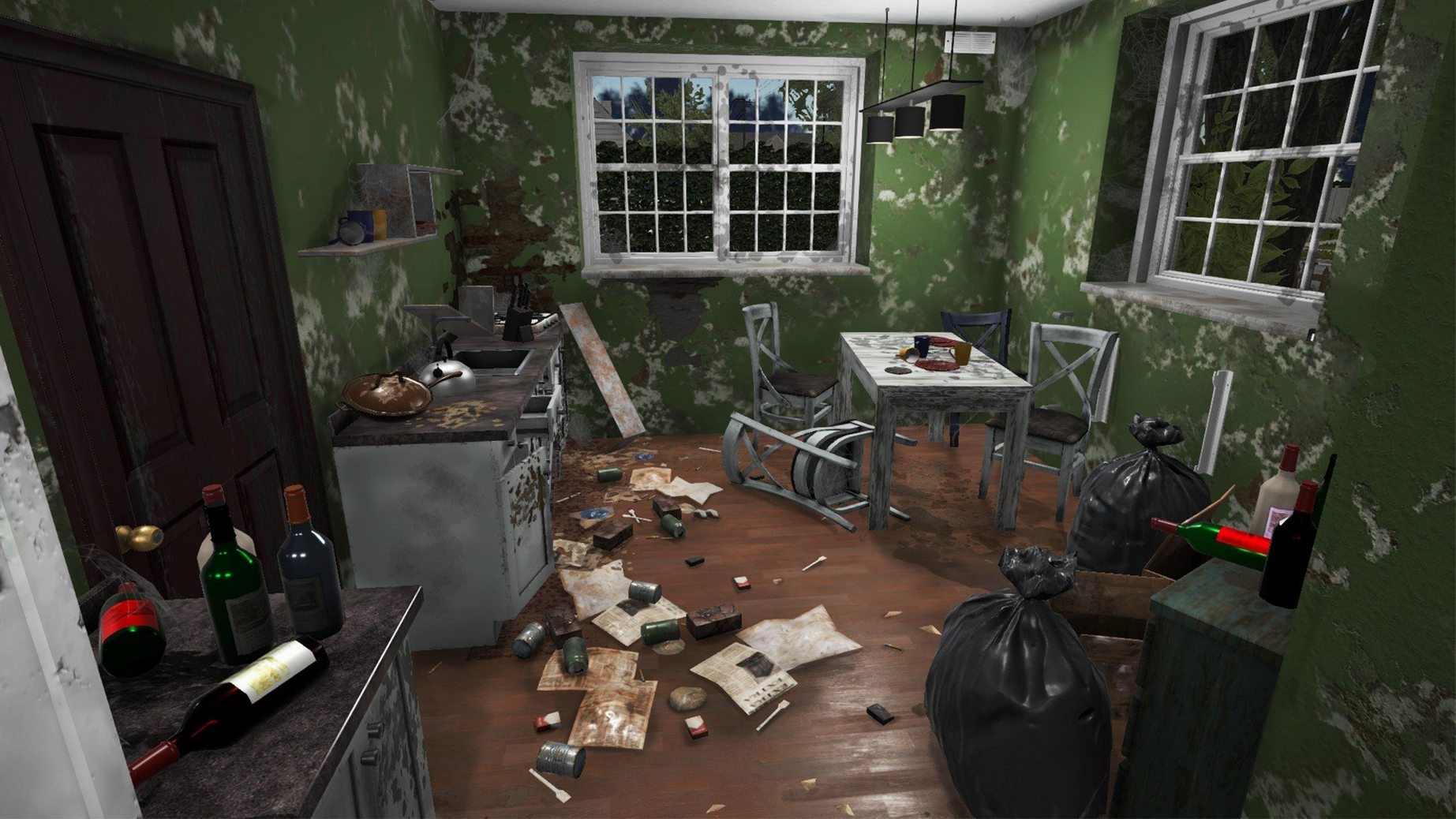
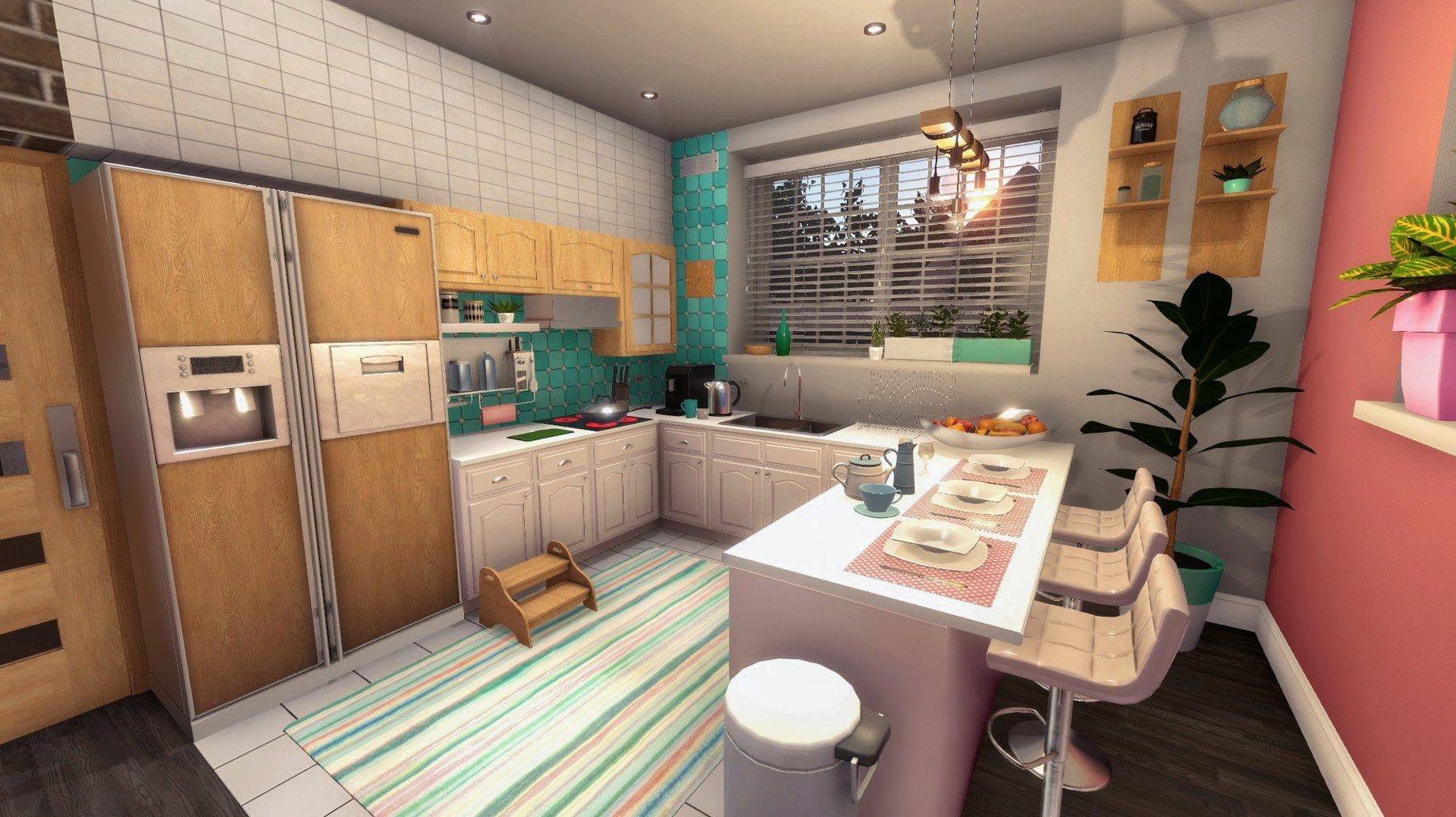
You pick up a mop, scrub the grime off a bathroom floor, and toss a broken radiator into the skip. The client pays you, and that money goes straight toward a crumbling bungalow you spotted across town. This is the core loop: dirty work funds blue-sky plans.
Who should pick this up
- Players who find satisfaction in methodical, room-by-room transformations.
- Anyone who enjoys interior design without a budget spreadsheet—just buy, place, and repaint.
- People looking for a low-stakes podcast game where the only pressure is a paint roller running dry.
Who might bounce off it
If you need a story arc, character progression, or tight time-management mechanics, the game offers little beyond the next job listing. The audio is listed as music accompaniment only, so the world is quiet beyond the hum of your tools. Renovation is its own reward here, but that means the drive to continue has to come from you. Every swing of the hammer grants experience you can spend on faster cleaning, better painting, and wider negotiation margins, yet the skills exist purely to unlock more efficient renovating rather than any dramatic change in play style.
What a house-flip actually feels like: the weekend warrior
A friend who teaches middle-school science grabbed a house flipper mac build last term. She spends her real days wiping whiteboard markers off desks and her evenings wiping virtual grime off kitchen tiles. The rhythm scratches the same itch. She tells me she picks one property a week—usually on Sunday afternoons with a mug of tea—and treats it like a puzzle box. The goal isn't profit. It's walking through the finished hallway and rotating the camera slowly, just looking.
Her specialty is small apartments. She guts them to the studs, knocks down every non-load-bearing wall the game allows, and rebuilds as open-plan lofts. She discovered that removing a wall between the kitchen and living room in the two-story suburban house lets light from the bay window reach clear to the stove. No tutorial tells you that. The physics don't punish you for it either. You just swing the hammer, the wall crumbles into debris bags, and suddenly the space breathes differently.
That kind of player—the one who treats constraints as sandbox prompts rather than chores—gets the most out of the tool set. The paint roller and mop serve the jobs. The hammer serves the vision.
A session from start to cash-out
You open the tablet. The job board lists a client who wants the spare bedroom turned into a nursery. Accept it. The screen fades and drops you onto the front path with your tools in a radial menu.
Step inside. The room is beige, dusty, and full of someone else's junk. First pass: scan with the minimap for trash and broken glass. Each piece highlights in yellow. You grab the debris—old newspapers, a shattered picture frame, a pizza box that's been there since the previous tenant—and bag it. The room already feels lighter, even before you touch a surface.
Second pass: cleaning. Switch to the mop for the floor stains near the window, then the window cleaner for the glass. The grime fades in real time; you see the smudge, you wipe it, it's gone. Satisfying in the way defragmenting a hard drive used to be satisfying.
Now the build tasks. The client wants pale green walls and a radiator under the window. You open the tablet's store tab, buy a bucket of green paint, and roll it onto every wall. The roller leaves visible tracks that fill in as you pass over them again—a small touch that rewards methodical back-and-forth strokes. Install the radiator next: click the spot, rotate the placement preview until it aligns with the wall, confirm. The plumbing auto-connects. Fictional plumbing, but still.
Final touches: the client's list includes a crib and a rug. You drag both from the tablet into the room, nudge the rug until it sits centered under the crib, and step back. The job-complete chime plays. You check the profit on the tablet, mentally subtract what you just spent on paint and the radiator, and pocket the margin. Back to the job board. Maybe next time you buy that foreclosed bungalow and knock the living room wall down for real.
Questions that come up before downloading
Does it run on Apple Silicon without Rosetta?
Yes. The build marked 1.26252 carries both ARM and x86_64 slices in the binary. On an M-series Mac the system loads the native ARM code directly. No translation layer, no extra CPU overhead. The game was tested on a Mac mini M4 running macOS Tahoe, so current hardware is covered.
Is this a house flipper torrent situation I need to worry about?
The disk image you get is a straightforward .dmg. You mount it, you drag the app to the Applications folder, you launch it. Activation isn't part of the process. There's no online check, no key entry screen, no launcher phoning home. That makes the install path simple whether you're grabbing a house flipper download mac build for the first time or moving it to a new machine.
What's the actual install footprint?
Once the app sits in /Applications, it runs from there. No kernel extensions, no background daemons, no files scattered into ~/Library beyond a standard preferences plist and save data. Uninstalling is deleting the app bundle. That's it.
Can I play if I don't speak the supported languages?
The interface ships in twenty languages, covering everything from Russian and Greek to Traditional Chinese and Norwegian. The tasks are visual enough that you can learn the tool icons in under ten minutes even if your preferred language isn't listed. The audio is instrumental music, so dialogue comprehension never gates progress.
How it stacks up next to similar Mac titles
If you hunt down a house flipper download torrent or grab it straight from the disk image, you're getting a very specific experience. Three other Mac games orbit the renovation-and-design space, but they land on different planets.
Stardew Valley shares the satisfying cleanup loop—clearing a field of rocks and weeds before you can plant crops feels cousin to bagging trash in a fixer-upper. But Stardew layers farming, relationships, combat, and a clock that pushes you to bed by 2 a.m. House Flipper drops the clock entirely. You can leave a half-painted wall overnight and nothing punishes you. Stardew rewards social systems; House Flipper rewards the quiet focus of making a room look exactly how you pictured it.
The Sims 4 (macOS native, ARM support through EA's launcher) gives you far deeper build-and-furnish tools. You can resize objects, layer wallpapers, and manipulate terrain. What you can't do is scrub a toilet by hand or knock plaster off a wall swing by swing. The Sims abstracts labor into a click; House Flipper makes labor the game. One's an architectural sandbox attached to life simulation. The other is a first-person tradesperson sim where the process is the point.
PowerWash Simulator strips the formula down even further. No decorating, no demolition, no property ladder—just a pressure washer and filthy surfaces. It runs natively on Apple Silicon and appeals to the same meditative-cleanup impulse. House Flipper wraps that impulse in a broader tool belt: once the room is clean, you still have to paint it, furnish it, and decide whether the wall between it and the hallway deserves to exist.
None of these are direct competitors. They're adjacent moods. If you want the full arc—from grabbing a House Flipper 1 torrent to flipping your tenth property with skills maxed out—House Flipper is the only one that lets you hold the hammer.
- Tested on macOS Tahoe
- Apple silicon and Intel Macs
- Mac mini 2024 M4 tested
$ man house-flipper | grep -A2 "?"
Does House Flipper let you design an entire house?
Yes. After earning money from client renovation jobs, you can purchase a run-down property and furnish every room from the floor up.
Comments 0
Sign in or create an account to leave a comment.
No comments yet. A codec, a slice, a machine — they appear after moderation.