Raft for macOS
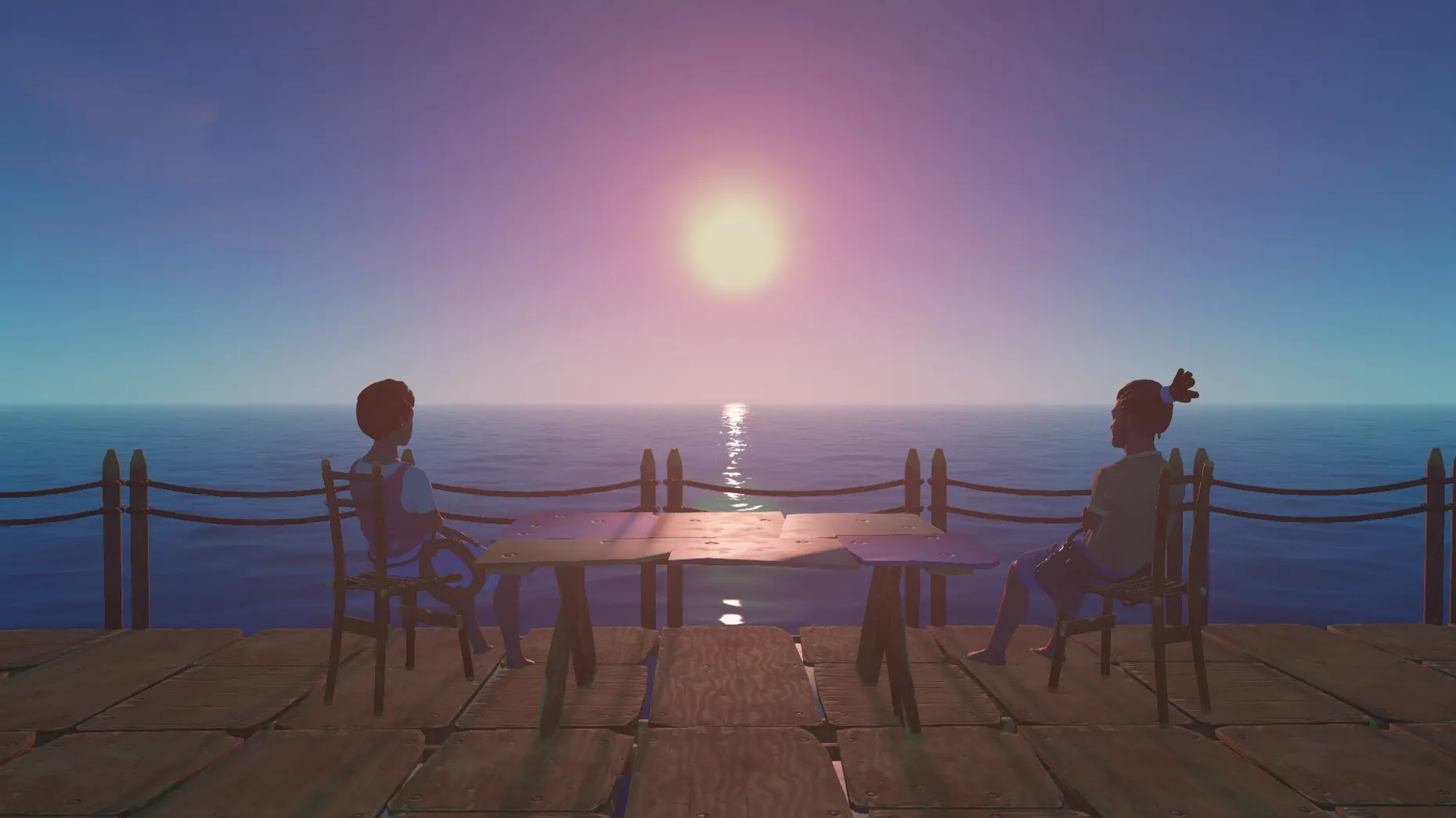
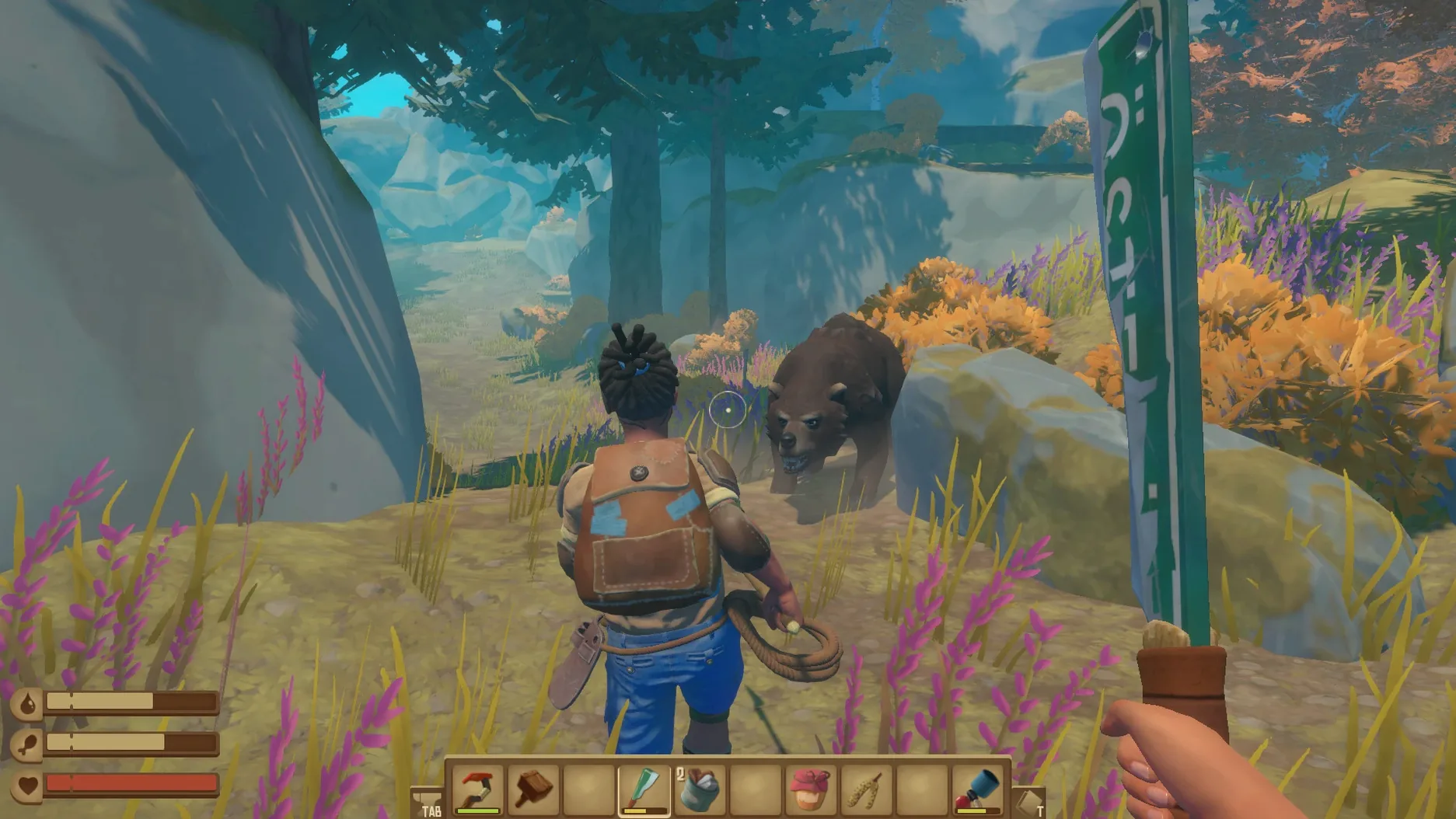
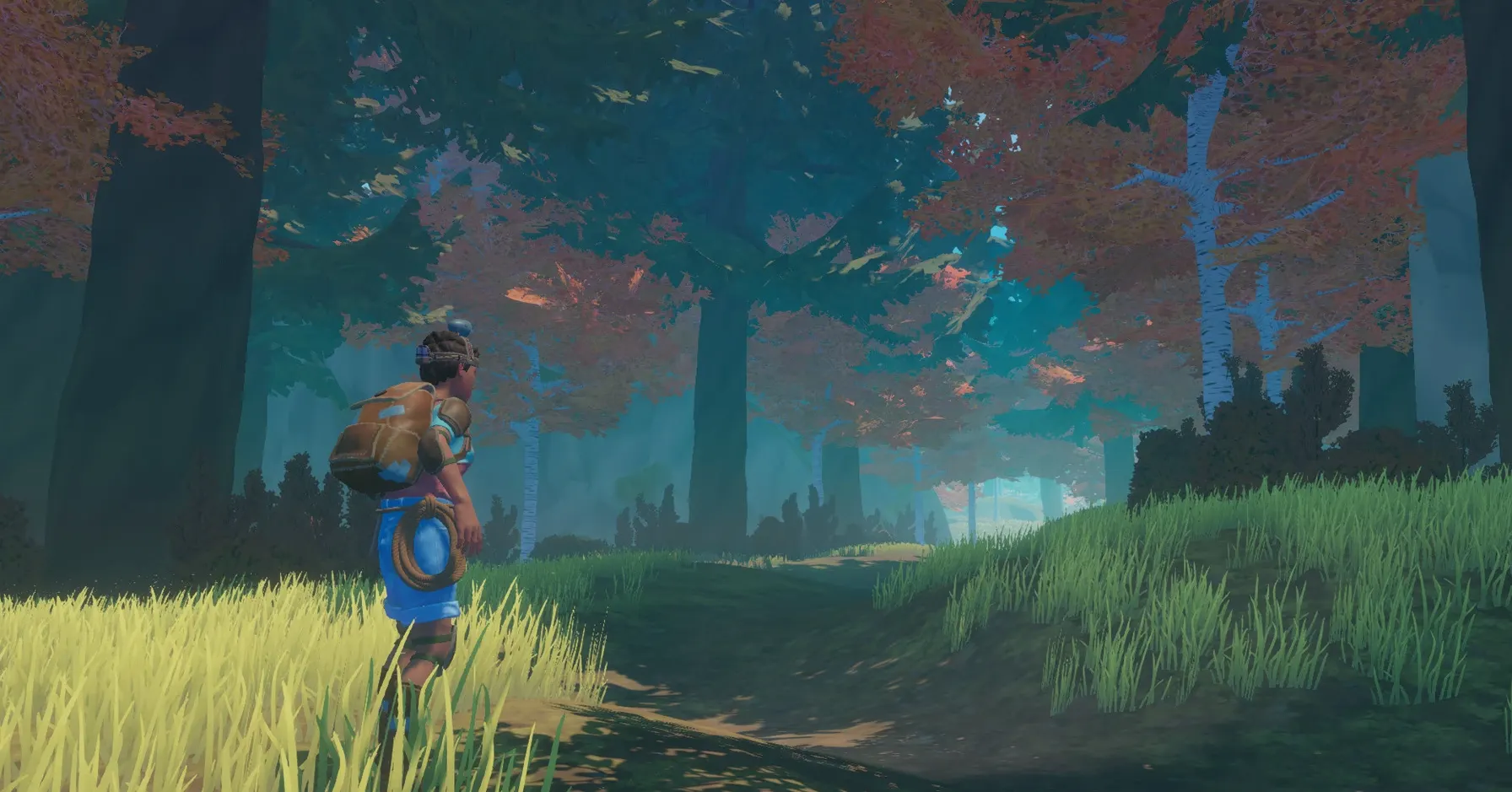
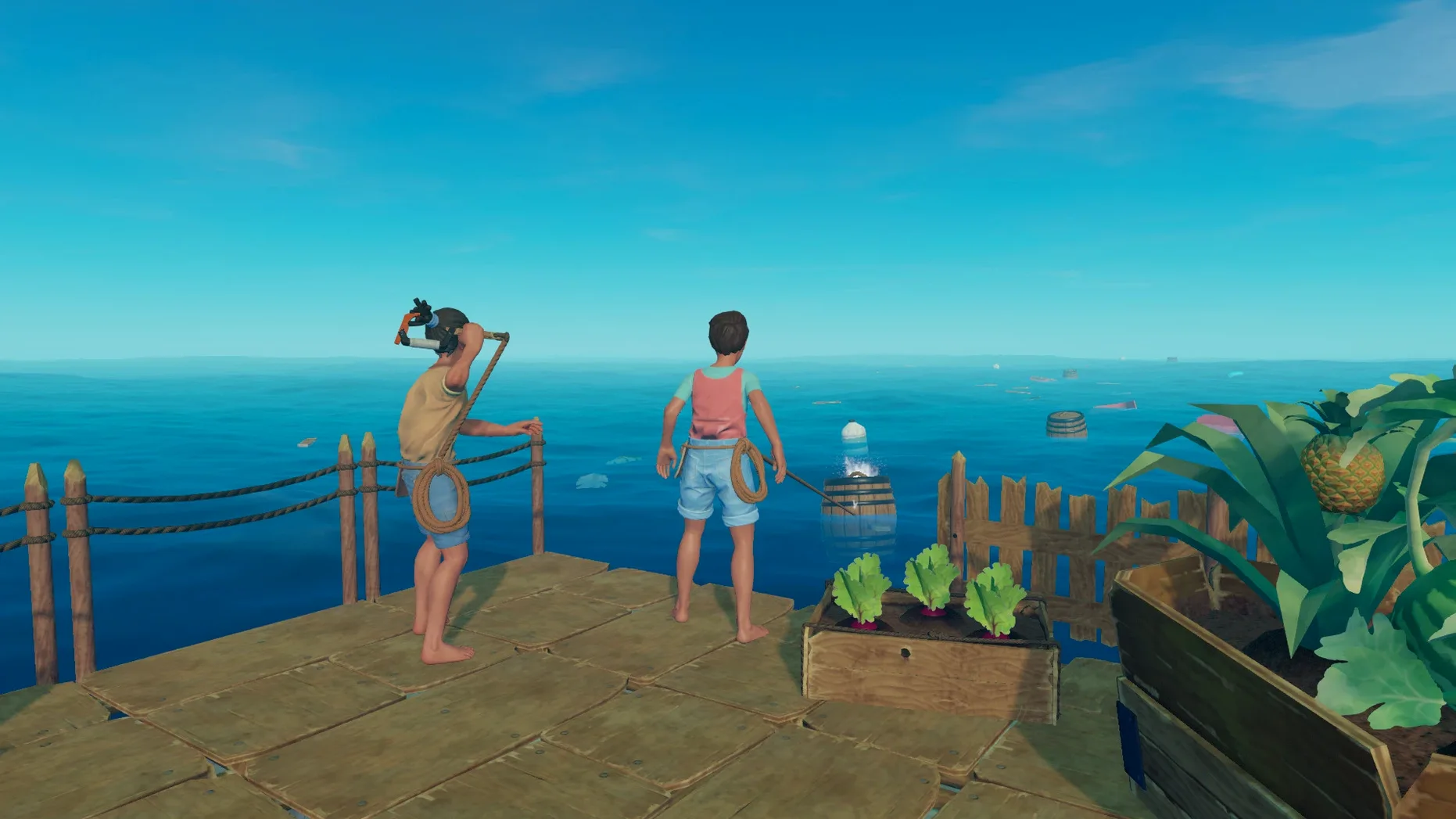
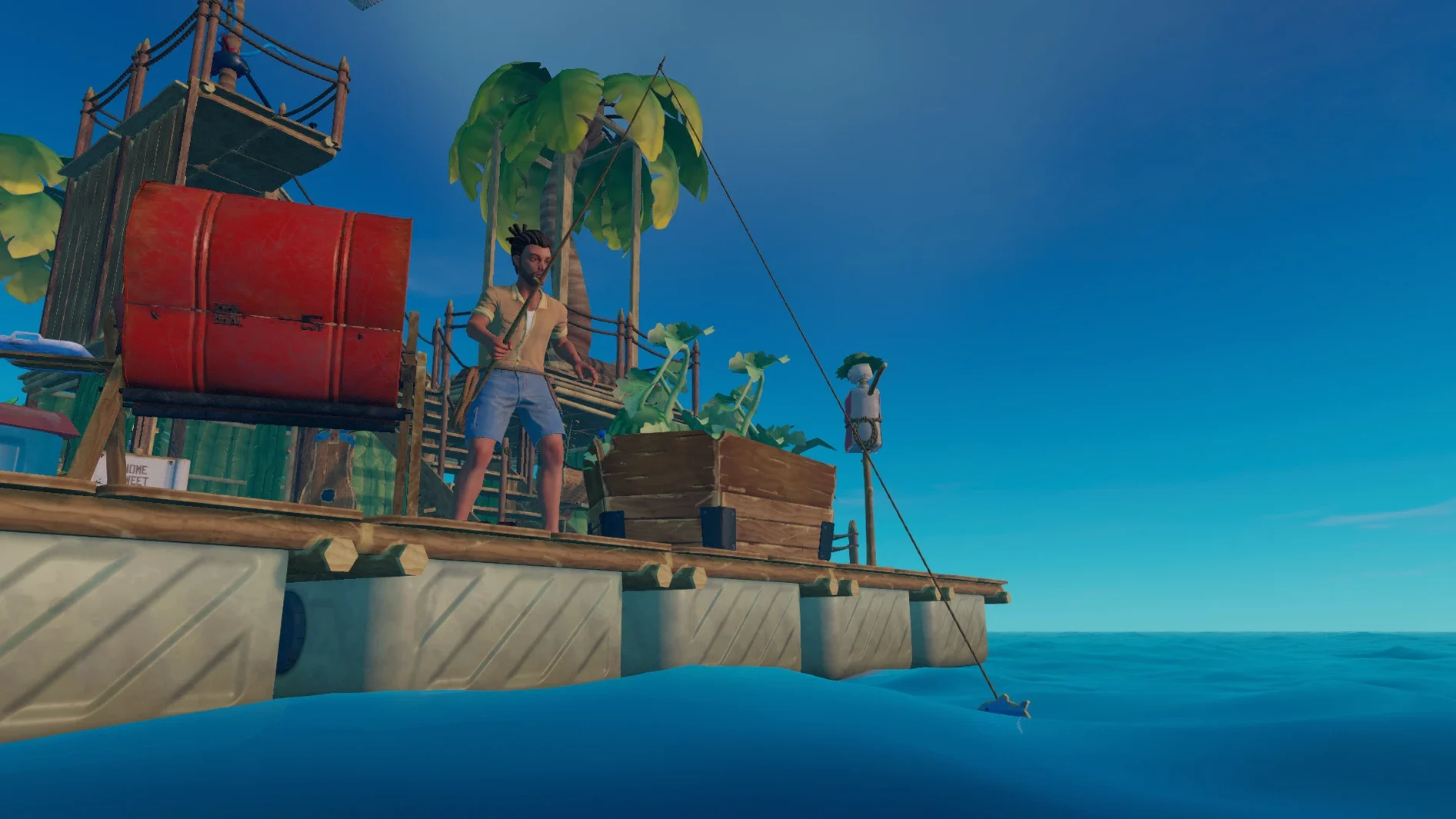
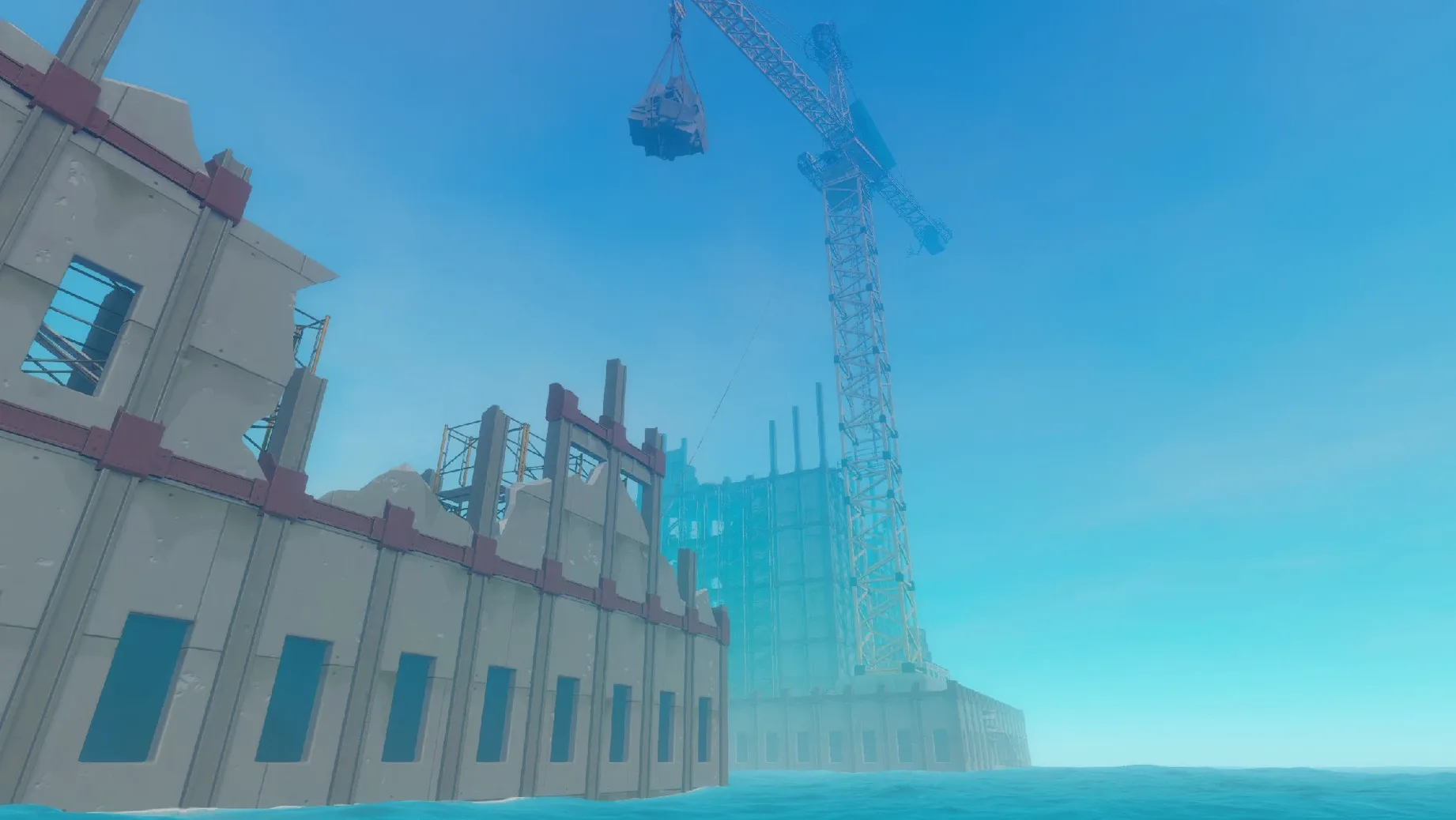
Raft runs on Apple Silicon Macs, and on my M3 Pro MacBook Pro under macOS Sequoia, it hums along without a hitch. That means if you have an M-series chip, you are set to drift.
It clicks when you love building something from nothing
The hook is your first and truest friend. You start on a 2×2 grid of planks, and the ocean sends you what you need—planks, plastic, palm fronds—if you have the reflexes to snag them. From that debris, you expand the raft into a floating fortress, complete with a research table where you unlock new tech. The loop is tactile and rewarding. You farm, you cook, you fish, you even make cocktails. The full release added destinations to sail toward, enemies that put your construction to the test, and NPCs to trade with. Voice acting gives the story a real presence. If the joy of methodically turning a bare platform into a self-sufficient home sounds like your idea of a good time, Raft will sink its hooks into you. It respects your patience with a constant sense of progress.
It misses when you need a clear compass
Raft trusts you to figure things out. The story nudges you toward points on the horizon, but the core loop is self-directed. If you find pure survival aimless or feel restless without a tighter narrative, the hours of hooking flotsam might start to feel like a chore. The game also saves its best tension for cooperative play. A solo player can absolutely survive, but the chaos of juggling sharks, hunger, and research while a friend steers the raft is where the design truly shines. If you play alone and prefer a game that tells you exactly where to go next, the open water might feel more lonely than liberating.
Push field of view to 90 and rebind Rotate
A few tweaks make the first hours smoother. Open Settings from the main menu and push Field of View up to 90—the default feels cramped when you are scanning for debris. Under Controls, rebind the Rotate key to something closer to WASD; the default R forces an awkward stretch during frantic hooking. Turn Toggle Sprint on unless you enjoy holding Shift for an entire session. Audio-wise, pull the Music slider down a notch and raise SFX—the shark's charge has a distinct audio cue you want to catch early, and the music can mask it.
Why you grab the hook before the barrels vanish
You launch the game and load your save—the raft bobs gently, morning light glinting off the water. First instinct: grab the hook and scan the horizon. Three barrels drift by at two o'clock. You snag two, miss one. Inside: planks and a scrap of plastic. That scrap gets you a second foundation tile, so you place it off the port side. The raft is now a crooked L-shape, but it is your crooked L-shape.
Hunger pings. You planted beets yesterday, so you water them with a cup crafted from the morning's haul. While they grow, you spot the shark's fin circling. You bait it with a hook toward the stern, then anchor and dive off the opposite side. Underwater, you grab three clay deposits and a metal ore before your oxygen runs low. Back on deck, you smelt the ore at the furnace and queue a research table upgrade. A friend joins via the invite menu, and you hand them the hook while you steer toward a green dot on the radar—an island. By the time you dock, the raft has gained two chests, a grill, and a fresh coat of palm-frond roofing. The session ends with cooked fish in your inventory and a new blueprint on the table.
- Version 1.0 marked the full release after a long Early Access period, adding a complete story arc.
- New destinations to explore and new enemies that change how you defend your raft.
- Voice acting for characters and a trading system to exchange goods with NPCs.
- More items to craft, expanding the research table's possibilities.
- macOS: Sequoia (tested)
- Architecture: Apple Silicon (M-series chip required)
$ man raft | grep -A2 "?"
Does Raft run on an Intel Mac?
The current version is built for Apple Silicon and does not officially support Intel-based Macs.
Where can I get help if something goes wrong?
The official support forum is the Raft Discord server, run by Redbeet Interactive.
What languages does the interface support?
It supports English, Russian, German, Spanish, Italian, French, Polish, Portuguese, Swedish, Japanese, Korean, and Simplified Chinese.
Comments 0
Sign in or create an account to leave a comment.
No comments yet. A codec, a slice, a machine — they appear after moderation.