Poppy Playtime - Chapter 3 for macOS
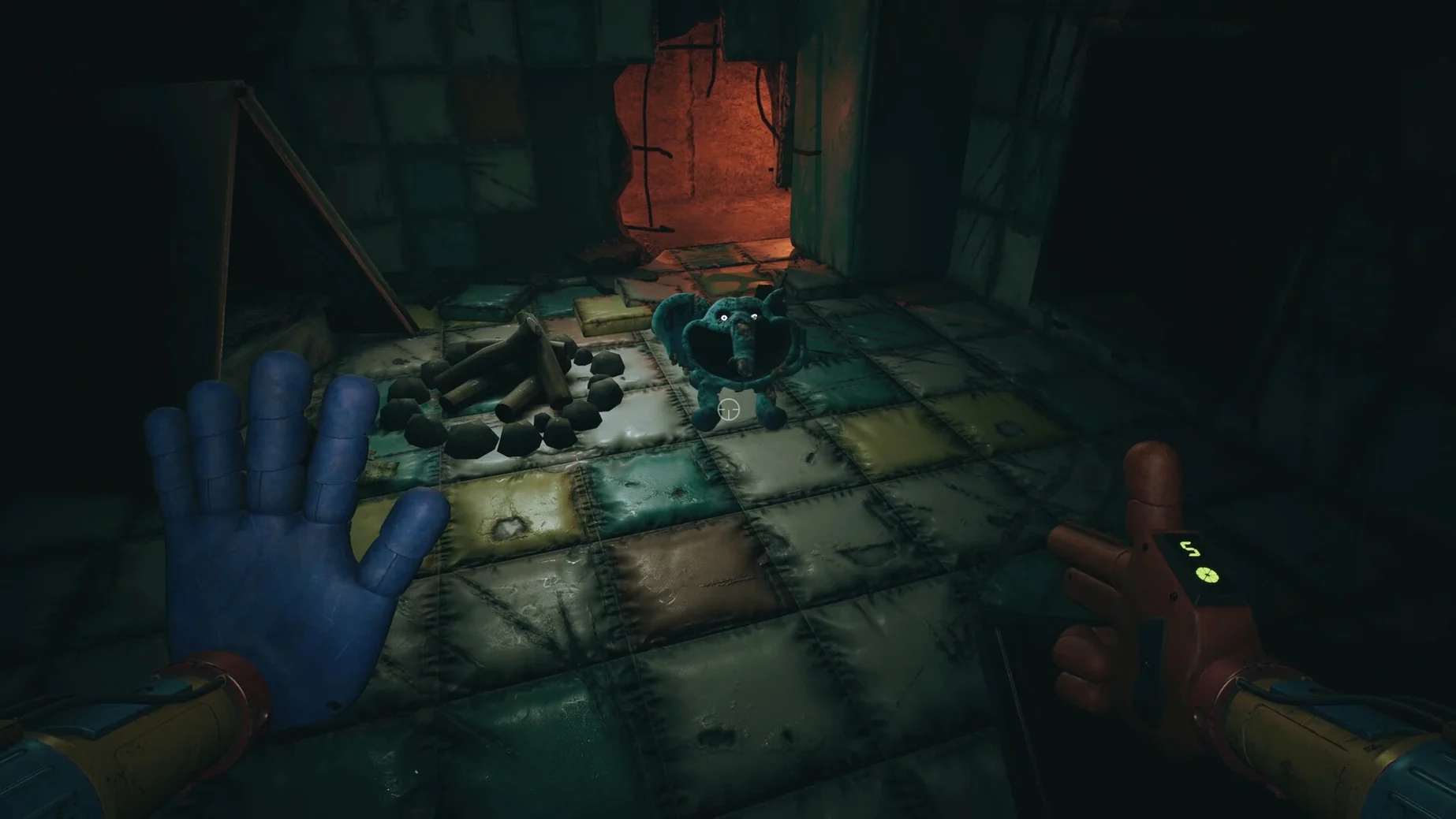
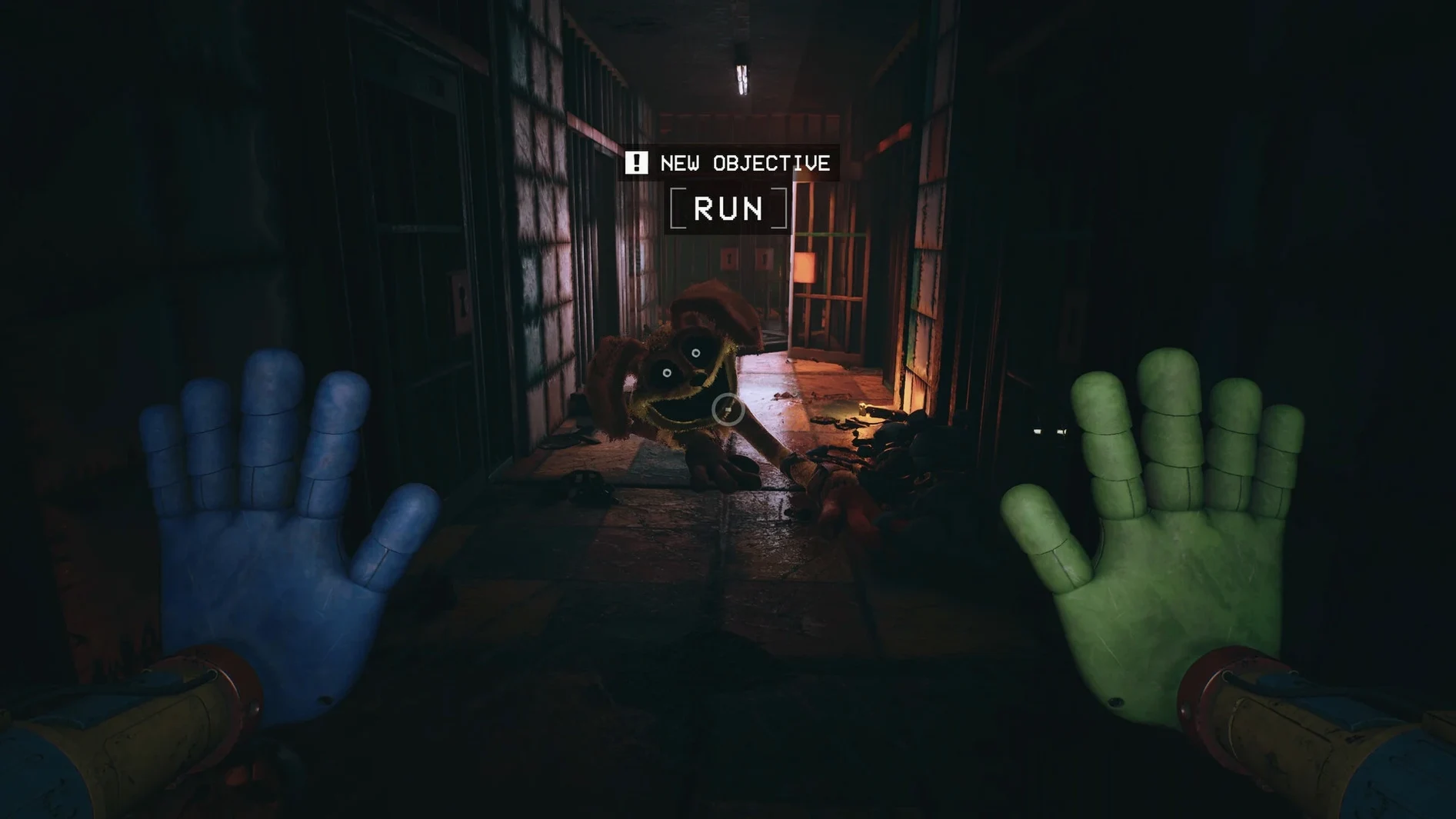
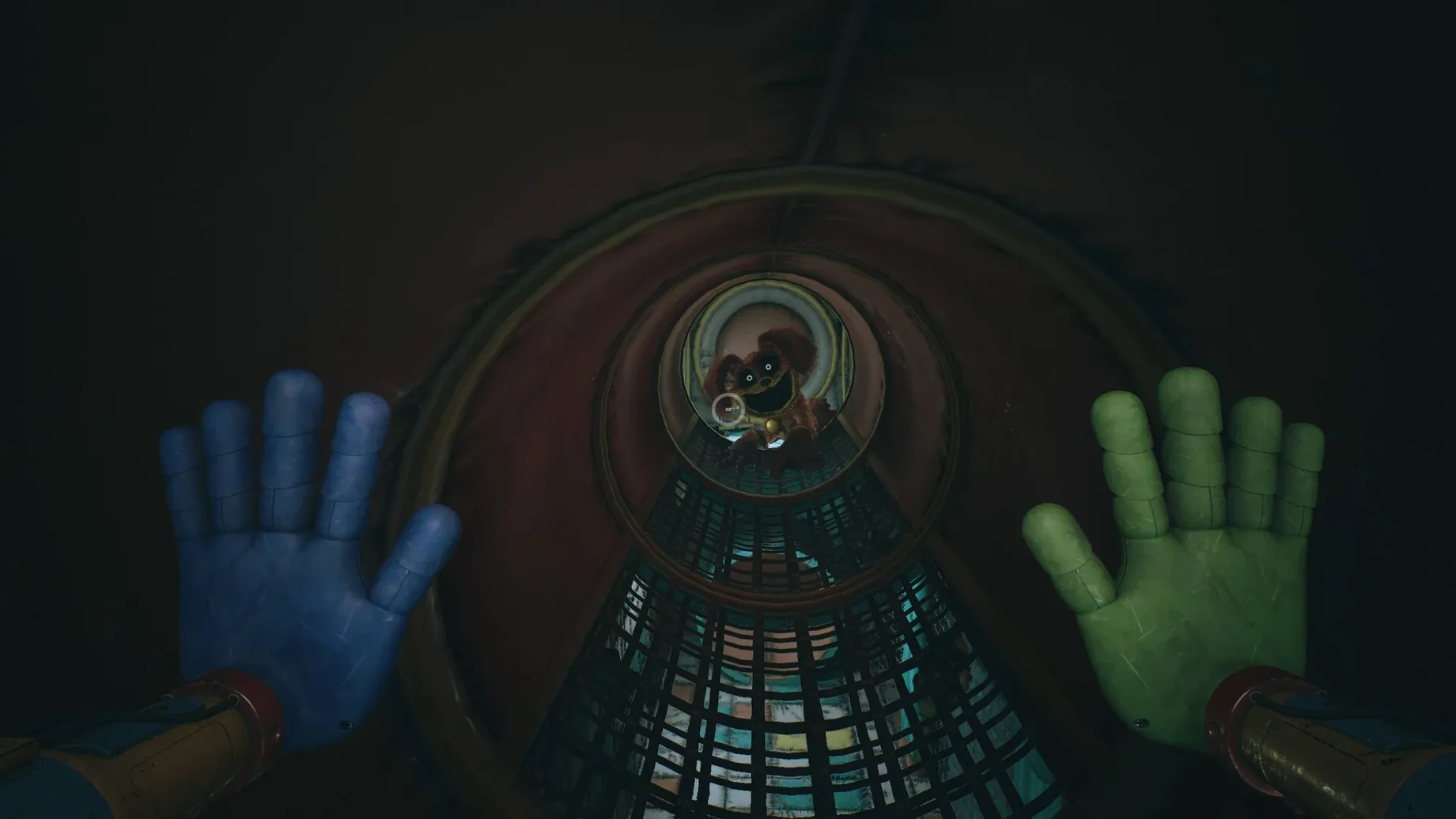
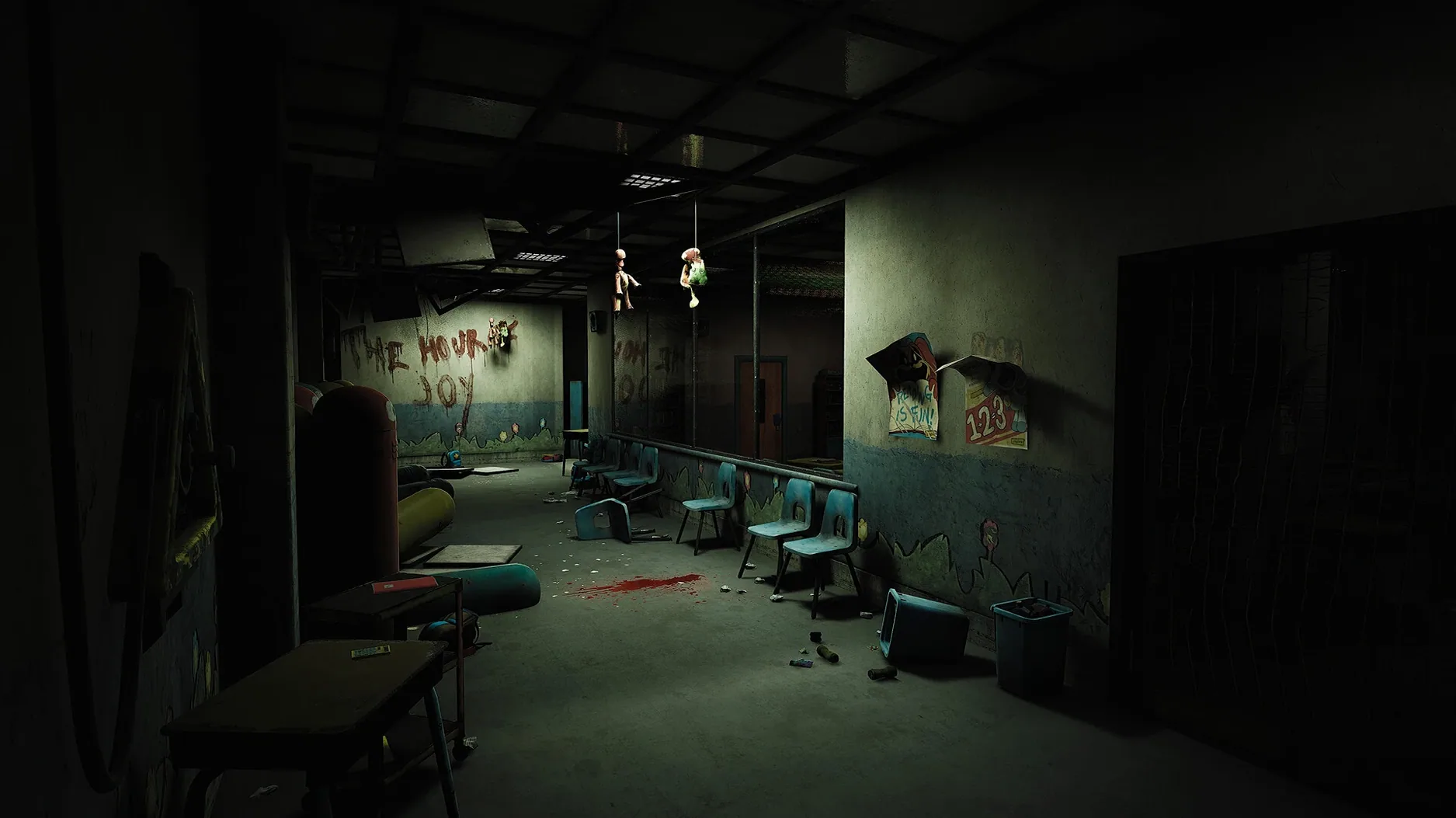
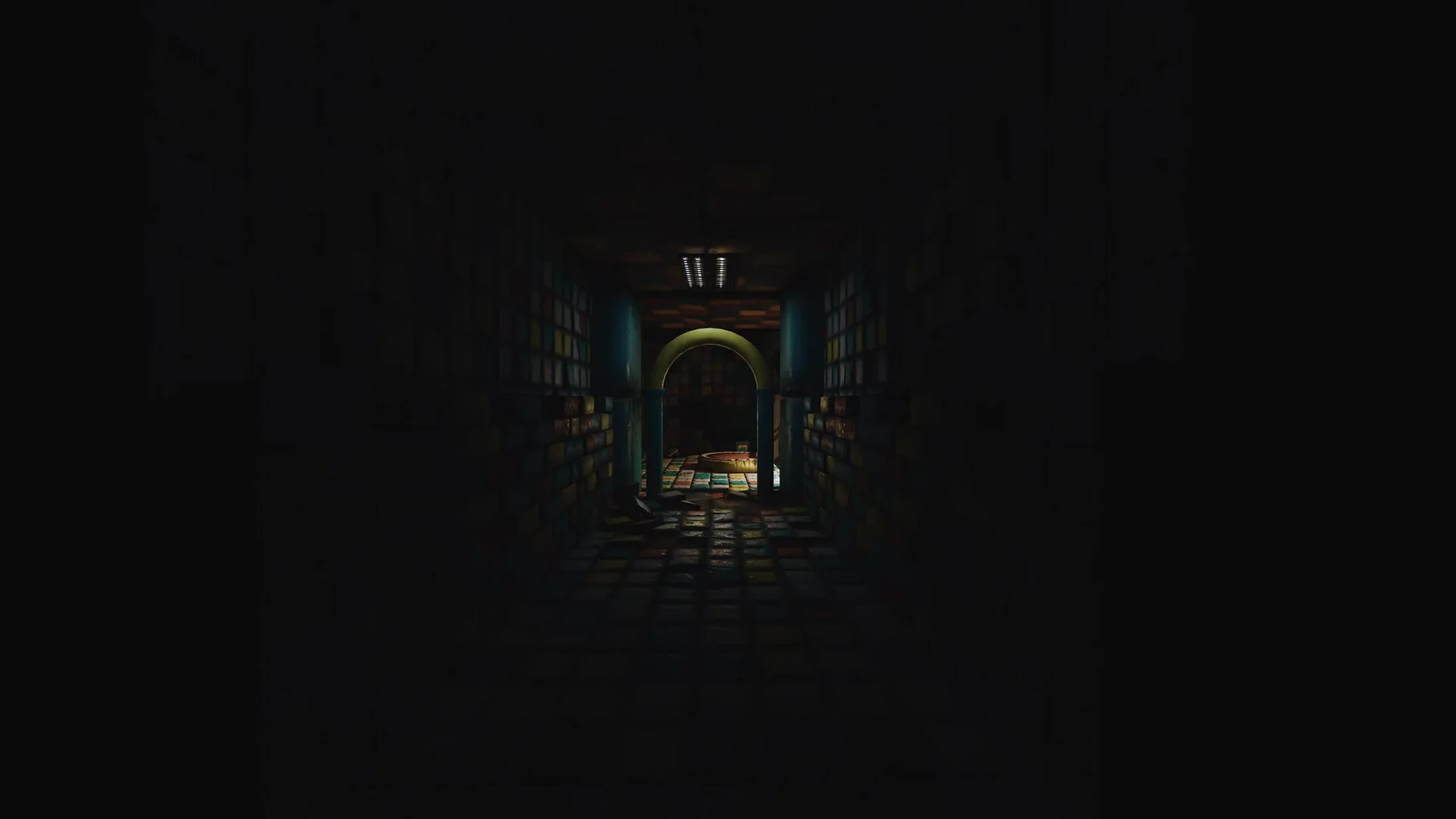
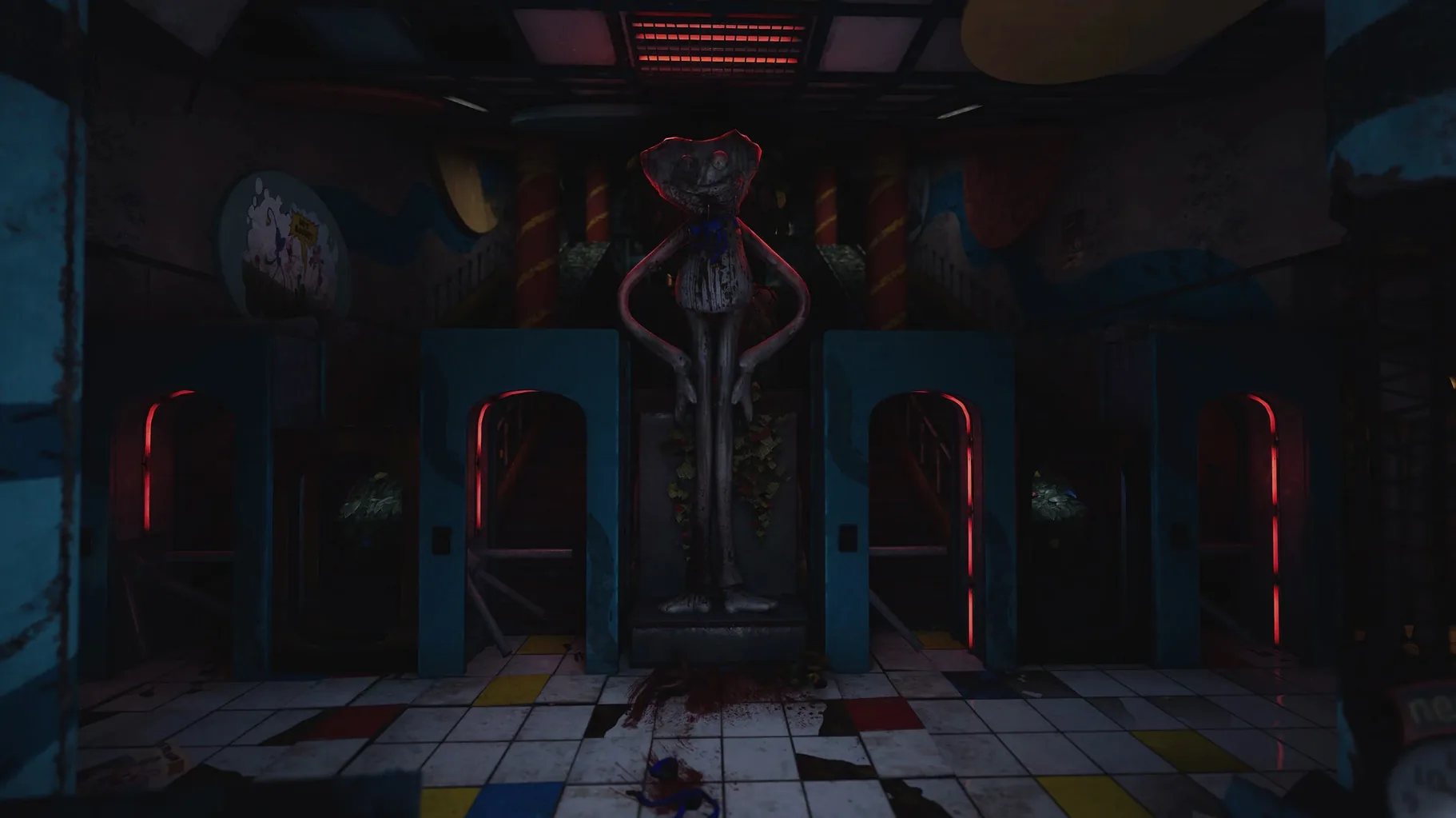
Build 13606106 ships as a Wineskin-wrapped .dmg targeting ARM architecture. That means it runs natively on Apple Silicon without Rosetta 2 translation. On a 2024 M4 Mac mini, the frame budget stays steady through Playcare's larger draw distances and the red-smoke fog volumes that rely on the upgraded GrabPack's gas mask mechanic.
Apple Silicon .app bundle with nine interface languages
- Players who want the series' largest chapter running locally on Apple Silicon hardware.
- Anyone who prefers a self-contained
.appbundle with no virtual machine setup. - Horror fans who value English voice acting and a nine-language interface.
Wineskin paths save progress in AppData, and Playcare pushes scene complexity
- The build uses Wineskin, so first launch behavior and file system paths follow Windows conventions — save data lives in
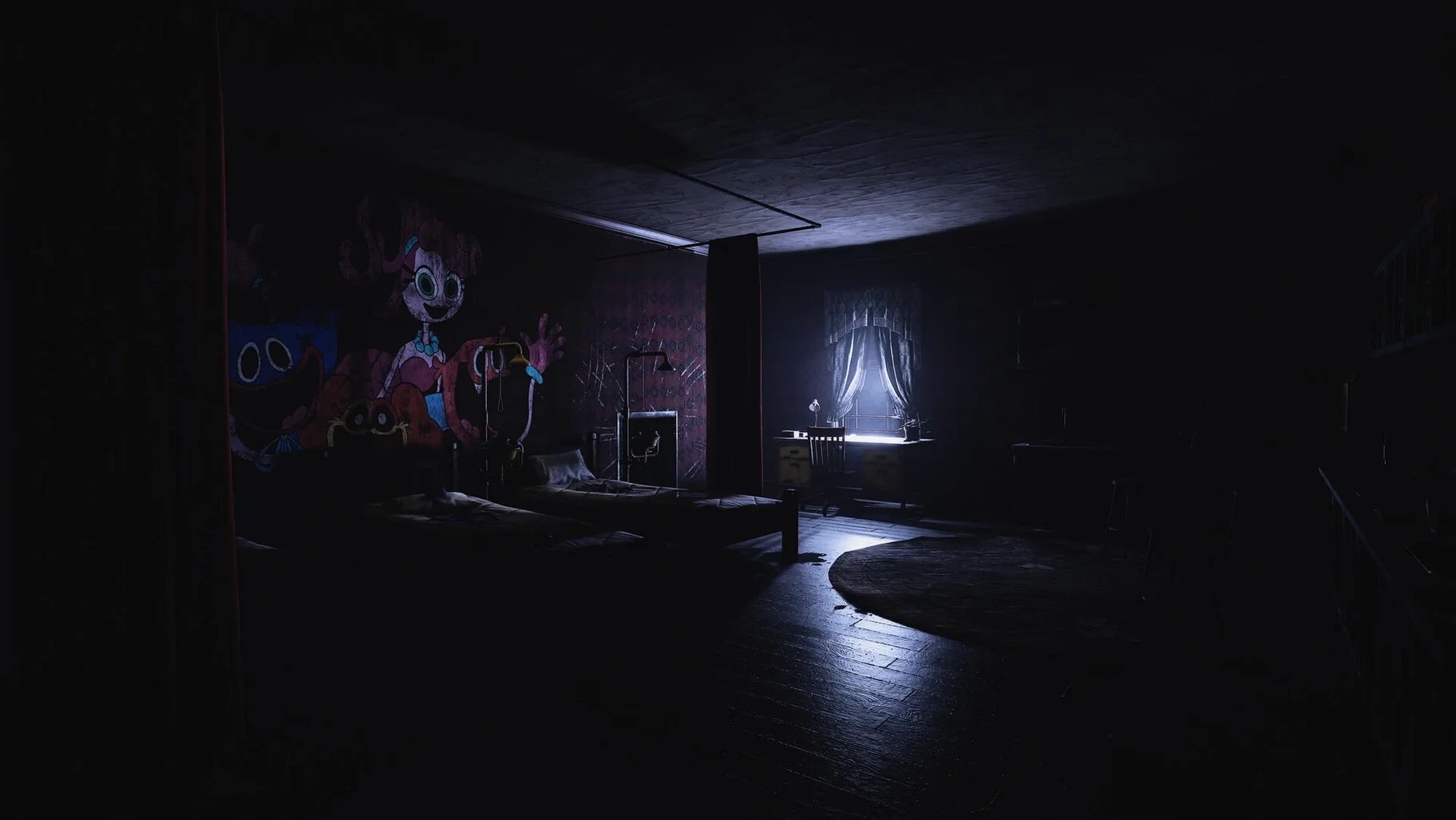
AppData/Local/ch3/Saved/SaveGamesinside the wrapper. - New monster encounters and the abandoned Playcare orphanage push scene complexity higher than earlier chapters.
- A companion
Fixutility is included on the disk image for launch errors; it is not a one-click install-and-forget scenario.
Scripted Playcare set-pieces versus Amnesia’s systemic sandbox dread
Stacked next to Amnesia: The Bunker, Chapter 3 trades systemic sandbox dread for authored set-piece horror. The Bunker gives you a single monster and a set of tools, then walks away; Chapter 3 pulls you through scripted encounters inside Playcare's themed wings — a tighter, more cinematic rhythm that some players find more oppressive precisely because escape routes are designed, not stumbled upon.
Compared with Resident Evil 4 running natively on Apple Silicon, the difference is technical as much as tonal. RE4's MetalFX upscaling and controller tuning feel polished on a Mac; Chapter 3, wrapped in Wineskin, inherits the minor input latency and shader compilation stutter common to DirectX-to-Metal translation. The trade-off is atmosphere: Playcare's sound design and darkened corridors land harder than the village, partly because the GrabPack limits your defenses to environmental puzzles rather than a shotgun.
Against Little Nightmares II, the comparison narrows to tone and age rating. Both use childlike settings twisted into horror, but Chapter 3 pushes into first-person territory with more visceral monster designs and a mascot-horror lineage the Six-and-Mono story deliberately avoids. If you bounced off Little Nightmares' side-scrolling restraint, Chapter 3's perspective shift and GrabPack physics puzzles might bridge the gap — provided you can handle the jump-scare density.
Drop resolution scale to 90% before the red-smoke sections
Wineskin defaults rarely match a Mac's display scaling, so head into the in-game graphics menu before starting a save. Dropping the resolution scale to 90% of your panel's native resolution often smooths frame pacing in the red-smoke sections without visibly softening the image on a Retina display. Shadow quality is the other lever worth pulling: Medium shadows cut GPU load inside Playcare's dormitory corridors, where overhead fluorescent fixtures cast long, updating shadow maps across multiple light sources.
Audio-wise, the master volume ships at 100%, but the dynamic range inside the gas mask breathing sequences benefits from setting SFX to roughly 70% and leaving ambient at full. This stops the mask's inhale-exhale loop from masking quieter audio cues — footsteps, distant toy chatter — that signal monster patrol states before you round a corner.
If the mouse sensitivity feels sluggish compared to native Mac apps, override the wrapper's default cursor acceleration. Inside the Wineskin app bundle, the winecfg utility lets you disable automatically capture the mouse in full-screen windows, which decouples the input from the Windows cursor speed multiplier and hands raw delta values to the engine.
ARM-native Wineskin packaging and Playcare as a contiguous explorable zone
The shift from the original Chapter 3 release to Build 13606106 centers on ARM-native Wineskin packaging rather than content patches. Mob Entertainment's core update added Playcare as a contiguous explorable zone — earlier builds segmented the orphanage into smaller load cells, which broke the sense of being trapped inside a single decaying institution. The current build stitches the school, the counselor's office and the dormitory block into one streaming level; on Apple Silicon, the larger memory pool keeps texture pop-in manageable during the connecting hallway transitions.
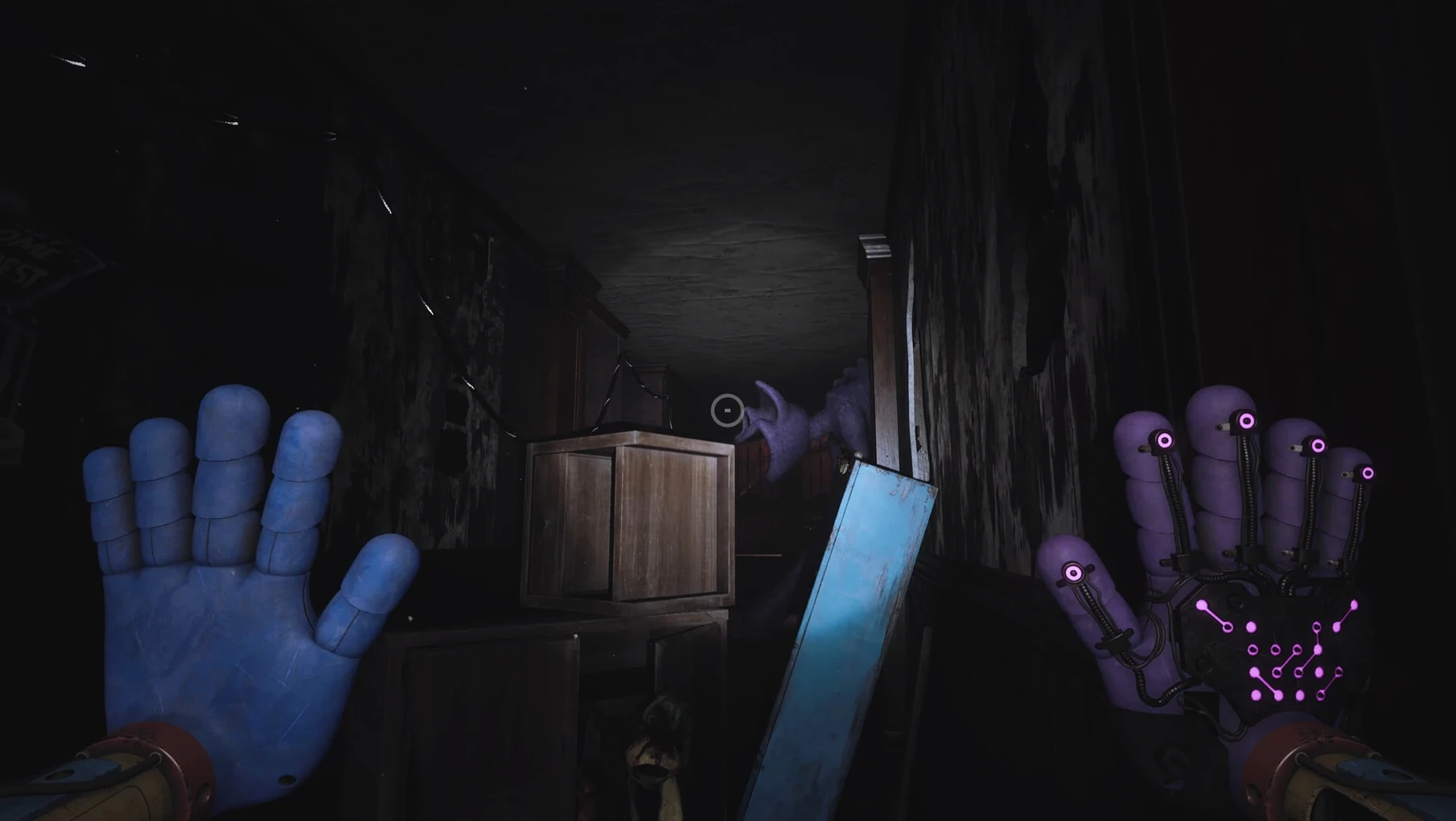
The upgraded GrabPack hands arrived alongside new monster behaviors that exploit your toolset. Where earlier chapters treated the GrabPack as a straightforward reach-and-grab gimmick, Chapter 3's electrical nodes and gas-flow puzzles make the orange and purple hands distinct problem-solving branches. The gas mask — the newest equipment layer — integrates with the red-smoke volumes by tying visibility and breathing time to a finite canister resource, adding a quiet countdown tension that earlier chapters lacked.
On the Mac side, the Wineskin build's Fix script now handles the most common launch failure: missing Visual C++ runtime stubs inside the wrapper's windows/syswow64 folder. Running the script copies the correct .dll manifests for the ARM64EC subsystem, which resolves the blank-screen-on-boot issue that affected early ARM wrappers of this build. Everyday players won't see the plumbing, but the result is fewer trips to the disk image after first install.
- Playcare, the abandoned orphanage beneath the factory, opens as a large explorable area.
- New monster types appear throughout the chapter.
- The GrabPack receives an upgrade, adding a gas mask function for navigating red smoke zones.
- Architecture: Apple Silicon
$ man poppy-playtime-chapter-3 | grep -A2 "?"
What architecture does the Mac build target?
The build targets ARM architecture and runs natively on Apple Silicon Macs.
Where are the save files stored?
Save data is written toAppData/Local/ch3/Saved/SaveGames inside the Wineskin wrapper's file structure.
Which languages are supported in the interface?
The interface supports Russian, English, German, Spanish, Italian, Korean, Portuguese, French, and Japanese.
Comments 0
Sign in or create an account to leave a comment.
No comments yet. A codec, a slice, a machine — they appear after moderation.