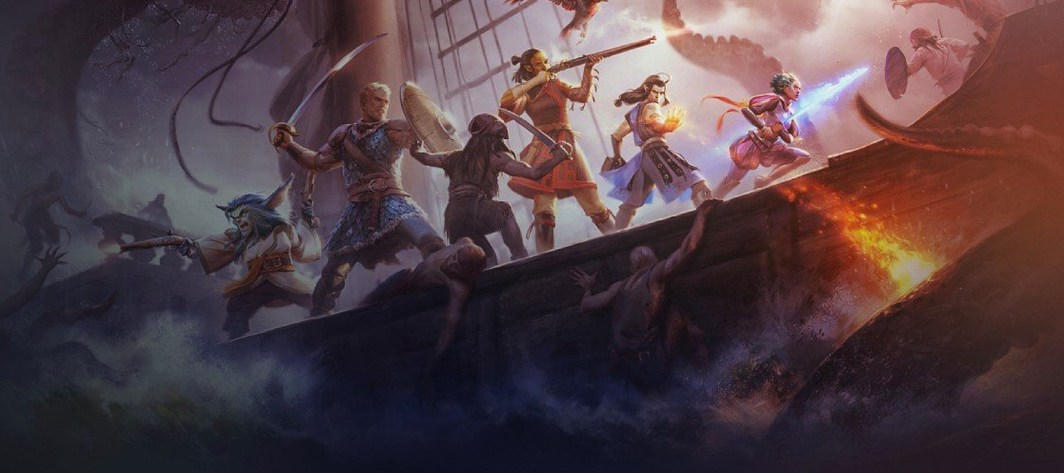
Pathfinder: Kingmaker for macOS
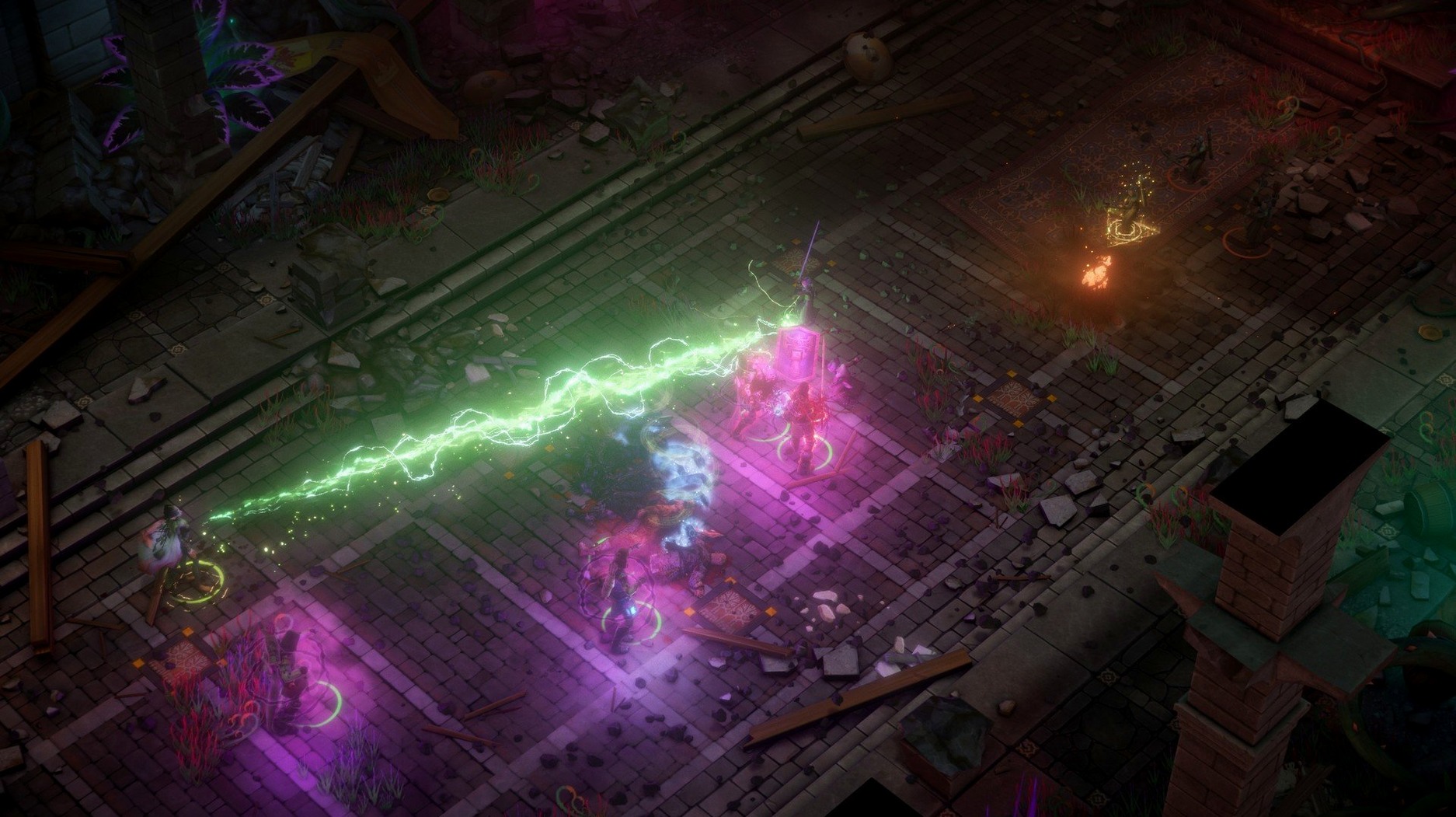
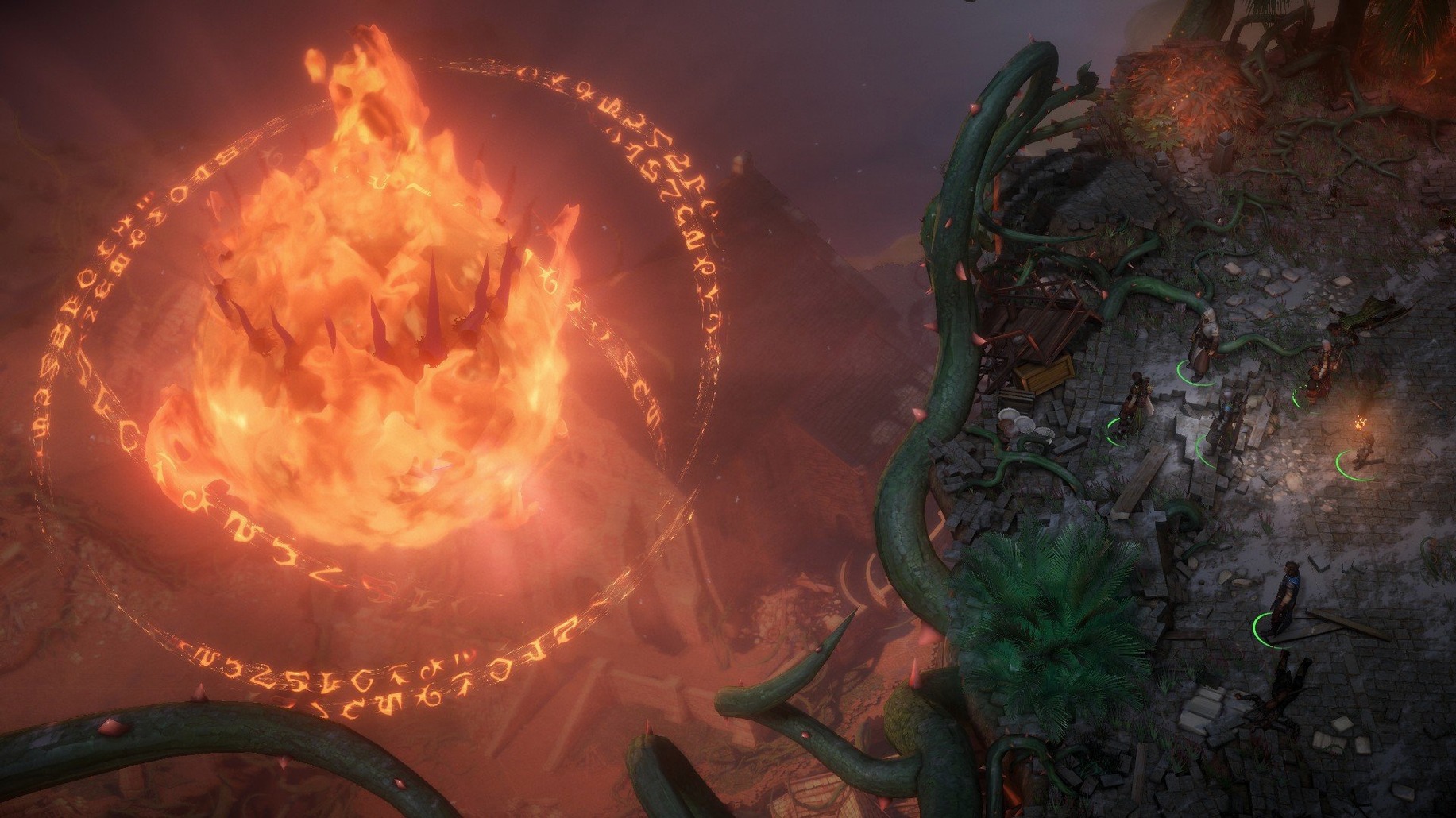
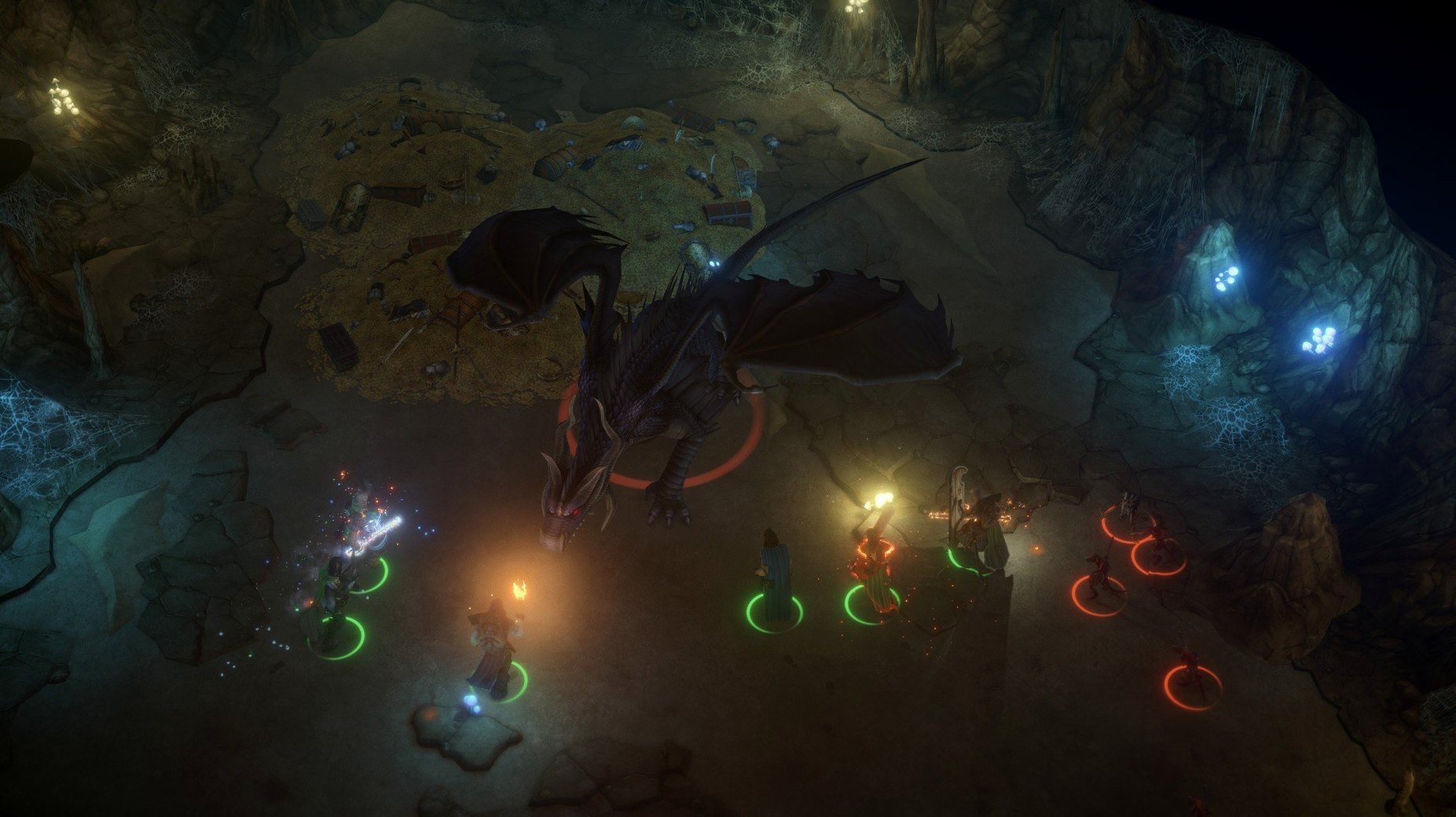
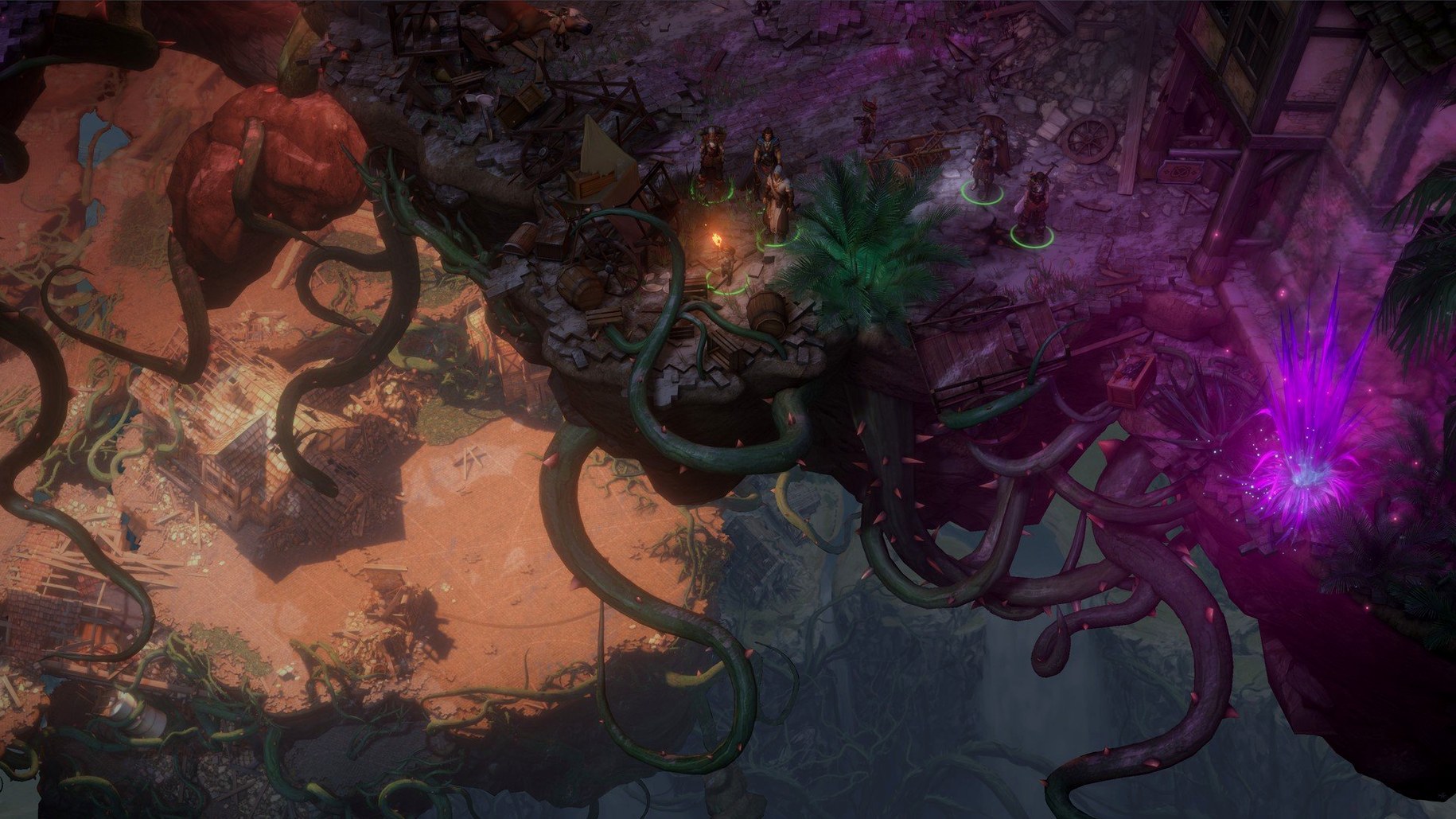
Why the latest build label reads like a fix for a fix
Build 2.1.7b.fix.again (47360) arrived with a label that doesn't hide its purpose — it is a fix build. Owlcat Games hasn't detailed exactly what broke, but the version string tells you this is a patch on top of a patch, the kind of release that targets a specific, likely stubborn, bug rather than adding features.
Diving into tabletop rules with a full four-character party
- Fans of the tabletop Pathfinder ruleset who want to see it translated into a single-player isometric CRPG.
- Players who enjoy controlling a full party of four characters, managing turn planning and tactical positioning.
- Anyone looking for a long, text-heavy fantasy adventure with kingdom management layered on top.
This Intel binary runs through Rosetta 2, not ARM native
- This is an Intel binary. On Apple Silicon Macs it runs through Rosetta 2 — performance is solid on an M4 during testing, but you are not getting a native ARM build.
- The voice language is locked to English, even though the interface supports Russian, German, French, and Simplified Chinese.
- Save often. The "fix.again" in the build name hints at the kind of complexity where edge cases can still lurk.
Where your saves really live after that first slow launch
Because this is an Intel binary, Rosetta 2 handles translation quietly. The first launch takes a few extra seconds while macOS sets up the translation cache — after that, you won't notice a difference. The game stores saves in ~/Library/Application Support/Pathfinder Kingmaker/, which means Time Machine picks them up automatically if you have it running. That folder can grow surprisingly large; late-game saves with kingdom state data often pass 20 MB each.
The DRM-free installer lands as a .dmg with no kernel extensions or system-level hooks. You can open it from any folder, and dragging it to /Applications keeps things clean — no launch daemons, no background helpers phoning home. If you use a window manager like Rectangle or Magnet, the game plays nicely in fullscreen on its own; just disable any hot corners that might yank focus during combat.
Steam Input and controller overlays are not part of this build, but it does register with macOS's Game Controller framework. If you plug in a DualShock 4 or Xbox controller, the game picks it up in the input settings panel — though mouse and keyboard remain the faster way to navigate inventory grids and dialogue trees.
Switching off the hidden stat smoothing before you roll a character
Open Options → Difficulty before you start a character. The default "Normal" setting applies a generous behind-the-scenes stat smoothing that hides the tabletop's swinginess. If you know Pathfinder's d20 math, switch to "Challenging" or "Custom" and turn off Death's Door — it removes the buffer that prevents a critical hit from ending a companion outright. The game feels more honest that way.
Under Game, uncheck "Auto-Pause on Trap Spotted" unless you enjoy stopping every twenty steps in dungeons. The setting triggers constantly in multi-level underground areas. While you are there, set "Pause at Start of Combat" to On — one extra half-second before the turn planning phase kicks in changes the shape of every fight.
In Graphics, drop shadow quality to Medium. The isometric camera doesn't benefit much from High, and the Intel binary's OpenGL path on Metal translation appreciates the headroom. Keep texture quality at High; the Stolen Lands look flat without it.
Recovering saves from the TempSave folder after a crash
Save files vanish after a crash. The game writes saves to a temporary location first, then moves them to the proper folder. If it crashes mid-write, the file never moves. Check ~/Library/Application Support/Pathfinder Kingmaker/TempSave/ — the game keeps one autosave there that often survives a crash. Copy it to the main saves folder and rename the extension from .tmp to .zks.
Kingdom events pile up while you explore. The timer keeps running when you are deep in a dungeon. Before you descend into a multi-level area, spend your kingdom turns — the game punishes you for ignoring the throne room. A missed event chain locks out companion quests permanently, and there is no pop-up warning.
Weird camera stutter on Apple Silicon. The Intel build sometimes fights with macOS's display scaling on Retina screens. Open the game's .app bundle (right-click → Show Package Contents), find the Info.plist, and add a string key NSHighResolutionCapable set to false — it forces a lower internal resolution that Rosetta handles more smoothly without affecting the actual render quality much.
Pathfinder Kingmaker for Mac cracked searches sometimes turn up older builds missing this fix. If you grabbed a Pathfinder Kingmaker download that stumbles on launch, check whether the .dmg contains version 2.1.7b.fix.again — builds from earlier in the 2.1.x line had a reproducible crash during the first troll encounter. This is also why some Pathfinder Kingmaker Mac threads mention corrupted kingdom saves; that bug got squashed somewhere between "fix" and "fix.again."
- Build tagged as a fix release, resolving issues present in the previous
2.1.7bbranch.
- macOS (tested on macOS Tahoe, Intel Mac mini 2024 M4 via Rosetta 2).
- 64-bit Intel processor required.
$ man pathfinder-kingmaker | grep -A2 "?"
What languages does Pathfinder: Kingmaker support?
The interface is available in Russian, English, German, French, and Simplified Chinese. Voice audio is English only.
How many characters do I control in Pathfinder: Kingmaker?
You control a party of four characters, directing them through tactical turn-based or real-time-with-pause combat.
Comments 0
Sign in or create an account to leave a comment.
No comments yet. A codec, a slice, a machine — they appear after moderation.