No Man’s Sky for macOS
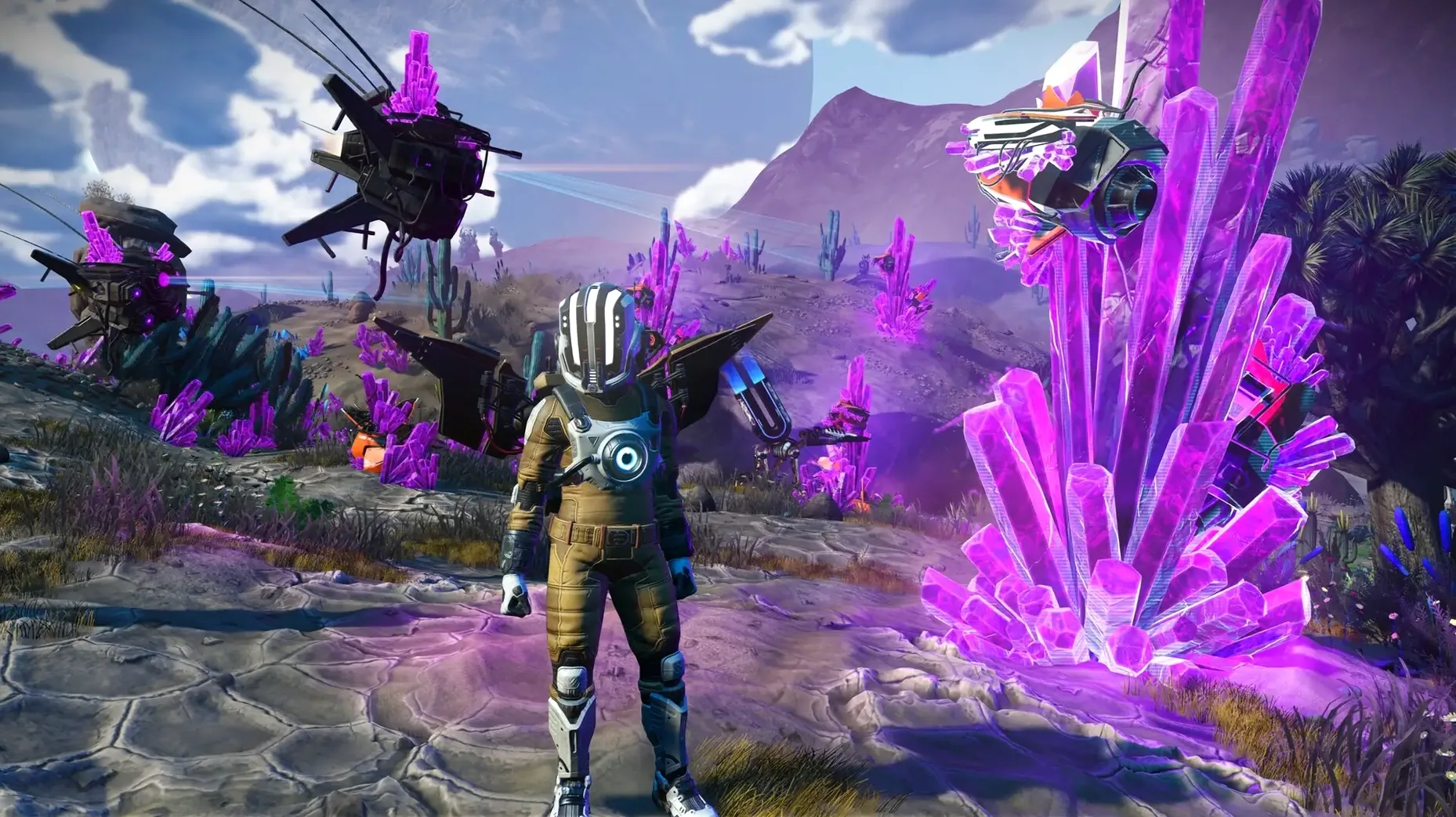
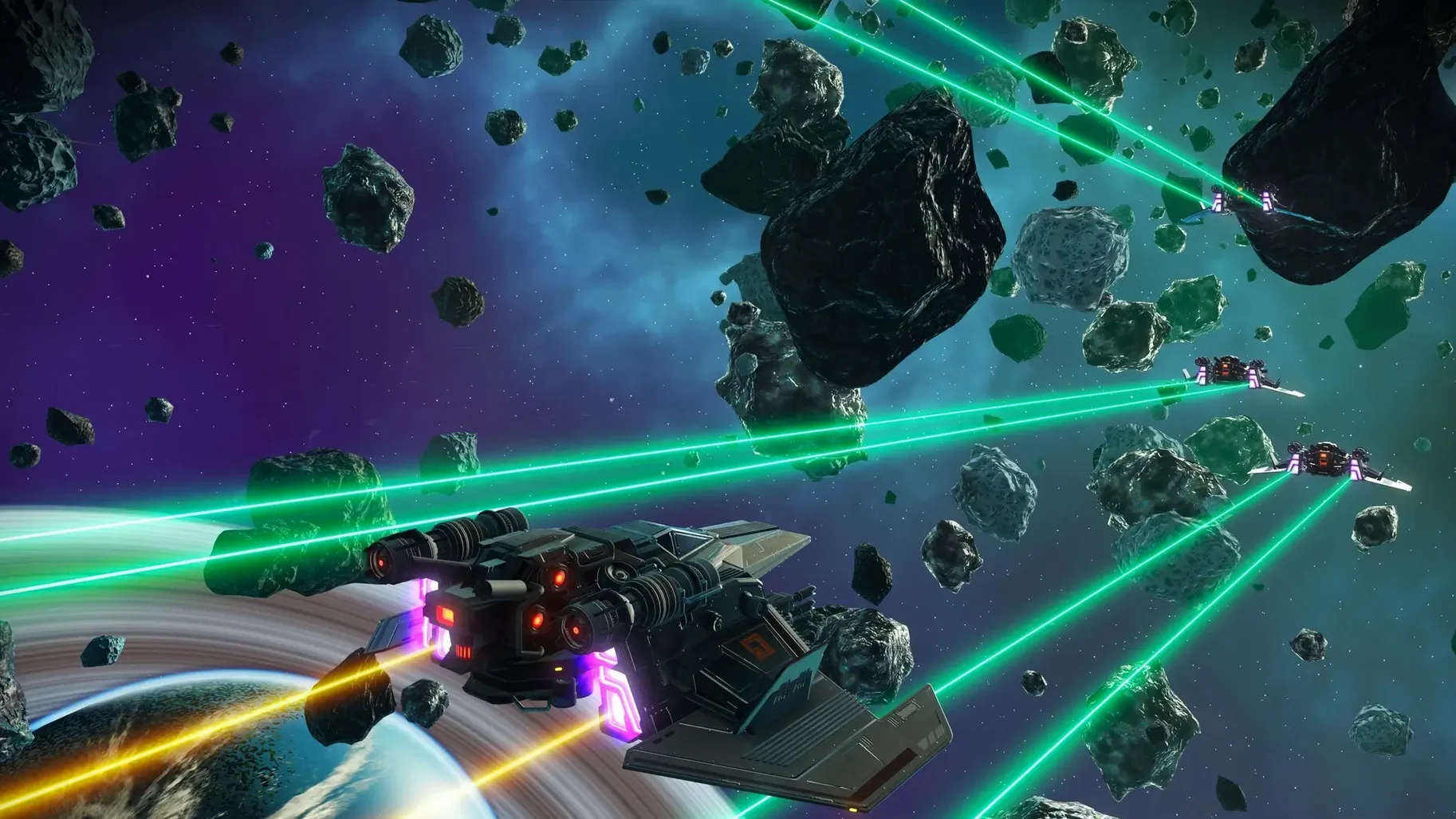
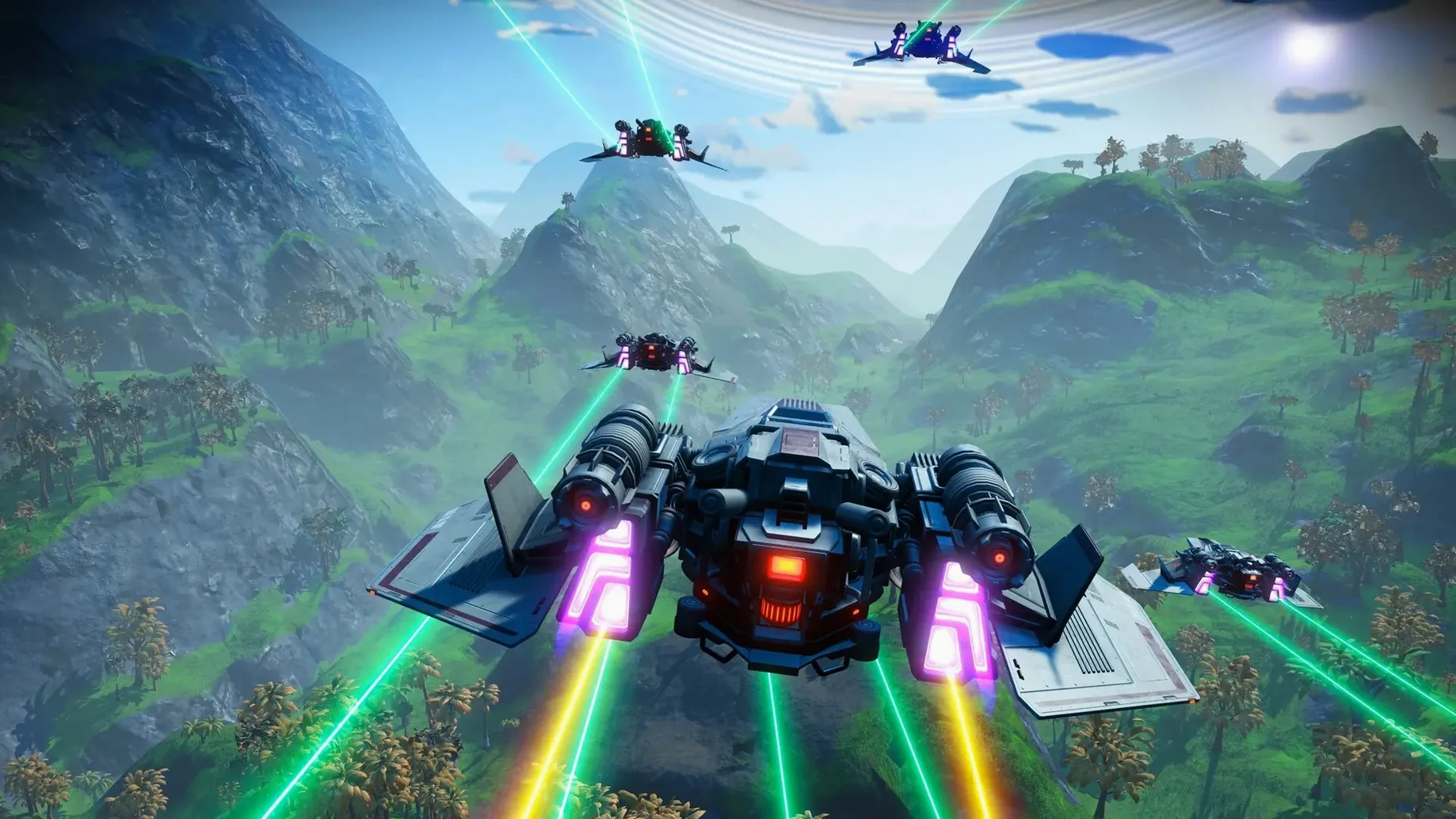
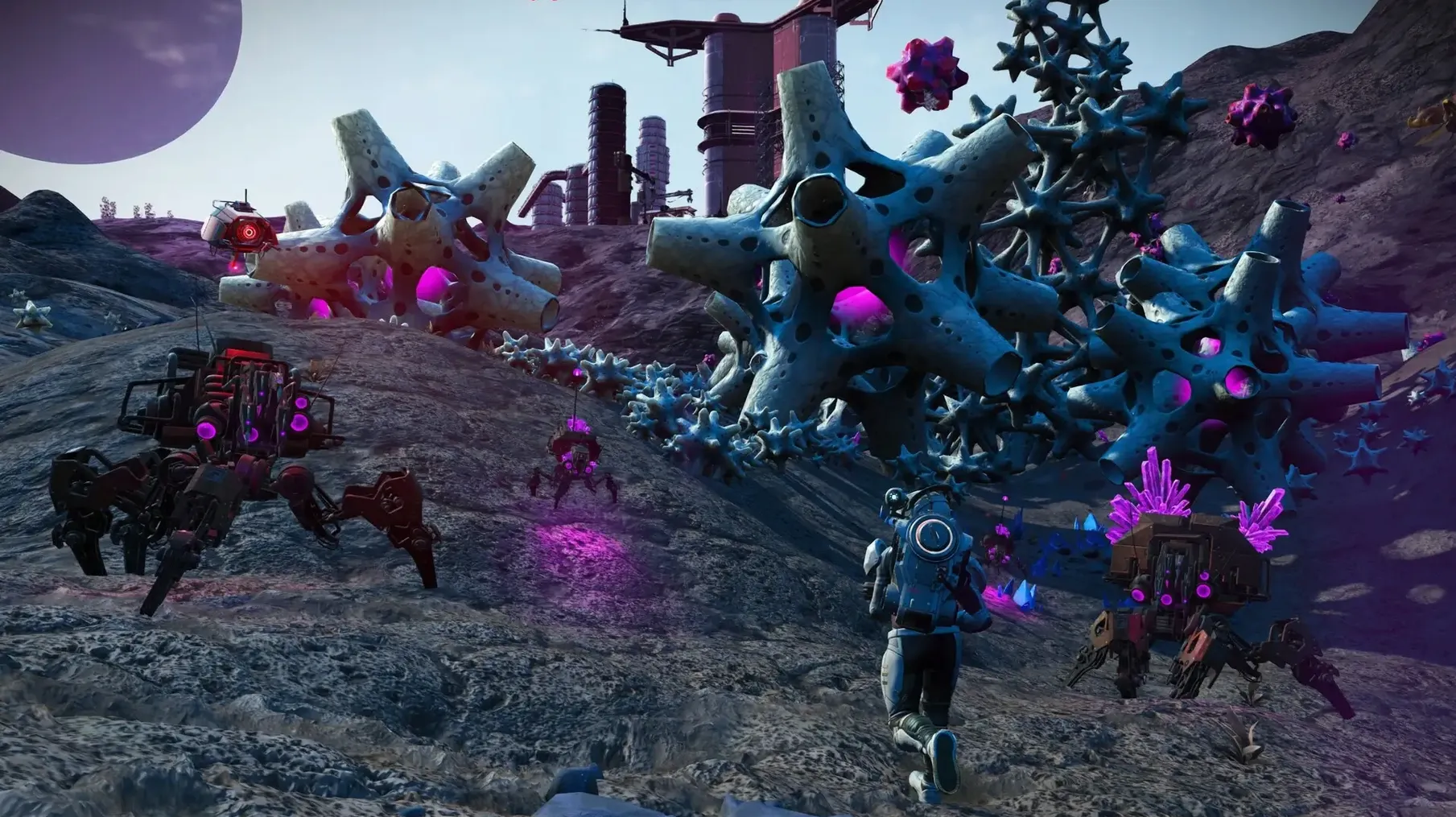
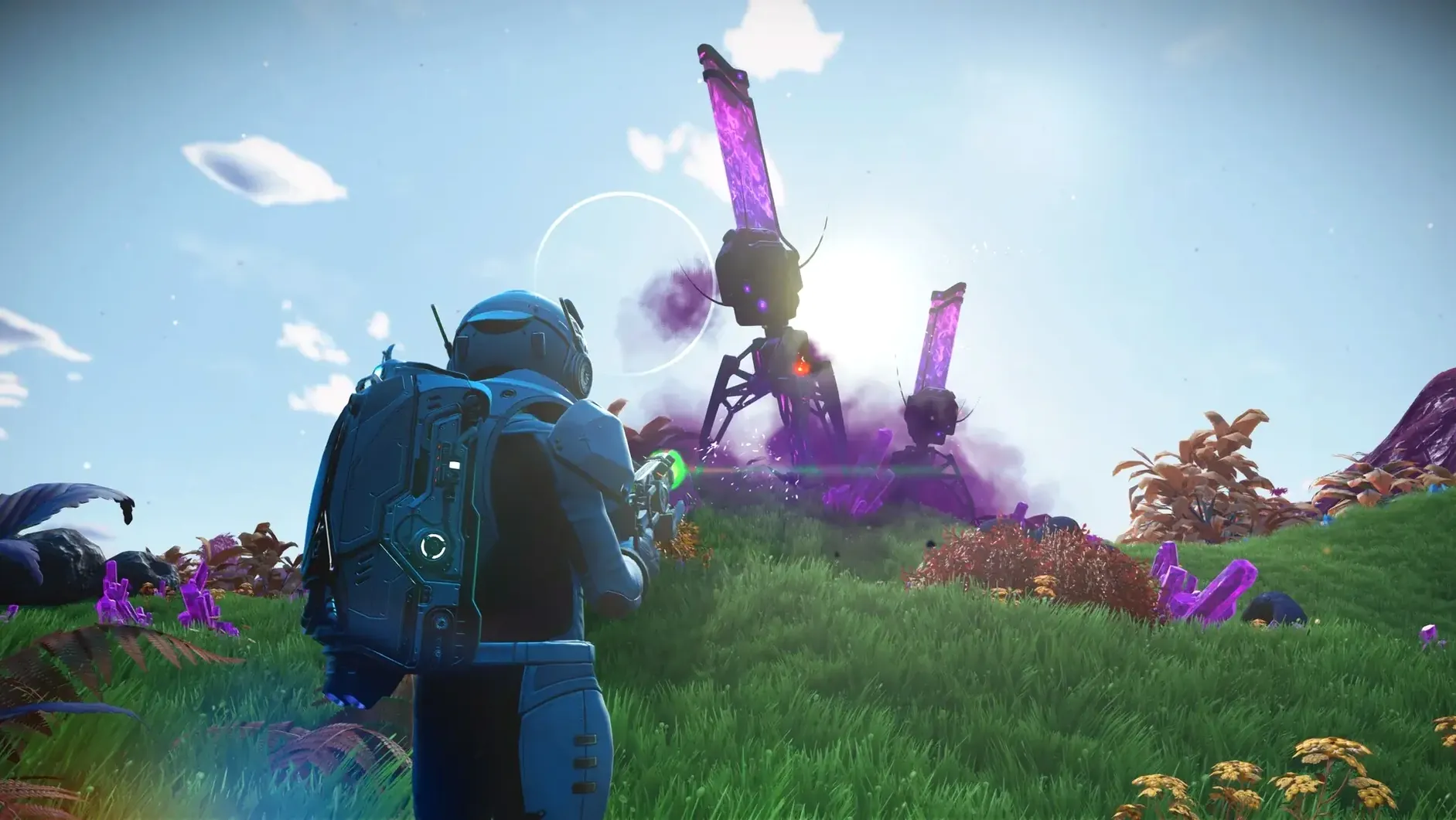
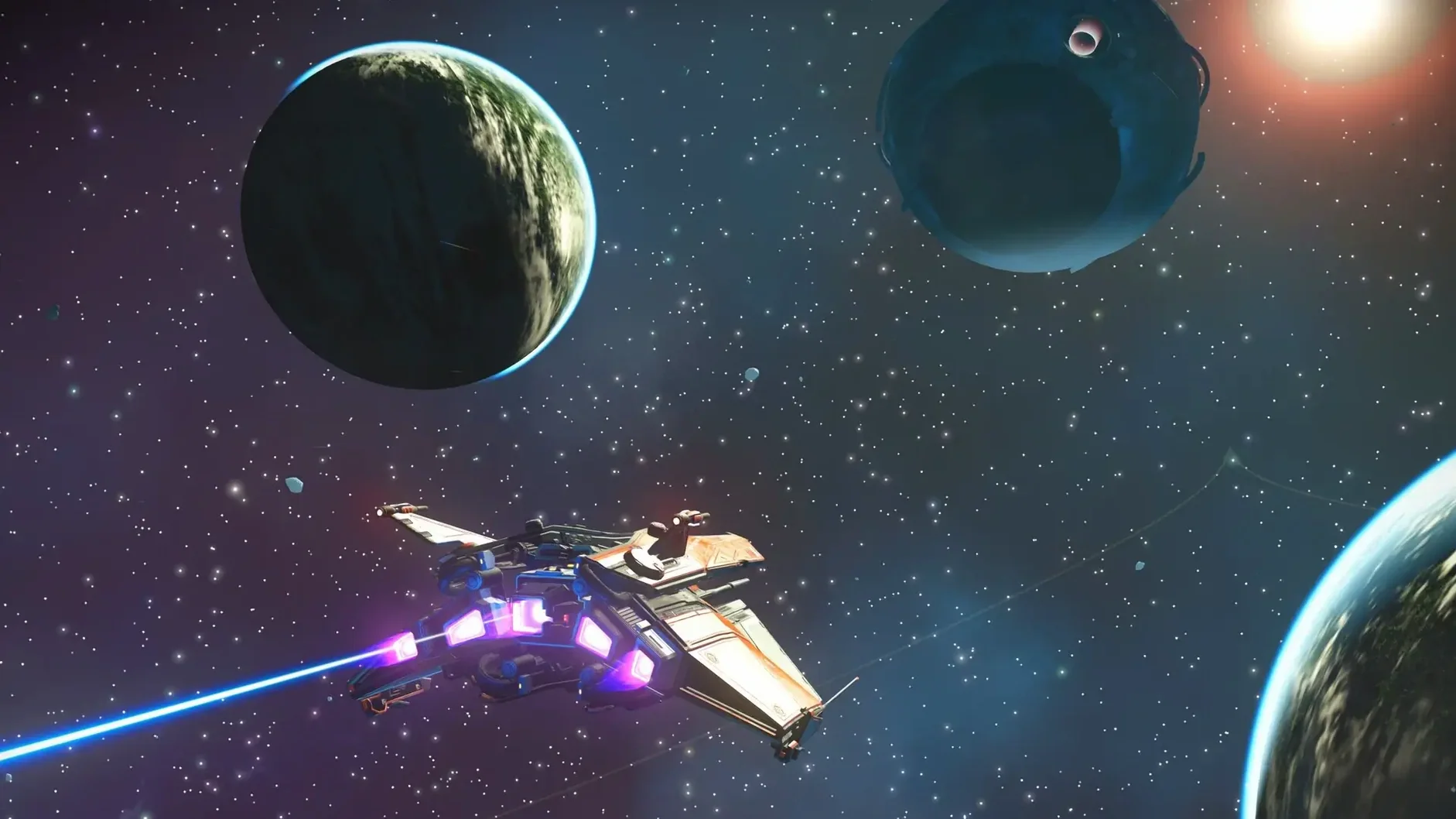
No Man’s Sky drops you into a procedurally generated universe where every star is the light of a distant sun, orbited by planets you can walk on without a loading screen.
Who it’s built for
The player who enjoys this is a self-starter. You pick a direction and go—maybe you fall in with a trading convoy, run cargo past pirates, or spend three hours cataloguing fauna because a planet’s colours caught your eye. There are factions and space police and the option to fight, but the game never pushes. It rewards curiosity more than reflexes. If you need a quest log with clear objectives and a narrative pulling you forward, this can feel aimless. The pleasure here is in wandering and letting the systems collide on their own terms.
Land on too many dud planets?
If you bounce off survival-crafting loops or get impatient when a game says “make your own fun,” No Man’s Sky will test you. The procedural generation means you sometimes land on a dud planet. The trading and combat systems are functional, not deep enough to carry a session alone. It runs natively on Apple silicon and Intel Macs, so performance isn’t the friction—it’s whether the slow, open-ended rhythm clicks with you.
Resupplying gels and checking frigates above a toxic world
I fire up the game on a Mac mini M4 and load my save. The last session ended on the frigate, drifting above a toxic world in a Gek-controlled system. The checklist is loose: resupply the life-support gels, check the frigate expeditions, maybe warp toward the galactic core if the hyperdrive has enough fuel.
First, I open the fleet management terminal. Two expeditions returned overnight with a haul of activated indium and half a million units. I debrief the commanders, skim the log entries—one frigate took minor damage from a pirate skirmish—and send them back out on a trade mission. The interface is snappy; no lag flipping between fleet screens.
Next, the exosuit. Life support is at 62%, hazard protection at 41%. I top both off with crafted gels. Then I hit the refiners in the freighter base: residual goop into nanites, runaway mould into more nanites. While the refiners hum, I check the galaxy map. A blue star three jumps away has a planet tagged with ancient bones—good money for an hour of digging.
I warp in, pulse-drive past a freighter battle I don’t feel like joining, and enter the atmosphere. The ground resolves fast. Pop-in is minimal. I land, hop out, and immediately hear the Geiger-counter tick of mild radiation. The terrain is mesa-and-canyon, pink rock, glowing flora. I mark a burial site with the analysis visor and start walking. A sentinel drone scans me, loses interest, drifts off.
Over the next half hour I dig up ten bones, dodge a heat storm, learn the Vy’keen word for “honour” from a stone monolith, and pocket 800,000 units from the trade terminal at a minor settlement. The session feels organic. Nothing forced me to do any of it, and nothing interrupted the pace.
Switch flight controls from Tethered to Locked
A few defaults grate. Before you sink hours in, hit Options and tweak these:
- Flight controls — Switch from “Tethered” to “Locked” if you want pitch and yaw on the stick with no auto-centring. It makes dogfighting and tight planetary landings far more predictable.
- Damage & difficulty — The game offers granular sliders. You can turn off technology damage on death, lower the cost of launch fuel, or make hazards less aggressive without touching combat difficulty. If you’re here to explore, dial back the survival friction.
- Scan to reveal — Enable extended scan visor info. It adds flora and fauna details to the HUD without pausing to open the visor every thirty seconds.
- Field of view — Bump it to 90 or 100 on foot. The default FOV feels cramped on a desktop monitor, and the wider view makes cave navigation much more comfortable.
- Multiplayer & PvP — PvP defaults to “on.” If you’d rather share discoveries without getting shot by a stranger at the Anomaly, disable player damage in network settings.
Warp jumps in six seconds with no stutter
On the M4 Mac mini, the game loads a save in under fifteen seconds. Warp jumps between systems take about six seconds, and the starfield tunnel effect is smooth—no hitches or shader compilation stutter. Hello Games rewrote the rendering pipeline around Metal and Apple silicon, and it shows. Frame pacing is even, even during atmospheric entry with heavy cloud layers and fauna spawning.
Memory use sits around 5–6 GB of RAM in normal play, climbing toward 7 GB on densely populated planets or inside crowded freighters. The swap subsystem stays quiet unless you’ve got a browser and a dozen other apps open behind it. On an 8 GB machine, close Slack and Safari before launching. On 16 GB or more, you won’t notice it.
Thermals are well-behaved. After a two-hour session at 1440p with settings on High, the mini’s fan barely spins up. The aluminium case gets warm—not hot—and there’s no throttling. I’ve seen busier settlement bases dip the framerate by 10–15 fps, but never into slideshow territory.
Stability in patch 7.04 is solid. No crashes across five sessions. The only oddity I encountered was an NPC ship that clipped halfway into a trading post platform and stayed there until I reloaded. Minor stuff. Autosaves are frequent—every time you exit a ship—and restore points from save beacons give you manual control, so lost progress is rare.
If you grabbed a No Man’s Sky torrent or similar build from the web, you’re likely on an older patch, and the stability fixes in 7.04 won’t apply. To get Metal rendering and cross-play working smoothly, make sure the build includes the current Mac shader caches and that multiplayer services aren’t blocked by your firewall configuration.
- Apple Silicon or Intel 64-bit Mac
$ man no-mans-sky | grep -A2 "?"
What languages does No Man’s Sky support?
The game includes text in English, German, Spanish, Italian, French, Dutch, Polish, Portuguese, Russian, Japanese, Korean, Traditional Chinese, and Simplified Chinese.
Is there any difference between space and planet gameplay?
You can travel from deep space down to a planetary surface and back without a loading screen. In space you deal with factions, pirates and convoys; on planets you explore, mine and discover unique life forms.
Does the Mac version run on Apple silicon?
Yes, it ships as a universal binary that runs natively on both ARM (Apple silicon) and 64-bit x86 Intel Macs.
Comments 0
Sign in or create an account to leave a comment.
No comments yet. A codec, a slice, a machine — they appear after moderation.