
My Dream Setup for macOS
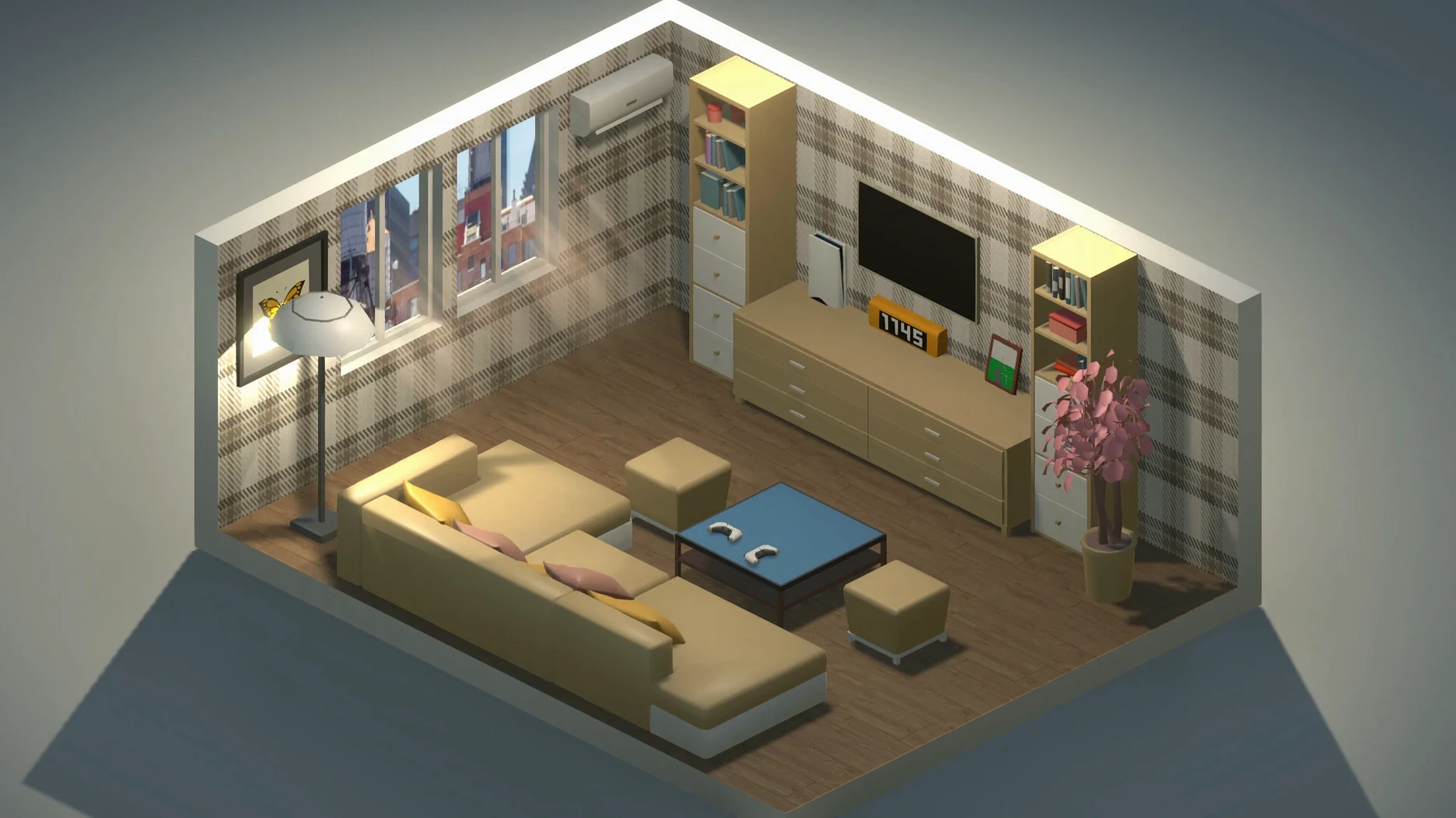
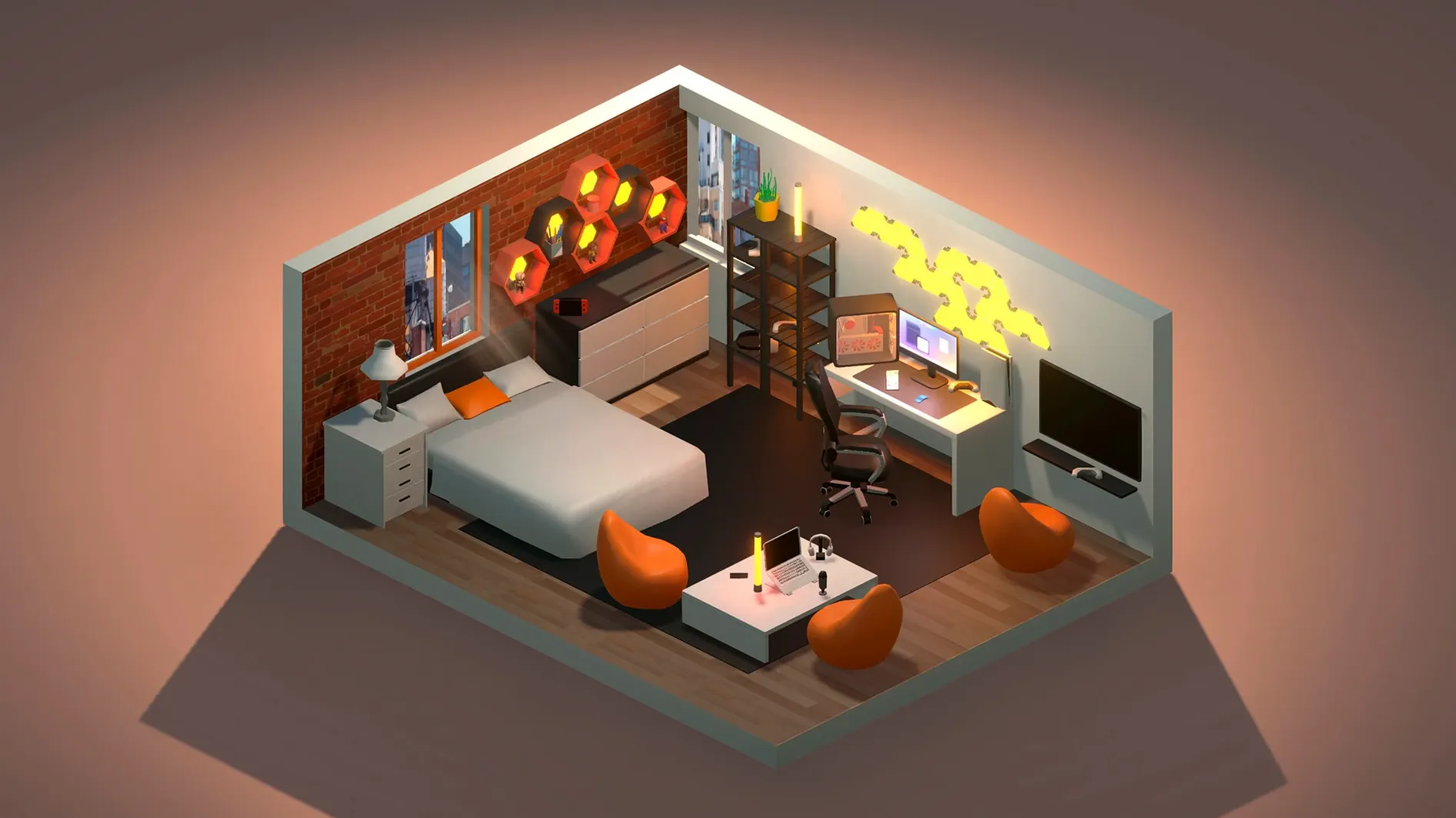
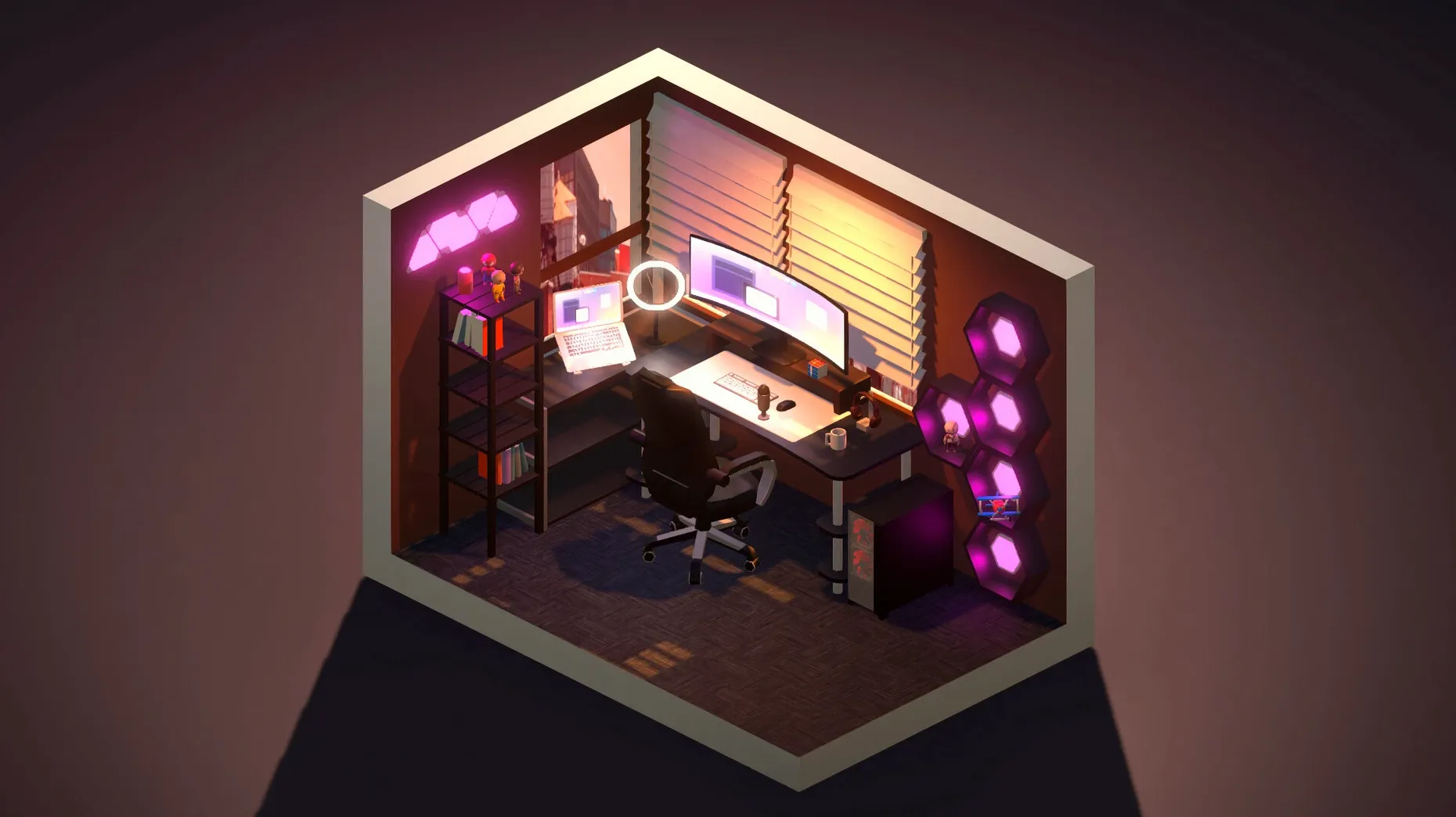
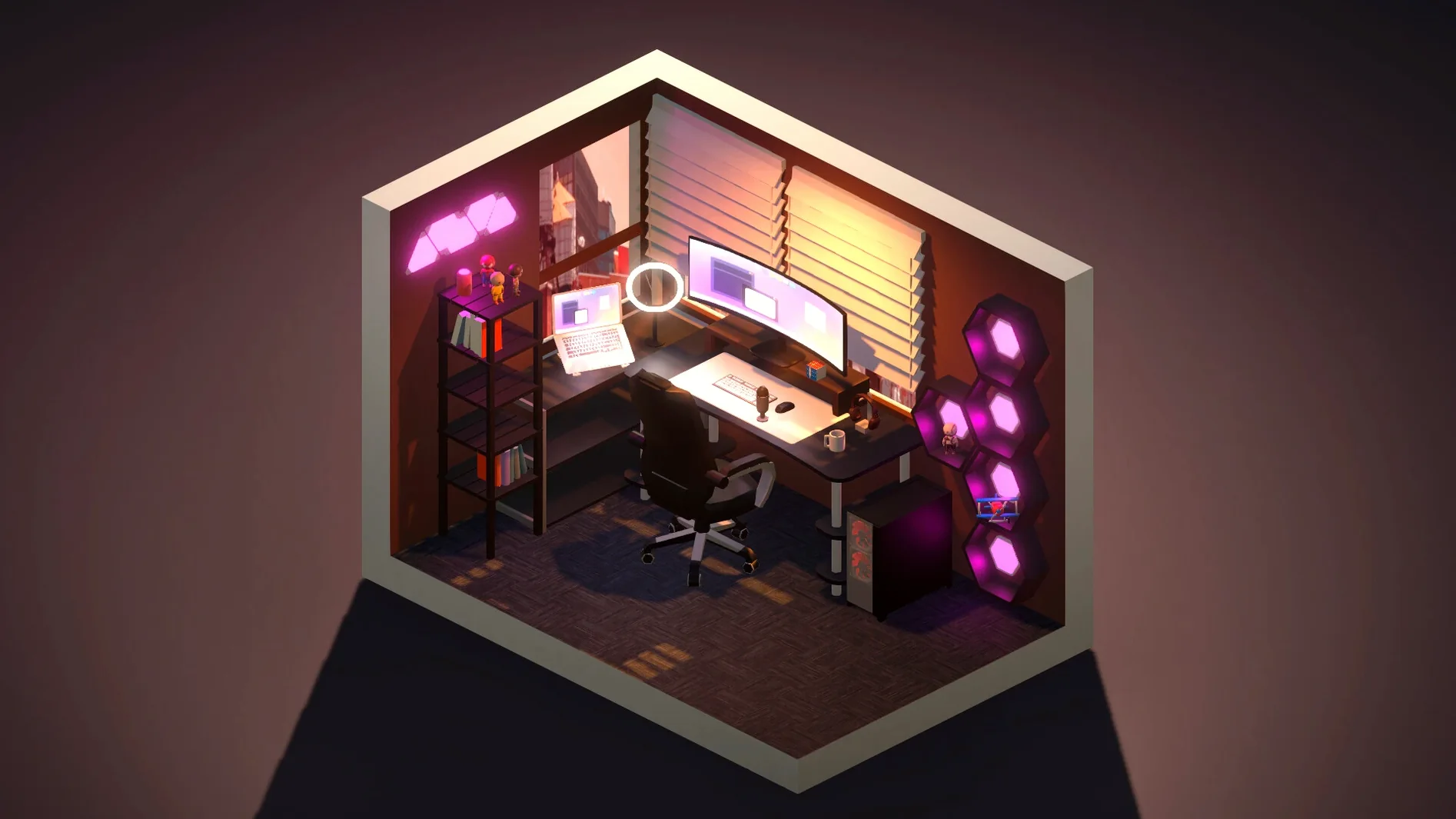
Blueprint mode is where every room starts, and it’s more flexible than it first looks. You drag walls, drop in windows and doors, and then step back into the decorated view to fill the space. Changing the layout after you’ve already placed furniture is straightforward — nothing gets locked in early.
Enjoying no-rush decorating with live weather and lighting previews
- Anyone who enjoys methodical interior arranging without time pressure or resource grinding.
- Trying out color combinations on walls, furniture, doors, and even the background scene.
- Seeing how a setup reads under five distinct lighting and weather presets: sunny, sunset, rain, snow, and night.
When rain and snow droplets block your interior view
- Rain and snow add droplets and snowflakes to the windows, which looks crisp but can obscure your view of the interior during a session.
- The item catalog covers furniture, computers, accessories, posters, pictures, and plants — plenty for a home office or bedroom, but not a full architectural toolset.
- Steam Workshop support is listed, so community items can extend the catalog, though the base selection already gives you enough to build several distinct room identities.
Why pick it over Room Planner’s blueprints or Makeover’s client briefs?
The Mac doesn't have a ton of dedicated room-design sandboxes, but three titles keep coming up in the same conversation. Room Planner (by Planner 5D) leans hard into architectural precision — exact measurements, real furniture brand catalogs, floor plans you can export. It's a tool first, a toy second. My Dream Setup skips the measurements entirely and goes for pure visual play. You're not speccing a renovation; you're chasing a mood.
MakeRoom (the little web-based one that got popular on design Twitter) shares the same free-placement DNA, no grid, drag anything anywhere. But it's browser-only, the catalog is tiny, and lighting is a single static scene. My Dream Setup gives you five weather states plus the blueprint system for structural changes. MakeRoom feels like a sketch; My Dream Setup feels like a finished drawing you can walk around in your head.
House Flipper is the elephant in the room — full 3D navigation, renovation tasks, a first-person camera. Impressive, but it's a game with objectives and a clock. My Dream Setup has no goals, no budget pressure beyond what you impose on yourself. It's closer to a dollhouse than a simulator, and that's exactly what makes it stick for late-night sessions where you just want to rearrange a desk setup five different ways.
Real-time wall color scrubbing replaced the old click-to-apply delay
The 2026.07.18 release tightened a handful of things that used to break the flow. Wall recoloring now previews in real time as you scrub the palette — earlier versions committed the color only after you clicked away, which made comparing two close shades tedious. The weather presets got a subtle rebalance too: snow accumulation on windows no longer clips through thin curtain items, and rain droplets now streak more naturally on tall window panes instead of repeating the same short trail pattern.
Blueprint mode received a small but meaningful quality-of-life change. You can now nudge a placed wall segment with the arrow keys after dropping it, which saves trips back to the delete-and-redraw loop when you're off by a few pixels. Steam Workshop integration also loads subscribed item thumbnails faster in the catalog browser — noticeable if you've piled up dozens of community sets.
Right-click color picker and Shift-snap rotation hiding in plain sight
A few things in My Dream Setup are easy to overlook because the interface doesn't advertise them. Right-clicking any placed item brings up a quick color picker without opening the full property panel. Holding Shift while rotating an object snaps it to 15-degree increments, which is the only way to get perfectly straight poster alignments on angled walls.
The RGB palette has a hidden eyedropper: press I with an item selected and the cursor switches to a color sampler you can drag across any visible surface, including the background scene outside the windows. If you've ever wanted to match a furniture accent to the exact orange of the sunset preset, that's how.
Weather presets affect more than the view. Rain and snow add faint ambient audio layers — barely noticeable through laptop speakers, but on headphones they turn the room into something that feels occupied. The night preset also dims the room's internal lighting and casts long shadows from window frames, which makes lamp placement feel more deliberate. No gameplay mechanic ties to any of this; it's pure atmosphere, and it's easy to miss if you never toggle through all five during a session.
One last thing for the My Dream Setup Mac torrent crowd: the .dmg install is a straight drag-to-Applications affair, and the app runs natively on both Apple silicon and Intel Macs. No launcher, no helper processes lingering after you quit.
- Apple Silicon or Intel 64-bit
$ man my-dream-setup | grep -A2 "?"
Can I change the wall color after I start decorating?
Yes. Walls can be painted individually, and wall coverings are available alongside standard paint options.
Does the game let me recolor furniture?
Doors, windows, furniture, and the outdoor background can all be recolored, giving you control over most surfaces in the scene.
What lighting conditions can I view my room in?
Five presets are included: sunny, sunset, rain, snow, and night. Rain and snow also add animated droplets and snowflakes to the windows.
Comments 0
Sign in or create an account to leave a comment.
No comments yet. A codec, a slice, a machine — they appear after moderation.