Moonlighter for macOS
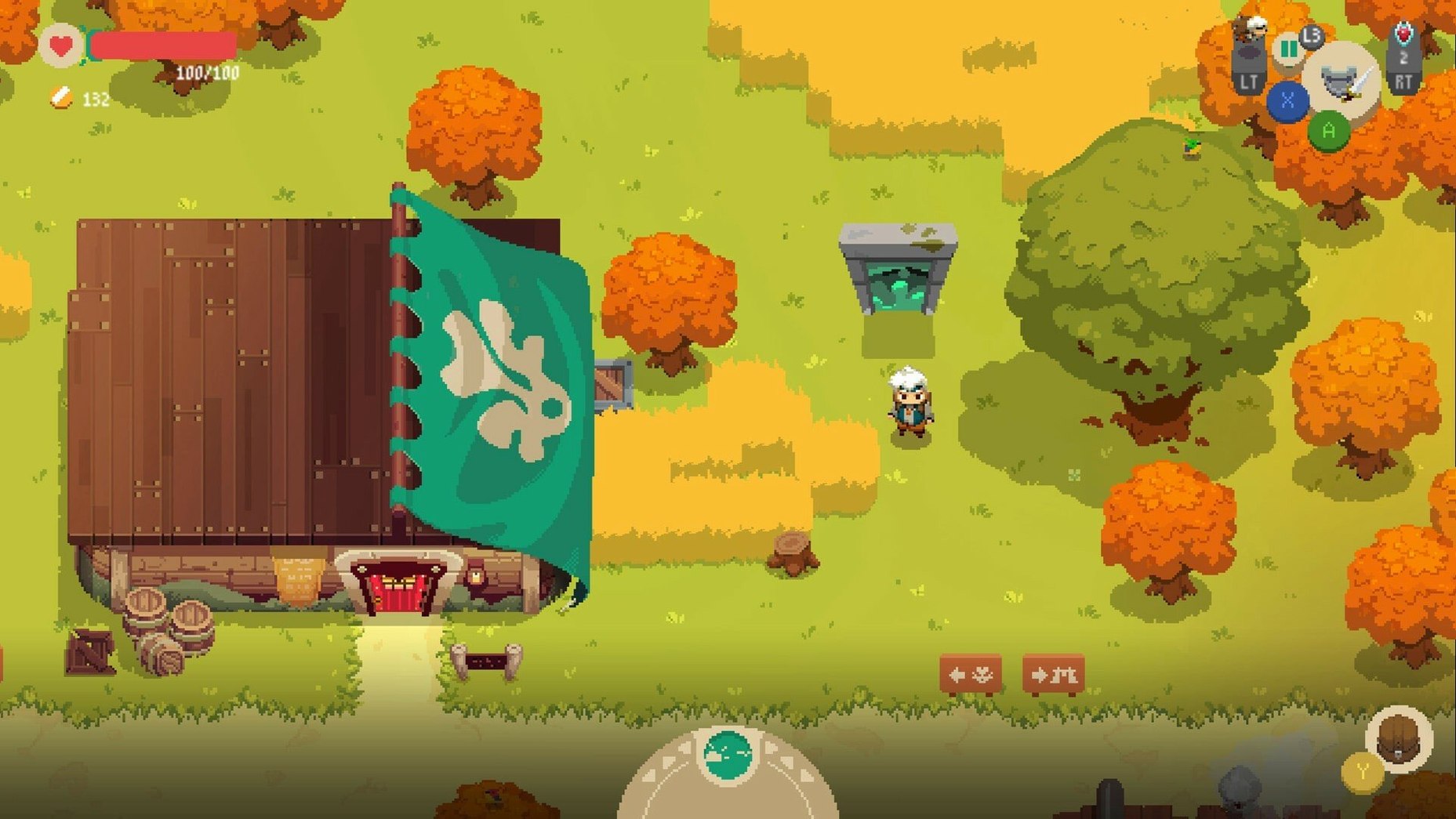
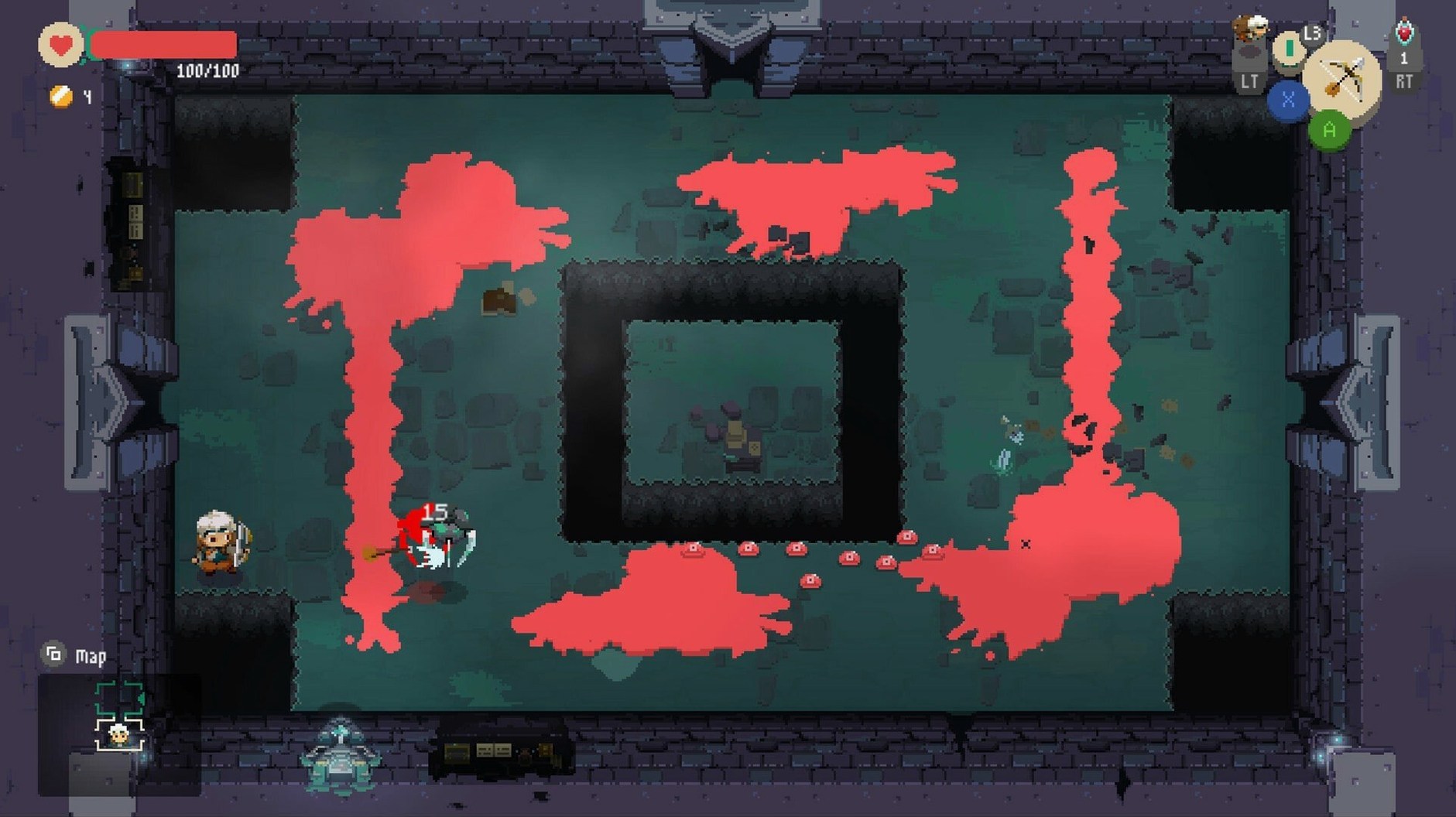
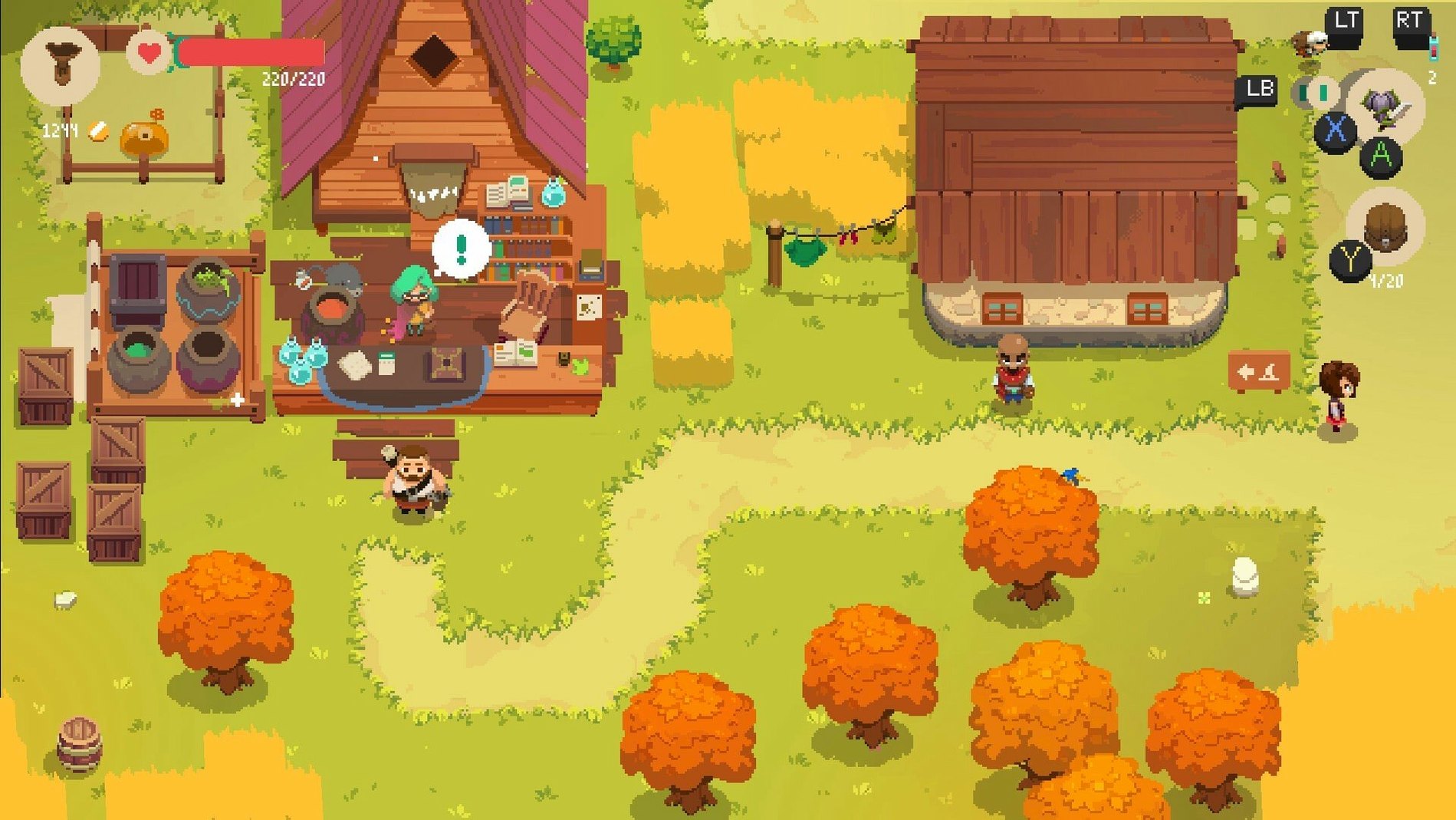
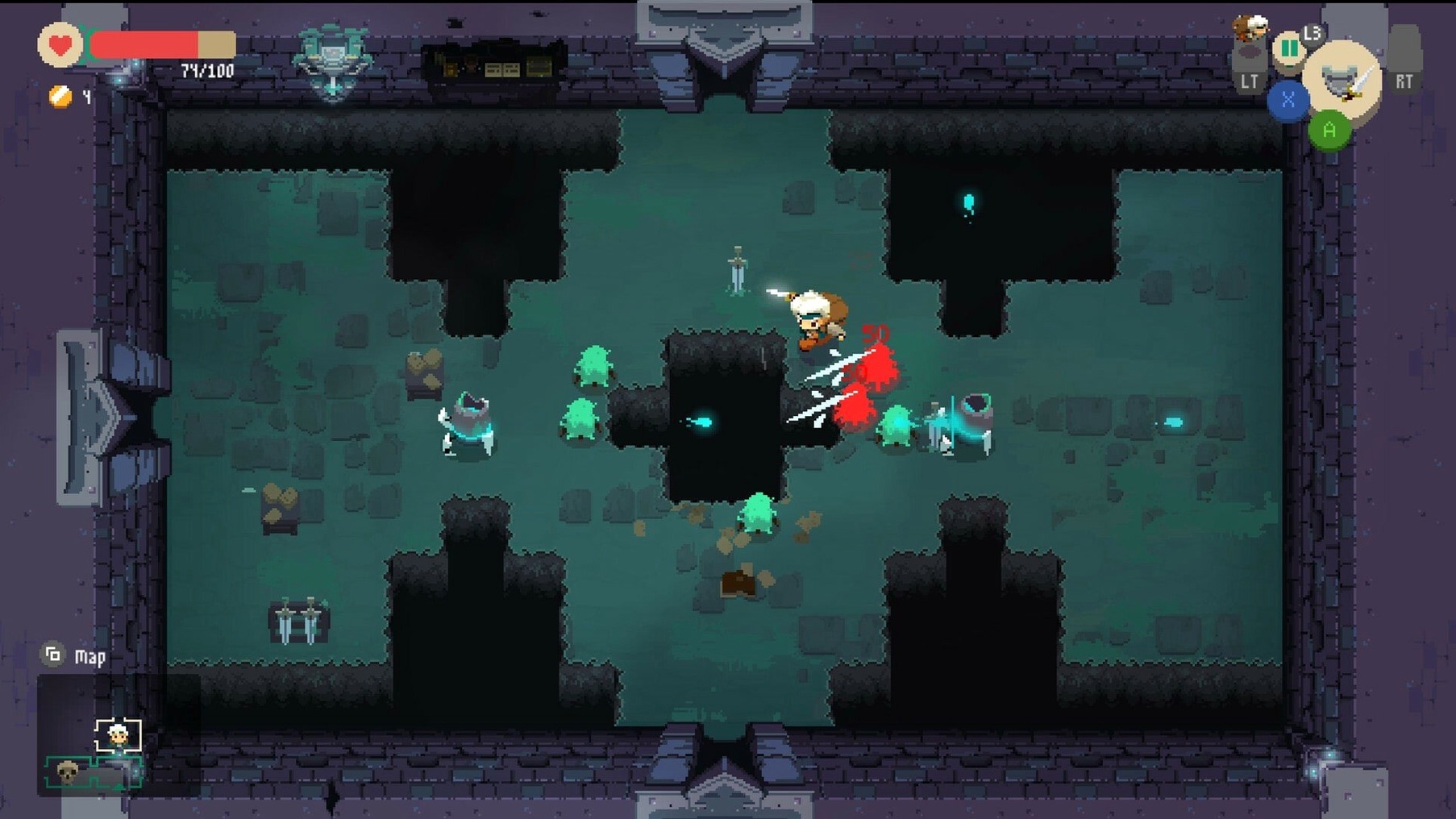
You've sold a stack of enchanted swords to fund your next expedition, carefully locked the shop door behind you, and stepped through a shimmering gate into a golem-infested desert. That's the loop that drives Moonlighter — half shop management sim, half action RPG, stitched together with rogue-lite runs where death sends you back to town with nothing but what you managed to stash.
| Detail | Info |
|---|---|
| Developer | Digital Sun |
| Publisher | 11 bit studios |
| Current version | 1.14.37 (48034) |
| Architecture | Apple Silicon (Wineskin wrapper) |
The Mac build runs through a Wineskin wrapper, so you're getting the Windows binary translated on the fly. On Apple Silicon that means two translation layers — x86 to ARM via Rosetta 2, plus Wine's Windows-to-macOS API mapping. In practice, the pixel-art look keeps GPU demands low and frame pacing holds up fine on M1 and later chips. Input handling is straightforward: keyboard and mouse for the shop menus, WASD plus mouse aiming for dungeon combat. Crafting gear from monster drops feeds back into the shop loop — price things too high and customers walk out, price them too low and you won't afford the next shop upgrade or assistant hire. The inventory system adds another wrinkle: each dungeon run you pick what fits in your bag, and the wrong choice between a stack of healing potions and a valuable relic can make or break the next fight.
What mistakes do new shopkeepers make?
The first thing that trips up newcomers is pricing by feel instead of watching customer reactions. Every item has a sweet spot — a small emoji pops above a buyer's head when they see the tag. Neutral face means you're close; a furious scowl and they walk out. Write down the numbers that work for each relic, potion and blade, because demand fluctuates across days and you'll want that reference. The second common slip is treating the shop like a hoarder's closet. If a shelf sits empty, you're losing gold. Craft duplicates of mid-tier weapons and fill every slot, even if some sit at bargain prices. Gold circulation keeps the upgrade pipeline moving.
On the dungeon side, the biggest error is ignoring the cursed item mechanic. Some loot arrives with nasty modifiers — destroying other items in your bag, teleporting you to random rooms, or reversing your movement controls. New players often grab everything shiny and end up losing a rare artifact to a curse they could have checked in the inventory screen. Hover over anything suspicious before you commit the bag slot. One more: beginners sleep on the mirror in the shop basement. It lets you preview the next dungeon's enemy types and adjust your weapon loadout accordingly. A spear is lovely against slimes; against shielded golems it's a slow death.
Leaves the GPU nearly untouched all afternoon
On an Apple Silicon Mac the Wineskin wrapper adds a few seconds to the initial launch, but once the game is running, the pixel-art engine barely nudges the GPU. I've left it open across an entire afternoon — shop restocking, three dungeon runs, a boss wipe — and the fan never spun up. Load transitions between the shop and dungeon gates clock in under two seconds, which matters when you're repeatedly ducking back to town after short runs.
Stability is solid. No mid-run crashes in the current build, though I'd recommend saving in the shop before crafting anything exotic — the crafting menu occasionally stutters for a frame or two on complex recipes. Resource use sits modestly: roughly 1.2 GB of RAM and negligible CPU draw during combat, spiking only during area transitions. For a game built on a Windows binary translated twice over, it behaves surprisingly well. The only quirk worth noting: after waking the Mac from sleep, the window sometimes needs a click to re-capture the mouse cursor inside the game view.
A complete crafting-to-sale workflow
Here's a concrete loop, start to finish, for turning a dungeon run into profit.
- Prep the shop. Before heading out, set every unsold item's price using your notes from previous days. Top off the shelves with crafted duplicates of whatever sold well yesterday — if iron swords moved at 240 gold, make two more.
- Pick a target dungeon. Use the mirror in the basement to check enemy types. If the Golem Dungeon shows up, equip a spear for reach and pack two stacks of healing potions. Leave half your bag empty for loot.
- Run the first three floors. Prioritize enemies that drop crafting materials over those guarding gold. Gold is easy to earn in the shop; crafting mats gate your gear progression. Use the
top-down viewto scout rooms before committing — minimap icons reveal whether a room holds treasure, enemies, or both. - Manage the bag mid-run. When you pick up a cursed item, open the inventory immediately and decide: if the curse is manageable (say, reversed controls in an easy room), keep it. If it destroys adjacent items, drop it. Replace low-value slime goo with rare ores as slots fill up.
- Return through the gate. Don't push for the boss if your bag is full of rare materials and your health is below half. The gate back costs nothing to use, and a dead shopkeeper drops everything except what's in the special storage chest.
- Sort and craft. Back in Rinoka, deposit rare artifacts in the storage chest. Use the blacksmith to turn monster drops into armor and weapons, then enchant the highest-value pieces — an enchanted steel breastplate sells for triple the raw materials.
- Stock and price. Place the new gear on shelves, set prices based on customer reactions, and open the doors. Watch the first few customers carefully; adjust any item that gets a frown before the morning rush empties your stock at bad margins.
That single cycle — forty minutes of dungeon crawling, five minutes of crafting, ten minutes of shopkeeping — reliably funds an upgrade or a new assistant hire by the end of the day cycle. The rhythm locks in after a few runs, and the game's real hook is how naturally the two halves feed each other
- macOS (Apple Silicon, runs via Wineskin)
$ man moonlighter | grep -A2 "?"
What languages does Moonlighter support on Mac?
The game includes Russian, English, German, Spanish, Italian, Simplified Chinese, Korean, Polish, Portuguese, Turkish, French, and Japanese.
How does the shop and loot loop work?
You run a shop in Rinoaka where you set prices for items you bring back from dungeon runs through other worlds, using the gold to upgrade the shop and craft better gear.
Comments 0
Sign in or create an account to leave a comment.
No comments yet. A codec, a slice, a machine — they appear after moderation.