Minecraft for macOS
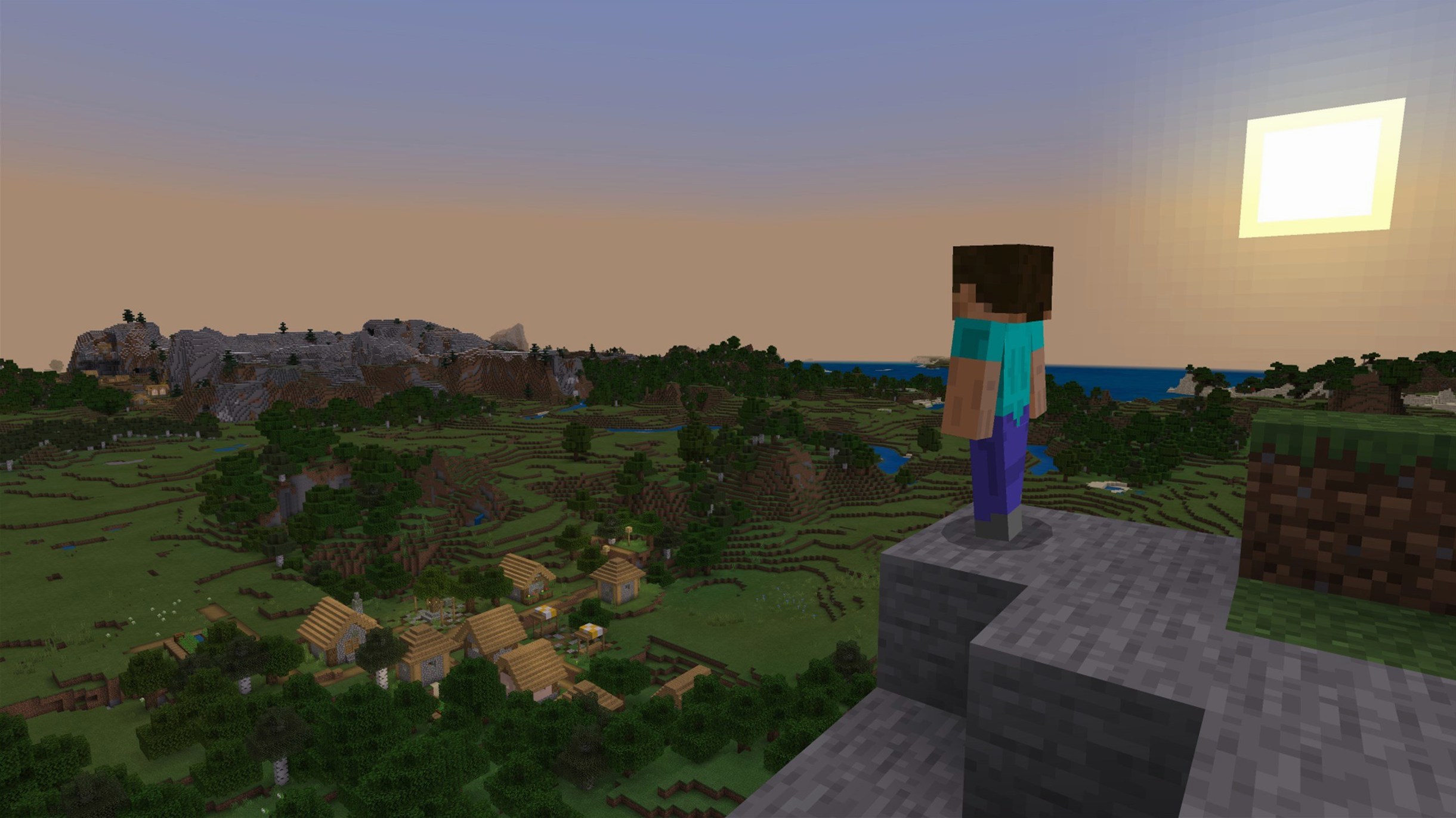
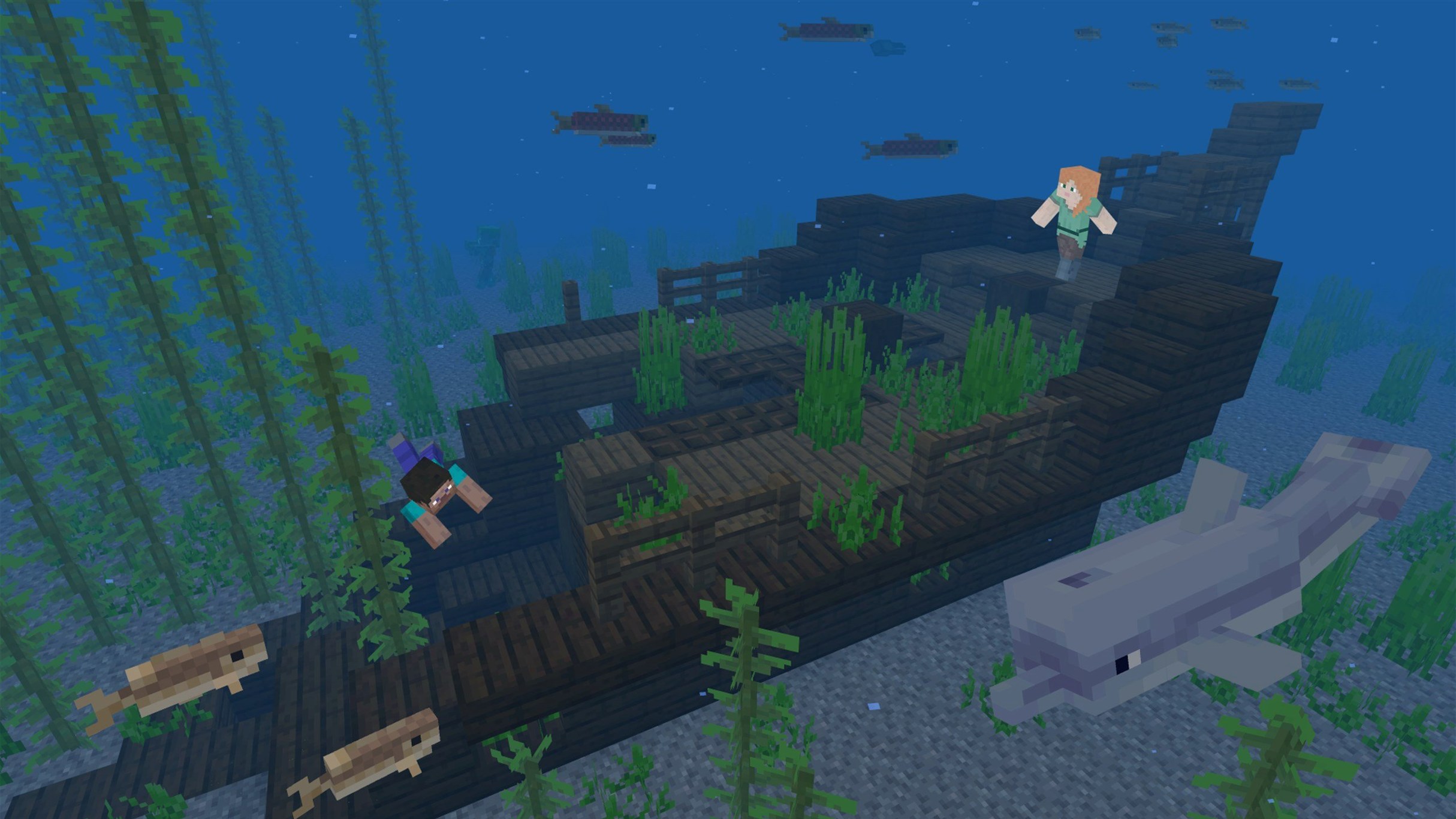
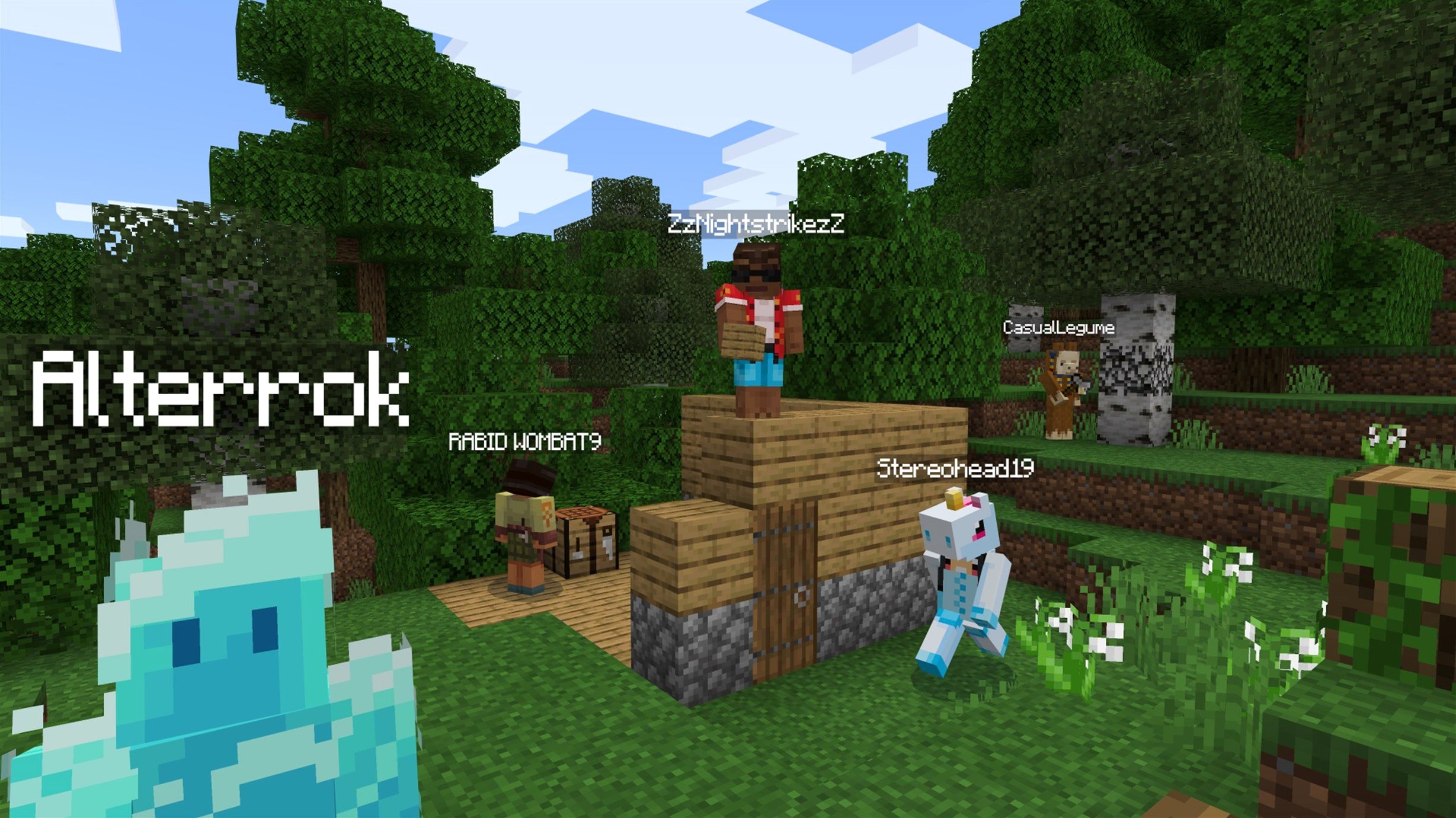
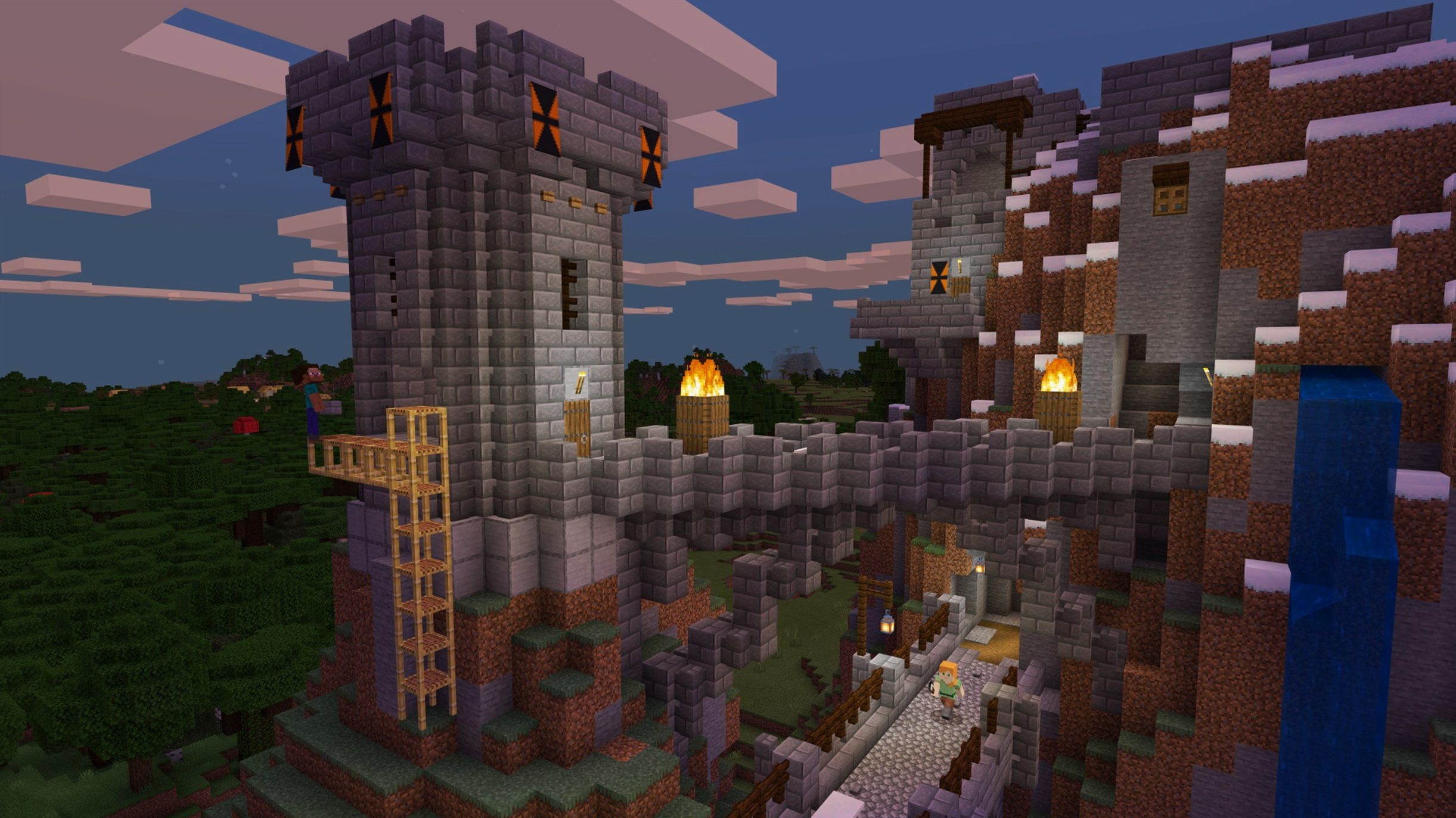
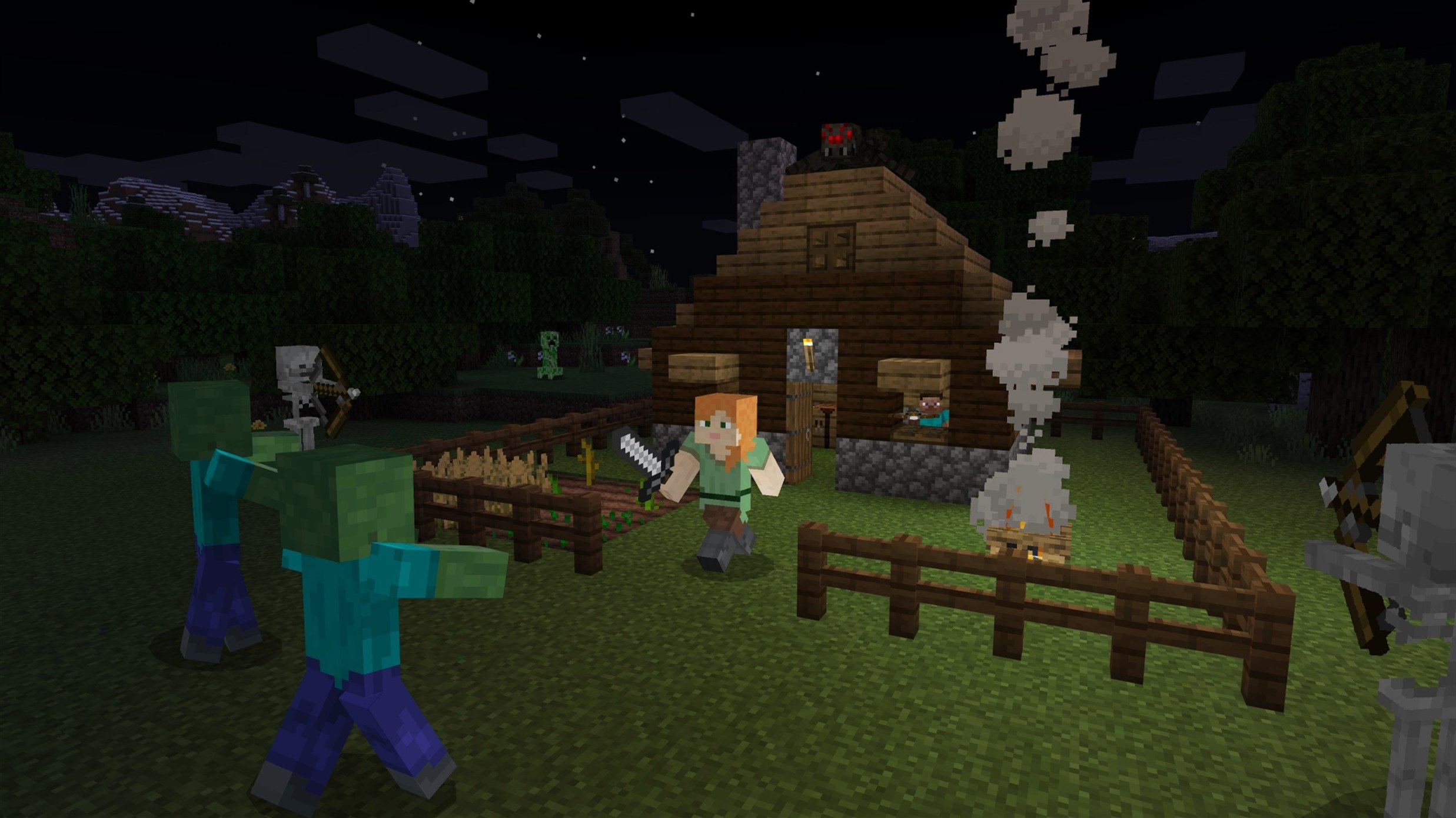
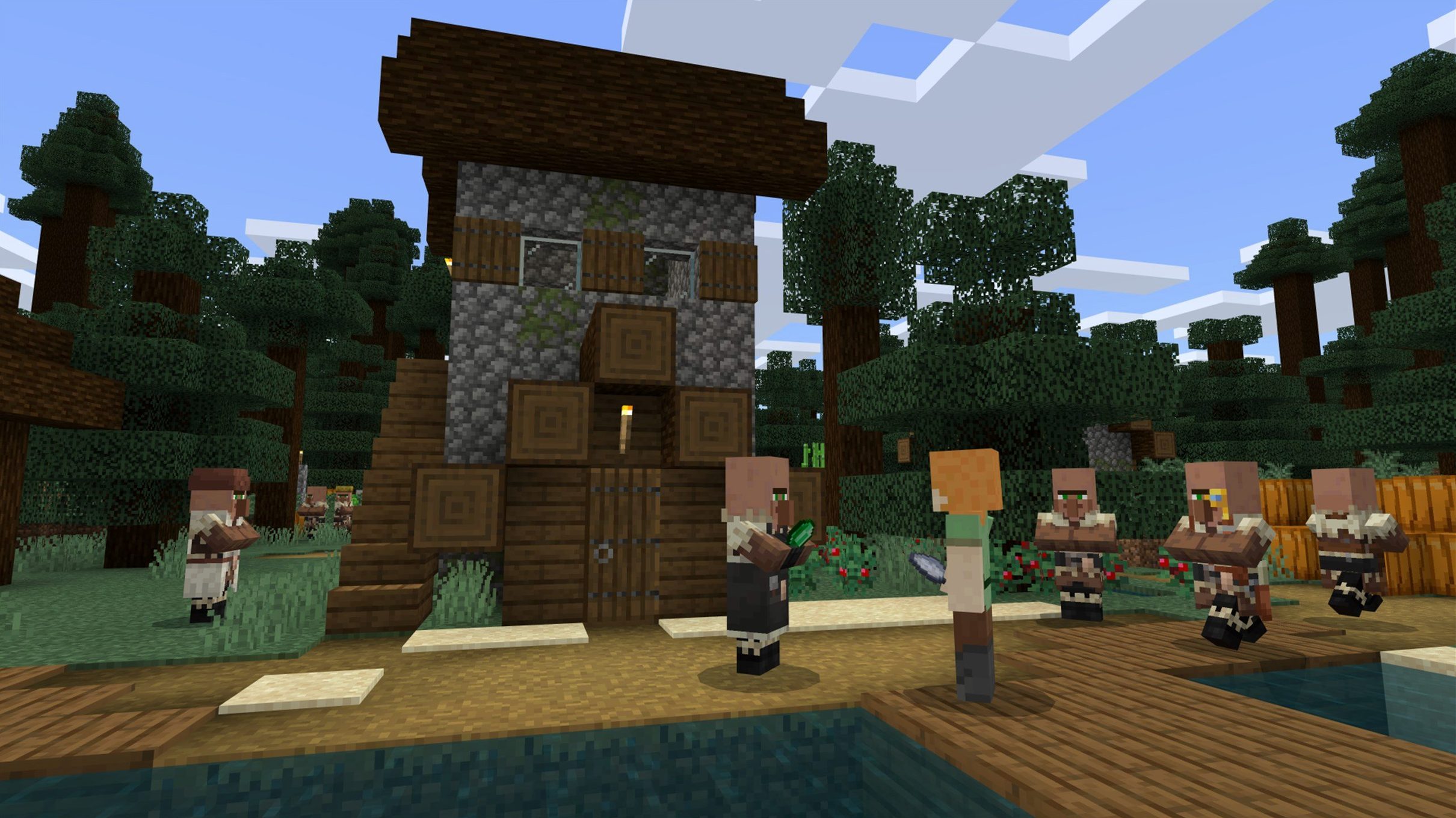
Placing a block and hearing that soft thud as it locks into the grid — that's where it starts. Minecraft: Java Edition is the original build of the game, a three-dimensional world made entirely of cubic blocks you destroy and create to shape your own environment. The world is procedurally generated, so no two starting points are the same, and it runs on a 64-bit system with native support for both Intel and Apple Silicon Macs.
Sandbox — No set path, no required objectives. You set the terms. Explore terrain that stretches on mathematically, build structures and items from gathered materials, or fight the opponents that come out at night.
Procedural generation — The landscape, caves, and biomes are assembled by algorithms at world creation. The game isn't loading a pre-built map file; it's calculating terrain from a seed value. This keeps exploration unpredictable.
Block-based world — Everything you see is made of textured cubes: dirt, stone, wood, water, lava. The world grid runs on one-meter blocks, and the game logic treats them as discrete units you can add or remove.
One of the first things you might notice after launching is that the game stutters when new chunks load, even on a machine that handles everything else without breaking a sweat. Minecraft runs on a tick loop tied to chunk generation, and the default memory allocation inside the launcher is surprisingly conservative. Open the Installations tab in the launcher, hover over your profile, click the three dots, and edit the JVM arguments. The flag you want is -Xmx — set it to something like -Xmx4G or -Xmx6G depending on how much RAM your Mac has. Leave at least a couple of gigabytes for the OS and background tasks. While you are in there, adding -XX:+UseZGC on Apple Silicon machines often smooths out garbage collection pauses that the default G1 collector can introduce during terrain generation bursts.
Another snag that trips people up is the game launching to a blank screen or crashing right after the Mojang logo. On Macs with AMD graphics — older Intel machines and some eGPU setups — the 1.21.7 update fixed startup crashes, but if you are still seeing them, try forcing the game to use the integrated GPU. You can do this by adding -Dorg.lwjgl.opengl.Display.allowSoftwareOpenGL=true to the JVM arguments, though it is a stopgap that will tank your frame rate. A better fix is to dig into the options.txt file inside your ~/Library/Application Support/minecraft/ folder and set fullscreen:false before launching, then re-enable fullscreen from inside the game once it loads.
What should you check before installing?
People usually ask whether Minecraft: Java Edition needs anything special to run on a Mac that has both Apple Silicon and an Intel build available. The launcher handles this automatically — if you are on an M-series chip, it downloads the native ARM version. You do not need Rosetta 2, and you do not need to pick a specific architecture in any menu. The same launcher binary serves both platforms.
Another question that comes up often is whether the game requires a Mojang account. It does. You log into the launcher once, and it handles authentication in the background. The login is persistent across restarts unless you explicitly sign out. If you are coming from a minecraft java edition download torrent or a minecraft java torrent, check that the launcher includes the ARM-native Java runtime rather than an older x86 one, so everything runs smoothly on Apple Silicon.
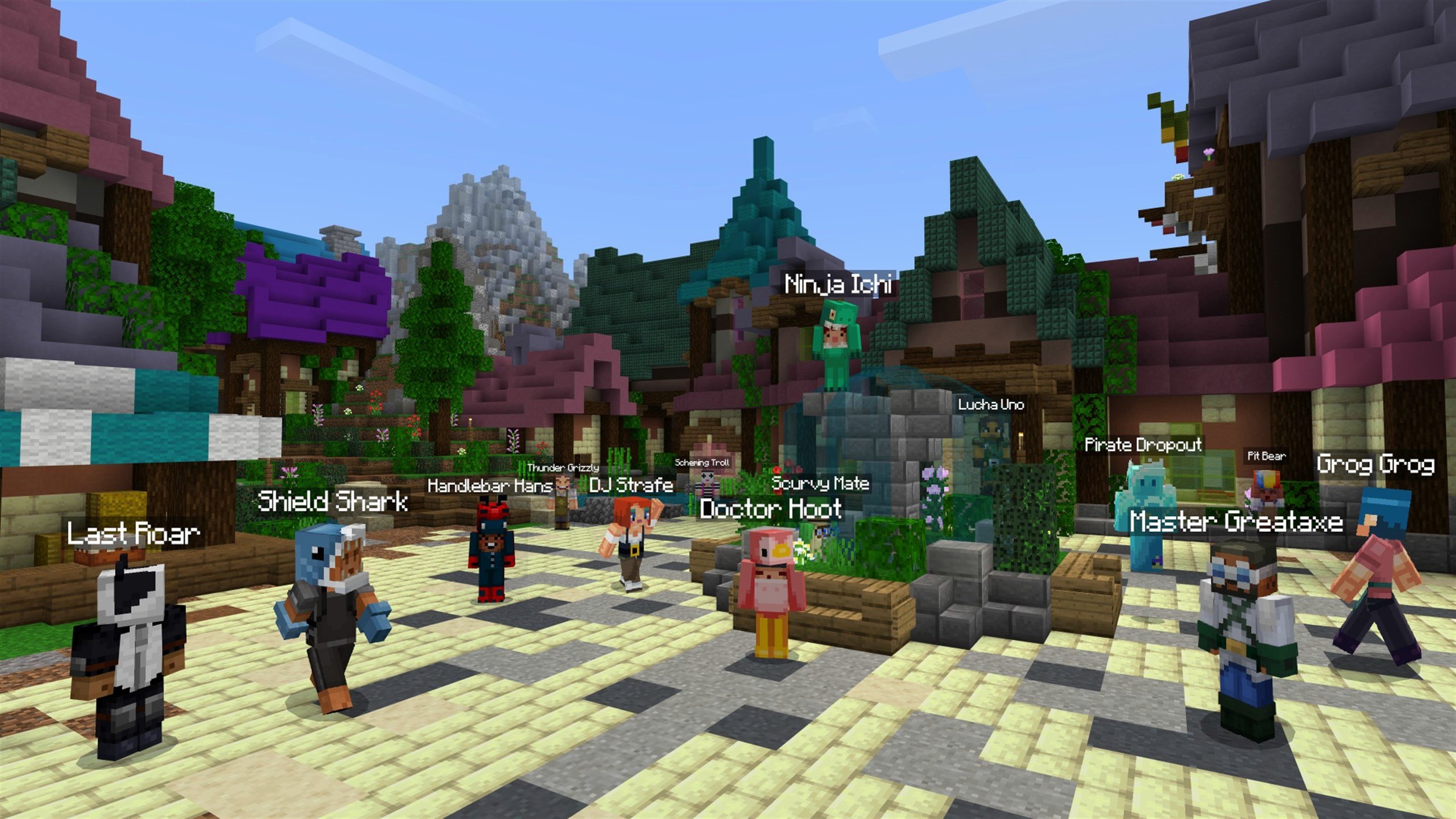
People also want to know about multiplayer. Java Edition connects to servers directly by IP address or domain name. There is no platform-layer friend system like Bedrock has; you join via the Multiplayer menu, add a server address, and hop in. Local network games show up automatically at the bottom of the multiplayer list if another machine on your LAN has a world open to LAN. The protocol is pure TCP on port 25565 by default, and macOS firewall prompts will appear the first time you open a world to LAN.
What should I back up before I lose a world?
The launcher installs the game into ~/Library/Application Support/minecraft/. That folder holds your worlds, screenshots, resource packs, shader packs, and logs. Back it up. A lot of heartbreak comes from losing a world with hundreds of hours in it because nobody thought to copy the saves folder somewhere safe. The folder you want is ~/Library/Application Support/minecraft/saves/. Drag it to an external drive or zip it up. Do this before you install mods.
Speaking of mods: the Fabric and Forge mod loaders both work on macOS, but Fabric tends to have fewer compatibility headaches on ARM Macs because its loader is slimmer and gets updated faster. If you plan to use shaders, grab Iris and Sodium — OptiFine still works, but it has been slow to adopt Apple Silicon optimizations and some M-series users report rendering artifacts with it on 1.21.7. Sodium gives you a dramatic frame rate improvement by reworking the chunk rendering pipeline, and Iris layers shader support on top without the bloat. Install them into the mods folder inside ~/Library/Application Support/minecraft/ after you have run the Fabric installer once.
When you generate your first world, bump the render distance up gradually. The slider in Video Settings goes to 32 chunks, but on a MacBook Air without a fan you will want to stay around 12 to 16 to keep thermals reasonable. Simulation distance — the radius in which mobs move, crops grow, and redstone ticks — is separate from render distance and has a bigger impact on CPU load. Keep it at 8 unless you have a specific reason to push it higher.
Where does its 3D space leave Terraria's progression?
Terraria shares the block-based digging and building DNA, but it is a 2D side-scroller at heart. Where Minecraft gives you three dimensions of spatial reasoning, Terraria compresses that into two and compensates with a much denser progression system — more bosses, more weapon tiers, more NPCs to house. On a Mac, Terraria runs through a lightweight Mono-based runtime and is noticeably less demanding on the GPU. If you want a directed adventure with building on the side, Terraria scratches that itch. If you want to get lost in geometry and build a working computer out of redstone dust, Minecraft is the only one of the two that lets you.
Stardew Valley is often mentioned in the same breath because of its open-ended, make-your-own-fun philosophy, but it is not a sandbox construction game. You farm, fish, mine, and befriend villagers on a fixed grid. The world is hand-crafted, not procedurally generated. You cannot reshape the terrain. It scratches a similar cozy-productive itch — planting crops feels a little like laying out a build — but the creative freedom is not in the same category. Stardew runs natively on Apple Silicon and sips battery, which makes it a better pick for long flights. Minecraft Java Edition, even with Sodium, works the fans harder.
Trove is the closest comparison in terms of voxel-based worlds and building, but it is an MMO with classes, quests, and a heavy free-to-play structure layered on top. The building system is more constrained — you claim a cornerstone plot and build there, rather than reshaping the entire world. Trove runs on a custom engine that handles large player counts smoothly, but on macOS it still ships as an Intel binary and goes through Rosetta 2, which puts it at a performance disadvantage compared to Minecraft's native ARM build. If you want a massively multiplayer block-building game and do not mind the grind, Trove is worth a look. If you want full control over the world itself and a game that runs without translation layers on Apple Silicon, Minecraft is the cleaner fit.
- Added the Lava Chicken music disc.
- Added a new 3×3 painting.
- Bumped the data pack version to 81 and the resource pack version to 64.
- Fixed resource pack loading, Qualcomm graphics rendering, text rendering, startup crashes on some AMD GPUs, and texture leaks after resource reload.
- macOS (64-bit system)
- Architecture: Intel and Apple Silicon
$ man minecraft | grep -A2 "?"
What interface languages does Minecraft: Java Edition include?
The launcher and in-game text ship in Russian, English, and Ukrainian.
When did version 1.21.7 come out?
Mojang released Minecraft: Java Edition 1.21.7 on June 30, 2025.
Comments 0
Sign in or create an account to leave a comment.
No comments yet. A codec, a slice, a machine — they appear after moderation.