My Winter Car for macOS

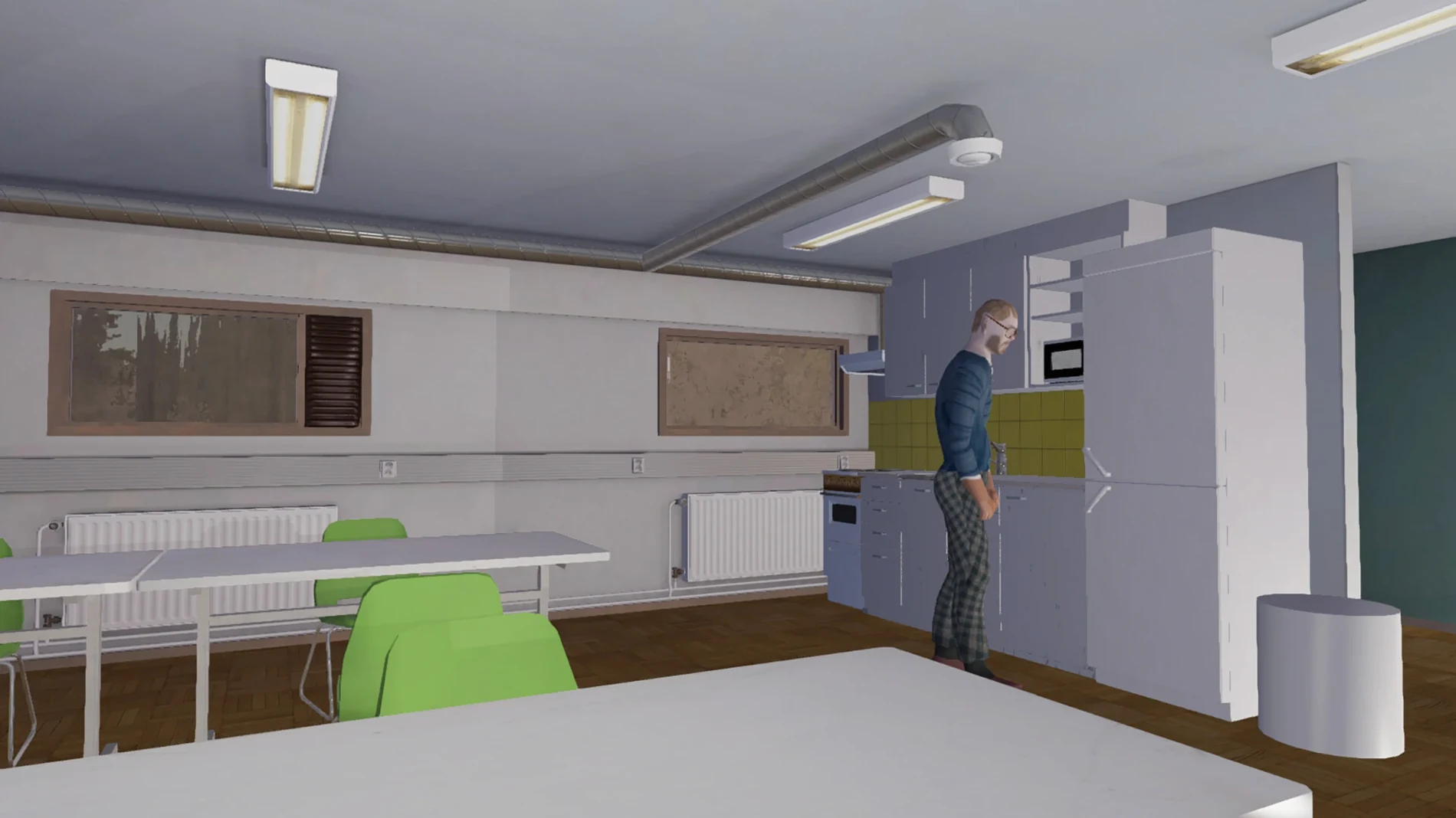
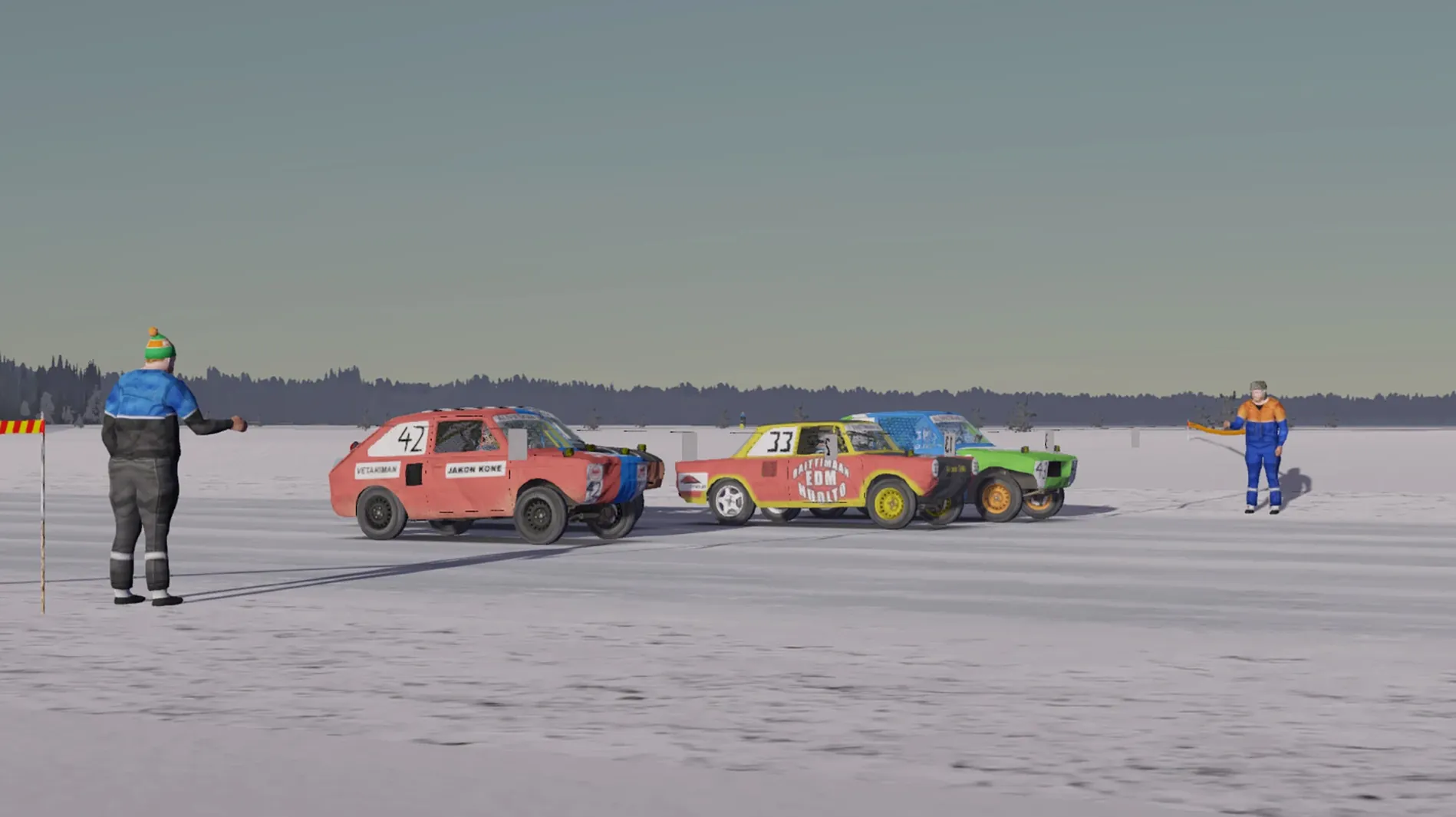
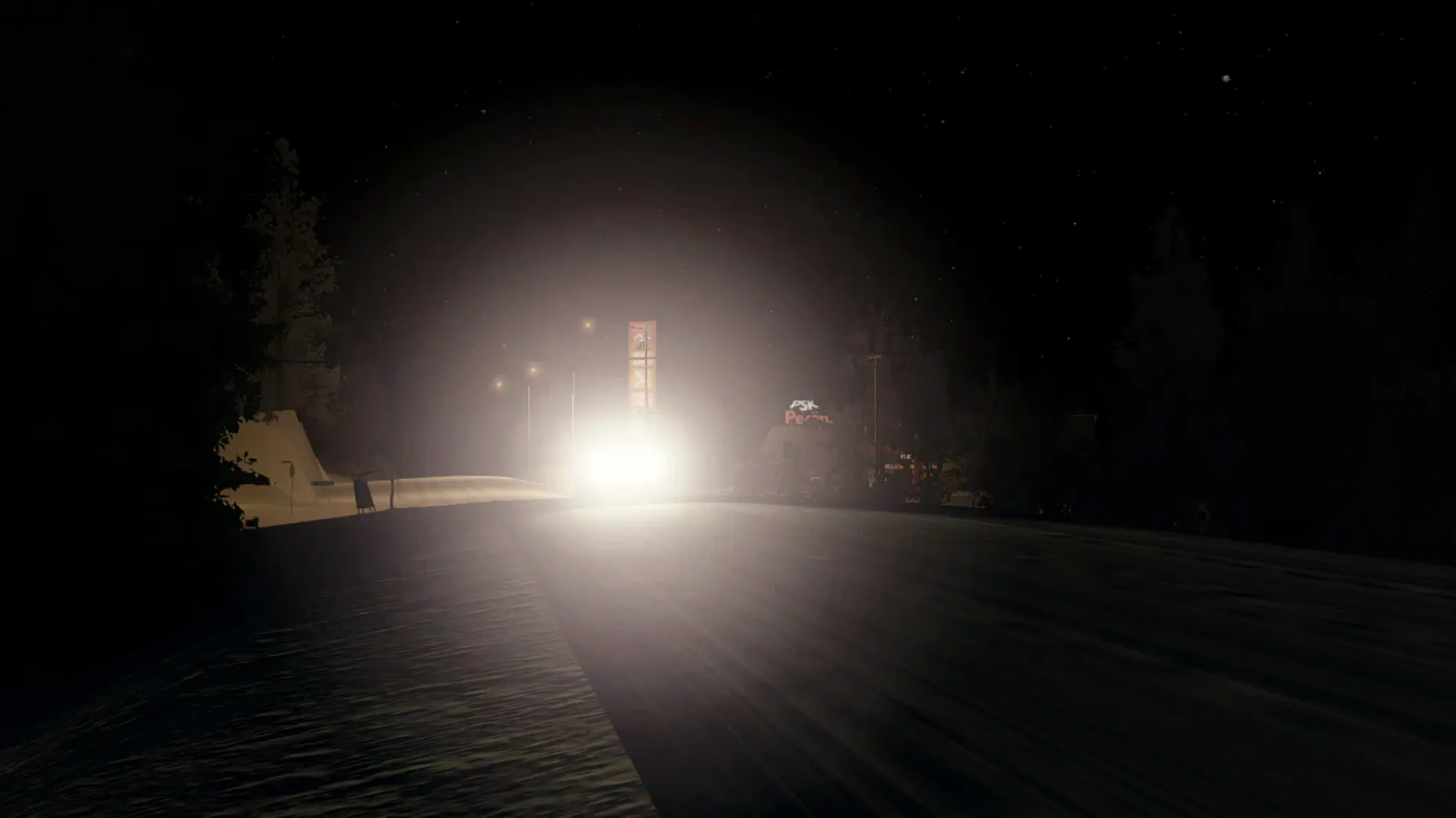
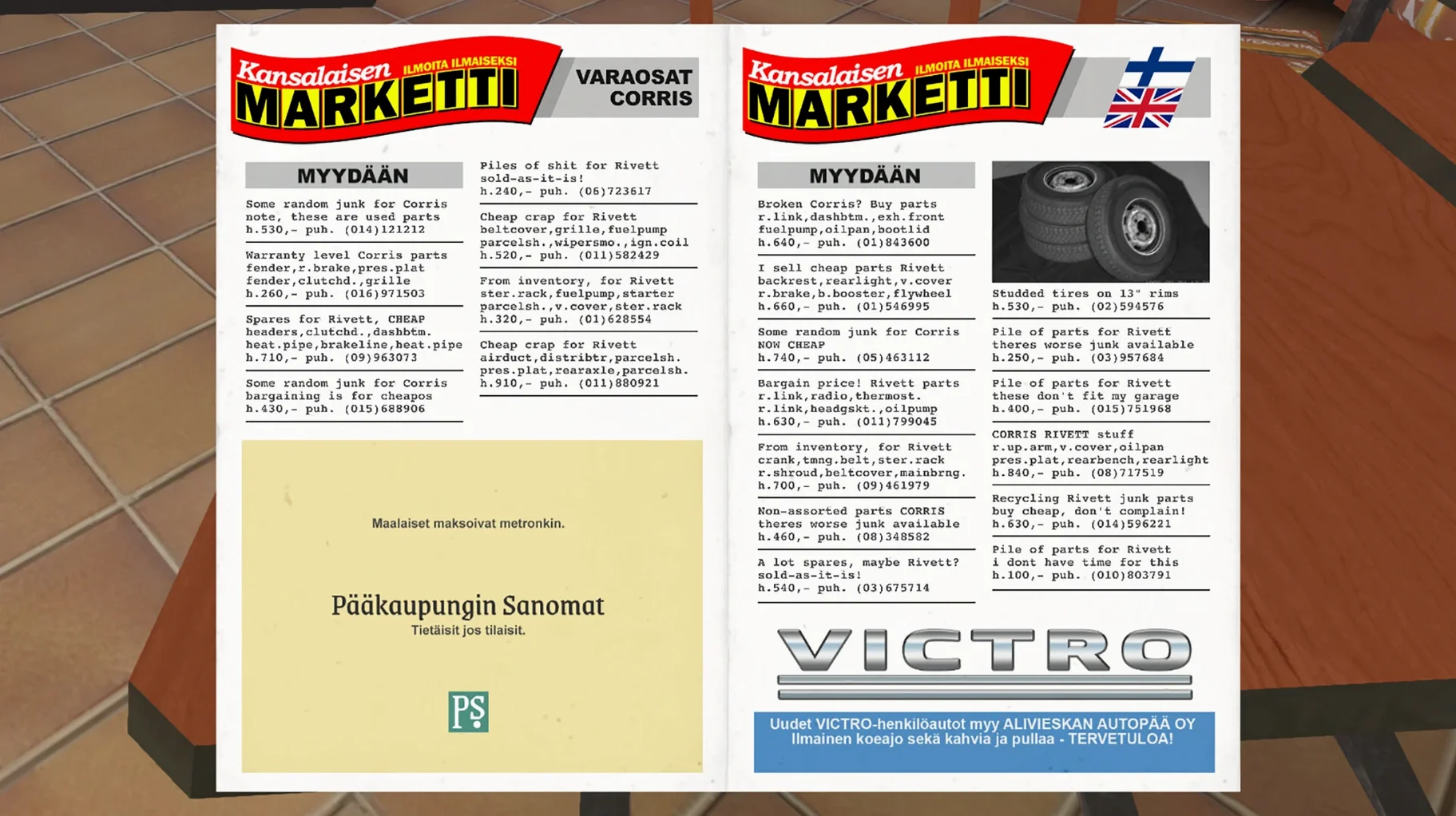
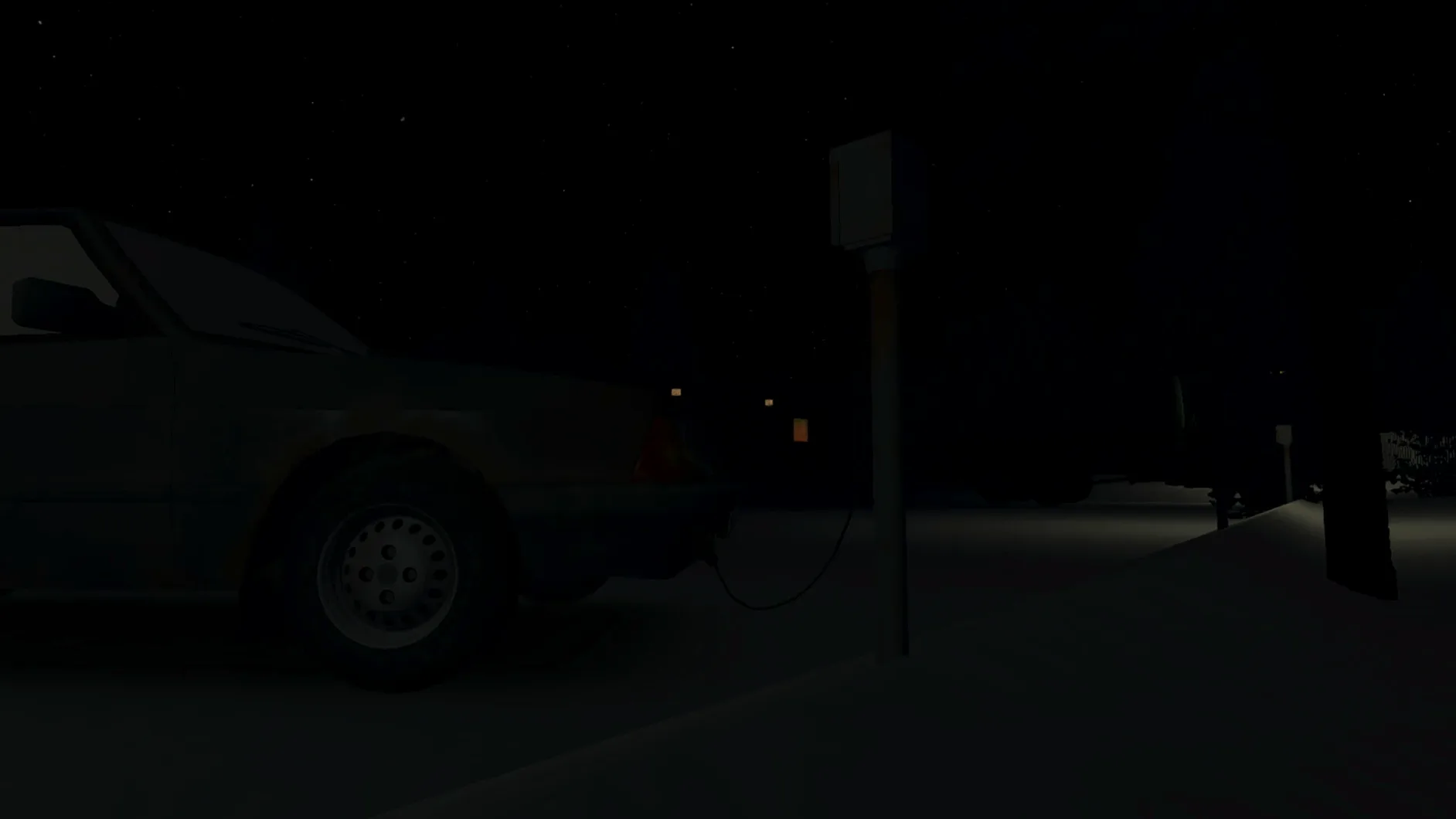

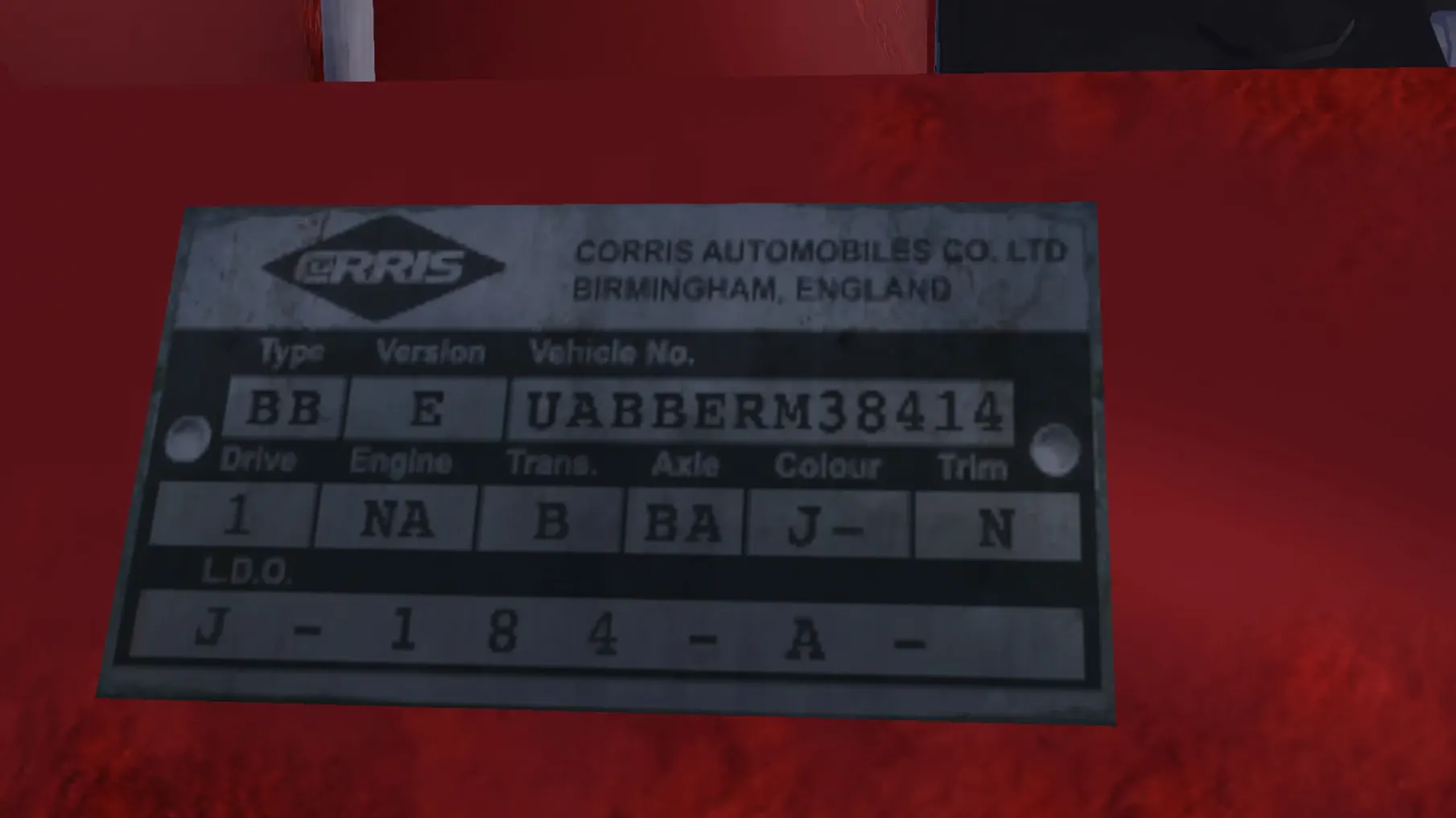
My Winter Car is a first-person survival game that tasks you with owning, stripping, and rebuilding an old project car piece by piece.
Assemble the engine and chassis
The car and its engine come as a puzzle of almost 200 unique parts — every bolt, piston, and hose has to be fitted by hand.
Survive the Finnish winter
Body temperature is a constant concern; you'll need to manage warmth while crawling under the vehicle or hiking to the shop for parts.
Drive and maintain a fleet
Beyond the project car, the world includes other vehicles from the 1960s to the 1990s, a truck, and a tractor — all with full driving and engine simulation.
Steering wheel setup fights you out of the gate
Open the settings before you start a save. A few defaults will fight you out of the gate.
Steering wheel and shifter setup is the big one if you have any kind of wheel. The game says it has limited support, and it means limited — you'll want to calibrate dead zones and linearity manually, otherwise a G29 or similar will feel like steering through treacle. The axis mapping screen is barebones but does let you assign clutch and H-pattern gears if your shifter registers as separate buttons.
Mouse sensitivity for looking around is tuned for a desk pad, not a Mac trackpad. Drop it to about 30% of default if you're on a Magic Trackpad or you'll whip your view around every time you reach for a bolt.
Under graphics, switch shadow quality to Medium first. On Apple Silicon the high preset can tank frame pacing when headlights hit snowy tree lines — the GPU ends up redrawing a hundred pine shadows every frame. Medium keeps the mood without the stutter.
One more: the permanent death toggle is on by default. If you're learning the assembly sequence or just want to experiment with engine timing without losing twenty hours of progress, switch it off. You can always turn it back on once you know which mistakes are fatal.
A player's first week with the project
Imagine a mechanical engineering student who spent last summer helping a friend rebuild a Volvo 240. They fire up the game on a Mac mini M4, pick a save name, and immediately walk to the garage to inspect what they bought. The engine is a scattered collection of parts on the floor — crank, rods, pistons, oil pump — and nothing is labeled beyond a tooltip. They spend the first evening just sorting pieces into mental piles: block internals, intake side, exhaust side, fasteners.
Day two is a trip to the store in a borrowed '70s sedan with a slipping clutch. The roads are icy, the sun sets at 3 PM, and the heater in that sedan barely works. Body temperature drops faster than expected. They buy gaskets, oil, and a torque wrench, then nurse the car home with the fuel light flickering. The real win isn't the parts — it's realizing the tractor they saw parked near the sawmill can tow a trailer, which means next time they can haul a real load instead of stuffing spark plugs into the glovebox.
By day four the block is together, but the timing chain is off by one tooth and the engine won't fire. They backtrack through every step, find the mistake, and hear it idle for the first time. The sound alone — a lumpy four-cylinder through a rusted exhaust — is the payoff. The car isn't roadworthy yet, but it runs. That's the loop.
Hold grab to scoop up multiple parts at once
The game doesn't explain half of what you can do. Here are a few things that save real time once you know them.
- Pick up multiple small parts at once by holding the grab key near a cluster of bolts or nuts. You don't have to click each one individually — the game stacks them in your hand if they're close enough, which turns a ten-minute fastener hunt into a single sweep.
- The tractor's rear hydraulics let you lift parts and even whole engine blocks. It's not just for show — if you need to move the project car chassis without its wheels on, the tractor is your crane. The truck works too, but the tractor has better low-end torque on snow.
- Lake ice roads are shortcuts, not scenery. They cut travel time between the town and the cabin by nearly half in deep winter, but they're only safe when the temperature has been below freezing for several in-game days. If you hear cracking, reverse slowly — don't spin the tires.
- Fuel cans can be refilled at the pump and stored in any vehicle's trunk. Keeping one in the project car saves you a long walk the first time you run out on a test drive. The fuel gauge in the dash is optimistic; trust the can, not the needle.
- The sauna near the cabin restores body temperature fast and costs nothing. If you've been under the car in a snowdrift for an hour, ten minutes in the sauna resets your warmth bar completely — way better than standing near the garage heater and waiting.
- macOS (Apple Silicon / ARM build)
$ man my-winter-car | grep -A2 "?"
Does the game have permanent death?
Yes, My Winter Car includes a permanent death system — if you die, that save is gone.
Comments 0
Sign in or create an account to leave a comment.
No comments yet. A codec, a slice, a machine — they appear after moderation.