
Necesse for macOS
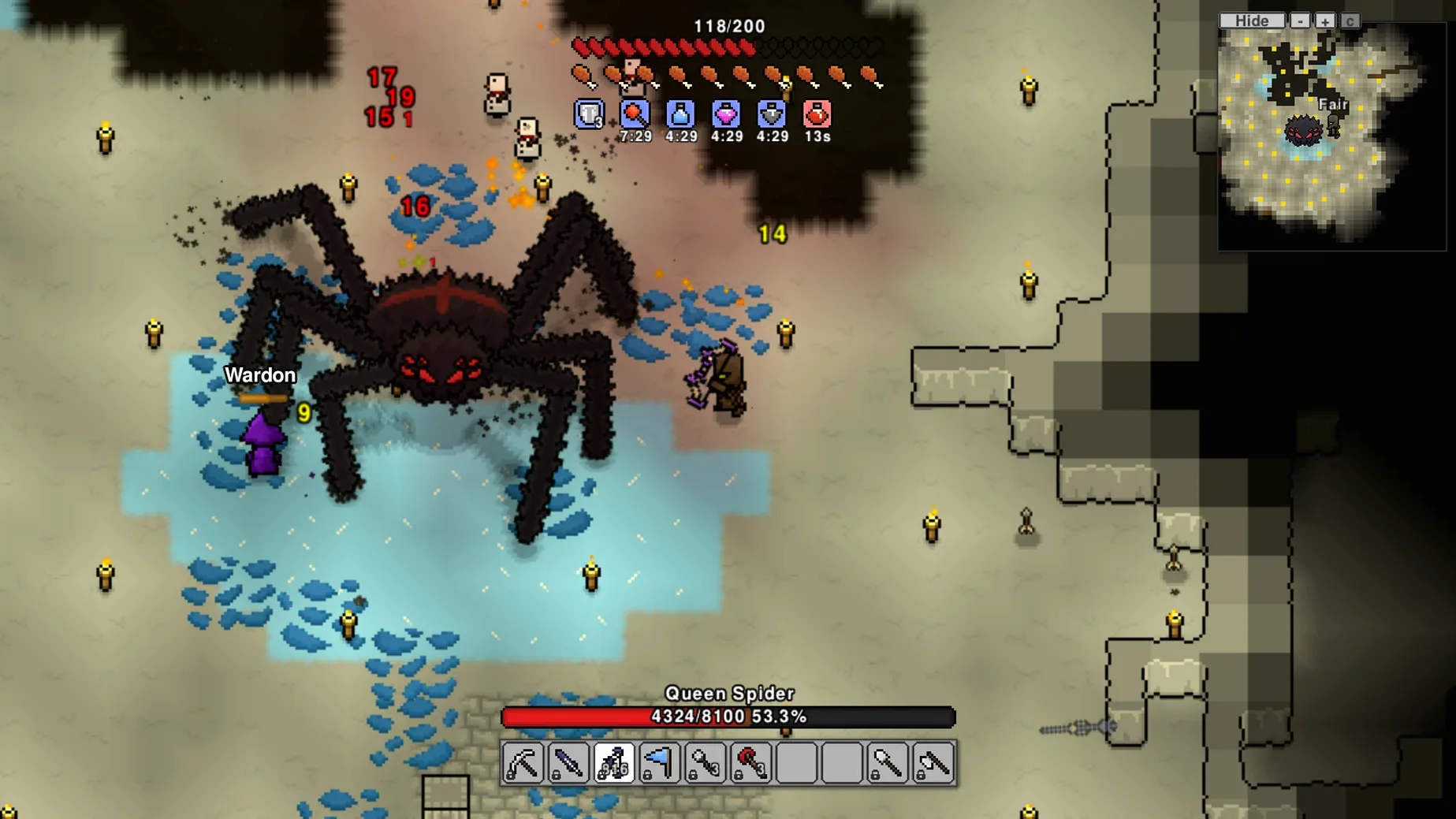
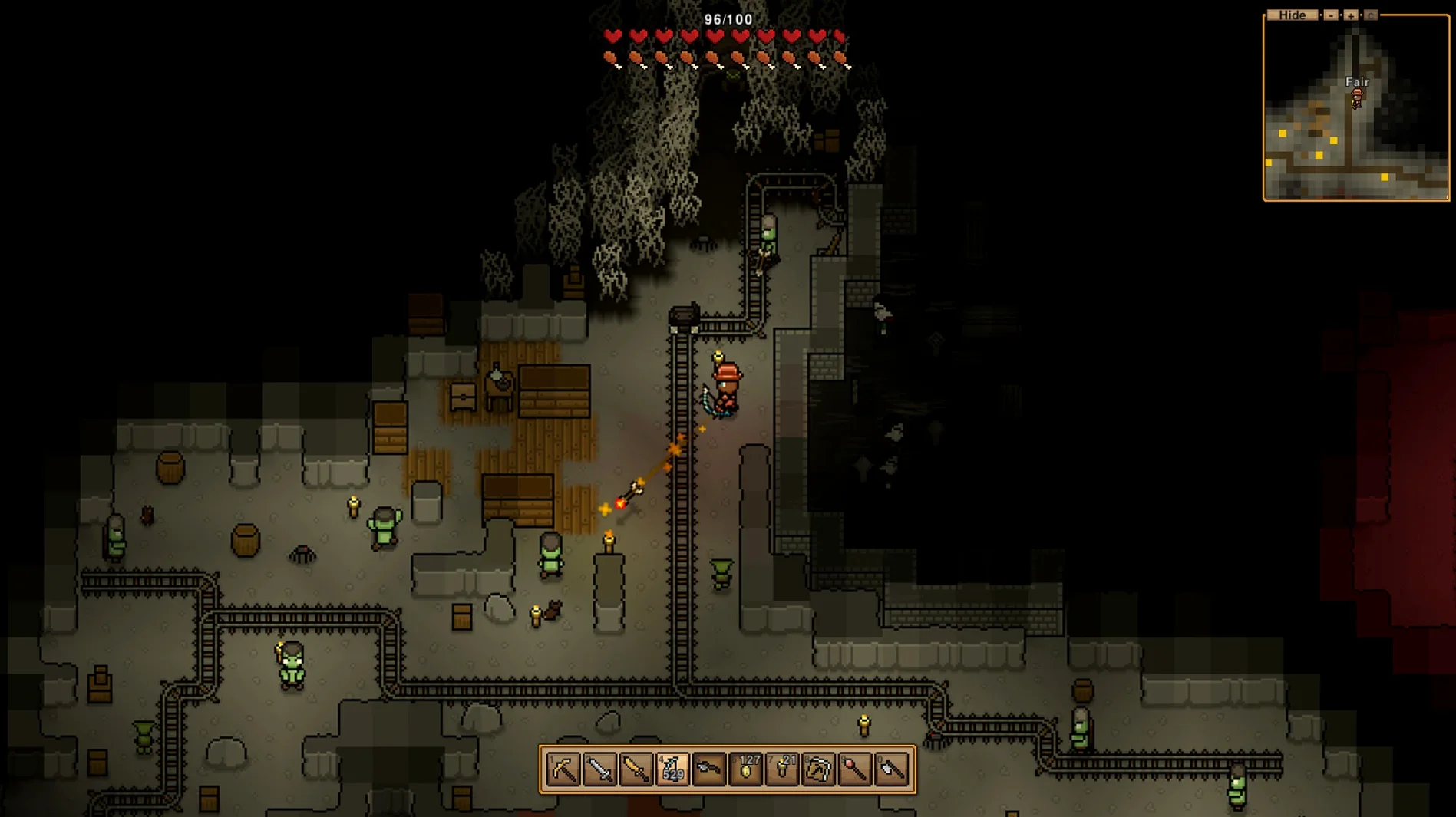
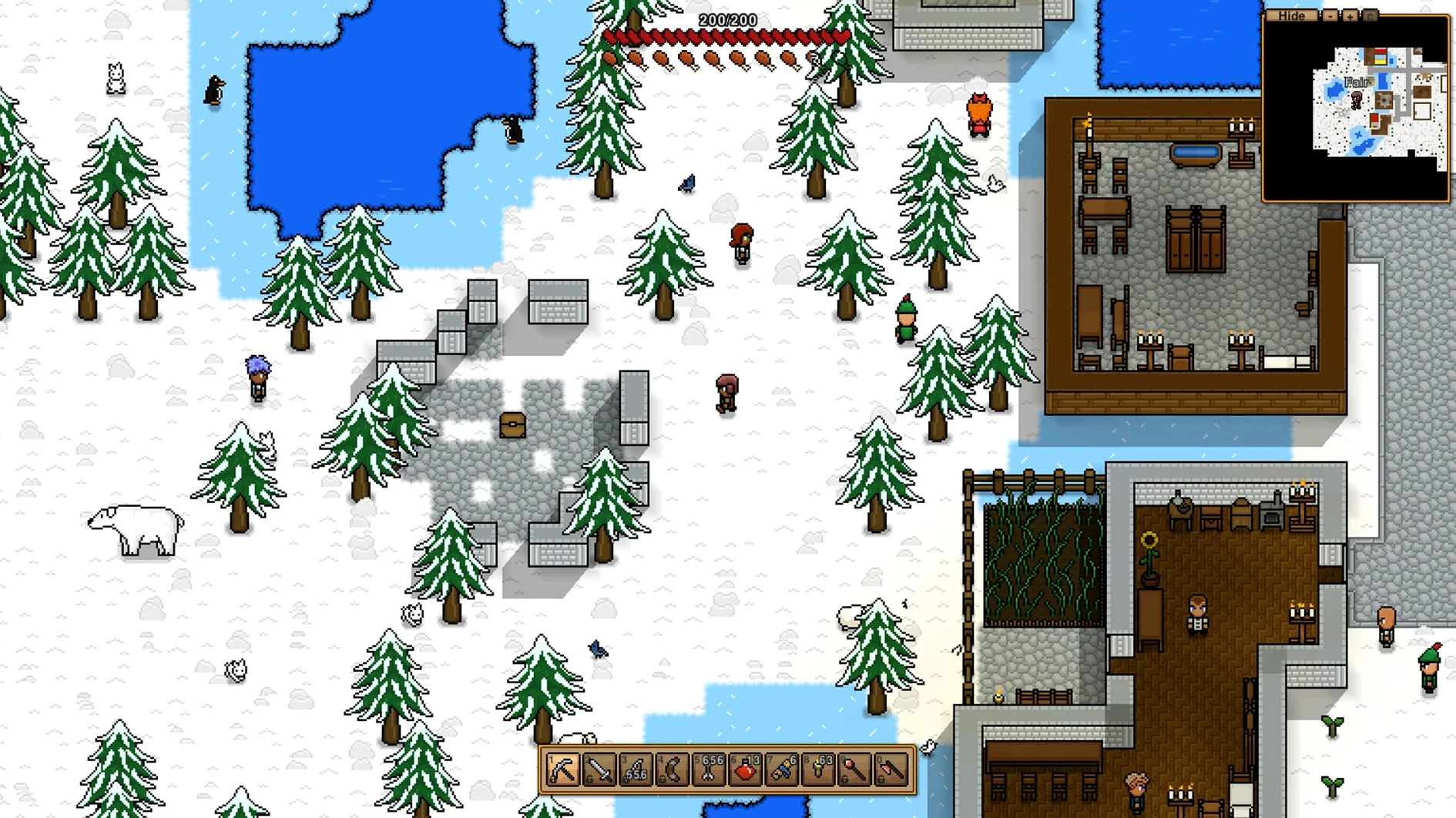
Every world in Necesse starts as a tiny, procedurally generated island—a patch of dirt, a few trees, and the ocean stretching out in every direction. The first job is always the same: punch a tree for wood and figure out where to put a campfire before night falls.
Scout islands, then build a settlement
- Scout and gather. You chop, mine, and fish while keeping an eye out for caves and pirate camps on neighboring islands. Travel is by boat, and the map expands as you sail.
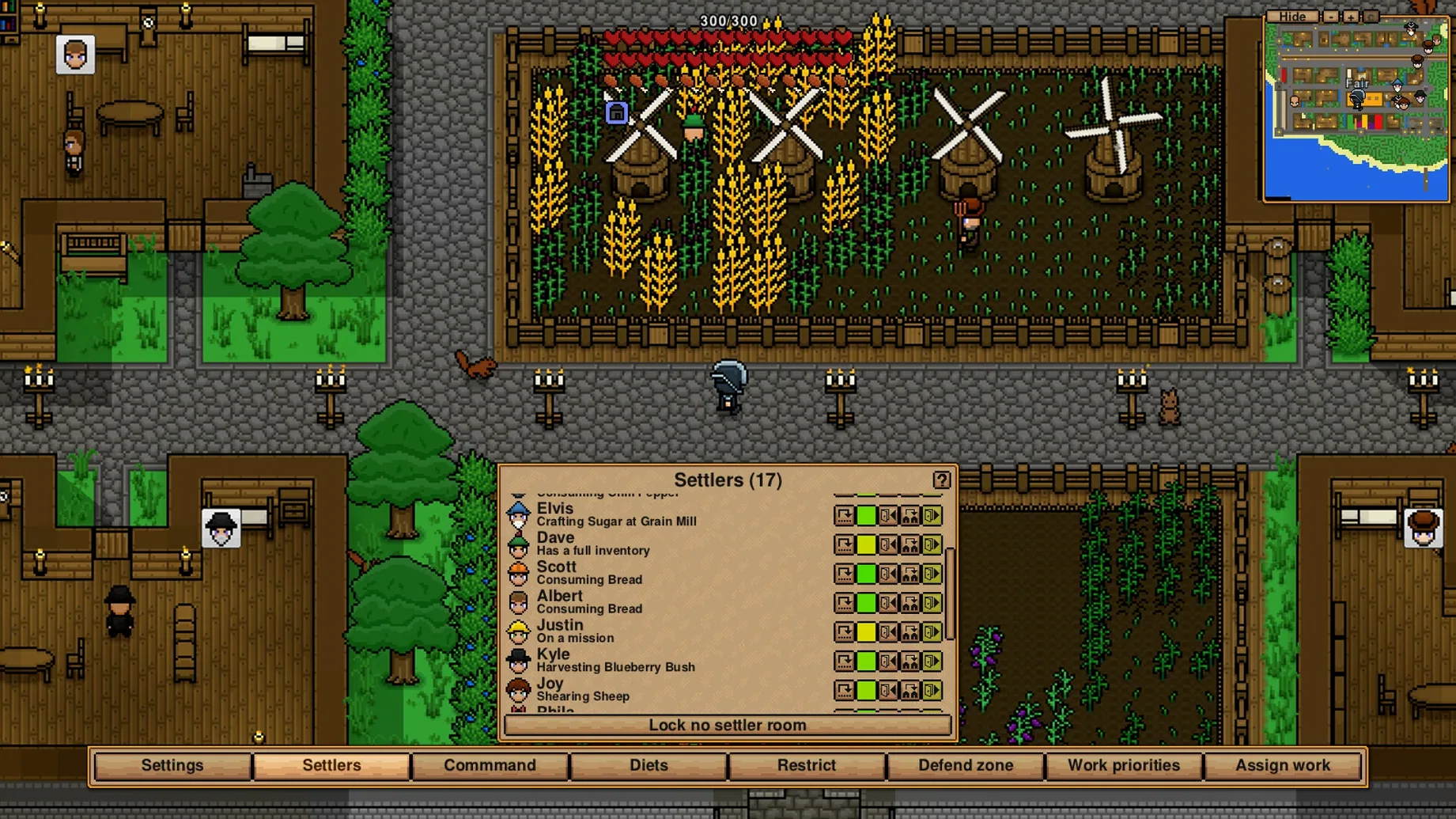
- Build a settlement. Walls, floors, crafting stations, and storage chests come first. Soon you are laying out farms, animal pens, and workshops where recruited NPCs handle planting, harvesting, and smithing while you are away.
- Recruit specialists. Visiting travelers can be hired as farmers, guards, or crafters. Each one has a skill that shapes how your base runs—assign them tasks and they work independently.
- Head underground. Dungeons below the surface hold treasure, resources, and combat encounters. You fight with crafted swords, bows, or magic, switching gear to match the threats you find.
Gear, islands, and the long game
Equipment follows your own style rather than a fixed class. Want heavy armor and a summoning staff? Craft both. The crafting tree spans workbenches, forges, and alchemy stations, and the 1.3.3 update added a Factory Floor recipe at the Fallen Landscaping Station, expanding late-game automation. When you need a change of pace, you can tweak difficulty settings or invite friends—co-op and dedicated servers are built in, and the game runs native on both Apple Silicon and 64-bit Intel Macs.
Does the colony fall apart while I am gone?
A few questions come up with every sandbox settlement game, and Necesse is no different. Does the colony fall apart while I am gone? No—settlers assigned to farming, animal care, or crafting keep working as long as you left them with the right tools and enough seeds, feed, or raw materials. If a workshop runs out of iron bars, production stops, so keep storage chests stocked before you sail off to explore.
Can I play it alone, or does it need a group? Single-player works perfectly well. The procedural world scales to your progress, and recruited NPCs handle the chores a co-op partner might cover. That said, the dedicated server support means you can start solo and invite someone later without losing your settlement. The .dmg install is the same either way—drag the app to Applications and launch it from there.
What about performance on a Mac? The build is a universal binary, so it runs natively on Apple Silicon and x86, and the pixel-art style stays light on the GPU. Even with a dozen NPCs and a sprawling base, framerate holds steady on modest hardware.
Three tweaks that make the early game smoother
Out of the box, a few defaults are worth adjusting before you sink hours into a new world. Open the settings menu from the title screen or pause menu—these three tweaks make the early game smoother.
Zoom level. The default camera distance feels tight once your settlement grows past a handful of buildings. Increase the zoom-out range in the video settings so you can see your whole farm and workshop layout without scrolling constantly.
Auto-pause in single-player. When you open your inventory or a crafting station, the world keeps running unless you tell it otherwise. Toggle the auto-pause option under gameplay settings—this gives you time to read recipe descriptions and compare gear without a wolf wandering into camp mid-menu.
Quick transfer behavior. Version 1.3.3 fixed several issues with settler equipment and quick transfer, and the feature now respects nearby chests reliably. In the controls menu, set a keybind for quick stack to nearby containers. Early on, when your inventory fills with stone and wood every few minutes, this saves a dozen trips to the storage room.
- Added a Factory Floor recipe to the Fallen Landscaping Station.
- Pathfinding improved when navigating out of corners or between tight object layouts.
- Community translations updated across several languages.
- Runs natively on Apple Silicon and 64-bit Intel Macs.
- Supports Russian, English, German, Hungarian, Spanish, Traditional Chinese, Simplified Chinese, Korean, Portuguese, Turkish, Ukrainian, French, Czech, and Japanese.
$ man necesse | grep -A2 "?"
Can I automate resource gathering in Necesse?
Yes. Recruited settlers can be assigned to work fields, care for animals, chop trees, and gather resources while you explore or fight.
Does Necesse support multiplayer on Mac?
It does. You can play solo, host a co-op world for friends, or run a dedicated server—all on ARM or Intel Macs.
Comments 0
Sign in or create an account to leave a comment.
No comments yet. A codec, a slice, a machine — they appear after moderation.