
News Tower for macOS
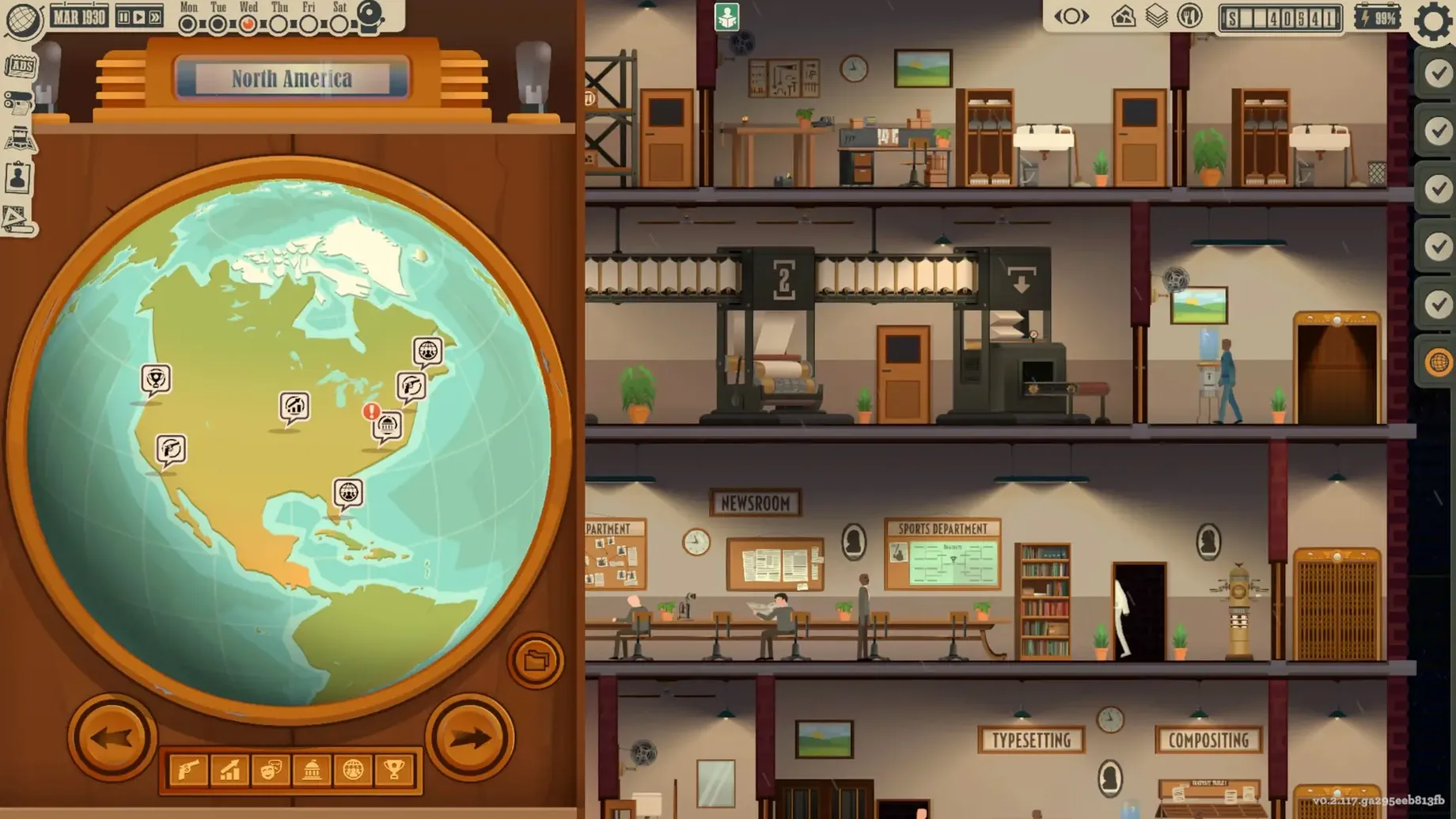
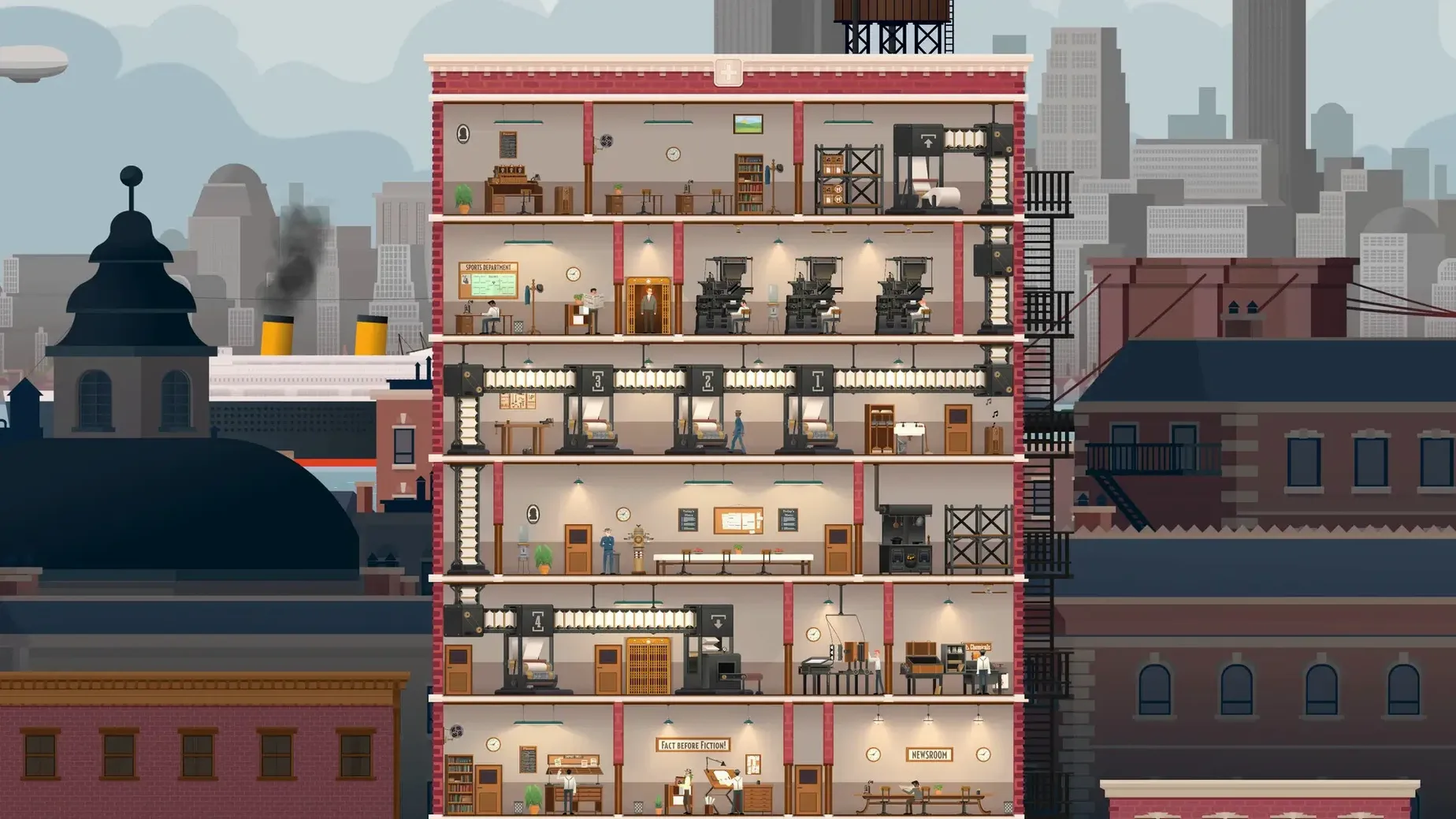
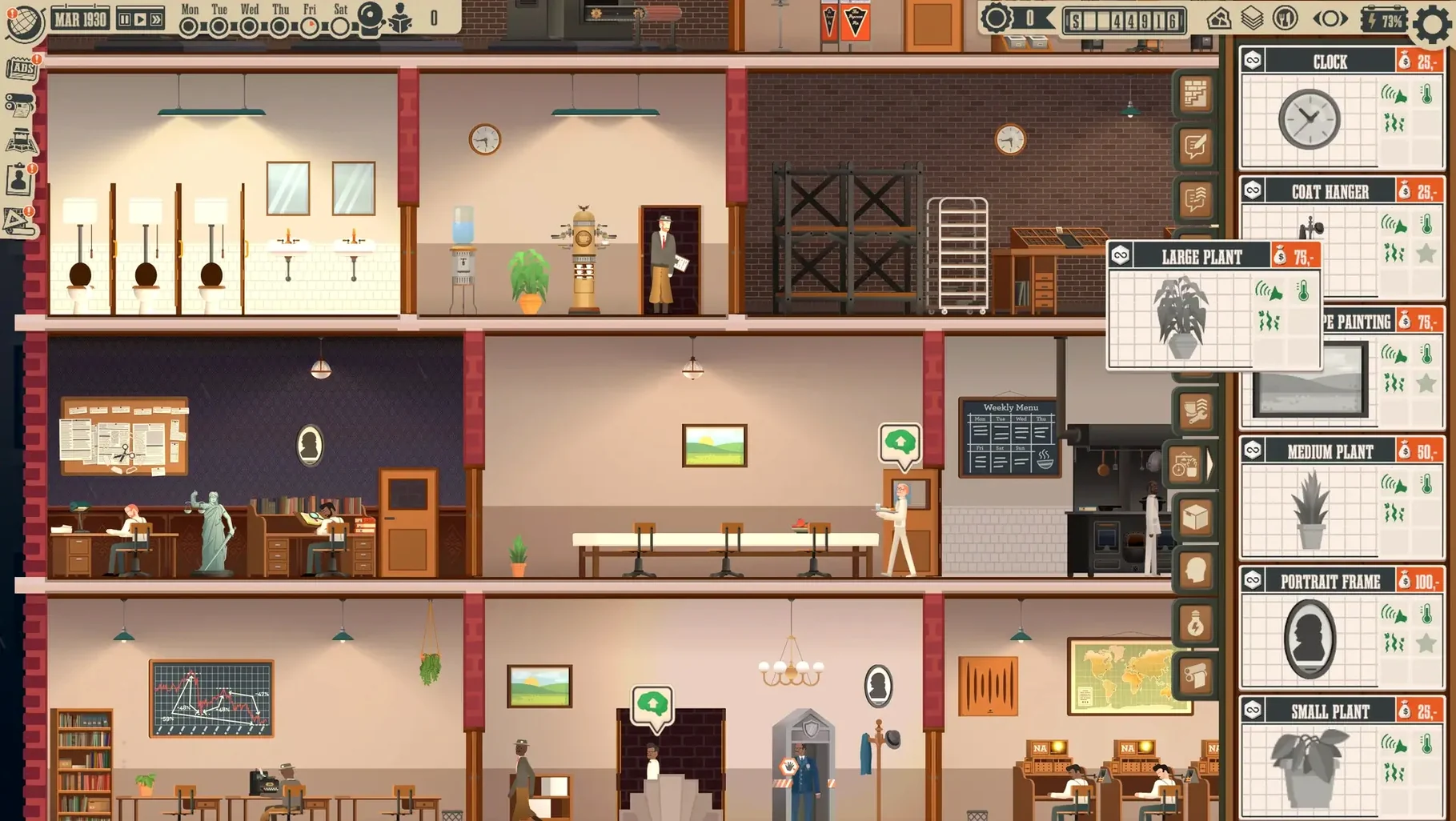
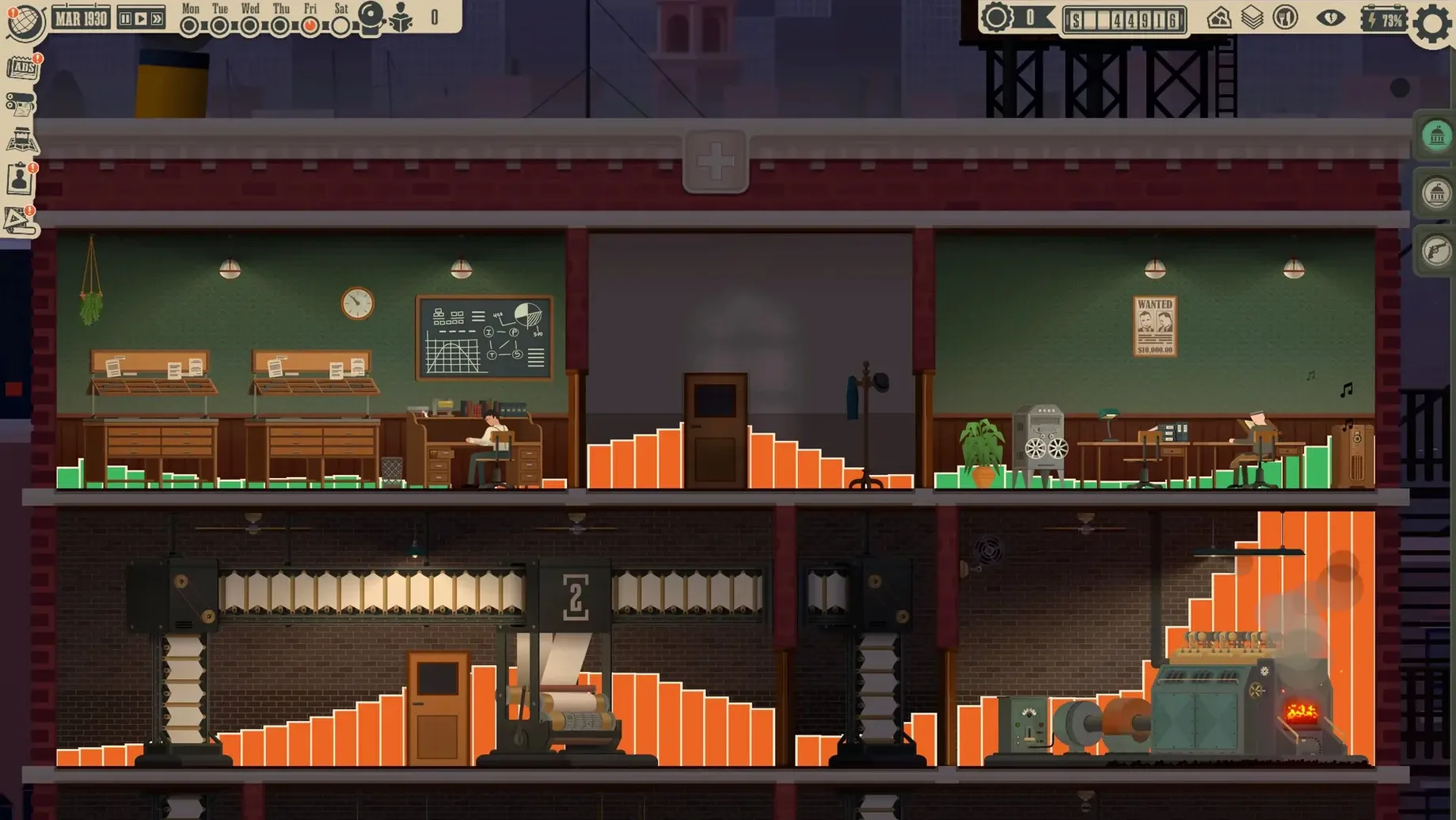
You're at a desk in a Brooklyn newsroom, a stack of wire copy on one side and a floor plan of an unfinished skyscraper on the other. News Tower puts you in charge of a 1930s newspaper, from hiring reporters and ad sellers to deciding whether a story gets printed or buried.
- Apple Silicon native. The build runs on Apple Silicon and Intel; the developer tested on macOS Tahoe with an M4 Mac mini.
- Mouse-first controls. Drag and drop reporters, assign beats, and manage the building layout without keyboard gymnastics.
- Performance is light. The simulation is turn-based, not real-time, so even a base-model Mac handles multiple floors of staff without fans ramping up.
- Story deadlines matter. Reporters must finish pieces before they go stale, which gives each news cycle a gentle time pressure.
- Editorial policy is yours. You choose whether to report on events or push the city toward a particular outcome.
- English voice work included. The audio is in English, so no localization files to juggle on a first install.
If you like management sims where the challenge comes from juggling people and priorities rather than twitch reflexes, News Tower fits a Mac setup well. The skyscraper-building layer adds a spatial puzzle: place the newsroom, printing press, and break room so staff aren't wasting time on stairwells. It's a thinking game, not a benchmark test.
What does an afternoon session actually look like?
Monday, February 15th, 1932. The game clock hits 8:00 AM and my newsroom slowly fills up. I've got two reporters — Mabel on local crime, Eddie on politics — one photographer, and a janitor who spends half his shift in the stairwell. The telegraph station is chattering; three stories dropped overnight. One's a tip about a warehouse fire in the Bronx. Another is a Wall Street rumour that smells like a stock manipulation. The third is a press release from City Hall that nobody asked for.
I drag Mabel onto the warehouse fire lead. Eddie gets the Wall Street tip. The photographer I send to shadow Mabel because a fire photo sells better than a politician's handshake. I mark the City Hall piece for page six filler — it'll run, but it won't get above the fold.
By 11:00 AM, Mabel's story is half-finished. Eddie's source is dodging him, so I pull him off and reassign him to cover a Yankees rumour I saw on the wire. The print deadline for Sunday's edition is 4:00 PM. I spend the next two hours rearranging the layout board: fire photo top-right, Yankees piece centre, an ad for a new department store bottom-left. The ad seller I hired last week landed three contracts, so I finally have revenue to wire another floor of the skyscraper. I queue that construction, then hit Publish at 3:52 PM. The presses roll. Circulation ticks up by 420 copies. Eddie grumbles in the break room. Session done.
Story leads now show their expiration timer on the card
Version 1.1.165.r landed in February 2024 with a handful of quality-of-life fixes that make daily play smoother. The telegraph station flow was tightened up: story leads now display their expiration timer right on the assignment card, so you no longer have to open each one to see if it's about to go cold. The Sunday publication deadline is a hard lock now, not a soft suggestion — missing it costs circulation, which makes the weekly rhythm feel weightier. Layout snapping was also tweaked; dragging articles onto the page snaps to grid positions that actually match column widths, which cuts down on the pixel-hunting that earlier builds demanded. None of these are headline features, but together they remove small frictions that used to pile up across a multi-hour session.
Hire a second reporter and photographer before a lawyer
- Don't hire a lawyer too early. Legal trouble ramps up slowly in the early game. Spend your first budget on a second reporter and a photographer instead — photo-backed stories sell more copies and build circulation faster.
- Wire the second floor before decorating. Desks and plants are tempting, but a cramped newsroom slows reporters down. Expand vertically first, then pretty it up.
- Read the telegraph every cycle. It's easy to tunnel-vision on the stories already on your board, but the wire drops leads that expire within two or three cycles. Missing one means missing a scoop someone else will print.
- Test the Sunday deadline pressure early. Deliberately miss one Sunday edition in your first month to see exactly how circulation drops. It teaches the rhythm better than any tutorial pop-up.
- Keep the
.dmgaround. The app drags straight to/Applicationswith no installer, so a clean reinstall takes seconds if you ever need to reset your save folder.
Version 1.2.11.r Native is out with the developer's latest fixes and improvements.
- Architecture: Apple Silicon native, Intel 64‑bit
$ man news-tower | grep -A2 "?"
Does News Tower run on Apple Silicon Macs?
Yes, the game runs on both Apple Silicon and Intel Macs. The developer tested version 1.1.165.r on macOS Tahoe with a 2024 M4 Mac mini.
What kind of game is News Tower?
It's a newspaper management simulation set in 1930s New York. You start with a local Brooklyn paper, hire staff, set editorial policy, and expand across the city while covering major events of the decade.
What languages are the voices in?
The game supports English voice work. The interface language is English as well.
Comments 0
Sign in or create an account to leave a comment.
No comments yet. A codec, a slice, a machine — they appear after moderation.