Total War: PHARAOH DYNASTIES for macOS
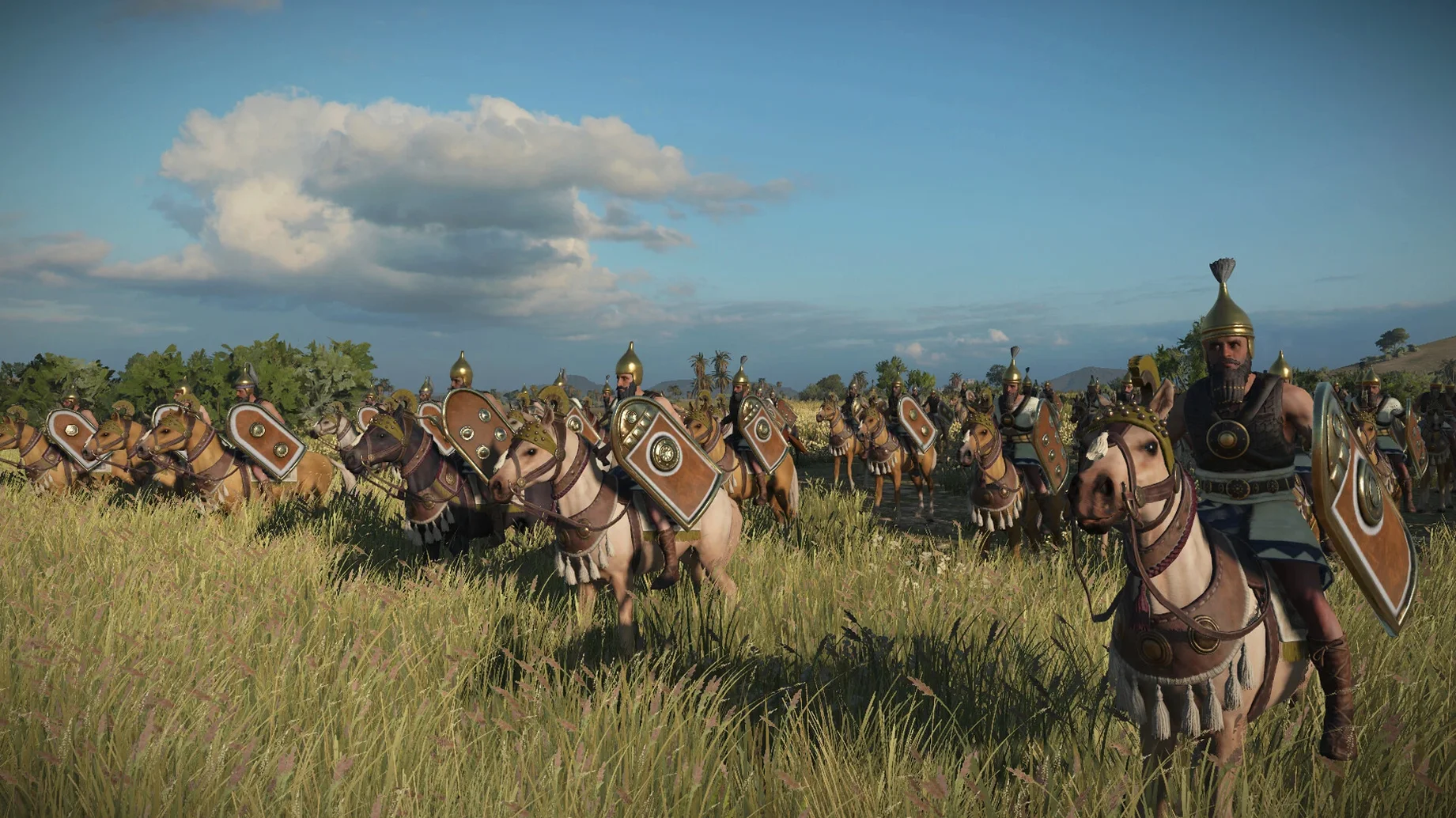
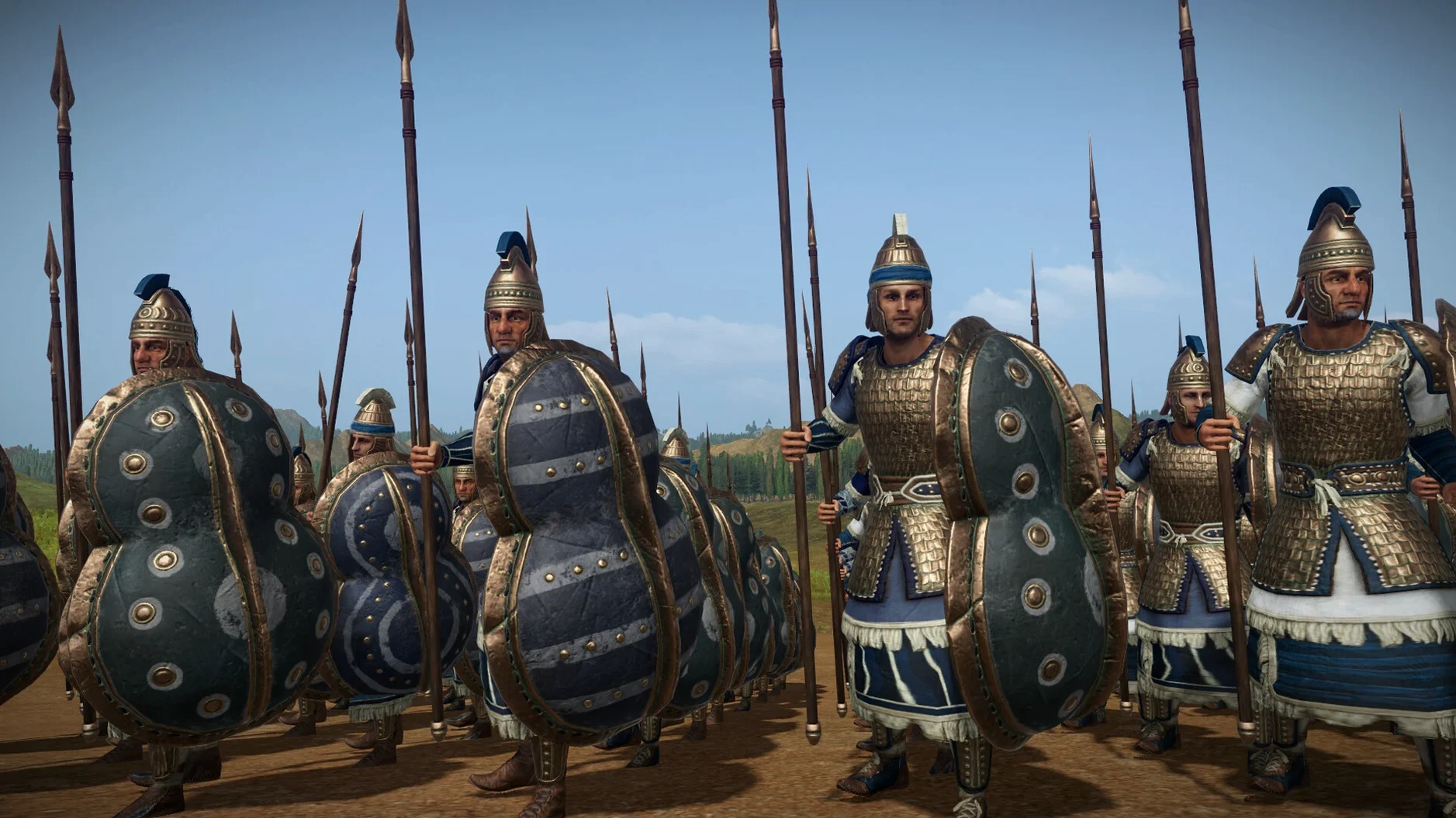
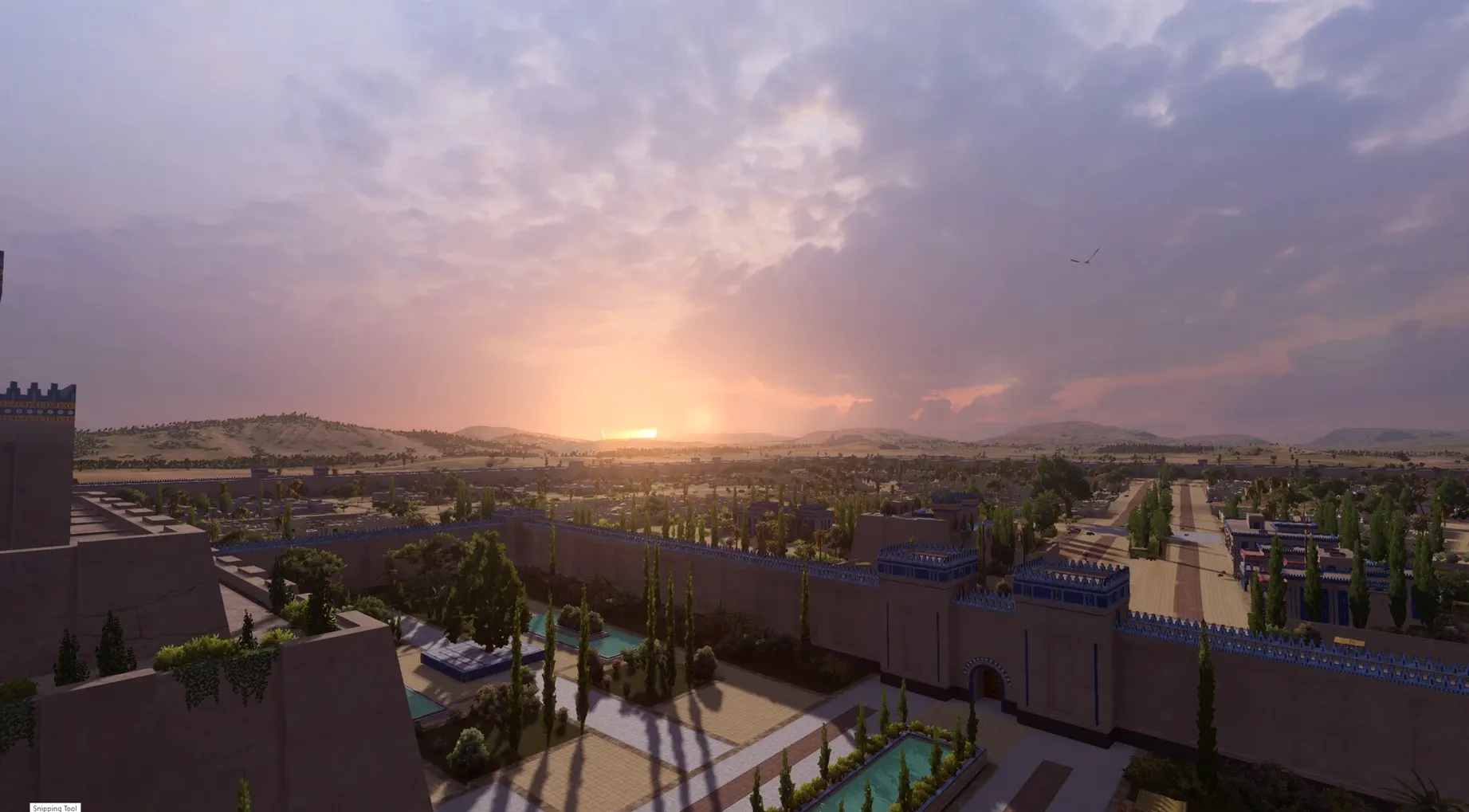
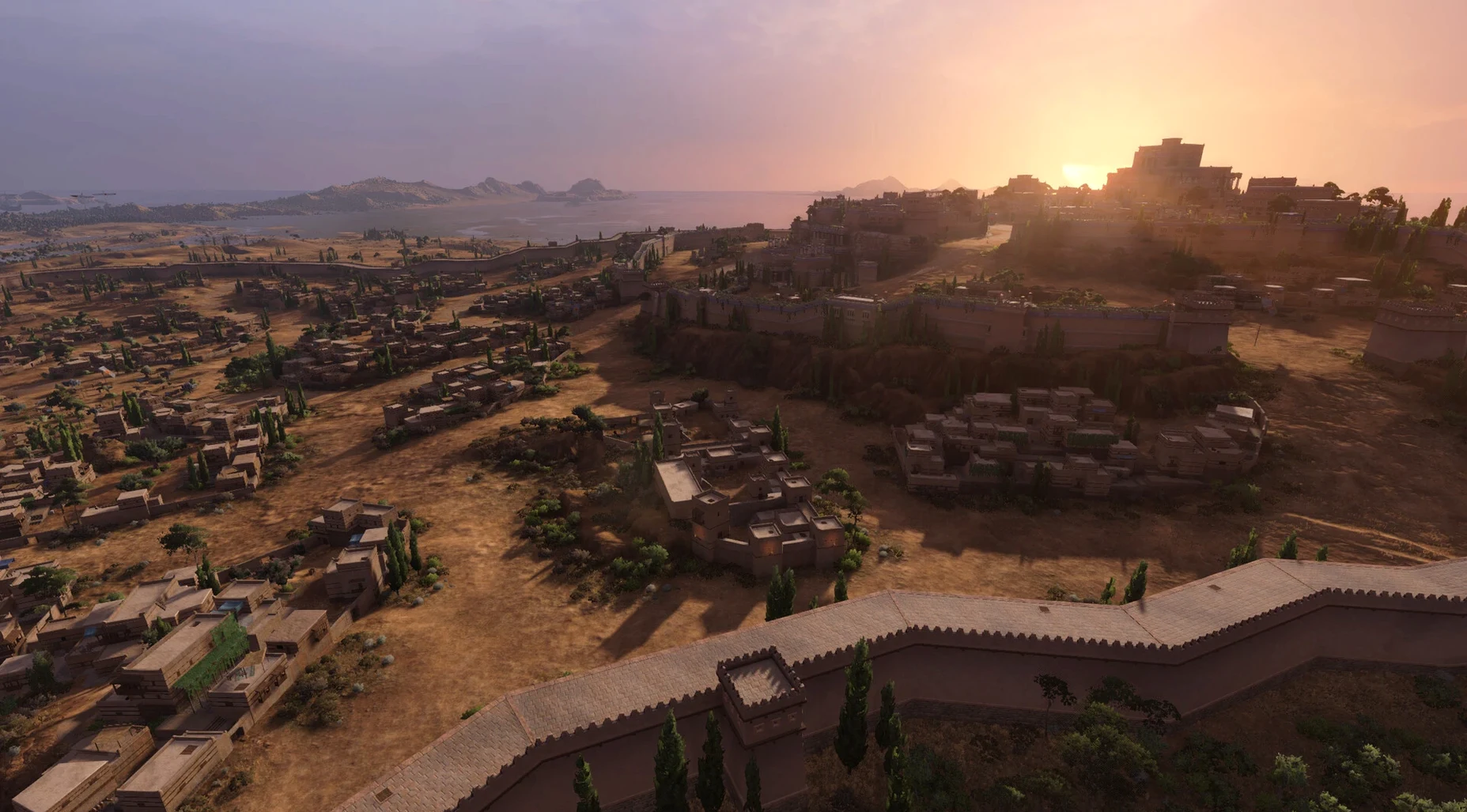
Lethality is a stat that rewires how you think about bodyguards. One well-placed bronze-age swing can delete a general instead of poking a health bar, and that changes the tempo of every flank you commit. The Dynasties update treats PHARAOH’s whole campaign map as living clay — one enormous reworking that stretches from the Aegean to Mesopotamia, adds 168 new settlements, and folds in four new factions: Babylon, the Assyrians of Hanigalbat, Mycenae, and Troy.
On a MacBook Air with an M1 chip running macOS Sequoia, the turn-time and battle performance hold up surprisingly well for a game that’s simulating thousands of spearmen. Apple Silicon’s unified memory means you aren’t fighting a discrete GPU bottleneck, but you do want to close background apps because macOS will happily claim RAM for itself. The DYNASTIES build is native to both Intel and Apple Silicon, so Rosetta isn’t in the picture.
Sea Travel Lanes finally make the Mediterranean feel like a highway rather than a loading-screen buffer. The Dynasty System ties your campaign decisions into a multi-generational thread, so a bad succession can undo what your pharaoh spent thirty years conquering. It is the kind of mechanic that rewards players who read tooltips.
Why does my campaign crash when I click End Turn on a fresh save?
Almost always, it is a faction that loaded with bad starting values — an edge case the 2.0.2 update mostly patched, but the four new factions (Babylon, Assyrians of Hanigalbat, Mycenae, and Troy) can still trip it if the game detects a conflicting mod leftover. Even if you never installed mods, delete the folder ~/Library/Application Support/Feral Interactive/Total War Pharaoh/, then let the app rebuild it on the next launch. The crash is not your hardware; the game is expecting a clean data baseline and macOS protects that directory from being overwritten by the initial copy from the .dmg.
Switch to classic camera to fix oversteering on Magic Mouse or trackpad
Go to Settings → Controls and switch Battle Camera Type to Classic Total War. The default “modern” mode adds acceleration curves designed for a gamepad, and on a Magic Mouse or trackpad it oversteers into walls constantly. While you are there, bind Cycle Next Idle Unit to the comma key — resting troops are easy to miss when 168 settlements are calling for your attention.
Hold Ctrl on sea lanes to queue a faster exit point
- Hold Ctrl while clicking a Sea Travel Lane node to queue an exit point instead of the nearest port. That single modifier cuts a full turn off many Aegean–Mesopotamia routes.
- Double-tap T in battle to toggle forced melee for ranged units; the tooltip does not mention the double-tap, and it prevents your skirmishers from retreating into the unit behind them when bronze-age infantry charges.
- In the Dynasty panel, the legitimacy tooltip updates before you confirm an heir. Hover over the percentage, read the projected modifiers, then cancel out if a civil war probability jumps above 40%.
First launch compiles a Metal shader cache for your GPU family
First launch takes noticeably longer because the engine compiles a Metal shader cache for your specific GPU family (M1, M2, or Intel). Do not force-quit it during the black screen — that cache will rebuild anyway on the next attempt, but a partial cache sometimes causes texture flicker on unit banners. Let it finish once and you are set for every session after.
After the intro video, set Audio → Voice Language to English even if your display language is different. The localized voice sets ship incomplete for several minor faction leaders, so you will get silent diplomacy screens unless English audio is solid. Text can stay in any of the twelve supported languages.
If you grab the total war pharaoh dynasties mac torrent version, the folder layout is identical to the mounted disk image — everything inside TotalWarPharaoh.app is self-contained, so dragging it to Applications works the same way. The absence of activation means no background processes phone home during campaigns.
This is the full 2.0.2 macOS release, inline with Creative Assembly’s same-version Windows update, so no features are held back for a later patch.
- Brings the Mac version to parity with Creative Assembly's 2.0.2 Windows update.
- Runs natively on both Intel and Apple Silicon Macs
Comments 0
Sign in or create an account to leave a comment.
No comments yet. A codec, a slice, a machine — they appear after moderation.