Train Valley 2 for macOS
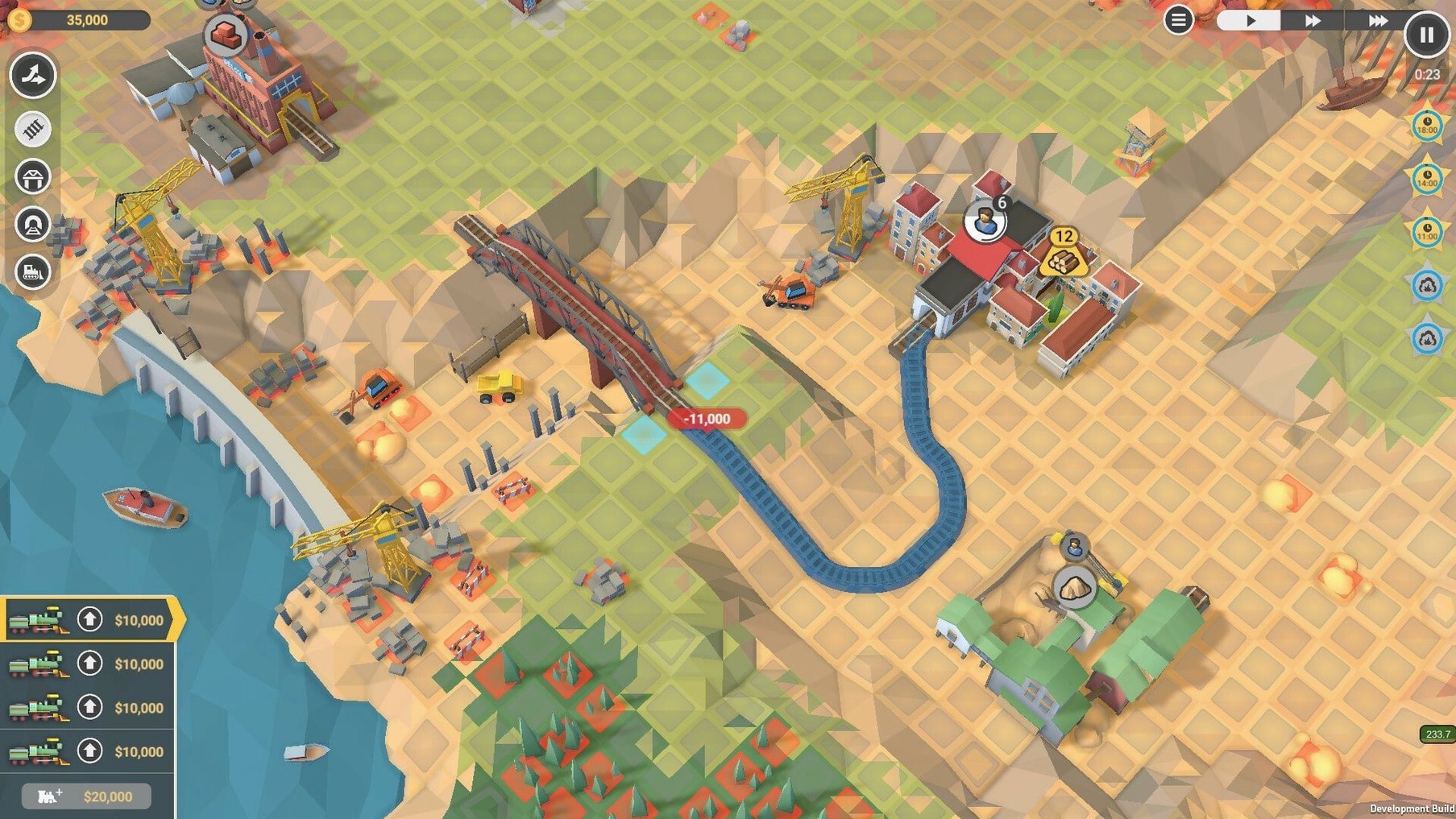
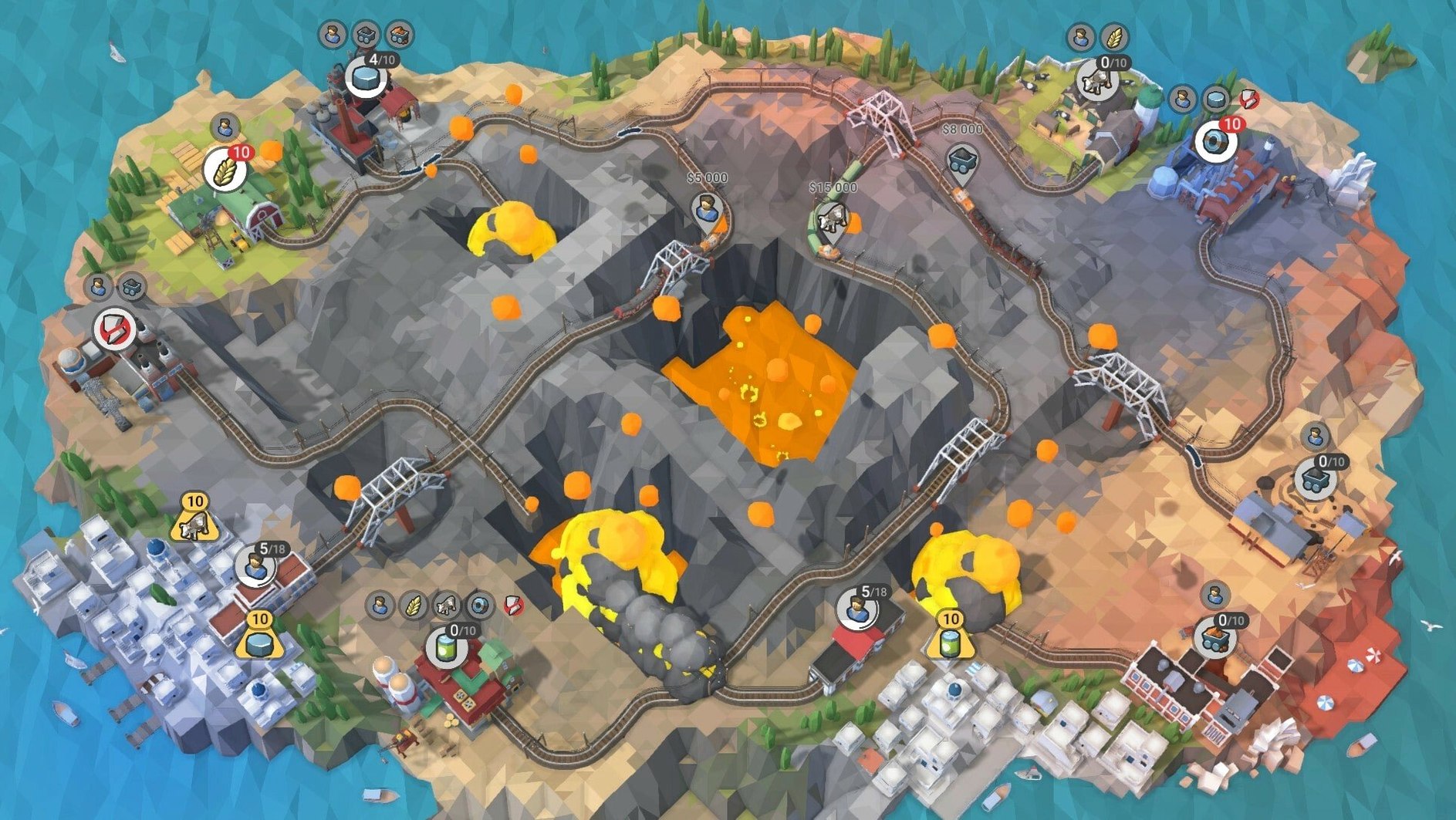
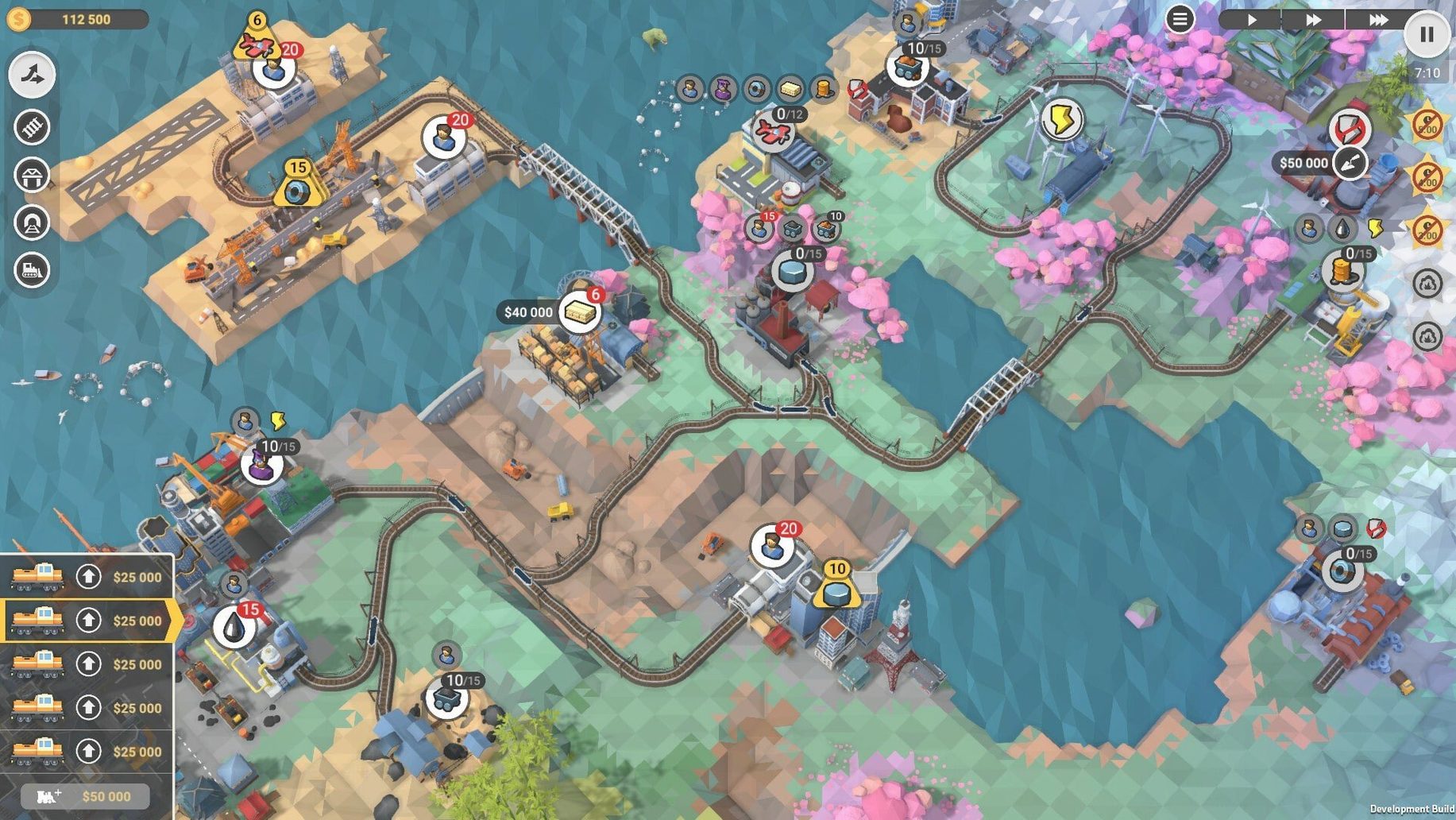
A lumber mill is backing up and the town downriver needs planks before the timer runs out. You drag a track through a hillside, whistle a locomotive out of the depot, and watch it chug toward the sawmill just as a passenger express comes barrelling the other way. One misplaced switch and you will have twisted metal and a red X on the level summary.
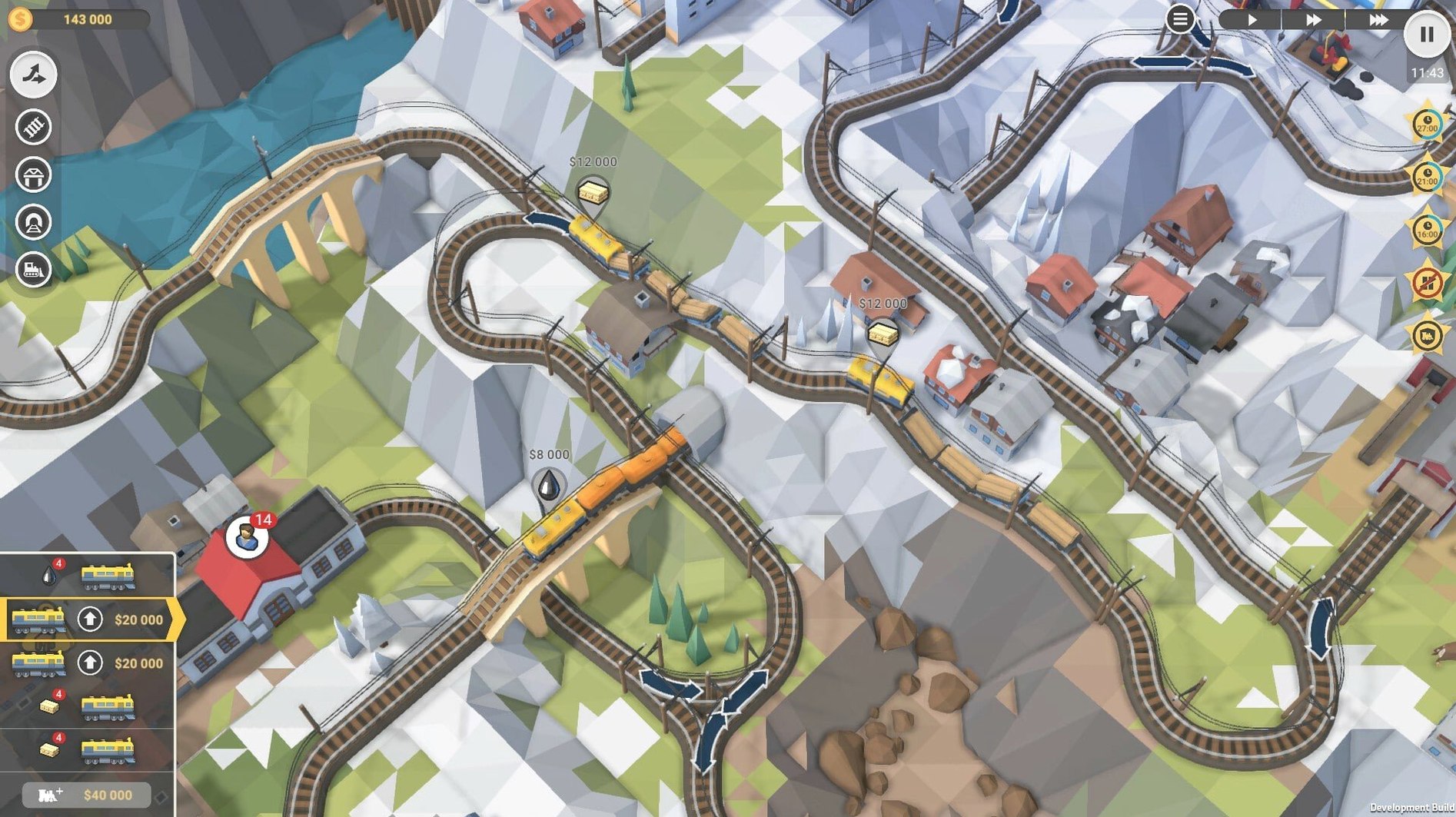
That is the minute-to-minute rhythm of Train Valley 2. Each level drops you onto a small diorama with a handful of stations and industries. You lay track, set junction directions, and dispatch trains by clicking their departure buttons. Early on you are just shuttling cattle and iron ore. Ten stages later you are juggling six trains on a single-track line while a factory demands three different inputs in the right order.
The economics are light but they matter. Every train you buy costs money, every delivery earns it, and every collision costs you a star. The campaign pulls your little rail company from steam-era workshops through to futuristic maglev setups, and the puzzle logic shifts with the technology — faster trains, tighter schedules, less room for error.
There is no voice acting or ambient soundscape, just a music track that loops while you stare at a junction trying to figure out where you left that freight train idling.
Pressure on planning, not clicking speed
Puzzle players who like a timer but hate twitch reflexes will feel right at home. The game puts pressure on your planning, not your clicking speed. You can pause, stare at the map, and re-route half your network before unpausing — and you will, often.
Rail enthusiasts get a different kind of reward. The 18 locomotives and 45 railcars are not just cosmetic unlocks; each engine has its own speed curve and pulling power, and matching the right loco to a heavy industrial route versus a fast passenger hop becomes second nature by the mid-campaign.
Strategy gamers who enjoy supply-chain puzzles — the kind where raw iron becomes steel becomes tools, and all three need to move between different stations — will find the back half of the 50-level campaign scratches an itch that pure logistics sims sometimes overcomplicate. The rule set stays small; the interactions get deep.
If you bounced off the original Train Valley because it felt too frantic, the sequel's clearer visual language and smarter collision warnings make it the better entry point. And if you just want a game that runs quietly on an older Mac without spinning up the fans, the low-poly dioramas and simple music track mean it sips resources.
A workflow: clearing an industrial-era bottleneck
Take level 18 — a typical mid-campaign stage where a steel mill sits between an iron mine and a tool factory, and the city on the far side of the map demands finished goods before the clock runs down.
- Scan the demand chain first. Pause immediately. Identify every station that needs something and every industry that produces it. On this map, iron ore moves from the mine to the mill, coal comes in from a separate spur, and steel tools go from the factory to the city.
- Lay the backbone track while paused. Connect the mine to the mill with a dedicated line that does not cross the main passenger route. Use the terrain — there is a ridge on the right side that forces a tunnel or a long loop. The tunnel costs more upfront but keeps the ore trains off the passenger line entirely.
- Buy two locomotives, not three. A heavy freight engine on the ore-coal loop and a faster mixed-traffic unit for the steel-to-city run. A third engine early on just burns cash and creates junction conflicts you do not have the track to resolve yet.
- Unpause and run the first ore train. Watch its timing. The mill needs both coal and ore to produce steel, so if the coal train arrives a full minute later, the ore train sits idle and you lose money to maintenance costs.
- Adjust junctions between runs. A single misplaced switch on the city approach can send a passenger express into the freight yard. Click the junction to lock its direction before the express leaves its station.
- Spend earnings on track upgrades, not more engines. Doubling a short section of the busiest line prevents more collisions than any amount of frantic clicking.
Play ten levels straight before chasing perfect stars
- Play the first ten levels in order without restarting for perfect stars. The campaign teaches new mechanics — signals, industries with multiple inputs, timed bonuses — at a steady pace. Going back for three-star clears is easier once you have internalized how junctions chain together.
- Pause is your planning tool, not a panic button. Get in the habit of pausing at the start of every level, laying all the track you can afford, and only then unpausing. The timer does not run while you think.
- Mouse over a train to see its route. The game highlights the path a train will take through your current junction settings. Do this before dispatching anything onto a shared line.
- Keep the
.dmginstaller archived somewhere handy. The build is DRM-free, so if you ever migrate to a new Mac or wipe your drive, you can reinstall without hunting down an internet connection. - Try the community levels early, not just the campaign. The Steam Workshop integration means there are years of user-made puzzles available. Some are tighter and meaner than the official stages, and they are a good way to test whether you have really understood signal logic or just gotten lucky on the campaign curve.
- Version 1.9.4 brings stability fixes and minor level adjustments.
- macOS 10.12 or later
- Runs on Intel and Apple Silicon Macs natively
Comments 0
Sign in or create an account to leave a comment.
No comments yet. A codec, a slice, a machine — they appear after moderation.