TRYP FPV : The Drone Racer Simulator for macOS
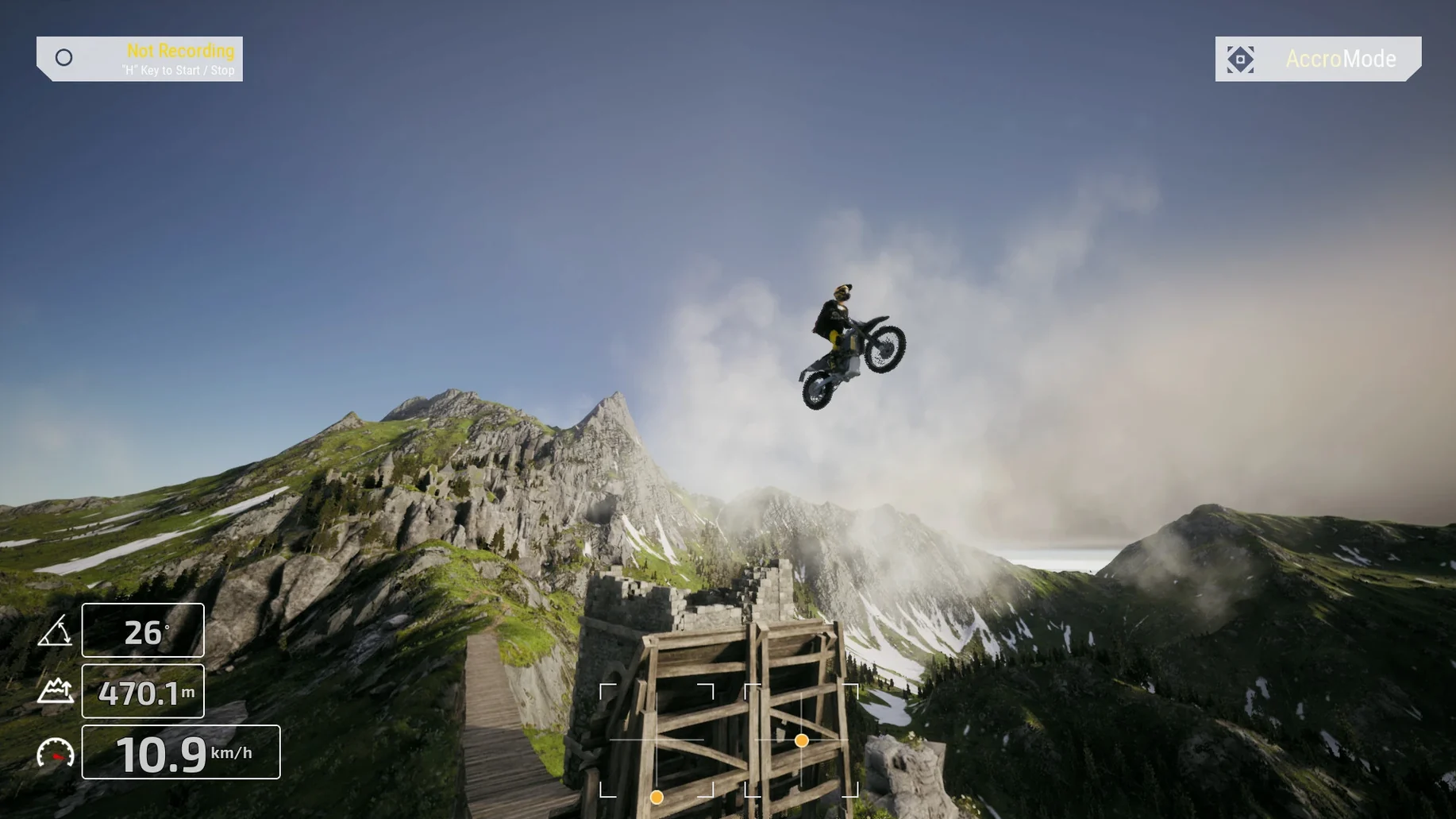
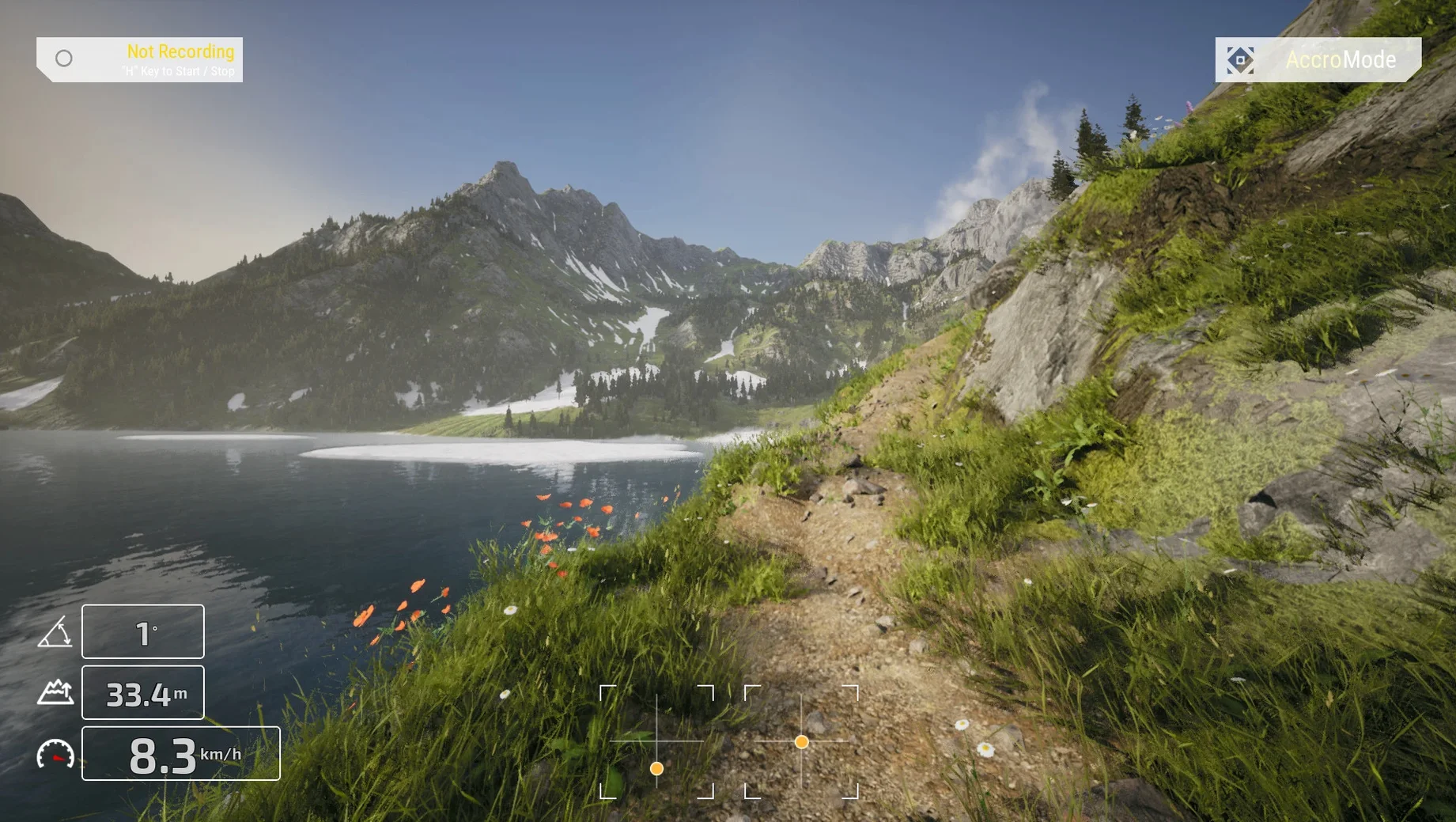
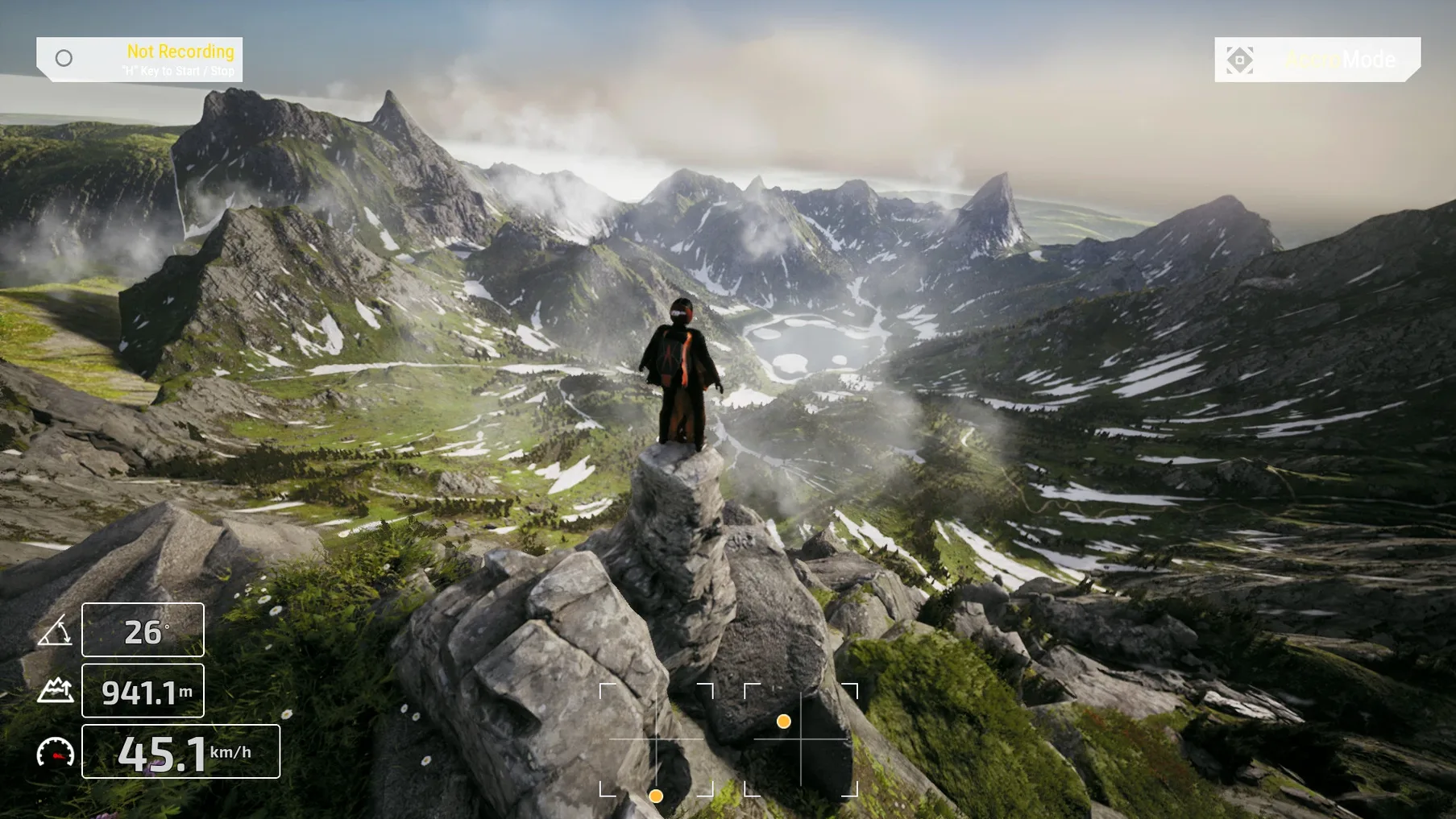

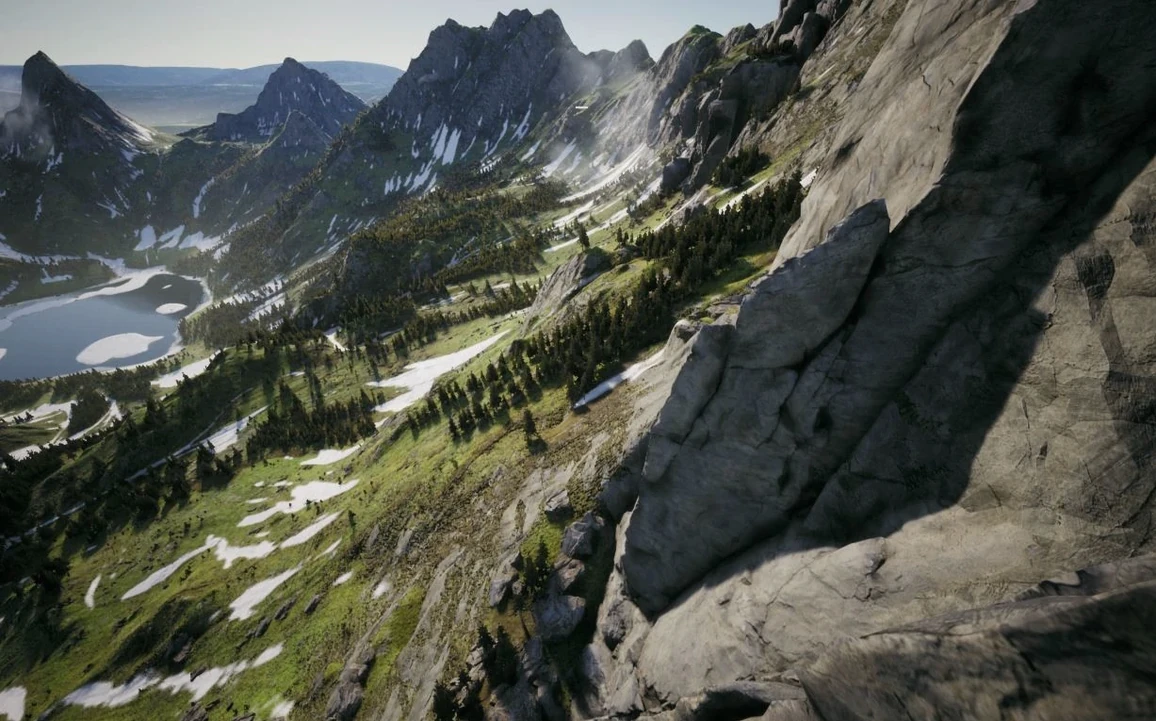
You spawn on a mountainside, props already spinning. The minimap in the corner shows a winding ribbon of checkpoints cutting through pine forest. Throttle up gently — the quad lifts with a weighty, deliberate feel, thrust and air resistance both clearly modeled — and you tip forward into the course. Gate one flashes past; you roll right to thread between two rock spires.
- Pick a mode. Freestyle drops you into a large map with no constraints, just airspace and obstacles. TRYP MODE adds structured challenges for practicing cinematic lines: fly through this gap, track that ridgeline, nail the landing.
- Read the minimap. It's your main orientation tool. Courses snake through varied terrain, and the map keeps you from getting turned around when you're flying low through canyons or dense tree cover.
- Work the physics. Every input has consequences. Aerodynamic drag bites at high speed; thrust bleeds off in tight turns. You learn to carry momentum through sweeping arcs rather than jerking the sticks — exactly what cinematic flying demands.
- Reset and refine. Clip a gate or bin it into the scrub and you're back at the last checkpoint in a second. Each run is a loop of fly, crash, adjust, fly again until the line feels smooth enough to keep.
That's the core loop across all the macOS build's training scenarios. Whether you're running gates in a race configuration or coasting a mountainside in TRYP MODE, the game is about chasing cleaner lines through enormous landscapes where the flight model does enough work to make stick time feel earned.
What settings are worth changing first?
Out of the box, the camera angle is set conservatively — about 25 degrees — which keeps the horizon visible but limits your forward speed perception. Cranking it to 35–40 degrees immediately changes how the quad feels; you see more ground, less sky, and your brain starts flying faster lines naturally. It's the single most impactful slider in the settings panel.
Second stop: rates. The default RC rates lean toward gentle, which is fine for learning a new map but leaves you fighting the sticks in tight technical sections. Bumping yaw rate up by about 80–100 deg/s gives you the snap you need for quick gate re-entries without making the quad twitchy. Leave pitch and roll moderate until you know the terrain.
On Apple Silicon machines, the graphics preset defaults to something playable but unremarkable. Switch anti-aliasing to TAA and push shadow quality to medium — the scenery detail in maps like the coastal cliff runs deserves it, and the M4 can handle it without dropping below 60 fps.
Velocidrone’s tighter race physics versus TRYP’s sprawling, cinematic maps
Velocidrone is the reference for race-precision physics, and it shows. Its quad feels tighter, more responsive in hairpin gate sequences — the kind of thing serious racers use to drill repetitive lines. What it lacks are TRYP's map scale and the whole cinematic freestyle angle. Velocidrone gives you tracks; TRYP gives you a landscape and says go find a line.
Liftoff sits somewhere between the two. It has a broader drone selection and a deeper workshop for tuning every PID parameter, which appeals if you want to mirror a real build down to the motor KV. But its macOS performance can be uneven on Apple Silicon, and the environments — while solid — don't match the sheer sprawl of a TRYP map. If you want garage-level tinkering, Liftoff edges ahead. For just flying, TRYP's visual variety wins.
If you've been looking for where to grab tryp fpv the drone racer simulator for mac cracked, you already know these sims fill different slots. TRYP is the one you launch when the goal isn't the leaderboard — it's the line through the canyon that nobody else has flown yet.
- macOS: tested on macOS Tahoe
- Apple Silicon and Intel native
- Tested on Mac mini 2024 (M4)
$ man tryp-fpv-the-drone-racer-simulator | grep -A2 "?"
What is TRYP MODE in TRYP FPV?
TRYP MODE is a dedicated cinematic flying practice mode with its own challenge system, designed around smooth, composed flight rather than pure racing speed.
What flight physics does the simulator model?
The physics system accounts for thrust, air resistance, and aerodynamics, giving each quad a weighty feel that rewards smooth stick inputs.
Comments 0
Sign in or create an account to leave a comment.
No comments yet. A codec, a slice, a machine — they appear after moderation.