
Two Point Museum for macOS
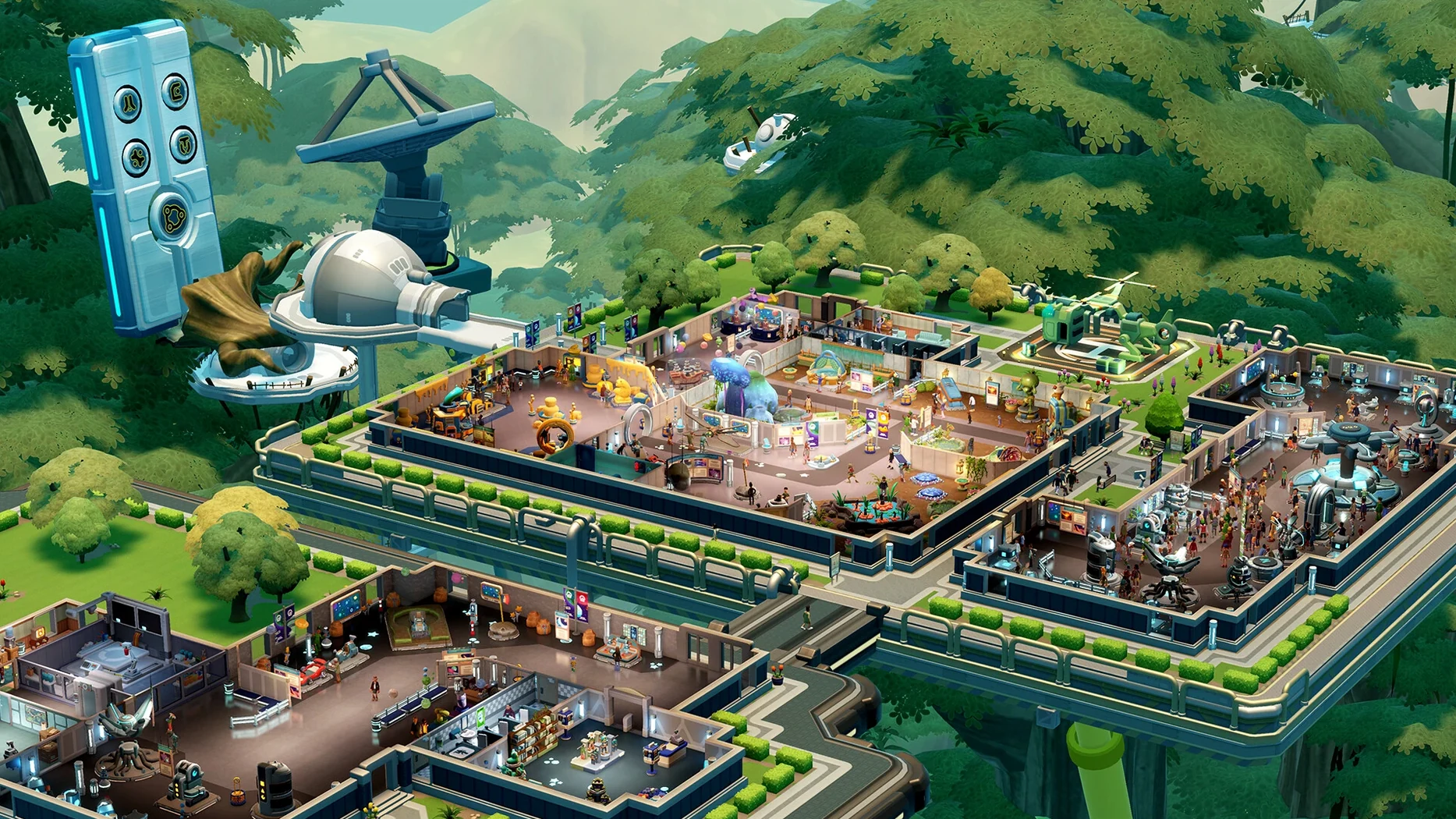
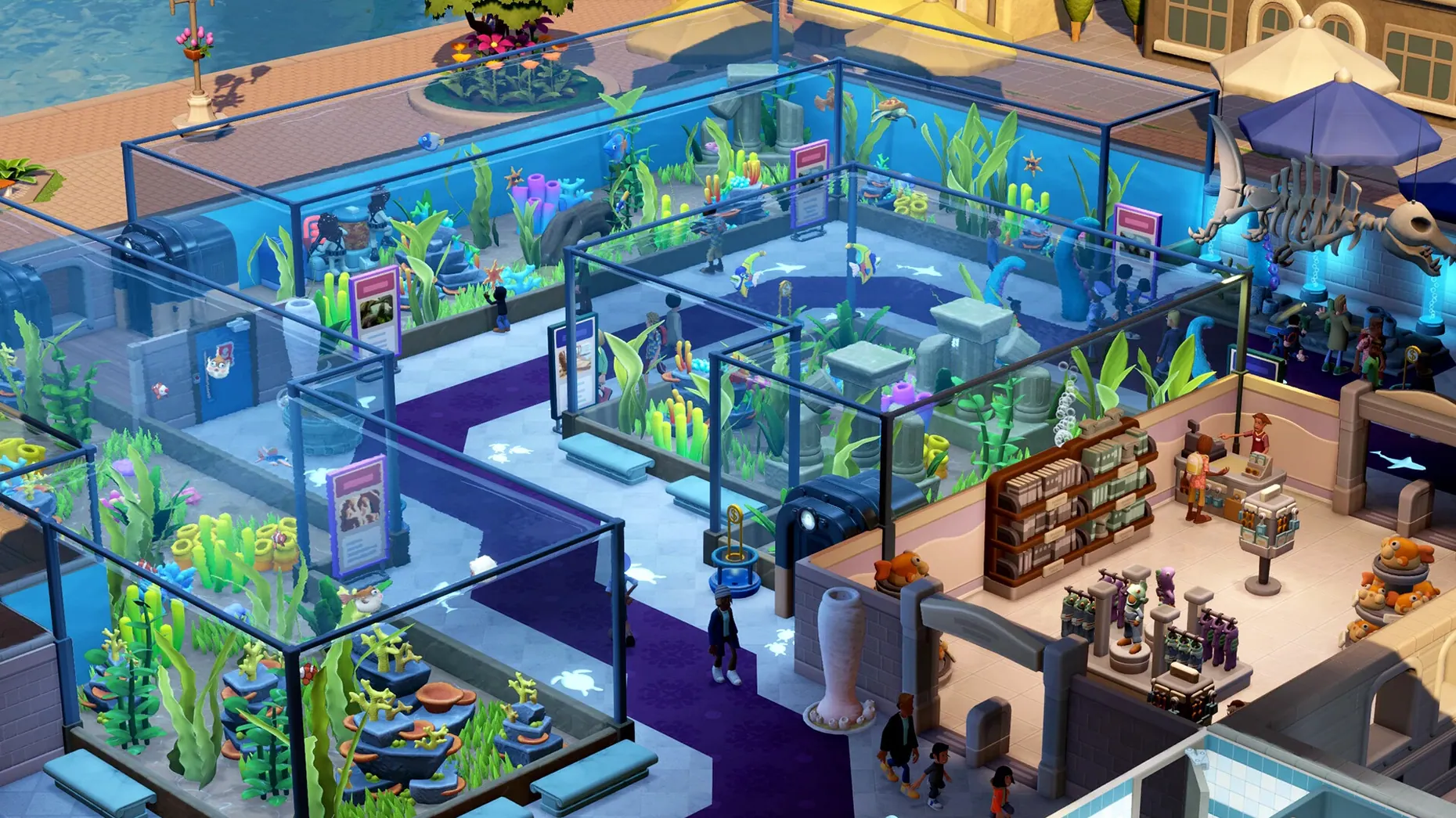
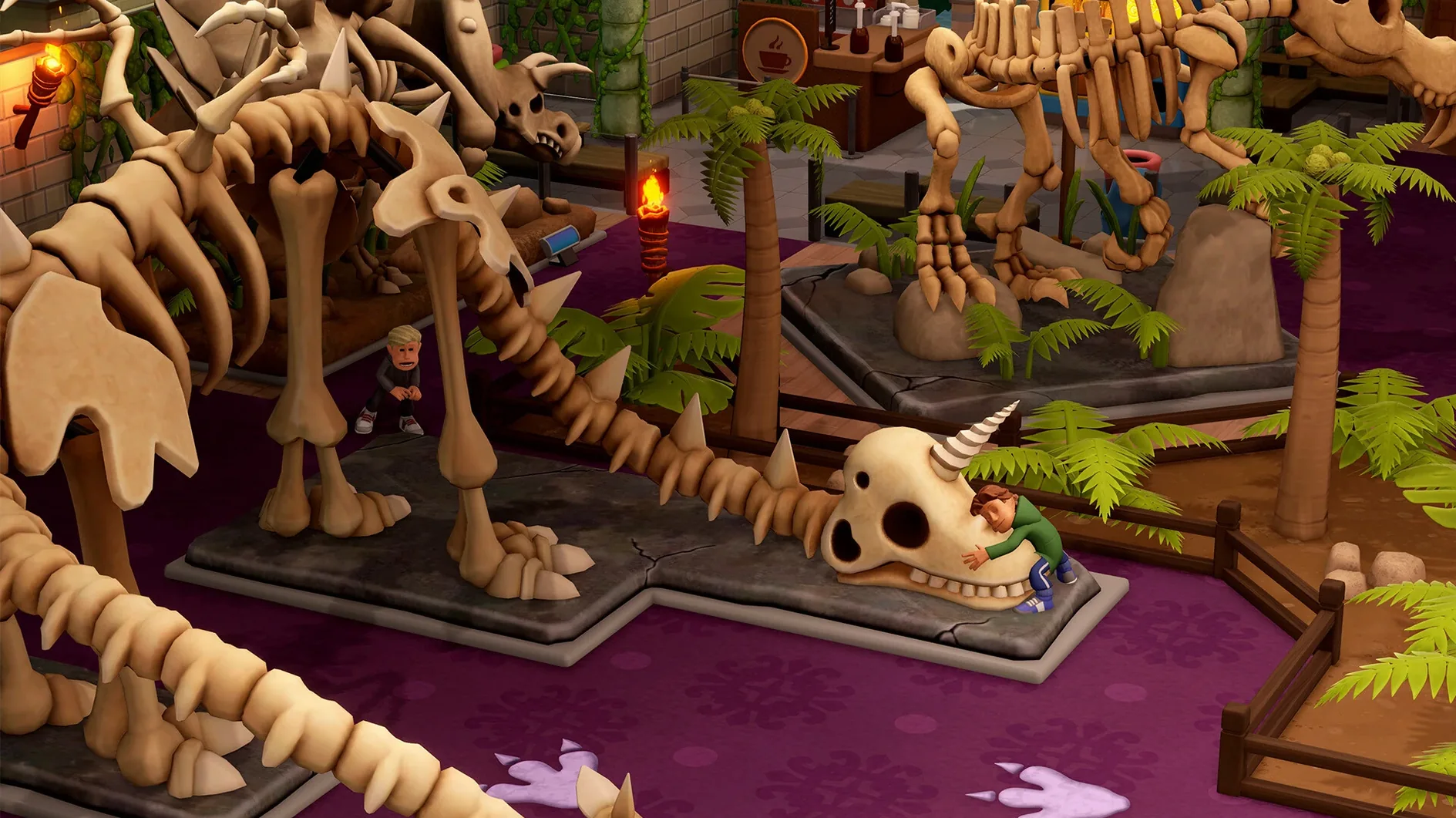
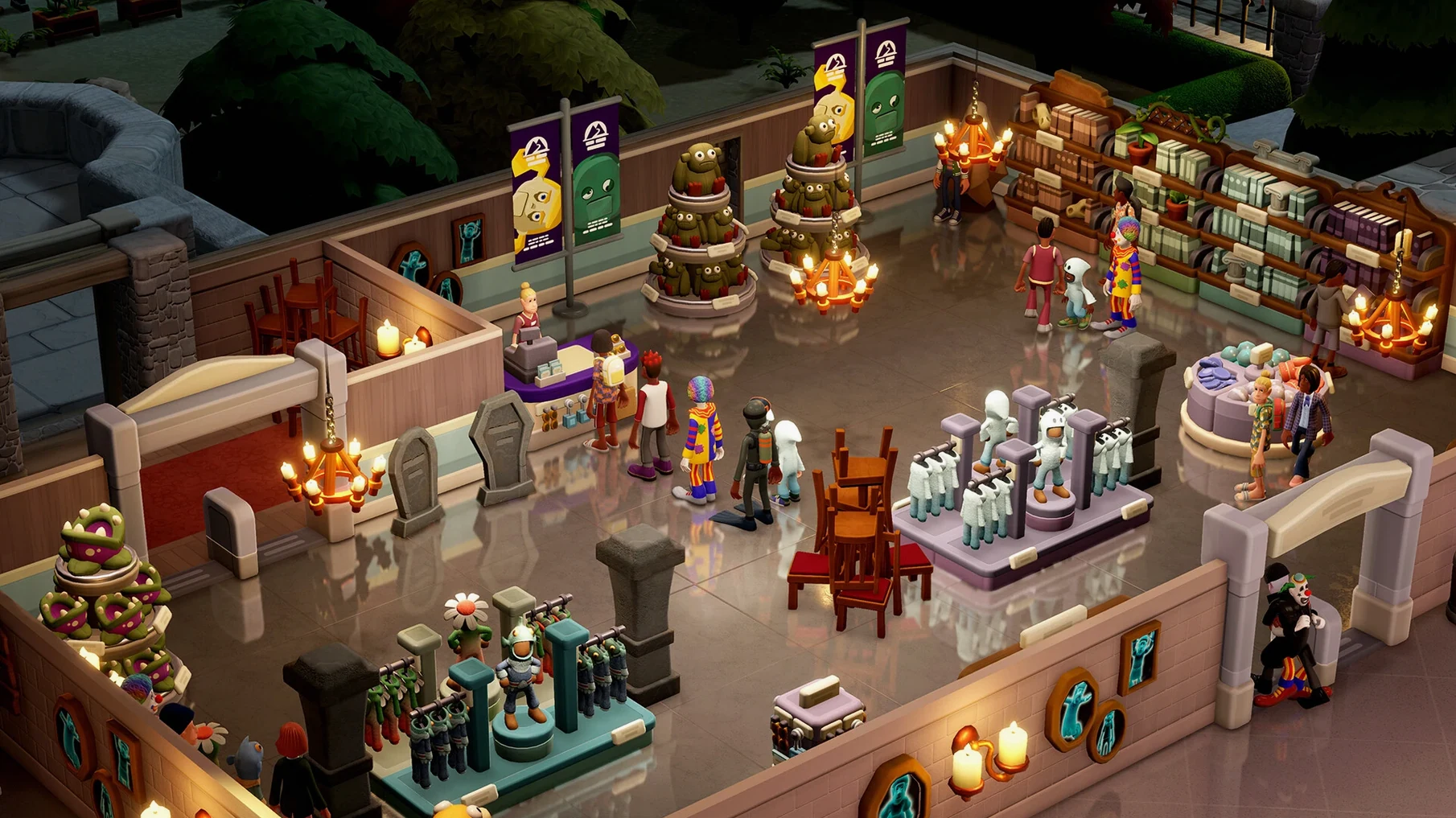
Curators who love a good management sim will feel right at home sending experts after fossils, fish, and the occasional poltergeist. Two Point Museum is the third entry from Two Point Studios, following Hospital and Campus, and it shifts the focus to building and running museums across five distinct locations.
Prehistoric museum — dinosaur bones, frozen cavemen, and ancient insects.
Aquarium — tropical tanks, deep-sea oddities, and everything wet.
Supernatural history museum — haunted dolls, cursed typewriters, and ghostly apparitions.
Science museum — gadgets, forces, and interactive displays that go wrong in amusing ways.
Space museum — rockets, asteroids, and exhibits from beyond the atmosphere.
Those five settings pull from six main exhibit types and over thirty subcategories, giving you more than 200 unique exhibits to track down. You send your experts on expeditions to dig up new items, then arrange them in layouts that keep eighteen different visitor types happy. Three temporary exhibits pop up with their own objectives and challenges, so the floor plan rarely stays static for long.
The Mac build runs natively on both Intel and Apple Silicon, so performance expectations are straightforward — it should hum along on any machine that meets the minimum OS bar without Rosetta overhead. Controls follow the same point-and-click logic the series is known for, and voice work covers English, German, Simplified Chinese, and Japanese among the supported options.
Skipping expeditions for decorating too early stalls your whole museum
New curators tend to treat Two Point Museum like a decorating sandbox and ignore expeditions for the first hour. That stalls progress hard — the core loop is send team, find exhibit, display exhibit, earn buzz. Without expeditions, your museum runs on the starter junk in the inventory, and guest interest falls off a cliff once they have seen it all twice.
A second common slip: placing every exhibit in one open hall with no thought to visitor flow. Guests walk past things faster than you expect, and buzz is per-exhibit, not per-room. Spread the big-ticket items across separate wings, connect them with a clear path, and put donation bins at every choke point. The game tracks footfall heat, but it never explains that bins near the door collect almost nothing — people donate after they have seen something impressive, not when they walk in.
Third mistake: ignoring staff training. You can send an untrained expert on a medium-difficulty expedition and they will come back empty-handed or, worse, injured. The training room unlocks early but sits unused in many first playthroughs. Queuing up a training session before a big dig saves days of downtime later.
Surprising second audience that loves the classic sim loop and humor
Players who grew up on Theme Park, RollerCoaster Tycoon, or the earlier Two Point games will sink into this immediately — the feedback loops are familiar, and the humor lands the same way. But the group that surprises me is the lightweight MacBook crowd. On an M2 MacBook Air, the game runs cool and quiet even with a 200-guest museum, because the simulation tick isn't hammering the GPU. You can play unplugged for a couple of hours without the fans spinning up (there are no fans, but you get the point).
Creative types who treat management sims as diorama builders also get a lot of mileage here. The 350-plus decorative items aren't just filler — they affect guest mood, exhibit buzz, and even staff pathfinding. Someone who spends twenty minutes aligning fossil display lighting will see real payoff in donation rates.
If you are downloading the two point museum mac build for a machine with limited storage, the install footprint is reasonable, and the save files stay compact because the game streams expedition data rather than caching everything locally.
How 3× speed with five expeditions and a full museum runs on M4
The simulation clock is the real test. At 3× speed with five active expeditions and a full museum, the M4 Mac mini kept frame pacing smooth. I noticed a single stutter when a tour group of twelve guests all entered the aquarium at once, but that was a pathfinding spike, not a memory leak. The game recovers within a second.
Memory sits around 2.8–3.4 GB after an hour of play. That is modest for a sim with this many tracked entities — every guest has needs, every exhibit has condition and buzz state, every staff member has a schedule. The engine batches updates in a way that feels snappy even when the on-screen chaos suggests otherwise.
Stability-wise, the 11.0.234399 build hasn't thrown a single crash across multiple five-hour sessions. The only quirk: if you leave the game paused for more than twenty minutes and then unpause, the audio engine sometimes takes a beat to resync the Two Point Radio host. Minor, and it fixes itself.
Hold Option to instantly duplicate bins, benches, and wall items
Holding Option while placing a decorative item duplicates it immediately — no need to go back to the build menu. This works for bins, benches, plants, and most wall items. Once you internalize it, laying out a new wing takes half the time.
The Expedition screen has a tiny checkbox in the corner labeled "auto-restock supplies." Most people never click it. When it is on, staff returning from a dig will automatically re-buy standard gear for the next trip. Without it, you manually restock every single time, and the game never prompts you that supplies ran out until the expedition fails.
Guest thoughts, shown as floating speech bubbles, are clickable. Clicking one opens that guest's full stat card — current needs, recent exhibits seen, and the exact reason they are about to leave. It is the quickest way to diagnose a happiness dip without pausing and digging through menus.
If you grabbed the two point museum download and started a sandbox, you can unlock all five location themes from the campaign before entering sandbox mode — the game remembers them across saves. A handful of sandbox players miss this and wonder why they are stuck with the default tile set.
- Apple Silicon or Intel 64-bit Mac
$ man two-point-museum | grep -A2 "?"
Does Two Point Museum run natively on Apple Silicon Macs?
Yes, the game ships as a universal binary with native support for both Apple Silicon and Intel Macs, so no translation layer is needed.
How many museum themes are included?
There are five main locations: a prehistoric museum, an aquarium, a supernatural history museum, a science museum, and a space museum.
What languages are supported for voice and text?
Voice languages include English, German, Simplified Chinese, and Japanese. The interface and subtitles support twelve languages in total, including French, Spanish, Korean, and Polish.
Comments 0
Sign in or create an account to leave a comment.
No comments yet. A codec, a slice, a machine — they appear after moderation.