Turing Complete for macOS
It runs on pretty much any Mac you throw at it. The architecture listing covers both ARM and x86 64-bit, so Apple Silicon and Intel machines are supported. If you do hit a crash on an Apple processor, launching it under Rosetta tends to sort things out — a quick checkbox in the Finder's Get Info panel for the app.
Who will lose a weekend to this
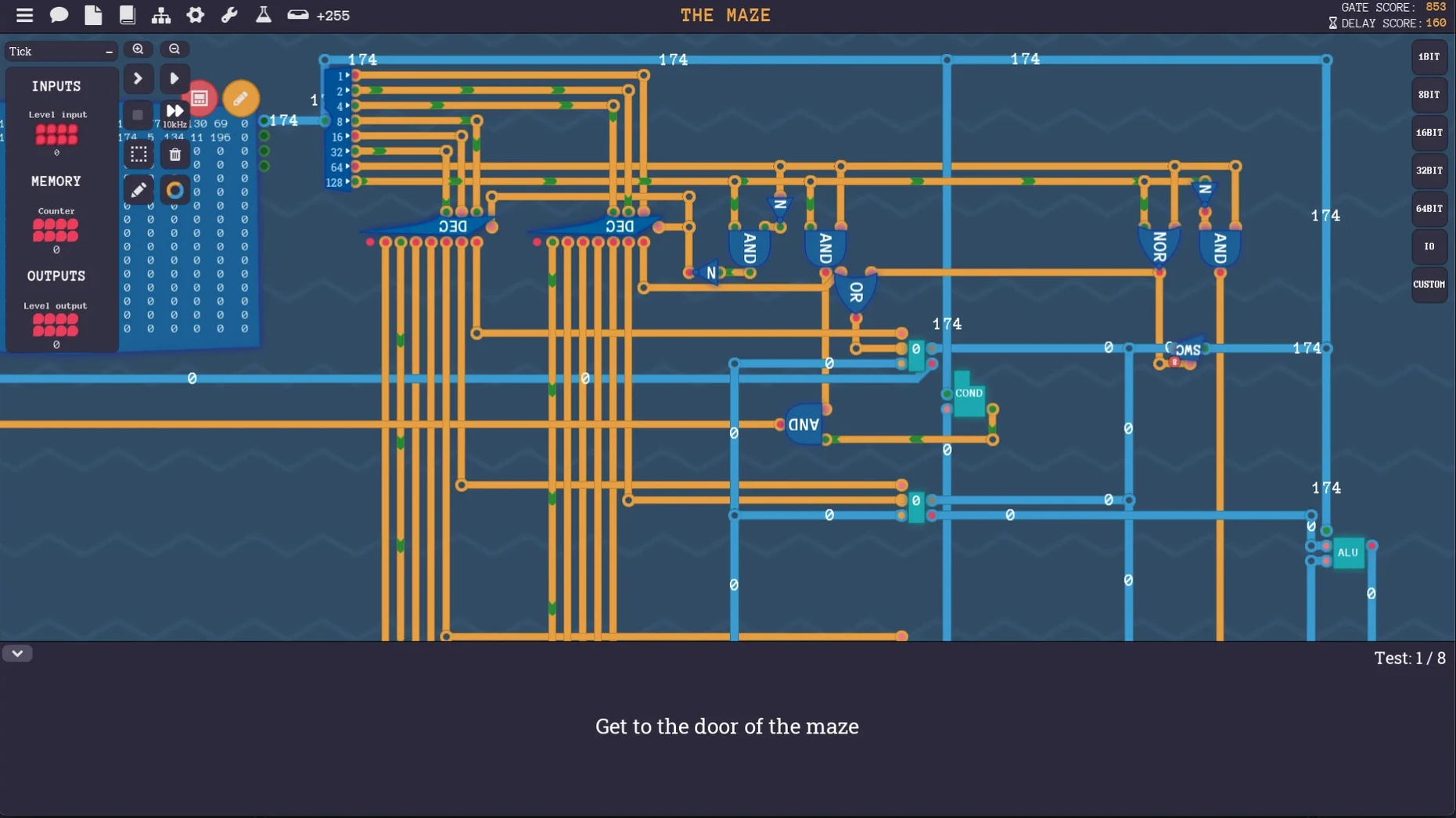
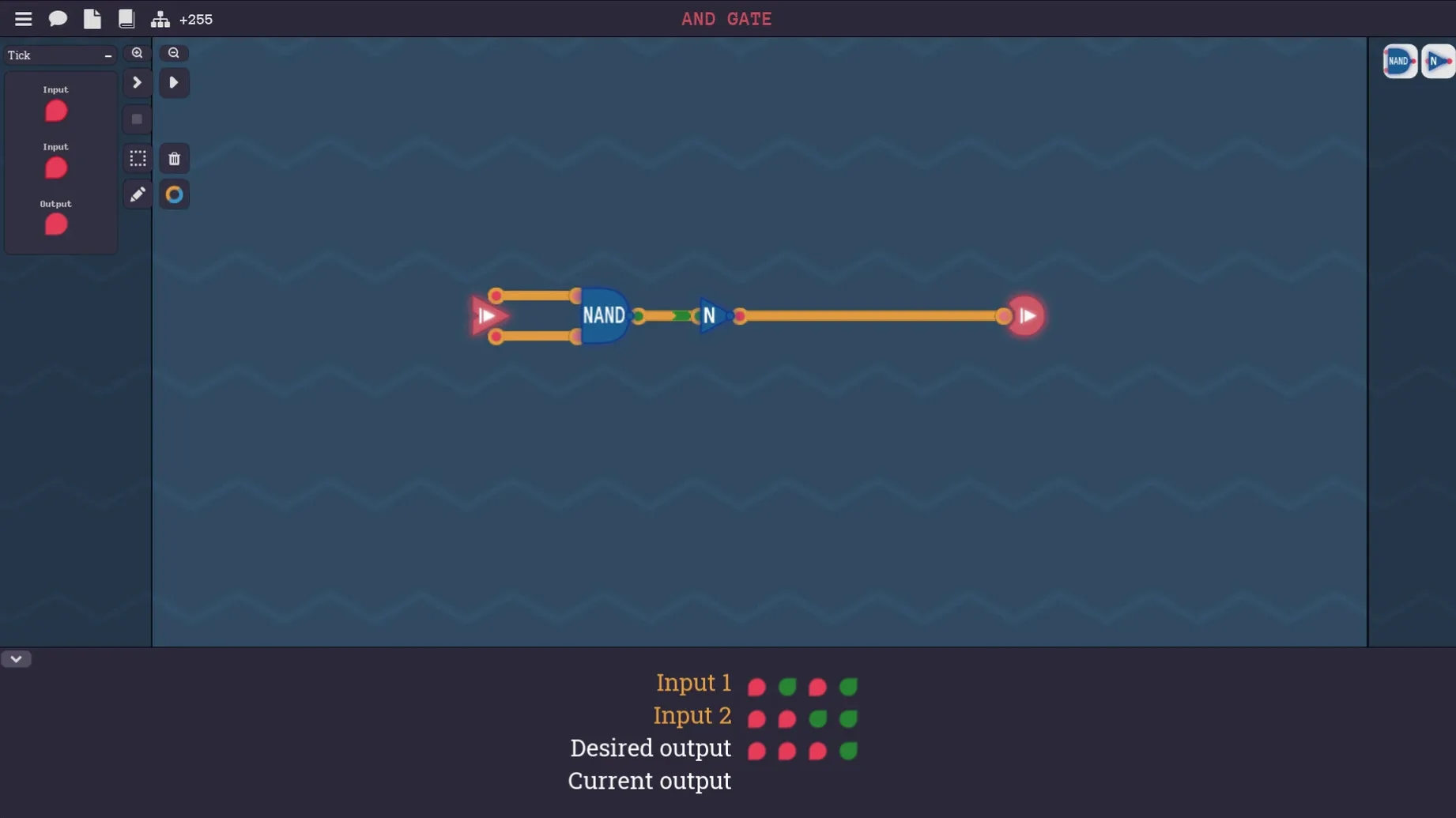
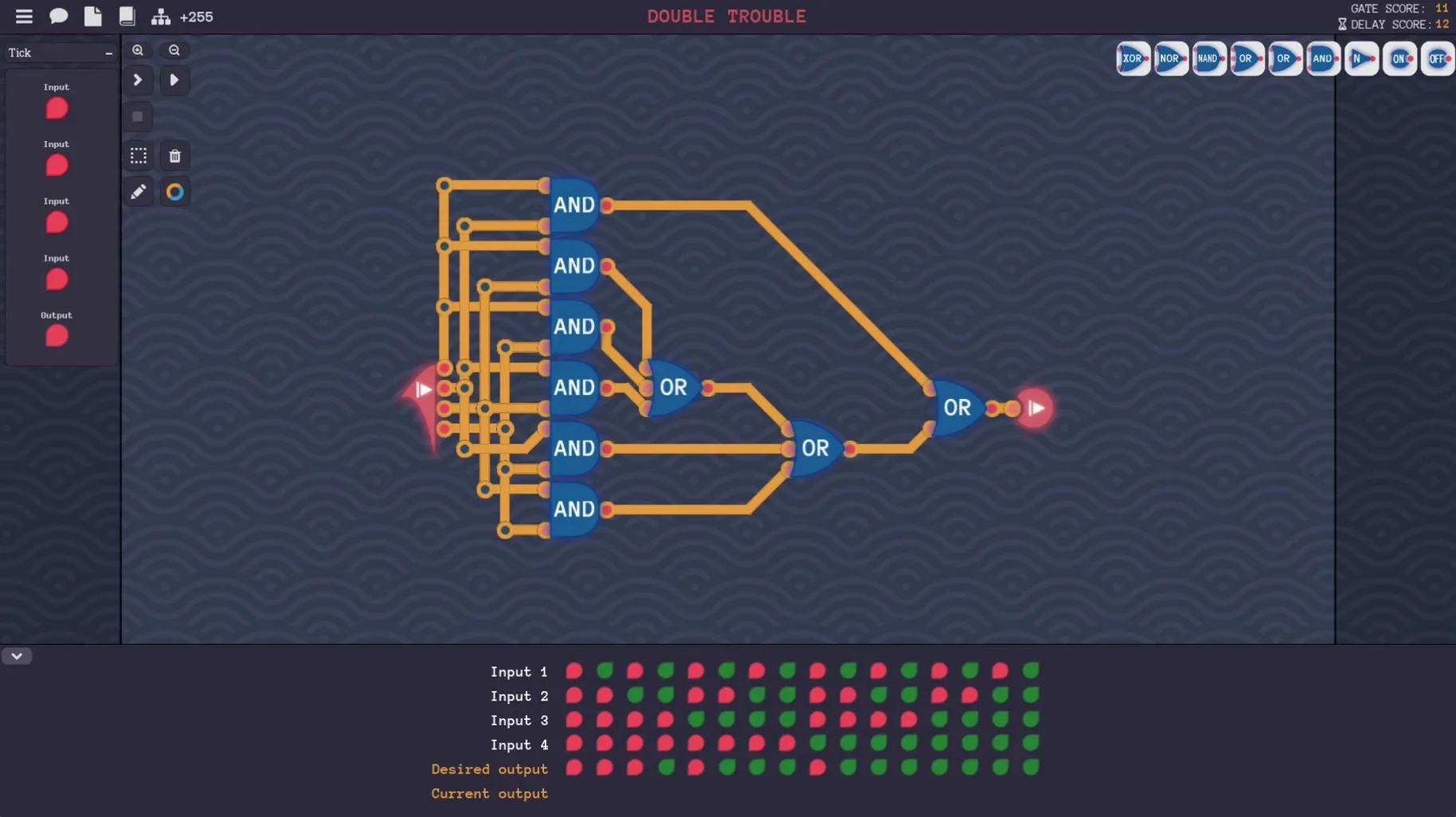
You'll enjoy Turing Complete if you've ever been curious about what happens between a line of code and the transistors. The game gives you a single building block — the NAND gate — and a clean circuit-drawing interface, then asks you to build everything else yourself. Not metaphorically. You wire up logic gates, then arithmetic units, then memory cells, and eventually a full CPU that executes instructions you define. You even design your own assembly language for the machine you built. It's a CS student's dream and a genuinely satisfying way to discover how computers work from the silicon up.
No story, no hand-holding, just pipelining
If you need a story, characters, or even a tutorial with a friendly voice, this will feel cold. The puzzles are open-ended logic problems, and by the time you reach the later stages — pipelining, custom instruction sets — you're essentially doing digital design. It won't hold your hand. The interface languages (English, German, Spanish, Simplified Chinese, and French) make it accessible, but the difficulty curve is the real gatekeeper. You'll bounce off if you were hoping for a Zachtronics-style narrative wrapper or anything that disguises the fact that you're staring at truth tables and timing diagrams for hours.
Why your adder forgets everything after one tick
One of the first walls people hit is the transition from combinational logic to sequential circuits. You wire up a beautiful adder, it works for single values, and then the game asks for a register that remembers something across ticks. The trap is treating every component like it's stateless. The fix: build a D flip-flop from your NAND gates first, understand its clock input, and only then chain them together. If your circuit works on paper but glitches in the simulator, check for unintended feedback loops — a wire accidentally connecting an output back to an earlier input causes oscillation that looks like a crash.
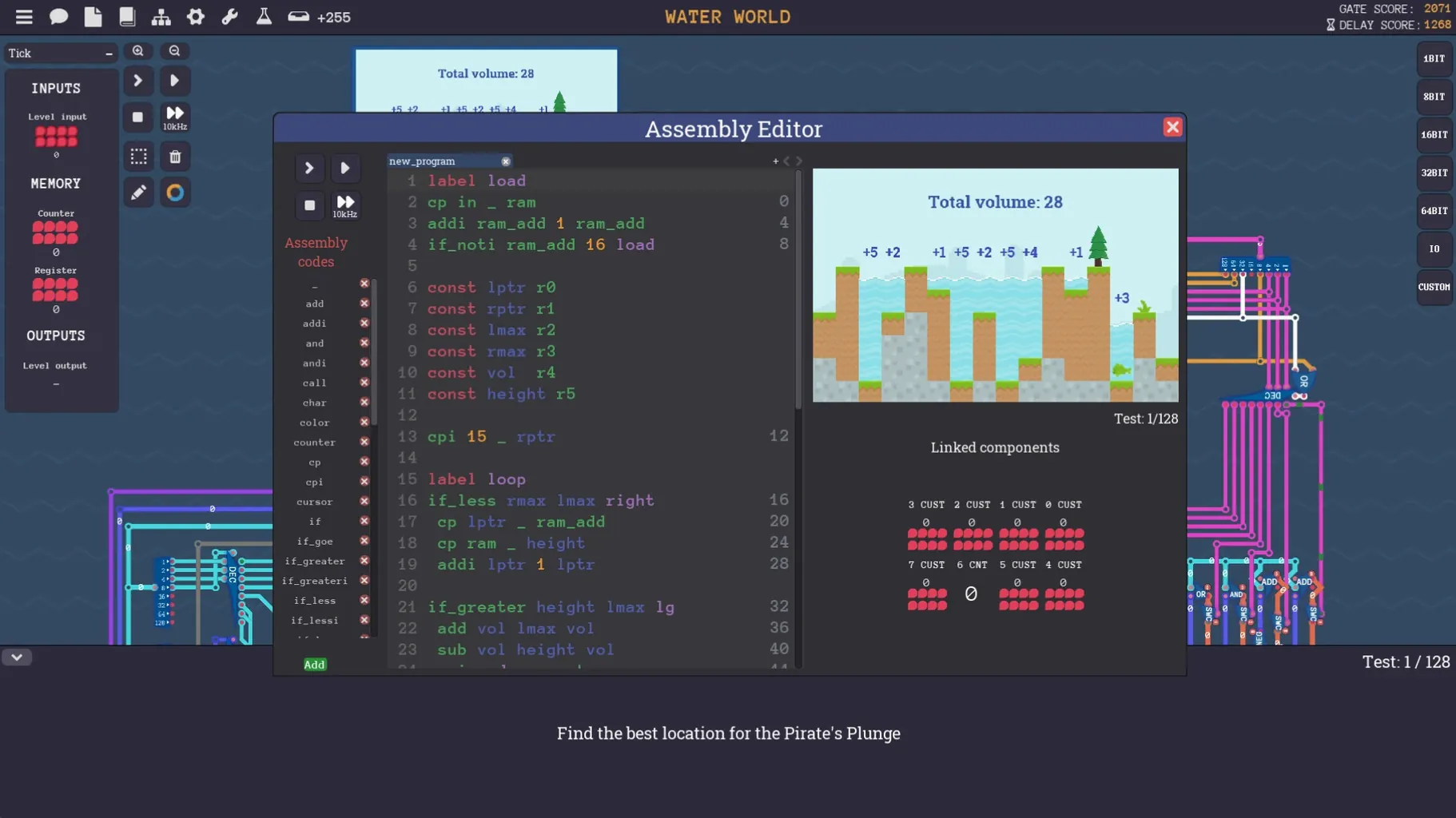
The other classic headache is the custom assembly language design. You've built a working CPU, but the first program you write refuses to assemble. Nine times out of ten, the assembler's opcode mapping doesn't match what your CPU's control unit expects. Open both side by side and trace one instruction — say, a simple MOV — from the assembler output through each control line. The bug is usually a single bit flipped in the microcode definition, not a fundamental design flaw.
Piping text from your own UART into a terminal
Since the game lets you design computers with keyboard input and screen output components, it plays nicely with anything that can generate or capture structured data. I've seen players build a simple UART in the game, pipe text from a macOS text editor into it via the in-game keyboard component, and watch the circuit echo it back on the custom display. It's not a real serial connection — you're typing manually — but it makes for a satisfying demo. For note-taking alongside the game, any plaintext editor works fine; the circuit diagrams are self-contained, so you won't be exporting netlists to external simulators.
On the macOS side, the .dmg install is standard. The app respects Mission Control and fullscreen mode, and it doesn't hijack system shortcuts. If you're running other simulators or IDEs at the same time, keep an eye on memory — large custom computers with thousands of gates can push the simulator's CPU usage, and the game runs single-threaded. On Apple Silicon, the Rosetta fallback mentioned earlier doesn't noticeably hurt performance for the puzzle mode; it's only custom builds with heavy networking components that might stutter.
Single-step works, full speed gives garbage
The biggest one: ignoring the clock. New players build a CPU that works fine in single-step mode, then try to run it at full speed and get garbage output. Propagation delay isn't modeled deeply, but setup and hold times are. If you change a register's input while the clock edge is arriving, the stored value becomes undefined. Always let data settle before the clock pulse, and if in doubt, add a delay component between stages.
Another common misstep is trying to build the most elegant design on the first attempt. The game doesn't grade you on gate count unless a level explicitly states it. Build the ugly version that works, study why it works, then refactor. Beginners who skip the ugly version spend three evenings on a single multiplexer when they could have moved on to memory addressing and learned the same lesson there with more context. Finally, don't name every signal wire1, wire2, wire3. By the time your CPU has a dozen control lines, you'll have no idea what anything does. Name them after what they enable — REG_WRITE_EN, ALU_OP_SEL — and your future self will thank you.
- macOS (version not specified by the developer)
- ARM (Apple Silicon) and x86 64-bit (Intel) support
$ man turing-complete | grep -A2 "?"
What happens if the game crashes on my M1 or M2 Mac?
Open the app's Finder info panel and check "Open using Rosetta" — that forces it through the Intel translation layer and usually fixes the crash.
Comments 0
Sign in or create an account to leave a comment.
No comments yet. A codec, a slice, a machine — they appear after moderation.