Total War: PHARAOH for macOS
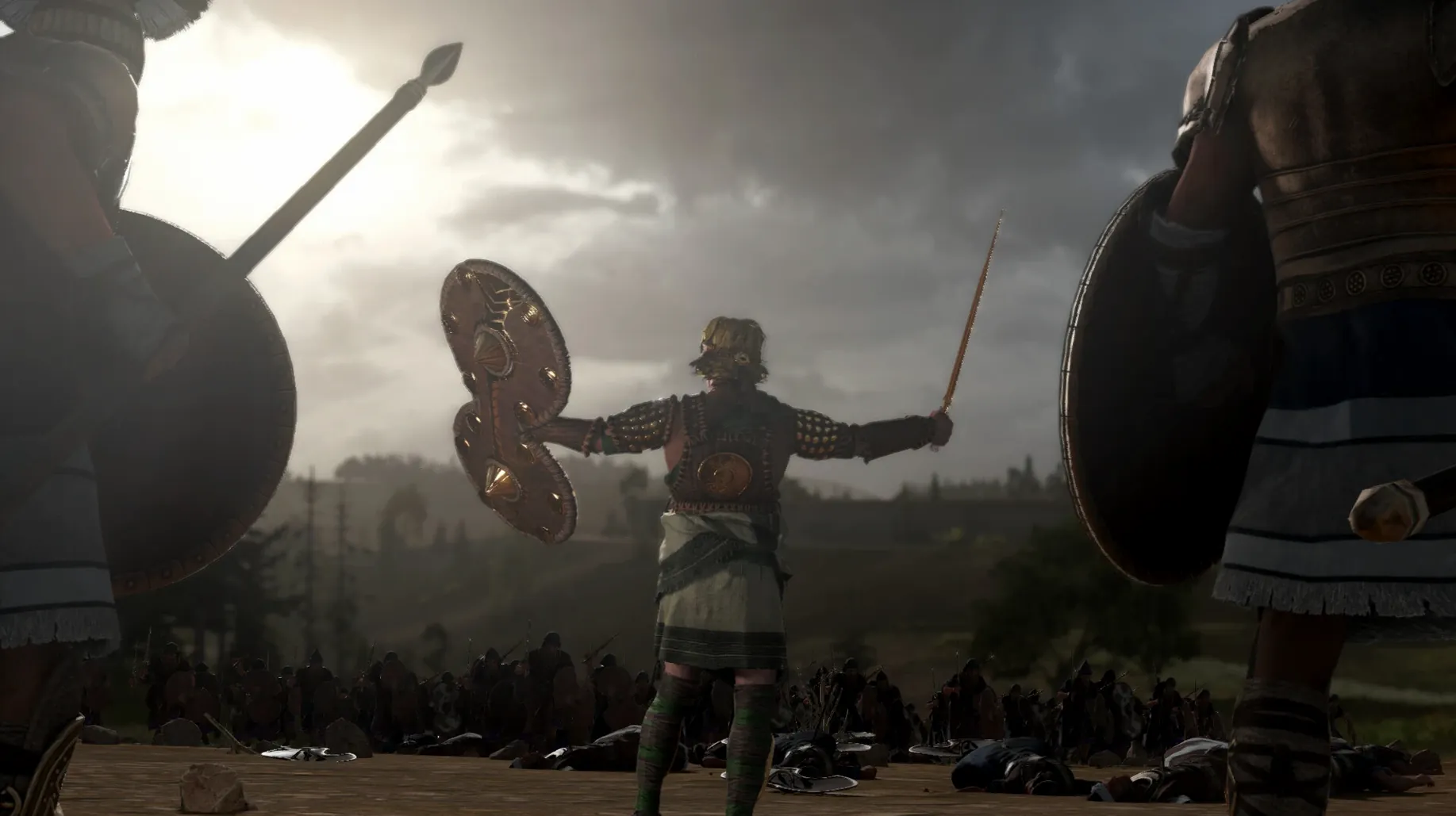
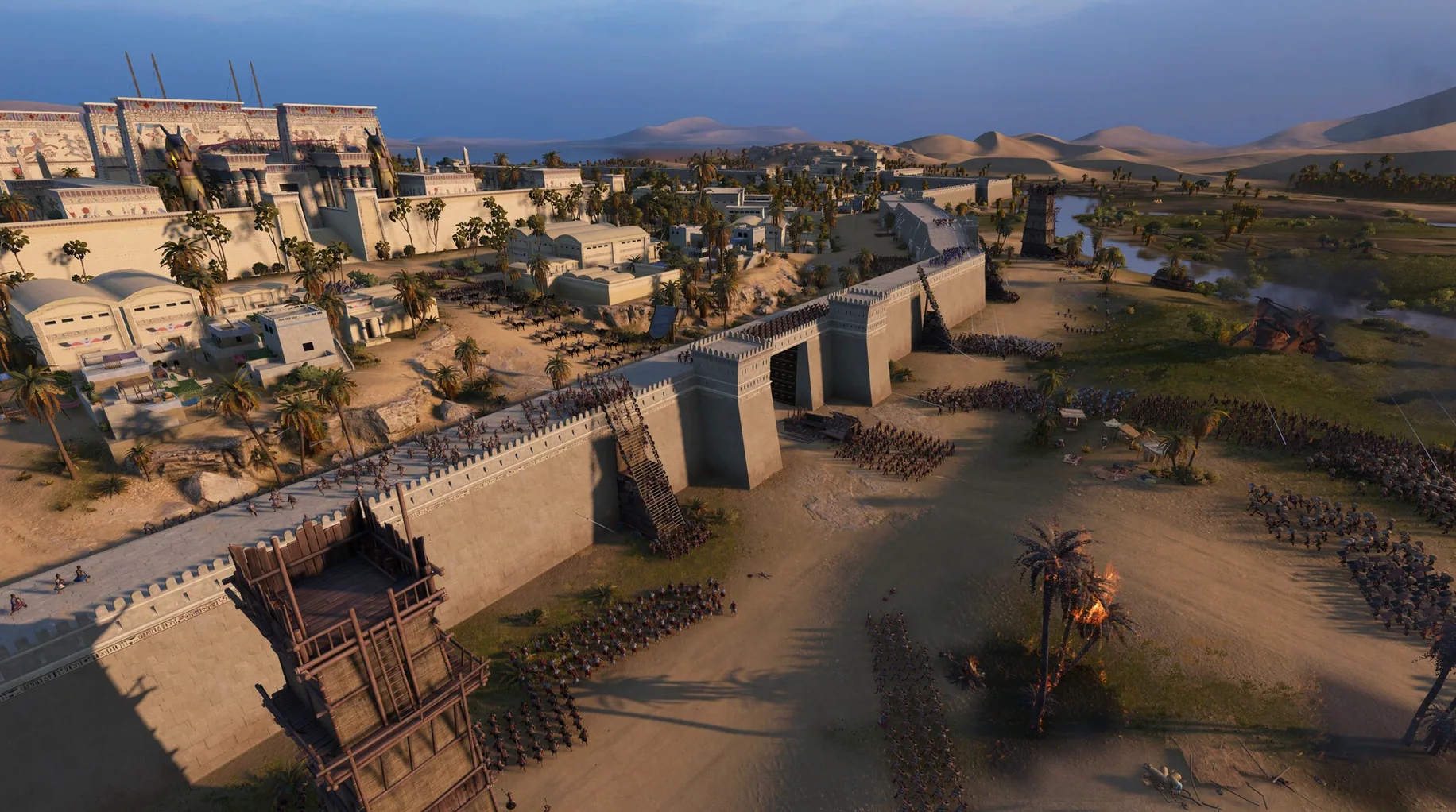
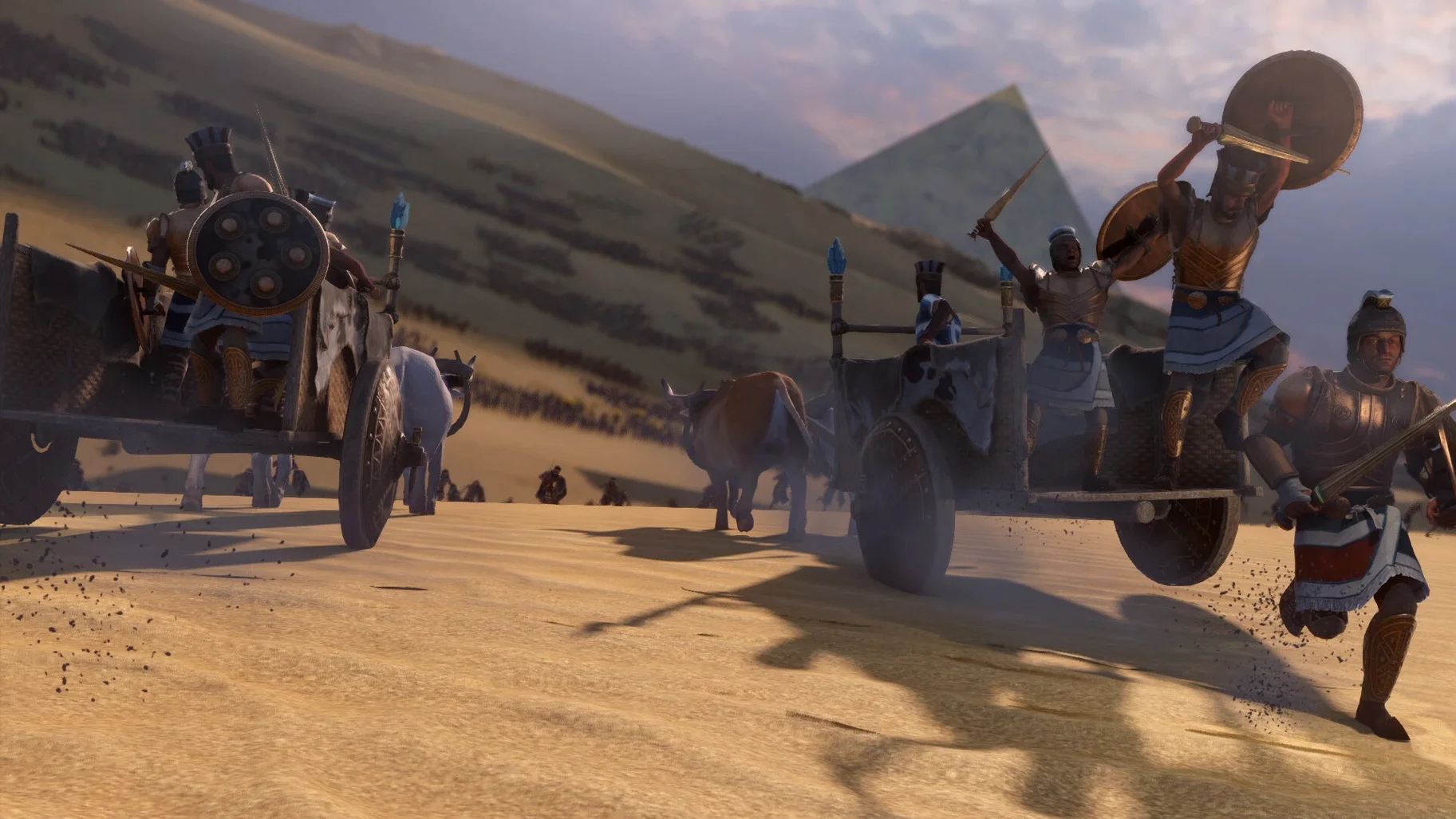
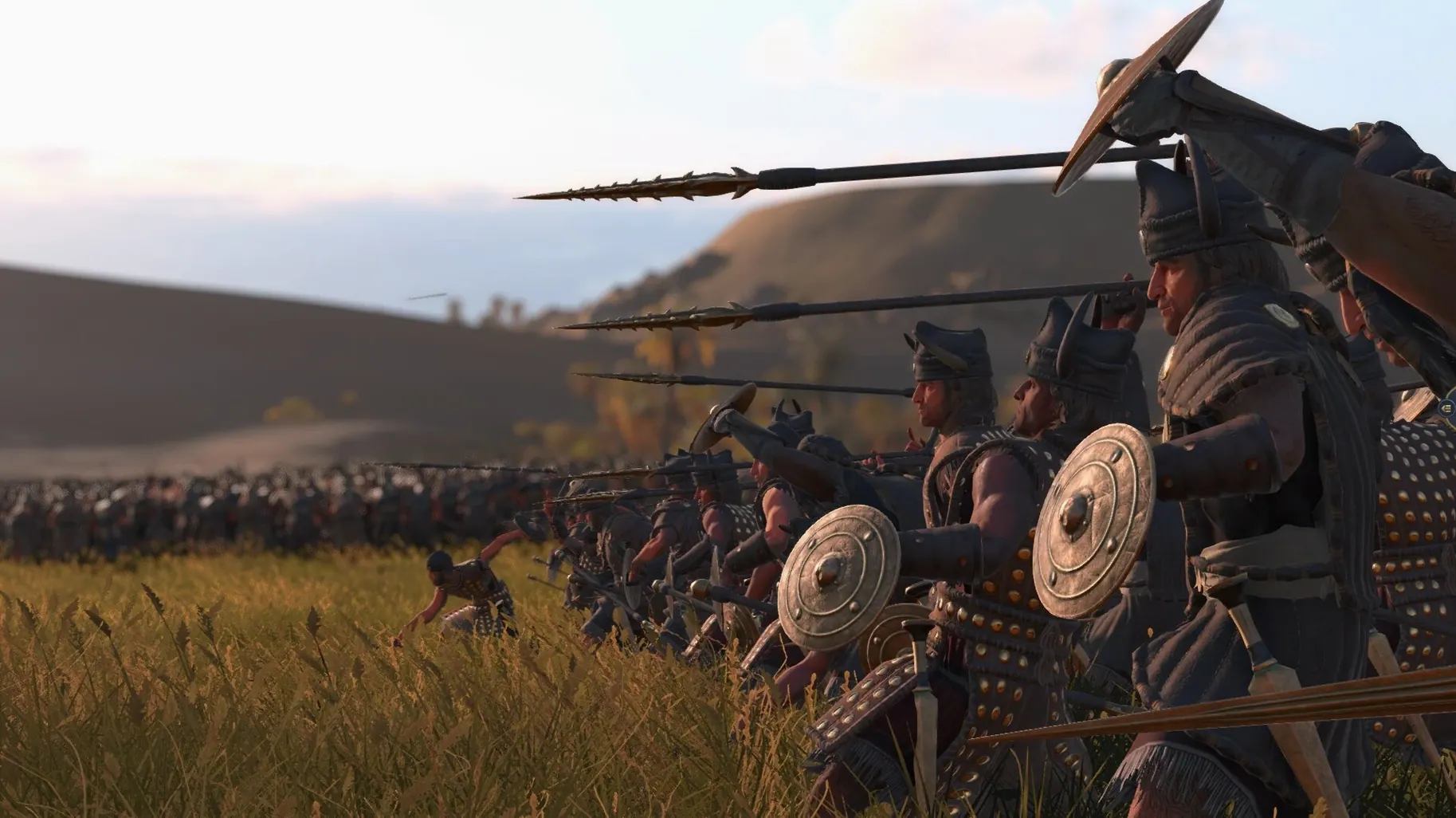
Version 1.2.3 lands without headline features—it's a maintenance build that fixes glitches rather than rewriting the rulebook. The macOS edition remains a clean Apple Silicon native, compiled for M1 and later, and it runs smoothly on a base MacBook Air without a hiccup.
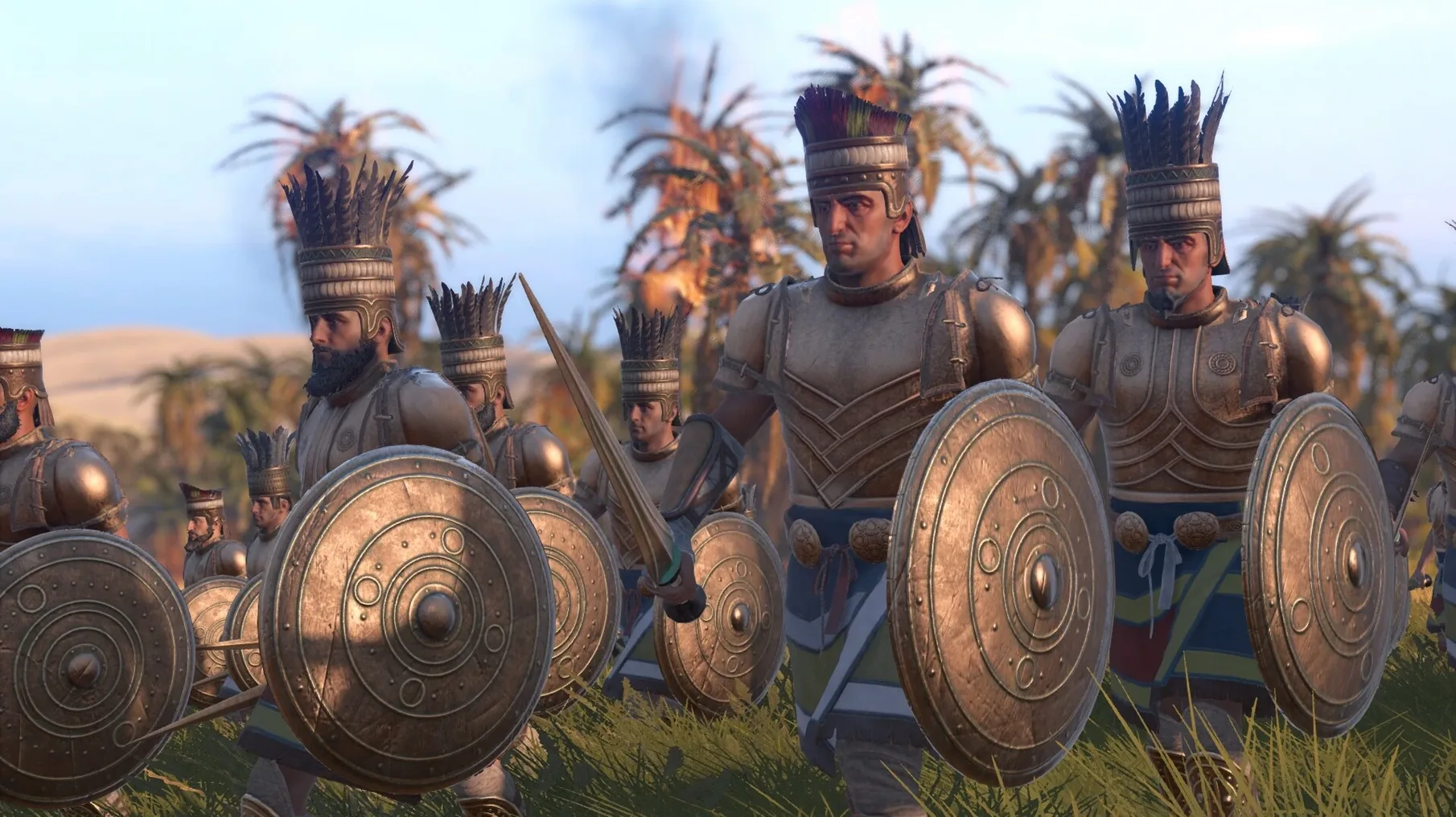
What you're really getting here is a two-layer historical sandbox. The turn-based campaign layer lets you tinker with detailed resource sliders and even randomize every faction's starting position, which keeps replays from feeling scripted. The ten faction leaders play out their own ambitions while the real-time battles hinge on unit positioning and weather—not just who brought the bigger chariot blob. Strategy purists who enjoy long, methodical campaigns will feel right at home.
This isn't a rapid-fire conquest game. The pace is deliberate, sometimes slow, and the Bronze Age setting trades cavalry charges for infantry grinds and light chariot skirmishes. If you prefer the gunpowder or fantasy eras of earlier Total War titles, that tempo shift might not click. The same goes for players who primarily chase multiplayer ladder matches; the heart of Pharaoh is its single-player dynastic struggle.
It's a specific flavor. For armchair generals who love reshaping ancient borders across decades of in-game time, it delivers. For anyone seeking a quick afternoon skirmish, the scale might feel more like a commitment than a game.
Running a full Hittite campaign turn, soup to nuts
Pick Suppiluliuma, start on hard campaign difficulty with random starting positions enabled and natural disasters set to rare. The first five turns are pure survival: you need bronze yesterday. Open the resource overlay, scan Anatolia for copper and tin settlements, and send your starting general to grab the nearest one while your faction leader recruits a second stack of low-tier infantry. By turn six you want a bronze workshop running in the capital so your spearmen stop fighting with sharpened sticks.
Turn ten through twenty is the diplomatic pivot. Open the court panel, send a gift to the nearest Egyptian faction—just enough to nudge them neutral—so you're not fighting on two fronts when the Sea Peoples show up. Meanwhile, queue a stonemason in a minor settlement to get a garrison building online. The AI loves probing undefended border towns.
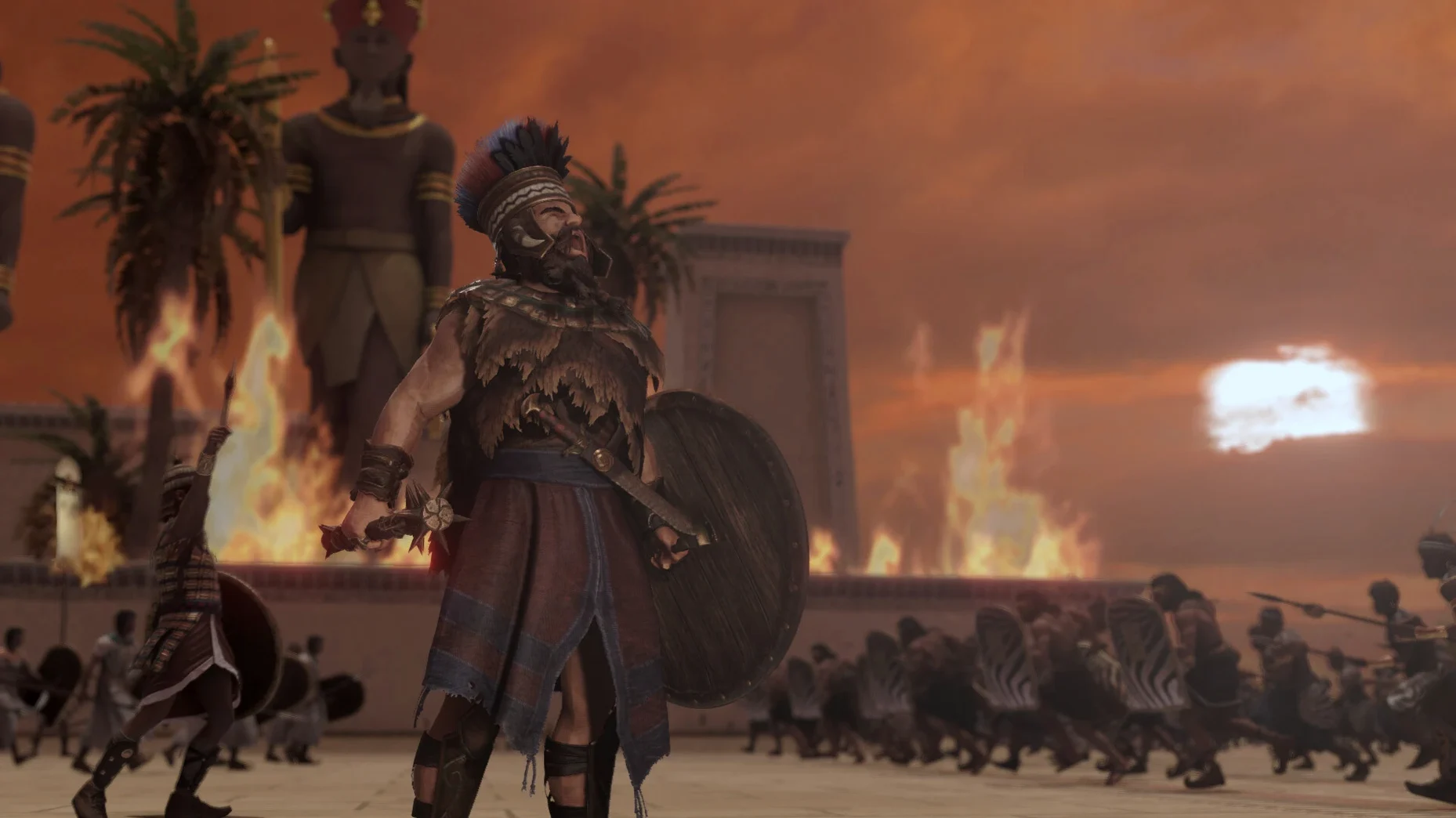
Around turn thirty, you'll hit your first proper field battle. Pause immediately on load, check the wind direction via the tactical overlay, and position archers upwind of dry brush. Enemy infantry will path through it, and a fire arrow volley turns scrubland into a barrier that routs low-morale units before they reach your line. Keep two chariot squadrons in reserve on the flanks; they're fragile but lethal when the enemy breaks. After the victory, sack the settlement for a bronze injection, then spend the next three turns consolidating public order before the next push south.
Hold Shift and drag a unit card to queue multi-stop movement
- Hold Shift while dragging a unit card to queue movement orders on the campaign map—one general can visit three settlements in sequence without babysitting.
- Double-click a unit portrait in battle to snap the camera to its position. Faster than scrolling across a sandstorm-shrouded dune.
- The resource overlay has a keyboard shortcut (R) that toggles it instantly. No menu digging every time you plan a construction queue.
- In the faction summary panel, right-clicking any leader portrait opens diplomacy directly. Saves four clicks per diplomatic overture.
- During battle deployment, holding Ctrl while placing units locks their formation shape but lets you rotate it freely.
M1 MacBook Air chews through late-game turns in six seconds
The native Apple Silicon build shows its teeth during late-campaign turns. On a 2020 M1 MacBook Air with 8 GB RAM, end-turn calculations clock around six to seven seconds with forty-plus settlements on the board—slower than a desktop, but never a beachball. The real-time battles hold 30 fps at medium settings until fire propagation kicks in across a large forest, at which point the GPU on the base M1 dips momentarily. Lowering shadow detail to low fixes that without making the battlefield look flat.
Memory pressure stays green even with a browser and notes open in the background, though the 50 GB install footprint means you're clearing space if you're on a 256 GB drive. One quirk: the first launch after installation triggers a lengthy shader compilation, roughly two minutes of black screen. It only happens once—something the .dmg doesn't warn about. After that, cold launches take about twelve seconds to the main menu. No crashes across a dozen sessions, no save corruption, even when alt-tabbing aggressively during battle load screens. For a Total War title on macOS, that's about as solid as it gets.
- macOS 13.4 or later
- Apple M1 chip or later
Comments 0
Sign in or create an account to leave a comment.
No comments yet. A codec, a slice, a machine — they appear after moderation.