Arctic Awakening for macOS
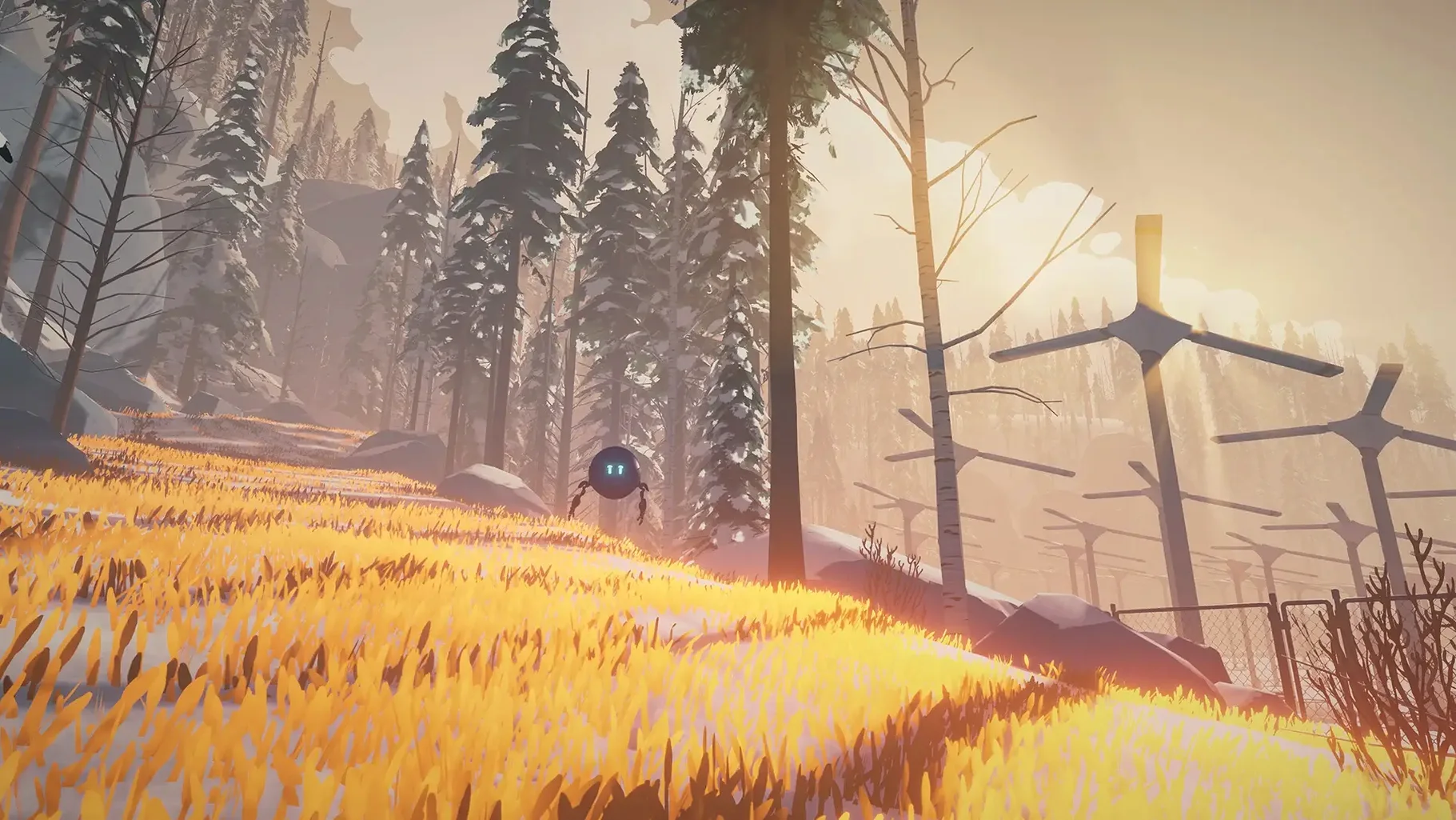
Version 1.0.20 ships as a universal binary, so Intel and Apple Silicon Macs both run native code without Rosetta overhead.
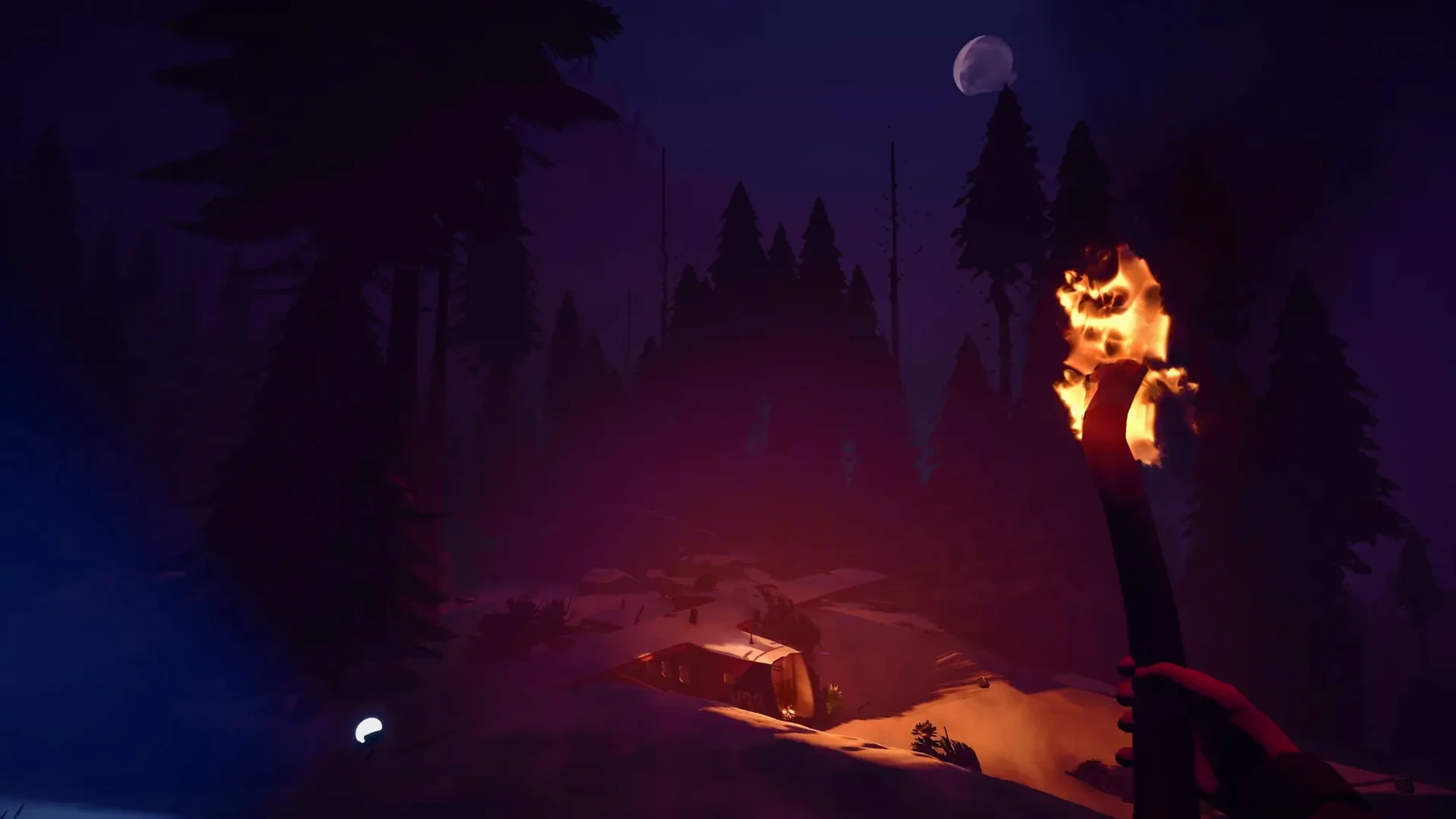
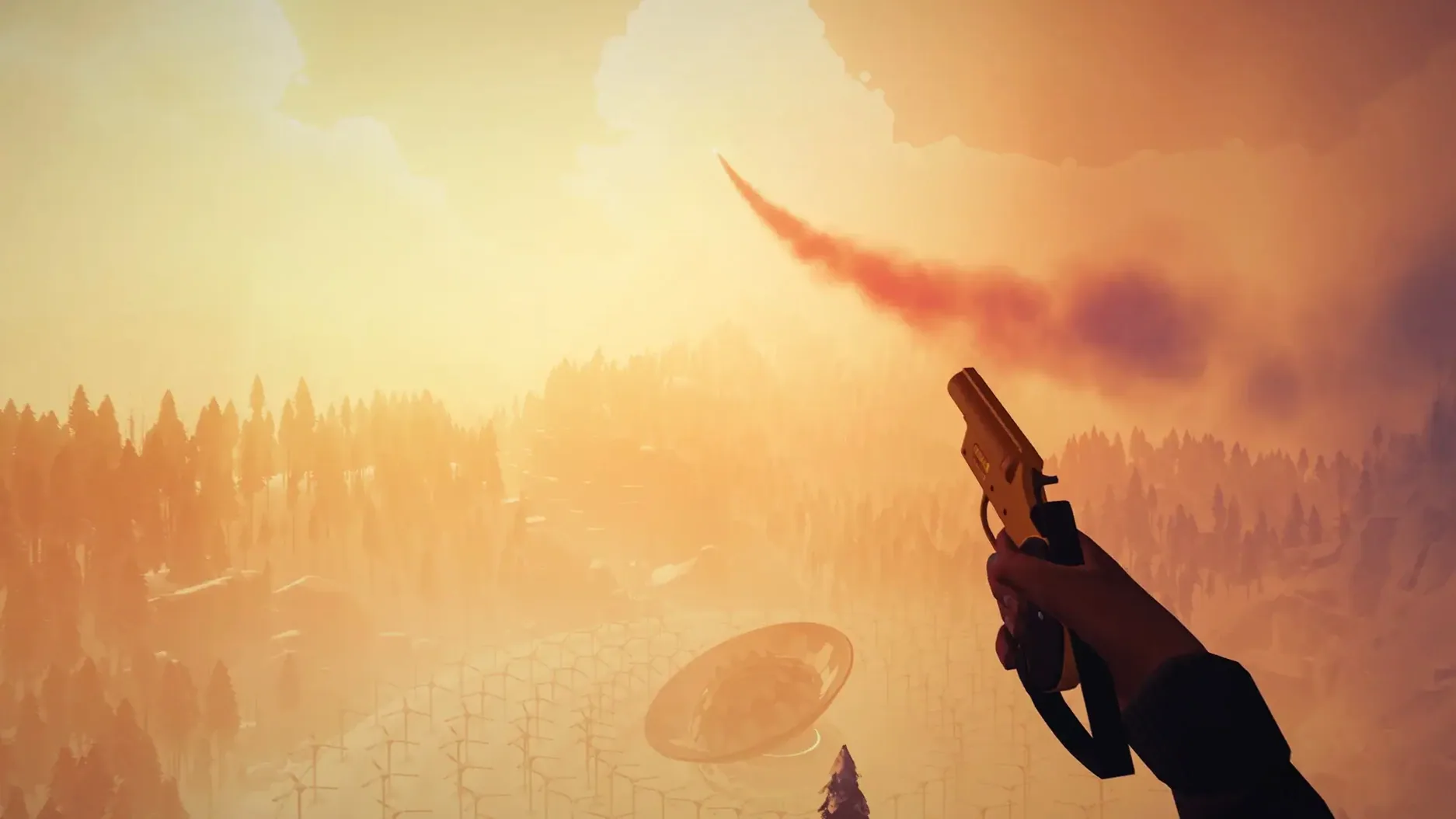
First-person adventure — you are Kai, a pilot searching for your missing co-pilot in the Arctic North.
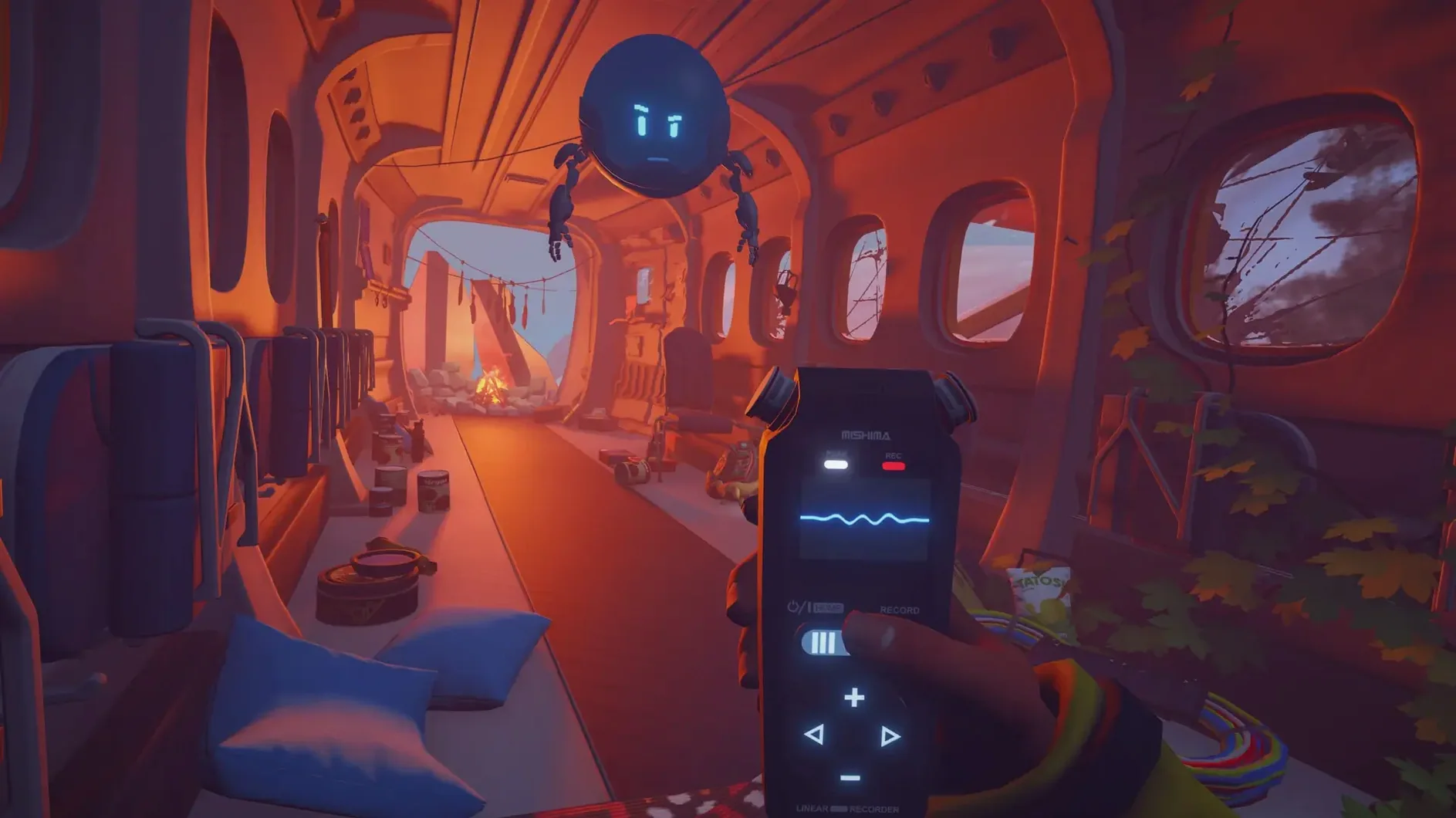
Companion robot — Alfie, your only ally out there, driven by story choices and environmental triggers.
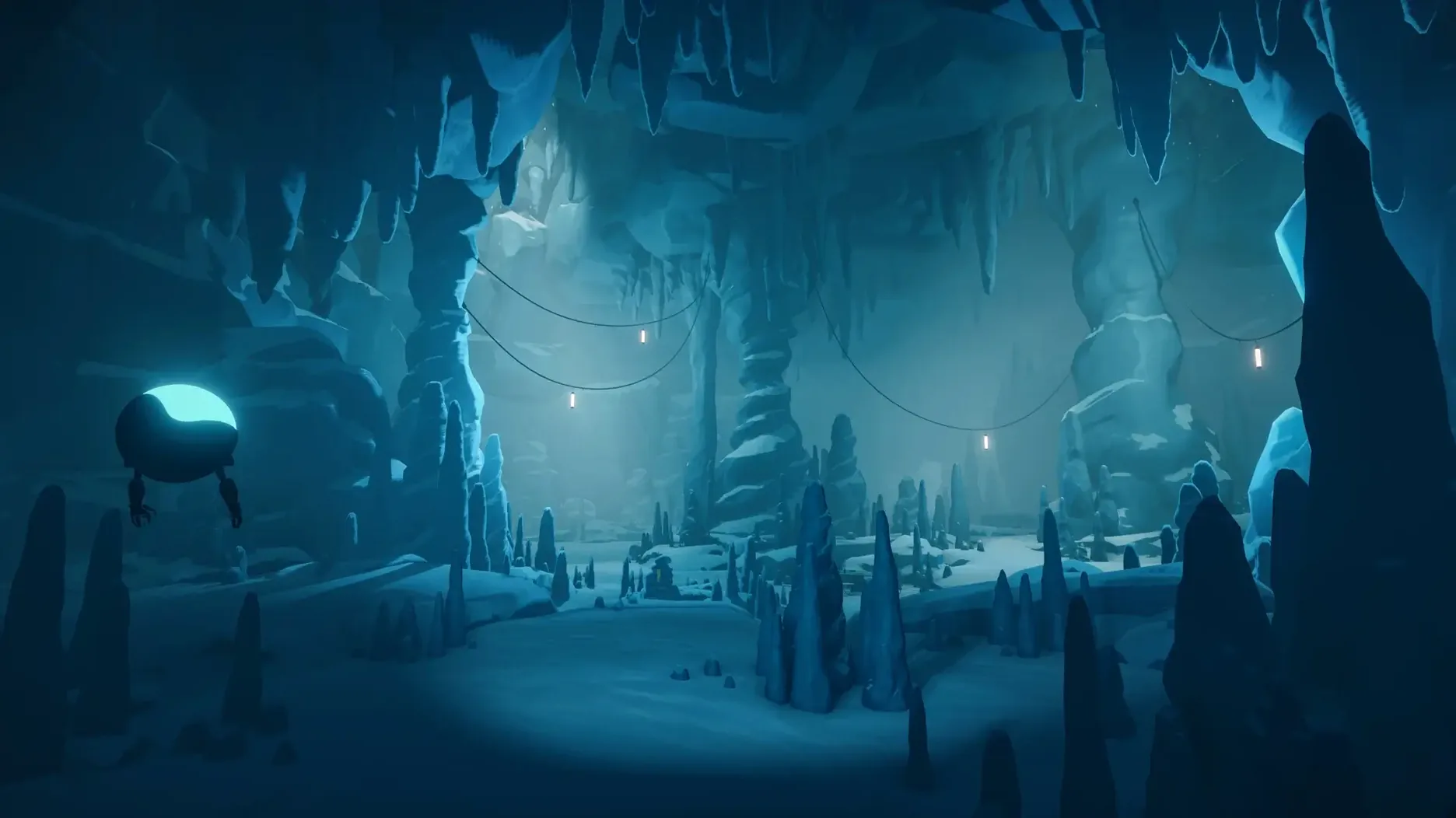
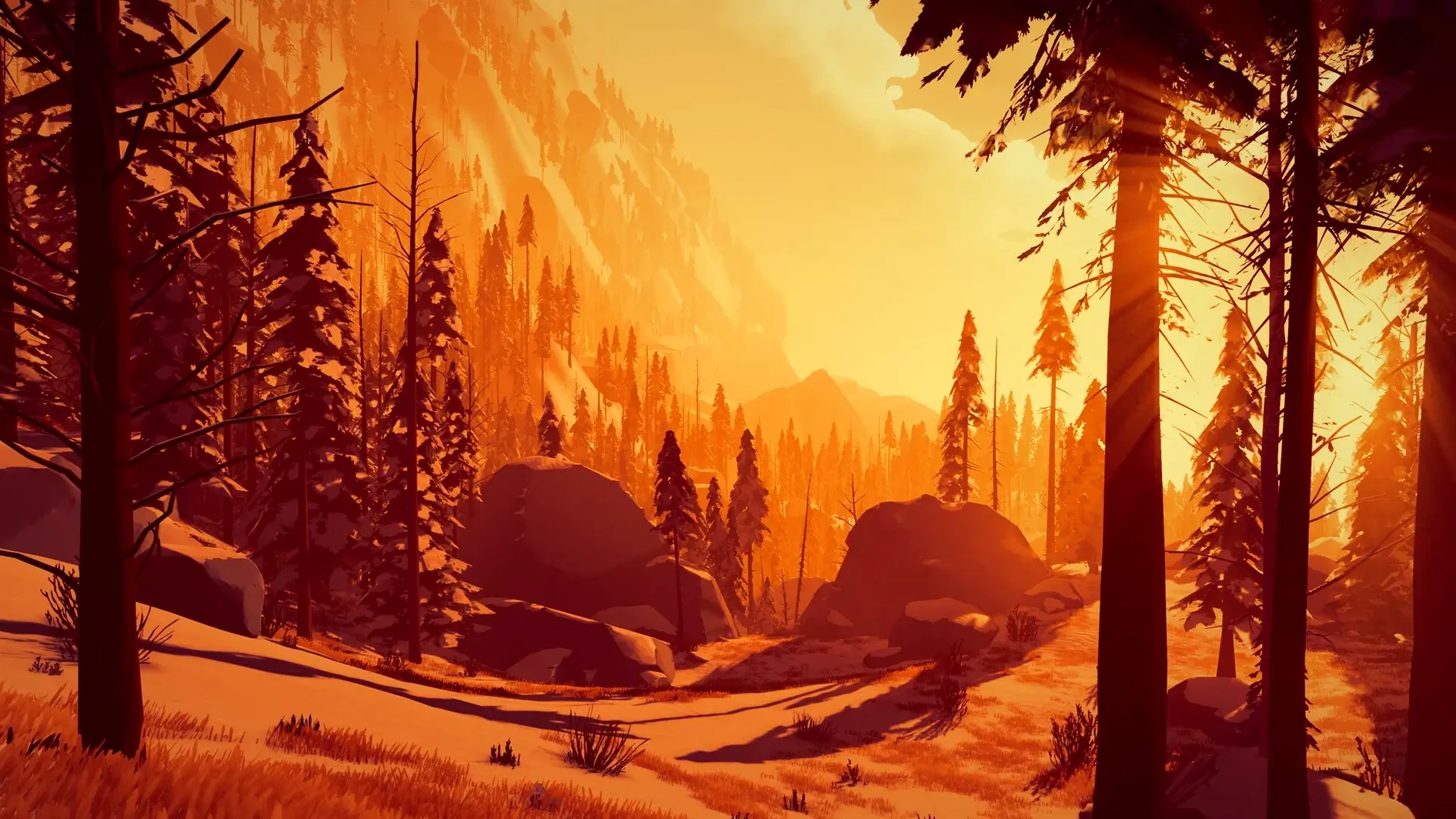
Dynamic world — weather and terrain shift during play; what you saw on the way in may not look the same on the way back.
Languages — interface text ships in Russian, English, German, Spanish, Simplified Chinese, Portuguese, French and Japanese. Voice acting is English only.
Why the zero-fuss install wins over a particular kind of Mac player
It helps that the game demands very little system tuning. The .dmg is a straight drag-to-Applications affair, and the universal binary means nobody has to think about architecture. That simplicity pulls in a specific group — Mac users with an M1 MacBook Air or an older Intel iMac who want a story-heavy experience that just works without fiddling with settings files.
Exploration-first players tend to connect with it more than inventory-puzzle purists. There are no complex item combinations or moon-logic solutions here; the satisfaction comes from poking through abandoned science facilities, reading environmental clues, and piecing together what happened. If you are the type who checks every drawer in a room before moving on, the game rewards that instinct. The weather system adds another layer — a snow squall can roll in and obscure a path you noticed earlier, so you learn to pay attention to landmarks rather than relying on a minimap.
Choice-driven narrative fans also land squarely in the target audience. Conversations with Alfie and other characters branch in ways that feel organic, not telegraphed. A casual remark early in chapter two can shift a relationship arc two chapters later, which means completionists often replay individual chapters to map out the decision tree. And because each of the five chapters runs roughly two hours, it is easy to treat a chapter as a self-contained evening session.
What the silent .dmg doesn't tell you before you double-click
Is Rosetta ever touched on an M1 or M2 Mac?
Yes. Version 1.0.20 includes an ARM slice, so M-series chips execute native code. Rosetta is not involved. The same .app bundle carries an x86_64 slice for Intel Macs, so you are covered either way.
Is an internet connection required after installation?
No. The activation is DRM-free. Once the files are on disk, you can play offline indefinitely. Weather and story triggers are computed locally; nothing phones home for content delivery.
How much space does it actually need on disk?
The five chapters together push past 12 GB once fully extracted. Keep that in mind if you are on a 256 GB internal drive. The game streams environment data per chapter, but it does not split chapters into separate downloadable packs — everything arrives in one bundle.
Can I use a gamepad, or is it keyboard and mouse only?
Gamepad support is baked in. On a Mac, most people gravitate toward a PlayStation 5 or Xbox controller via Bluetooth. Keyboard and mouse work fine too; look sensitivity and key bindings are adjustable from the in-game settings panel.
A workflow: getting through the first science outpost
Chapter one drops you near a derelict research station after the crash. The goal is straightforward — locate the radio array — but getting there without freezing or missing story hooks takes a methodical approach.
First, bind a key you will actually use for the flashlight. The default F key is fine, but remapping it to a thumb mouse button keeps your movement hand free. Arctic Awakening does not pause when you open inventory, so you want light control without reaching across the keyboard.
Approach the outpost from the ridge, not the valley floor. The valley route looks more direct on the map Alfie sketches, but the snowdrift physics are live: taking the low path means slogging through deep snow that slows your walk speed and drains Kai's warmth meter. The ridge gives you a clear sightline to the radio mast and lets you spot the fuel cache early — a detail that pays off in chapter three when you backtrack through the same zone.
Inside the outpost, read every terminal entry before interacting with the generator. Two terminal logs reference a frequency code that Alfie later needs to bypass a locked door. If you skip the terminals and go straight for the generator, Alfie still figures it out eventually, but the dialogue branch that opens up — where Alfie asks Kai whether he trusts an automated system he cannot verify — never triggers. That conversation seeds a trust variable that echoes into chapter four.
Save manually before leaving the outpost. The autosave fires after major cutscenes, not after exploration sequences. The blizzard that hits the ridge on exit is not a scripted setpiece; it is the dynamic weather system rolling a storm front. Sometimes visibility is manageable, sometimes it whites out completely. If you get turned around and drop off the wrong cliff edge, a manual save spares you redoing the entire outpost sequence.
When the radio comes online, let the full transmission play without interacting. There is a hidden audio layer — faint background chatter on the frequency — that the subtitles do not capture. It is easy to miss if you grab the objective marker and move on immediately.
Cross-platform — GoldFire Studios built the same release for PC, Mac, Xbox Series X|S and PlayStation 5.
- Apple Silicon or Intel 64‑bit Mac
$ man arctic-awakening | grep -A2 "?"
Does Arctic Awakening run natively on Apple Silicon?
Yes. The 1.0.20 build includes arm64 code, so M1-and-later Macs run it directly without translation.
Is voice acting available in languages other than English?
No. English is the only listed voice language; the interface and subtitles support eight languages.
Comments 0
Sign in or create an account to leave a comment.
No comments yet. A codec, a slice, a machine — they appear after moderation.