Age of Empires II: Definitive Edition for macOS
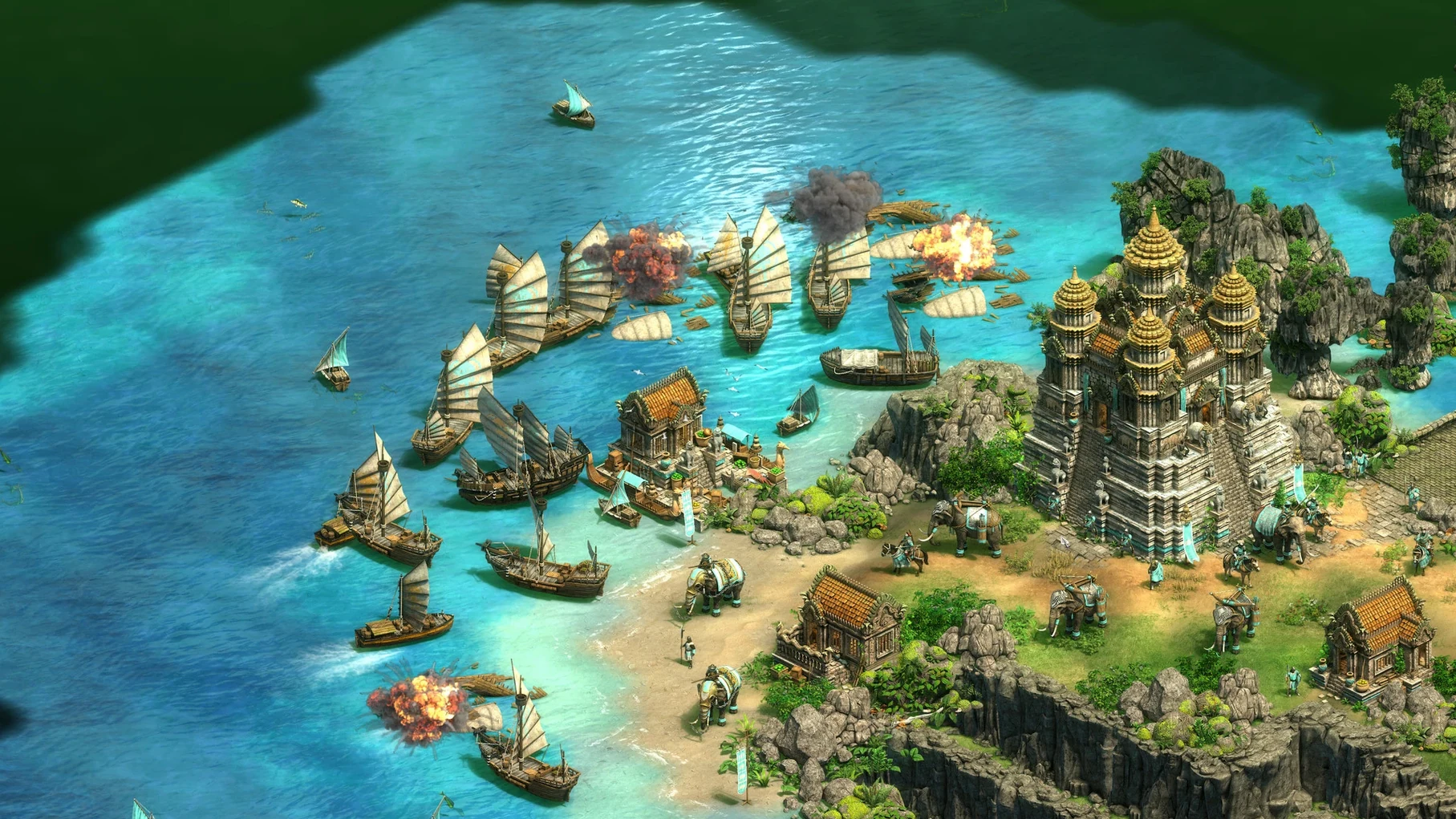
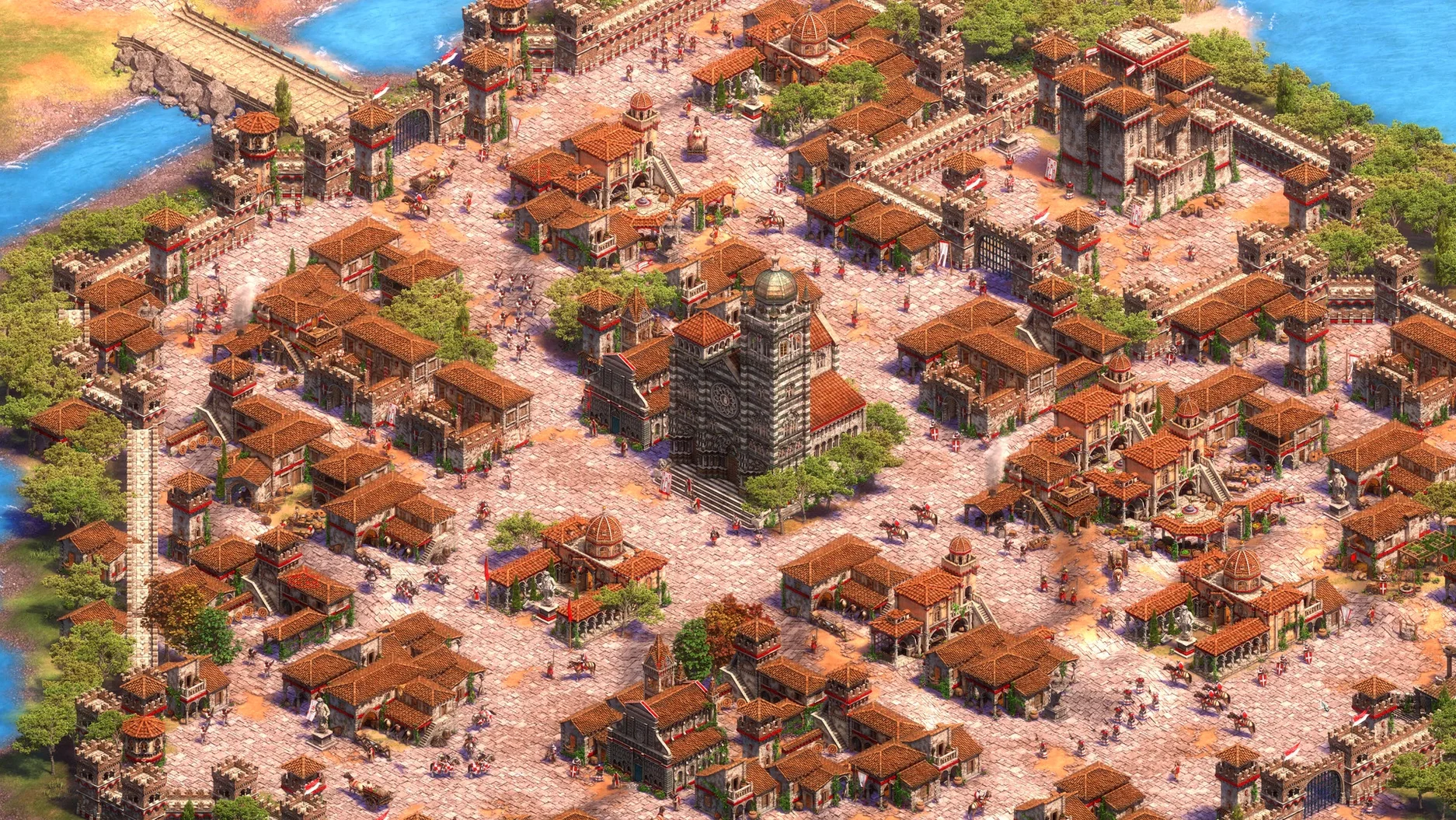
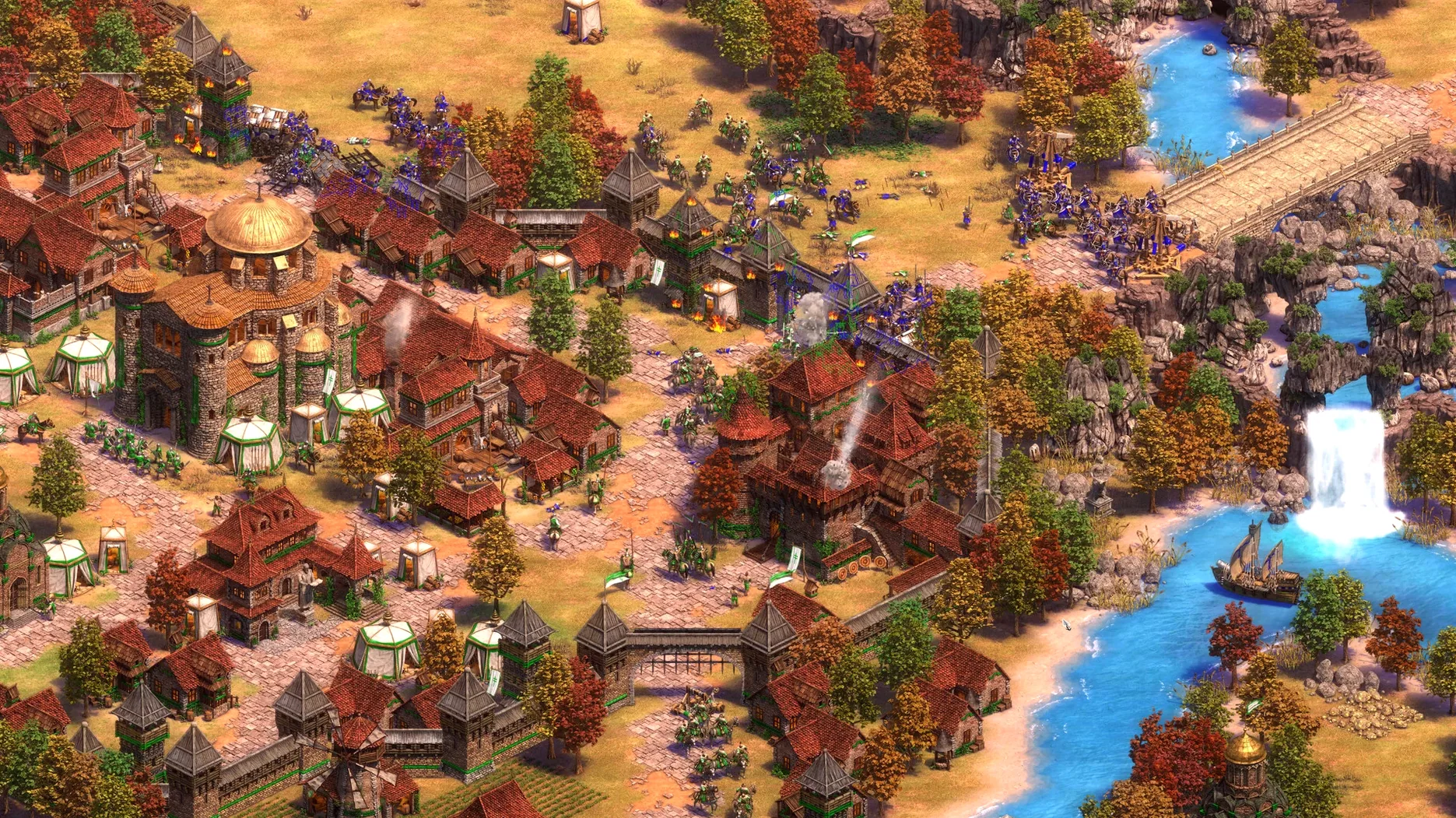
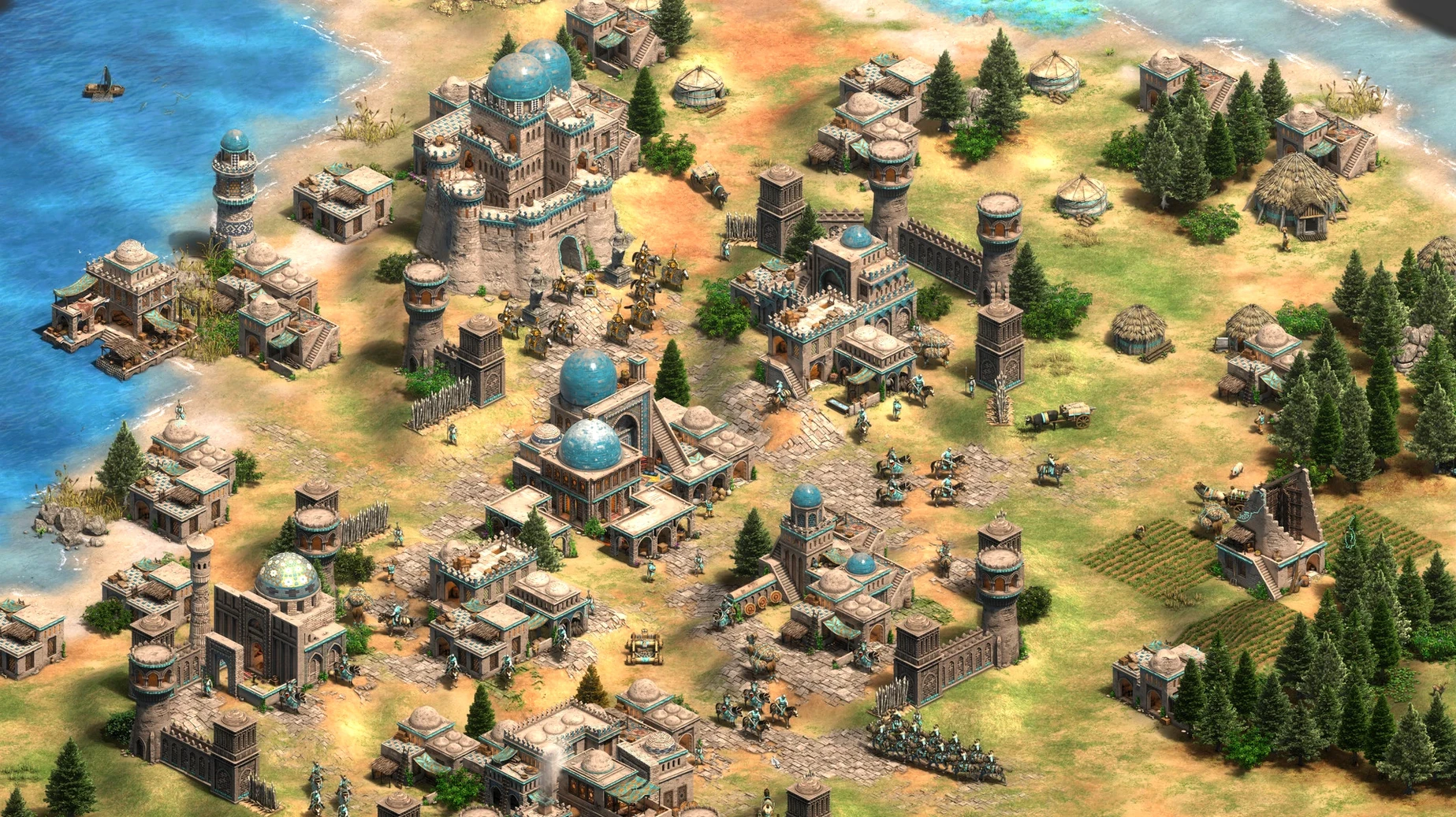
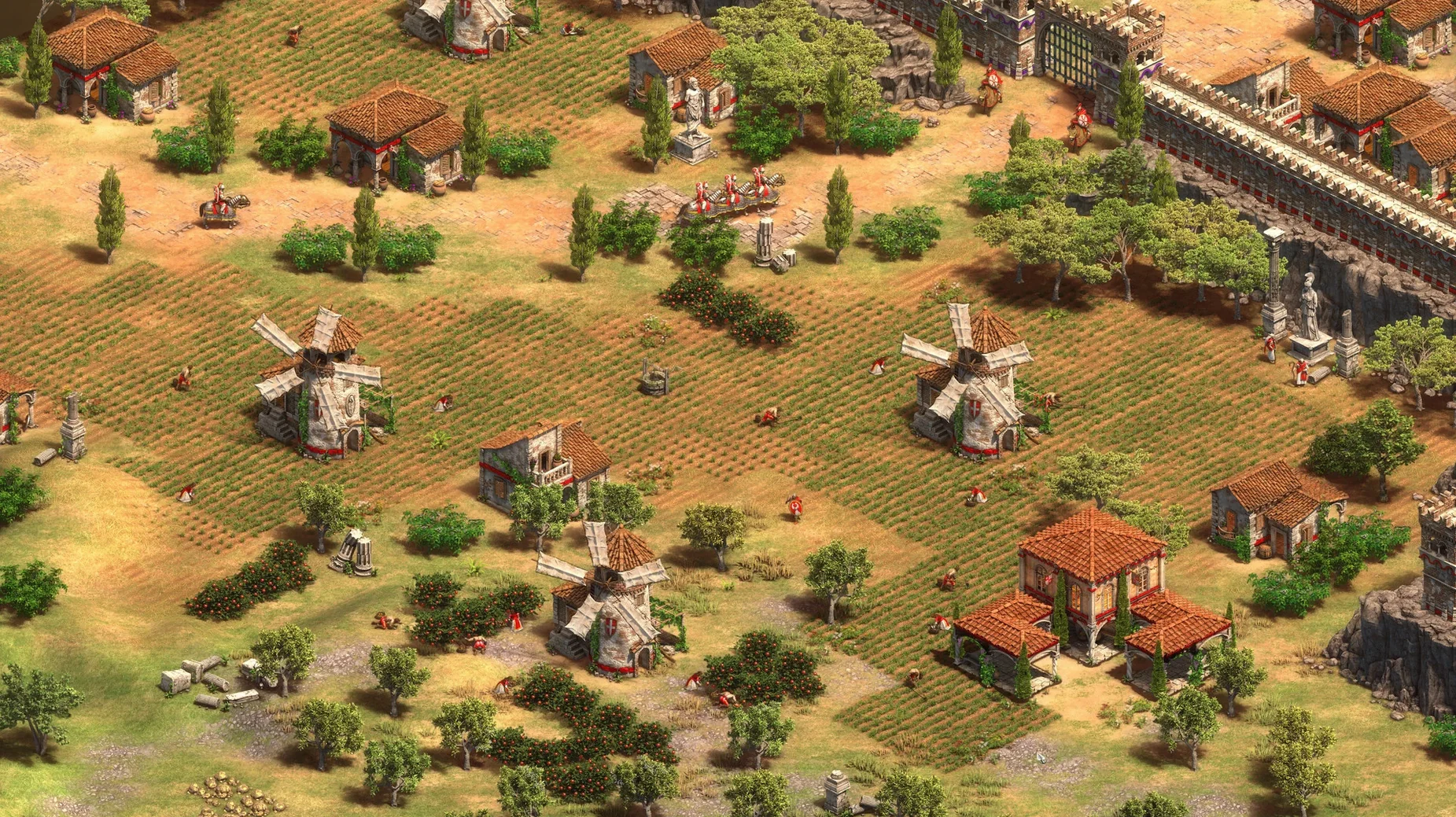
Age of Empires II: Definitive Edition is a native macOS port of the classic real-time strategy game, rebuilt for 4K displays and modern systems. You command one of 35 civilizations through campaigns and skirmishes that span a millennium of human history, from the fall of Rome to the early Renaissance.
The Mac release includes the base game and three expansions: Lords of the West, Dynasties of India, and Dawn of the Dukes. The Last Khans adds three campaigns and four civilizations—Bulgarians, Cumans, Lithuanians, and Tatars—to the roster. Everything runs at Ultra HD resolution with the remastered soundtrack. The package also bundles the scenario editor, so you can build your own maps and logic with the same tools the developers use.
Online play supports all 35 civilizations. Recent updates added a quick play mode for shorter sessions and a battle royale mode that reworks the formula into a last-player-standing format. The interface has been refined across updates, and it ships localized into sixteen languages including Hindi, Korean, Vietnamese, and both Simplified and Traditional Chinese.
How I set up a team skirmish against the AI, start to finish
Most evenings I want a match that lasts about forty minutes—long enough to feel like a real contest, short enough that I can finish before dinner. The quick play mode gets me partway there, but I prefer dialing in the settings myself. Here is the routine.
I open the skirmish menu and set the map to Black Forest. It funnels units through narrow passes, which rewards defensive planning and siege timing more than pure rush speed. For civilizations I pick Britons for myself—their longbowmen outrange most castle-age units—and assign Franks, Teutons, and Byzantines as my three AI allies. The opposing team gets Goths, Huns, Mongols, and Celts. That gives the enemy a mix of infantry spam and cavalry aggression that pushes my team without overwhelming us.
I set the AI difficulty to Hard. Extreme turns every skirmish into a survival drill, but Hard keeps the pressure steady while leaving room to experiment. Population cap stays at 200. Starting resources go to Low instead of Standard—the first few minutes feel sharper when you cannot immediately queue a dozen villagers. Victory condition is Conquest. I leave the treaty length at zero so the AI can send scouts my way by the eight-minute mark.
Once the map loads, the opening is always the same. I queue four villagers at the town center, send the starting three to nearby sheep, and scout with the initial cavalry unit. By the time I hit the Feudal Age I have two lumber camps and a mill placed near berry bushes. My first military building is an archery range; I want a group of six archers ready before my opponent finishes walling the nearest choke point.
The mid-game is where Black Forest shines. I wall off my half of the map at the two narrowest gaps, station archers behind the palisades, and let my Frankish allies trade with my market. Once I reach the Imperial Age I switch into trebuchet production and start clearing a path through the forest on the east flank. The AI rarely scouts a siege tunnel cut through trees, and a dozen longbowmen behind four trebuchets can dismantle a town center before the enemy reroutes their cavalry.
I save the replay at the end of every session. Watching how the AI adapted its unit composition teaches me more than any tutorial, and the scenario editor lets me turn a good map seed into a custom scenario later.
A forty-minute evening session, step by step
I launch the game from the /Applications folder and wait through the intro cinematics—skippable, but I like the music. The main menu lands on the campaign screen. I switch to the skirmish tab.
Minute one through five: pick the map, pick the civilizations, set the difficulty. I check the interface language is set to English and confirm the voice language is English as well; switching to German voiceover with English text is something I do when I want to practice listening comprehension, but tonight I keep it simple.
Minute six through fifteen: Dark Age and Feudal Age. I scout the map edges, herd wild boar toward my town center, and drop a blacksmith near my archery range. I bind my town center to control group 1 and my scout to control group 2. The hotkeys are fully remappable, but the defaults are close enough to what I learned years ago that I only reassign the idle-villager key to a thumb button on my mouse.
Minute sixteen through thirty: Castle Age hits. I build a second town center near a stone deposit and start mining stone for a castle. My ally Franks are already skirmishing with the Huns at the central crossing. I send a small raiding party of knights to harass the Celtic lumber camps near the back of the enemy base. Raids do not need to destroy buildings; pulling five villagers off wood for two minutes slows down their siege workshop timing enough to matter.
Minute thirty-one through forty: Imperial Age and the final push. I research Chemistry at the university, upgrade my archers to arbalests, and queue trebuchets from two castles. The Goth infantry flood that looked scary twenty minutes ago melts against massed ranged fire. My Teuton ally rolls in with paladins and the enemy resigns one by one. I watch the statistics screen, note that my Frankish ally collected more gold than anyone else, and exit to the desktop.
A campaign player who has never touched multiplayer
My brother-in-law bought a Mac mini last year and has sunk something like 180 hours into the single-player campaigns without ever clicking the multiplayer button. He treats the game as an interactive history documentary with base-building. He plays on Standard difficulty and reads every campaign intro screen aloud to whoever is in the room.
His favorite campaign is the Kotyan Khan storyline from The Last Khans. It follows the Cumans as they flee the Mongol invasions, and each scenario forces him to defend a migrating caravan while building up a new base from scratch. He told me the third scenario took him four tries because he kept losing his herdables to wolf attacks before he reached the first waypoint. I suggested he garrison a few spearmen inside the trade carts using the scenario editor to test enemy pathing; he ended up learning enough trigger logic to build a small custom map where two AI players fight over a river crossing while the player watches.
He never uses hotkeys. He clicks every command through the interface, scrolls the map by nudging the cursor to the screen edge, and still finishes every campaign on Standard while maintaining a positive food surplus. That is the thing about this game: the floor is low enough that a methodical clicker can beat the historical content, and the ceiling is high enough that competitive players memorize build orders down to the second.
Pull the camera back two notches on a 4K display
The default settings are reasonable, but a few tweaks make a noticeable difference on a modern Mac display.
- Zoom level. I pull the camera back two notches from the default. At 4K resolution on a 24-inch screen, the extra distance lets me see an entire base without scrolling. The scroll wheel adjusts zoom smoothly, and the game remembers the setting between sessions.
- Interface scale. I set it to 120%. At 100% the unit panel and resource counters feel small at native resolution. 120% keeps everything legible without eating into the play area.
- Show player colors on the minimap. Turned on by default, but I switch the minimap mode to show terrain with colored unit dots only. Too many colored blobs and I cannot tell forest from farmland at a glance.
- Idle villager notification. I set it to repeat every 15 seconds. The default interval is longer, and a villager standing still for half a minute is lost resources.
- Auto-save interval. I drop it to every five minutes. The game already auto-saves, but the default ten-minute gap means I can lose a risky Castle Age timing push if the game or the Mac crashes—rare on Apple silicon, but old habits die hard.
- Graphics: V-Sync off. On the M4 Mac mini the frame rate stays smooth without it, and disabling it reduces a frame or two of input lag. Not that I can feel a single frame in a strategy game, but I know it is there.
The voice language option deserves a mention. Switching to German or French voiceover while keeping the interface in English is a genuinely useful language-learning trick. The campaign narration is slow and clearly enunciated, and you already know the context from the text on screen. I played through the Joan of Arc campaign with French voices and picked up a handful of military vocabulary I had not encountered in textbooks.
None of these settings require digging into configuration files. Everything lives in the in-game options menu, and the game writes preferences to a standard location inside the user's Library folder. If you ever need to reset everything, delete the preference file and the game rebuilds it on next launch with factory defaults.
- Shipped with Ultra HD 4K visuals and a digitally remastered soundtrack.
- Includes The Last Khans expansion with three campaigns and four civilizations.
- Added a battle royale mode for competitive last-player-standing rounds.
- Scenario editor support enabled for custom map creation on Mac.
- Quick play mode added for faster matchmaking and shorter sessions.
- Runs natively on both Intel and Apple Silicon Macs.
- Tested on macOS Tahoe with a Mac mini 2024 M4.
- Activation is not required.
$ man age-of-empires-ii-definitive-edition | grep -A2 "?"
Which expansions are included with the Mac version?
The Mac release includes Lords of the West, Dynasties of India, Dawn of the Dukes, and The Last Khans.Does the scenario editor work on macOS?
Yes, recent updates added full scenario editor support to the Mac version, so you can create and play custom maps.
Comments 0
Sign in or create an account to leave a comment.
No comments yet. A codec, a slice, a machine — they appear after moderation.