7 Days To Die for macOS
Trader doors now open to your vehicle horn
The Fun Pimps shipped a few practical fixes. Trader outpost doors now respond to a vehicle horn, so you don't have to park and walk up every time. The combine station interface got a visual rework, and some player gear textures that were eating more memory than they should have been are back in check.
Starting out: world and character
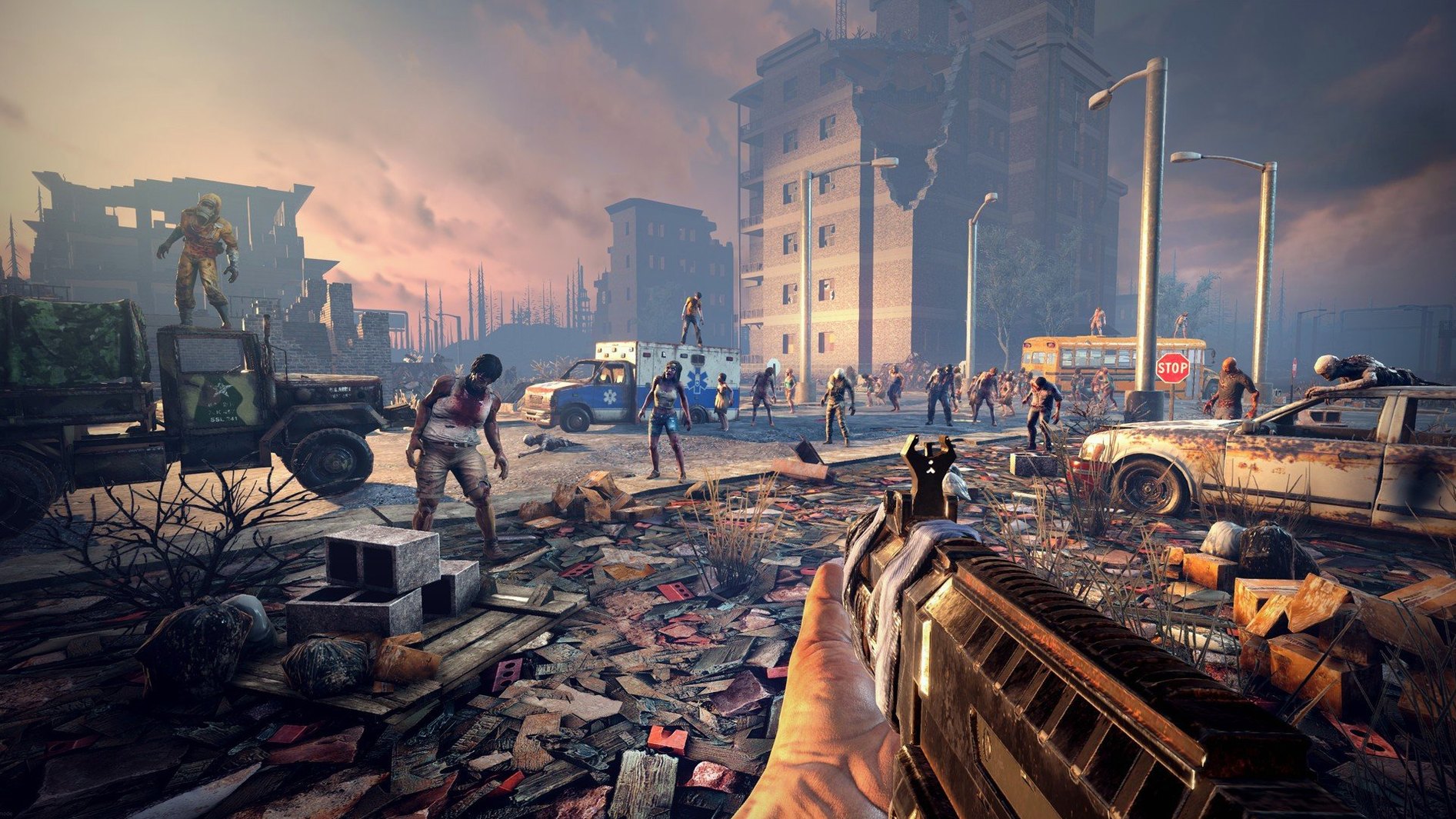
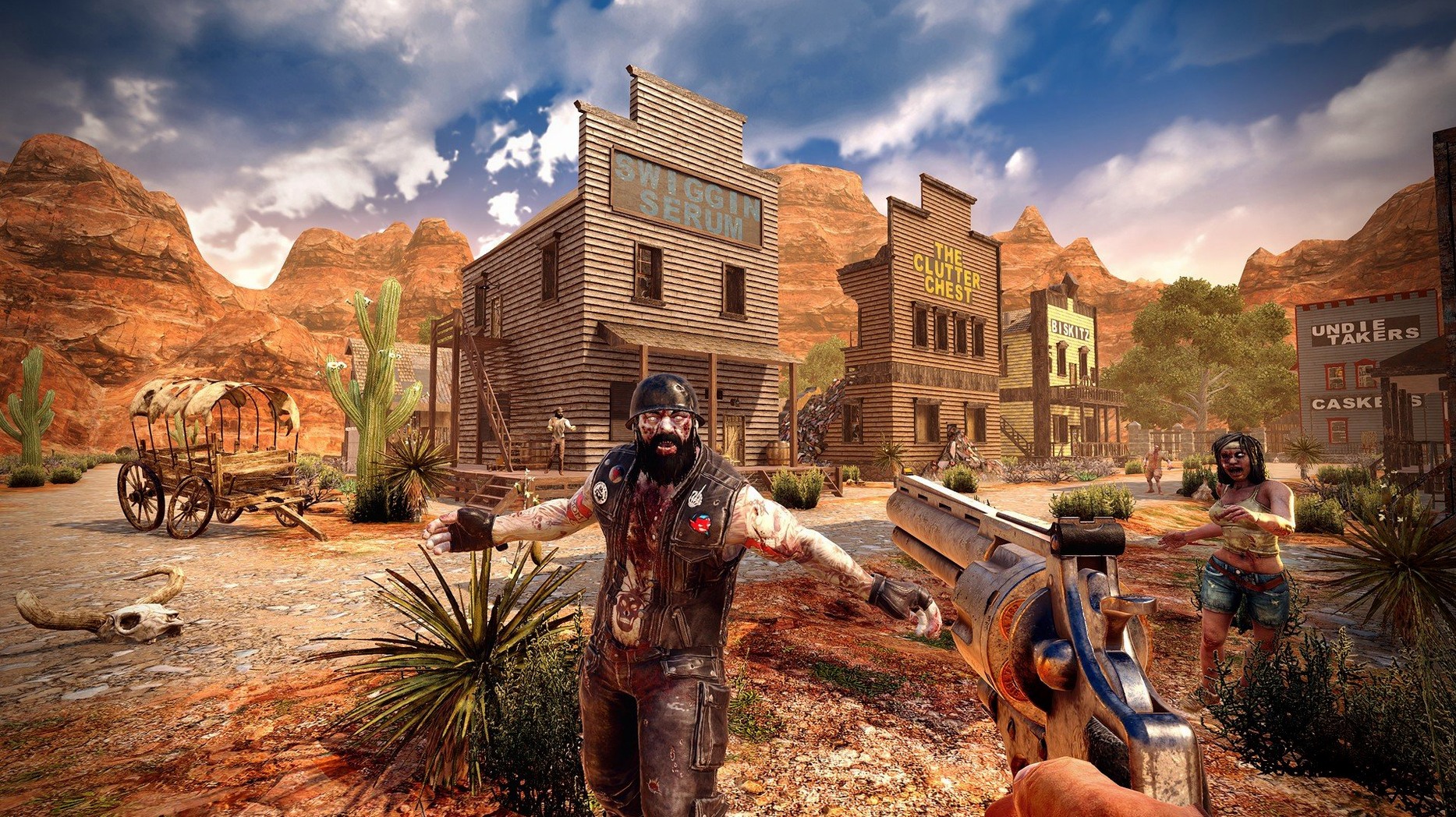
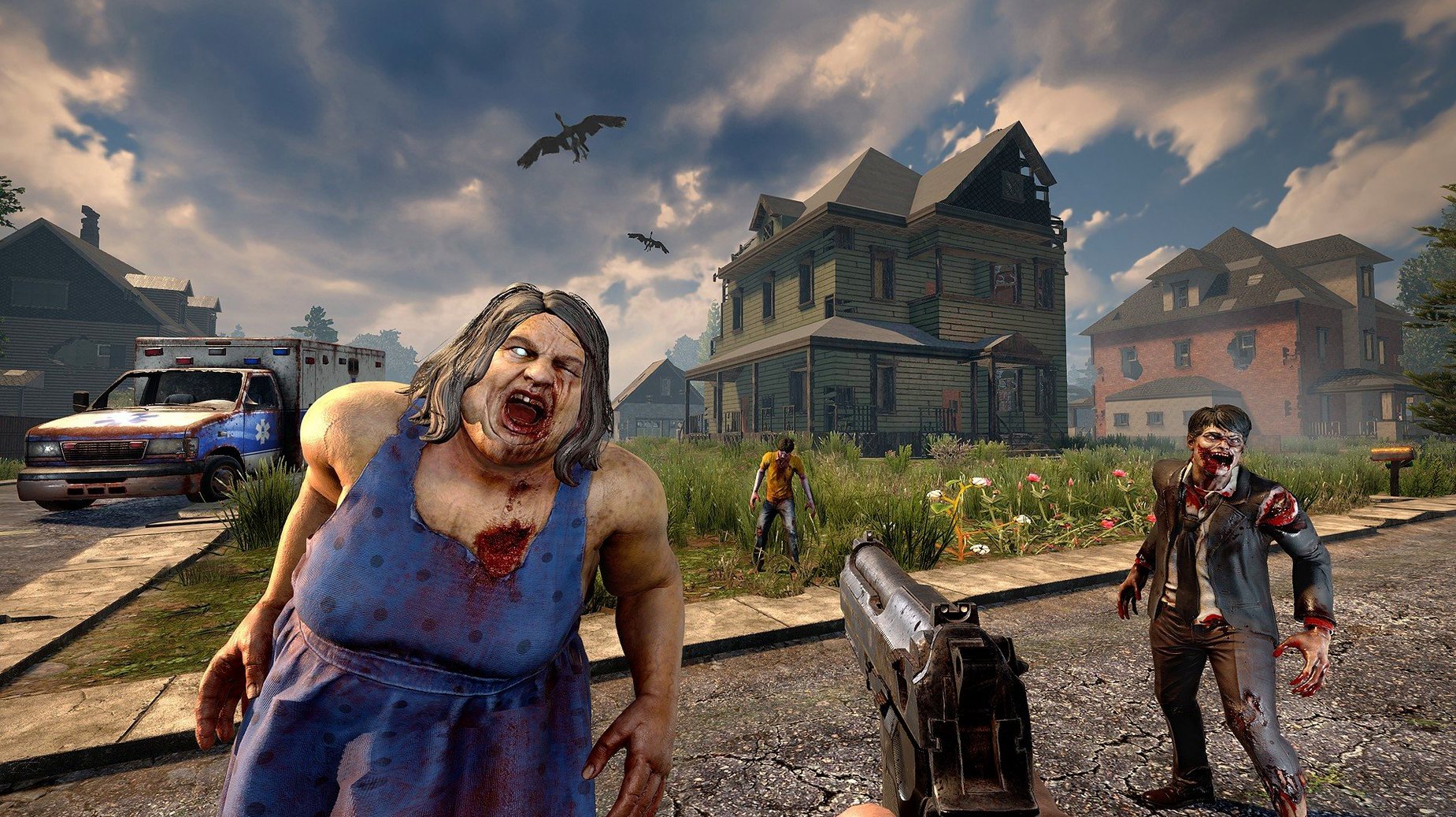
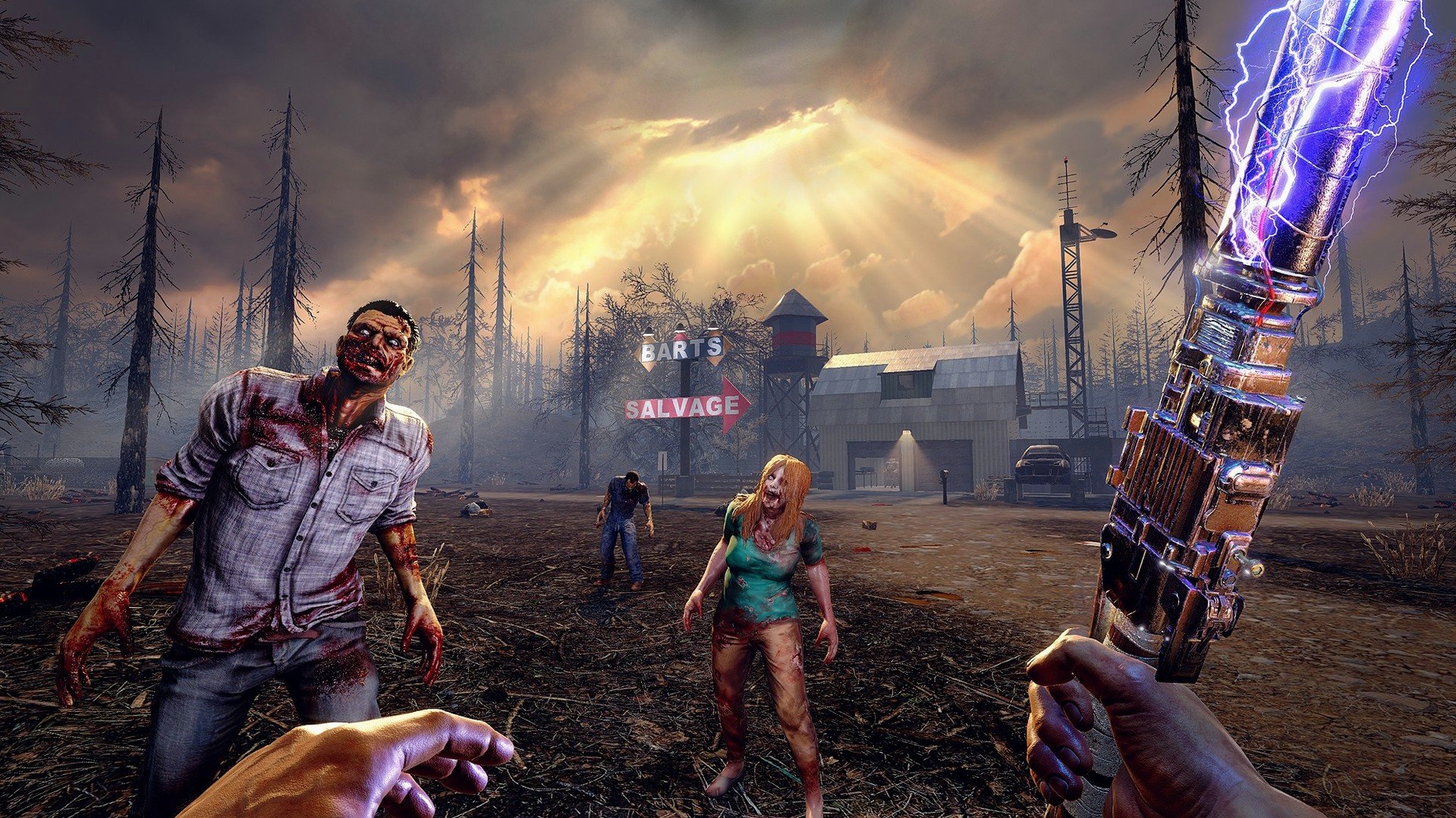
The game drops you into a voxel world, either a hand-crafted campaign map or one that gets generated on the fly. From there, it's a numbered loop most players fall into.
- Scavenge the immediate area. Loot containers, break down furniture, grab anything useful. The clock is ticking toward nightfall, and the zombies get faster after dark.
- Claim or build a shelter. The building system uses blocks you can place, upgrade, and paint. Getting a roof up before the seventh-day horde is the central pressure.
- Craft tools and weapons. The recipe book holds over 500 entries, spread across six quality tiers. You repair what breaks and improve what works. Vehicle parts let you assemble a bicycle early on and work up to a 4x4 truck or a gyrocopter later.
- Read to grow. More than 100 books unlock skills. It is a quiet way to build a character alongside the action.
- Hold the line. Every seventh night, a blood moon horde attacks. You reinforce, set traps, and fight — it is part shooter, part tower defense.
The Mac build runs native on ARM and x86_64, so it works on Apple Silicon and older Intel machines. The interface ships in thirteen languages, and the system requirements are modest: 8 GB of RAM, 15 GB of disk space, and a GPU with 2 GB of VRAM.
Drop texture quality to half or quarter before you spawn in
Before you spawn into a world, open the video options and drop Texture Quality to Half or Quarter. The game streams textures aggressively and the Mac build, even on an M4, settles down faster when it is not trying to push full-resolution textures through the editor's memory path on first load. You can always raise it once you are past the initial chunk generation.
A second change that helps immediately: set View Distance to Medium (or Low, if you are on an Intel Mac with 2 GB of VRAM). The game draws five biomes, cities, and thousands of blocks at once. A shorter draw distance keeps the frame time steadier during horde nights, when the most important action is thirty meters in front of you anyway.
Under Audio, turn the Music Volume slider to zero unless you plan to supply your own playlist. The Mac build ships with music accompaniment only — no voice lines, no radio chatter — so the in-game music loop can wear thin after a few hours. Keeping ambient and enemy sounds up means you still hear a zombie breathing behind you.
Hold shift to craft a full inventory stack in one click
The crafting queue has a quiet shortcut: hold Shift while clicking a recipe and the game crafts as many copies as your inventory will hold. It saves you from clicking a stone axe forty times in the first ten minutes.
When you open the map, right-click anywhere to drop a waypoint. You can name it, pick a color, and have it show a distance marker on your compass. Every trader outpost, water source, and promising rooftop stash deserves one.
Containers you place — storage crates, wooden chests, the minibike basket — can be locked. Open the container, click the padlock icon, and set a password. On a server, this keeps your spare weapon parts from walking off. In single-player, it stops you from accidentally dumping a stack of duct tape into the wrong box.
A less obvious one: the trader's compound door responds to a vehicle horn now (the 3.2.0.B10 patch note), but horns also scatter birds from rooftops and can pull a wandering horde away from a weak wall. The horn is not just a doorbell.
Point your mouse utility at the inner app bundle, not the outer wrapper
The game package lives at /Applications/7DaysToDie.app but the actual binary is one folder deeper: /Applications/7DaysToDie.app/Contents/Game/7DaysToDie.app. If you use a third-party mouse utility or a key remapper like Karabiner-Elements, point it at that inner app bundle. The outer wrapper is just a launcher shell.
Saved worlds and player profiles sit in ~/Library/Application Support/7DaysToDie. That folder holds your generated maps, character data, and server configs. If you move to a new Mac or want to share a world with someone on the same LAN, copy that folder. The game reads it without an import step.
For co-op, the built-in server browser finds LAN games automatically, and you can host a peer-to-peer session straight from the New Game menu. macOS Firewall will prompt on first launch; allow both the launcher and the inner game binary, or your friends will see a "server not responding" message even on the same router.
Mission Control and Spaces handle the game cleanly in fullscreen, but windowed mode sometimes fights the menu bar if you have "Automatically hide and show the menu bar" turned on. Switch it off while you play, or run fullscreen exclusive. The game also respects the system Do Not Disturb focus mode, so a notification will not yank you out of a blood moon fight if you set it before a long session.
- Apple Silicon (native)
- Intel 64-bit
$ man 7-days-to-die | grep -A2 "?"
Does the Mac version support the same world options as Windows?
Yes, you can play on preset campaign maps or generate a random world, just like on other platforms.
Comments 0
Sign in or create an account to leave a comment.
No comments yet. A codec, a slice, a machine — they appear after moderation.