
ASYLUM for macOS
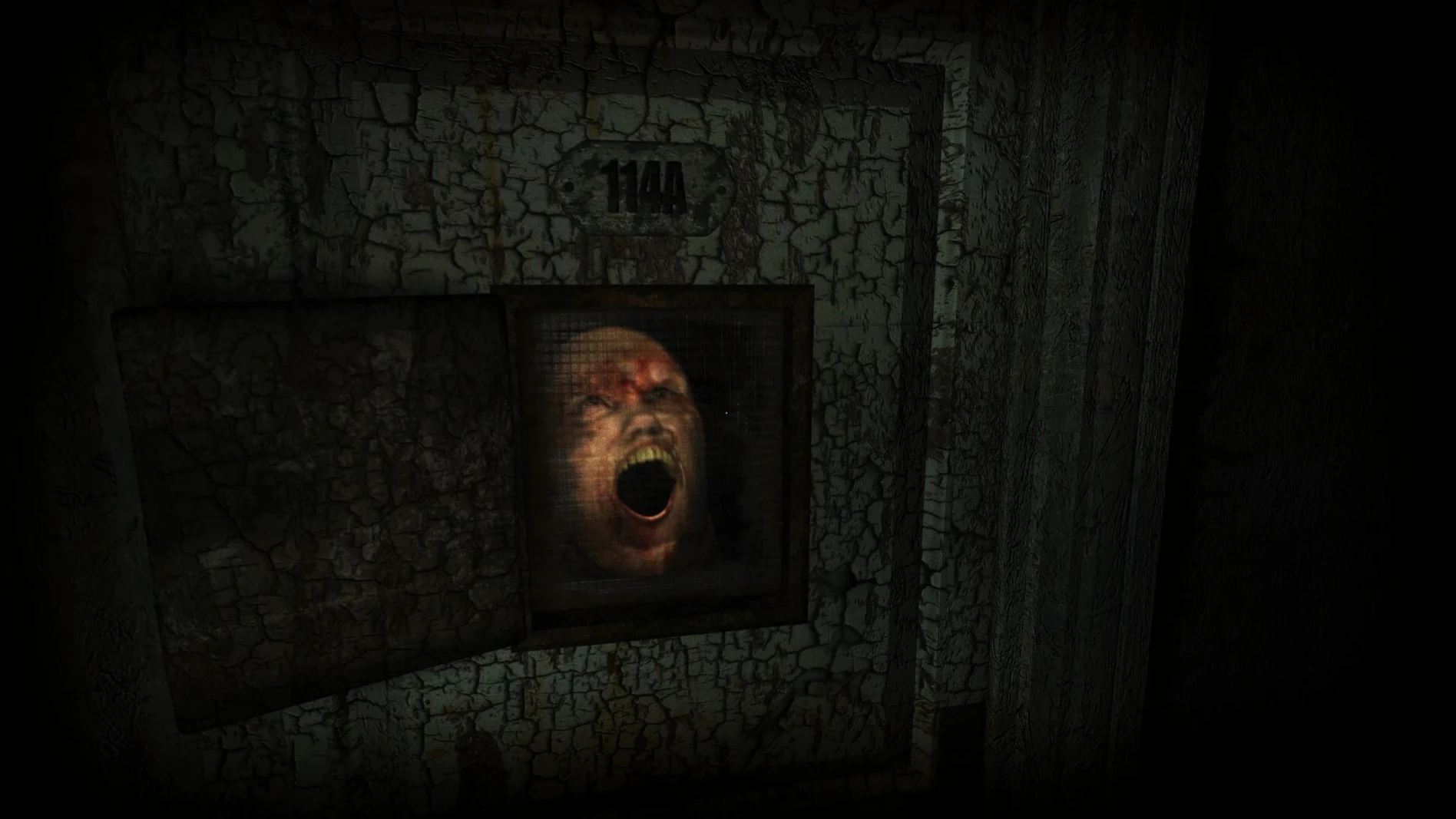
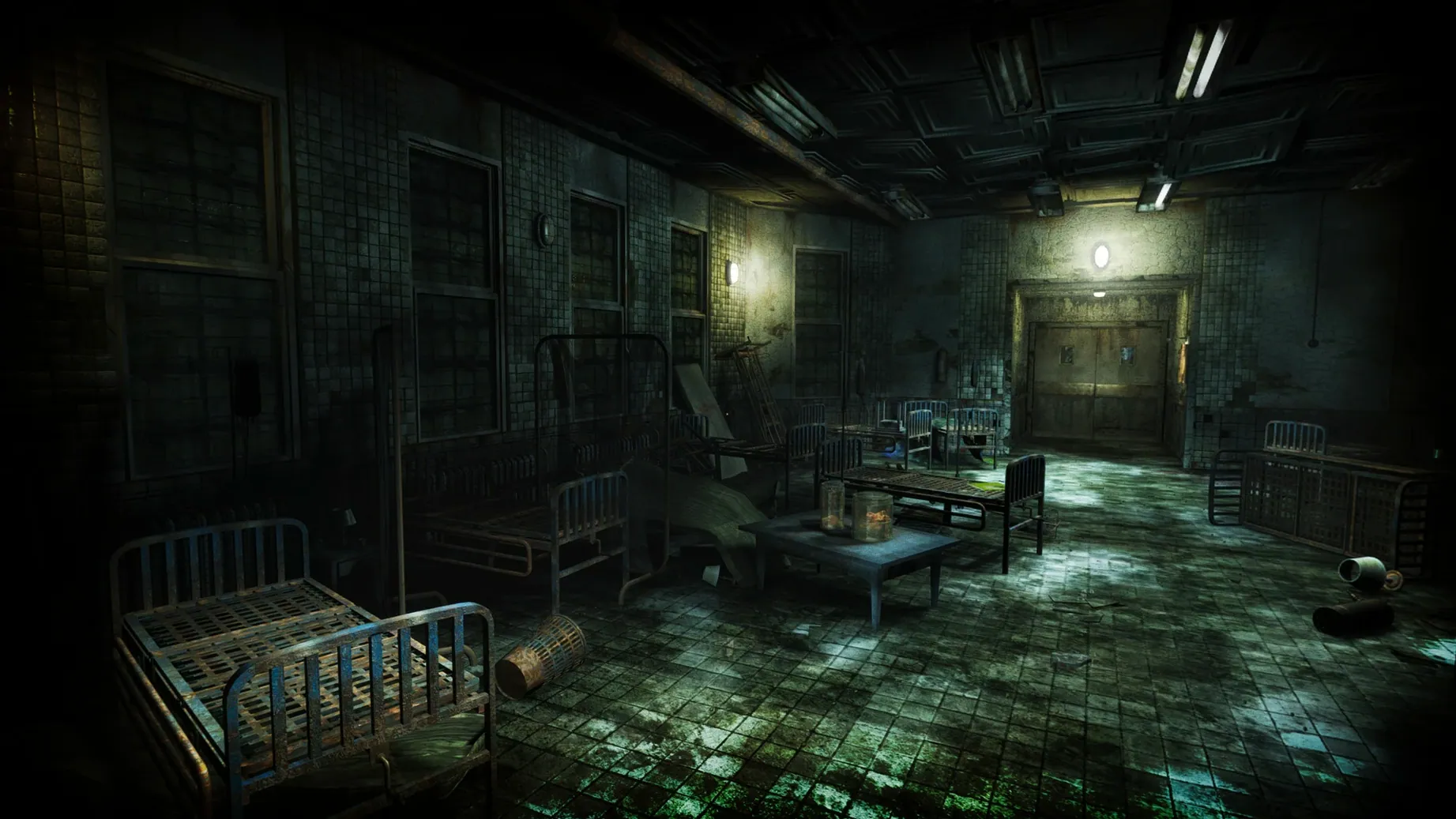
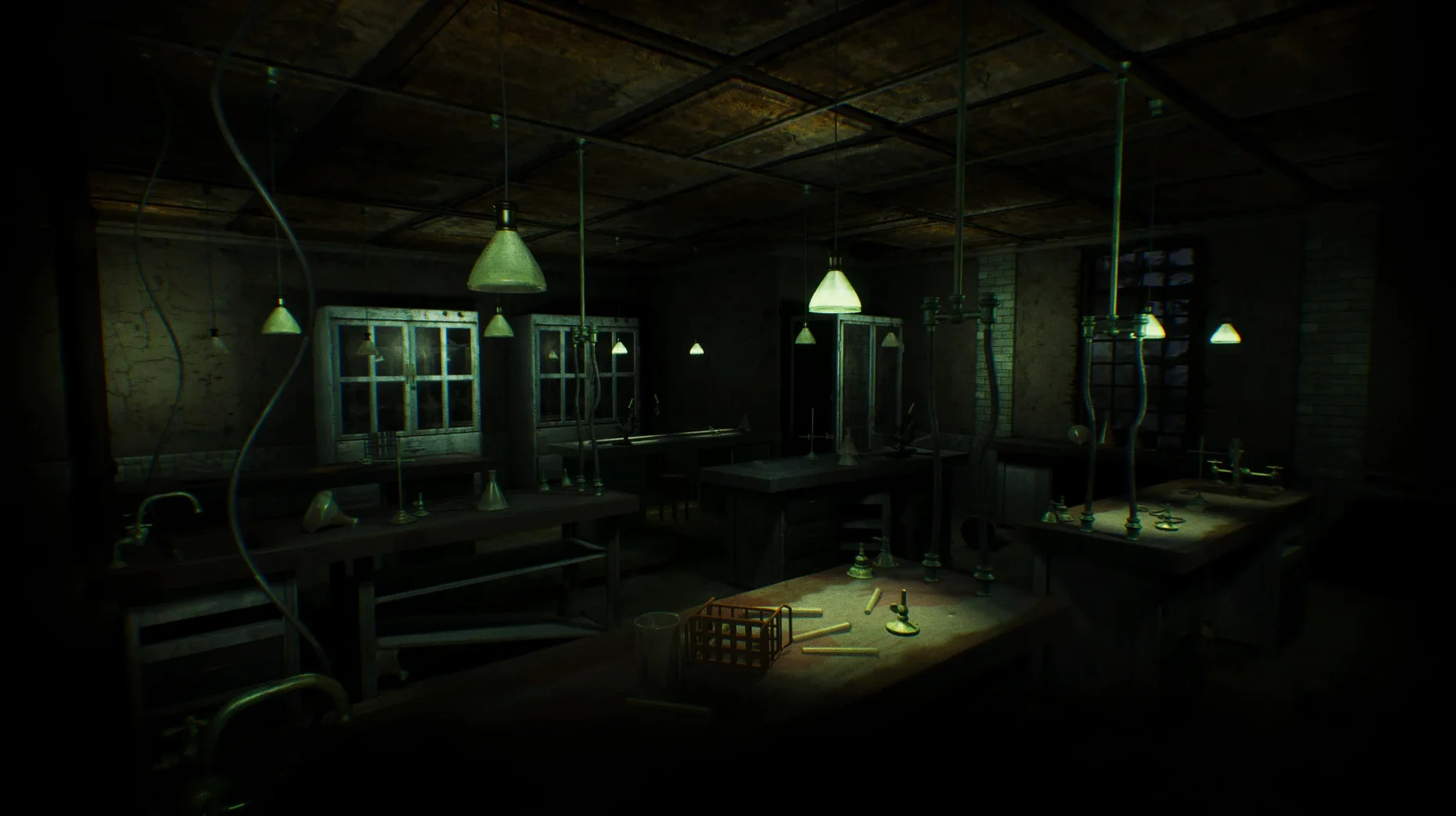
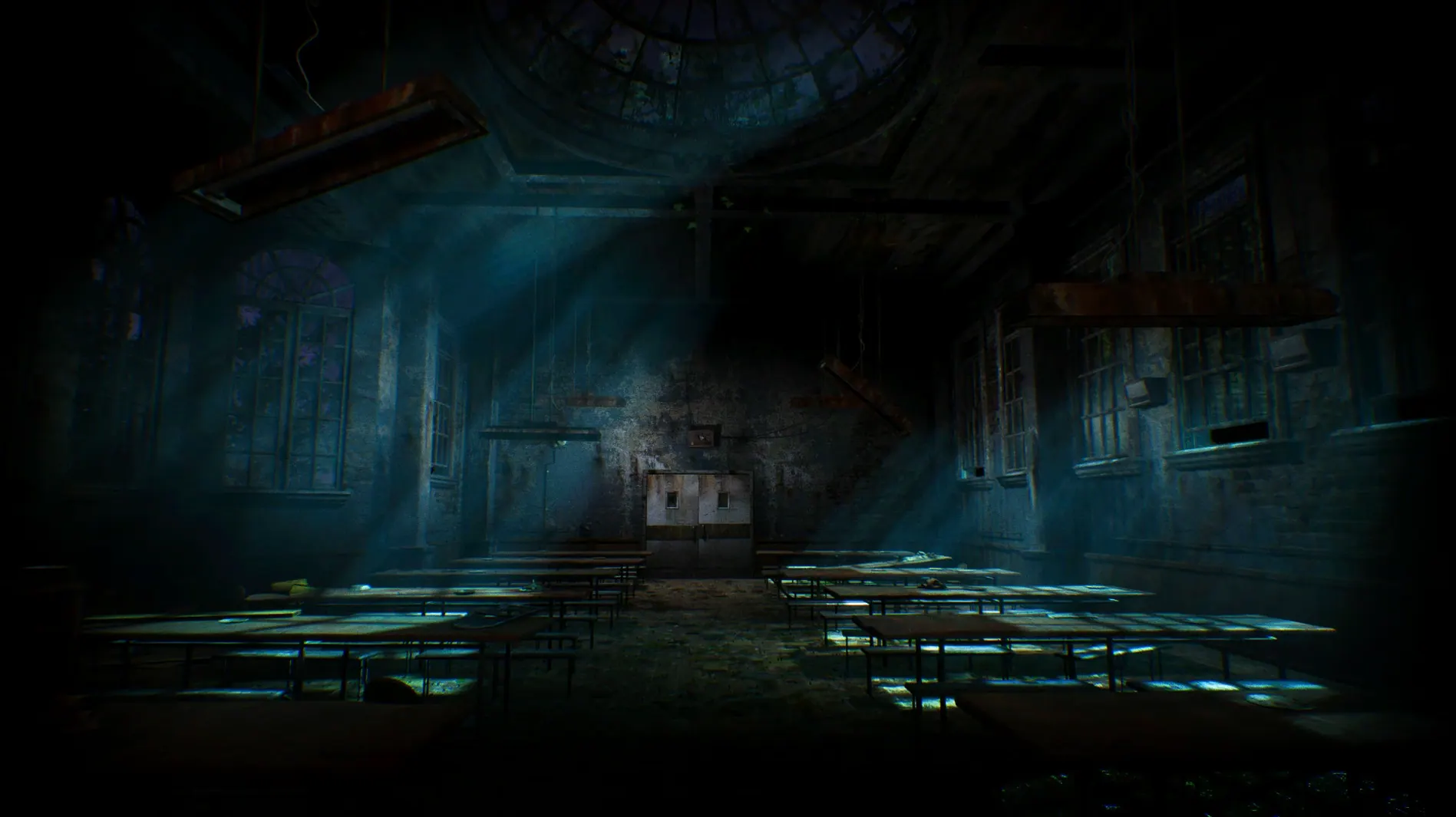
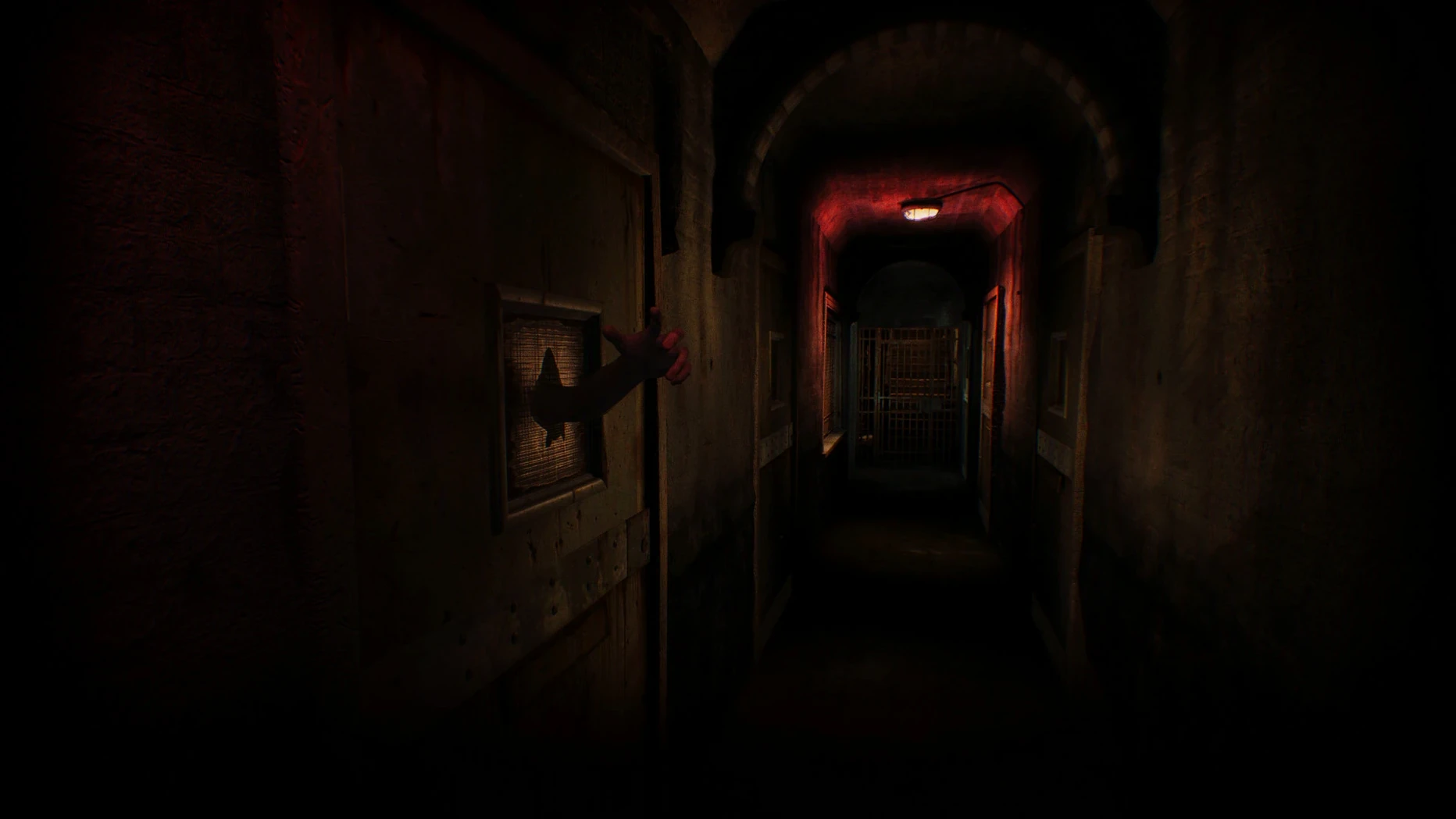
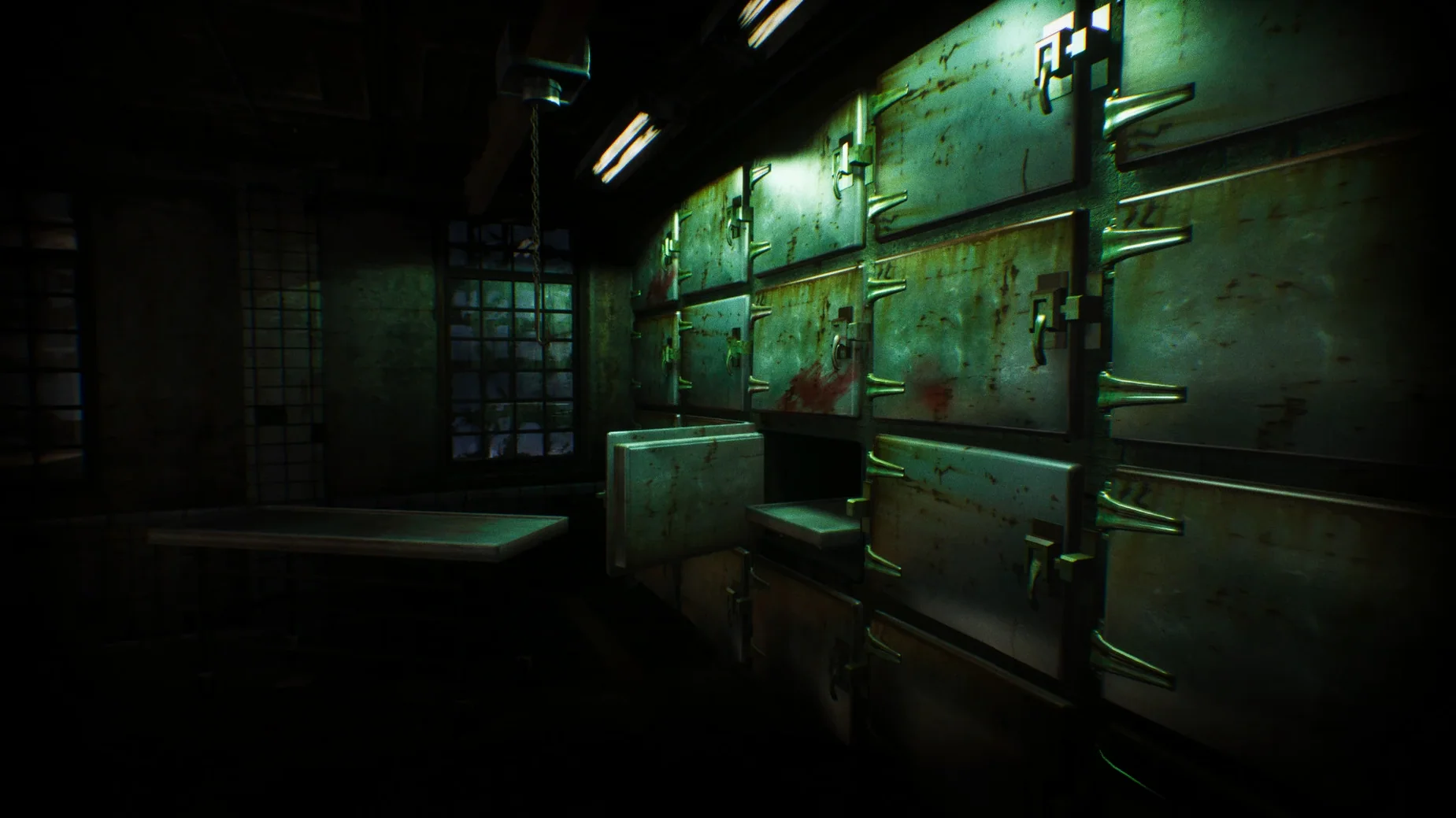
You are standing in the main hall of the Hanwell Mental Institute. The light is wrong — too dim, too yellow — and a low hum you cannot place vibrates through the floor. A door creaks open two corridors away. You did not open it. Your only real tool is attention: reading letters left in drawers, matching symbols scrawled on walls, and connecting the awful dots about what happened here before you arrived.
Dread over jump scares and piecing together a mystery
- Players who prefer dread over jump scares — the horror builds through environment and sound.
- Fans of the developer’s earlier work (Scratches, Serena) who know their pacing and attention to detail.
- Anyone who enjoys piecing together a story from notes, environmental clues, and the architecture itself.
Intel-only build runs under Rosetta 2 on Apple Silicon
- The build is currently Intel 64-bit only — Apple Silicon Macs run it through Rosetta 2.
- This is a slow adventure. Minute-to-minute gameplay is walking, examining objects, and solving inventory and logic puzzles.
- You will spend a lot of time reading — the institute’s history is told through documents you find.
A session inside Hanwell
You launch the game from ASYLUM.app and land in the main menu, where the diegetic interface is already setting the tone — no flashy overlays, just something that feels like it belongs in the institute. You load your save and find yourself in a corridor you barely remember leaving. The map you sketched on a scrap of paper is wrong, but that is the point: Hanwell does not want you to feel oriented.
The first ten minutes are quiet. You walk. You listen. Footsteps echo differently depending on the flooring — linoleum, tile, wood — and the sound design keeps feeding you information. A door clicks shut behind you. A radiator hisses. You stop moving and just stand there, waiting to see if the game will punish you for staying still. It does not. The horror is patient here.
Eventually you find a room you missed before: a small office with a desk lamp still on. Inside the drawer, a half-finished patient transfer form names someone you recognize from a journal two floors up. You cross-reference the two documents — the dates do not line up, the handwriting changes mid-page — and now you have a new thread to pull. Solving a puzzle this way feels less like unlocking a gate and more like remembering something you should not know.
By the time you quit, the real world feels a little too bright. That is the measure of a session: not progress, but how thoroughly the building got inside your head.
A historian’s lens
It is easy to imagine a player like Lena — a graduate student in architectural history — approaching ASYLUM almost like fieldwork. She takes screenshots of the floor plans she reconstructs, notes where the common rooms sit relative to the isolation cells, and tracks how the building’s layout changes between wings. The game rewards her: the architecture is not just set dressing, it is narrative. The placement of a locked door tells you what the staff were afraid of. A window that faces a brick wall is not a design mistake — it is a statement. For Lena, the puzzles are secondary; she is here to read the building.
That kind of playthrough stretches the game to fifteen or twenty hours, and the diegetic interface supports it — no floating markers, no quest log, just the environment itself as evidence. If she ever publishes that paper on asylum architecture in interactive media, Hanwell will deserve a citation.
Rename the app bundle so you know which version you’re launching
When you first install from the ASYLUM Mac torrent, a few small moves will save you frustration:
- Rename the app bundle if you keep multiple builds —
ASYLUM 1.5.0.appworks — so you know which version you are launching. - If the game refuses to start after installation, skip the app bundle and run the binary directly from
ASYLUM.app/Contents/MacOS/Asylum-Mac-Shipping. This bypasses any launch-service quirks macOS Tahoe might introduce. - Turn off your system’s notification banners before playing. The game builds tension through long stretches of quiet, and a calendar alert will shatter it faster than any monster.
- Play with headphones. The soundstage is precise — creaks and whispers are positioned in space, and you will want to catch them before they catch you.
- Save manually and often. The game does not hold your hand with autosaves, and losing forty minutes of investigation to a wrong turn stings.
Give yourself permission to wander without progress for the first hour. Hanwell is not a checklist of objectives — it is a place. Learn its rhythms first, and the puzzles will make more sense when you circle back to them.
- Extensive optimization of game resources across the board.
- Cutscenes and movies re-encoded to Bink format for better playback.
- Added an extra Steam Deck input profile for trackpad interaction.
- Fixed default resolution and frame rate calculation in the settings menu.
- Fixed first-launch detection of the system language.
- Removed a Mac-specific tutorial that referenced non-existent buttons.
- Architecture: Intel (x86 64-bit)
- Tested on macOS Tahoe with a Mac mini 2024 M4
$ man asylum | grep -A2 "?"
What kind of game is ASYLUM?
It is a first-person horror adventure set in the Hanwell Mental Institute, focused on atmosphere, exploration, and puzzle-solving.
Is ASYLUM native on Apple Silicon?
No, the current build targets x86 64-bit architecture, so it runs on Apple Silicon Macs via Rosetta 2.
What languages does the interface support?
The game includes Russian, English, German, Greek, Spanish, Italian, Polish, Portuguese, Turkish, Ukrainian, and French.
Comments 0
Sign in or create an account to leave a comment.
No comments yet. A codec, a slice, a machine — they appear after moderation.