
Big Ambitions for macOS
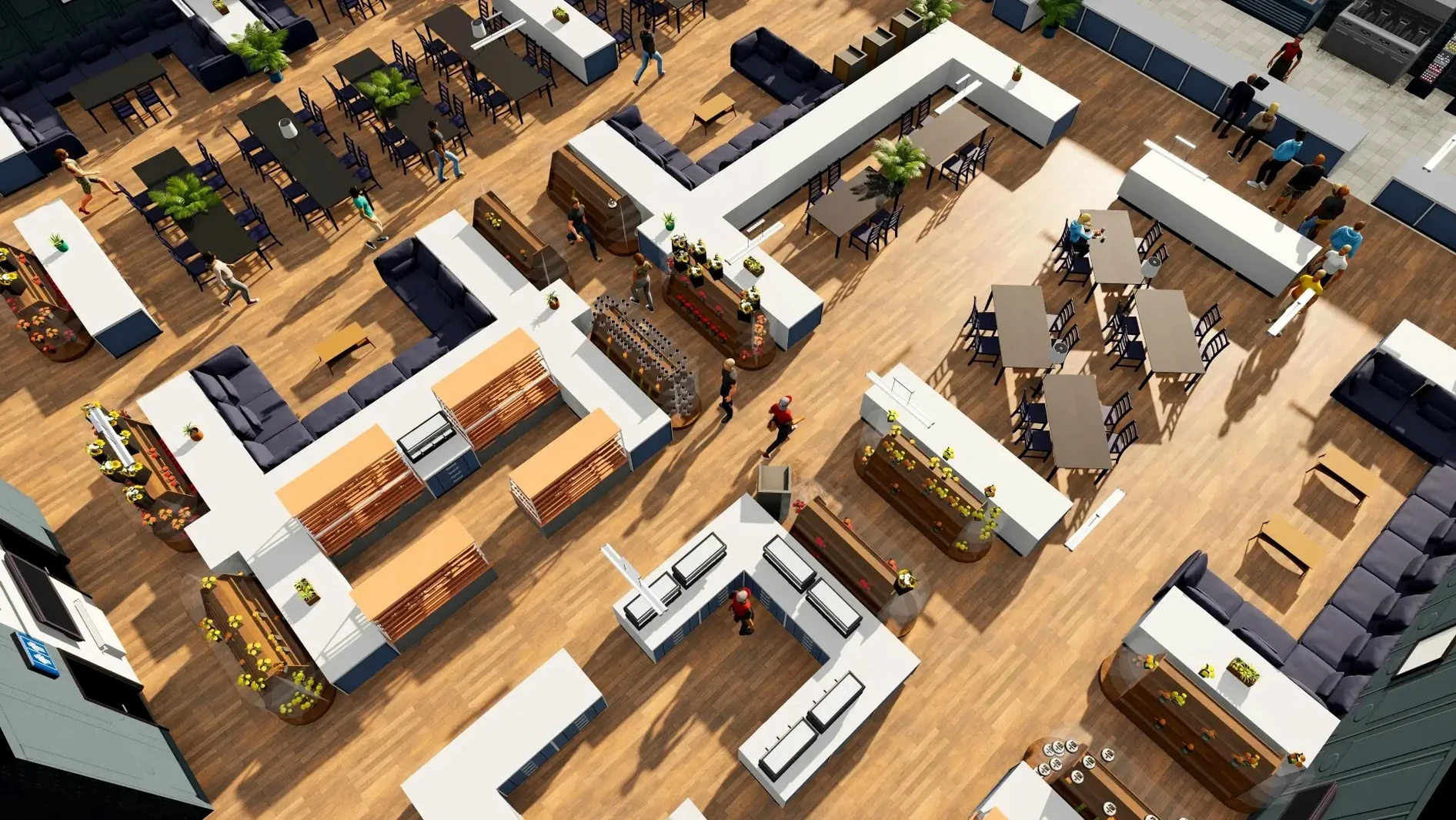
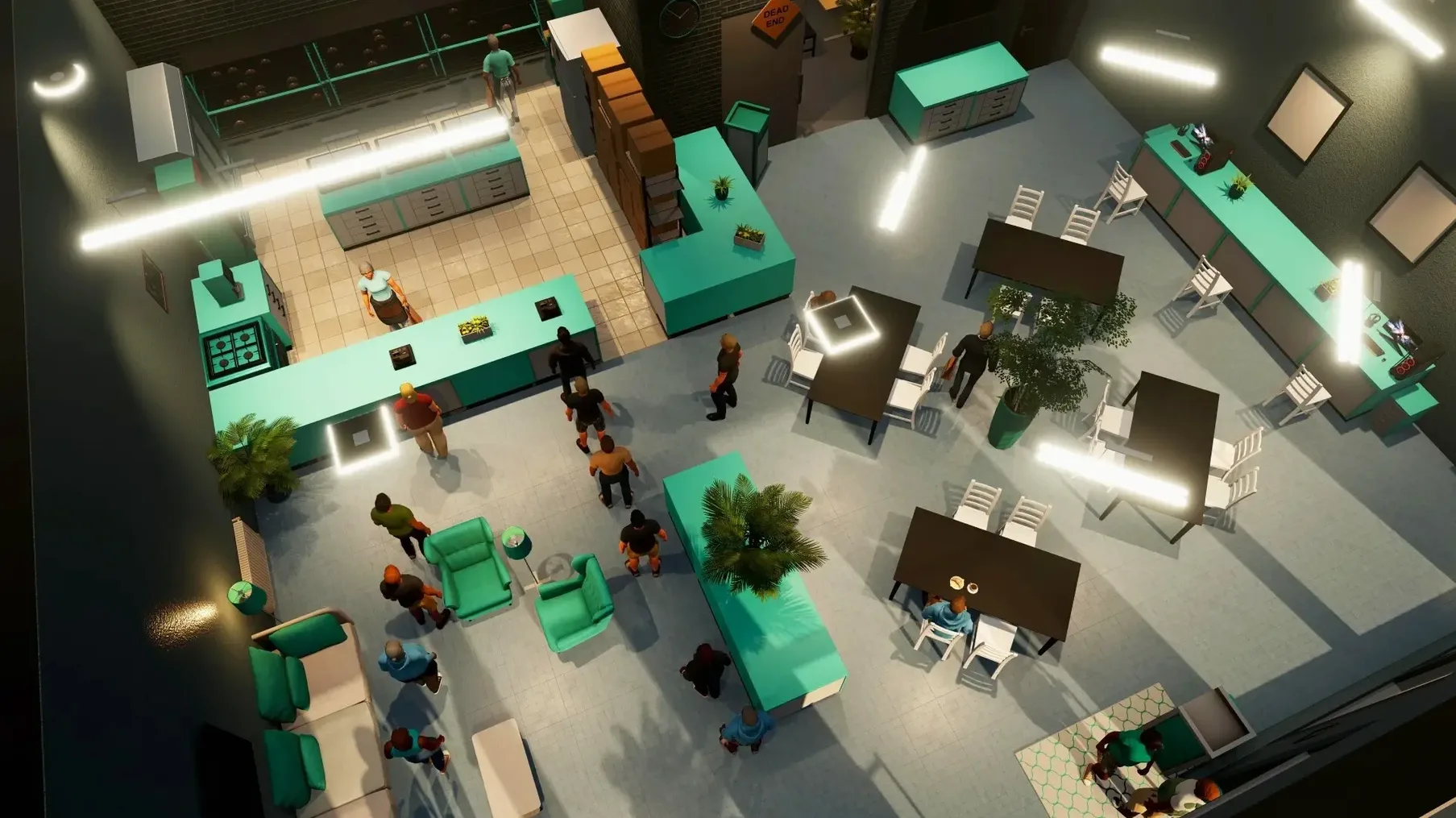
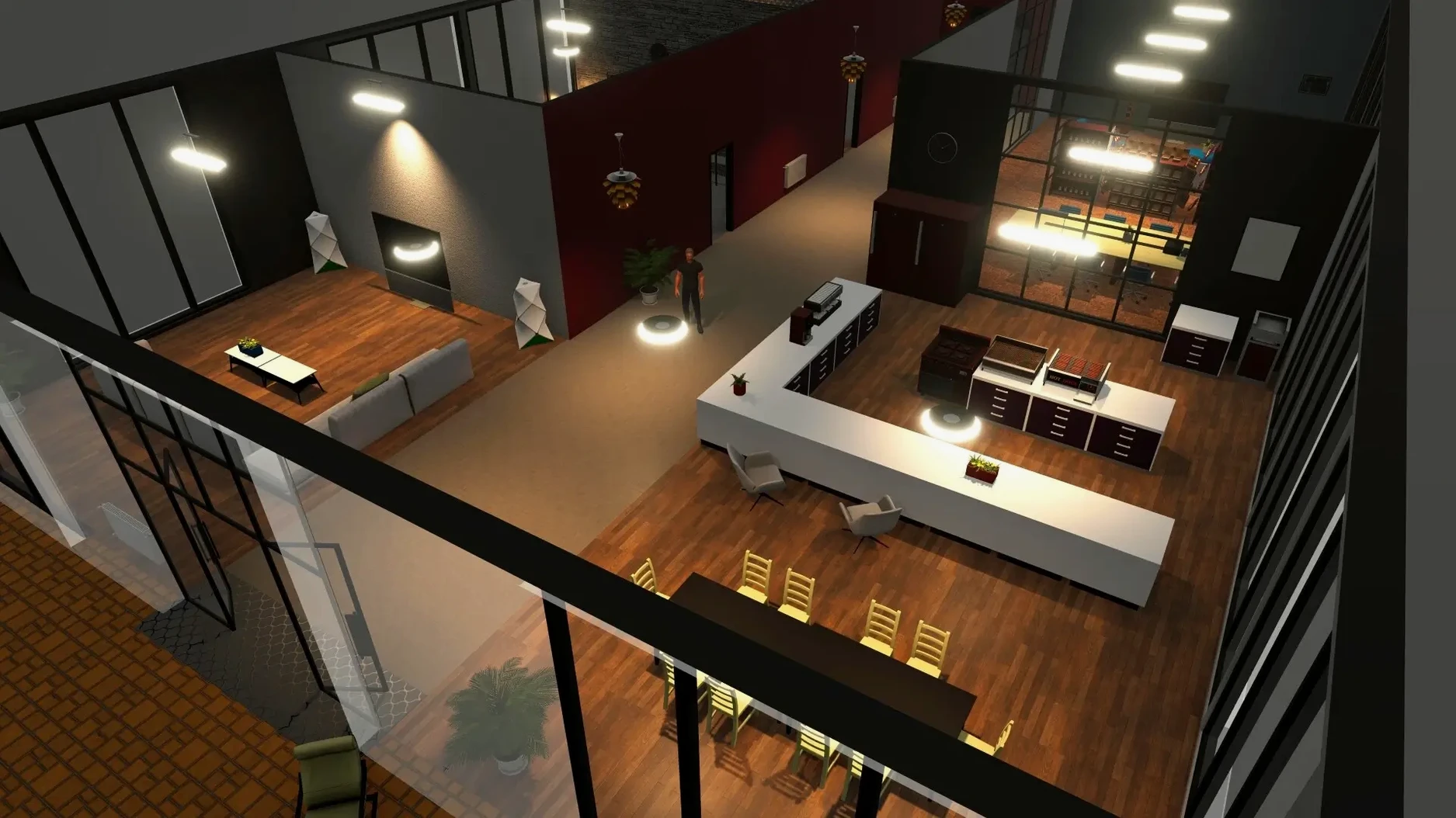
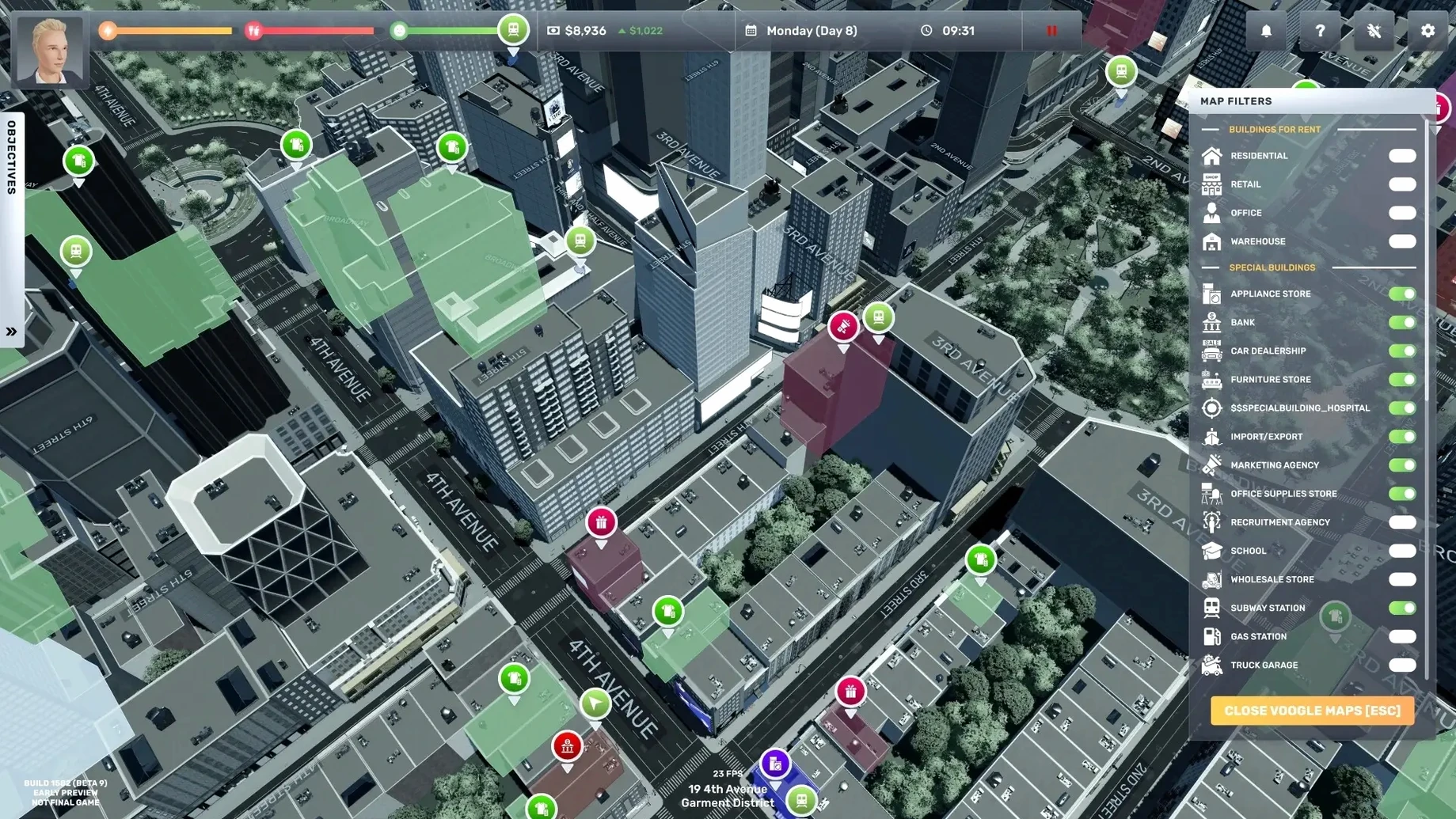
Big Ambitions is a life and business simulation that drops you in New York City with almost nothing but a small loan from your uncle and the need to make rent. You start by hunting for a tiny retail space, then slowly build a corporate portfolio while keeping your character fed, rested, and mentally stable. Here’s what you get in the box:
- Rags-to-riches business sandbox — open retail stores, offices, and eventually a full-blown headquarters. The economy runs whether you act or not.
- Survival-layer needs — your character has sleep, hunger, and mental health meters. Push too hard and your efficiency collapses.
- A living NYC map — you navigate actual neighborhoods, lease properties by the square foot, and watch traffic and pedestrians go about their day.
- Rival companies — other businesses compete with you for customers, forcing you to adjust pricing, stock, and location strategy.
- Full English voice acting — NPCs and tutorial characters speak their lines, which keeps the early hours from feeling like a spreadsheet.
- Wide localization — the interface ships in English, Russian, German, Spanish, Italian, Portuguese, French, Turkish, Korean, and both Traditional and Simplified Chinese.
The Mac build runs natively on both Apple Silicon and 64-bit Intel hardware, so there’s no Rosetta overhead. It ships as a .dmg you mount and drag to Applications—no .pkg installer to worry about.
Spreadsheet-minded sandbox players who obsess over profit per square foot
Not every simulation fan will click with this one. The people who stick around tend to fall into three camps.
Spreadsheet-minded sandbox players — the ones who enjoy laying out profit-per-square-foot calculations and tweaking shelf layouts until the numbers sing. If you have played Capitalism Lab or GearCity and wished for a world you could walk around in, the fit is immediate. The game rewards obsessive attention to margin, foot traffic patterns, and staff scheduling in ways that lighter business sims do not.
Role-players who treat the city as a stage — you are not just building a company; you are furnishing an office, choosing a logo, driving a delivery truck between boroughs, and deciding whether your character sleeps in a cheap apartment or a penthouse. The survival meters force a rhythm: you cannot grind 18-hour days forever. Players who enjoy The Sims' life-management layer grafted onto a tycoon game find that balance compelling.
Mac users with older Intel machines — the native x86_64 binary means a 2019 MacBook Pro can run this without translation overhead. Plenty of modern sims ship Apple Silicon-only or lean heavily on Rosetta 2; here you get a clean path on both architectures, which keeps the frame rate playable even as your empire grows.
Will my Mac handle the full NYC map without turning into a slideshow?
The 1.0 release shipped with a complete progression arc and the full NYC map
The August 2026 full release shipped with a complete progression arc, multiple business types, rival AI, and the full NYC map. Build 3672/3674 landed a few days later as a stability patch, not a content patch. What you download today is a finished game. The Early Access period ran over three years, and most systems—staff management, logistics, real estate, customer AI—have been through several revision cycles.
Will it run well on a base-model MacBook Air?
It will run. The game is not graphically heavy—the stylized low-poly aesthetic is doing a lot of work here—so an M1 Air with 8 GB of RAM handles the simulation layer without much trouble. Late-game save files with dozens of businesses and hundreds of NPCs do push CPU load, but the native ARM binary helps. Expect the fanless models to get warm after an hour or two, nothing worse.
Can I ignore the survival meters and just build businesses?
Not completely, and that is by design. Hunger and sleep decay in real time whether you are decorating a clothing store or driving across town. Neglect them and your movement speed, decision-making speed, and even the UI responsiveness degrade. But once you have steady income, you can automate away most of the hassle: keep snacks in your inventory, buy a decent apartment near your first few stores, and the meters become background noise rather than a constant interruption.
Crank the camera pan speed before you zip between neighborhoods on a trackpad
The defaults are sensible, but a few tweaks make the early hours smoother—especially on a Mac trackpad or a smaller screen.
- Camera pan speed — crank it up. The default pan feels sluggish when you are zipping between neighborhoods to compare lease prices. Bumping it to about 70% of the slider makes map navigation snappier without losing precision indoors.
- Edge scrolling — disable it if you use a Magic Trackpad. Accidental edge-scrolls during interior design are maddening. Use right-click drag instead; the game supports it natively.
- Autosave interval — drop it to every 5 minutes. The simulation runs continuously, and a crash (rare, but possible when alt-tabbing on some macOS versions) hurts more when you lose 20 minutes of shelf-stocking micro-decisions.
- Show employee thought bubbles — leave this on. Staff will tell you when they are overworked, underpaid, or bored. Those bubbles are the early-warning system before someone quits during a Saturday rush.
- UI scale — if you are on a 13-inch display, bump it to 110 or 120%. The default text size in the finance ledger is small enough to cause squinting after a long session.
Opening a coffee shop: a workflow from start to profit
Coffee shops make a solid first business. They need modest square footage, the inventory is simple, and foot traffic in Midtown is predictable. Here is the sequence that gets you from an empty lease to positive cash flow without wasting starter capital.
Scout the location first. Open the map and filter by foot traffic density—the overlay shows you where pedestrians cluster at different times of day. Look for a block with high morning and lunchtime traffic, then visit it in person. Check neighboring businesses. A block with a rival coffee shop is not a dealbreaker—it means demand exists—but you need to undercut their price or offer better hours. Avoid streets with three or more cafés within a two-block radius until you understand the pricing mechanics.
Lease the smallest viable space. A 25–35 square meter unit works for a first coffee shop. Anything larger and your rent eats into margins before you have the customer base to fill it. The lease screen shows monthly cost per square meter; compare two or three candidates before signing. The uncle's loan covers the deposit, but you want enough left over for inventory and one employee.
Renovate with restraint. You need a counter, a coffee machine, a display shelf, and a checkout. That is four objects. Do not buy seating on day one—takeaway customers generate the same revenue with zero floor space. Paint the walls if you want; the customer satisfaction bump is small but measurable. Skip the plants and the expensive flooring until the shop is in the black.
Set prices just below the neighborhood average. Open the pricing overlay for your district. If the average latte goes for $4.20, set yours at $3.90. You are buying market share, not maximizing margin. Raise prices slowly over the first in-game week as regular customers stick.
Hire one employee and set their schedule. You cannot run the counter and restock simultaneously without burning your sleep meter. Hire a cashier with at least two stars in service skill, set them to a 9-to-5 shift, and pay slightly above the suggested wage to reduce turnover. Spend your own time on restocking runs and scouting the next location. By day four or five, a well-placed coffee shop with decent prices should be generating enough profit to service the lease and leave you with capital for business number two.
- Architecture: Apple Silicon (native) and 64‑bit Intel (native)
- Install: drag‑and‑drop from a mounted
.dmg
$ man big-ambitions | grep -A2 "?"
Does Big Ambitions run natively on Apple Silicon Macs?
Yes. The game ships as a universal binary with native ARM and 64-bit x86 support, so it runs without Rosetta on M1, M2, and M3 Macs.
What languages are supported in the interface?
The interface supports Russian, English, German, Spanish, Italian, Traditional Chinese, Simplified Chinese, Korean, Portuguese, Turkish, and French.
Comments 0
Sign in or create an account to leave a comment.
No comments yet. A codec, a slice, a machine — they appear after moderation.