Aerofly FS 4 Flight Simulator for macOS
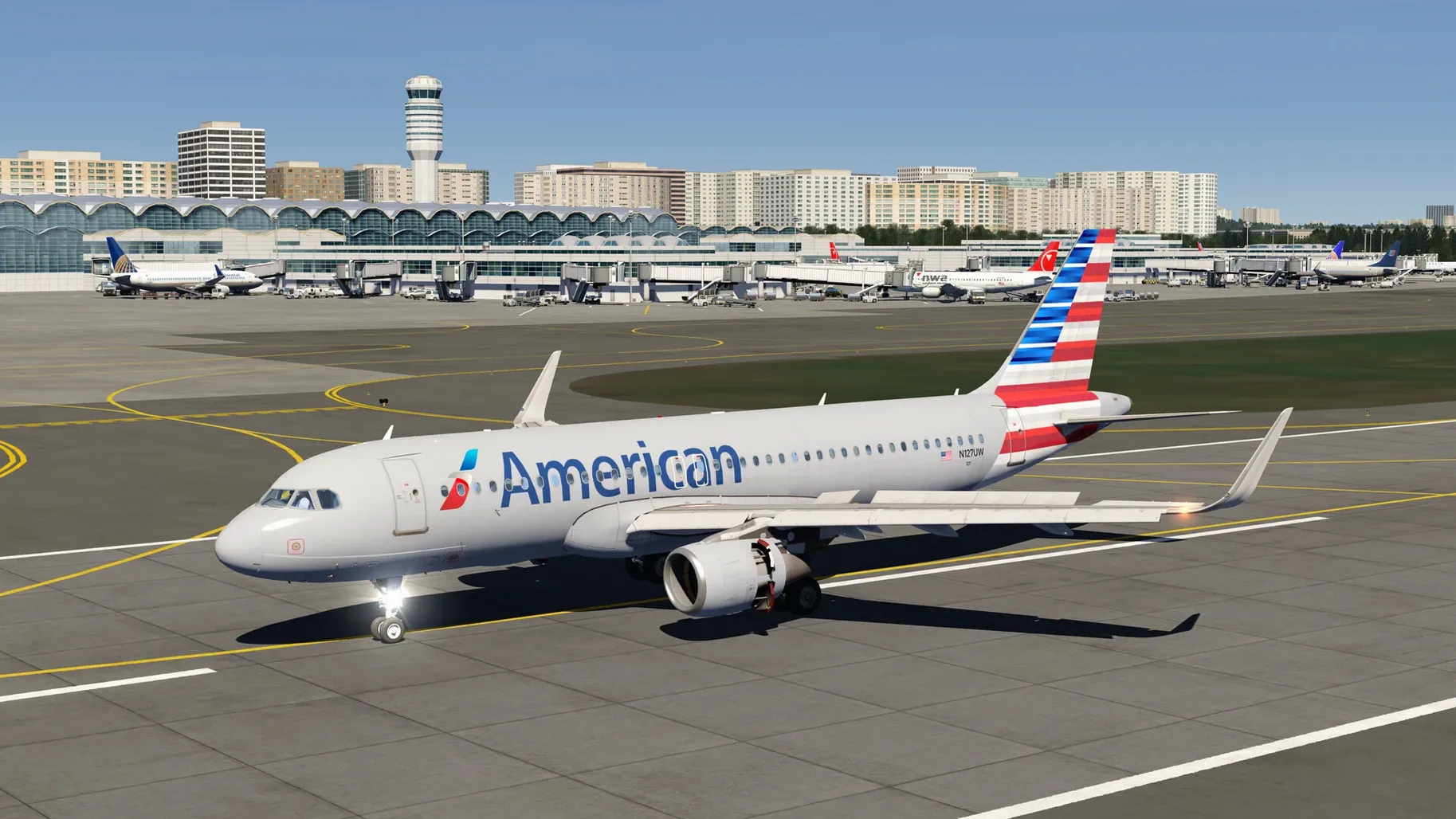
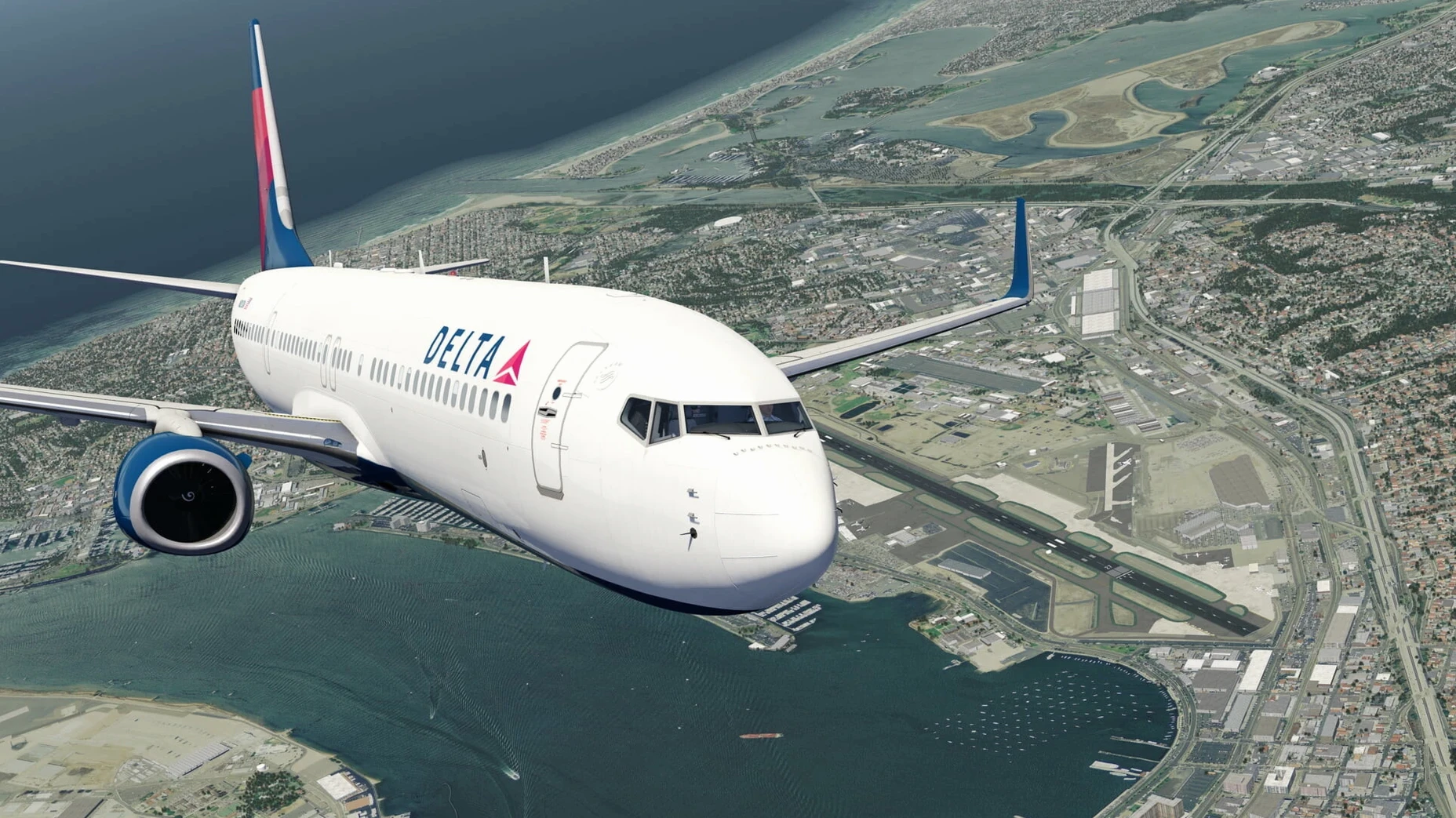
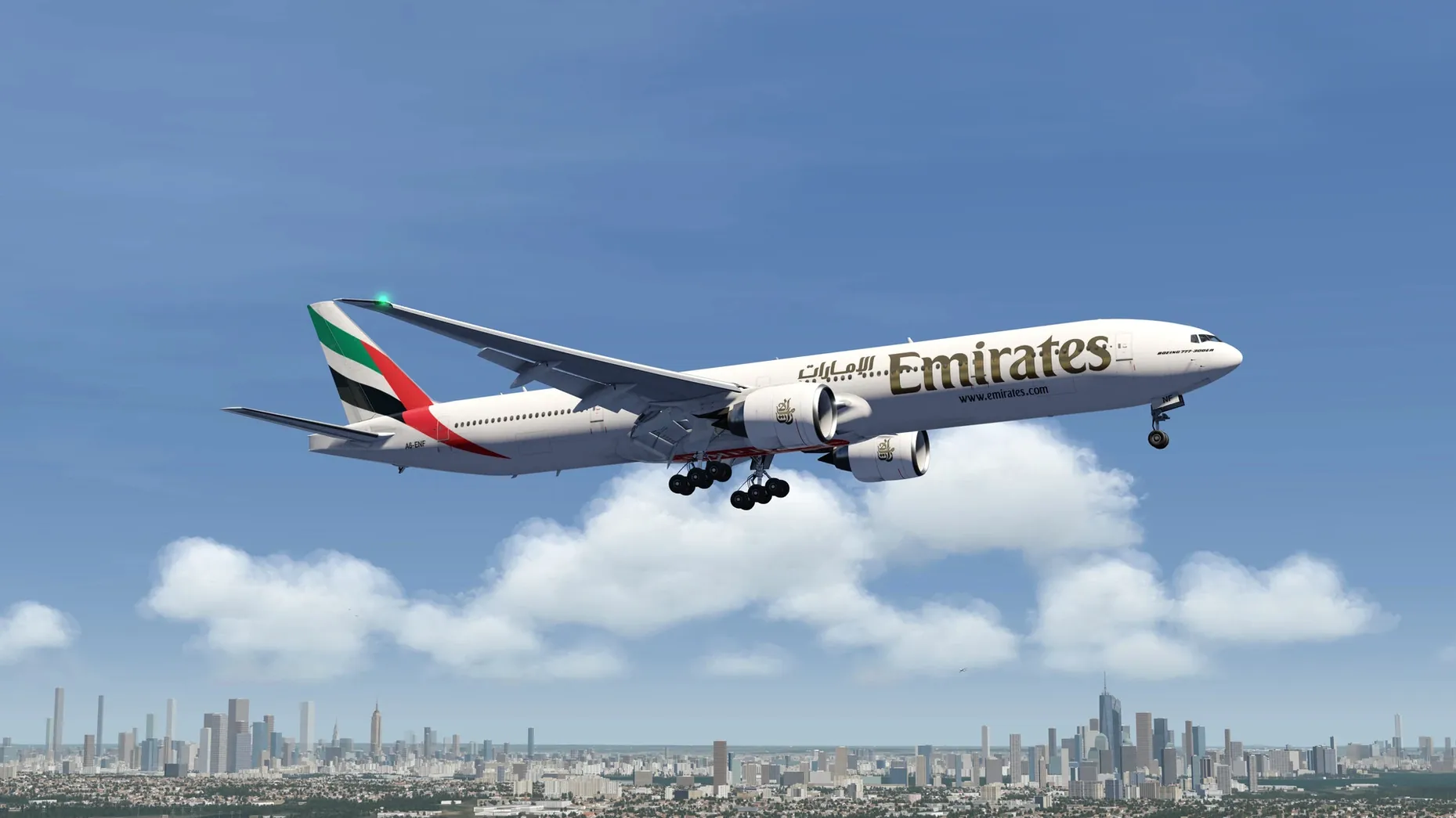
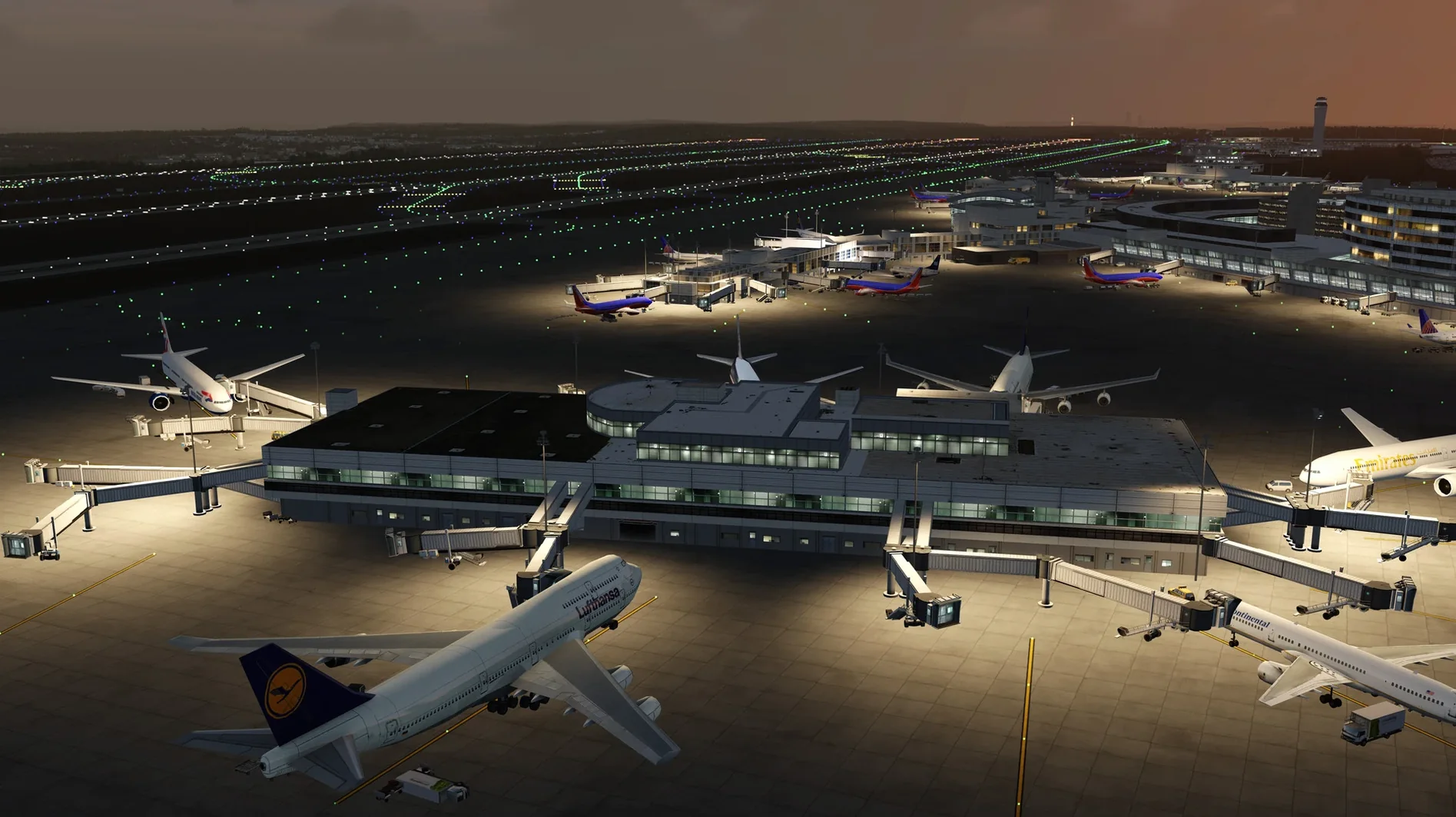
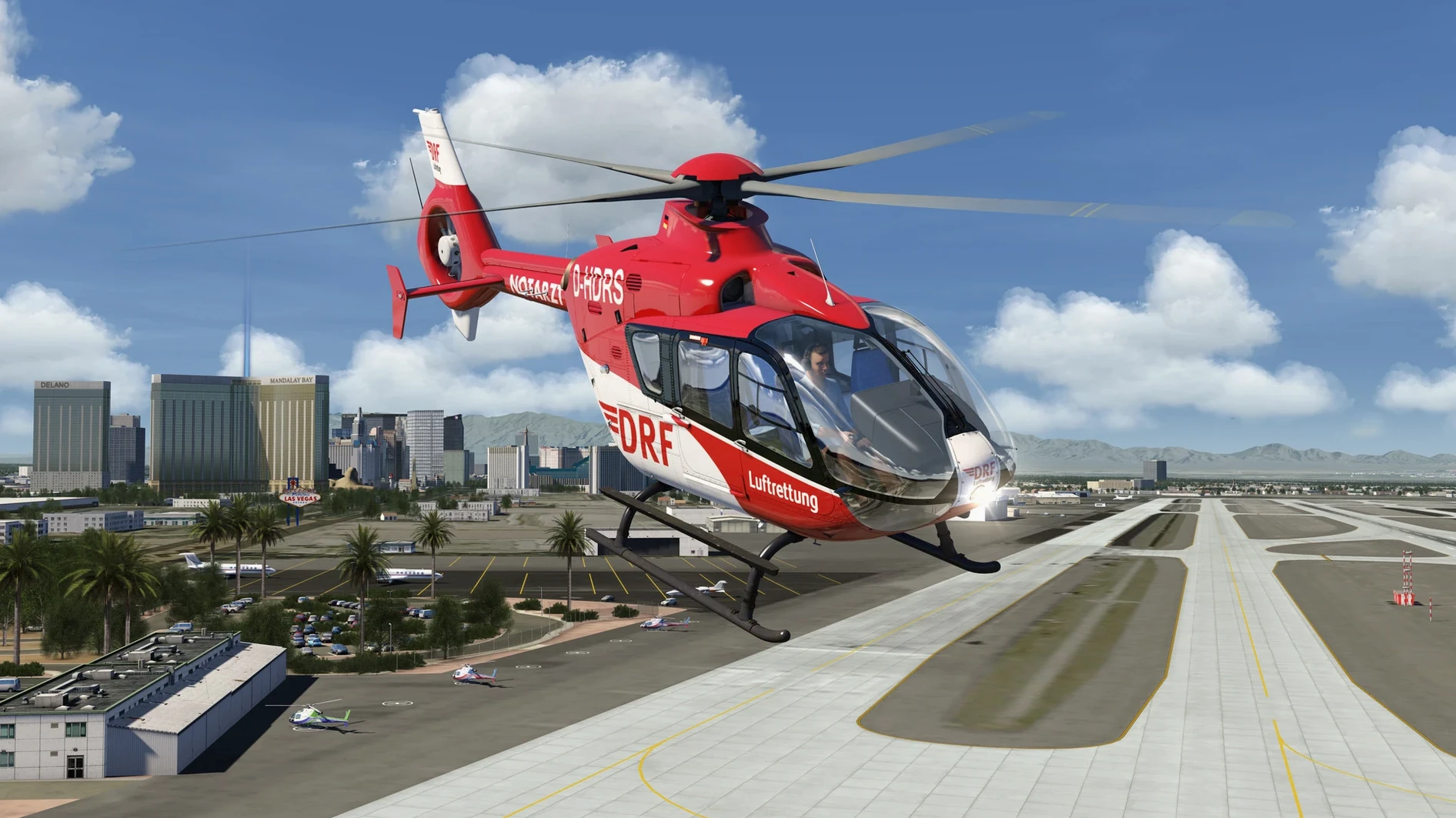
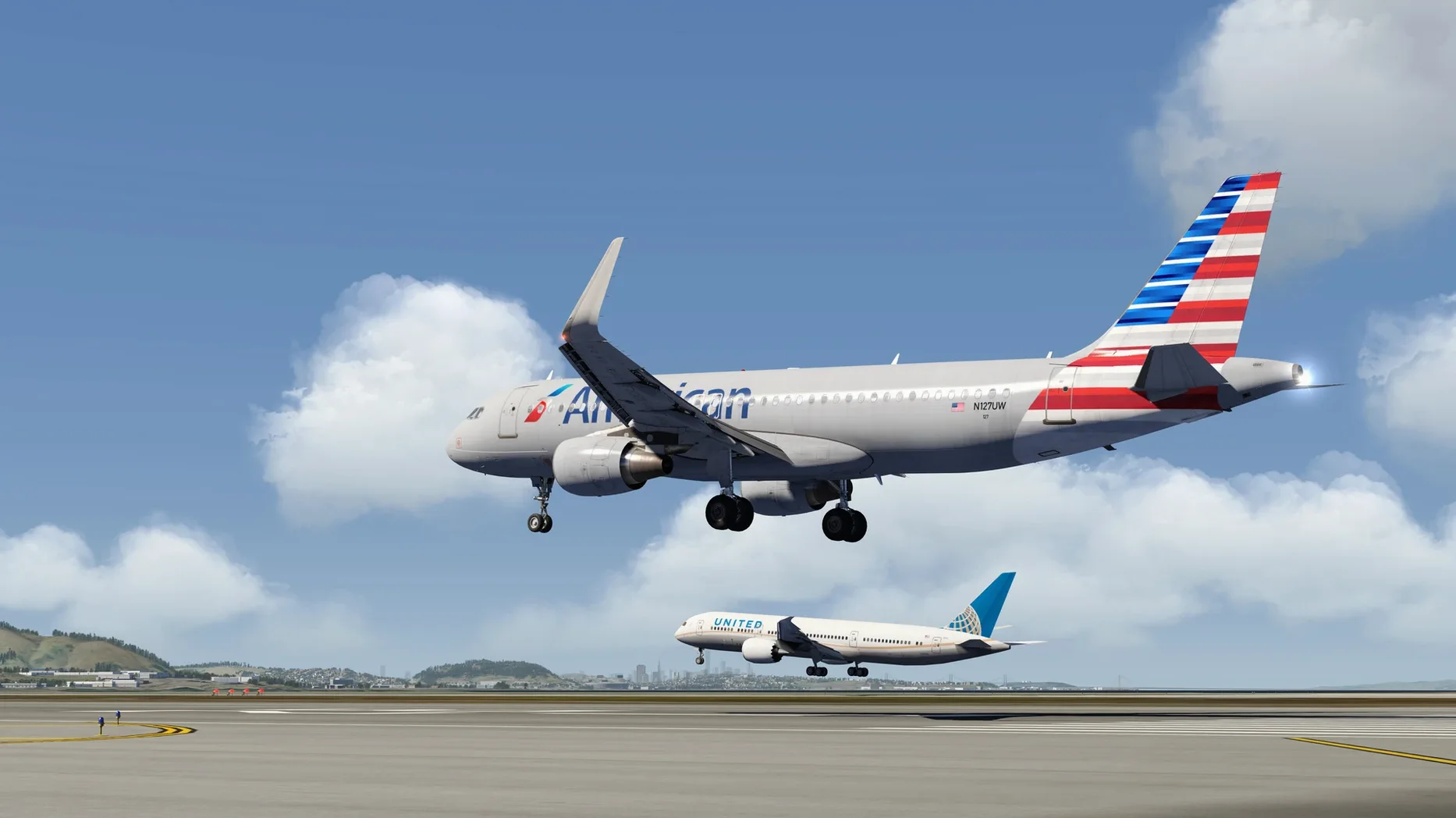
If you've ever used a procedural terrain generator in a graphics project, the world mesh in Aerofly FS 4 will feel familiar — just scaled up to cover the planet. IPACS built this with a custom engine that streams elevation data and aerial imagery, so there's no waiting through a multi-gigabyte scenery download before your first takeoff.
Navigate updated procedures and log career progress without switching simulators
- Practicing navigation procedures with regularly updated airport databases.
- Jumping between civilian airliners and military jets without switching simulators.
- Keeping a flight log that tracks your career progress session to session.
- Running on Apple Silicon — the 64-bit binary is native, and it was tested on a Mac mini M4 under macOS Tahoe.
Basic aerial imagery won't match dedicated orthophoto add-ons
- The included aerial imagery provides basic coverage; it isn't the orthophoto resolution you'd get from a dedicated scenery add-on in other sims.
- Virtual reality support requires compatible hardware, and the experience depends heavily on the headset's macOS driver stack.
- The aircraft systems, while custom-coded, serve a broad audience — a professional pilot will notice simplifications in some subsystems.
Can I pre-load scenery and fly offline?
Does it need a constant internet connection? No. The scenery tiles cache locally once streamed, so you can pre-load an area, disconnect, and fly offline. The initial terrain data for the whole world comes bundled — what streams during flight is higher-resolution aerial imagery, and that only happens if you have a connection. People on metered connections often disable streaming in the settings and stick with the built-in elevation mesh and generic textures.
Will a MacBook Air handle it? The sim scales down well. On a fanless M-series Air, you'll want to drop the render resolution and keep cloud density at medium. The Vulkan renderer offloads draw calls efficiently, and the multithreaded physics keep frame times stable even when thermals kick in over mountain ridges. Test flights from the developer ran on an M4 Mac mini without a dedicated GPU, so integrated graphics are a known quantity here.
What about controllers? macOS recognises most USB and Bluetooth joysticks and yokes through the standard HID stack. The sim picks up axes and buttons on first launch — there's a calibration screen right in the controls menu. Rudder pedals show up as separate devices and you assign them per aircraft profile. If you're coming from a different sim, the sensitivity curves will need tweaking; the defaults are a bit sharp for helicopters.
Drop the render scale to 80% on Retina displays for smoother frames
Open Settings > Graphics and check the render scale slider. By default it sits at 100%, which on a Retina display pushes a lot of pixels. Dropping it to 80% on a 4K or 5K screen makes a substantial frame-rate difference with almost no visible loss in the cockpit. The Vulkan backend does a clean job upscaling.
In Controls > Sensitivity, set a dead zone of around 3–5% for the pitch and roll axes. The stock zero-dead-zone calibration can make helicopters feel twitchy, especially the Robinson R22. While you're there, flip the throttle axis response curve to linear if you fly jets — the default logarithmic curve suits piston engines better.
The camera settings hide a small gem: under View > Cockpit Camera, enable "head movement with g-forces." It adds subtle translation during turns and turbulence. It's off by default, and turning it on makes the flight model feel more connected to what you see. Disable it again before flying aerobatics if you find the motion distracting during inverted passes.
Sound-wise, drop the ambient wind volume to about 60%. The default mix lets wind dominate over engine tones at cruise speed, which is realistic at 200 knots with the canopy open but less pleasant when you're trying to hear an A320's spool-down on approach.
A session with Aerofly FS 4
You launch the app from Launchpad or the Applications folder. The .app bundle is self-contained — no installer, no background daemons. The main menu loads in under ten seconds on Apple Silicon, showing your last flight card and the flight log summary on the left. You pick an aircraft; tonight it's the F-15E, because the Mach loop training mission has been sitting unfinished in the log for a week.
Location selection gives you a searchable airport list and a globe you can spin with the trackpad. You set Edwards AFB as the start, time of day at late afternoon, weather preset to scattered cumulus. The sim builds the scene — terrain mesh pops in first, then the aerial imagery layers resolve over two seconds. The afterburner nozzles glint in the low sun as the jet sits on the ramp.
You run through the cockpit checks using the interactive 3D switches. The canopy closes with a click on the latch handle; the HUD brightness knob turns with a drag. The flight director modes are selectable from the upfront control panel, and the custom-coded engine spool logic means you hear the compressor stages wind up individually as you advance the throttles. Takeoff roll at Edwards feels long because the dry lakebed textures stretch to the horizon — the elevation data here is flat and accurate, so the runway camber is subtle but present.
Once airborne, you head west toward the Tehachapi mountains. The ridgelines follow the real elevation data closely enough that you can navigate by terrain alone. You dip into a canyon, pull up over a saddle, and the multithreaded physics model handles the high-G turn without stuttering. The flight log ticks off the mission objectives one by one in the corner of the screen. After twenty minutes of low-level work, you bring the jet back to Edwards, shut down, and the log updates with flight time, fuel used, and a new entry in the career progress tracker.
- Architecture: Apple Silicon (native), Intel 64-bit
$ man aerofly-fs-4-flight-simulator | grep -A2 "?"
What aircraft categories does Aerofly FS 4 include?
The fleet covers highly detailed general aviation planes, airliners with custom-coded systems, and military aircraft including fighter jets.
Comments 0
Sign in or create an account to leave a comment.
No comments yet. A codec, a slice, a machine — they appear after moderation.