
Frostpunk for macOS
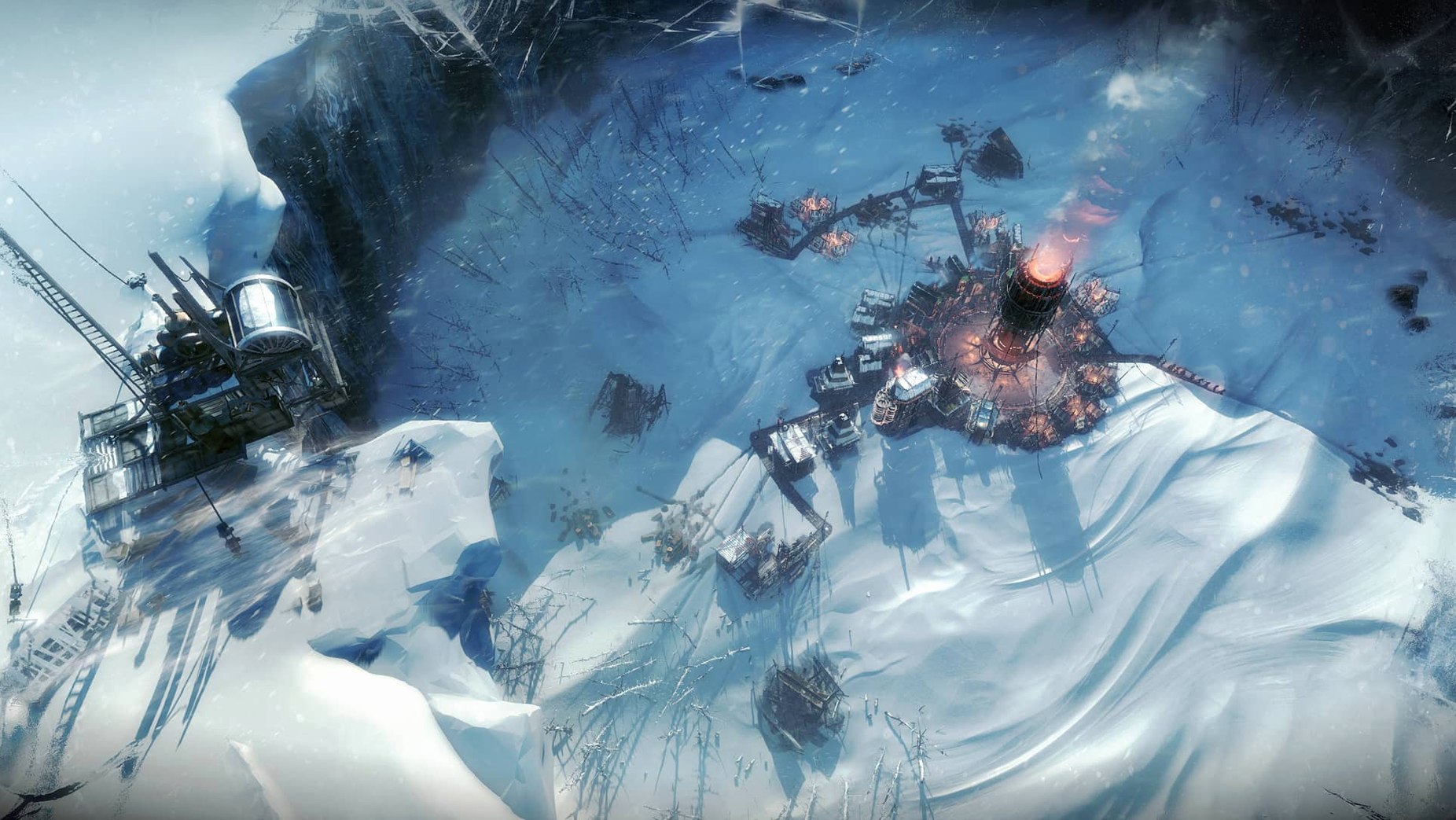
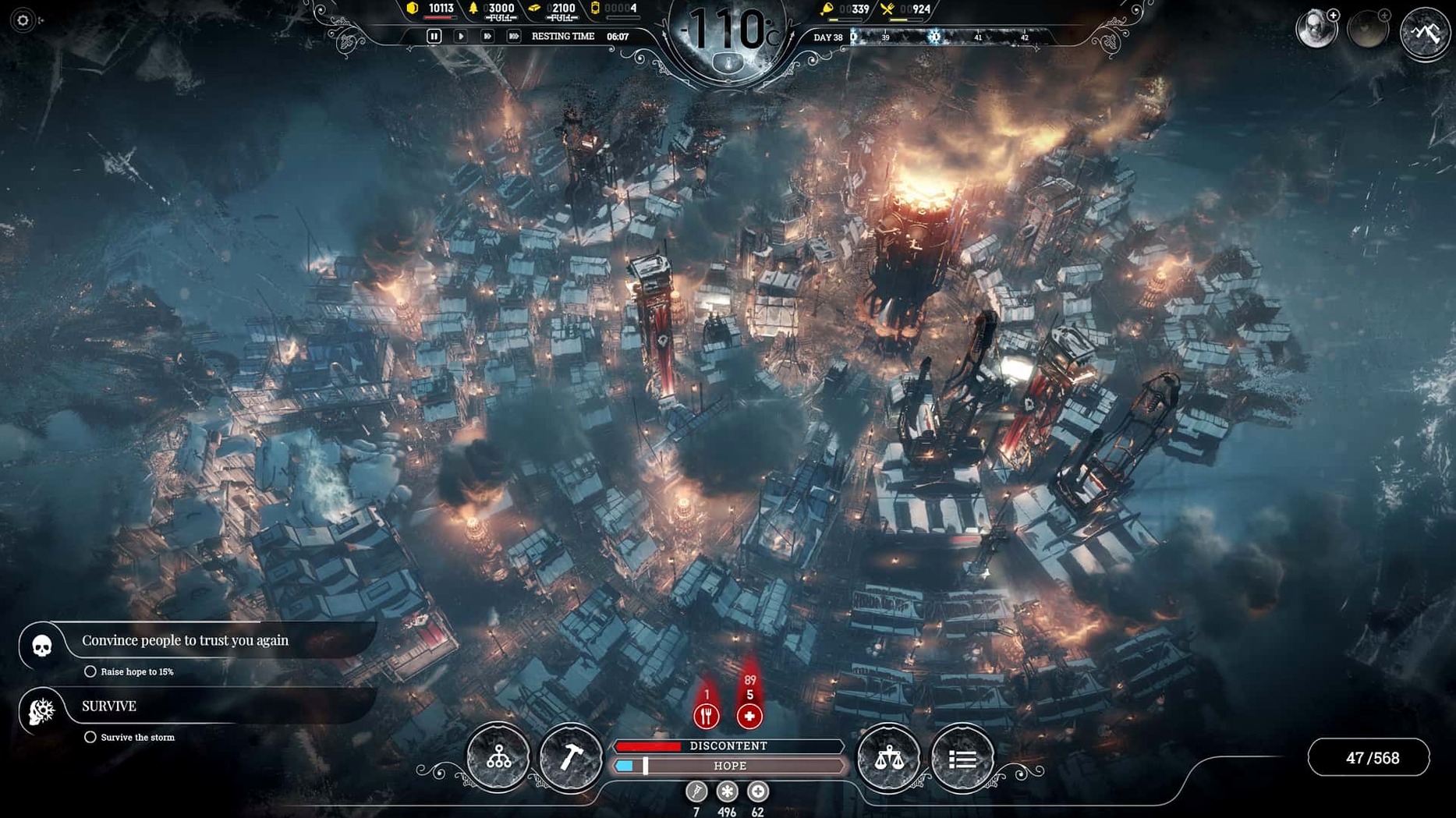
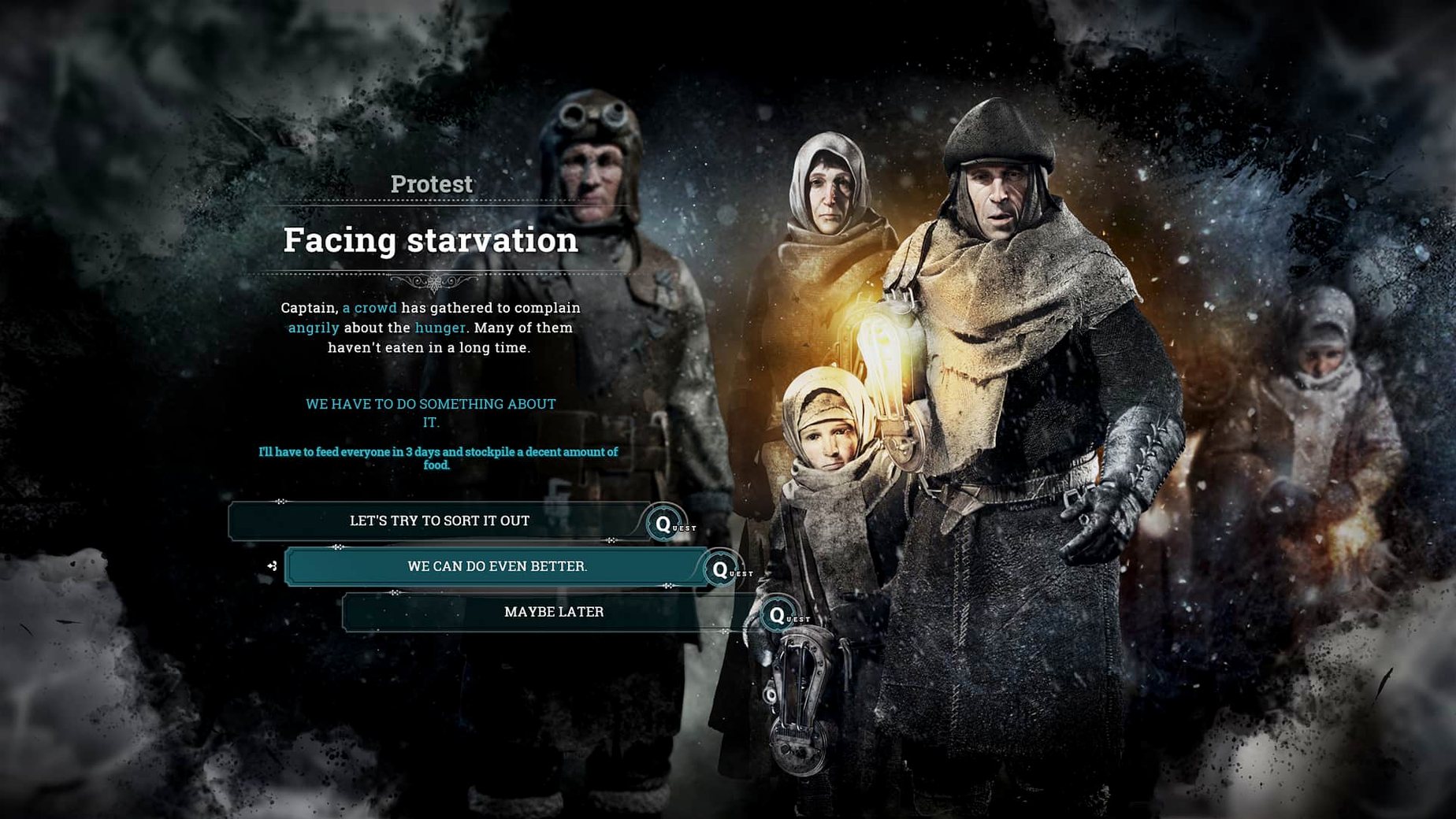
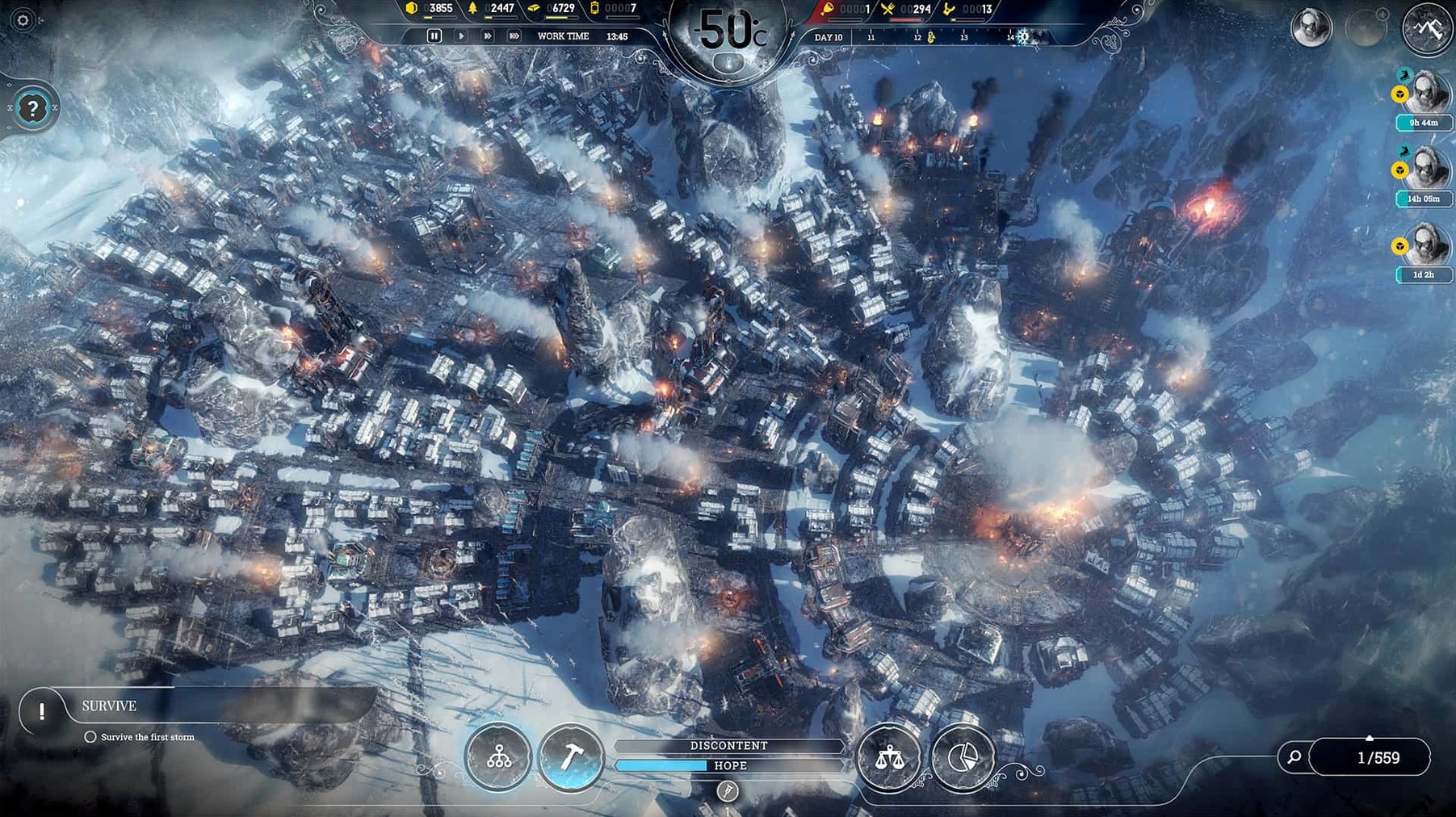
If you’ve ever relied on a tool like Activity Monitor to keep an eye on thermal throttling, you’ll understand the kind of load Frostpunk places on a system. This isn’t a gentle city builder — it’s a society-scale survival sim where the cold itself is the primary adversary. The Mac version, delivered through Steam, runs natively on Intel hardware and asks for a serious GPU: a Radeon Pro 5300M or 560X is the baseline, not a suggestion.
What kind of survival are we talking about?
- City management revolves around a central generator — everything flows from heat zones and resource stockpiles.
- Expeditions send scouts beyond the crater for supplies, survivors, and story-critical discoveries.
- Technology progression introduces steam automatons and airships that reshape how labor and exploration work.
- Endless mode opens up eight distinct maps, each with its own topography, weather patterns, and long-term constraints.
How does it actually run on a Mac?
The listed requirements target a 2.6 GHz Core i7 with 16 GB of RAM and a dedicated AMD GPU, so integrated graphics are off the table. On a 2020 M1 MacBook Air under Rosetta 2, frame rates stay playable at medium settings, though the fan will spin up once the city hits a few hundred citizens and the snow effects intensify. Controls map cleanly to keyboard and mouse — there’s no controller layer to wrestle with. English is the only voice language, while the interface ships in eleven languages including Russian, Polish, and Simplified Chinese.
Save system fixes that stopped costing me expeditions
Version 1927 (46330) didn’t rewrite the rulebook, but it sanded down several rough edges that used to trip people up in longer sessions. The save system got more reliable across scene transitions — earlier builds occasionally lost expedition progress if you saved while scouts were returning, and that particular headache is gone. Endless mode maps received balance passes that make resource distribution less punishing on Builders variant, where you start without the generator and have to earn every heat source from scratch. The interface also tightened up: law cooldown timers now display clearly in the Book of Laws, and the economy overlay shows net resource change per day instead of just stock levels, which makes planning ahead during storms less of a guessing game. On the Mac side, Rosetta 2 translation improved incrementally with macOS updates — the version tested on Sonoma handled late-game cities with fewer micro-stutters than the same build running on Monterey a year earlier.
Scenario structure that hooks city builder veterans
Three groups tend to stick with it past the first storm. City builder veterans who find sandbox titles too directionless latch onto the scenario structure — each map has a win condition and a clock, and the pressure keeps the management layer from going stale. Strategy players who enjoy 4X games but want a tighter scope appreciate that the tech tree, law book, and expedition system form a single interlocking engine rather than separate minigames. And people drawn to narrative-heavy survival games — think The Long Dark’s quieter moments crossed with a society-wide pressure cooker — find that the moral weight lands differently when you’re deciding work shifts for two hundred named citizens instead of managing a single character’s hunger bar. If you routinely alt-tab between Pages, Xcode, and something turn-based that respects your attention, Frostpunk’s pause-and-plan rhythm fits that workflow better than a real-time RTS ever could.
Mission Control and notification behavior on macOS
The game runs in a standard window or fullscreen, and it behaves correctly with Mission Control — swipe to another desktop mid-session and it stays quiet instead of stealing focus or glitching the renderer. Notifications are suppressed while the game is in the foreground, which is the default behavior for most Steam titles on macOS, so you won’t get iMessage banners popping over the temperature overlay during a whiteout. If you use Shortcuts or Automator to toggle Do Not Disturb when launching specific apps, adding the Frostpunk binary to that workflow is straightforward — the executable lives inside the Steam library folder at ~/Library/Application Support/Steam/steamapps/common/Frostpunk. One quirk worth knowing: the game doesn’t release dedicated GPU memory immediately on quit, so if you’re running it on an Intel Mac with a Radeon Pro and plan to jump into something like DaVinci Resolve right after, a quick logout clears the VRAM allocation.
A backend dev tests Endurance mode on the Rifts map
Consider someone who spends work hours inside Xcode and unwinds with management sims — call her a backend developer on a 2019 16-inch MacBook Pro. She starts a new Endurance run on the Rifts map, where narrow canyons force her to build long, thin heat zones instead of the usual concentric rings. Day six hits and the first storm warning appears; she’s already sent two scout teams toward opposite edges of the map, one chasing a rumor about an abandoned automaton, the other low on supplies and racing back against dropping temperatures. The generator has a range upgrade queued but not finished, so she toggles overdrive for the night shift and raises discontent past the threshold where the Londoners event chain triggers. She spends her lunch break weighing the Faith tree against Order — Faith gives her Houses of Healing to free up engineers from medical posts, but Order’s foreman ability would speed the automaton project that’s now three days late. She picks Faith, assigns a second cookhouse to stretch the raw food stockpile, and saves before the temperature hits minus 80. The next evening, after a build finished and the laptop’s fans had their say, she exports the city layout screenshot to a ~/Documents/Games/Frostpunk/screenshots folder she set up months ago, compares it with a Serenity run from last spring, and makes a note to try the Builders variant next. That’s the rhythm Frostpunk settles into on a Mac — intense bursts of hard choices, then reflection, then the next attempt with a different set of rules.
- macOS: 10.15 or later
- Architecture: Intel
- RAM: 16 GB
- Storage: 10 GB available
- CPU: 2.6 GHz Intel Core i7
- GPU: 4 GB AMD Radeon Pro 5300M, Radeon Pro 560X or better
Comments 0
Sign in or create an account to leave a comment.
No comments yet. A codec, a slice, a machine — they appear after moderation.