

Football Manager 2026 for macOS
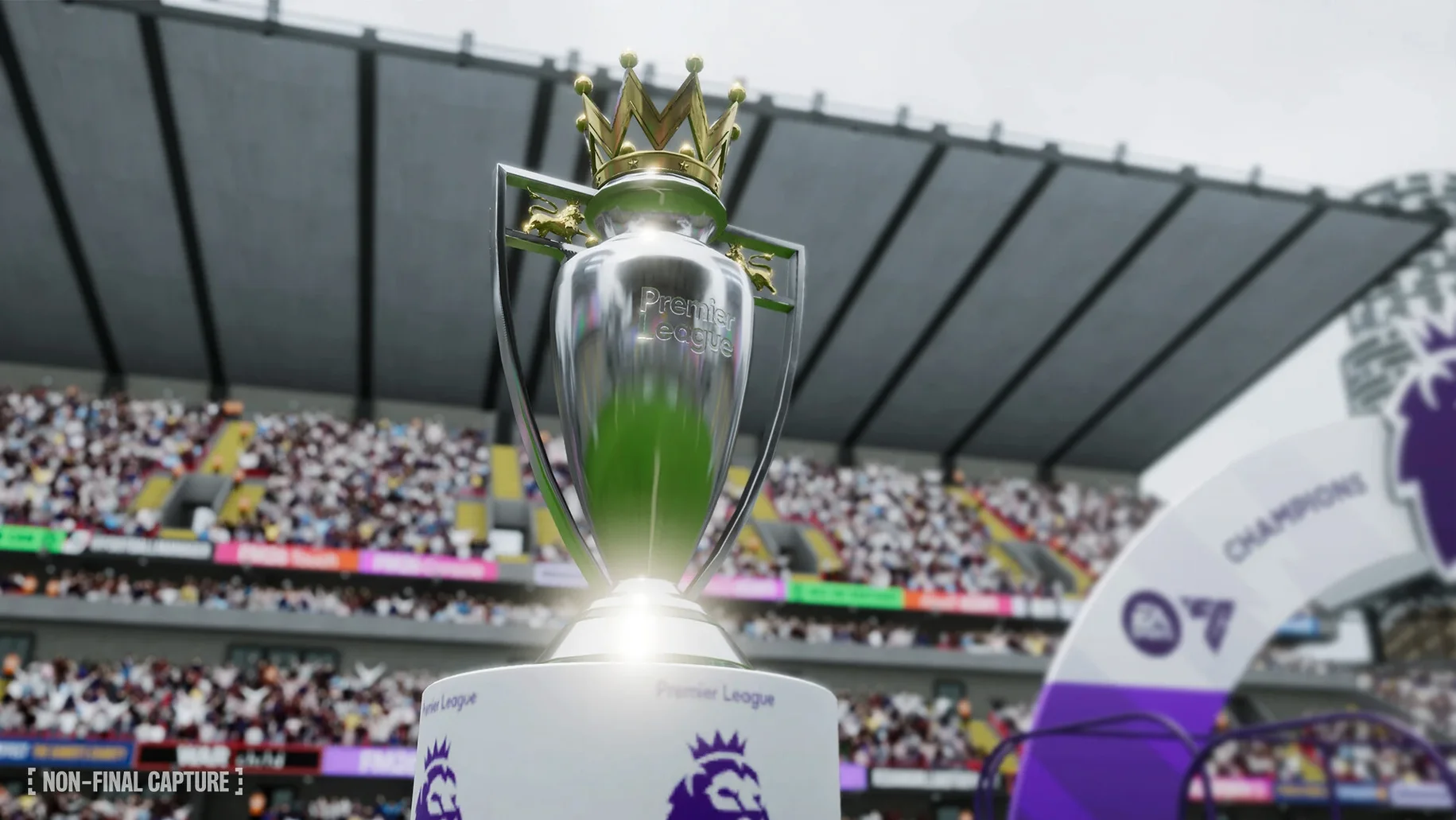
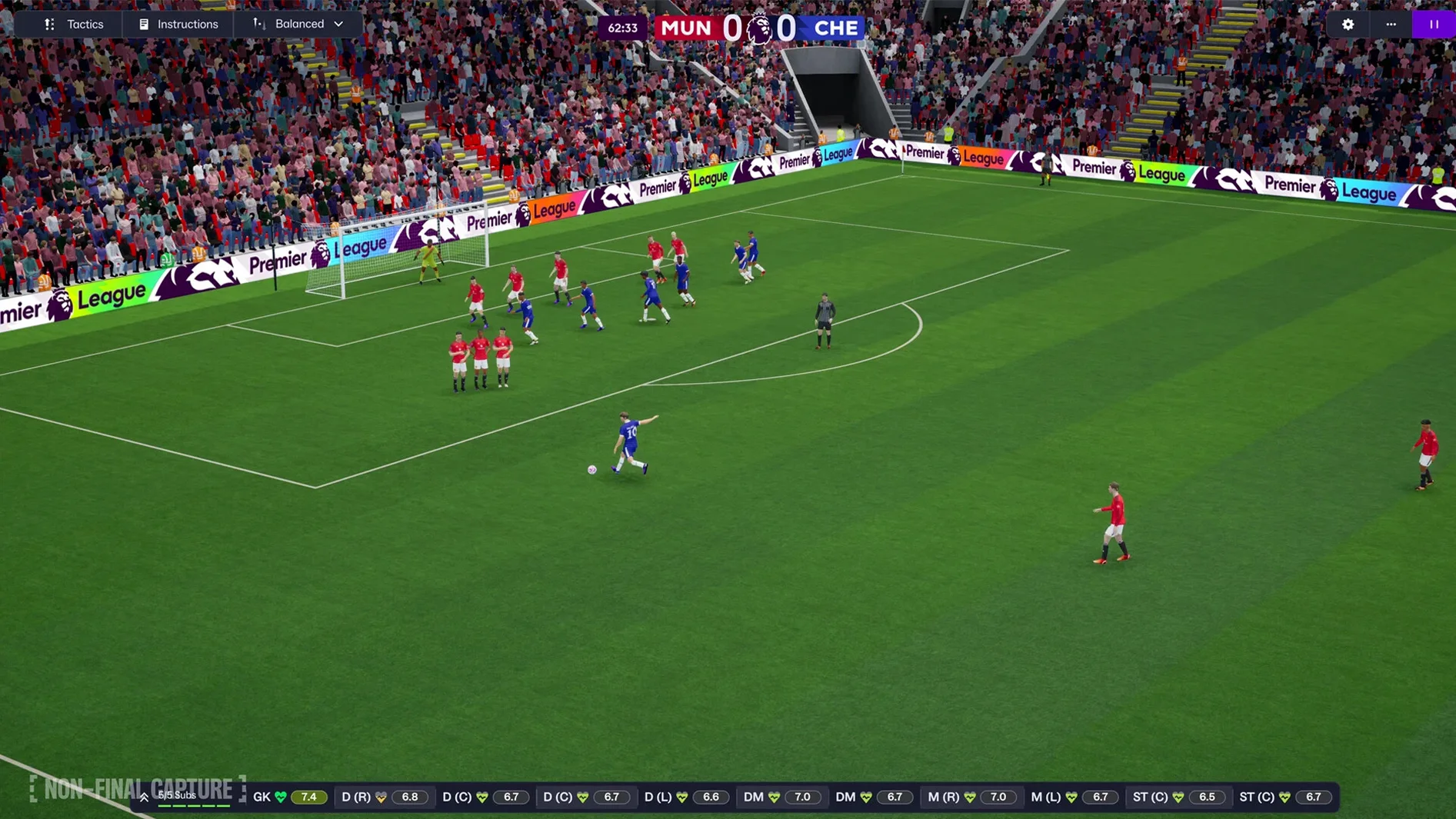
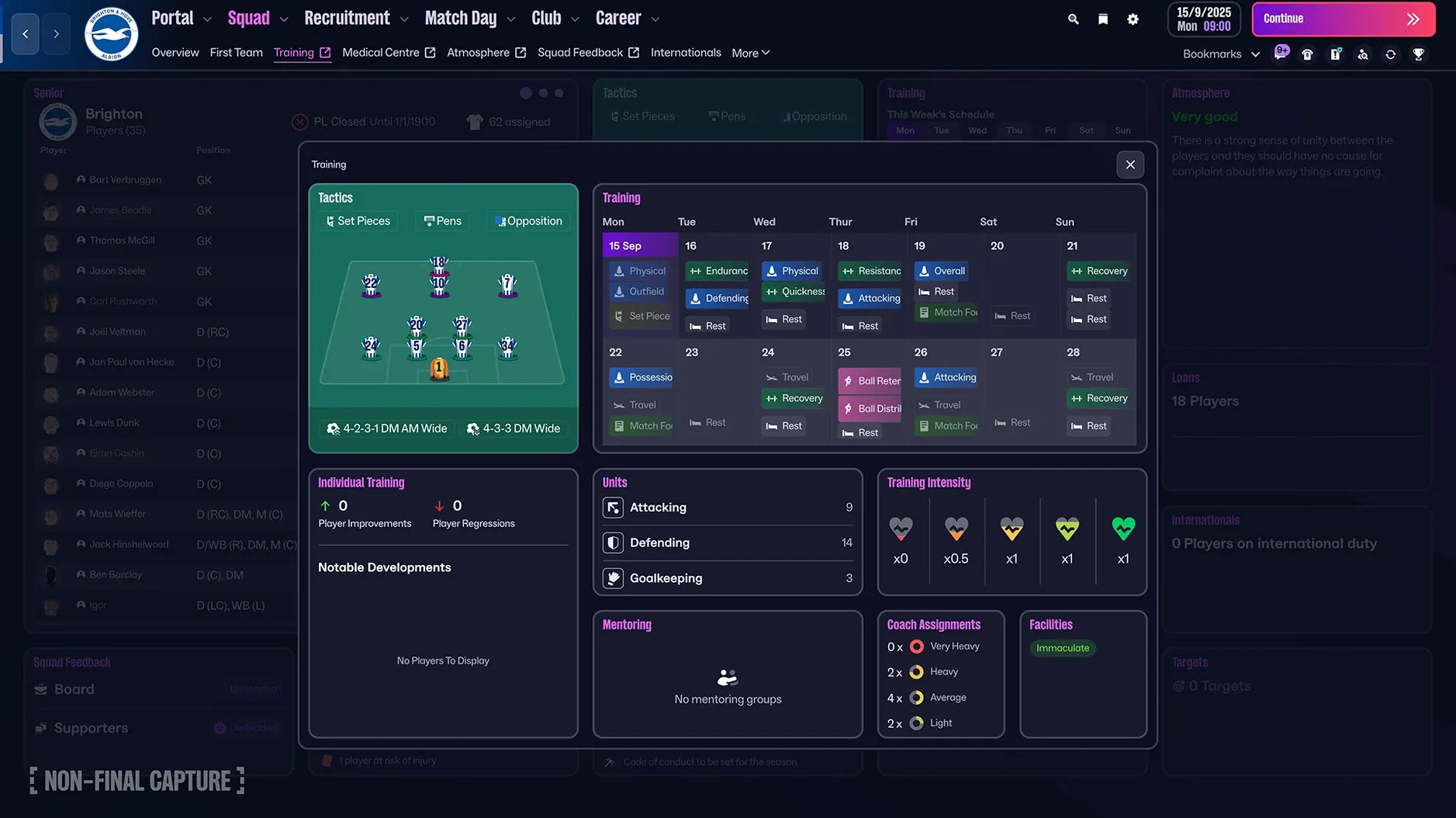
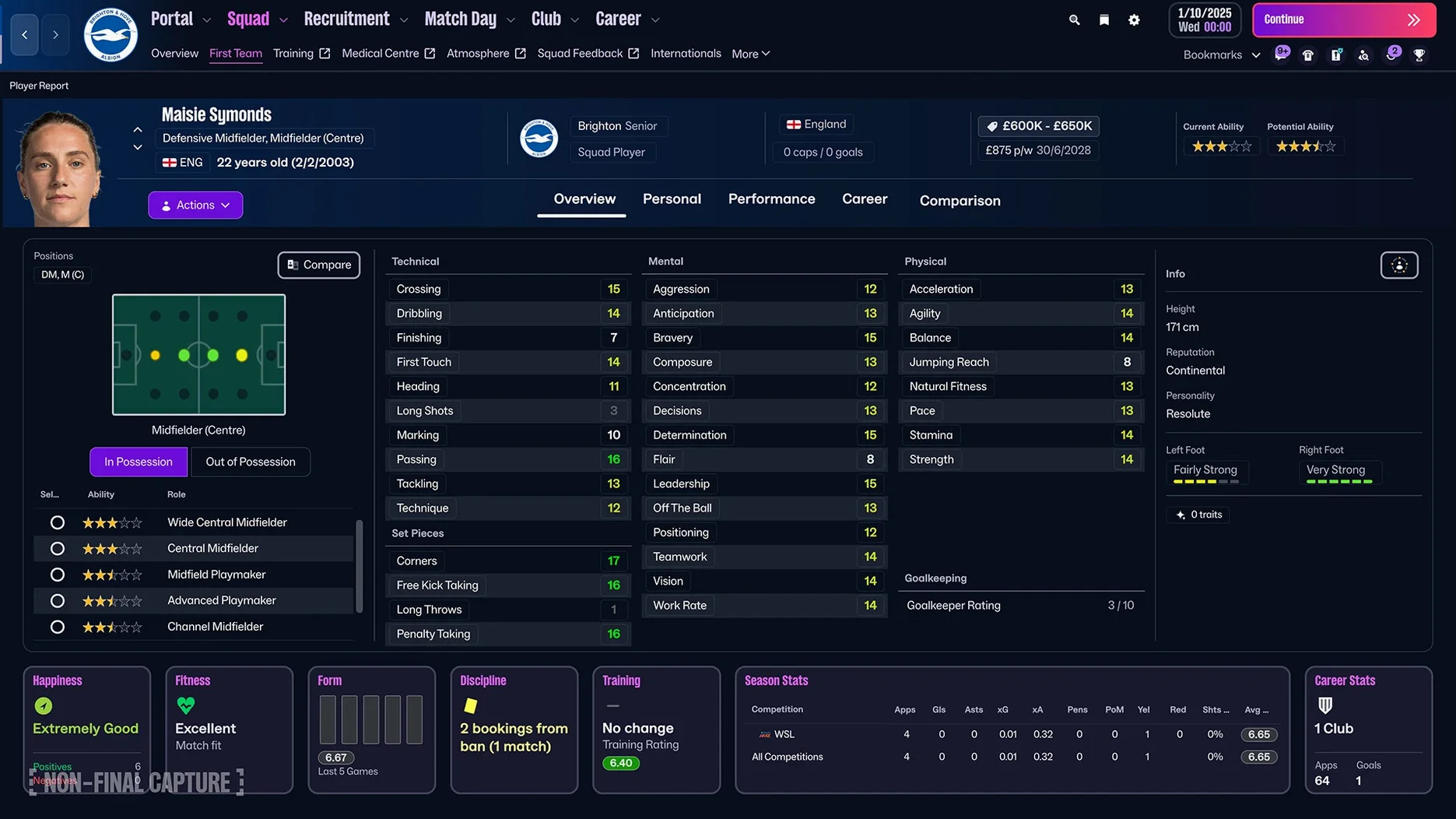
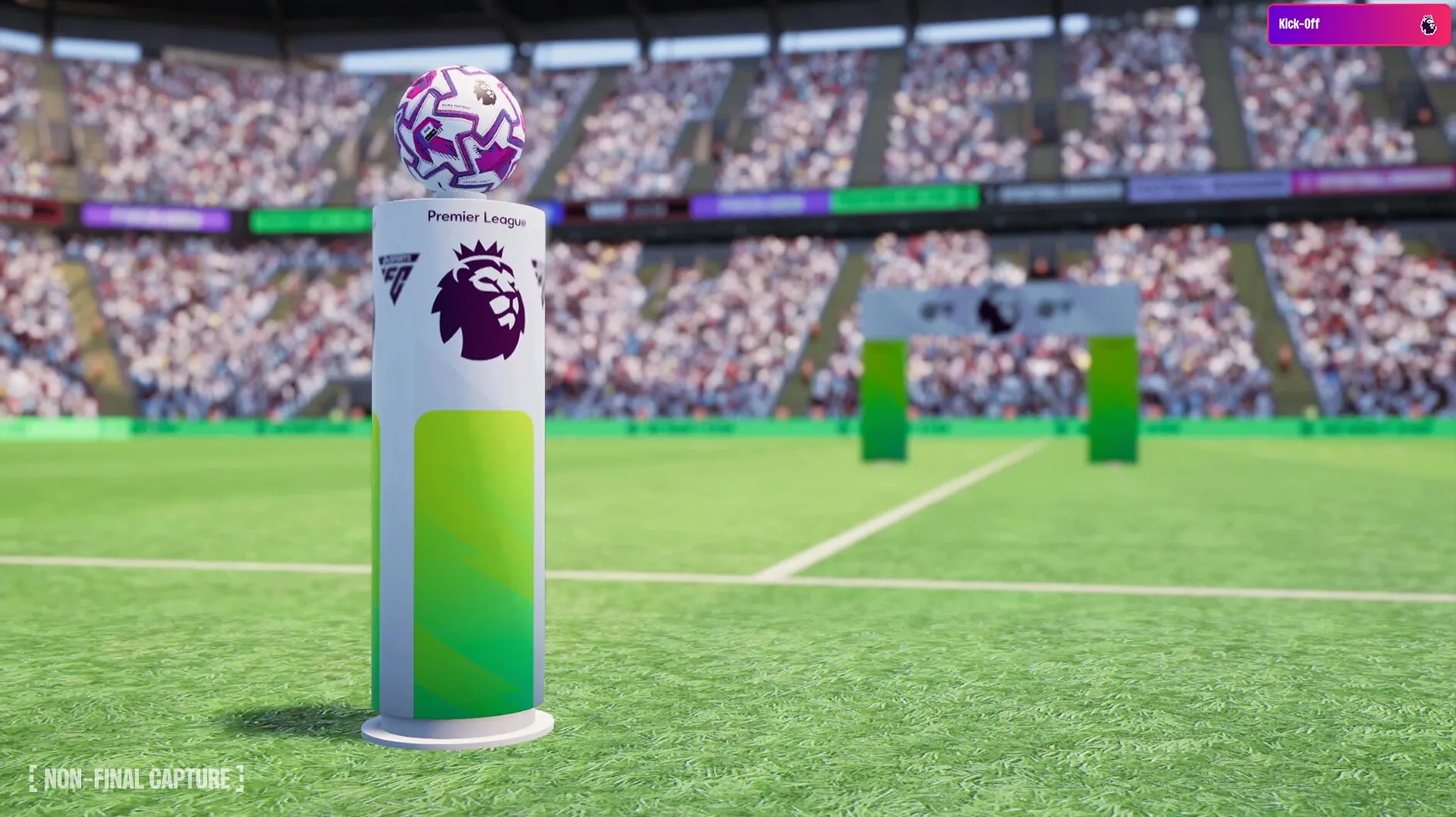
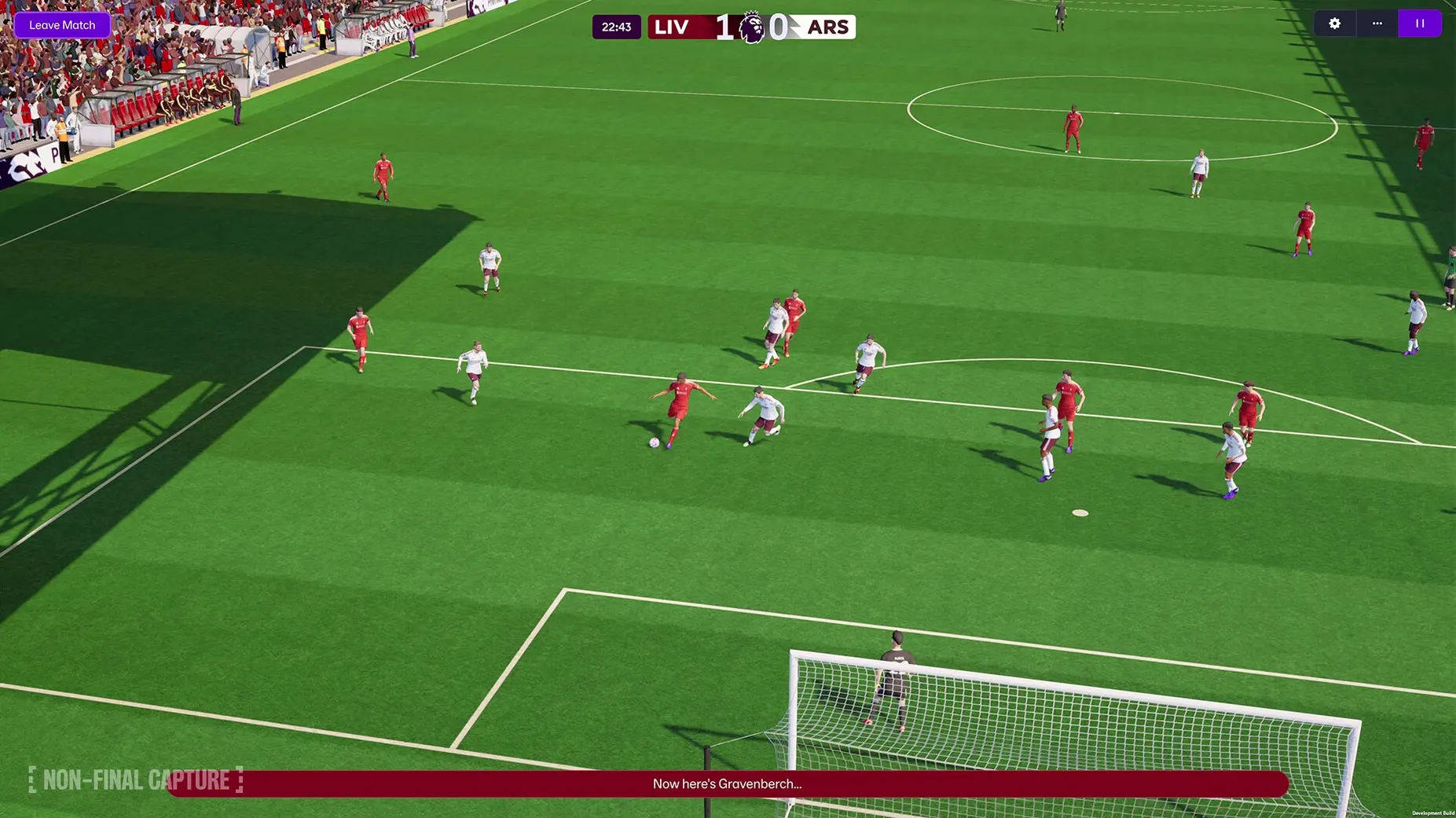
This isn't a game for people who want to score goals with a gamepad. FM 26 is for the spreadsheet-inclined, the armchair tactician, the person who hears a transfer rumor and immediately thinks about squad registration rules. It's a simulation that asks you to live the life of a real manager, and on a Mac it runs natively with the full match engine rebuilt in Unity.
Sifting through scouting reports
You spend a surprising amount of time staring at player attributes on the scouting center. A TransferRoom integration feeds you realistic availability data from agents, and you can bookmark interesting prospects with quick bookmarks so they don't get lost when the next report lands. The women's game is fully modeled here too, with 14 leagues across 11 countries, so your recruitment pool just doubled.
Building separate attacking and defensive shapes
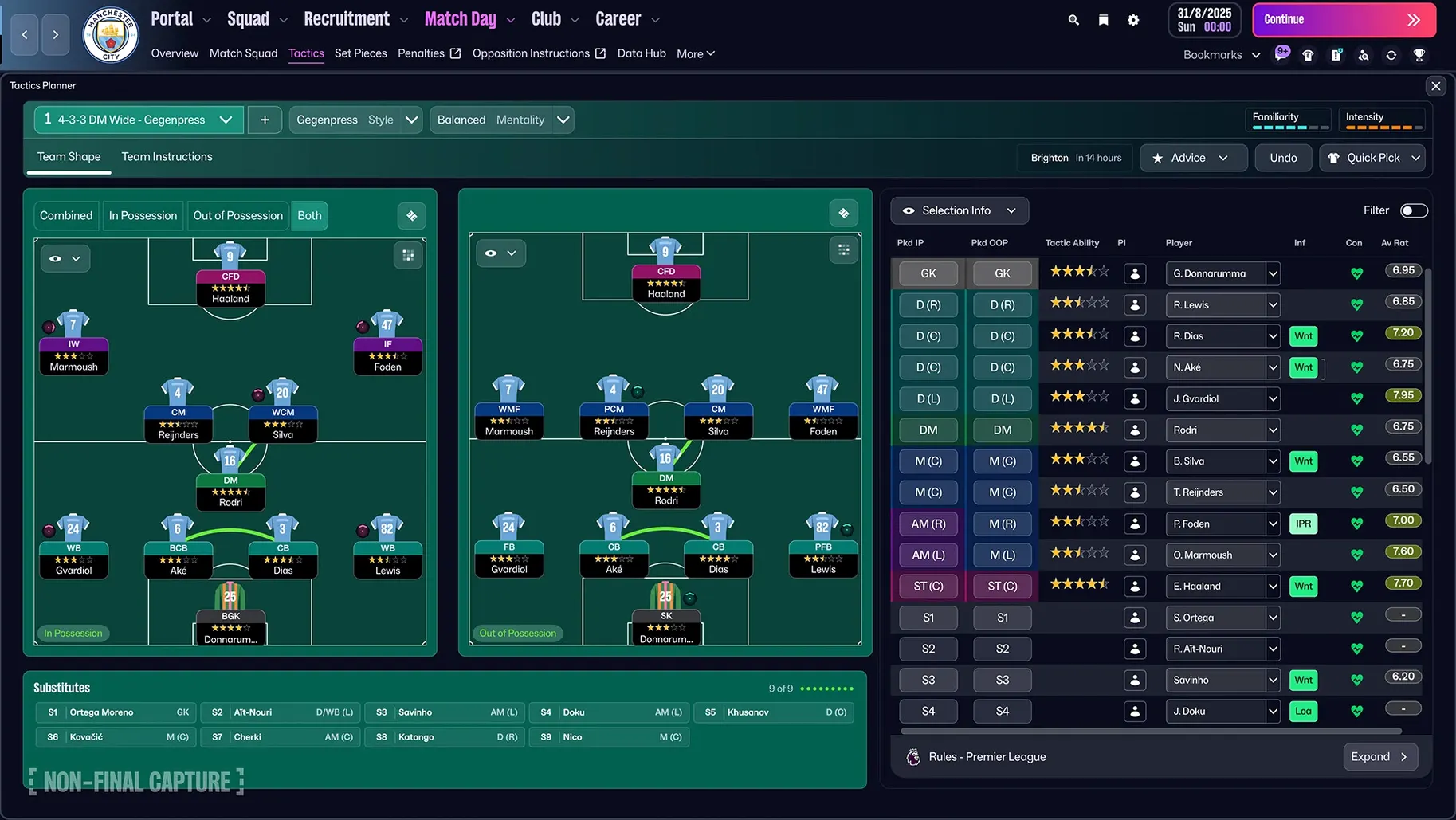
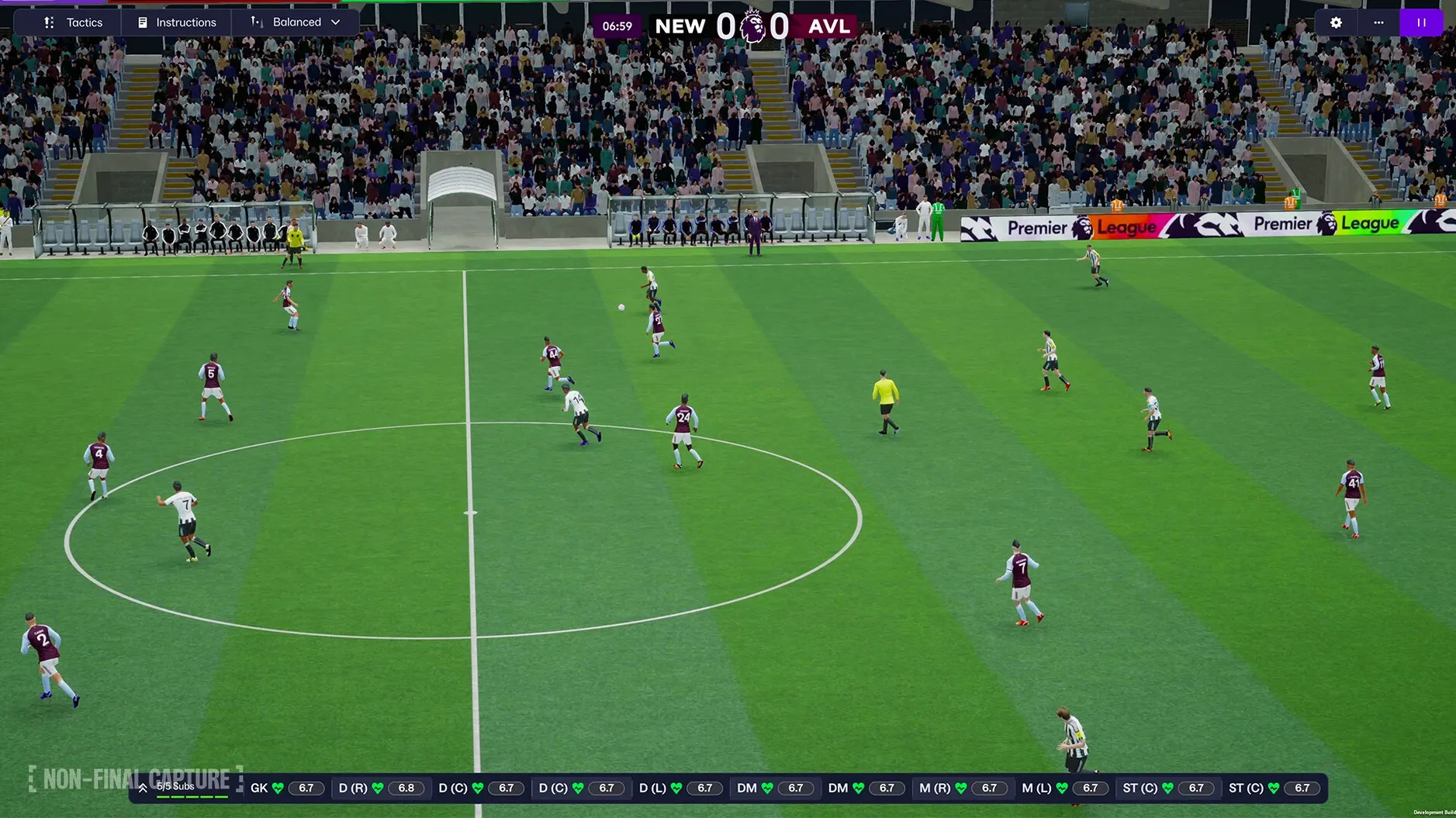
The tactics screen is where FM 26 really breaks from previous versions. You no longer set one formation for everything. You build an attacking shape and a defensive shape independently, using updated player roles like the wide center-back or inverted full-back. You'll find yourself watching the enhanced match presentation, pausing to tweak a pressing trigger, then unpausing to see if your midfielder actually follows the instruction.
Fighting your own inbox
A huge portion of the minute-to-minute experience is email. Player complaints, board expectations, agent offers. The reworked interface and portal try to surface what matters, and the improved character editor means your avatar in cutscenes doesn't look like a potato, but the core loop hasn't changed: you read, you decide, you delegate. The improved manager creation process just gets you into that loop faster.
From app launch to your next match in under ten seconds
You launch FM 26 from /Applications and the new Unity-powered interface loads in under ten seconds on an Apple Silicon Mac. The landing screen isn't a wall of text anymore — it's a portal with quick-access panels for your next fixture, the scouting inbox, and a development update on your hottest youth prospect.
Clicking into scouting, you notice a TransferRoom alert from an agent in Liga F. A 21-year-old inverted winger with 15 crossing and a release clause that's surprisingly reasonable. You bookmark her profile with one click, then queue a full analyst report for the next three matches. The women's game integration means your scouting team now covers two parallel squads, and the improved search filters let you toggle between them without resetting your parameters.
Next, the tactics board. Your team conceded from a long throw at the weekend, so you open the defensive shape editor and drag your left center-back into a wide center-back role. The attacking shape stays unchanged — a 4-2-3-1 you've been refining for months. You set a pressing trigger for opposition throw-ins in your final third, save it, and hop into the next match.
The enhanced match presentation shows your changes working inside twelve minutes. A turnover in midfield, quick transition through the half-spaces, and your striker finishes a move that started with the defensive adjustment you just made. You watch the replay in the new 3D engine, then jump back to your inbox to handle a board request for a coaching course.
Three Mac football sims measured against FM 26
Three titles come up whenever Mac users talk football management.
FM 26 vs. Football Manager 2024 Touch
The Touch version strips out press conferences, most squad dynamics conversations, and the full training module. On a MacBook Air, Touch is lighter on battery and loads faster — but you lose the separate attacking and defensive tactics, the women's leagues, and the TransferRoom network. Touch runs on Apple Arcade and requires macOS 11.0, while the full FM 26 leans into Unity and benefits from every core on an M4. If you want the complete simulation, Touch feels like a sketch of the real thing.
FM 26 vs. an older FM 24 save carried forward
Some players keep a long-term save running across versions. FM 26 breaks compatibility with pre-Unity saves, so you start fresh. The trade-off is noticeable: the match engine physics feel different, player roles have been rebalanced, and the women's database adds tactical variety that didn't exist before. The Premier League licensing with club badges, kits, and official player photos is a visual upgrade that makes the old pack of logo mods unnecessary.
FM 26 vs. a spreadsheet-style alternative like Championship Manager 01/02 (via emulation)
The cult favorite CM 01/02 scene runs on Mac through third-party launchers and offers lightning-fast season processing. FM 26 is slower to simulate a season, by design — every match has thousands more calculations under the Unity engine. What you gain is granular tactical feedback, dynamic player development curves that respond to coaching, and a database that reflects the real 2025/26 football landscape. CM is nostalgia; FM 26 is a working model of a football club.
Surviving January with no budget and shared boots
A player managing a Vanarama National League side has no transfer budget, a part-time physio, and a squad where three players share the same boots. The January window opens, and the board expects mid-table survival.
She opens the TransferRoom tab and filters for unattached players under 23 with stamina above 13. The improved search returns a center-back released by a League Two academy and a striker who played 14 games in the Swedish third tier. Both are interested. Contracts are offered — appearance fees instead of base wages, because the wage budget is already £14 over. The improved manager creation process means her character has a Continental B licence and low adaptability, which makes negotiations with the Swedish striker's agent a little frostier. She gets it done by offering a 15% sell-on clause.
Three days later, the striker scores a scrappy winner on debut. The board confidence bar ticks up by a pixel. That's the loop FM 26 rewards: finding a margin where nobody else is looking.
Mac graphics settings that stop match engine stutter
Every version brings its own friction points. Here are the ones that surface most often on Mac installs.
- Match engine stutter on high graphics settings. The Unity renderer defaults to "Very High" on M-series chips. Dropping to "High" and disabling crowd rendering in preferences → match usually fixes frame pacing without losing much visual detail. The enhanced match presentation still looks crisp.
- Scouting assignments not returning reports. If your chief scout is also handling opposition analysis, the queue can stall. Split responsibilities in staff responsibilities → scouting so one scout owns recruitment and another handles next-opponent reports. Reports resume within a few in-game days.
- Women's leagues not appearing in a new save. They require a database selection step during save setup. On the "Advanced Setup" screen, the women's leagues are listed separately below the men's — they're not bundled into a single nation selection. Tick the Women's Super League or NWSL before confirming.
- Quick bookmarks disappearing between sessions. Bookmarks are tied to your local preferences file at
~/Library/Application Support/Sports Interactive/Football Manager 2026/. If you switch Macs or reinstall without copying that folder, bookmarks won't carry over. There's no cloud sync for them. - Premier League kits not loading. The official licensing means no mods are needed, but the graphics pack still needs to unpack on first launch. If kits show as plain colors, go to preferences → interface and click "Clear Cache," then "Reload Skin."
Processing a week in 25–30 seconds on an M4 Mac mini
On a Mac mini M4 with 16 GB of RAM, a save with eight nations loaded and a large database processes a week of game time in roughly 25–30 seconds during the season. That's not instant, but it's consistent. The Unity engine spreads simulation work across performance and efficiency cores reasonably well — Activity Monitor shows the process bouncing between 200% and 400% CPU during fixture processing, settling to near-idle on inbox screens.
Memory usage sits around 3.5–4 GB with the Premier League, Bundesliga, Serie A, Liga F, and NWSL active. The women's leagues add roughly 400 MB of additional database footprint. No memory leaks observed across six-hour sessions; the app doesn't creep upward over time the way earlier versions on Intel Macs sometimes did.
Stability has been solid on macOS Tahoe. The app hasn't crashed during match-day processing or tactic screen editing in regular use. One known edge case: tabbing out to a browser during the "Processing" spinner on a match day can occasionally freeze the UI for 5–10 seconds when you return, though the simulation keeps running and the freeze resolves itself. Sports Interactive's forums note this as a Unity windowing quirk, and a patch in version 26.3.2 improved it noticeably.
Battery life on a MacBook Pro M3 Pro during a two-hour session with 3D highlights enabled drops about 35–40%. Switching to "Commentary Only" and lowering the frame rate cap in preferences drops that to roughly 22%. For long-haul save sessions away from a charger, the difference matters. The Unity engine is hungrier than the old proprietary match engine, but the visual jump in match presentation makes the trade-off feel reasonable.
- Built on Unity for a modern graphics and physics foundation.
- Women's football introduced with 14 leagues from 11 countries.
- Premier League licensing added — club badges, kits, and official player photos.
- Separate attacking and defensive tactical systems replace the old single-formation screen.
- Interface reworked with a new portal for football-related information.
- macOS Tahoe (tested on a Mac mini 2024 M4).
- Apple Silicon and Intel native support.
Comments 0
Sign in or create an account to leave a comment.
No comments yet. A codec, a slice, a machine — they appear after moderation.
More in Games
cd ../ Frostpunk
Games 8.9 GB
 Flashing Lights - Полиция, Пожарные, Симулятор экстренных служб
Games 2.3 GB
 Gear.Club Stradale
Games 3.3 GB
 Five Hearts Under One Roof
Games 26 GB
 Firewatch
Games 2.1 GB
 Firehawk FPV: Drone Fighter
Games 9 GB Updated
 Goblin Sushi
Games 260 MB Updated
 Grand Theft Auto 2
Games 761 MB