

Five Hearts Under One Roof for macOS

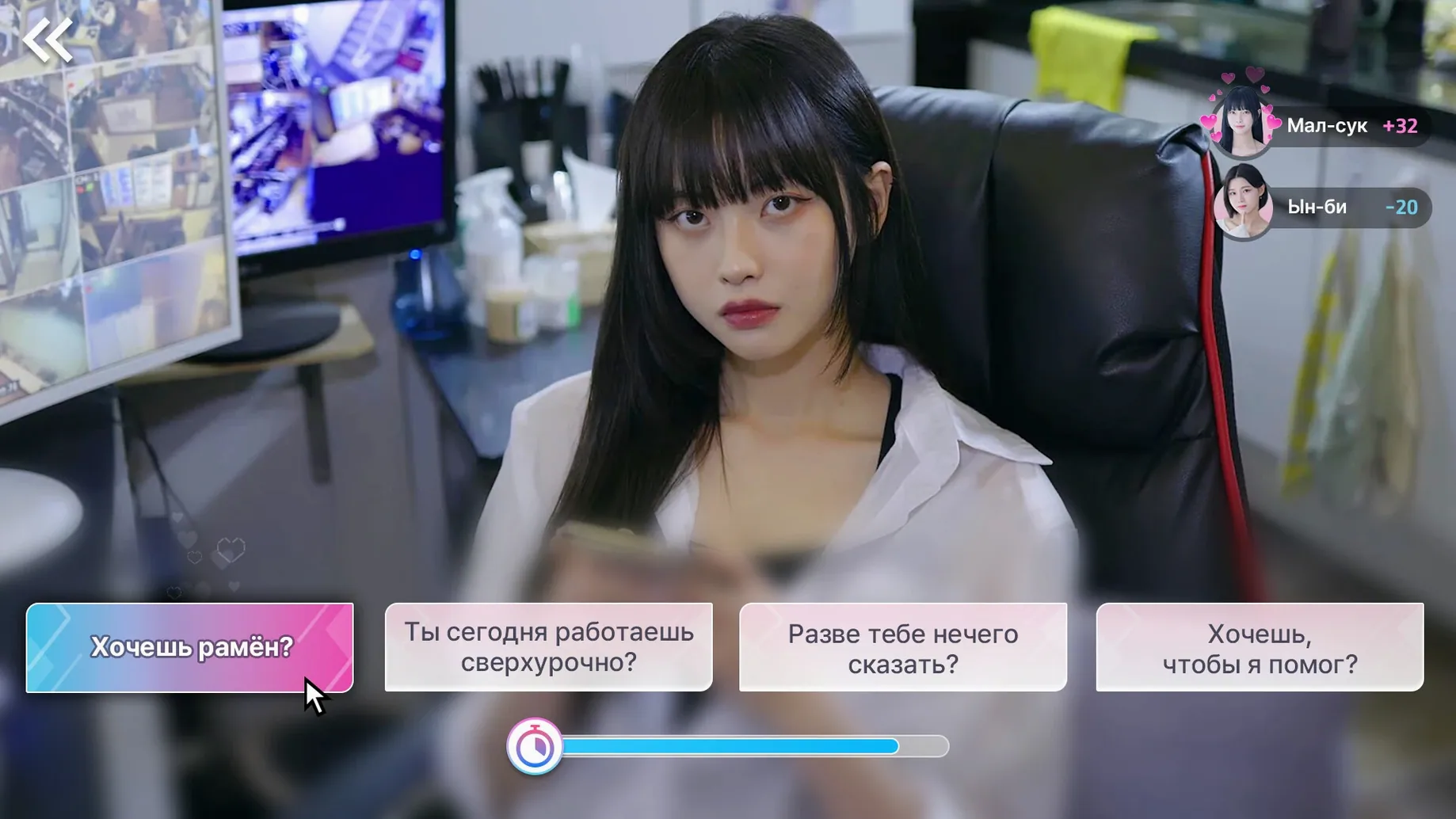
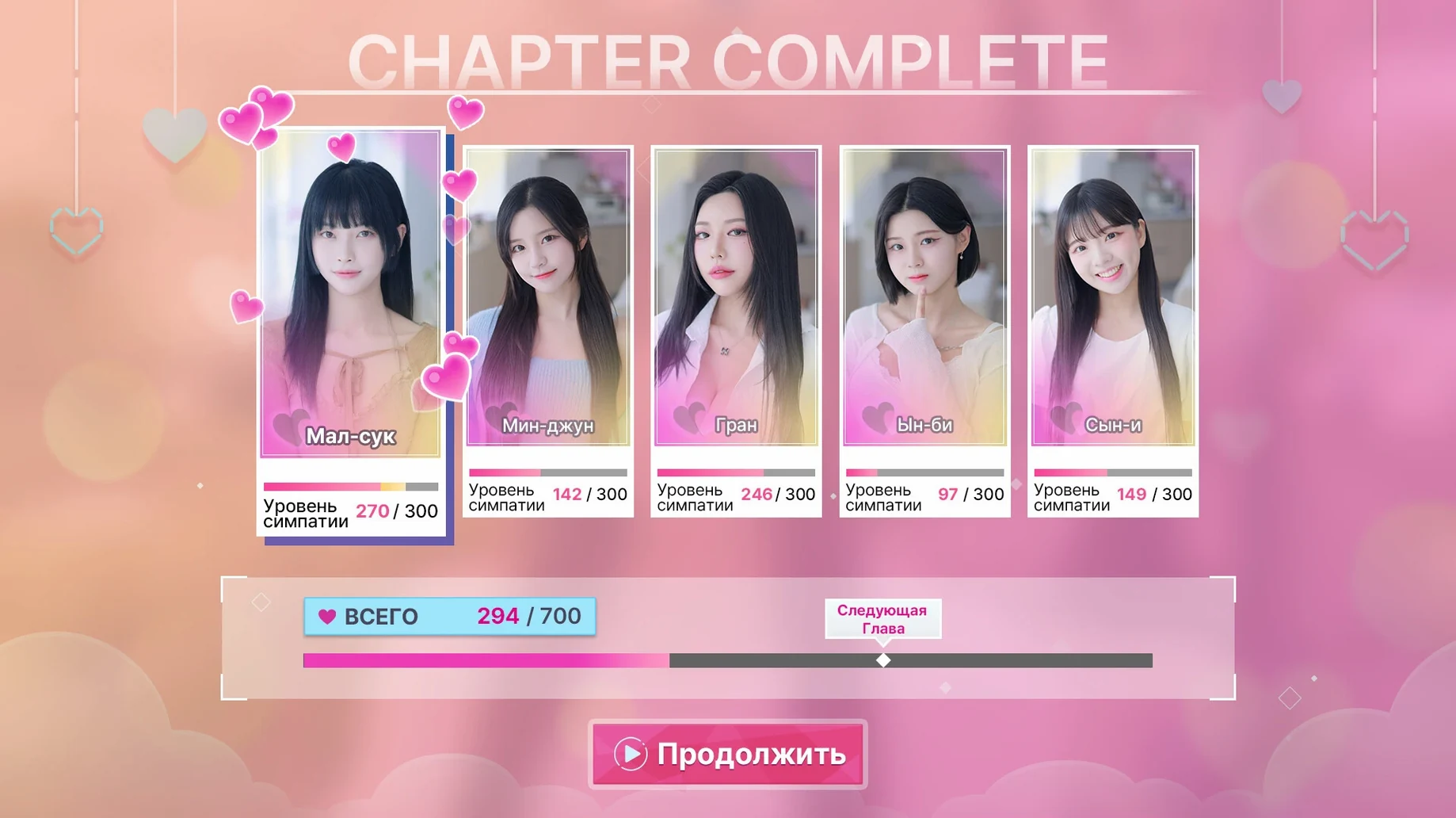
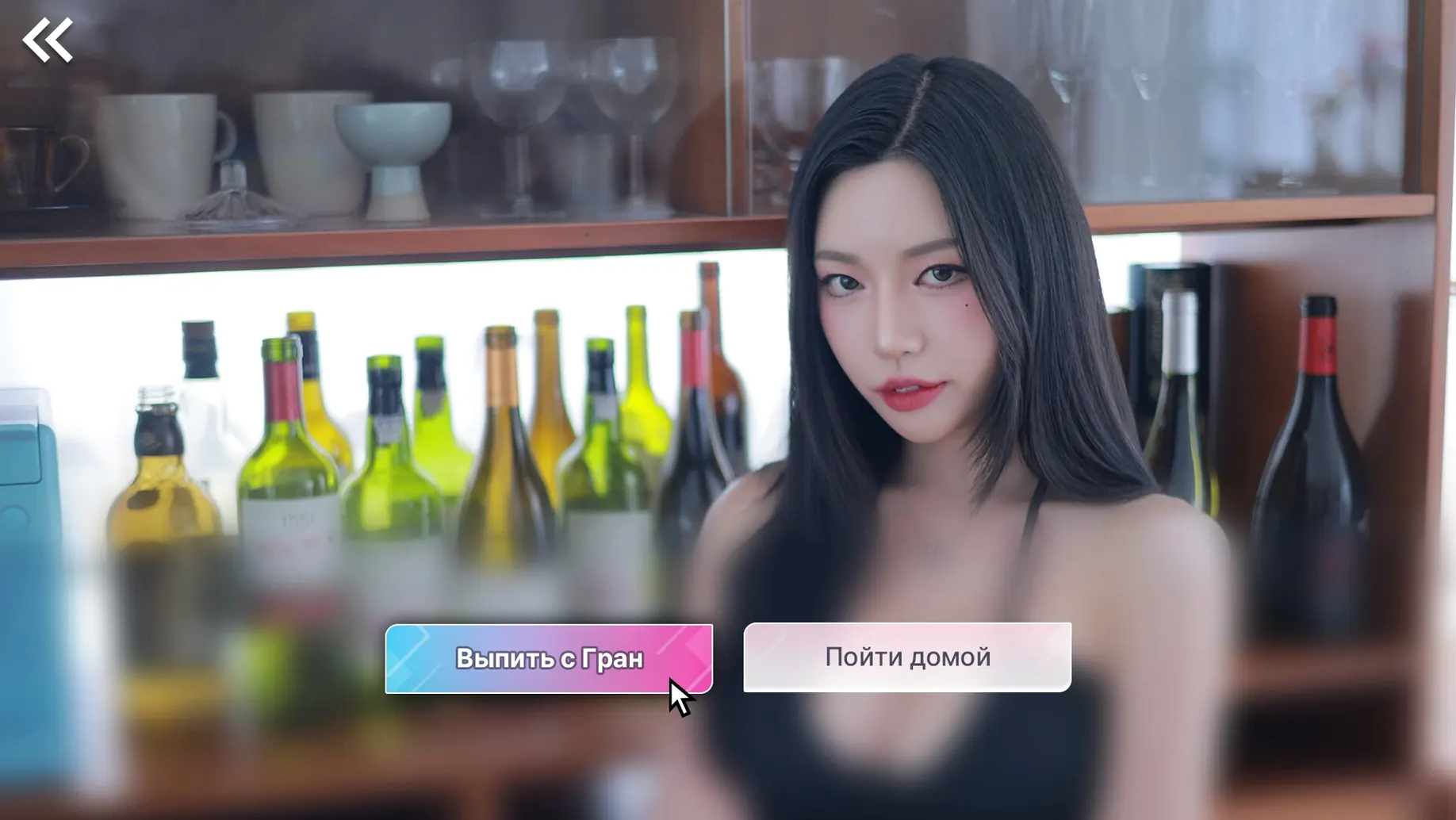
…and the first thing you notice is the voice language listed in the specs: Korean. That tells you a lot about the production style before you even mount the .dmg. Five Hearts Under One Roof is an interactive FMV game from Storytaco that puts you in the shoes of Yuman, a guy whose quiet solo life ends when five heroines move into his home across six chapters.
Who it's for: Players who enjoy letting choices steer the narrative and don't mind subtitles. If your idea of a good evening is chasing hidden epilogues and bonus videos in every chapter, the branching structure gives you real reasons to replay. The five routes feel distinct because your decisions gate the romantic paths, so a single playthrough leaves plenty unseen. FMV fans who appreciate a Korean drama aesthetic — acting style, pacing, shot choices — will feel right at home.
Who might bounce off: Anyone who needs an English dub to stay immersed. With Russian, English, Indonesian, Chinese, Portuguese, Thai, French, and Japanese interface text available, the barrier isn't understanding — it's that all spoken dialogue stays in Korean. If you're looking for a kinetic novel with no interaction, the choice system here isn't optional set dressing; it drives the story. And if your Mac's storage is tight, the disk image weight of a full video production is worth checking before you download.
Spend five minutes in the settings screen first
Give the settings screen five minutes before you start a serious run. Switch the interface language to whatever you're most comfortable reading — the game ships with ten options, and changing mid-chapter doesn't break your save, but it's cleaner to set it once. The subtitle display timing defaults to a speed that some players find a beat too fast during rapid-fire dialogue; test it during the opening scene with Yuman alone in the house, then tweak if needed.
Play the first chapter blind. Seriously — don't look up route guides yet. The branching logic reveals itself naturally through three or four key decision points per chapter, and your gut reactions will land you on a path that actually reflects what you'd do. That first organic run teaches you how the choice UI presents itself and how much time the game gives you to pick, which is less forgiving than a visual novel's pause-and-read pace. By the end of chapter one you'll know whether you want to chase a specific heroine or let the story surprise you.
After that first chapter, poke around the chapter select menu. Each of the six chapters lists its hidden epilogues and bonus videos as locked or unlocked, so you'll see exactly what you left on the table. That menu becomes your replay roadmap — you can jump straight into a chapter and make different choices without restarting the whole game. If you're hunting all endings, a quick note in a text file about which choices you made per run saves you from the "did I pick the café or the rooftop last time?" guessing game a week later.
Launch from Launchpad and jump into a 90-minute session
You launch the app from Launchpad after the one-time .dmg install — drag to Applications, done. The game opens fullscreen on the Mac mini we tested with, no fiddling required. You've got about ninety minutes free, so you load your save from the start of chapter three. Last session you left Yuman in the kitchen with two heroines talking over each other, and you picked the response that sided with the quieter one. That choice already locked you onto her route, though you didn't know it at the time.
The FMV scene plays. A conversation about a weekend trip turns into a confession — the actress delivers it in Korean with the kind of halting rhythm that subtitles can't fully carry, and you're glad you left the voice audio on. A decision prompt appears: three options, no timer visible but the video won't wait forever. You pick the one that feels honest rather than smooth. The scene branches. A new location loads, a new piece of the soundtrack kicks in, and the chapter's second half opens up. Twenty minutes later you hit the chapter end screen and a bonus video unlocks — a short epilogue scene from the heroine's perspective that recontextualizes a moment from chapter one. You make a mental note to come back and see what the other two choices would've unlocked, but that's for another evening.
Can I play without knowing Korean?
"Do I need to understand Korean?" No. Every spoken line has subtitles in your chosen interface language, and the UI — menus, choice prompts, chapter select — follows that same language setting. The voice performances are Korean-only, so you're reading the story rather than hearing it in English, but nothing is gated behind language comprehension. If you've played subtitled FMV games before, the rhythm feels familiar by the midpoint of chapter one.
"How much hard drive space does it really take?" The disk image is substantial because you're downloading six chapters of high-bitrate video with multiple branching scene files per chapter. The exact size depends on the build you grab, but treat it like a small film production — clear some room before you download. Once installed, the app runs entirely from your Applications folder; there's no streaming, no asset downloads mid-game, and no always-online requirement.
"Will this run on my Intel Mac or does it need Apple Silicon?" The build handles both. The specs list ARM and x86 64-bit support, and testing covered a 2024 Mac mini with M4, so older Intel machines should manage as long as they meet the macOS baseline. Video decoding is the real bottleneck — the game streams pre-rendered FMV scenes, not real-time 3D, so your GPU isn't the limiting factor. A Mac with decent single-core performance and enough RAM to avoid swapping during video playback will give you a smooth experience.
- macOS (Apple silicon and Intel native)
$ man five-hearts-under-one-roof | grep -A2 "?"
Where are the hidden epilogues and bonus videos?
Each of the six chapters contains hidden epilogues and bonus videos that unlock based on the romantic routes your choices open up.
What languages does the interface support?
The interface text is available in Russian, English, Indonesian, Traditional Chinese, Simplified Chinese, Korean, Portuguese, Thai, French, and Japanese.
Comments 0
Sign in or create an account to leave a comment.
No comments yet. A codec, a slice, a machine — they appear after moderation.
More in Games
cd ../ Firewatch
Games 2.1 GB
 Firehawk FPV: Drone Fighter
Games 9 GB Updated
 Flashing Lights - Полиция, Пожарные, Симулятор экстренных служб
Games 2.3 GB
 Farming Simulator 25
Games 31 GB Updated
 Football Manager 2026
Games 6.4 GB
 Farming Simulator 22
Games 25 GB
 Factorio
Games 5.7 GB Updated
 Frostpunk
Games 8.9 GB