Sid Meier’s Civilization VII for macOS
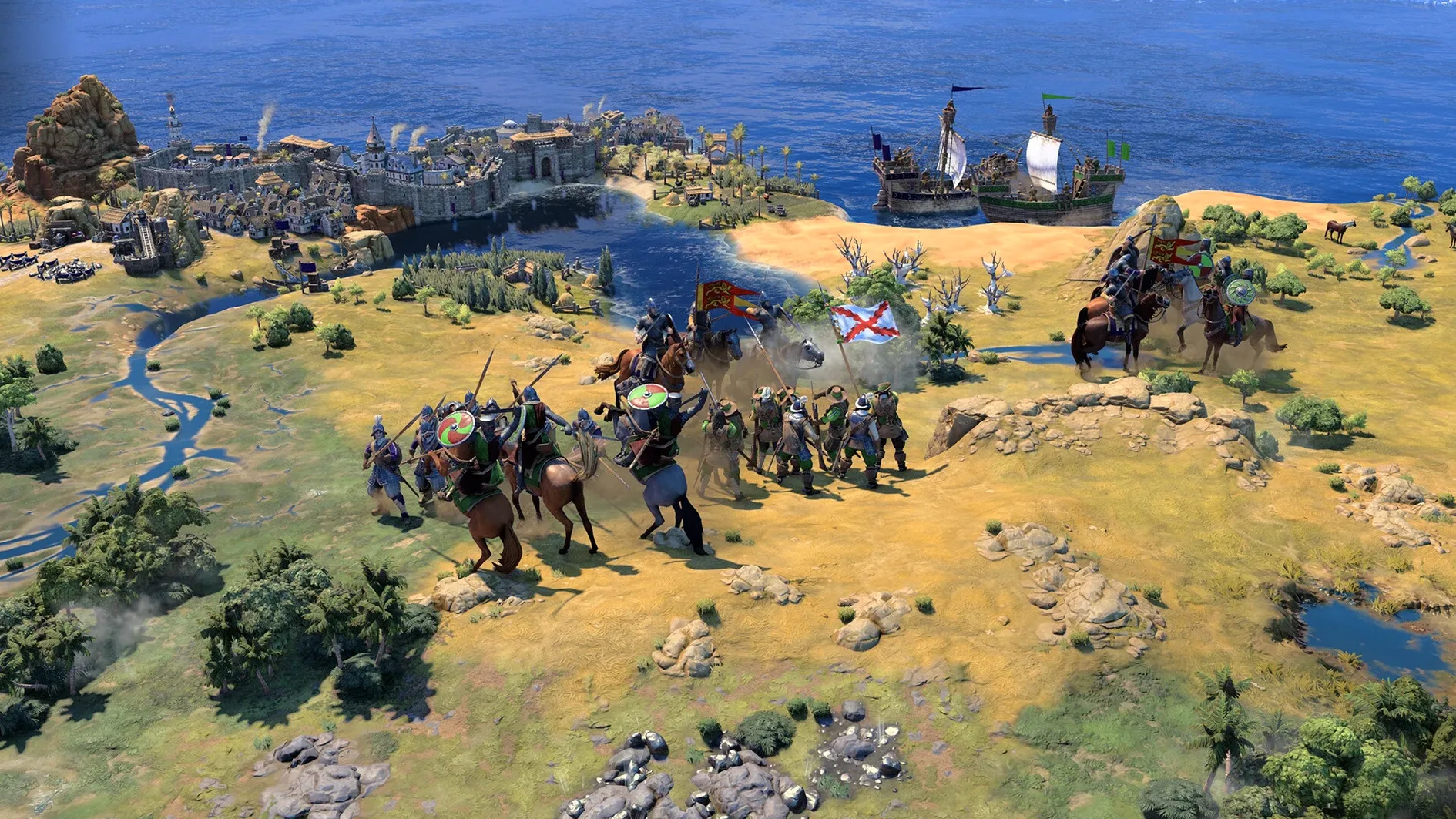
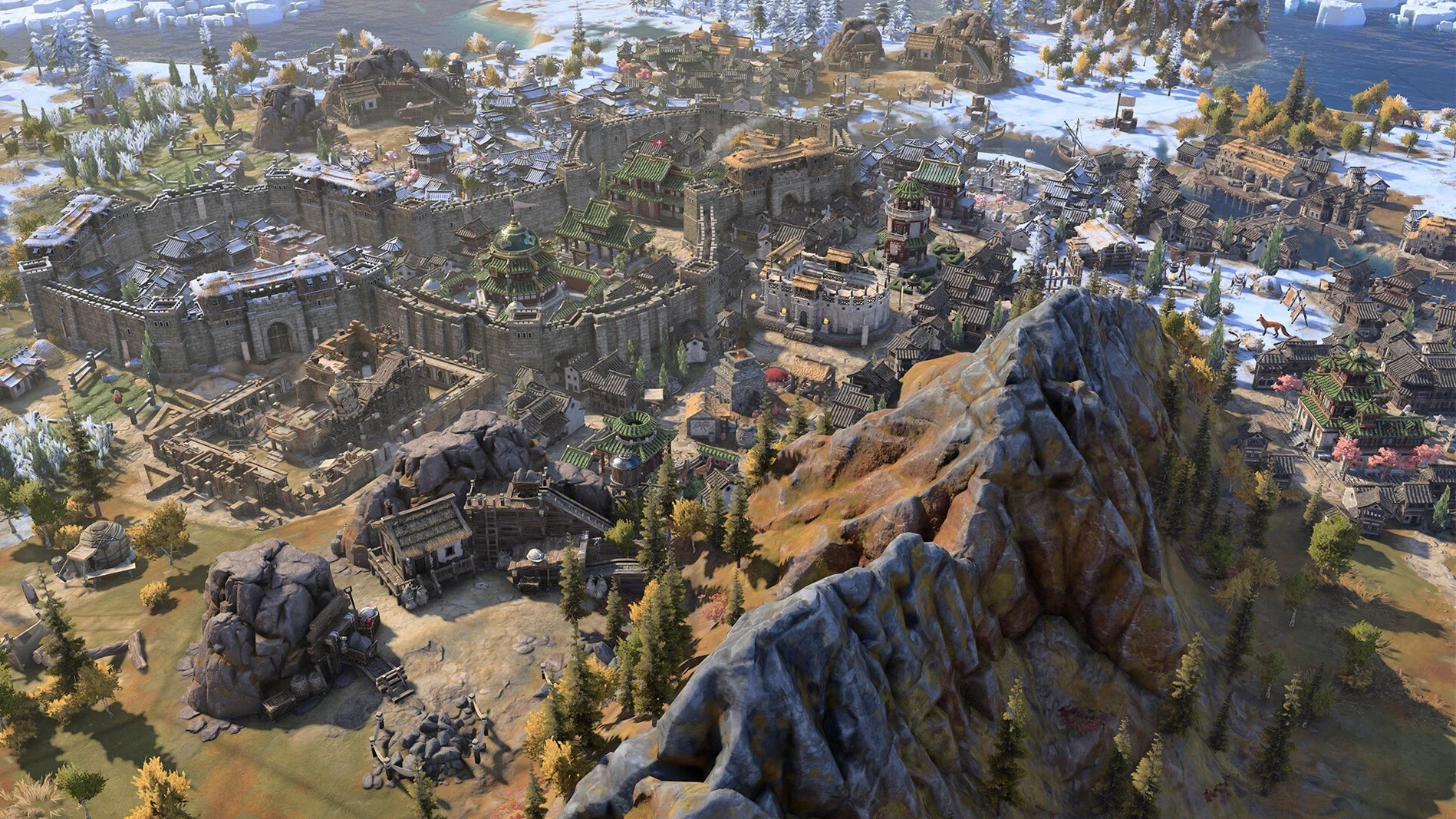
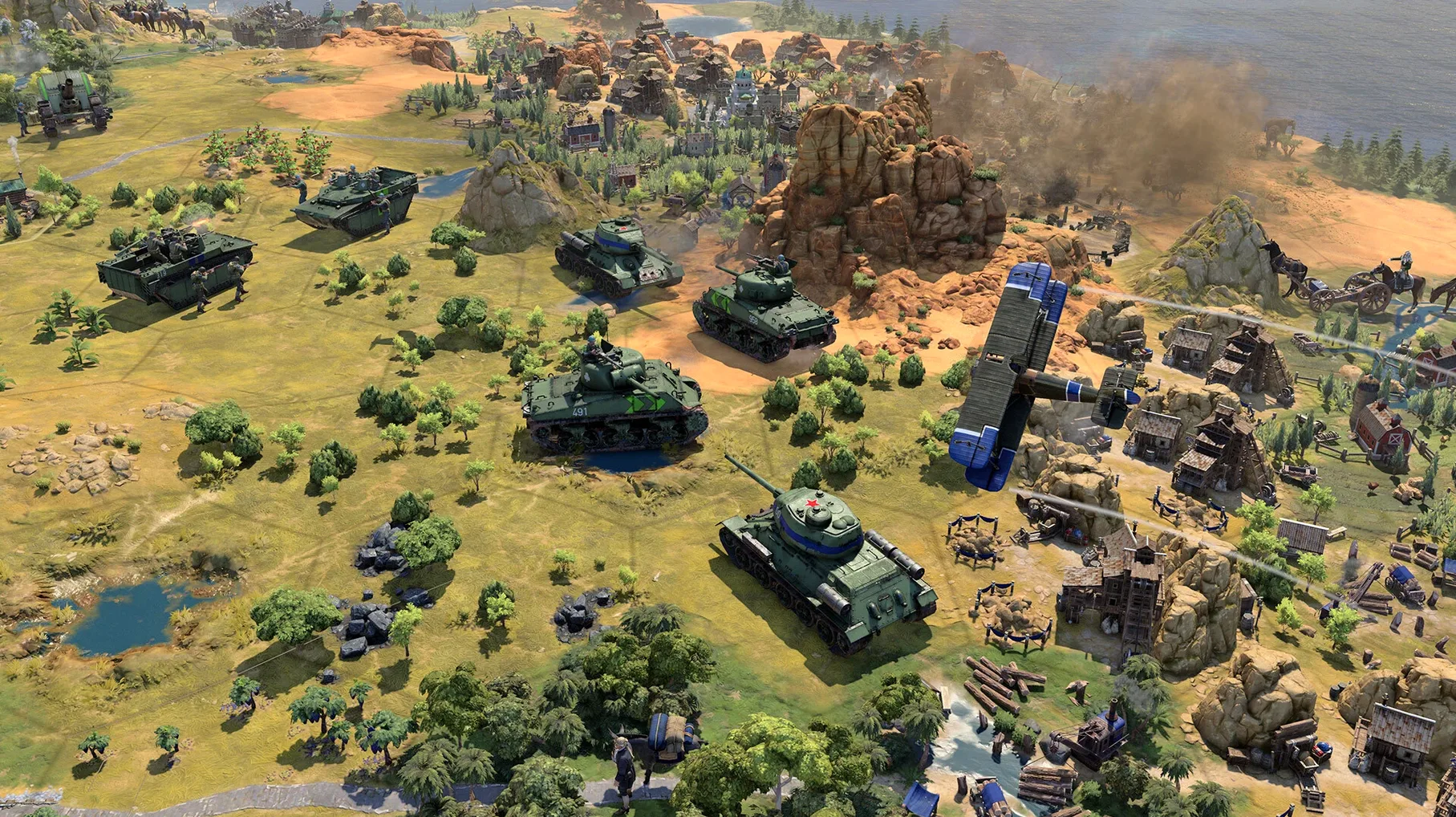
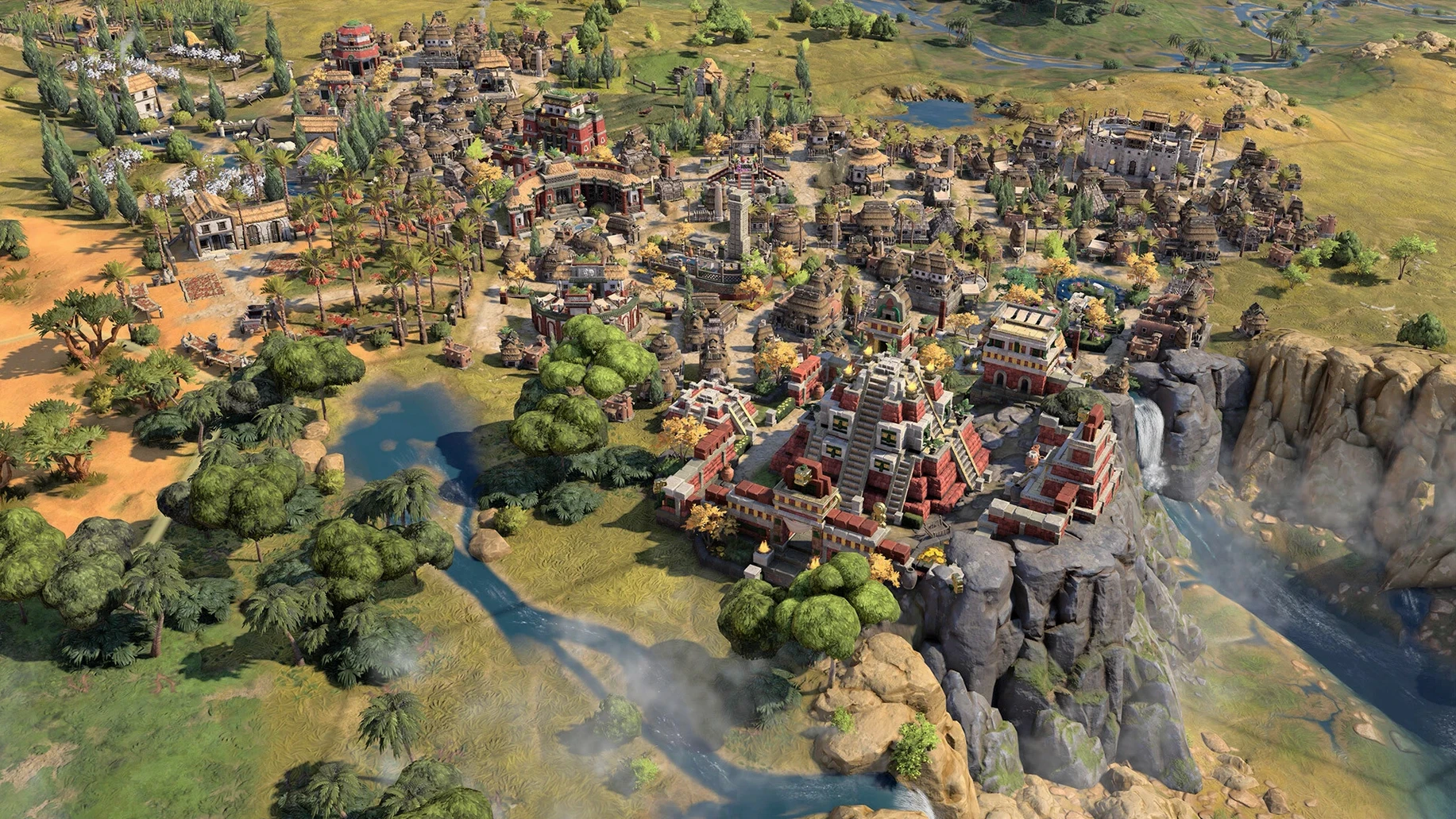
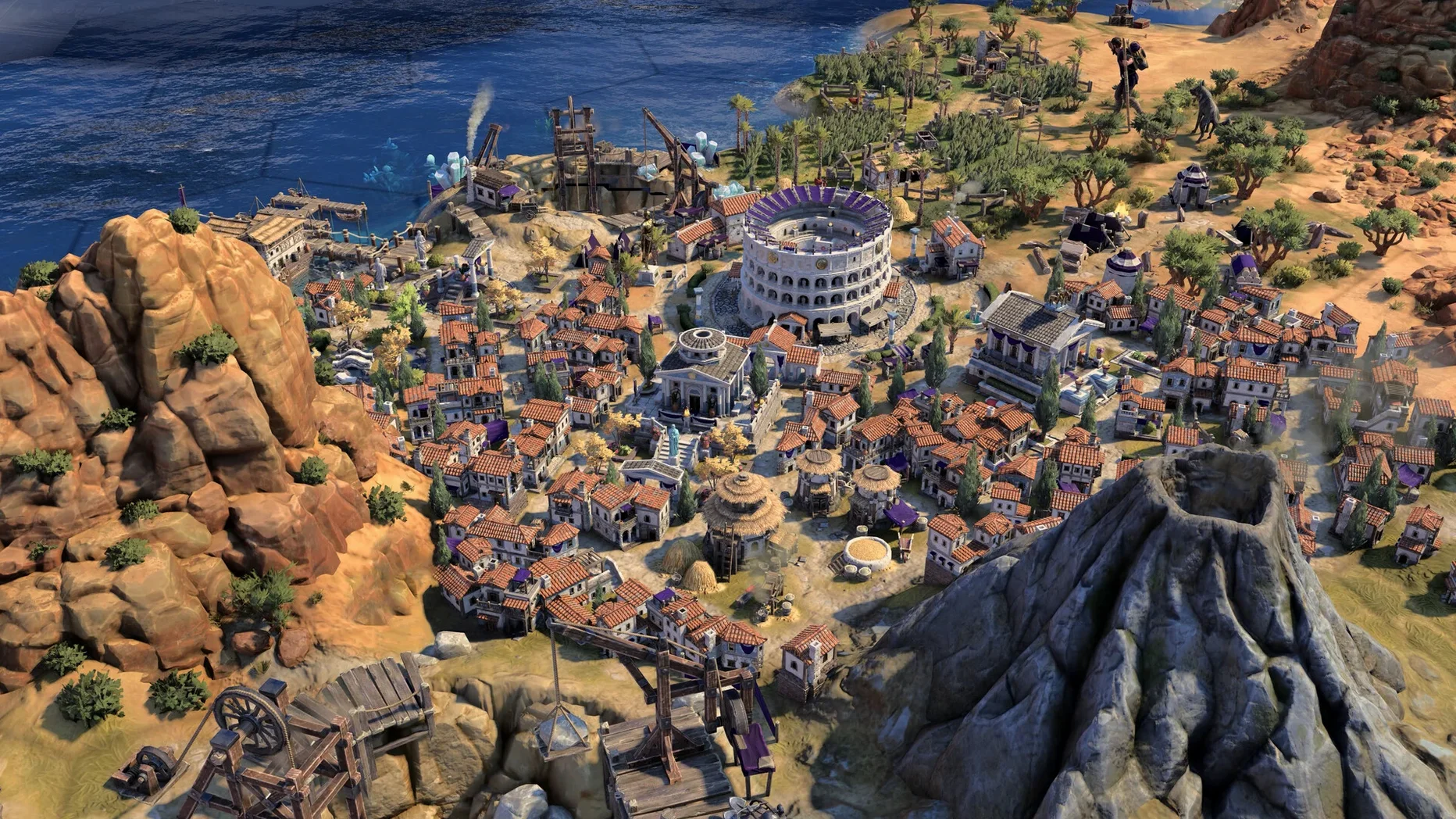
Each turn gives you one unit move and one city production order before the world responds. That rhythm — act, then watch the consequences unfold — is what you live inside minute to minute. The map is fogged at the edges. A scout reveals a coastline. A barbarian camp appears three hexes from your capital. You decide whether to train a slinger or finish that granary.
Your leader’s traits and your civilization’s bonuses push the math in a direction you chose at the start. If you picked expansion bonuses, every new settlement feels like a payoff. If you leaned into science, watching the tech tree unlock an era ahead of your neighbors is the reward. The world reflects those choices visually too — architecture and unit designs shift to match the cultural style you’re playing, so a Roman city looks Roman, not generic.
Between turns, diplomacy screens pop up. Another leader denounces you for settling too close. A city-state offers a quest. You weigh trade routes, swap resources, or just close the window and keep building. The Modern Age, added in the 1.5.0 update, sharpens the late game — fewer crashes, no input lag when you’re clicking and typing at the same time, and a new True Start Location Earth map that places every civ where it actually belongs on the globe.
How does Civ VII connect with macOS and other apps?
Civ VII runs as a standalone Apple Silicon binary — it does not rely on Rosetta 2 at all. That matters when you leave the game open in the background while switching to Safari or Notes. The process just sleeps cleanly, and macOS Tahoe’s memory compression handles it without the swap file thrashing you’d see with an Intel-translated app.
If you use Mission Control, you can keep the game on its own desktop and three-finger swipe back to a browser with the Civilization Wiki open on another screen. The game respects macOS’s full‑screen mode properly: the menu bar hides, but you can still pull it down by bumping the top edge with the pointer — useful for checking the time without quitting to the desktop.
For sharing screenshots, the built‑in Command-Shift-5 capture tool works during gameplay. Screens land on your desktop as .png files, named with the date and time. If you run the game through Steam, the F12 key saves to Steam’s own screenshot library, and the overlay respects the macOS framebuffer so you get clean captures. The game also writes save files into ~/Library/Application Support/Sid Meier's Civilization VII/, which means Time Machine catches them automatically if you’ve set that folder to be included. You can restore a campaign from three hours ago without ever thinking about manual backups.
A real workflow: settling the True Start Location Earth map
Say you want a game where geography actually matters — you pick the True Start Location Earth map that arrived in 1.5.0, choose Japan, and set the difficulty to Prince. Here’s how that plays out from launch to the first era transition.
- Launch the app from Launchpad. The game opens in full‑screen on your primary display.
- From the main menu, choose Single Player → Create Game. Under Map Type, select True Start Location Earth. Leave map size at Standard.
- Pick Japan as your civ. Notice the leader bonuses — you lean into coastal combat and district adjacency. Accept the default era start (Ancient).
- The game drops your settler on the real Japanese archipelago. You see water on two sides, mountains inland. Send your warrior one hex northeast; the scout boards automatically and heads for the Korean peninsula.
- Found your capital on the starting tile. Production queue: Scout first, then Slinger. Tech tree: Pottery → Writing. You know China is across the water and you want early science pressure.
- Turn 20: your scout reveals the Chinese border. Open the diplomacy panel — greet the leader, propose open borders. They accept. Now you can sail a galley along the coast without triggering a war.
- Turn 45: a barbarian galley appears two hexes off your capital. Your slinger is still inland. Switch production to a Galley. The warrior fortifies on the coastal hill. You lose one tile improvement but hold the city.
- Turn 60: Writing finishes. You slot the science policy card and your campus district goes down next to two mountain tiles for the adjacency bonus. Era score ticks over — you’re entering the Classical era with a tech lead over your nearest neighbor.
The whole session benefits from the 1.5.0 stability fixes: the late Ancient era used to stutter when you had multiple naval units and a city‑state quest active on the same turn. Now the frame pacing stays smooth even as the map reveals more civs.
Switch from Borderless Window to Fullscreen for smoother frames
Out of the box, a few defaults work against you on a Mac. Here’s what to adjust first.
- Graphics → Display Mode. The default is often Borderless Window. Switch to Fullscreen if you want the smoothest frame pacing — it gives the Metal renderer exclusive control of the display. On an M4, the difference is subtle; on older Apple Silicon, it’s more pronounced.
- Graphics → V‑Sync. Turn it off if you’re on a ProMotion display (120 Hz). The game caps at 60 fps anyway, and disabling V‑Sync removes a small input latency you’ll notice mainly when scrolling the map with the trackpad.
- Game → Auto End Turn. Enable it. The game waits for all your units to act before cycling turns, but if you forget a scout parked on auto‑explore, you sit there waiting. This setting nudges the turn forward when every unit with orders has moved.
- Game → Quick Movement / Quick Combat. Both on. It removes unit animation waits during combat and movement. After your first full campaign, you’ve seen the animations — this cuts late‑game turn times noticeably.
- Interface → Show Yields. Turn it on permanently. Tile yield icons overlay the map so you see at a glance which hexes produce extra food or production. It makes settling decisions faster without opening the city lens every time.
- Audio → Music Volume. Drop it to about 40%. The score is excellent, but the ambient track loops become repetitive in a six‑hour session, and you’ll want to hear the diplomacy voice lines clearly when another leader surprises you with a war declaration.
True Start Earth reshapes early decisions for Egypt and others
The 1.5.0 update fixed three things that actually affect how a campaign feels hour to hour.
First, the True Start Location Earth map is not just a gimmick — it reshapes early‑game decision making. Playing Egypt means you start on the Nile floodplains with desert to the west and the Red Sea to the east. The terrain pushes your tech choices and early expansion in a way a random fractal map never does. Scouting becomes about finding the real geographic chokepoints you already know from a globe.
Second, the Modern Age crash fixes mean the late game no longer falls apart when the map is crowded. Before 1.5.0, you could lose a campaign on turn 380 because the auto‑save triggered a crash during the AI’s naval movement phase. That’s gone. You can now finish a full playthrough — Ancient through Modern — without the creeping anxiety that the last hour of progress will vanish.
Third, the mouse‑and‑keyboard lag fix is subtle but real. If you use a Magic Trackpad with one hand and a mechanical keyboard with the other, simultaneous input used to cause a half‑second hitch when issuing a move order while the camera panned. That lag is gone. Combat commands feel immediate, and unit cycling with the . (period) key doesn’t desync from what’s highlighted on screen.
For anyone downloading the game today, the state of the Mac build is the most
- Architecture: Apple Silicon native
$ man sid-meiers-civilization-vii | grep -A2 "?"
When did Civilization VII come out on Mac?
It launched on February 11, 2025 for Mac, PC, and Linux via Steam and the Epic Games Store, with an Apple Arcade edition also available.
Comments 0
Sign in or create an account to leave a comment.
No comments yet. A codec, a slice, a machine — they appear after moderation.