
Software Inc for macOS


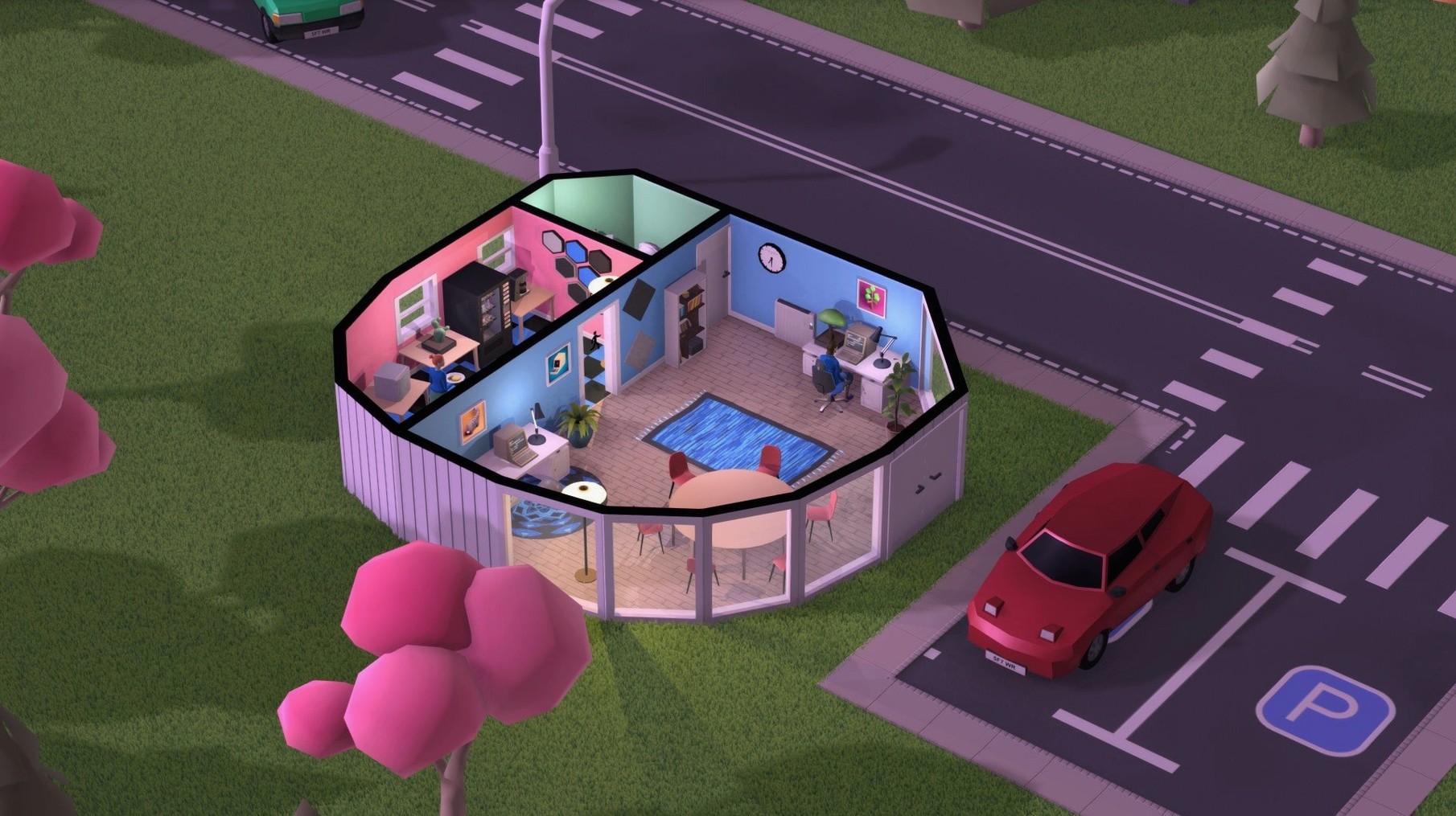
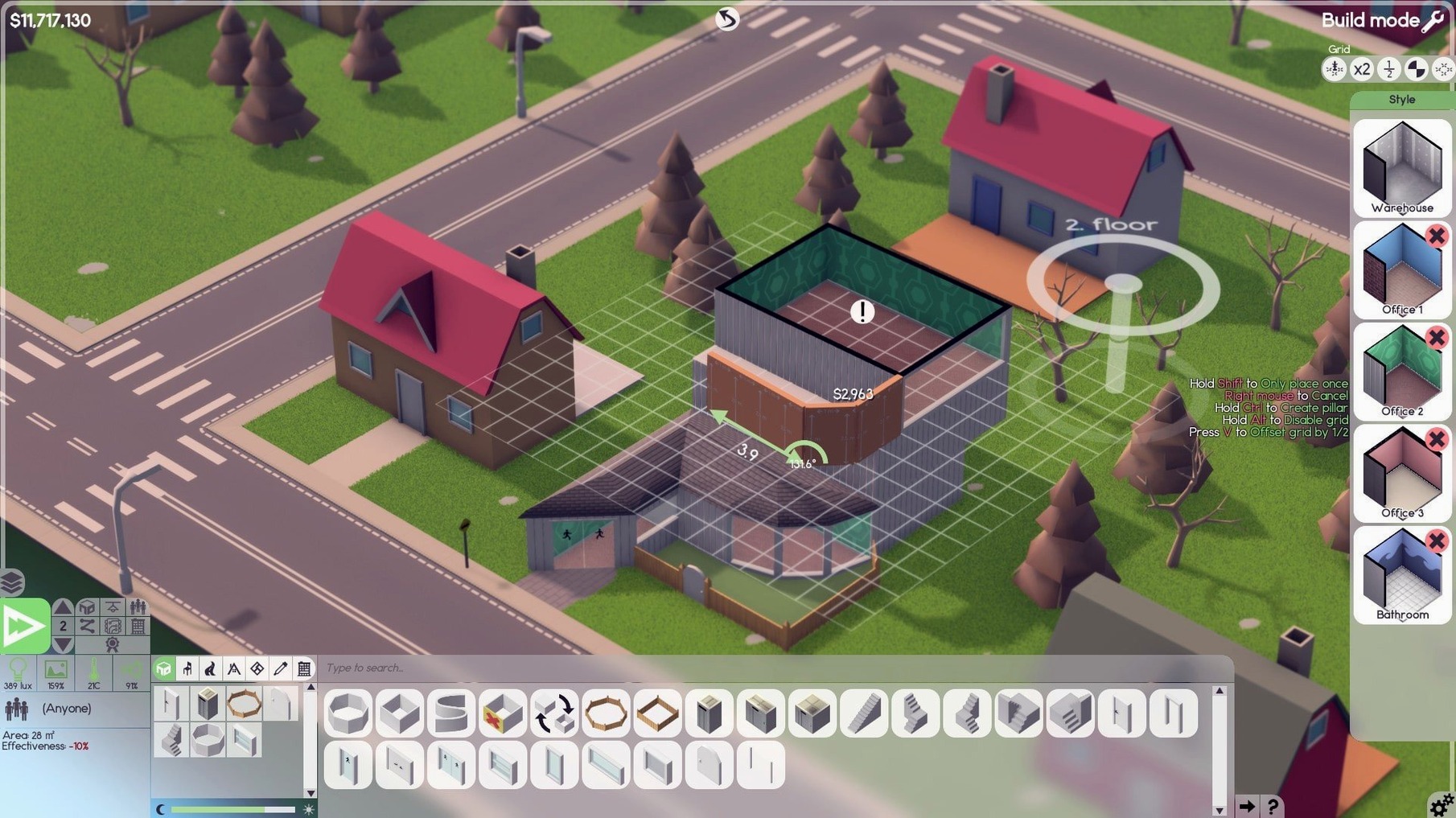
- Lay out your first office. Walls, doors, desks — you drag every tile. Basements count, and you can stack up to 10 floors.
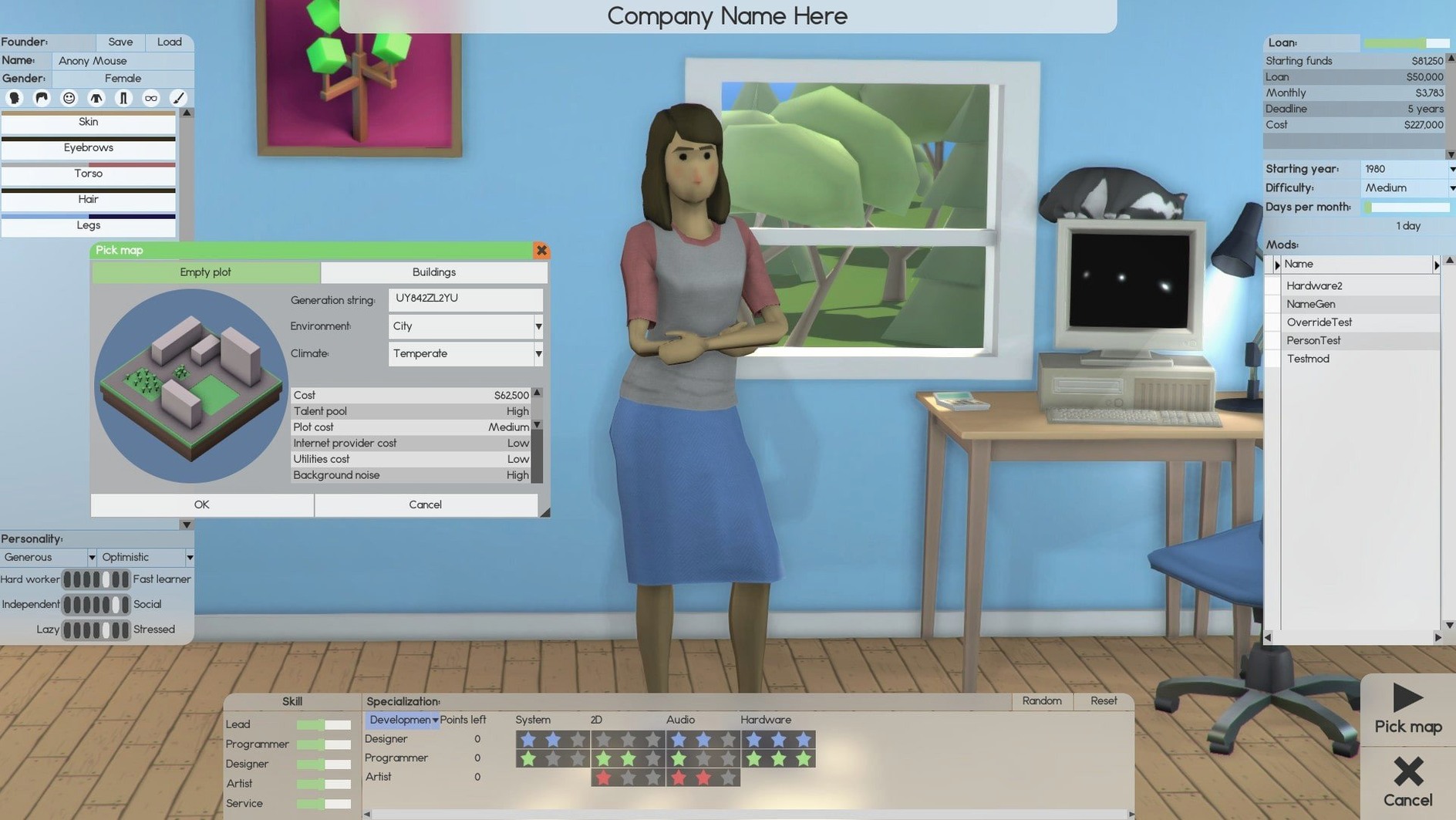
- Hire a small crew. You need designers, developers, and at least one support person. Later you’ll add researchers, sales staff, and maintenance workers who repair furniture and clean rooms.
- Pick a project. Name your product, choose its features, and assign programmers. A music soundtrack plays while you work through the development cycle.
- Keep the team happy. Employee relationships shift over time — ignored break rooms or long crunch periods cause friction that slows output.
- Go to market. You can sell products directly, launch an online store, sign publishing contracts, or sell shares to raise cash.
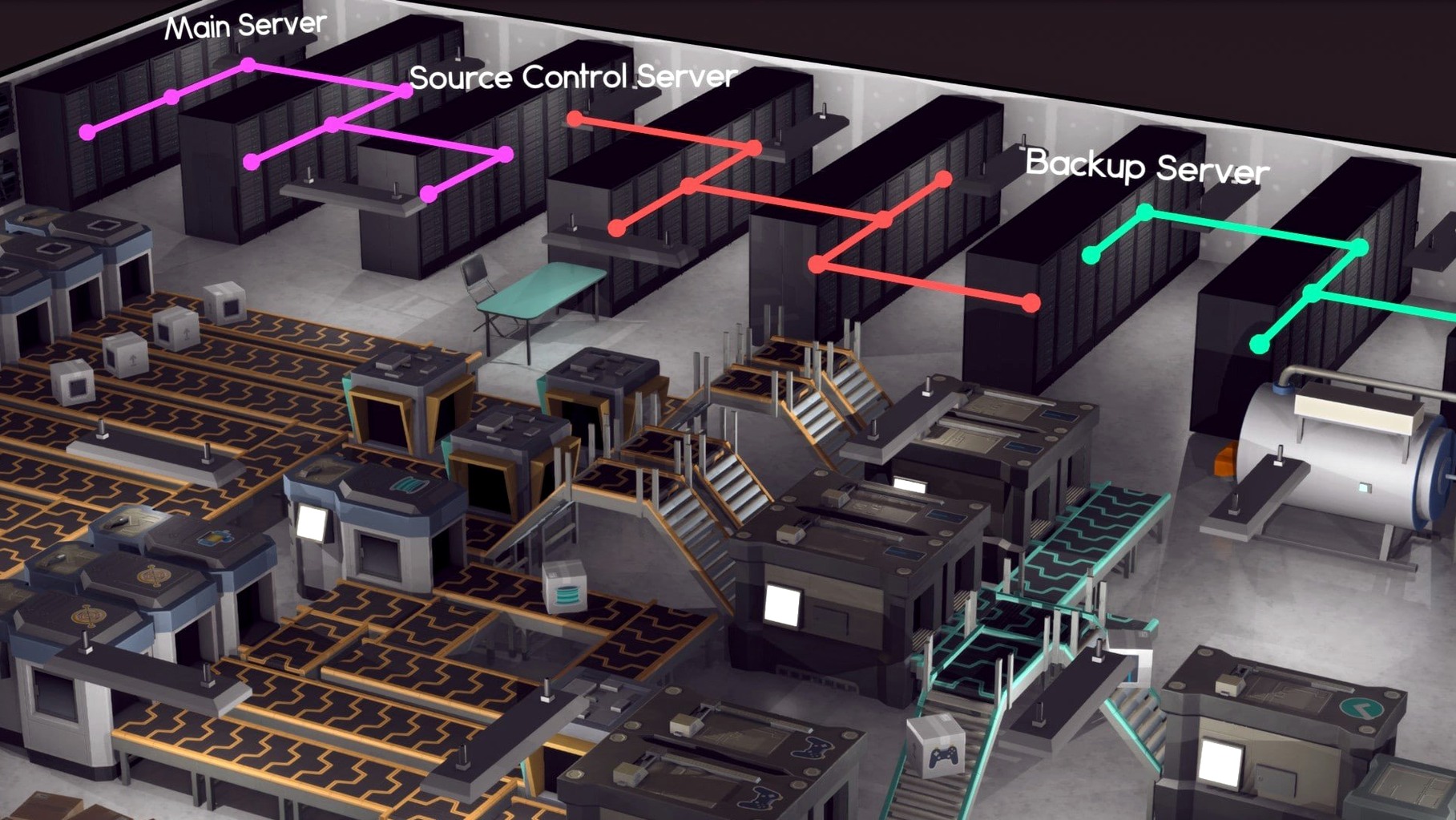
- Scale up. Deploy servers to support heavier products, open new floors, and expand into multiple revenue streams while keeping the building maintained.
Software Inc is a software company management simulation from Coredumping. It layers room-by-room office construction on top of a detailed business sim, so you design the physical space your staff works in and then manage every hire, product cycle, and revenue decision. The macOS build runs natively on both Intel and Apple Silicon hardware, and the interface is presented in English.
Picture a solo indie dev who’s just moved from contract work into their first real office space. They fire up Software Inc, name their company something ridiculous, and start mapping out a compact two-room layout on the ground floor — desks for two coders, a shared design station, and a tiny server closet tucked behind the break area. The first product is an open-source audio tool. Feature scope is kept deliberately small because cash is tight, so they assign one developer to engine work and one to interface polish while the founder handles marketing and support tickets between coding sprints. By month six the tool has a modest user base, a trickle of direct sales, and enough reputation to land a publishing contract for a second product. That contract funds a basement expansion: three more desks, a dedicated research lab, and a proper server rack. Watching the building physically grow downward while the revenue graph tilts upward is the kind of quiet payoff simulation fans live for.
Hold shift and furniture snaps to the grid
- Shift-click furniture placement. Hold Shift while dragging a desk, plant, or shelf and it snaps to adjacent tiles — no more crooked layouts after a long building session.
- Room tool presets. The room editor remembers your last flooring, wall color, and door type. If you’re throwing down three identical meeting rooms, you only configure the first one.
- Employee schedule zones. You can set different working hours per team. Night-owl coders on a late shift won’t complain about the 9-to-5 sales crew’s noise, and maintenance staff can clean empty floors during off-hours.
- Franchise blueprint export. Build a floor plan you love, export it as a blueprint, and stamp it into a new save file. Useful when you restart with a fresh company and don’t want to redo the bathroom layout from memory.
- Leader delegation. Assigning a lead to a product team doesn’t just boost morale — the lead auto-distributes minor tasks like bug-fix queues, which frees you from pausing every time a patch cycle starts.
New sandbox world loads in seconds with no activation
The 1.8.41 build is already sitting in /Applications after a quick drag from the .dmg — no activation needed, so you’re on the title screen in seconds. A new sandbox world loads with an empty plot and a modest starting fund. First twenty minutes: sketching a ground-floor footprint, placing a reception desk near the entrance, and dropping six workstations in two clusters separated by a glass partition. The room tool auto-names them “Dev Pit” and “Design Den” unless you override the labels.
Hiring panel opens next. Two junior developers, one senior designer, a support generalist, and a part-time cleaner get offers. You set the dev team on a small productivity app — type “Project” from the product dropdown, set a six-month timeline, and scope three features. Music kicks in. While the coders compile, you switch to the build layer and route a sidewalk to the road, add parking spots, and tweak the break room’s coffee machine placement. A maintenance request pops up: one chair is already worn. You queue a repair job and the cleaner handles it automatically because you set their zone to cover the ground floor.
Mid-session, a contract opportunity arrives — porting an old database tool to a newer framework. You accept, pull one developer off the main product temporarily, and watch the timeline recalculate. The contract finishes early thanks to the senior designer’s leadership buff, and the lump payment covers a server deployment for the upcoming online store launch. By the time you save and quit, the building has three occupied floors, a basement server farm, and two products on the market. Next session the plan is to spin off a franchise and see if the blueprint export actually works under macOS on Apple Silicon — early reports from the community say it does, and the official software inc. download from Coredumping includes the same feature set across platforms.
- macOS — runs natively on Intel and Apple Silicon
- Interface language: English
$ man software-inc | grep -A2 "?"
Can you hire different types of employees in Software Inc?
Yes — you can hire staff for design, development, support, research, and software sales, plus maintenance workers who repair furniture and clean the office.
Comments 0
Sign in or create an account to leave a comment.
No comments yet. A codec, a slice, a machine — they appear after moderation.