Dune: Imperium for macOS
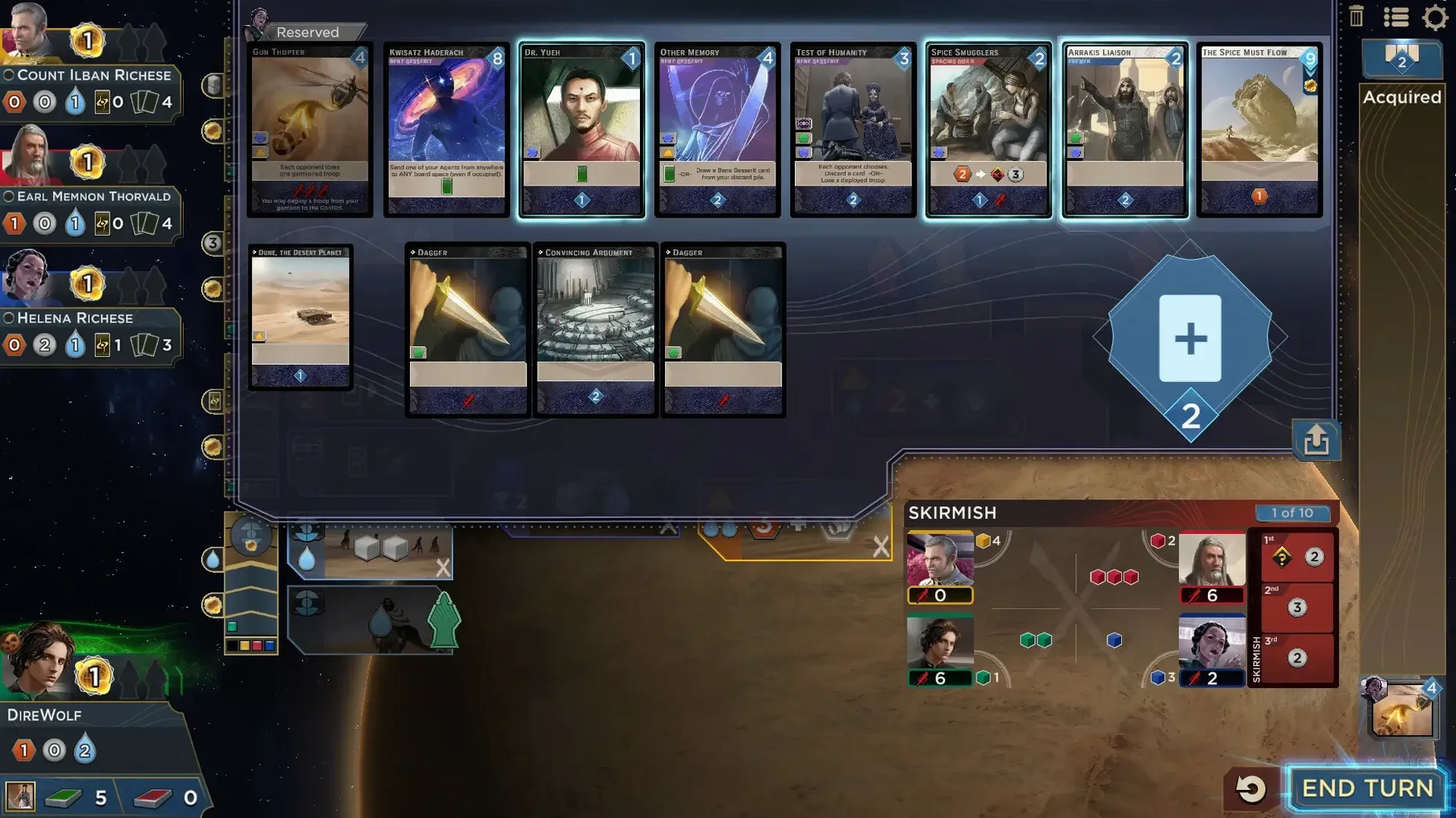
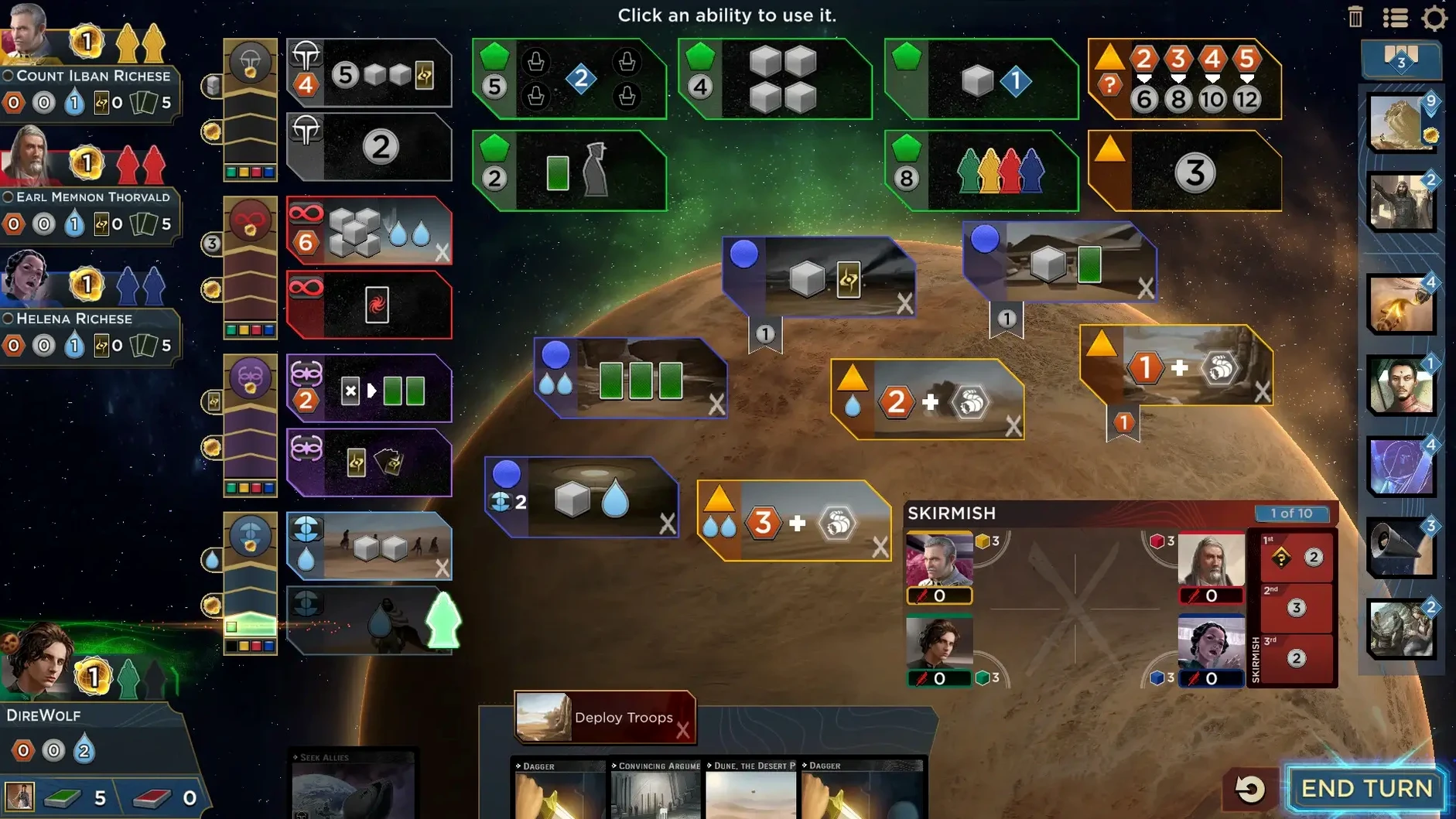

Players who enjoy engine-driven strategy tend to pick up Dune: Imperium quickly. It blends deck-building with worker placement, and every decision pulls you deeper into the fight for Arrakis. You start with a thin deck, send agents to board spaces, and gradually add cards that make your turns stronger. Some conflicts grant victory points, while others hand over critical resources like spice or solari — enough to shift a close game.
| Detail | Info |
|---|---|
| Architecture | Apple Silicon and 64-bit Intel |
| Multiplayer | Single-player, online PvP, cross-platform |
| Languages | 12, including Japanese, Korean, Polish, Ukrainian |
On a Mac, the game runs natively on both ARM and x86 builds, so an M-series or older Intel machine handles it without Rosetta. The interface covers a wide set of languages — English, German, Spanish, Italian, Traditional and Simplified Chinese, Korean, Polish, Ukrainian, French, Czech, and Japanese. Expect the usual digital board game feel: readable cards, a clear board state, and turn pacing that works well with a trackpad. The .dmg install is straightforward, and the app behaves like a standard macOS bundle once copied to Applications.
Does the Mac port feel like an afterthought?
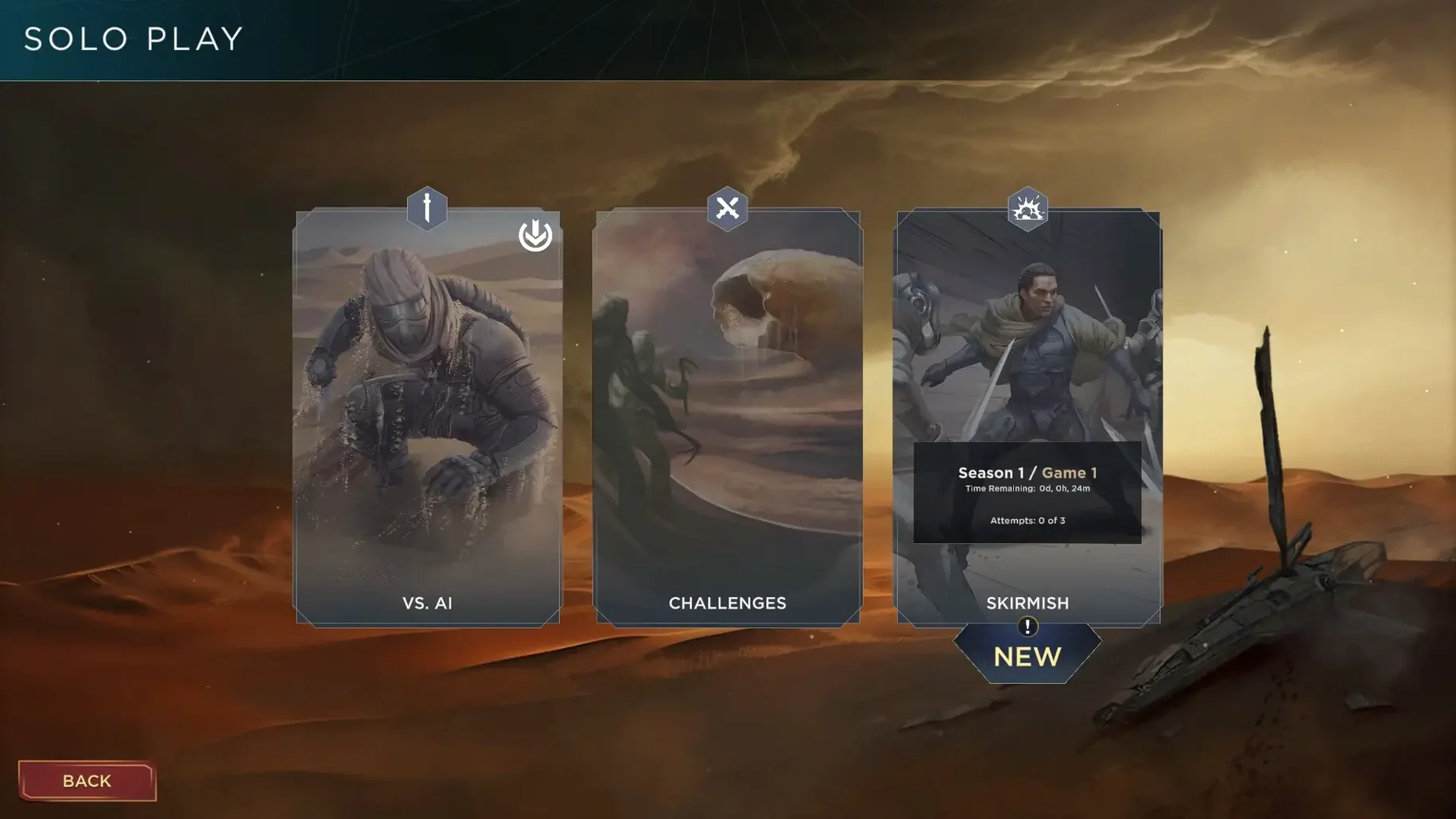
A few questions come up over and over in strategy circles. The first is whether the Mac port feels like an afterthought. It does not — the game ships as a native build for both Apple Silicon and 64-bit Intel, so an M1 MacBook Air runs it without Rosetta, and older Intel machines get the same board behavior. The second is about online play. A Dire Wolf Digital account is required for multiplayer, and cross-platform matchmaking means you can sit across from iOS or Windows players without extra setup. Single-player works fully offline, which is the mode most people spend their first hours in.
Another common question: does it need activation or any always-on check? No. Once the app is in place, it launches like any other macOS application. And the language question — yes, all twelve interface languages are selectable from inside the app, not tied to the system locale.
First days on Arrakis
Start with the single-player matches against AI opponents before jumping into online queues. The AI gives you room to read cards carefully, and the ten-round structure means you will not be stuck in a losing match for long. Watch which board spaces the AI avoids early — that often reveals which conflicts it is preparing for.
Three habits help in the first sessions. First, learn what each card half does before committing it. Every card can send an agent or be revealed at the end of the round, and mixing those uses is where most new players lose tempo. Second, do not hoard spice. It is a spendable resource; if a conflict reward does not push you toward victory points or key resources, skip it. Third, keep the faction track visible. The Emperor, Spacing Guild, Bene Gesserit, and Fremen each let you do something slightly different with agents, and a few early turns spent on faction track position will teach you more than reading guides.
One thing that surprises Mac users: keyboard shortcuts are minimal, but trackpad flow is clean. The board zooms and pans without much friction, and the end-of-round reveal animation can be dismissed quickly once you know the timing.
What got smoother in turn transitions?
Version 4.0.9 is the current build, and while Dire Wolf does not publish sprawling patch notes alongside every release, this update tightened a few rough edges in everyday play. The most noticeable improvement is in turn transitions — less dead time between agent placement and the conflict resolution phase. For players who grind through multiple matches in one sitting, that adds up.
The build also improved stability on macOS Sequoia. Earlier builds occasionally stuttered when returning from a minimized window or switching spaces; that behavior is gone in 4.0.9. Cross-platform matchmaking feels more consistent as well, with fewer dropped lobby connections when playing against mobile opponents. The desktop version still keeps the full board layout at every resolution, so nothing was sacrificed to make the Mac build behave like the tablet version.
What has not changed: the core loop, the ten-round limit, and the way cards flow from a thin starter deck into something more dangerous. That is the right call — every revision of Dune: Imperium stays close to the tabletop original, and 4.0.9 is no exception.
- Apple Silicon or Intel 64-bit Mac
Comments 0
Sign in or create an account to leave a comment.
No comments yet. A codec, a slice, a machine — they appear after moderation.