Don’t Starve Together for macOS
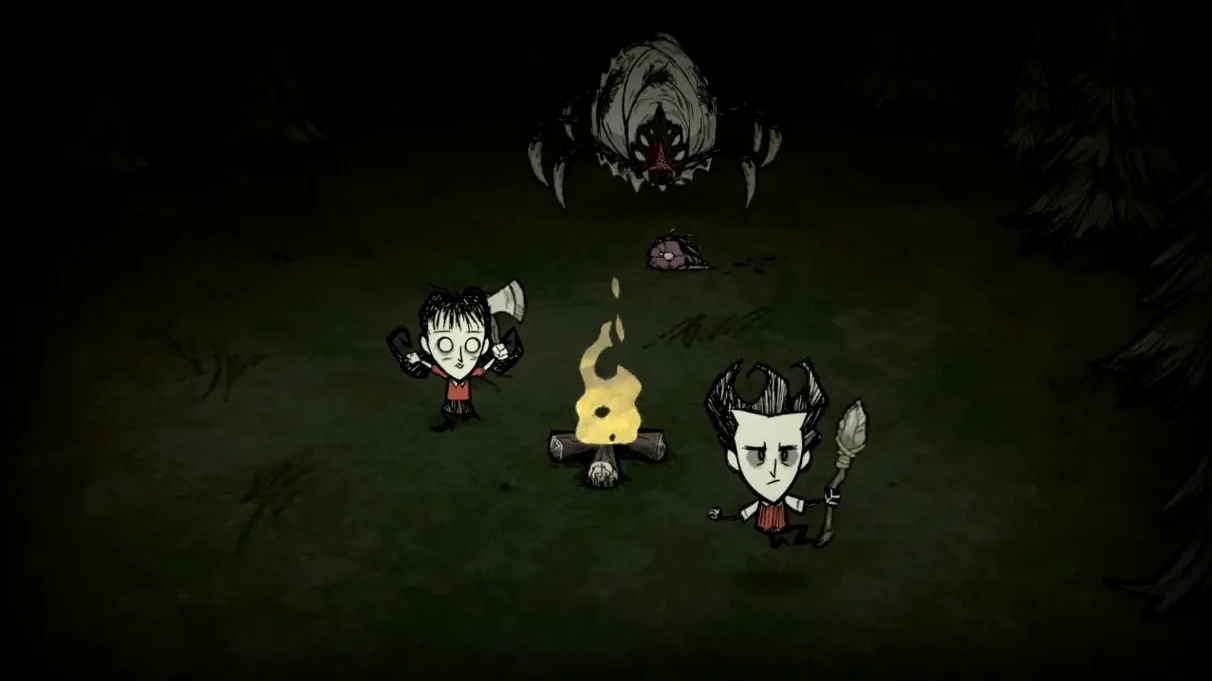
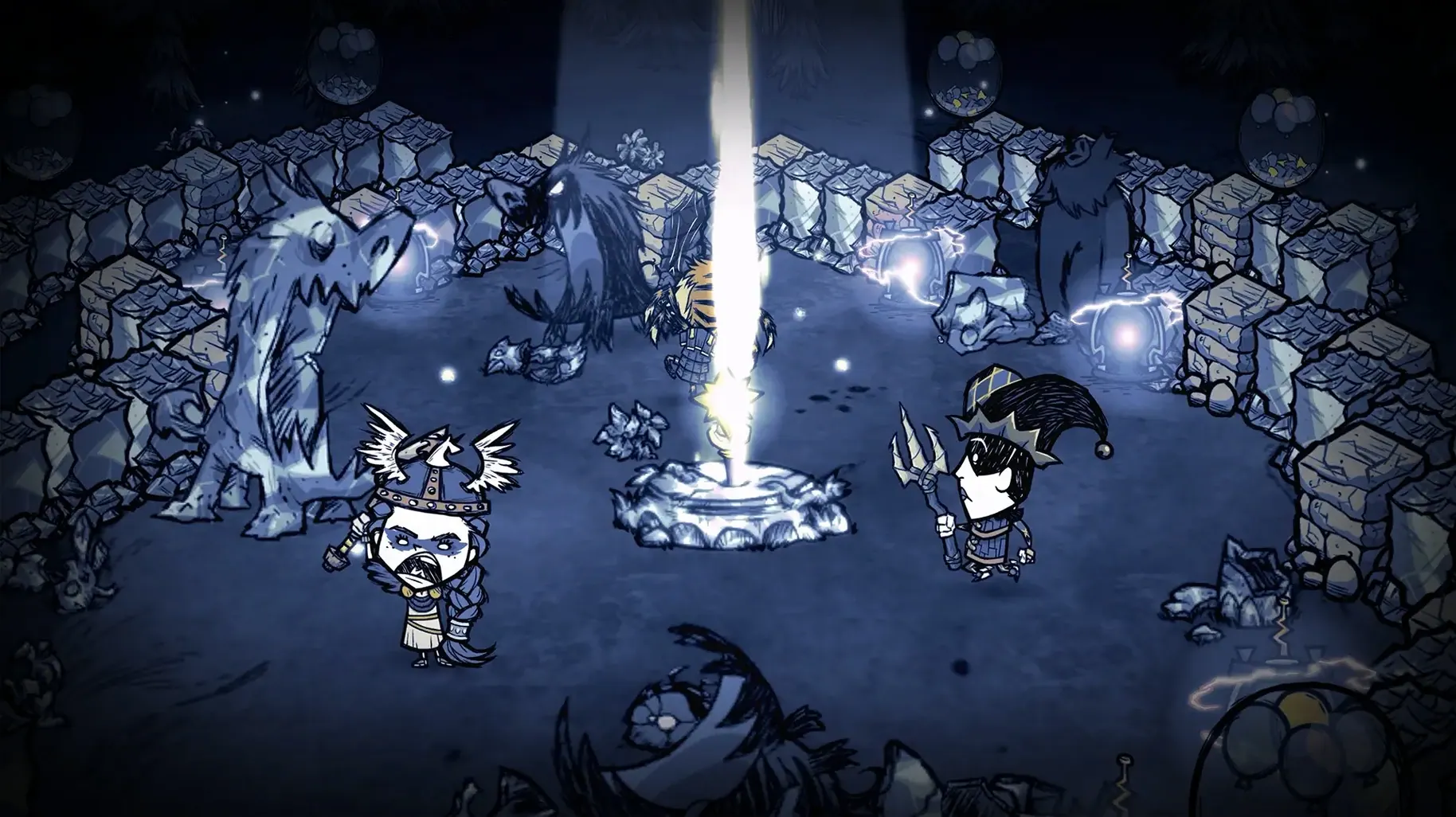
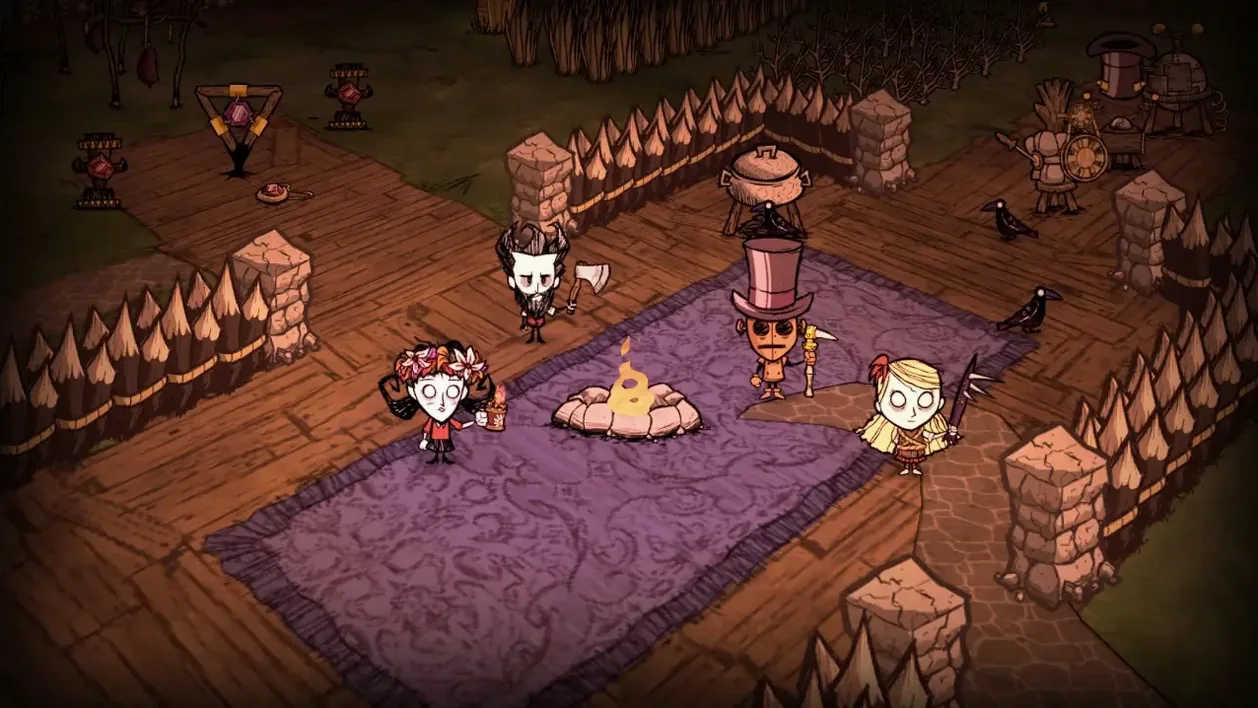
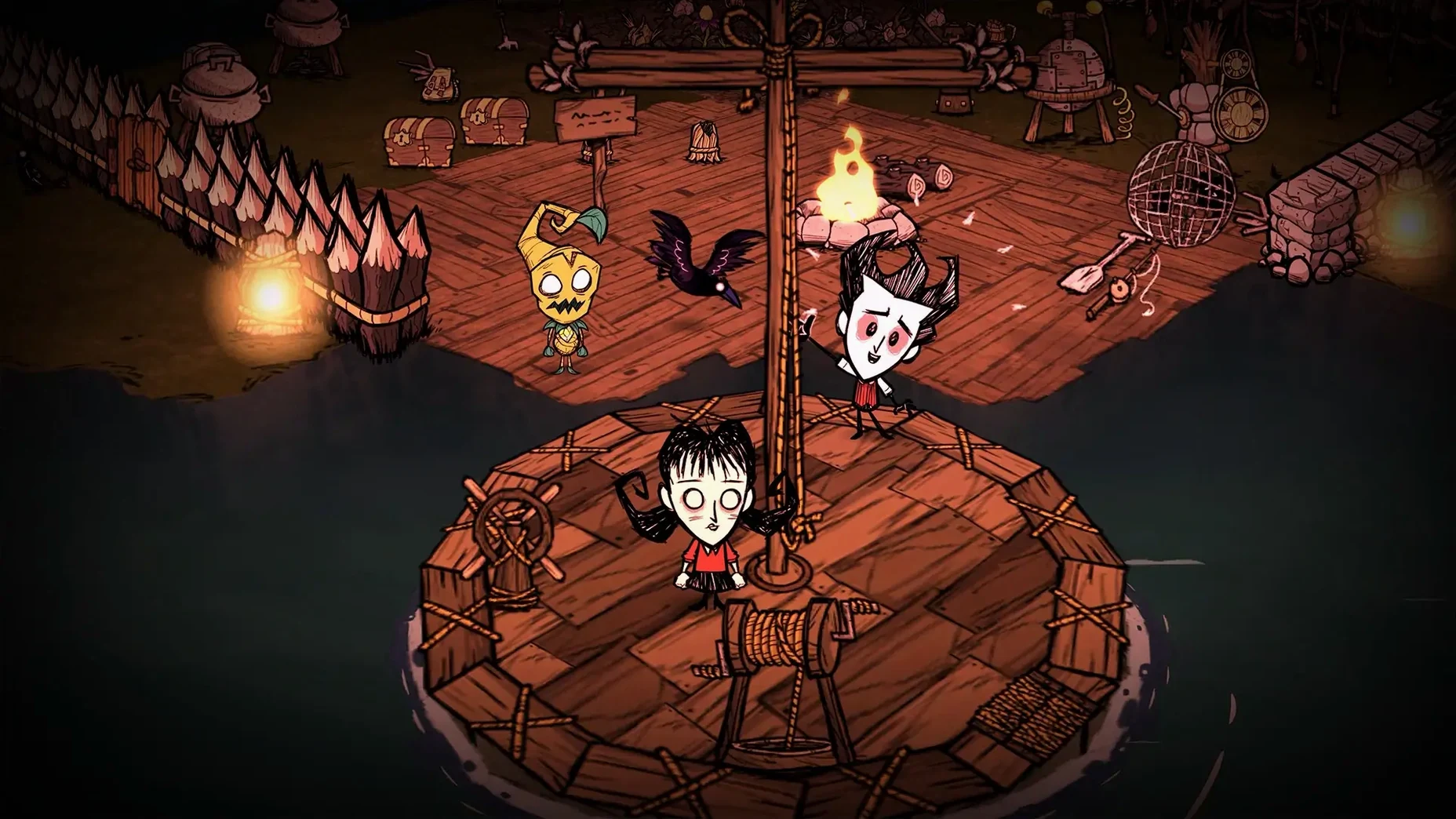
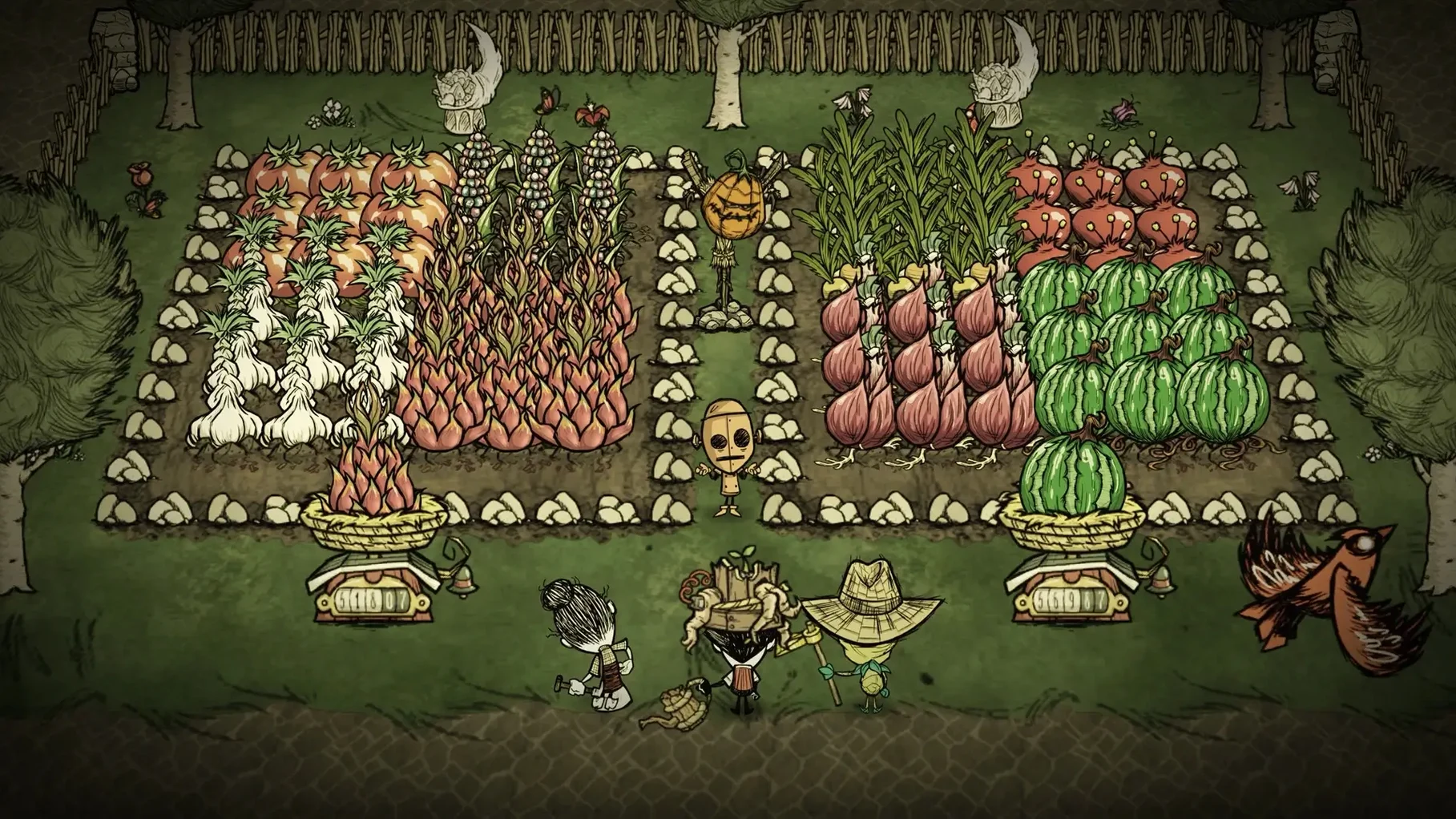
If you've spent time in the single-player Don't Starve, Don't Starve Together is the same uneasy wilderness, now with a partner to share the panic. It's a standalone multiplayer expansion — you don't need the original to play.
Gather, build, and stay sane together through procedural seasons
The full Don't Starve survival loop, rebuilt for co-op. You and another player (a friend or a random match) gather, build, and try not to go insane together through procedurally generated seasons.
Runs on M-series chips without Rosetta
Yes. The build includes ARM and x86 64-bit binaries, so it runs without Rosetta on M-series chips. The tested setup was macOS Tahoe on a 2024 Mac mini with M4.
Supported languages for Don't Starve Together
Server not found" and other multiplayer tech snags
Multiplayer survival gets messy fast when the tech side trips you up. Here are a few rough spots that show up regularly and what's actually going on.
"Server not found" when joining a friend. This usually means the host's world isn't set to anything beyond Local. Under the server settings, switch the privacy to Friends Only or Public — Local locks the game to machines on the same LAN. If you're on the same Wi‑Fi and it still fails, check whether the host has a VPN active; the game binds to whichever network interface macOS hands it first, and a VPN can grab priority.
The app crashes on launch. Sometimes the Steam overlay and the Mac build get into a shoving match. A quick fix: locate dontstarve_steam inside the app bundle at Don't Starve Together.app/Contents/MacOS/, and if plain launching fails, try running it directly from Terminal once — it'll spill out any missing dependencies into the console. More often, though, the culprit is a leftover modsettings.lua from a previous version. Nuking the file at ~/Documents/Klei/DoNotStarveTogether/modsettings.lua forces the game to rebuild a clean config after a restart.
Massive lag on a decent connection. By default the game runs movement prediction set to none for clients, which makes every twitch wait for a server round‑trip. Open Settings, flip Movement Prediction to Enabled, and the client does a bit of local dead reckoning. It won't fix a bad host CPU, but it smooths out the constant rubber‑banding on moderate pings.
No sound while other apps play audio fine. The game's audio engine talks directly to Core Audio at 44.1 kHz. If your Mac's output is locked to a different sample rate — common when an external DAC or display speakers are in play — the mixer sometimes stays silent. Check Audio MIDI Setup, set the active output to 44.1 kHz, then relaunch. It's not an everyday bug, but it's reliable when it hits.
Everything lives in ~/Documents/Klei/DoNotStarveTogether/
Don't Starve Together plays decently with the rest of the system, though it makes a few assumptions that are worth knowing about.
The game stores everything under ~/Documents/Klei/DoNotStarveTogether/ — save files, server logs, mod configs, and the client settings file. That means it's picked up automatically by Time Machine and iCloud Drive if you sync your Documents folder. You can copy an entire world folder from one Mac to another and pick up right where you left off, as long as the receiving machine has the same mods installed. The cluster structure is a numbered directory inside Cluster_*/, and inside that you'll find the per‑shard save archives, which are gzipped Lua tables with a .sav extension.
On the input side, the game respects macOS's full‑screen space model, so a three‑finger swipe between desktops works without the app minimizing. If you're using a Wacom tablet, the pressure channel is ignored — the cursor snaps to absolute mapping, but there's no in‑game pressure sensitivity. Keyboard shortcuts, however, are where macOS integration shines: the standard ⌘H to hide and ⌘Q to quit both behave as expected. If you'd rather not accidentally close the game in a panic during a hound wave, disable ⌘Q from the Controls menu and rely on the pause menu instead.
One oddity: the game uses its own clipboard buffer for text input, separate from the system pasteboard. That means you can't copy a seed string or a server password from Notes and paste it into the game with ⌘V. You have to type it manually. It's a leftover from the cross‑platform input layer and there's no workaround short of using a macro utility.
Shift-click transfers items straight to a nearby chest
Shift‑clicking an item in your inventory transfers it straight to a nearby open container — great for dumping logs into a chest without dragging. Ctrl‑click on a stack splits it in half; right‑click picks up one unit. In the crafting menu, typing a letter jumps to the first recipe that starts with it, so tapping T lands on Torch without scrolling.
You can also rotate the camera in 45‑degree increments with the Q and E keys, which is useful for spotting things behind trees. The map screen accepts mouse wheel zoom, and if you hold Tab while mousing over map icons you'll see player indicators for everyone on the server — not just your own arrow.
A lesser‑known quality‑of‑life nugget: the in‑game clock in the top right shows the current day count and season phase, and hovering over it reveals the exact number of days until the next season change. That turns seasonal preparation from guesswork into a scheduled task. And if you're the host, pressing Backspace opens the server command console, where a quick c_rollback(1) rewinds the world by one save slot — useful when a newbie decides to poke a herd of Beefalo during mating season.
A typical evening for a pair of first‑timers
Sasha and Leon picked up the game on a Friday night, one on an M3 MacBook Air and the other on an older Intel iMac. Sasha hosted a Friends Only server with the default settings, typed in a simple password, and sent the invite. Leon dropped into the world as Willow, immediately set a patch of forest on fire with her lighter, and died of smoke inhalation before the first night. Sasha didn't even have a spear crafted yet.
They restarted the server — new world, same characters — and this time stuck together. Sasha took Wilson, grew a magnificent beard, and figured out that a crock pot turns four morsels into meatballs that restore more hunger than the ingredients. Leon, playing Wendy, realized that Abigail's ghost form clears spider nests efficiently as long as you keep moving. They made it to Day 18, built a base near a wormhole for quick escapes, and survived their first Deerclops by kiting it through a swamp full of tentacles. By Sunday afternoon they'd mapped the entire overworld and Leon was already browsing the Steam Workshop for mods that add geothermal vents.
The interface ships in English and Simplified Chinese.
- Architecture: Apple Silicon native, Intel 64-bit
$ man dont-starve-together | grep -A2 "?"
Is Don't Starve Together a separate game?
Yes, it is a standalone multiplayer expansion to the original Don't Starve, playable without owning the single-player game.
Comments 0
Sign in or create an account to leave a comment.
No comments yet. A codec, a slice, a machine — they appear after moderation.