
Devour for macOS
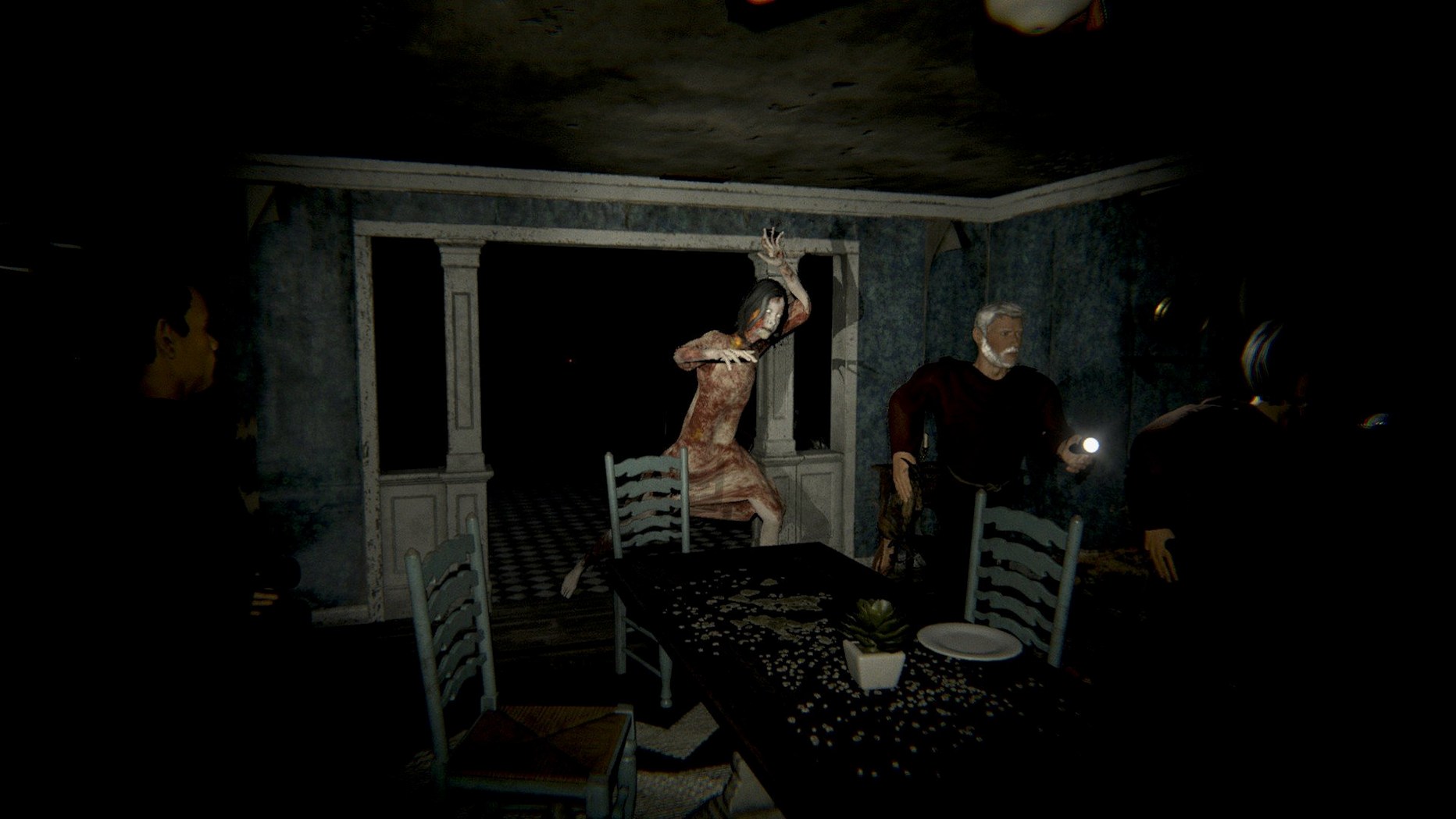

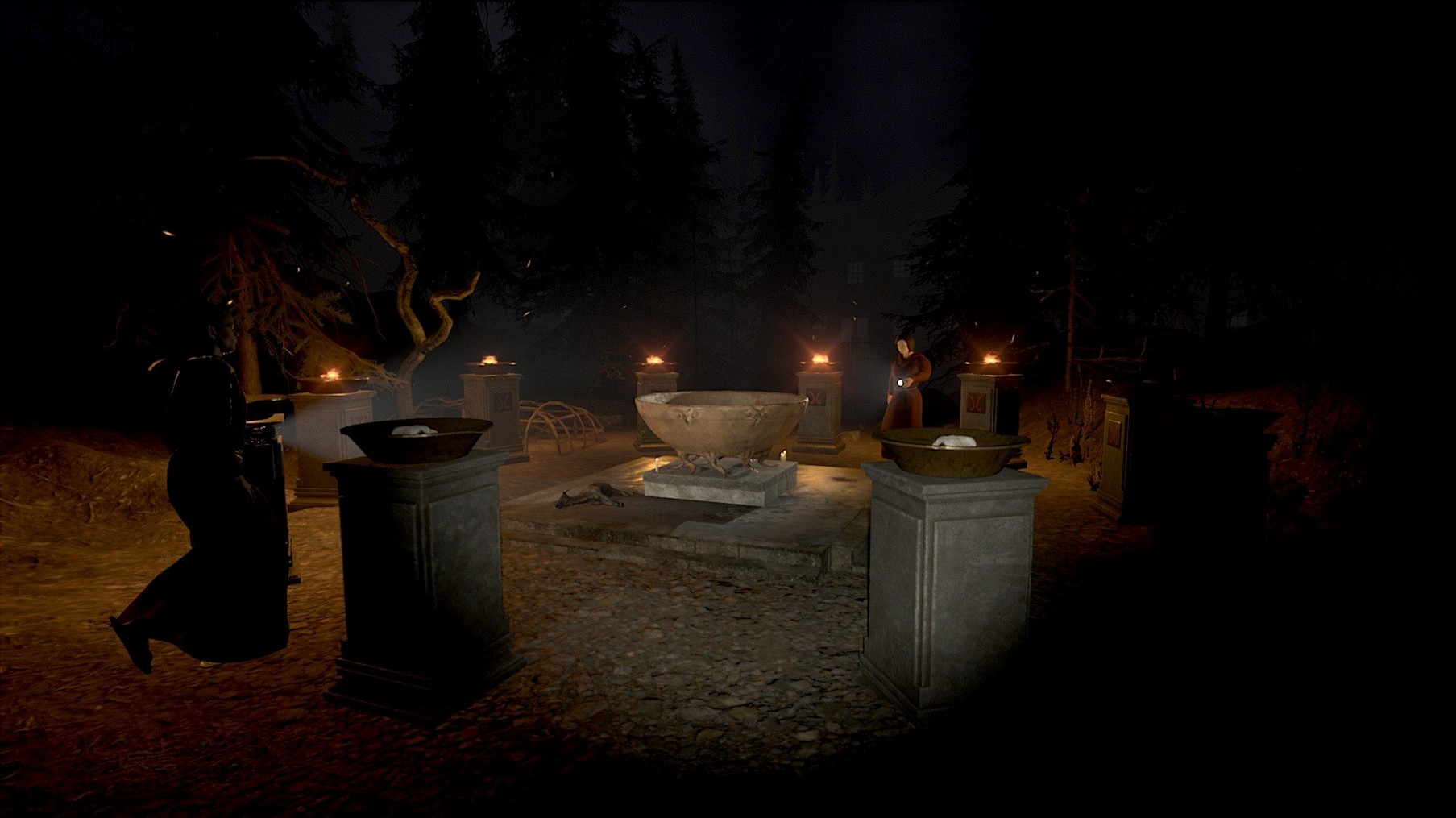
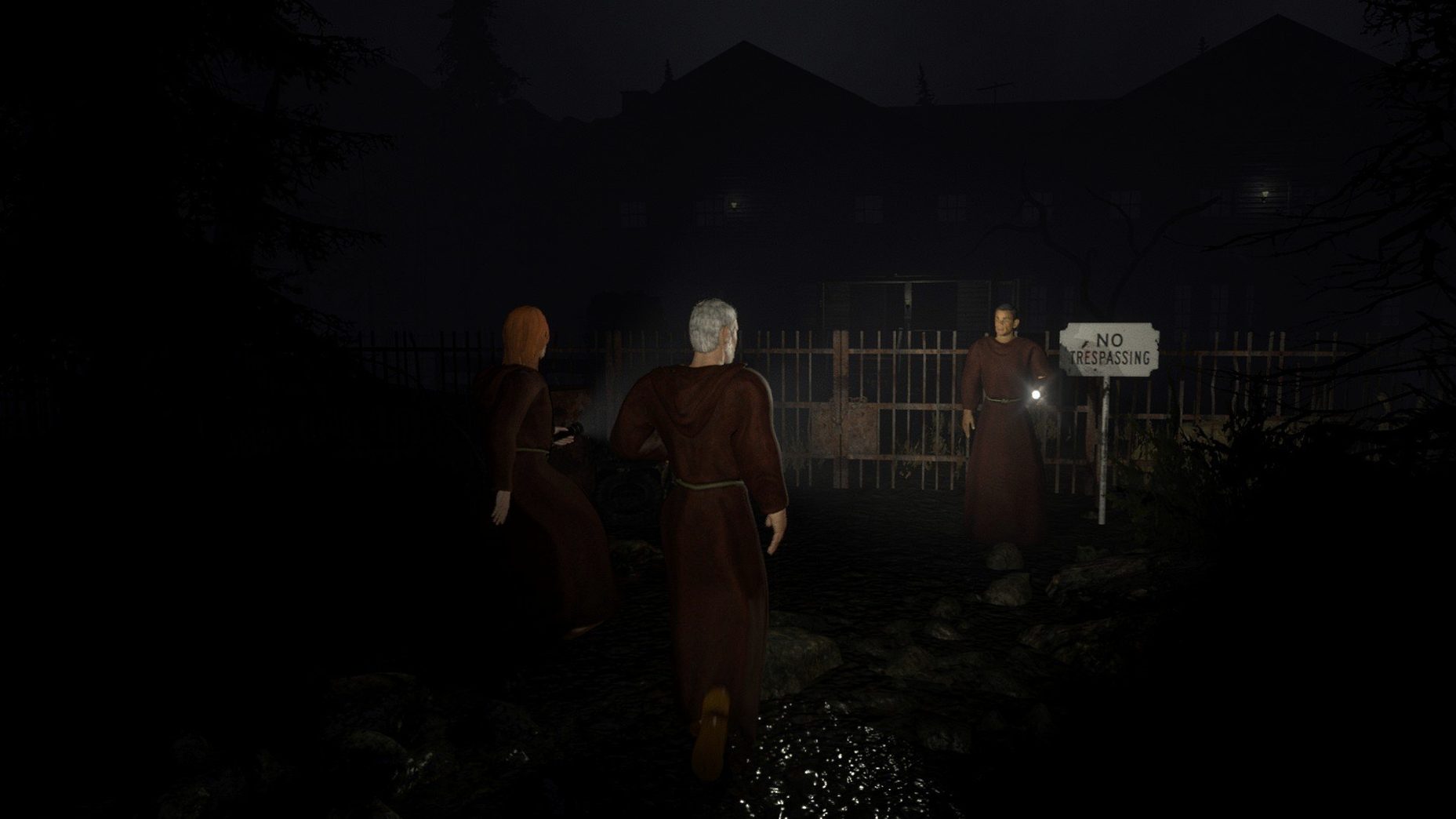
Waiting for a full lobby in a sprawling multiplayer game can eat half your evening before anything interesting happens. Devour takes the opposite approach: each session is a self-contained horror sprint that wraps up in under an hour, whether you play solo or with up to three others.
How a session plays out
- The game drops your team into a procedurally scrambled map — locked doors, ritual objects, and item spawn points shift every run.
- You search for keys and fuel while avoiding possessed cultists. One wrong move and they drag you straight to hell.
- Once enough ritual items are collected, the team completes the map's unique banishment sequence before the timer runs out.
- Surviving earns Cultist Rank and Ritual Tokens, which unlock perks for future runs.
Each map — from The Manor to The Inn — brings its own environment, enemy behaviour, and set of ritual steps. Communication matters, and Devour bakes positional voice chat right in, so you hear teammates near you without third-party tools. A server browser is built in for finding games when your own group is short a player.
Settings worth changing before your first run
A few tweaks to the defaults go a long way in a game where hearing a floorboard creak two rooms away can save a run. Open the audio settings and switch Voice Chat Mode from "Push-to-Talk" to "Voice Activity" if you prefer hands-free communication — just be aware your teammates will hear every genuine yelp when a cultist rounds a corner. Crank the Master Volume and pull SFX above Music; the soundtrack is effective, but spatial audio cues for enemy footsteps matter more than atmosphere once the hunt ramps up.
In the graphics tab, disable Motion Blur immediately. The game leans heavily on dark corridors and ultraviolet flashlight sweeps, and motion blur smears those brief moments of visibility into mush. If you are on an Apple Silicon Mac, set Shadow Quality to Medium rather than High — the visual difference is negligible on most maps, but the frame-time consistency gain is real. Leave Field of View at 90 or above; tighter FOV values make already claustrophobic interiors genuinely disorienting.
Performance and feel during regular play
On a 2024 Mac mini with an M4 chip, Devour holds a steady 60 fps at 1440p with shadows and post-processing dialled back one notch from maximum. The real story is loading times: a fresh session fires up in under 15 seconds, and rejoining a friend's lobby after a disconnect takes roughly half that. The Unity engine build is compiled as a universal binary, so Intel Macs run it through Rosetta with a modest hit to GPU-heavy scenes, but nothing that makes a timed ritual phase unplayable.
Memory usage sits around 2.5 GB during a full four-player session on The Asylum — lean enough that leaving a browser and Discord open in the background causes no visible stutter. Stability has been solid through several evenings of back-to-back runs; the 6.0.32 patch notes specifically addressed collision bugs where Azazel could fail to down a player, and those fixes hold up in practice. The only hitch I have reproduced is a brief audio dropout when alt-tabbing on Apple Silicon, and it resolves within two seconds of refocusing the window.
How Devour fits into a broader Mac setup
The game plays nicely with macOS window management — it runs in a proper fullscreen space, and swiping back to the desktop does not trigger resolution reshuffling the way some Unity titles do. If you record or stream, OBS captures the window without workarounds; the Metal renderer cooperates with ScreenCaptureKit, so audio and video arrive in sync.
Devour does not demand exclusive access to your microphone, which means system-wide audio routing through apps like Loopback or BlackHole works without conflict. That is useful for groups who prefer Discord for out-of-session chat while keeping positional voice in-game. The server browser also means you do not need to shepherd Steam friend invites — just filter by region and map, and you are in a lobby within a minute, which keeps the evening moving when someone drops out between runs.
- Apple Silicon or Intel 64-bit Mac
Comments 0
Sign in or create an account to leave a comment.
No comments yet. A codec, a slice, a machine — they appear after moderation.