DELTARUNE for macOS

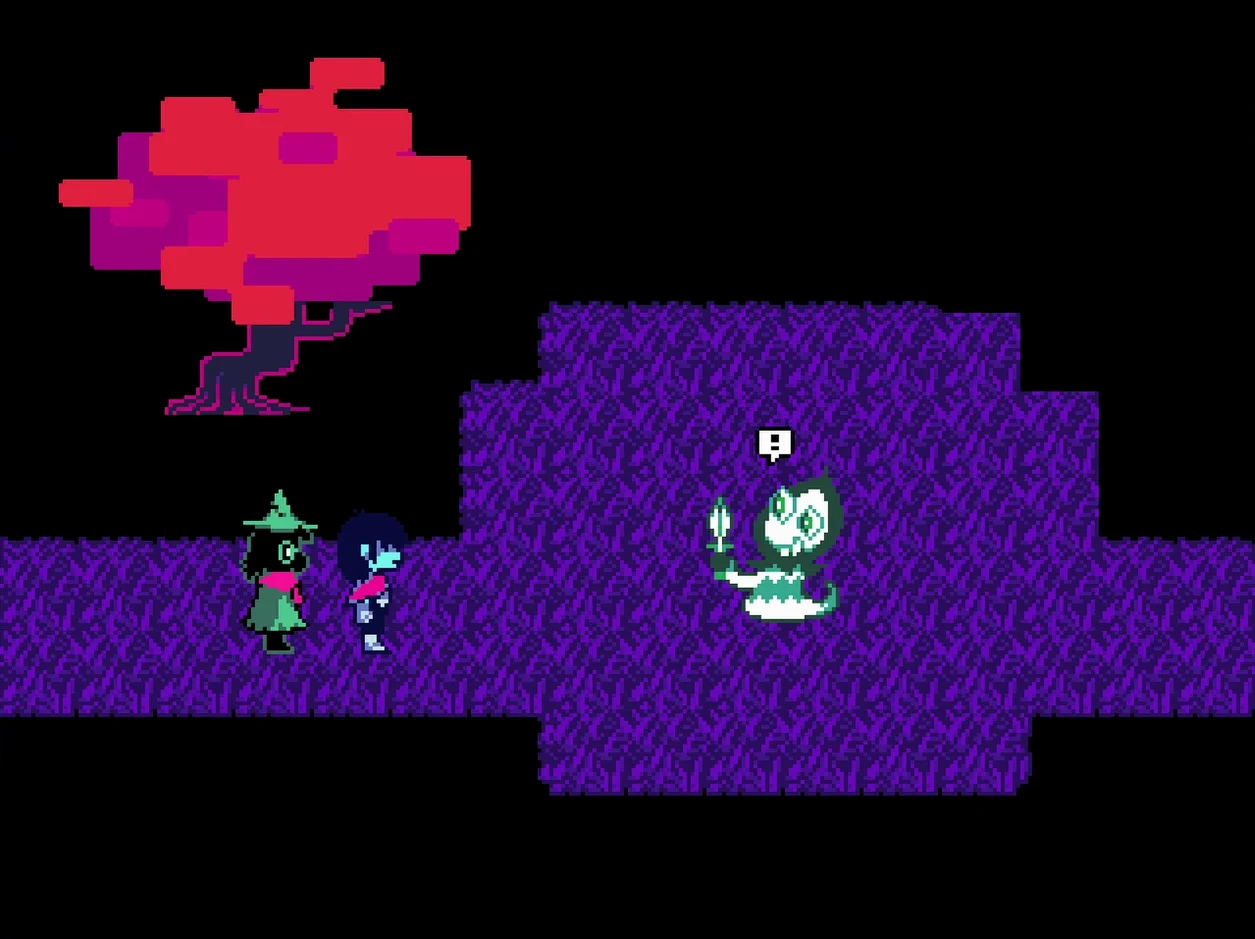
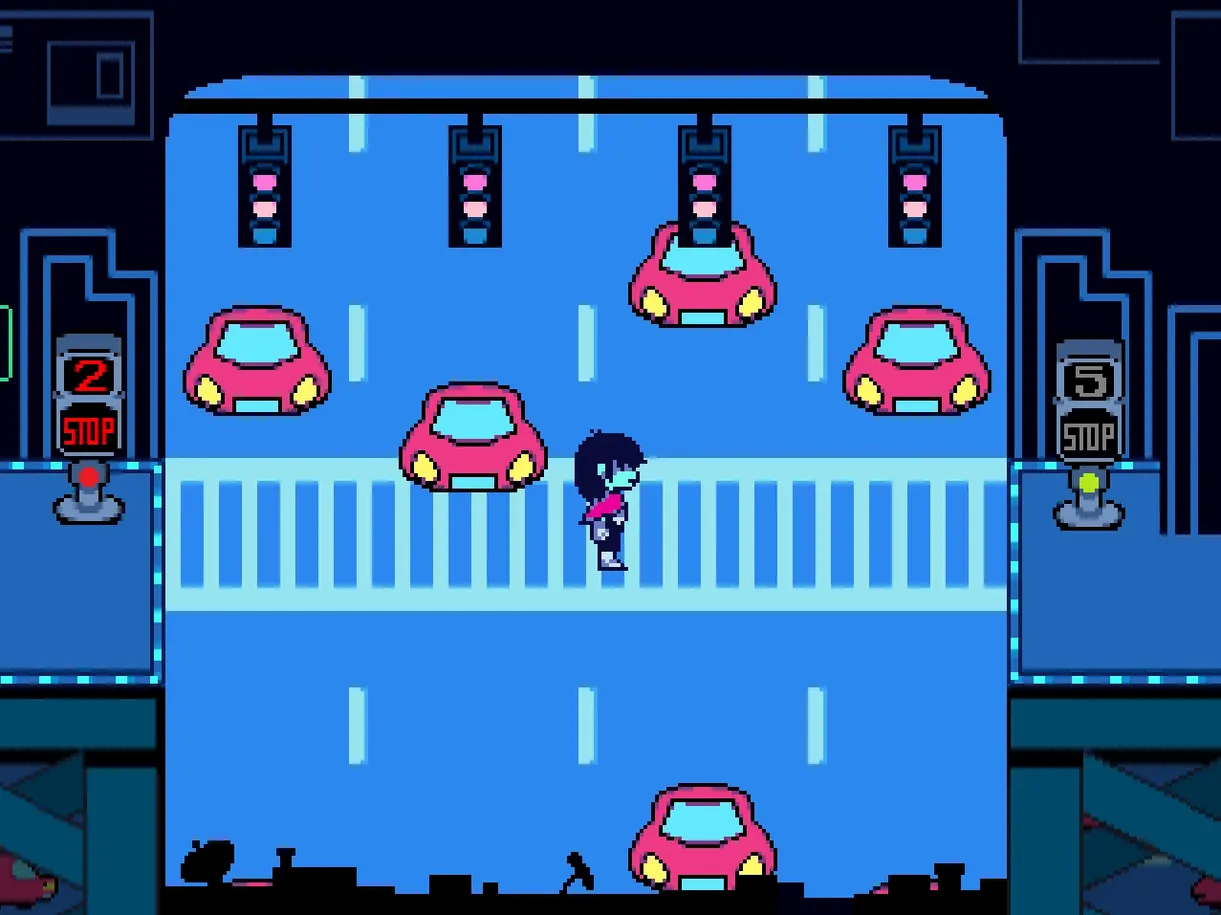
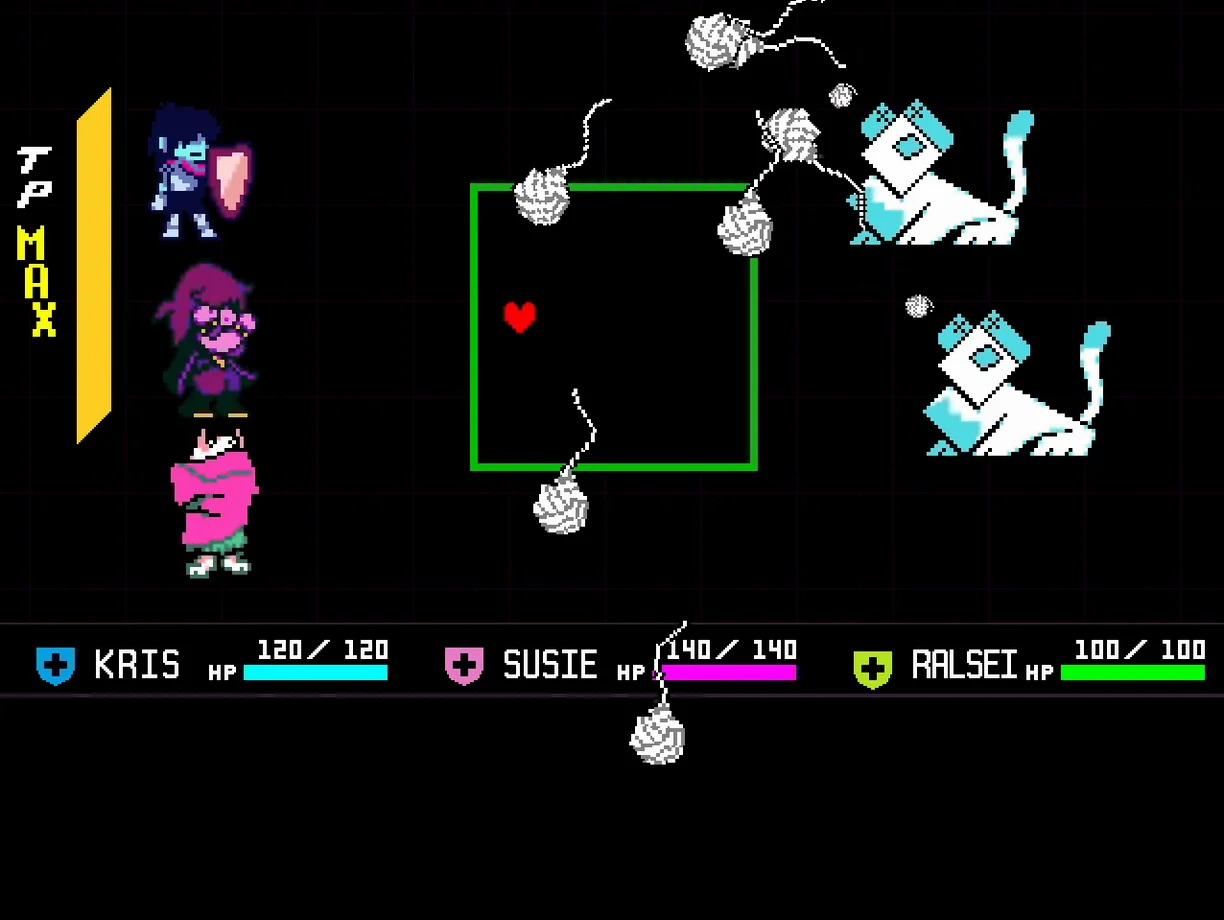
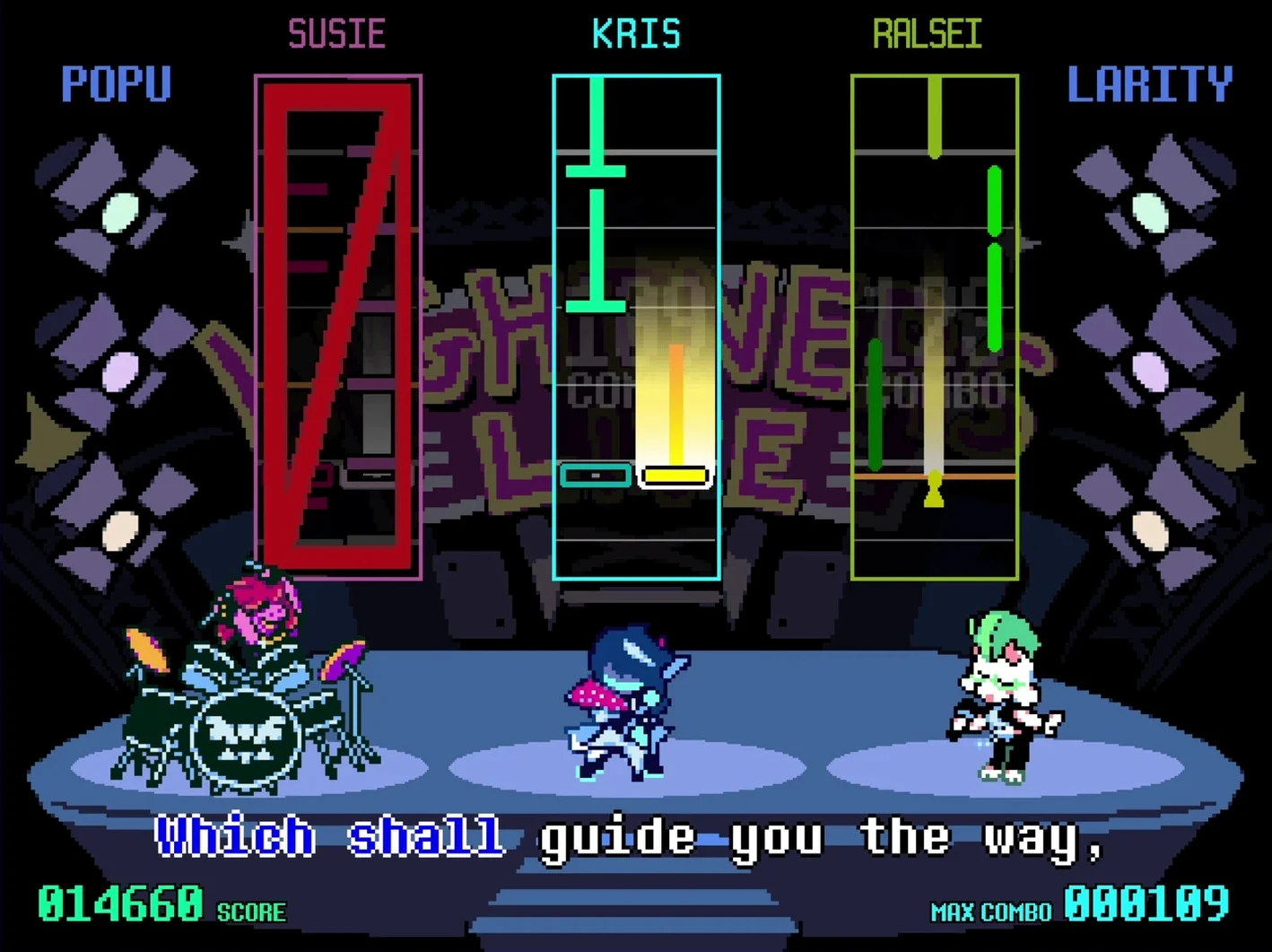
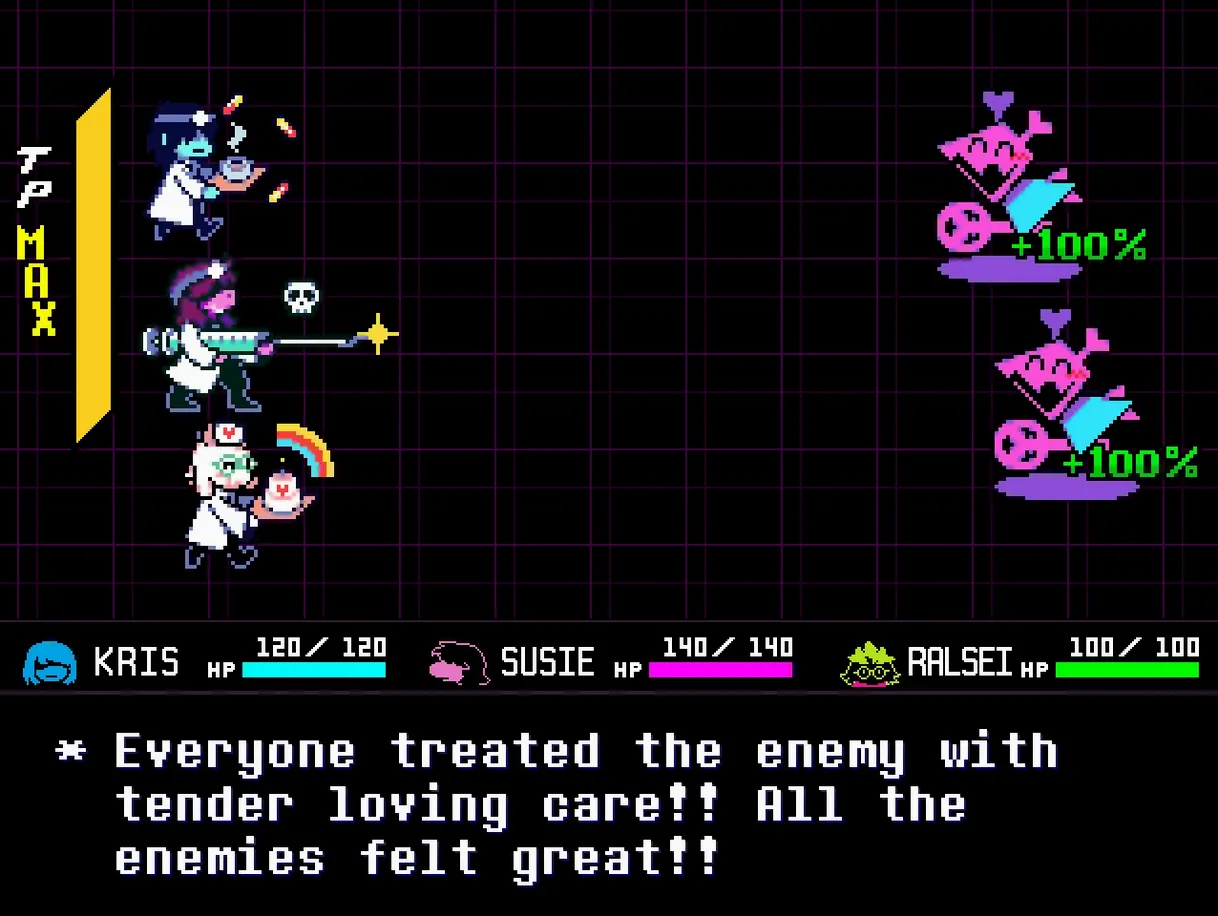
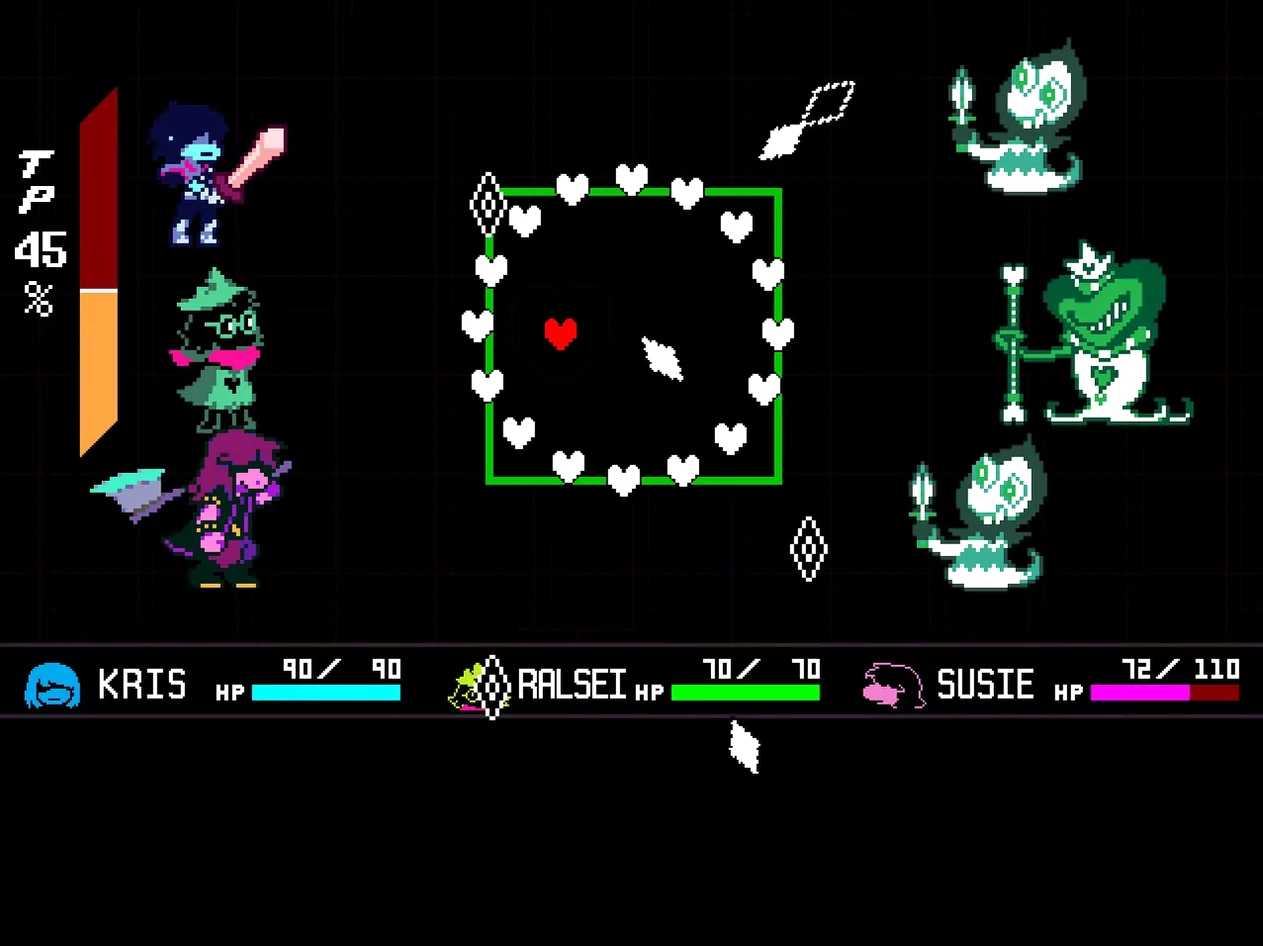
DELTARUNE is an episodic role-playing game that runs as a parallel story to the world of UNDERTALE, and minute to minute you're cycling through three distinct modes: navigating strange environments, talking your way through absurd conversations, and managing a combat system where you dodge bullet-hell patterns to reduce incoming damage.
- Walking through light-and-shadow environments, solving small environmental puzzles that usually involve pushing switches or finding the right character to talk to.
- Engaging in dialogue trees where your choices shape party relationships, often by picking deliberately useless-sounding options that loop back into unique character reactions.
- Fighting enemies in a turn-based system where you move a heart-shaped soul to avoid projectiles; you can also choose to ACT—compliment, flirt, or threaten—to wear enemies down without striking them.
- Switching between party members mid-fight to use their specific ACT commands, each one changing how the enemy behaves on subsequent turns.
- Recruiting defeated enemies to your town, which unlocks new dialogue and minor story threads when you revisit between chapters.
Structurally, the game now ships with Chapters 1 through 5 packaged together. The Mac build arrives as a universal binary—native on both Apple silicon and x86-64—with English and Japanese as the supported interface languages. It runs under the same .dmg distribution as the Windows and console versions, with no separate plug-in formats or middleware to worry about.
Bypassing the “unidentified developer” block after install
After dragging the app to Applications and launching it, a common first snag is the Gatekeeper block. macOS flags unsigned apps with the "cannot be opened because it is from an unidentified developer" dialog. The fix is not to disable Gatekeeper globally—just right-click the app and pick Open, then confirm in the secondary dialog. That grants a one-time exception and the game launches normally on every Sequoia machine I've seen it tested on.
Another snag involves fullscreen mode on external displays with non-standard aspect ratios. The game renders at a fixed 640×480 logical resolution, so on ultrawide or 4K monitors the letterboxing can shift the mouse click target slightly off from where the button appears visually. Toggling fullscreen off and back on from the in-game settings forces a re-center. On Apple silicon machines this is less pronounced—the M4 mini handles the scaling pass in about one frame.
Save file confusion crops up when people share a machine. DELTARUNE stores its progress in ~/Library/Application Support/com.tobyfox.deltarune/, not in the app bundle. If you switch macOS user accounts, your saves stay per-user, which is actually a quiet design win—but it means drag-and-drop backups need to grab that folder specifically, not just the .app.
Swiping between dialogue and a notes app without losing audio
Because it runs as a standard Cocoa window rather than a fullscreen-exclusive renderer, DELTARUNE cooperates well with Stage Manager and Mission Control. You can swipe between the game and a notes app mid-dialogue without the game minimizing or losing audio focus—useful if you're tracking character relationships or documenting the absurd flavor text the game buries everywhere.
The audio subsystem uses CoreAudio directly, so the game respects the system volume mixer independently. That means you can leave the in-game music at full and pull the system slider down, or route audio to a specific output device from the macOS menu bar without touching the game's settings. If you're capturing footage with QuickTime Player's screen recording, the audio routes through correctly as long as you select the proper mic/soundflower-style loopback on the recording side.
One under-documented interaction: DELTARUNE responds to the system-wide Dark Mode toggle by adjusting its own menu bar appearance when running windowed, but the game's internal scenes don't shift palette. It's purely cosmetic for the title bar chrome. The game also respects the Do Not Disturb focus mode—notifications won't pop over boss fights if you've got a Focus active.
Party-switching and grazing bullets to charge the TP gauge
Alongside UNDERTALE, the obvious parallel, DELTARUNE's combat layers on party-switching and the TP (Tension Points) gauge that charges from grazing bullets. UNDERTALE's solo-soul dodging feels tighter in its bullet patterns, but DELTARUNE trades that for tactical variety—three characters with different ACT options mean three ways to resolve an encounter without attacking. Both run natively on Apple silicon, both use the same .dmg distribution model, and both keep save files outside the app bundle.
ONEShot takes the fourth-wall-breaking narrative in a quieter direction, with a child protagonist navigating a dying world and puzzles that reach outside the game window into your actual file system. Its Mac build uses the same RPG Maker underpinnings, so the system footprint is comparable. ONEShot leans harder on atmosphere and meta-puzzle design where DELTARUNE leans on character banter and combat variety. Both reward players who read optional dialogue thoroughly.
Everhood flips the formula by making dodge-heavy rhythm combat the main event, with abstract visual storytelling stitching the fights together. Its Mac version runs smoothly on M-series chips, and the bullet-dodging patterns will feel immediately familiar to anyone who's handled DELTARUNE's soul segments. Everhood's story is more opaque and dream-logic than Fox's writing, but the mechanical overlap in reflex-based defense makes it a natural adjacent pick for players who enjoy the combat side more than the dialogue trees.
- Chapters 1 through 5 are now bundled in a single download.
- Architecture: Universal (Apple silicon and Intel x86-64)
- Languages: English, Japanese
$ man deltarune | grep -A2 "?"
Is DELTARUNE the same story as UNDERTALE?
No, it's a parallel story set in a different world with familiar characters, not a direct sequel.
How many chapters are available in this version?
Chapters 1 through 5 are included in the current 2026.07.31 release.
Does it run natively on Apple silicon Macs?
Yes, the build includes both ARM and x86-64 architectures, so it runs natively on M-series chips.
Comments 0
Sign in or create an account to leave a comment.
No comments yet. A codec, a slice, a machine — they appear after moderation.