
Dead Island for macOS
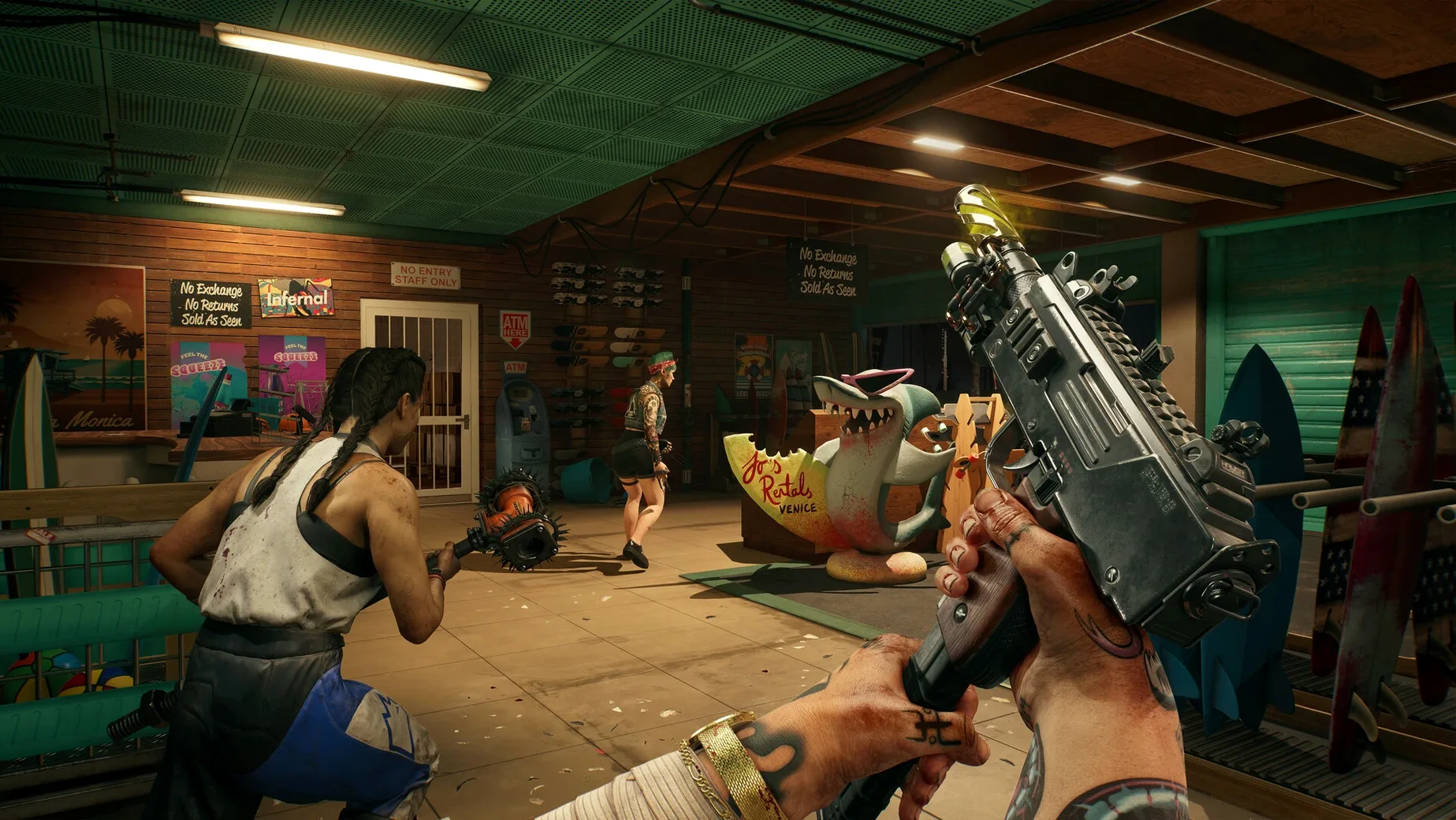
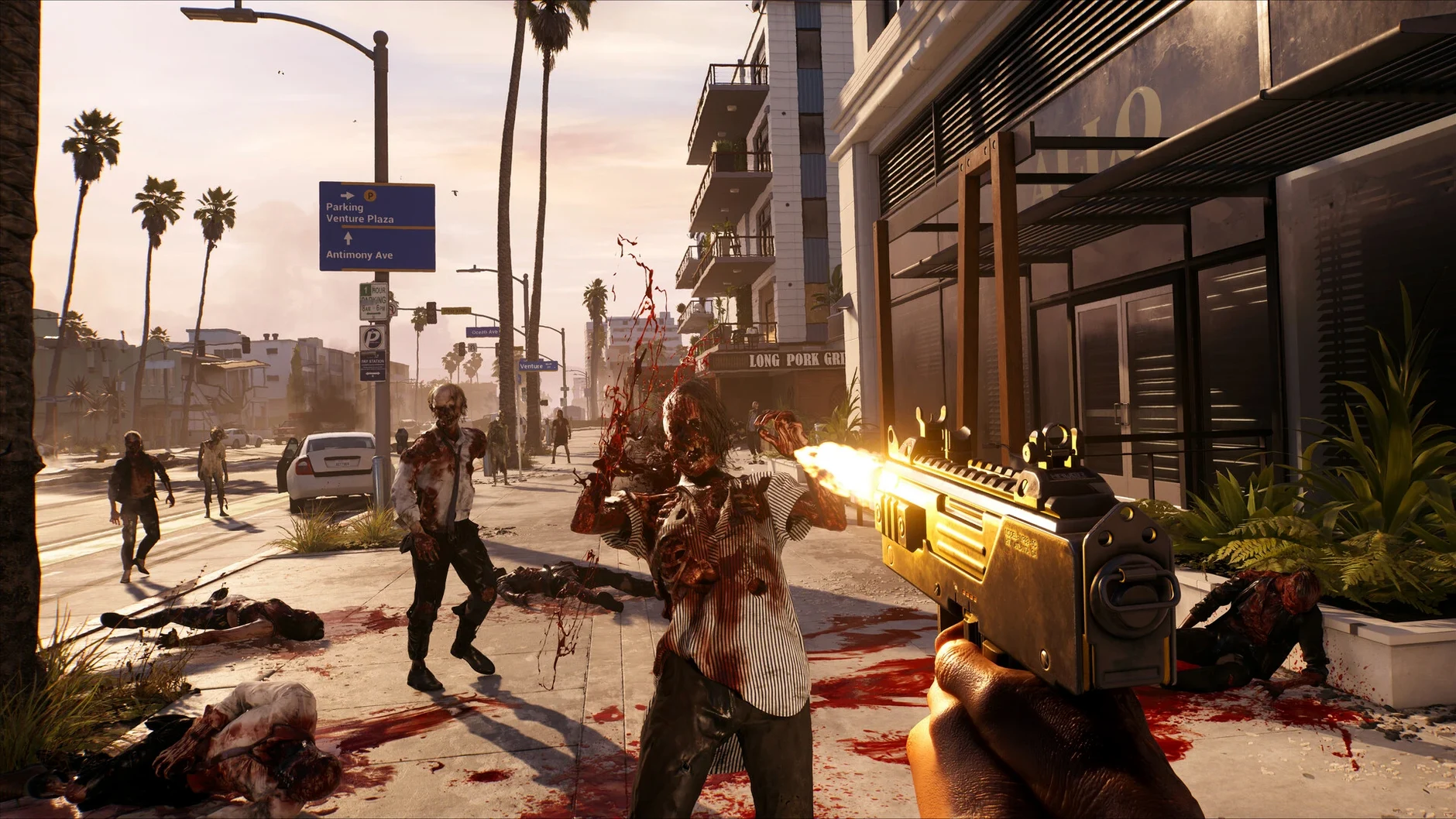

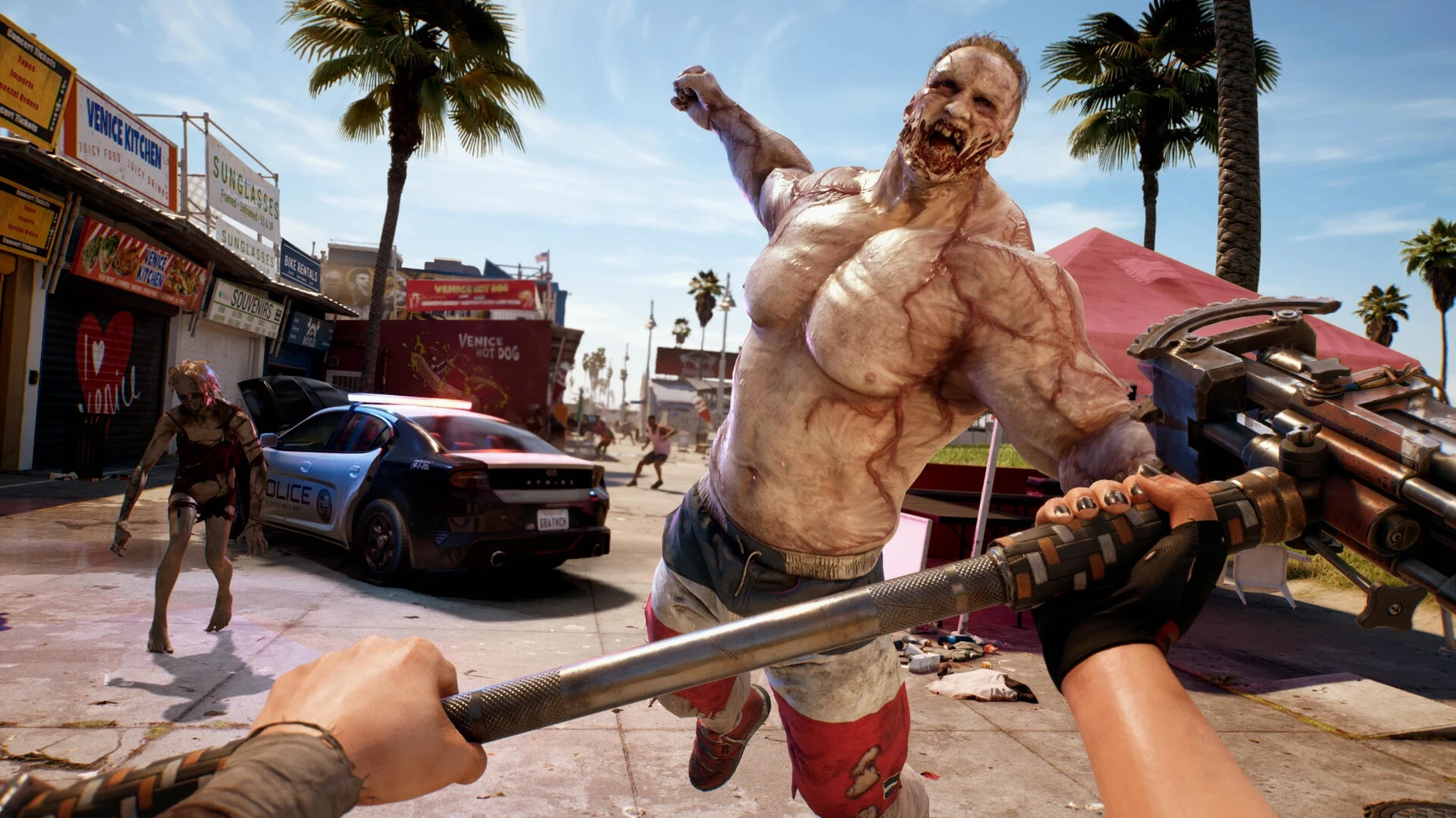
You want to drop into a zombie apocalypse without a compatibility layer getting in the way. The Mac release of Dead Island is an ARM-native build, so it speaks the same language as your M-series chip from the first double-click.
What zombie variants are waiting in the LA quarantine zone?
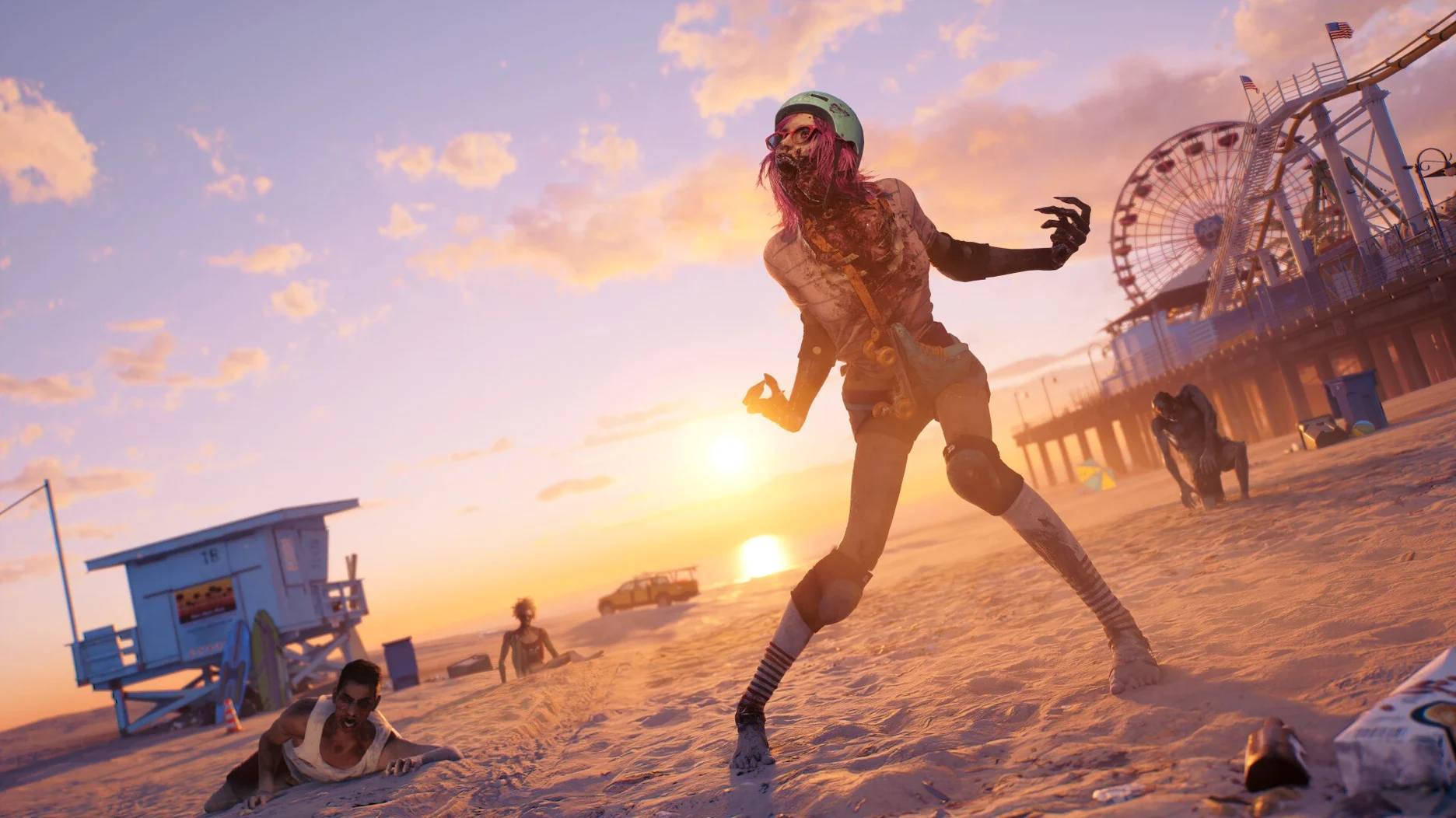
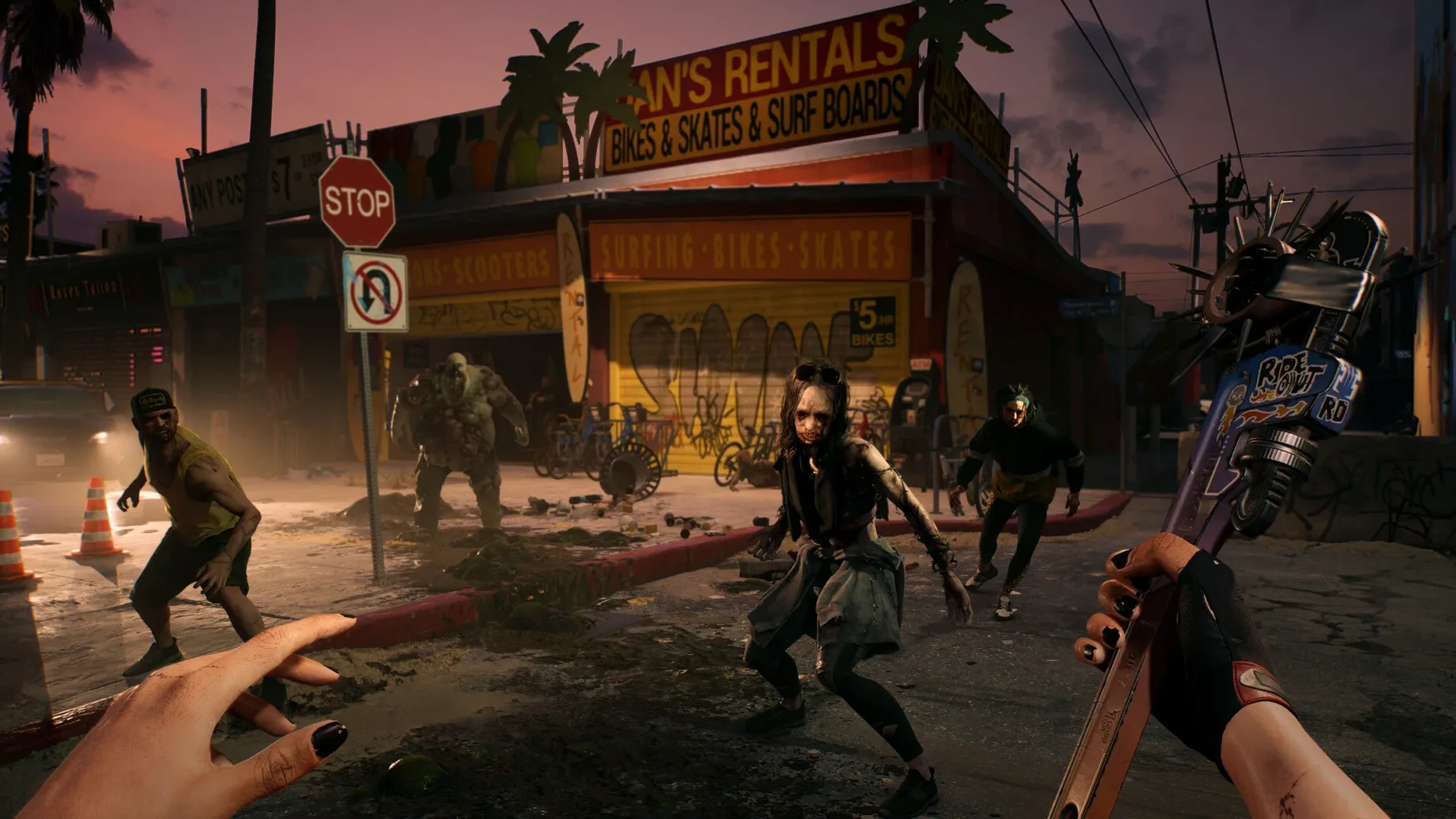
The Mac version ships as the Ultimate Edition. That means the base game set in a sun-scorched, quarantined Los Angeles, where dozens of zombie variants lurch, sprint, and spit their way toward you. Each variant brings its own mutations and attack patterns—some explode, some spew caustic goo, others just refuse to stay down. Your own abilities can be customized as you carve through them, letting you tune a playstyle that leans into blunt force, sharp blades, or improvised chaos. Under the hood, the .app bundle is compiled for ARM architecture, so it runs natively on Apple silicon without Rosetta 2 translation. The interface speaks thirteen languages: English, Russian, German, Spanish, Italian, French, Polish, Portuguese, Czech, Korean, Japanese, Traditional Chinese, and Simplified Chinese. Dambuster Studios originally launched the title on April 21, 2023.
What the zombie sandbox feels like
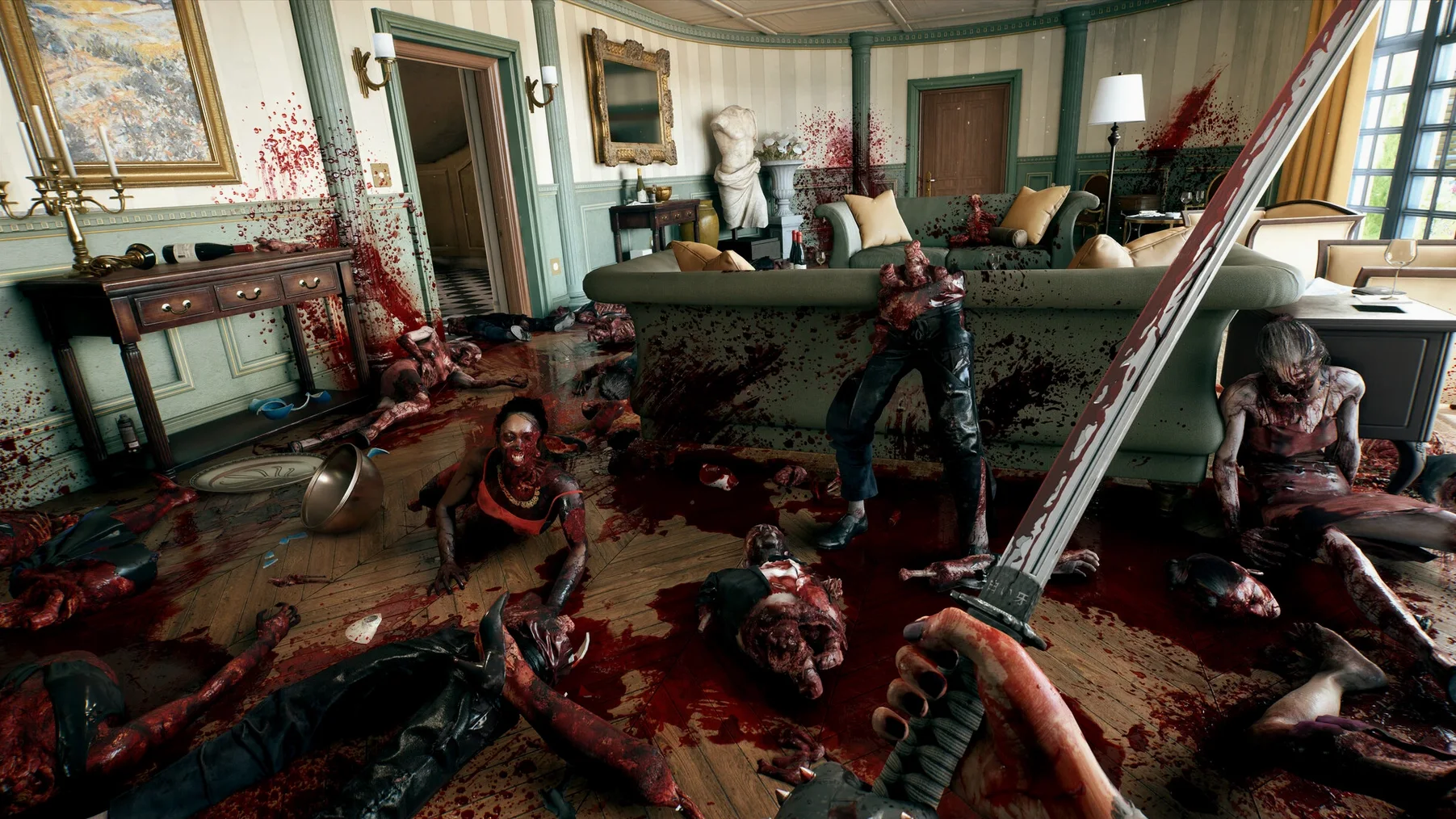
Los Angeles is not just a backdrop; it is a playground of reactive gore and environmental traps. The dozens of zombie variants keep encounters from falling into a rhythm, forcing you to read a room quickly—a bloater shambling by a pool of water changes the threat level instantly. Because the build targets Apple silicon directly, the frame pacing and input response feel tight, which matters when you are parrying a runner mid-lunge. It is a loud, messy brawler that gives you the tools to get creative with the mess.
Why does this port shine on a 13‑inch MacBook Air?
The player who benefits most is someone running an Apple silicon MacBook Air or Pro who wants a proper triple‑A brawler without Parallels, CrossOver, or a console sitting under the TV. If you commute with a 13‑inch Air, the ARM‑native build means the fans rarely spin up during a 45‑minute zombie‑clearing session — the thermal headroom on M2 and M3 chips handles Hell‑A’s carnage without throttling. Co‑op fans also win here. The Mac release uses platform‑specific matchmaking, so you drop into a friend’s session without fiddling with network settings that plagues wrapper‑based setups. Solo players who treat action games like a podcast‑friendly wind‑down after lectures will sink into the rhythm of looting, crafting, and dismembering. The game rewards that half‑hour dip just as much as a four‑hour weekend marathon.
A quick character‑start workflow
Say you pick Amy, whose agility buffs make her the obvious choice for hit‑and‑run play. Here is a workflow for the first hour that gets you past the Bel‑Air tutorial without eating dirt every five minutes.
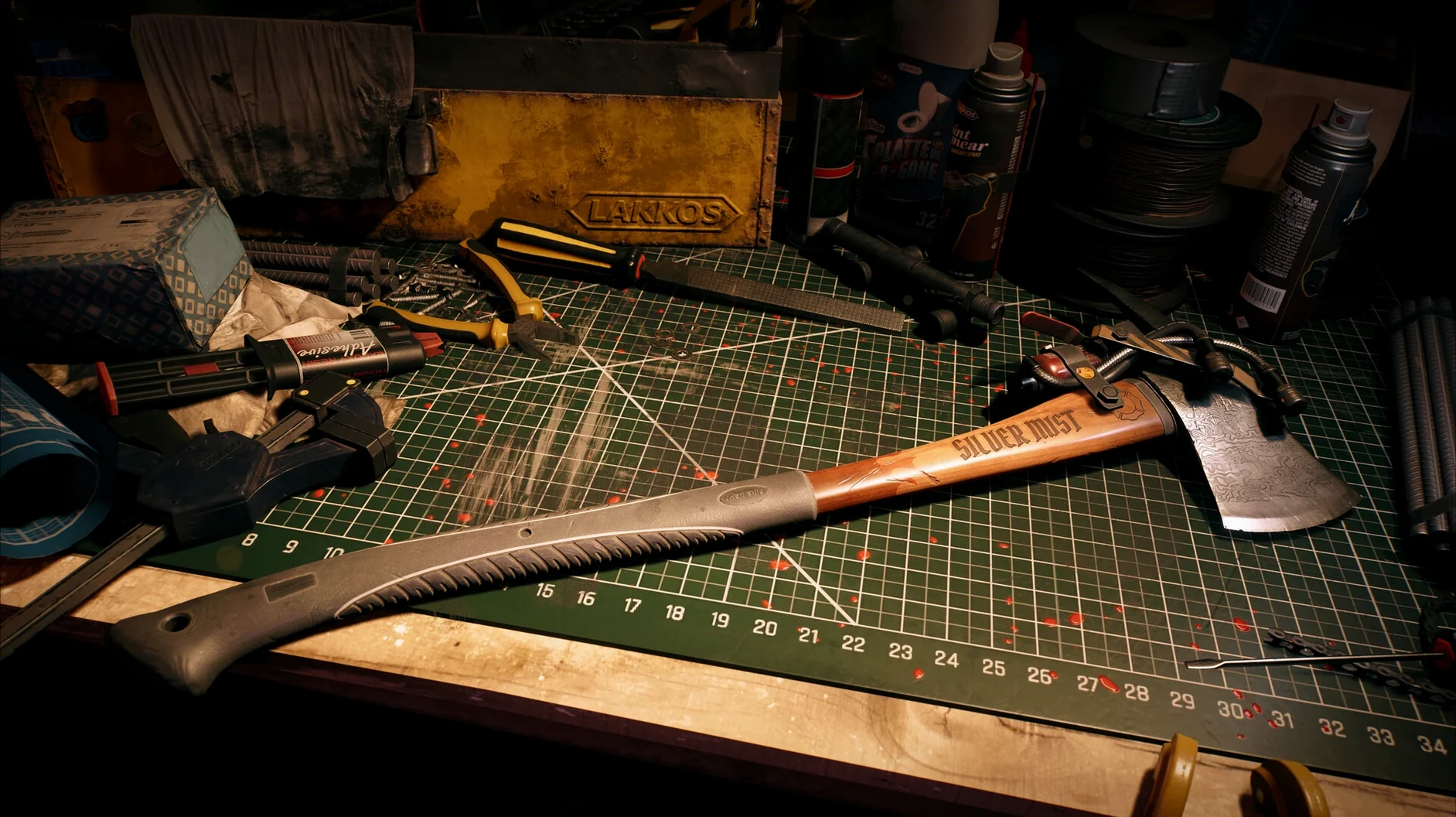
First, remap the dodge key to something you can reach without moving your left hand off WASD — I put it on a thumb mouse button. The default double‑tap direction input for dodging feels sluggish on a Magic Keyboard, so a single dedicated key press makes sidestepping Runners cleaner. Next, sprint through the opening mansion and grab every scrap of adhesive, metal parts, and batteries you see. You want to craft a couple of Maiming mods the moment you find your first workbench; those early mods stack with Amy’s throw‑damage bonus and turn a common cleaver into a leg‑removing tool. When the first Crusher variant appears near the pool, do not trade blows — instead, kite it toward the electrified water hazard the tutorial shows you. One quick shock and a ground‑pound finisher ends the fight before it burns through your medkits. After the crash site, prioritize the Block skill card over Dodge if you find yourself mis‑timing dodges; the block‑stagger rhythm is more forgiving on a small screen and lets you counter‑hit while you learn each variant’s attack animation.
Which display tweaks make zombie silhouettes easier to read?
Before you even leave the character select screen, a few tweaks make the Mac build feel more responsive.
- Turn off motion blur. At 60 fps on an M1 the blur smears fast turns and makes reading zombie silhouettes harder. Disabling it sharpens the chaos.
- Reduce camera bob to around 30 %. The default head‑bob intensity in first‑person can feel exaggerated on a desk‑sized screen. Dialing it back helps with motion sickness during longer play sessions and keeps your aim steadier when throwing weapons.
- Enable “Auto‑Loot on Kick.” Buried in the gameplay options, this lets a kick break a crate and instantly vacuum up the contents. On a trackpad, where rapid clicking feels less precise than a mouse, this saves dozens of awkward finger‑drags per session.
- Switch the voice language to English. The interface supports thirteen languages, but only English voice lines are included. If your system language is set to something else, the game may default to subtitles‑only during key story beats — force it to English in the audio menu to hear the full performances.
- Cap the frame rate to 60 fps. The game can push higher on M2 Max and M3 Pro, but an uncapped frame rate drains battery without a meaningful visual payoff in this engine. Capping it keeps thermals low and frame times consistent.
- Architecture: Apple Silicon (M-series chips)
$ man dead-island | grep -A2 "?"
Which Mac architecture does Dead Island support?
The build is compiled for ARM architecture and runs natively on Apple silicon Macs.
What is included in the Mac release?
The Mac version is the Ultimate Edition and includes the full base game set in Los Angeles with dozens of zombie variants.
Comments 0
Sign in or create an account to leave a comment.
No comments yet. A codec, a slice, a machine — they appear after moderation.