EVERSPACE 2 for macOS
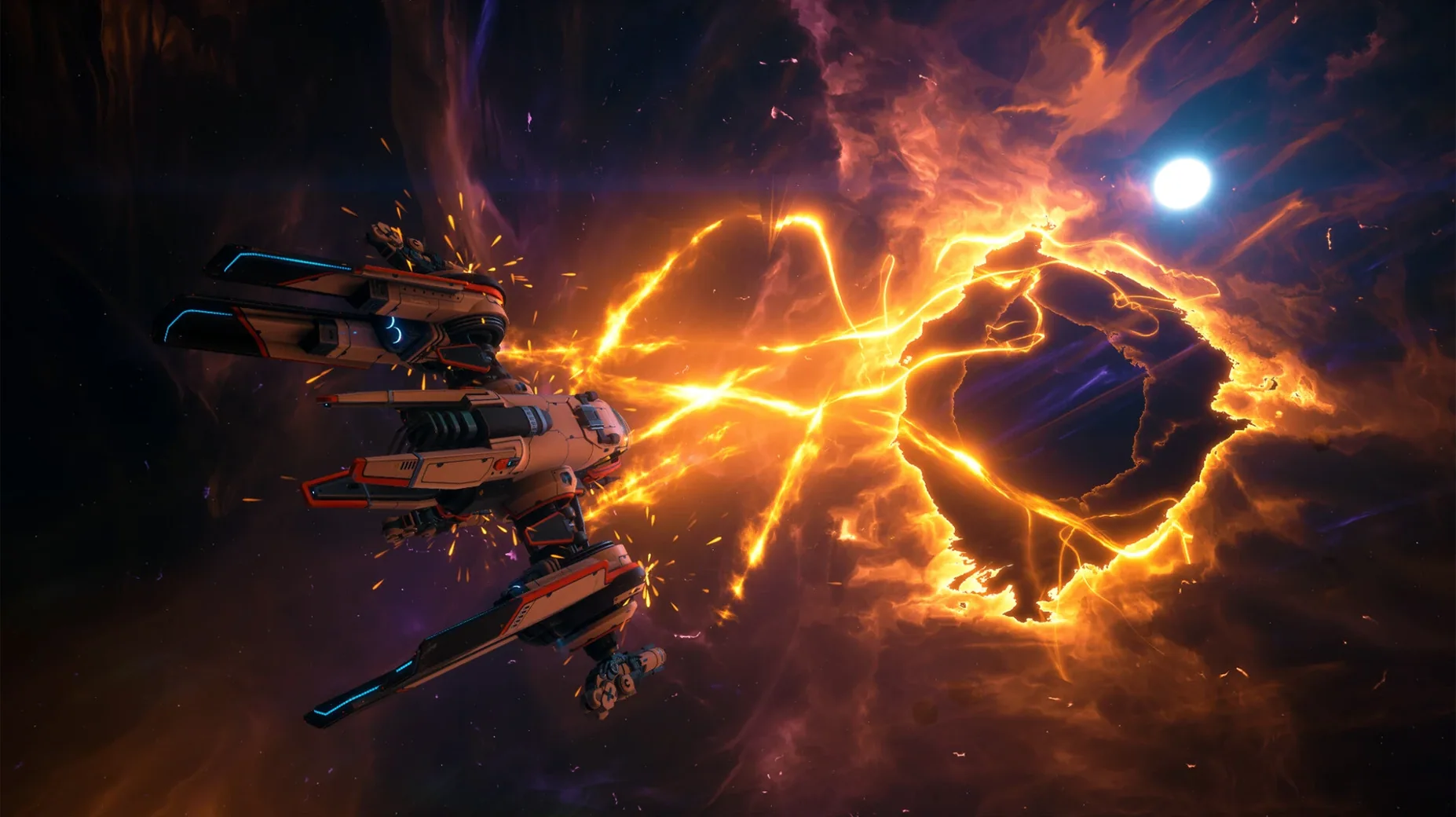
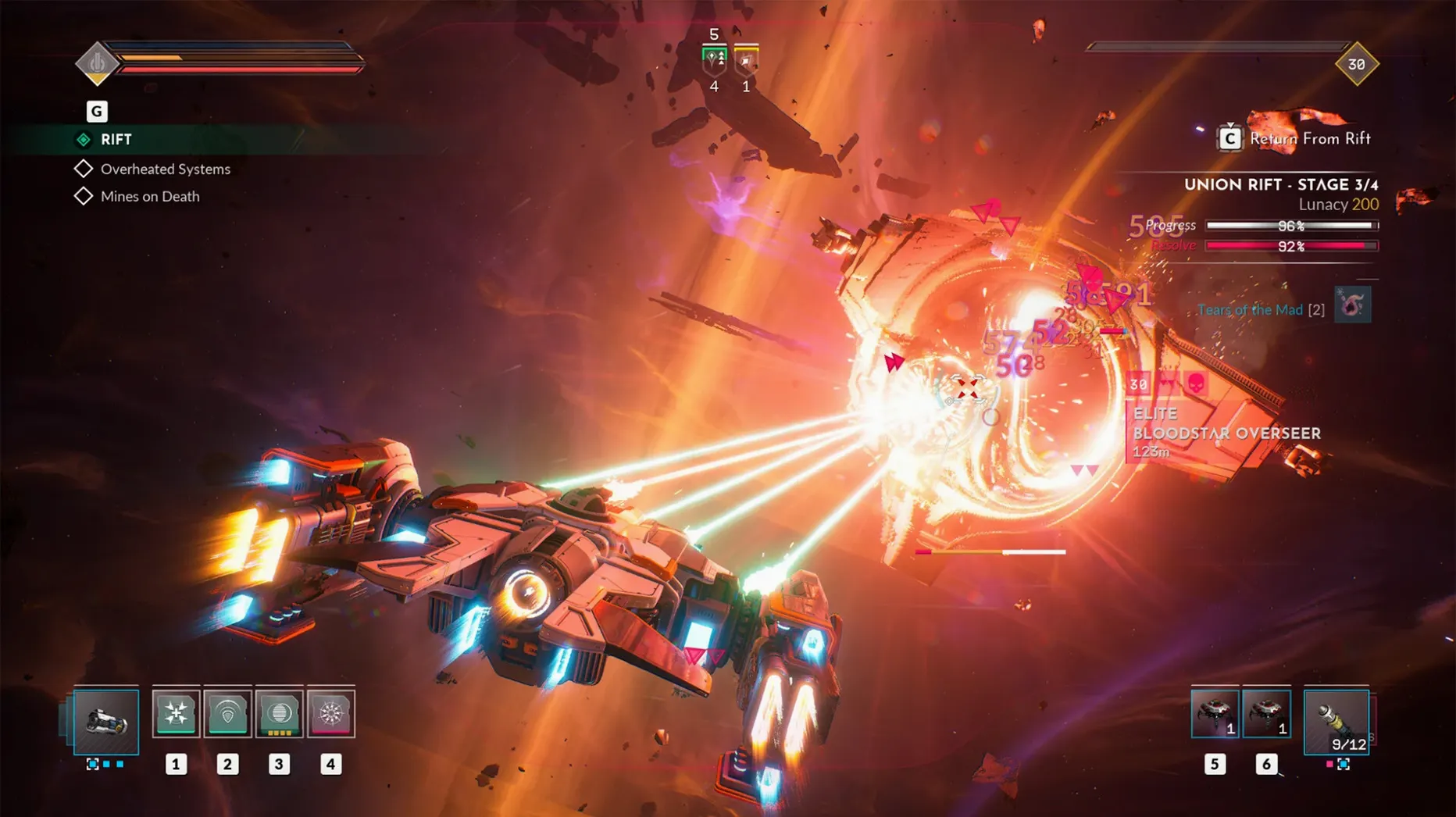
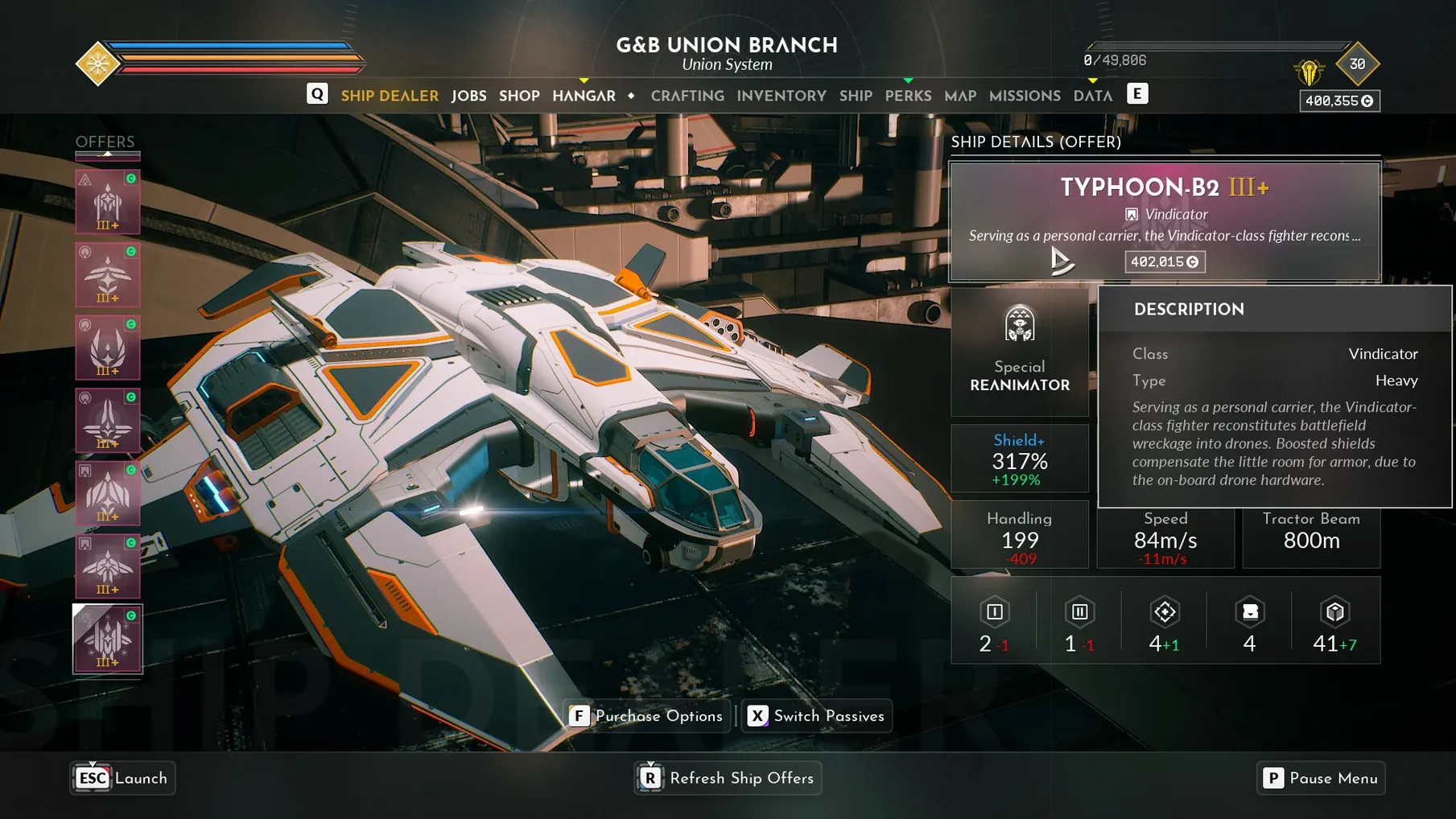
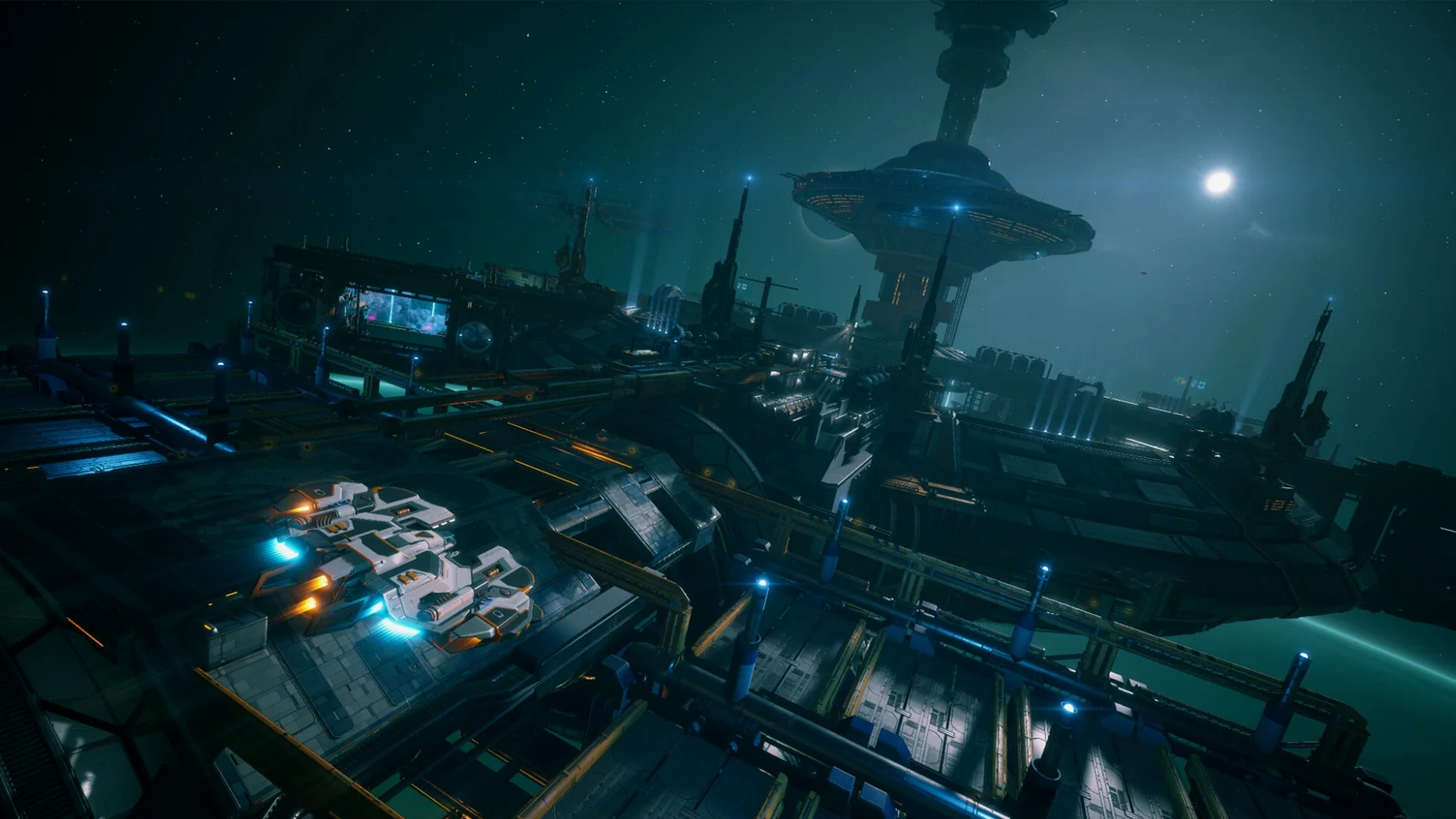
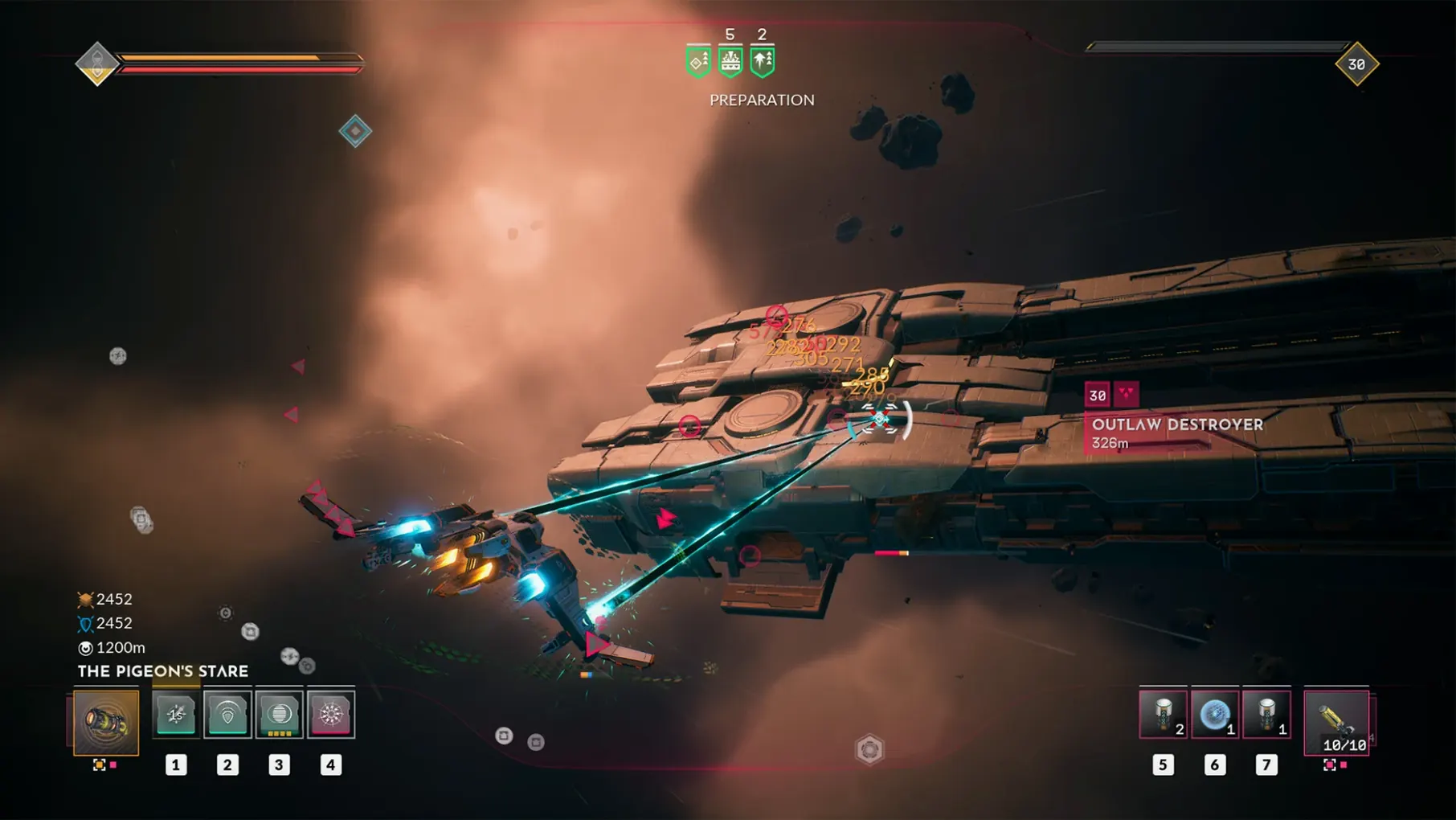
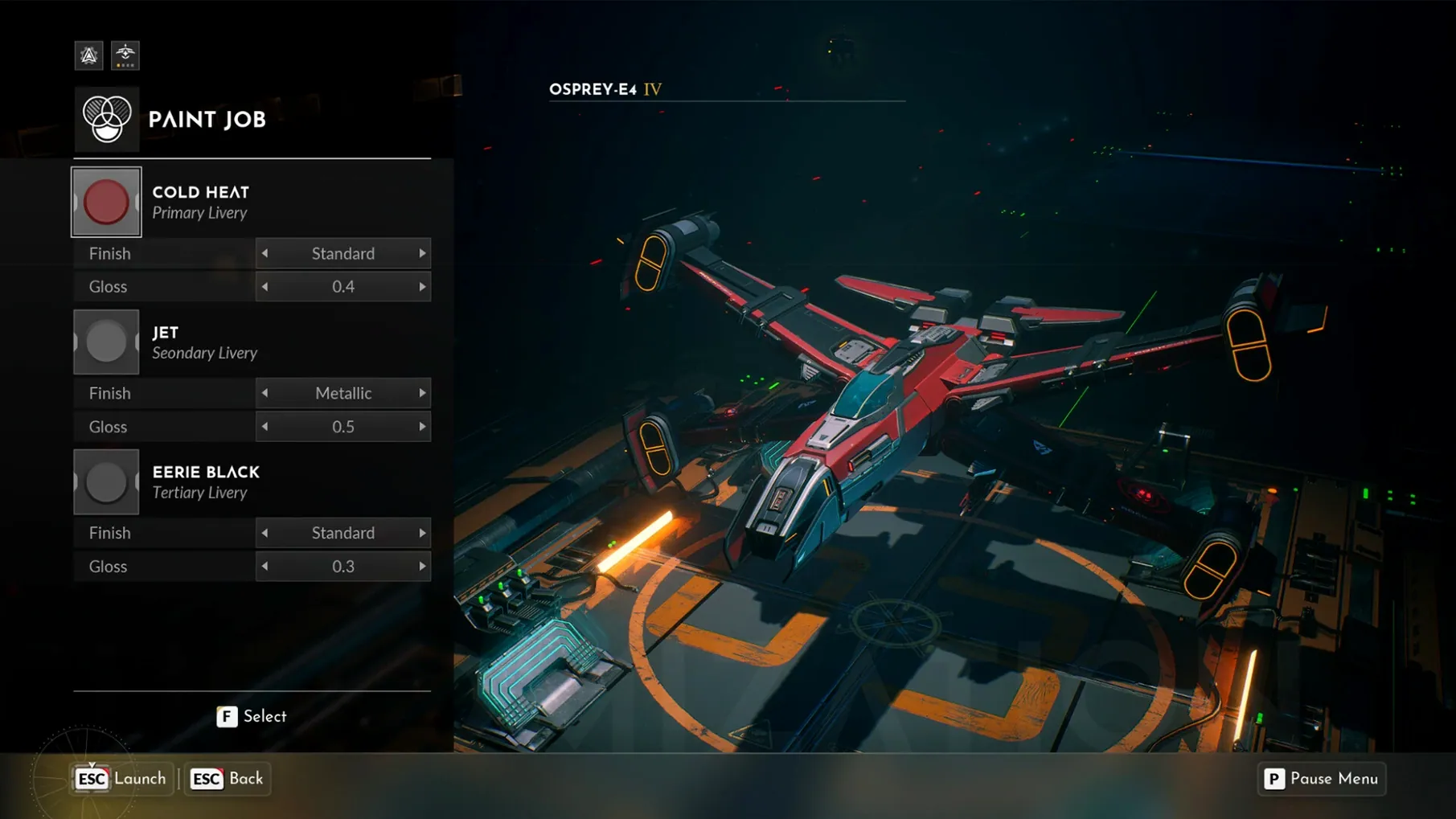
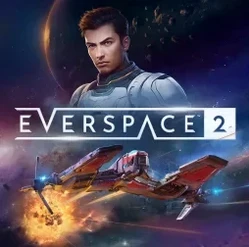
The Ancient Rift endgame loop really shows what EVERSPACE 2 is after — it takes the looter-shooter DNA and stretches it into repeatable high-risk dungeon runs that reward ship builds you've been tweaking for hours. ROCKFISH Games calls it a narrative-driven open-world RPG, and that fits. The story follows Adam Roslin through seven star systems packed with more than 100 handcrafted locations, and you spend as much time poking through wreck sites and ancient ruins for gear as you do in dogfights.
What does a Mac need to run it?
- macOS ? (Apple Silicon and Intel x86-64 are both supported)
- Tested on a 2023 MacBook Pro with an M3 Pro chip running macOS Sequoia — no frame-rate numbers, but it ran smoothly in that configuration
- The campaign clocks around 30 hours if you follow the critical path; treasure chests and side areas stretch it further
How do controls map on a Mac?
Keyboard and mouse are the default, and the fast-paced combat feels built for them — aiming with a mouse gives you the precision you want when you're threading shots through asteroid fields. The game also recognizes popular gamepads over Bluetooth or USB, and you can remap everything from the settings panel. If you're on a MacBook, the built-in keyboard works fine, though an external mouse makes the quick turns in crowded fights easier.
Game Center achievement sync without companion apps
EVERSPACE 2 doesn't need companion apps to work, but it plays well with the usual Mac stack. Game Center prompts pop up when you launch the build — no multiplayer leaderboards, just the standard achievement tracking that syncs across your Apple devices. If you use a third-party gamepad mapping tool like Enjoyable, the game picks up remapped inputs without fuss because it reads the macOS HID layer directly rather than polling specific device IDs.
Spotlight won't index the .dmg or the installed .app bundle for anything useful, but Time Machine snapshots of your save folder are worth knowing about. Saves live in ~/Library/Application Support/ES2/Saved/SaveGames — a relative path inside the app support directory that ROCKFISH Games uses across platforms. If you're shuffling between two Macs or reinstalling, copying that folder is all you need. iCloud doesn't sync it automatically, so you're on your own with a USB stick or AirDrop.
Mission Control and Spaces handle the game predictably. EVERSPACE 2 runs in a dedicated fullscreen window that claims its own Space; swiping back to the desktop pauses the action cleanly. No weird resolution scrambling when you tab out, at least on the M3 Pro test machine mentioned in the build notes.
Locking the frame limiter to 60 fps on Apple Silicon
The defaults are sensible, but a few tweaks make a real difference on Apple Silicon. Open the graphics tab and flip the frame limiter to 60 fps if it's unlocked — the M-series GPUs can push higher, but a locked frame rate keeps thermals calm on MacBook Airs and 13-inch Pros. Next, drop shadow quality to medium. Shadows in asteroid-dense zones hit the GPU harder than anything else, and medium looks nearly identical while buying you headroom for the particle-heavy firefights later in the campaign.
Under controls, bump mouse sensitivity down three or four notches from default. The starting curve is tuned for a wider desk pad than most Mac users have, and the lower setting makes tracking moving targets in the Ancient Rift feel less twitchy. If you're on a gamepad, enable the "invert Y-axis" option before your first flight — it's off by default, and the muscle memory check at the start of the tutorial is annoying to back out of.
Audio: kill the music volume to about 60 percent and leave voice at full. The English voice cast for Adam Roslin and the supporting crew sits lower in the mix than it should, and bringing the music down helps the dialogue land during story beats.
How the DRM‑free .app bundle gets patched
Does the DRM-free build get updates? Yes. The version you download is a self-contained .app bundle with no phone-home checks, but ROCKFISH Games has shipped patches steadily since the Unreal Engine 5 migration. Newer builds replace the old one; you just mount the fresh .dmg and drag it to /Applications. Your saves survive because they live outside the bundle.
Will it run on an Intel Mac? The architecture flag says x86-64 is supported, and the binary ships as a Universal app. You won't get the same thermal headroom as Apple Silicon, but the minimum requirements don't rule out older Intel machines — just expect the fans to spin up during the bigger space battles.
Is this a space sim? ROCKFISH Games has been clear about this: no. There's no Newtonian physics model, no docking sequences, no trade-route economy. It's a looter-shooter with spaceships, closer to Diablo in a cockpit than to Elite Dangerous. If you come in expecting deep simulation, you'll be disappointed. If you want dogfights, gear drops, and a 30-hour story campaign across seven star systems, that's exactly what's here.
Does it need an internet connection? The DRM-free build never calls home. You can launch it from a folder on a disconnected MacBook in the middle of nowhere and it won't complain. Achievement syncing through Game Center is the only thing that needs a connection, and that's optional.
- Apple Silicon or Intel 64‑bit Mac
$ man everspace-2 | grep -A2 "?"
Is EVERSPACE 2 part of a series?
Yes, it is the follow-up to EVERSPACE and continues the series with a larger open-world structure and a story focused on Adam Roslin.
Comments 0
Sign in or create an account to leave a comment.
No comments yet. A codec, a slice, a machine — they appear after moderation.