
STORROR Parkour Pro for macOS
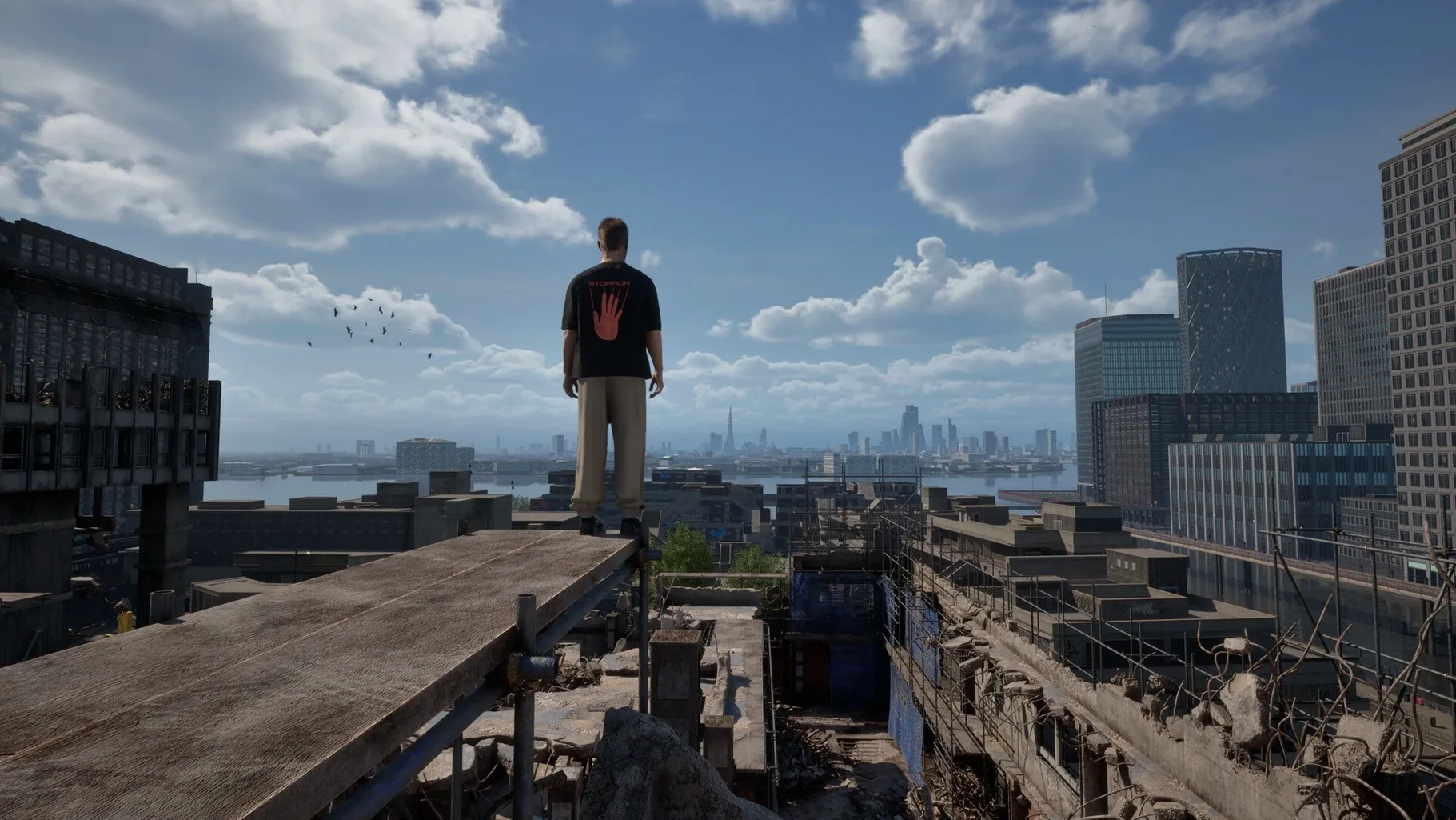
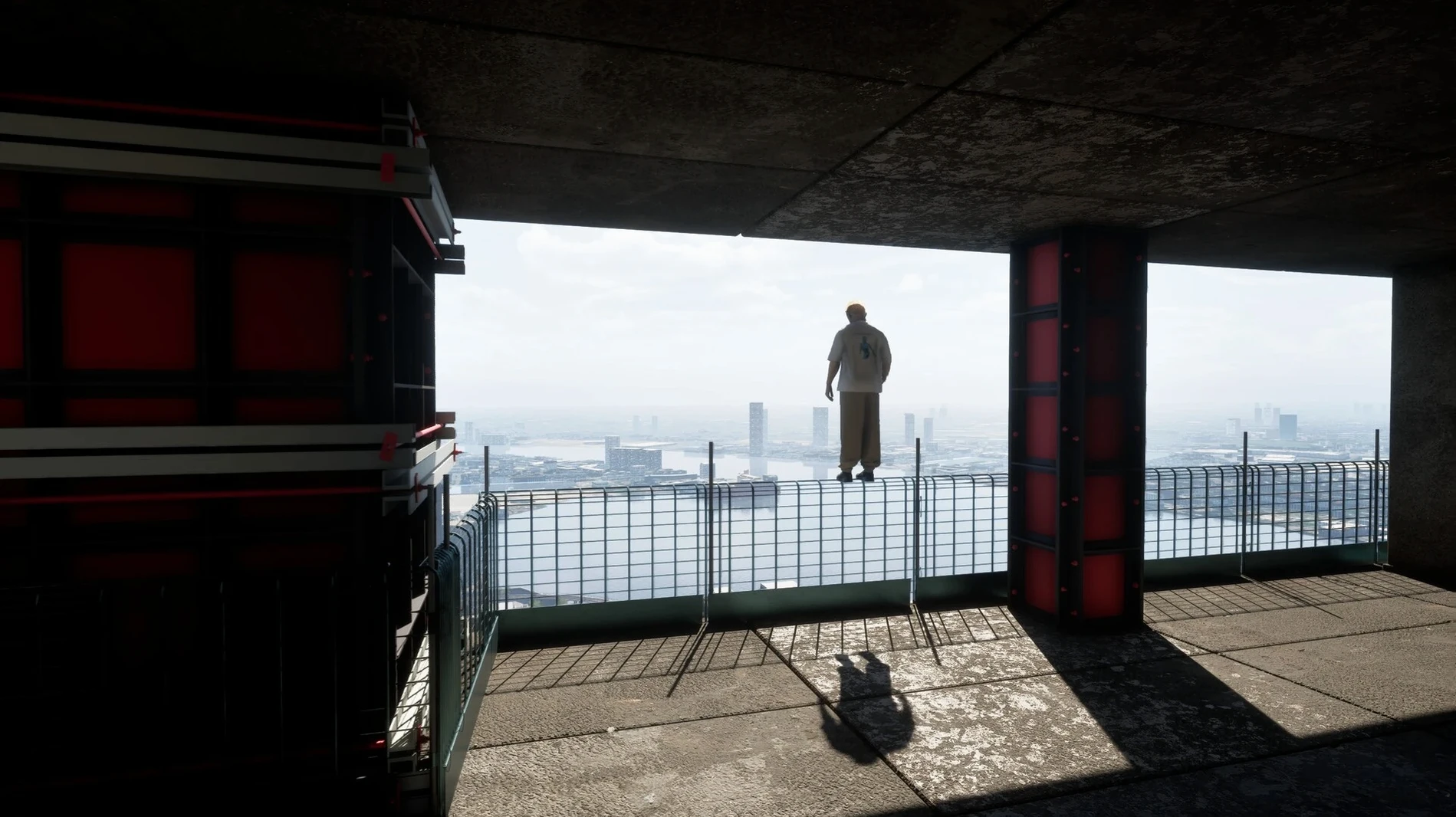
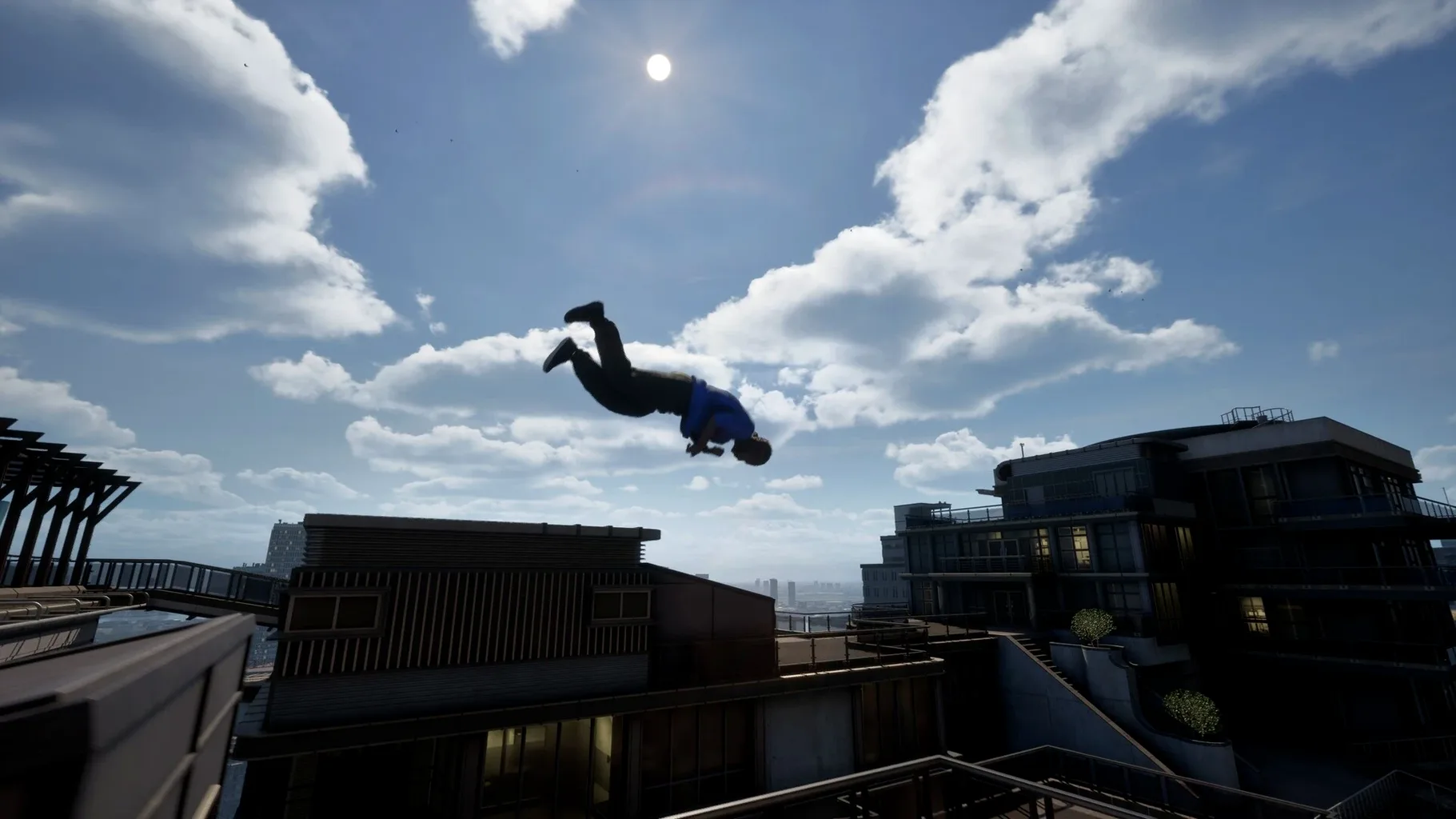
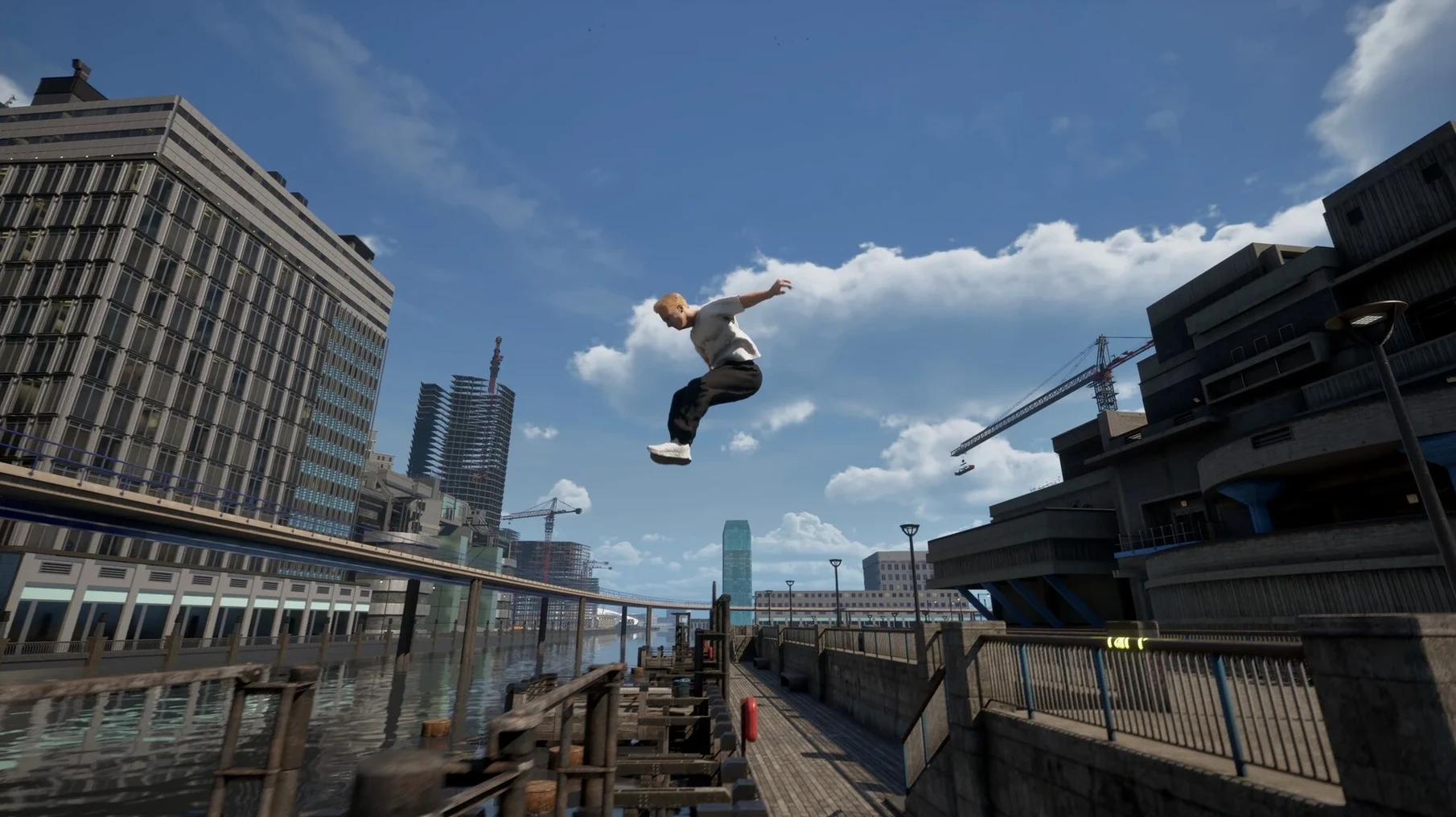
If you've ever used the replay editor in a racing game to place a checkpoint on a crane, STORROR Parkour Pro lets you actually climb it.
Early Access — what it means right now
Hundreds of animations — the movement system draws from real parkour technique. Vaults, precision jumps, cat leaps, and tic-tacs chain together as you read the geometry of walls, railings, and gaps.
First Storror Mission — a structured challenge designed with the STORROR team. It gives you a specific route through the Isle of Dogs, the reimagined London borough that forms the playground. You'll hit checkpoints and beat a target time.
Moving cranes — the environment isn't static. Active construction sites mean you can ride and traverse machinery that shifts under your feet, adding timing that a fixed ledge never would.
Streets and rooftops — free-roam exploration lets you string lines together without a mission ticking away. The map is built for verticality, with routes from street level up to skyline gaps.
Camera sensitivity and button remaps that tighten rooftop control
Before you throw yourself off the first rooftop, open the settings panel. The defaults are reasonable on an Apple Silicon Mac, but a few tweaks make a real difference to feel and feedback.
Camera sensitivity — the default horizontal sensitivity is a little sluggish if you're used to flicking between wall-run targets. Bump it up by 20–30% and leave vertical slightly lower so you don't overshoot ledges during precision jumps. The game separates X and Y axes, which is a thoughtful touch.
Field of view — the default FOV is around 80. For parkour at speed, especially in the Speed Challenges where you're reading environmental cues half a second ahead, pushing it to 90 or 95 gives you more peripheral awareness of grab points. The wider view helps when you're scanning for a rail to swing off mid-sprint.
Motion blur — turn it off. The physics-based animations already communicate momentum clearly; motion blur softens the edges during rapid tic-tac chains and can mask the exact frame where a vault input needs to land. You want crisp visual feedback at 60 fps.
VSync — leave it on unless you're on a ProMotion display and chasing every millisecond. The frame pacing is smooth with VSync enabled, and tearing during fast camera pans across the Isle of Dogs skyline is distracting enough to cost you a landing.
Audio balance — dial the music down to about 70% and keep the effects channel at full. Footstep audio and the scuff of a shoe on concrete are useful cues for timing your next input, especially when you can't see your character's feet during a cat leap.
Vault-to-wall-run transitions now feel cleaner after the March update
Version 0.39.0 landed on March 31, 2025, and brought a handful of fixes that affect moment-to-moment flow more than patch notes suggest. The most noticeable is cleaner transition blending between vaults and wall-runs. Previously, hitting a low wall at a shallow angle could produce a half-second hitch where the animation system hesitated between two possible moves. That hesitation is gone in most cases now — the motion capture data seems to have received another weighting pass.
On the environment side, several rooftop collision boxes on the eastern Isle of Dogs were tightened. You could clip through a corner near one of the crane routes if you approached from a specific drainpipe — that route now behaves. The moving cranes also got a synchronization fix: their motion used to drift slightly out of phase after long play sessions, which made timing repeated jumps onto the same platform inconsistent. The drift is corrected.
The Speed Challenge UI now shows split times at each checkpoint instead of just the final clock, which makes it possible to see exactly where you're losing seconds. For Line Challenges, the ghost runner — the translucent replay of your best run — no longer flickers when it overlaps geometry, making it easier to study your own lines.
One under-the-hood change worth noting: the build remains ARM-native, compiled for Apple Silicon. There's no Rosetta 2 path here, which keeps the CPU footprint lower than an x86 translation would. Memory usage sits around 2.1–2.4 GB on an M4 with the graphics preset at high, which is modest for a physics-heavy title in Early Access.
A workflow: nailing a Speed Challenge on the eastern rooftops
Here's a concrete routine for a Speed Challenge run, start to finish. This assumes you've already explored the eastern sector and know where the main crane and the train tracks sit.
- Scout the route in free-roam first. Run the intended path at half pace. Note every ledge grab, every gap width, and especially the position of the moving crane at the moment you'll need to jump onto it. The crane's cycle is predictable, but the angle you approach from changes your window.
- Mark your trouble spots. There's usually one gap where a precision jump lands inches short unless you hit the take-off at a full sprint. Mentally tag that spot — it's where you'll lose or gain half a second.
- Set your ghost. Run a clean but not perfect attempt and save it. The ghost runner from version 0.39.0 renders reliably now, so you can follow it visually rather than guessing where you braked too early.
- Start the timed run and focus on the first three checkpoints. Resist the urge to restart after a small mistake early on. A scuffed landing on checkpoint two costs you 0.3 seconds; a full restart costs you ten. Keep the run alive and learn the back half.
- Read the crane's arm position as you approach. Don't time it by feel — pick a visual marker on the background skyline. When the crane's hook passes that marker, you commit. The synchronization fix in the current build means the timing stays consistent across attempts.
- On the train section, jump earlier than you think. The physics model gives your character a split-second of air control, so a slightly early leap onto a moving carriage is more forgiving than a late one where you clip the edge.
- Review your split times. After the run, check which segment ate the most time and run that segment in isolation three or four times before attempting the full course again.
This loop — scout, ghost, segment practice, full run — shaves seconds off a time faster than grinding full attempts back to back. The game rewards methodical line-building over raw reflexes.
60 fps holds on an M4 Mac mini until the chase sequences hit
On an M4 Mac mini with the graphics preset at high, the frame rate holds steady at 60 fps across most of the Isle of Dogs. The only dips come during the chase sequences in the Chase and Escape mode when multiple player characters and the helicopter are all on screen at once. Those dips are brief — a momentary 48–52 fps for a second or two — and recover as soon as the camera swings away from the densest geometry. For an Early Access build, the performance profile is solid.
Stability has been equally dependable. Across several hours of mixed free-roam, Speed Challenges, and the first Storror Mission, there were no crashes and no soft locks. The physics engine occasionally produces a humorous result — a vault that launches you slightly sideways off a railing instead of forward — but these are animation edge cases, not bugs that halt progress. The game autosaves between challenges, so even if something went wrong, you wouldn't lose much.
Resource use is light enough that you can keep a browser and a music app open in the background without the system swapping. The 2.1–2.4 GB memory footprint leaves headroom on any Apple Silicon Mac with 8 GB or more. Fan noise on the M4 Mac mini is effectively absent — the chip barely warms up during extended sessions.
One thing that stands out after repeated play is how the motion-captured animations hold up under scrutiny. When you're grinding a Speed Challenge and watching the same vault animation play dozens of times, you start to notice the subtle variations — the way a cat leap looks slightly different depending on whether you came off a wall-run or a flat sprint. That variety keeps the repetition from feeling mechanical, which matters in a game where you'll retry sections obsessively. The storror parkour pro mac experience, at this stage of Early Access, is already tighter than many finished movement games.
- macOS 14.0 or later
- Apple Silicon (ARM build)
$ man storror-parkour-pro | grep -A2 "?"
Is there a story mode?
The first Storror Mission is the initial structured challenge, built directly with the STORROR athletes. Future missions are expected as the Early Access build develops.
What engine does the game run on?
The developer hasn't disclosed the engine, but the build isARM native for Apple Silicon, so it runs without Rosetta 2 on M-series chips.
Comments 0
Sign in or create an account to leave a comment.
No comments yet. A codec, a slice, a machine — they appear after moderation.