
Ziggurat 2 for macOS
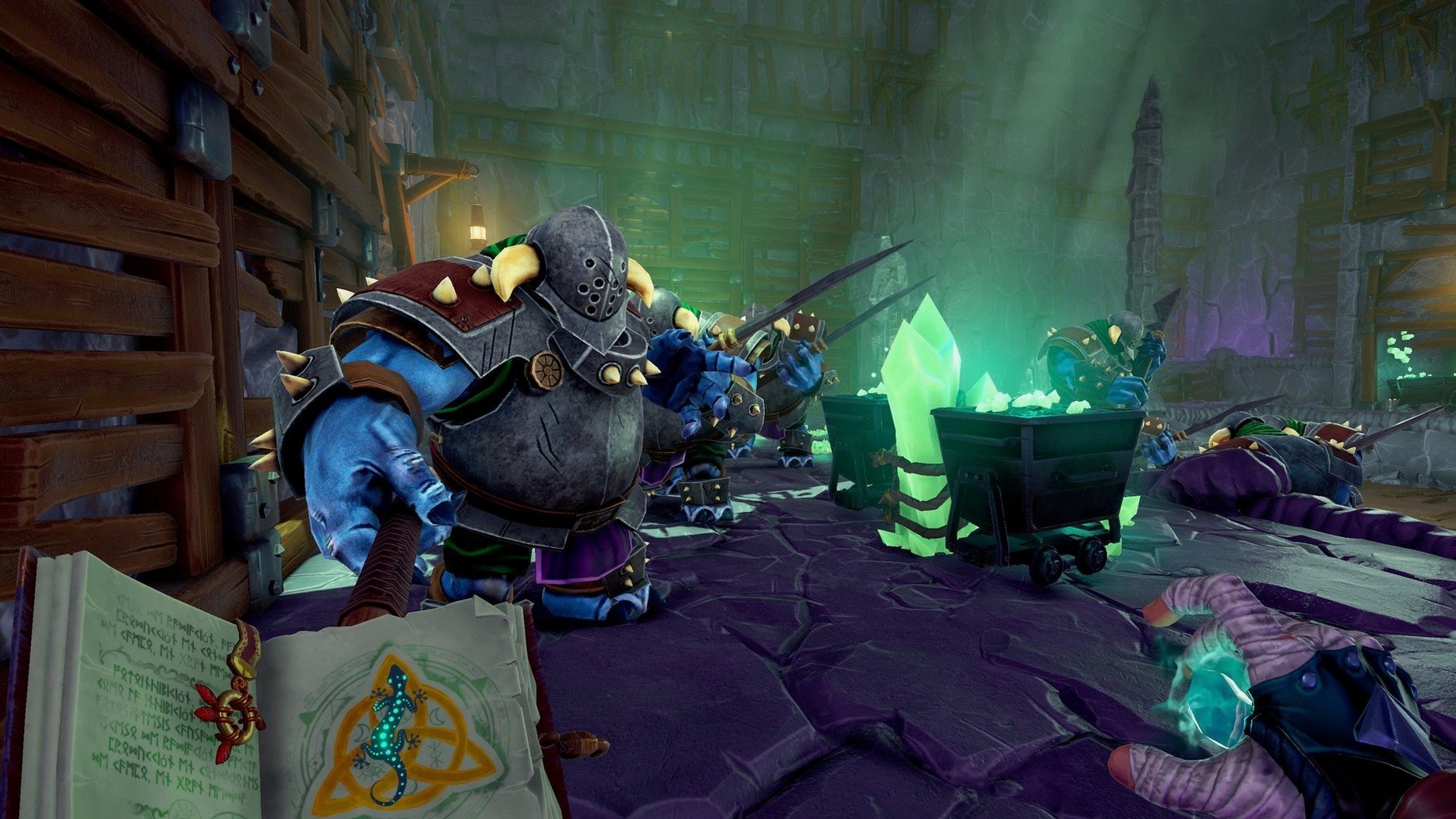
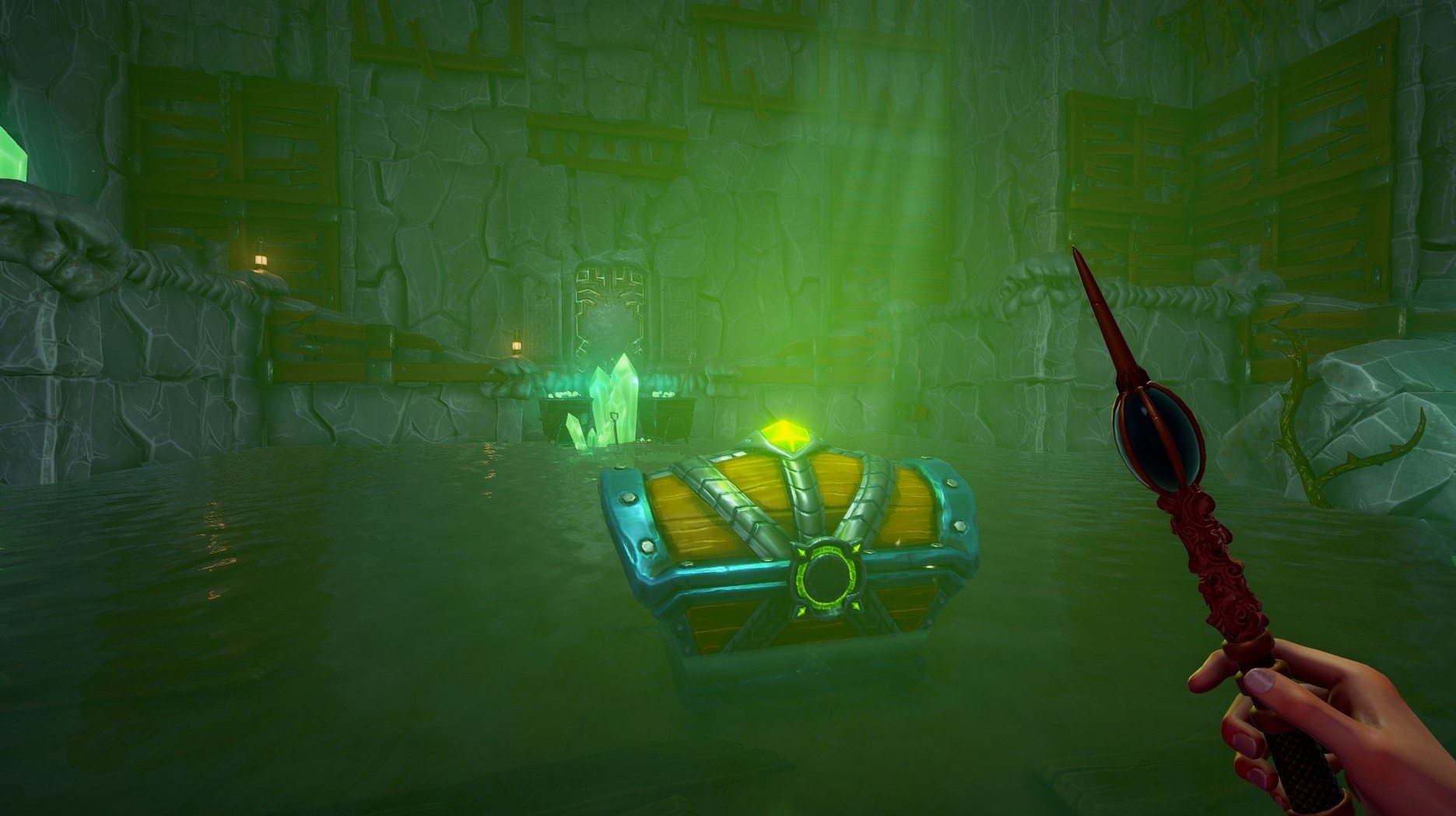
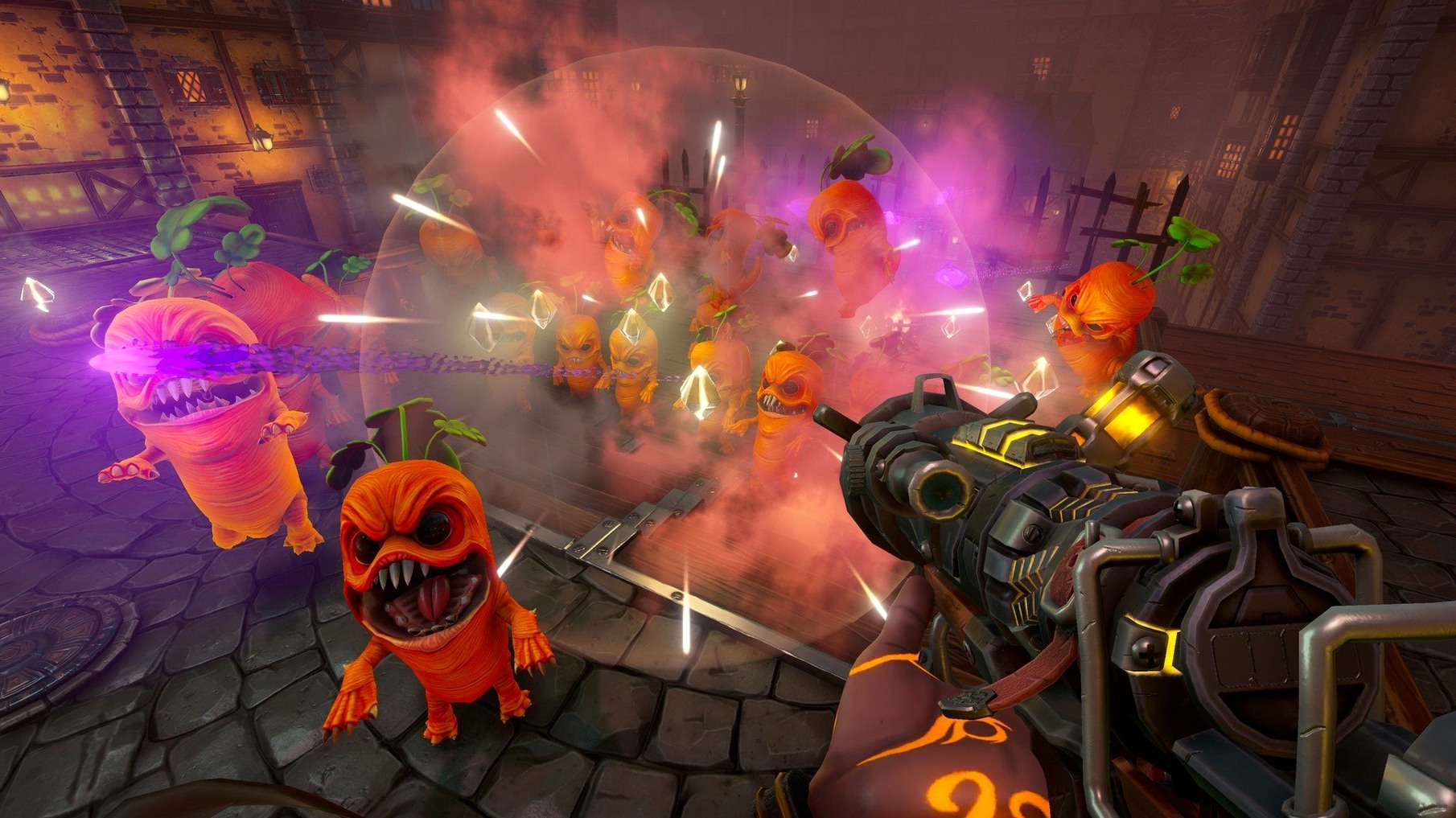
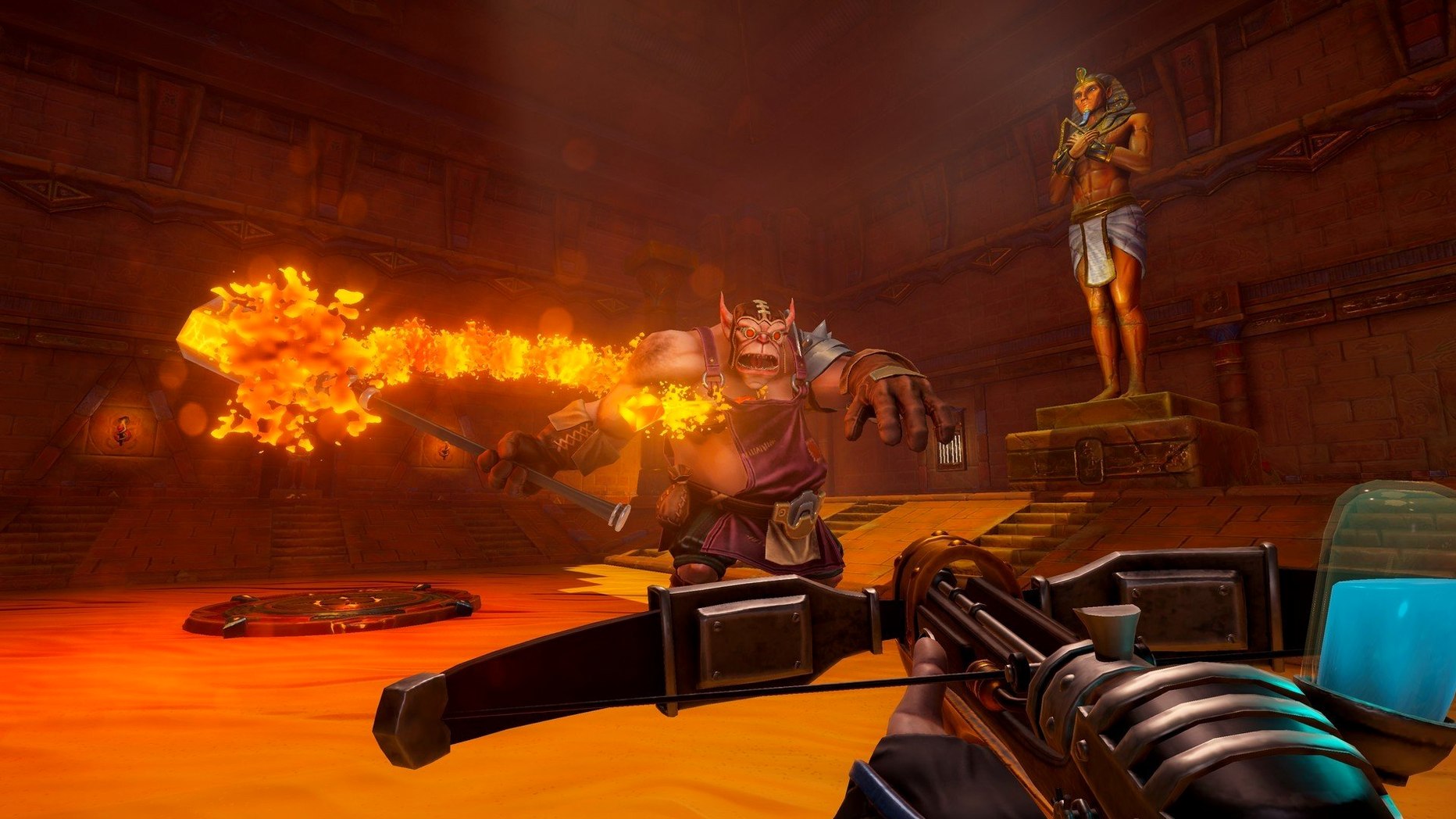
Ziggurat 2 runs on any 64-bit Intel Mac. There's no native Apple Silicon slice in the binary, so M-series machines launch it under Rosetta 2 — performance holds up fine for a game built on fast movement and hordes of enemies appearing all at once.
| Genre | Roguelite first-person shooter |
|---|---|
| Developer | Milkstone Studios |
| Architecture | 64-bit Intel (macOS) |
| Voice language | English |
Every run drops you into a different hand-crafted-looking room stitched together by procedural generation. You move fast — sprinting, double-jumping, circle-strafing — while flinging spells and wand shots at enemies that spawn in clusters. Elemental damage matters here. Enemies carry specific resistances and weaknesses, so a fireball that melts skeletons might bounce harmlessly off a lava creature, forcing you to switch to a frost or arcane weapon mid-fight rather than sticking with a single favorite. Between floors you return to the Citadel, a hub where you recruit allies, unlock new gear, and pick which character to send into the next labyrinthine dungeon. The interface supports Russian, English, Hungarian, Spanish, Italian, Dutch, Portuguese, French, Czech, and Japanese. Combat stays hectic the whole way — rooms fill with projectiles, and you're constantly balancing ammo-like mana pools across different weapon types while dodging attacks that take real chunks off your health bar.
Behaves like any well-behaved macOS app, no launcher or menubar agent
Ziggurat 2 runs as a standalone .app bundle — no launcher, no helper services, no menubar agent. When you put it in /Applications, it behaves like any well-behaved macOS app: it respects Mission Control spaces, plays nicely with full‑screen mode on a dedicated desktop, and pauses cleanly when you swipe away. Because it's a 64-bit Intel binary, Activity Monitor shows it running under Rosetta 2 on Apple Silicon Macs, and the memory footprint sits around 2–3 GB depending on how many projectiles are on screen.
It hooks into macOS sound routing without fuss — if you use Loopback or BlackHole to capture gameplay audio separately from Discord chat, the game shows up as its own audio source. Screen recording tools like OBS see it as a window‑capture target, and the Metal‑backed renderer (even through Rosetta) keeps frame pacing consistent enough for clean 60 fps recording.
Keyboard‑first by design, but it reads whatever macOS thinks your keyboard layout is — switching to a non‑Latin input source mid‑run won't confuse the movement keys, since the game polls raw key codes rather than characters. If you use Karabiner‑Elements for remapping, your custom bindings work here too. Game controllers (PlayStation, Xbox, Switch Pro) show up through Apple's Game Controller framework; the game auto‑detects them when connected via Bluetooth or USB.
What people ask before installing
Runs through Rosetta 2, with a brief translation delay on first launch
Yes, through Rosetta 2. The build is Intel‑only, so your M‑series Mac translates the x86 instructions automatically the first time you launch. There's a slightly longer cold‑start as the translation cache builds, but after that load times are quick. Frame rates stay smooth because the heavy lifting happens on the GPU side, and Metal runs natively regardless of CPU architecture.
Will it run offline?
Completely. The build carries no online checks — no sign‑in, no telemetry ping, no leaderboard handshake. Dungeon generation, save files, and the entire Citadel progression loop work with your Mac's Wi‑Fi turned off. The DRM‑free packaging means the app launches straight from the Finder like any self‑contained game.
Can I transfer saves between Macs?
Yes. Save data lives inside the app's own container, so copying the whole Ziggurat 2.app bundle to another Mac (or an external drive) carries your progress with it. If you want to be surgical, the profile data sits inside the bundle at Contents/Resources/Data — back that folder up and you've preserved your unlocked weapons, allies, and character levels.
A run from a speedrunner's perspective
Someone chasing a sub‑12‑minute clear cares about two things: room recognition and weapon cycling. The procedural generation follows enough rules that certain room templates become familiar after fifty hours — you learn which pillars give cover from homing projectiles and which door layouts let you skip packs of enemies entirely. That knowledge turns the game from a chaotic scramble into a routing puzzle.
Elemental weaknesses become a gear‑switching rhythm. A speedrunner pre‑sorts weapons so frost, fire, and arcane sit on adjacent hotkeys, then swaps mid‑dodge based on the enemy silhouette appearing through a doorway. They won't recruit every ally in the Citadel — only the ones whose passive bonuses (mana regeneration, shorter cooldowns) shave seconds off floor clears. Each run spent refining routes is also a run spent unlocking those specific upgrades, so progression and practice feed each other. The Intel‑only binary doesn't get in the way; frame pacing under Rosetta stays tight enough that dodge timing feels consistent even when the screen fills with particle effects.
- macOS (64-bit Intel build)
- Runs on Apple Silicon via Rosetta 2
$ man ziggurat-2 | grep -A2 "?"
How do elemental resistances work in Ziggurat 2?
Every enemy type has specific elemental strengths and weaknesses, so matching your spells and weapons to what a creature is vulnerable against deals extra damage, while hitting a resistance reduces your effectiveness.
Comments 0
Sign in or create an account to leave a comment.
No comments yet. A codec, a slice, a machine — they appear after moderation.
More in Games
cd ../ Wingspan
Games 1.8 GB Updated
 Warnament
Games 260 MB Updated
 Victoria
Games 9 GB
 Vampire Crawlers: The Turbo Wildcard from Vampire Survivors
Games 635 MB Updated
 Vagrus - The Riven Realms
Games 3.6 GB Updated
 Two Point Museum
Games 4 GB Updated
 Turing Complete
Games 280 MB
 TRYP FPV : The Drone Racer Simulator
Games 18 GB