1Password for macOS
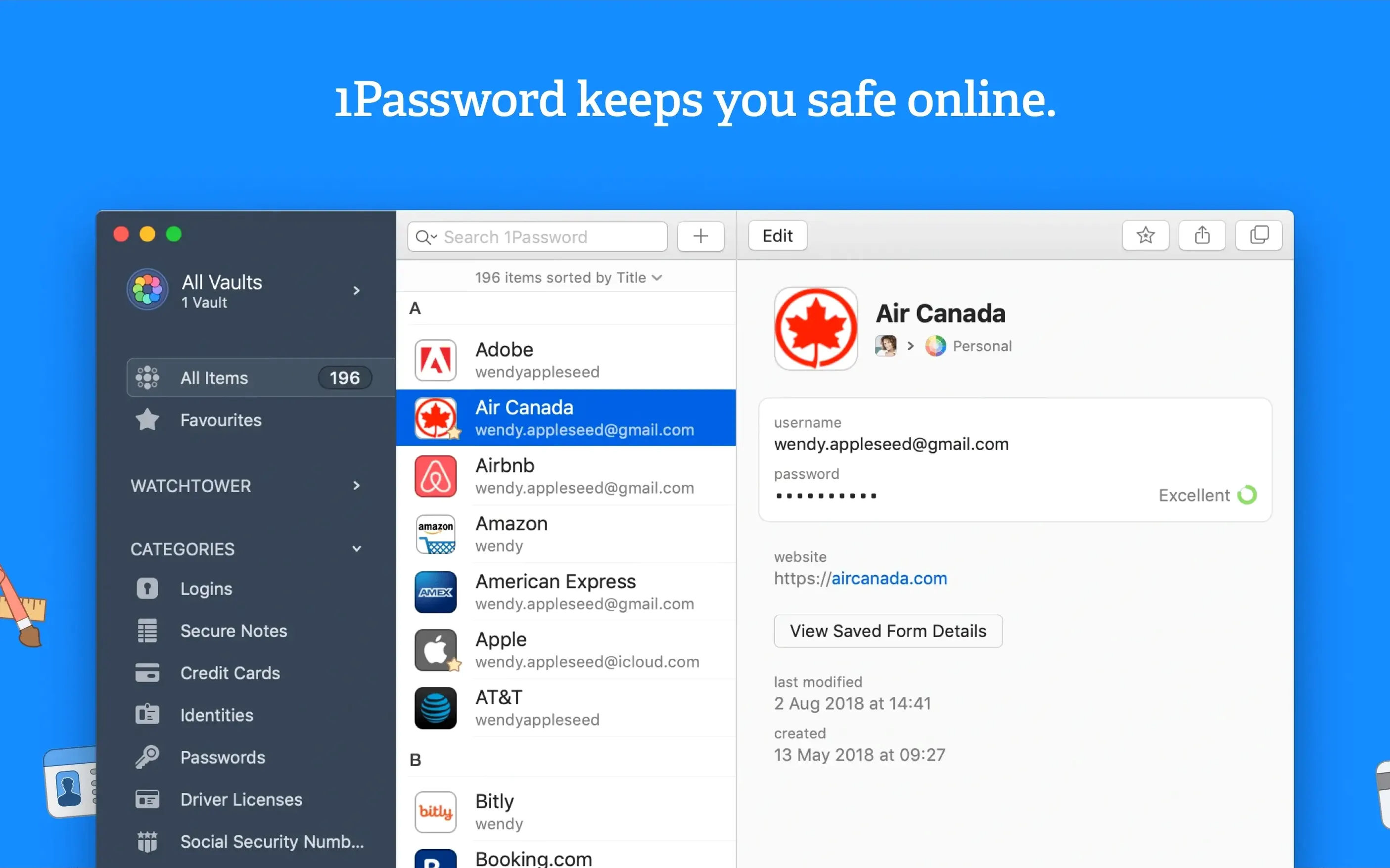
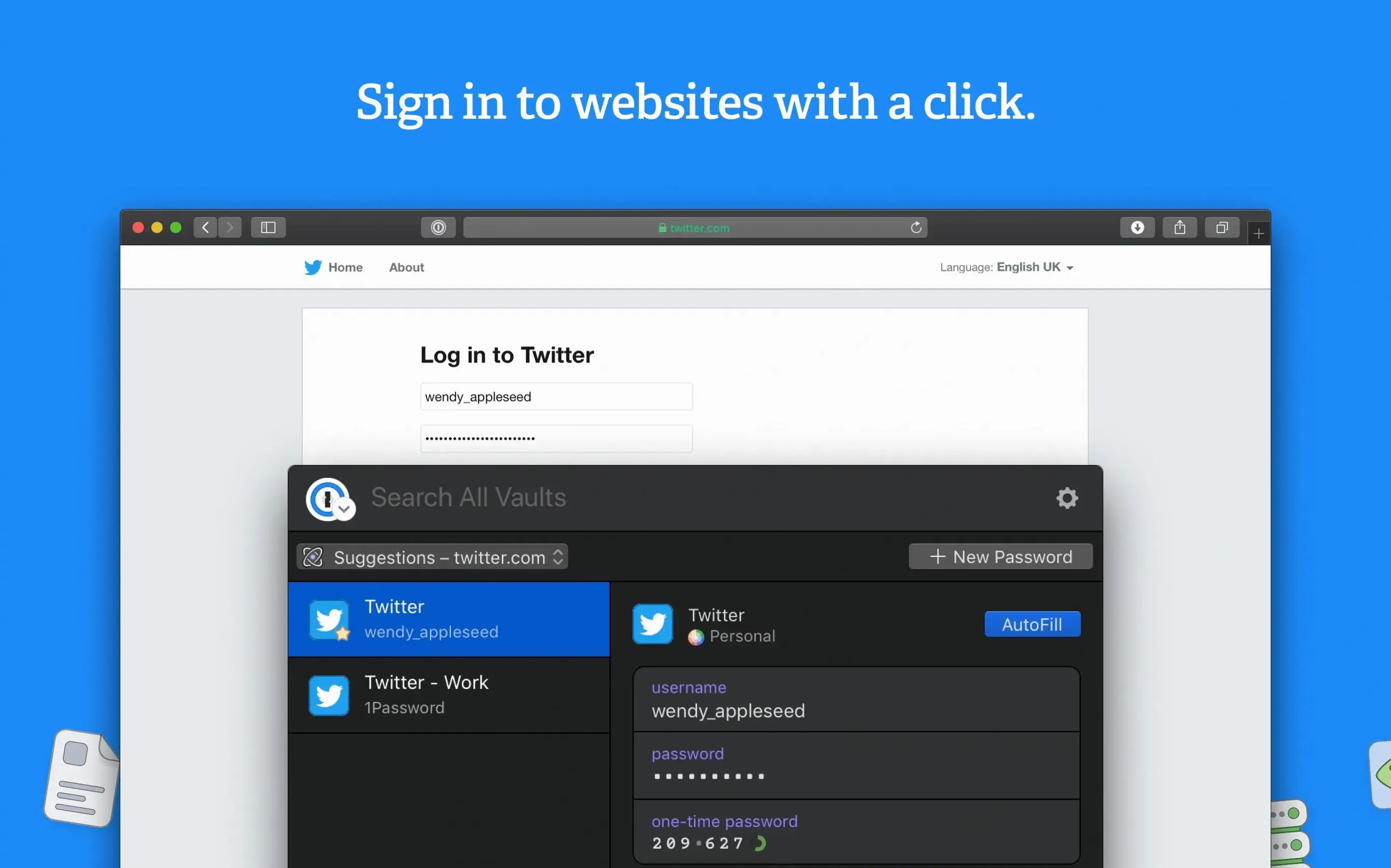
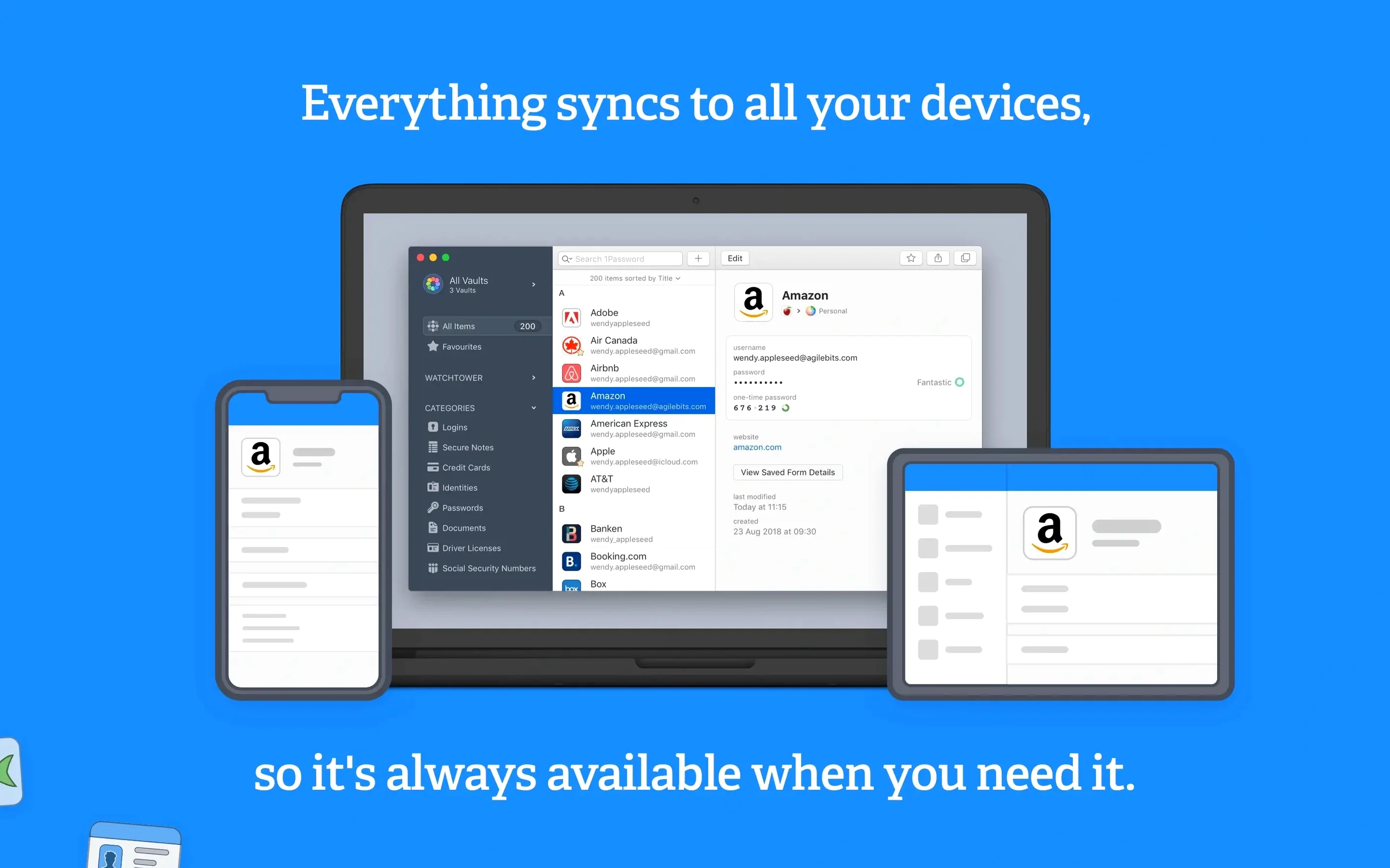
Form filling with a single action continues to be the everyday superpower that justifies a dedicated manager over the browser’s built-in vault. That muscle memory—Command-Backslash, pick a login, done—is fully intact in version 7.9.4, which keeps the feature set steady while remaining friendly to older macOS releases. Here’s what you’re getting in the current build.
- Watchtower flags plain-HTTP sites. The dashboard calls out logins that still use unencrypted connections, so you know which accounts need a prod toward HTTPS.
- Missing two-factor authentication earns a nudge too. Watchtower also surfaces sites that support 2FA but haven’t had a one-time-password method registered yet.
- Everything lives behind one master password. The vault holds passwords, credit cards, secure notes, and other sensitive bits, all encrypted with a key only you know.
- Browser integration handles the heavy lifting. Saving a new login and signing back in later are both driven through the extension, not manual copy-paste.
- Twenty interface languages ship out of the box. The list runs from Afrikaans and Czech through Hebrew, Japanese, and both Simplified and Traditional Chinese.
Under the surface, 1Password 7 remains an Intel binary asking for macOS 10.12 or newer, so it slots into machines that can’t run the later major release. The feature set hasn’t shifted—no new tooling landed in 7.9.4—but the foundation that covers logins, financial data, and cross-language localisation is all present and accounted for.
How does 1Password talk to the rest of the system?
The Mac app is the vault, but the browser extension is the bridge. Once the desktop app is unlocked, the extension pulls credentials directly from the local database rather than a cloud round-trip. That means Safari, Firefox, Chrome, and Brave all see the same set of logins without needing separate vaults per browser. The extension also handles inline form detection—when a page renders a username field, the extension queries the native app through a local socket, and the app presents matching logins.
Outside the browser, Quick Look integration is the quiet workhorse. Select an item inside the main window and tap the spacebar: the full password, notes, and custom fields all appear without opening the editor. The system-wide search in Spotlight won't return vault items by design, but 1Password does register its own URL scheme (op://) so other apps—terminal tools, launchers, Alfred workflows—can call into specific vault entries if you wire them up manually.
Drag-and-drop behaves as you'd expect from a well-behaved Mac citizen. Drag a password field onto a native app's password box, and the value lands without touching the clipboard. That sidesteps clipboard snooping entirely for apps that accept a direct drop.
Will it grab passwords I already saved in Safari?
“Will this mess up the passwords I already saved in Safari?” No automatic import happens unless you trigger it. The first-run assistant offers to pull from Safari, Chrome, Firefox, and a handful of CSV formats, but skipping that step leaves every saved browser credential untouched. The two systems coexist without conflict—1Password only fills what you ask it to fill.
“What happens if I forget the master password?” By design, AgileBits cannot reset it. The encryption key is derived from that password, so losing it means losing access to the vault. The setup assistant pushes you to print a recovery kit PDF that contains a secret key and a spot to write the master password by hand. Store that sheet somewhere offline, and the question becomes manageable.
“Does version 7.9.4 still sync over iCloud?” Yes, iCloud sync uses CloudKit and keeps vaults in sync across Macs running the same major version. The caveat is that 1Password 8 moved to a different sync engine, so a vault synced with 7.9.4 won't merge with a vault living in version 8's subscription container. If you move a 1password mac download onto a second Mac, sticking with the same major version avoids sync headaches.
“Will it slow down Safari the way some extensions do?” The extension runs as a slim companion that hands off cryptography and storage to the desktop process. The overhead is negligible in normal use. On pages where no login form exists, the extension idles without injecting scripts into the DOM.
Shorten the auto-lock timer without making it obtrusive
Open Preferences and head to the Security tab. The auto-lock timer defaults to a fairly generous window; pulling it down to five minutes or enabling “Lock when main window is closed” tightens the leash without making the app obtrusive. While you're there, tick “Lock on sleep” and “Lock when screen saver activates.” Those two checkboxes mean closing the MacBook lid instantly locks the vault, even if the auto-lock countdown hasn't fired yet.
Next stop is the Watchtower pane. By default it flags compromised passwords and weak ones, but you need to flip the switch for “Check for vulnerable passwords” if you want the app to compare your logins against known breach databases locally. It's a client-side check that downloads a bloom filter rather than sending passwords over the network, so the privacy story holds up.
If you use multiple vaults—one for work, one for personal—visit the Vaults tab and set “All Vaults” or a specific vault as the default for saving new items. Without that change, every new login lands in whichever vault happens to be selected, and hunting down a stray 1password duplicate item later is a chore. While you're organising, consider turning on “Always show vault selector” so the sidebar makes the current vault obvious at a glance.
Finally, under Browsers, confirm that your daily driver is checked. The extension won't prompt to save logins until the desktop app knows which browser to trust. This is also where you enable the keyboard shortcut that summons the mini window from any application, not just the browser—useful for filling credentials into native apps that lack drag-and-drop support.
- macOS 10.12 or later
- Intel Mac
Comments 0
Sign in or create an account to leave a comment.
No comments yet. A codec, a slice, a machine — they appear after moderation.