
A Better Finder Rename for macOS
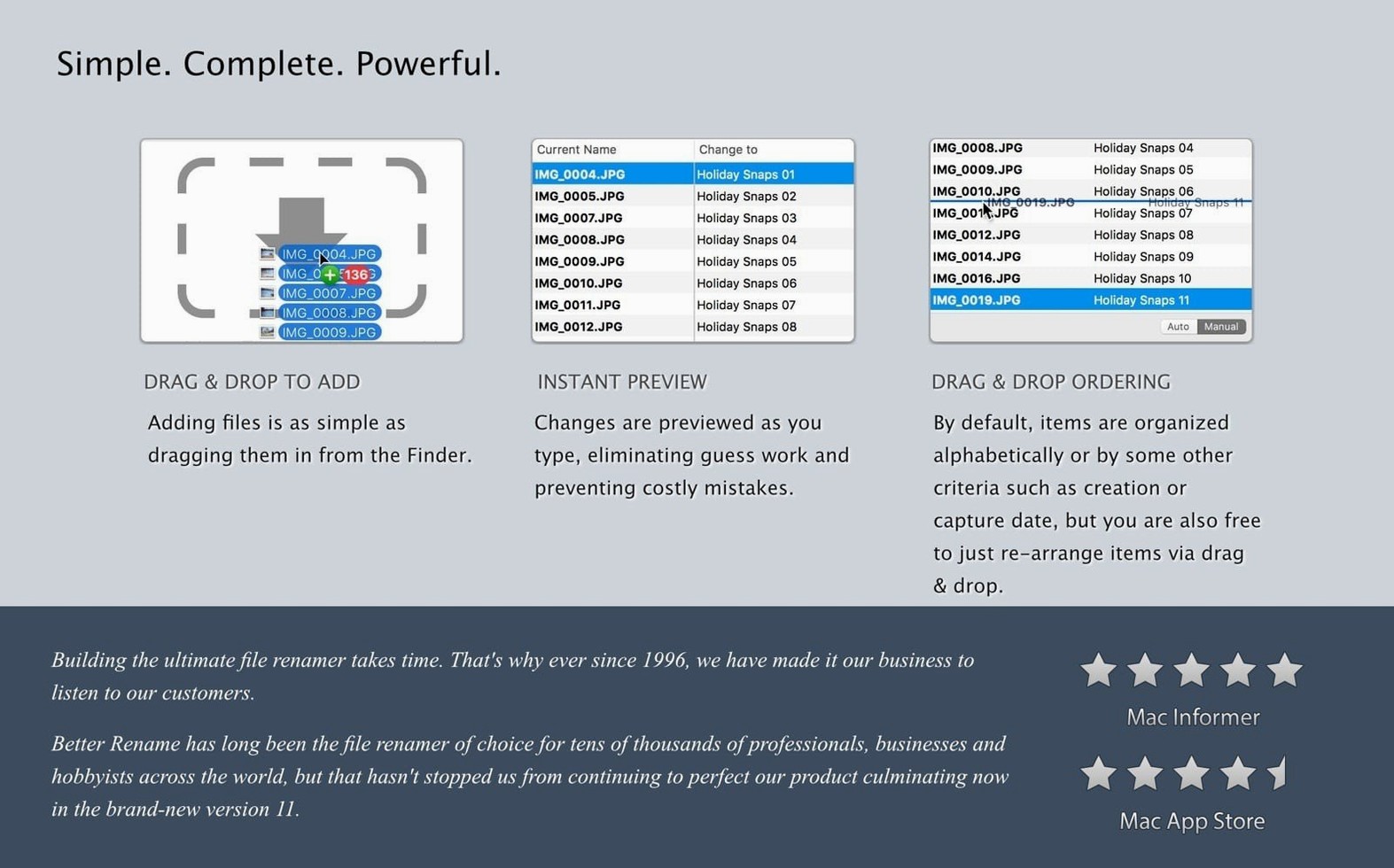
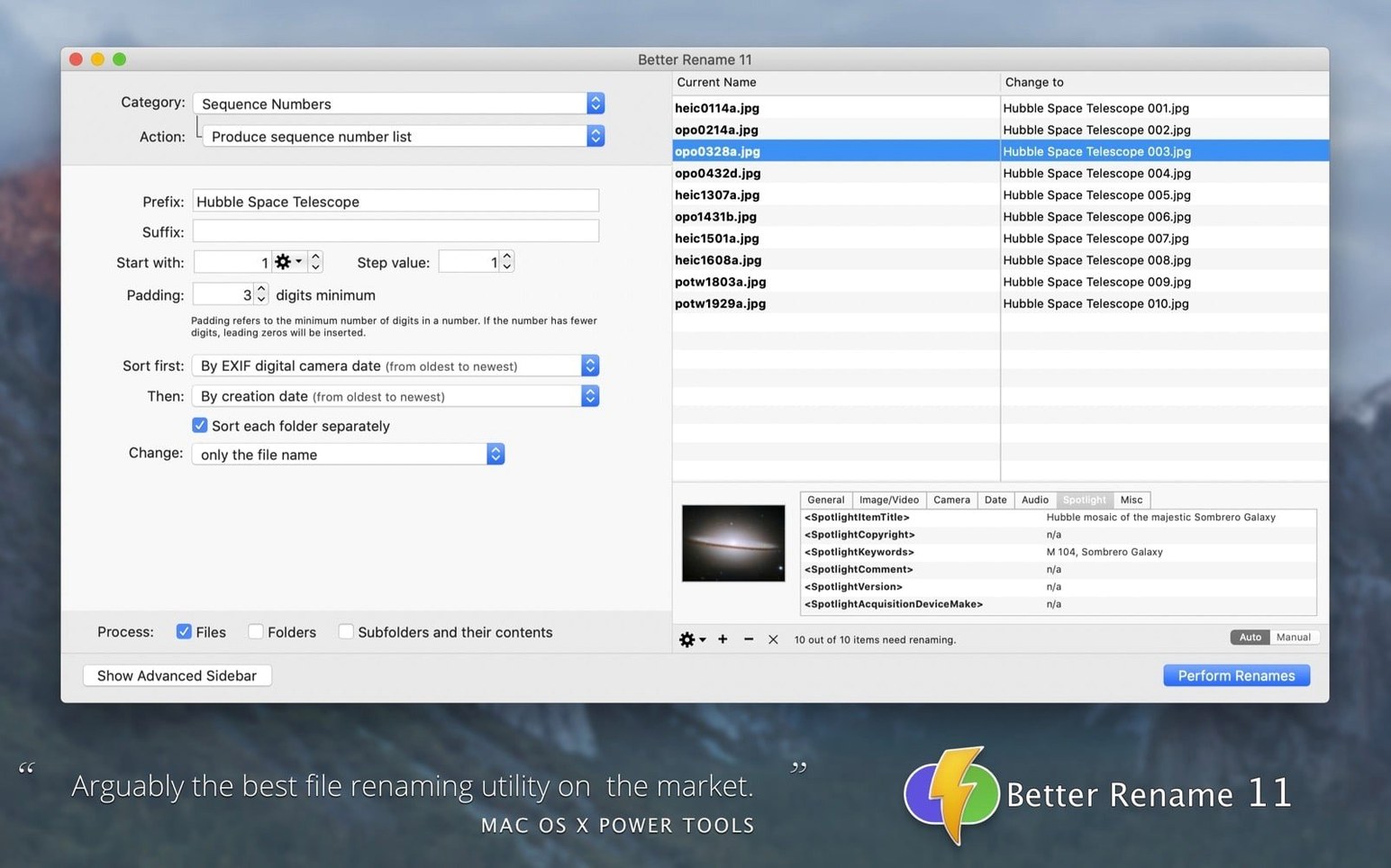
A Better Finder Rename 12.35 runs native on both Apple Silicon and Intel Macs. This release draws a line in the sand—it requires macOS 15 Sequoia or later. The app still works as a standalone utility, and you can also invoke it directly from the Finder context menu when you right-click a selection. Frank Reiff develops and maintains it, and the interface ships in English, German, and French.
Inject creation dates into filenames
The timestamp engine reads the file creation time—not just the modification date—and lets you stamp it into the name with custom formatting. This is useful for photo and video archives where the filesystem creation date is the real capture time.
Convert names across filesystem dialects
You can rewrite filenames into the legal character sets and length limits of Windows NTFS, SMB, DOS, and even Mac OS 9. The app handles the character substitution rules so a set of files moves cleanly onto a network share or a legacy volume.
Compose multi-step rename sequences
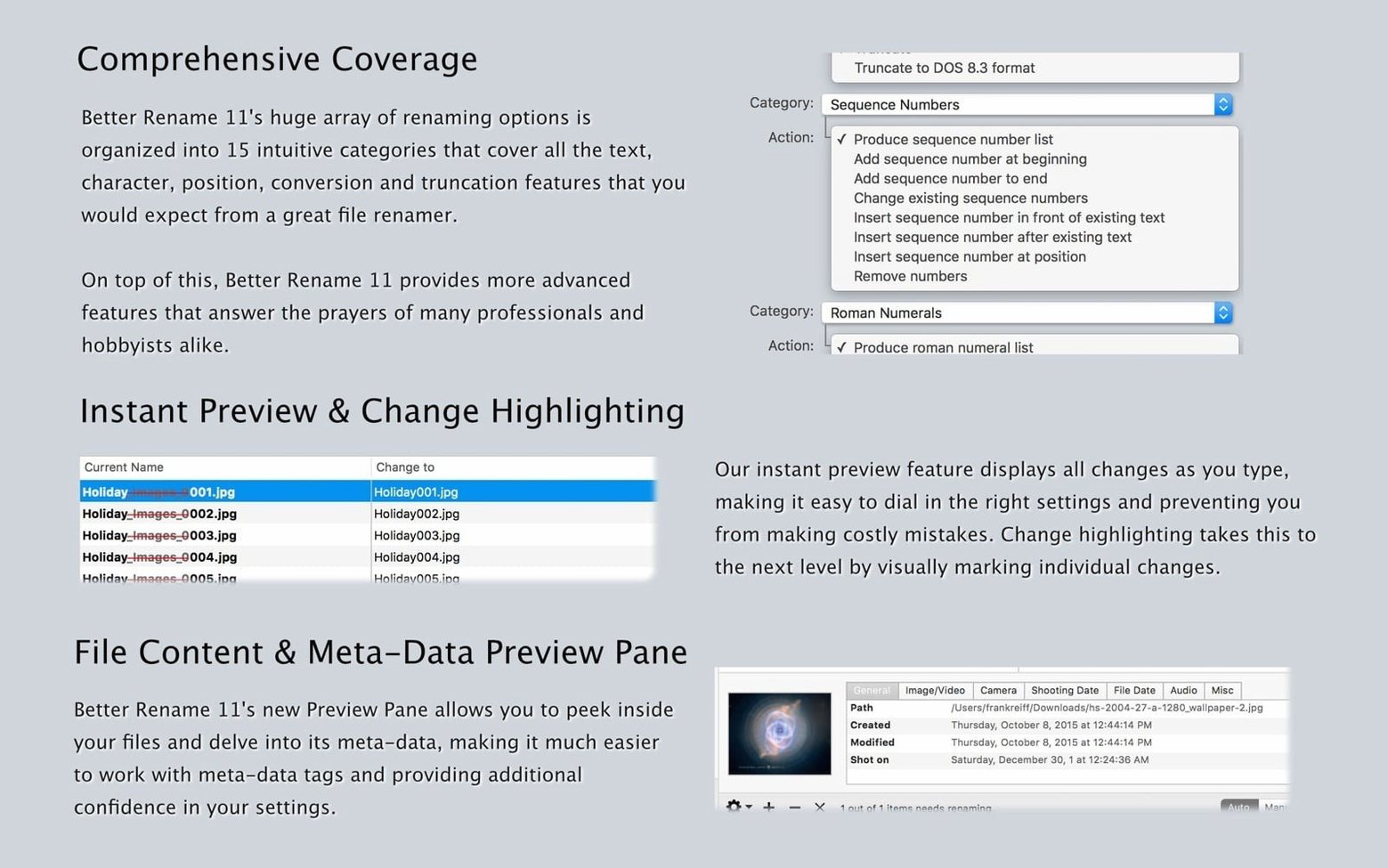
The 15 categories cover the typical operations—add, remove, insert, and replace text, change letter case, inject date and time—and you can chain several of them into one sequence. The regular expression engine got a workover in this version, so patterns resolve faster when you're stripping or reordering complex naming schemes.
Does another renamer handle NTFS illegal characters?
Name Mangler sits in the same space—batch renaming with chained steps—but its approach is more visual and less filesystem-aware. You won't find NTFS/SMB character conversion there, and the regular expression handling is lighter. Name Mangler also lacks the Finder context-menu integration that makes A Better Finder Rename feel like part of the OS.
Renamer 7 takes a live-preview approach that some people prefer for photo sets, yet it doesn't read EXIF timestamps or MP3/AAC tags. If your workflow includes DJI drone footage or raw files from a mix of camera makes, the 12.35 release pulls ahead because it actually improved camera recognition for those exact scenarios.
What sets A Better Finder Rename apart is the depth of its timestamp logic. Most renamers grab the filesystem modification date and call it done. This app reads the creation date, the EXIF capture time, and the media file's internal headers—three distinct sources—and lets you pick which one drives the rename. For anyone juggling raw stills, audio libraries, and exports headed to a Windows server, the other tools usually handle two of those three well.
Can you launch a rename straight from Finder?
You don't have to live inside the app. Right-click a folder in Finder, choose the service, and the rename window opens with those files preloaded. That shaves off the drag-and-drop step when you're already browsing a shoot in column view.
On the export side, the NTFS and SMB conversion steps slot in right before you copy files to a network share or a Boot Camp volume. Run the rename sequence, then use rsync or a Finder copy—the filenames won't trip over illegal characters or path-length limits on the other side.
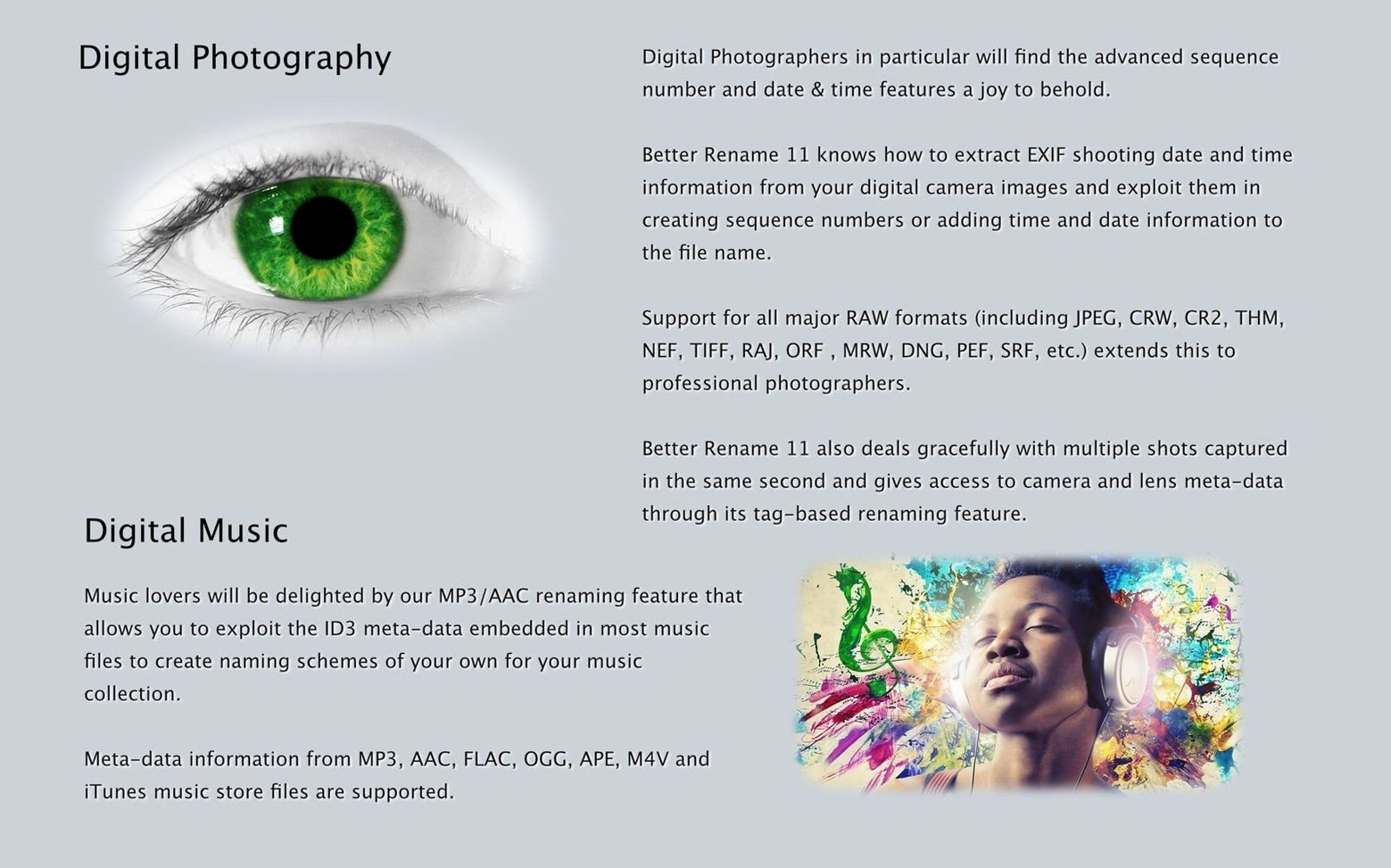
The EXIF and ID3 tag readers connect the app to Photos, Lightroom exports, and music managers. When you export a batch from Photos and the filenames are meaningless UUIDs, you can rebuild them from the capture timestamp and camera model without leaving the Finder. That pairing—export, then right-click rename—keeps the library's metadata alive in the filesystem layer.
Why does regex preview feel snappier now?
- The regular expression improvements are noticeable when you work with deeply nested patterns across hundreds of files—the preview updates with less of that half-second stutter that earlier builds had on Apple Silicon.
- DJI camera and make recognition means drone shots from a Mini 3 or Mavic 3 now pull correct model strings into the rename tokens, where earlier versions sometimes left the field blank or fell back to a generic identifier.
- The macOS 15 Sequoia requirement is practical, not cosmetic: the app leans on updated filesystem APIs that handle batch metadata reads more efficiently, so scanning a large directory with thousands of raw files feels snappier than it did on Sonoma-compatible builds.
Version 12.36 arrives with under-the-hood adjustments that keep the instant preview and rename logic tight.
- macOS: 10.15 or later
- Architecture: Apple Silicon, Intel 64-bit (universal binary)
Comments 0
Sign in or create an account to leave a comment.
No comments yet. A codec, a slice, a machine — they appear after moderation.