Celeste for macOS
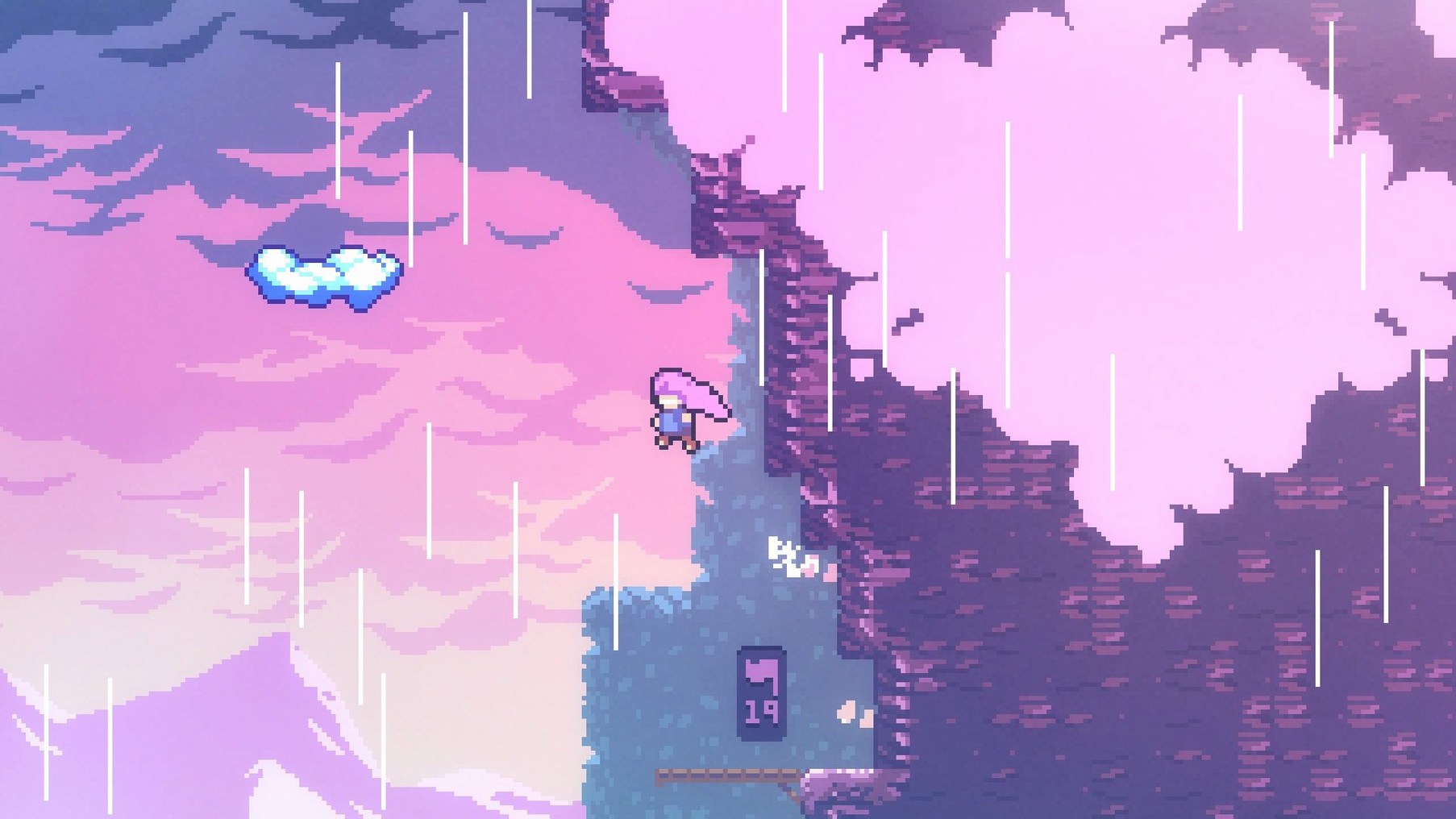
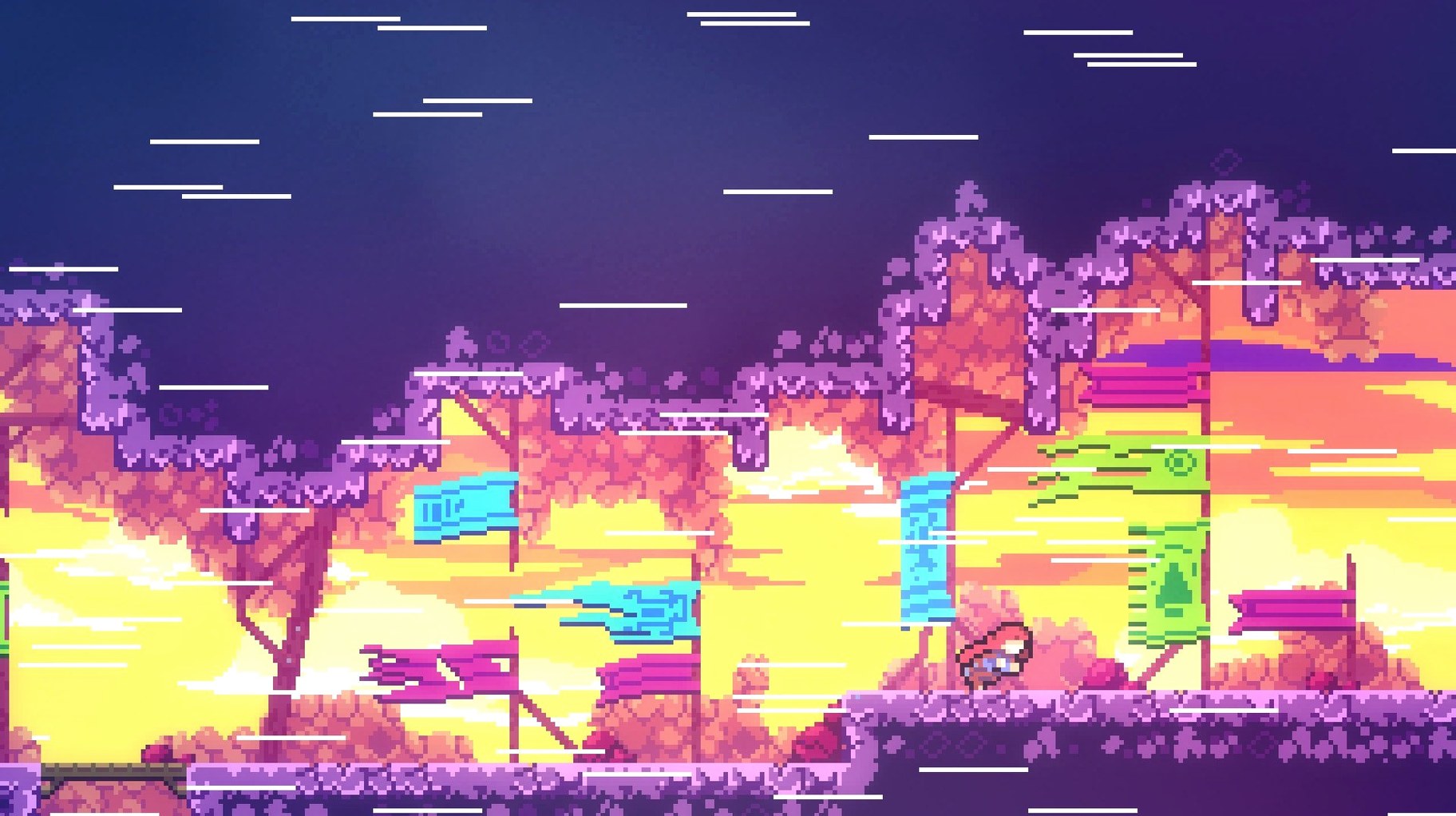
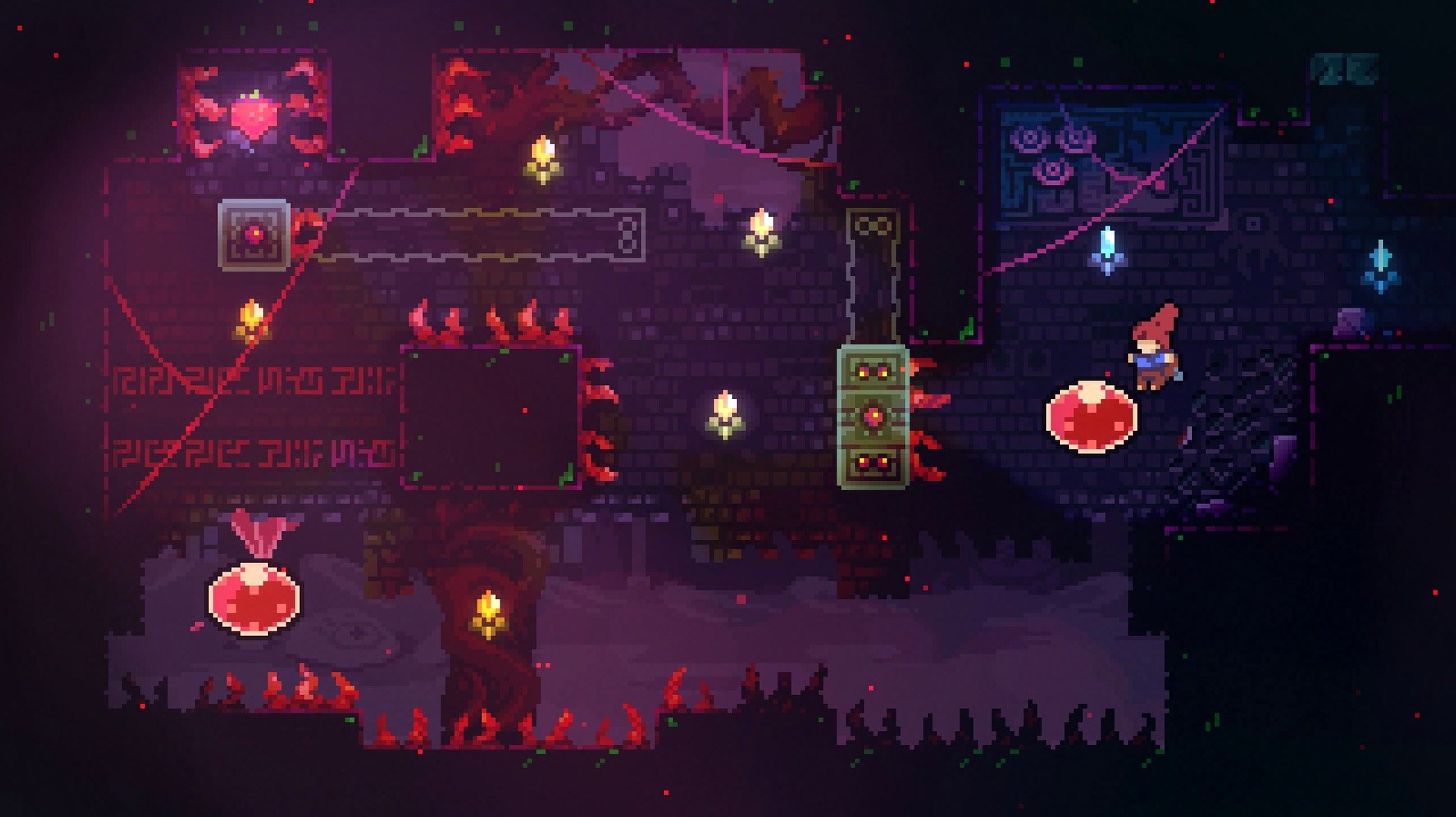
A dash that refills when you touch the ground. It sounds trivial, but that single mechanic reshapes every jump in Celeste. What starts as a simple climb up a mountain quickly becomes a tight ballet of wall-kicks, stamina management, and the game’s signature air-dash. On a Mac, the feel of these controls is everything.
What's the performance like on a Mac?
The game runs as an Intel binary, so Apple Silicon Macs will run it through Rosetta 2. Don't worry about that. The pixel-art world is lightweight, and the physics tick over at a consistent 60 frames per second even on older Intel Macs. You’ll want that consistency. The rooms are small, and the restart time after a death is nearly instantaneous, which is the whole point—the game teaches through repeated failures.
What about the controls?
Precision is non-negotiable here. A good USB controller with a solid d-pad will serve you better than the analog stick for hitting the precise directions required in the later chapters. Keyboard controls are fully rebindable, and the game strongly recommends a US keyboard layout when starting up to avoid any frustrating default-binding mismatches.
What is there to find?
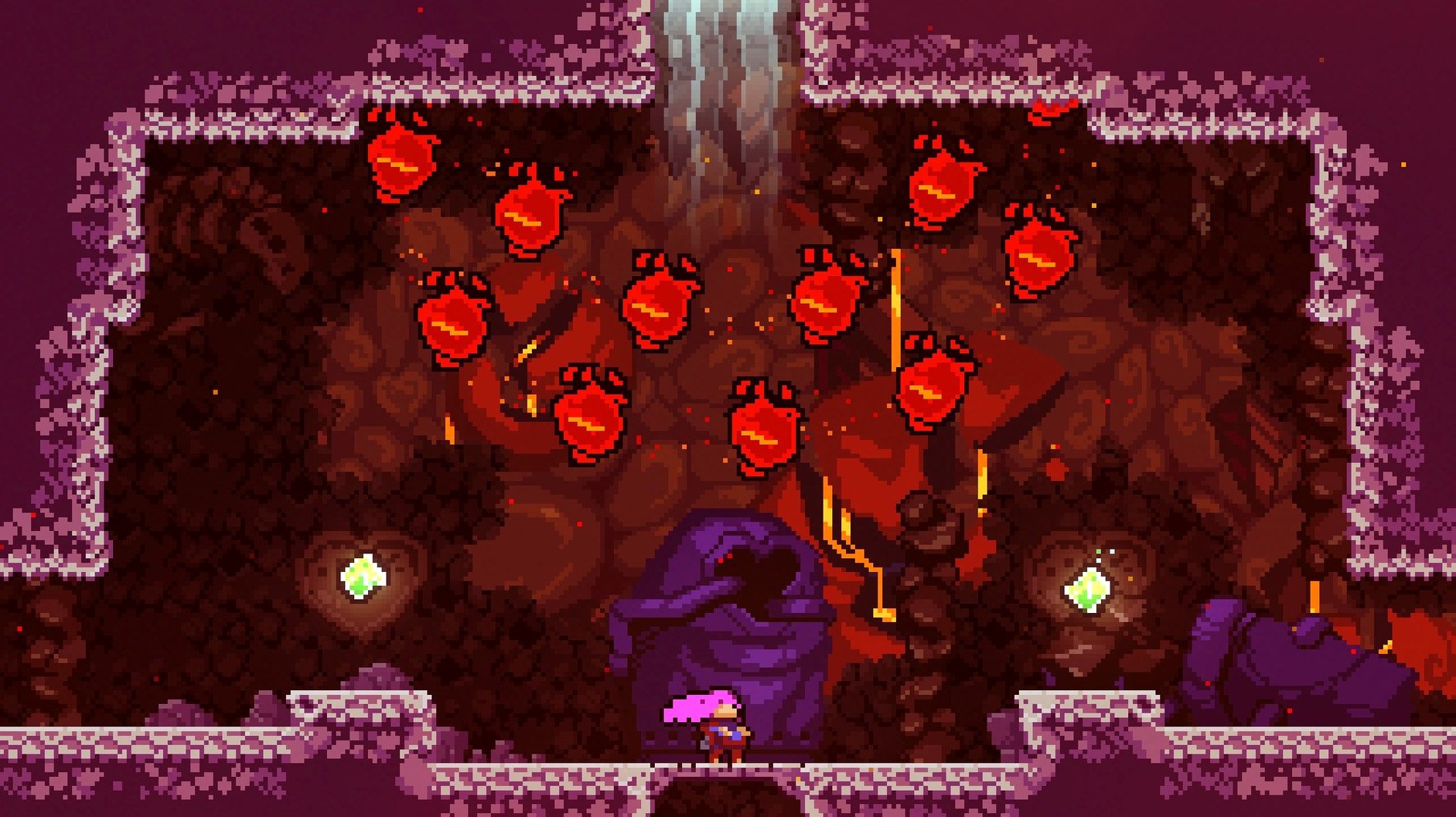
Madeline’s journey to the top of Celeste Mountain is a single-player platformer packed with hundreds of handcrafted screens, but the main path is only half the story. Hidden areas, cassette tapes that unlock harder B-side remixes of levels, and crystal hearts are tucked away behind breakable walls and secret paths, often requiring you to master advanced movement techniques the game never explicitly names.
Where do you start after that first launch?
The opening chapter, Forsaken City, does a quiet job of teaching you the rhythm without tutorials that pause the action. Spend your first session just getting comfortable with the dash direction. The game reads your input on the exact frame you press, and the eight-way dash snaps to the nearest cardinal or diagonal. A common early mistake is dashing too soon after a jump. Let yourself hang in the air for a beat longer than feels natural. That half-second of patience opens up wall-kicks and corner boosts that the game never spells out.
Another tip for the first few days: remap the dash button to something that sits under your strongest finger. On a keyboard, shifting dash from X to Shift or a mouse side button keeps your movement hand free for the tight directional inputs the later chapters demand. If you are playing on a controller, try binding dash to a shoulder button so your thumb never leaves the jump button during a tricky sequence.
And keep the screen-shake setting on for a while. It sounds like a purely cosmetic toggle, but the subtle rumble of the screen when Madeline dashes provides a physical cue that helps you internalize the timing of the dash cooldown. You can always disable it once the rhythm is muscle memory.
Where it diverges from Super Meat Boy
Three games come up constantly when people ask about celeste for mac.
Super Meat Boy is the obvious ancestor. Both games reset you instantly, both demand pixel-perfect execution, and both build difficulty through short, self-contained rooms. The difference is in the emotional weight. Super Meat Boy is a cartoon buzzsaw gauntlet. Celeste wraps its difficulty inside a story about anxiety and self-acceptance that changes how you read every failure. The mechanics are comparably tight, but the mood is entirely different. If you bounced off Super Meat Boy because it felt like a gym workout, Celeste might land differently because it gives you a reason to keep climbing that is not just the next trophy.
Hollow Knight shares the hidden-area obsession and the sense of a world that rewards curiosity, but it is a metroidvania with combat and backtracking woven into its core. Celeste has no enemies to fight in the traditional sense. The obstacles are the terrain, and the only thing you upgrade is your own understanding of the movement system. Where Hollow Knight asks you to explore a sprawling map, Celeste pushes you upward through a linear sequence of screens that spiral into harder variants once you find the hidden cassettes.
Shovel Knight is closer in structure, with discrete levels and a tight platforming focus, but it adds combat, relics, and a more generous checkpoint system. Celeste strips all of that away. No shopkeepers, no sub-weapons, no experience points. Just you, the wall, and the dash that recharges when your feet touch solid ground. If you are searching for a celeste mac download because you want platforming distilled to its essence, the comparison to Shovel Knight highlights what is missing here as much as what is present.
Does it run smoothly on Apple Silicon?
Does the game work on an M1 or M2 Mac? Yes, it runs through Rosetta 2, and the performance is indistinguishable from native code. The pixel-art visuals and the compact room sizes mean the translation layer adds no perceptible latency, and the frame rate stays locked at 60 fps even on a fanless MacBook Air. The test reports on Apple Silicon Macs show no crashes or graphical glitches tied to the architecture.
Is the difficulty adjustable? The main campaign is the intended experience, and the game does not have a traditional easy mode slider. What it does have is Assist Mode, a menu that lets you tweak the game speed, give yourself extra dashes, or even become invincible. The game never judges you for using it. The story itself is about being kind to yourself, and the options menu reflects that.
How long is a first playthrough? Reaching the summit takes most players between eight and ten hours, but that number hides the B-sides, the C-sides, the hidden crystal hearts, and a bonus chapter called Farewell that adds another several hours of some of the hardest platforming in the game. People who go looking for every cassette and secret will easily double that initial time. It is the kind of game that stays on your drive long after the credits roll.
- Architecture: Intel (runs via Rosetta 2 on Apple Silicon)
- Interface languages: Russian, English, German, Spanish, Italian, Simplified Chinese, Portuguese, French, Japanese
Comments 0
Sign in or create an account to leave a comment.
No comments yet. A codec, a slice, a machine — they appear after moderation.