Civilization V for macOS
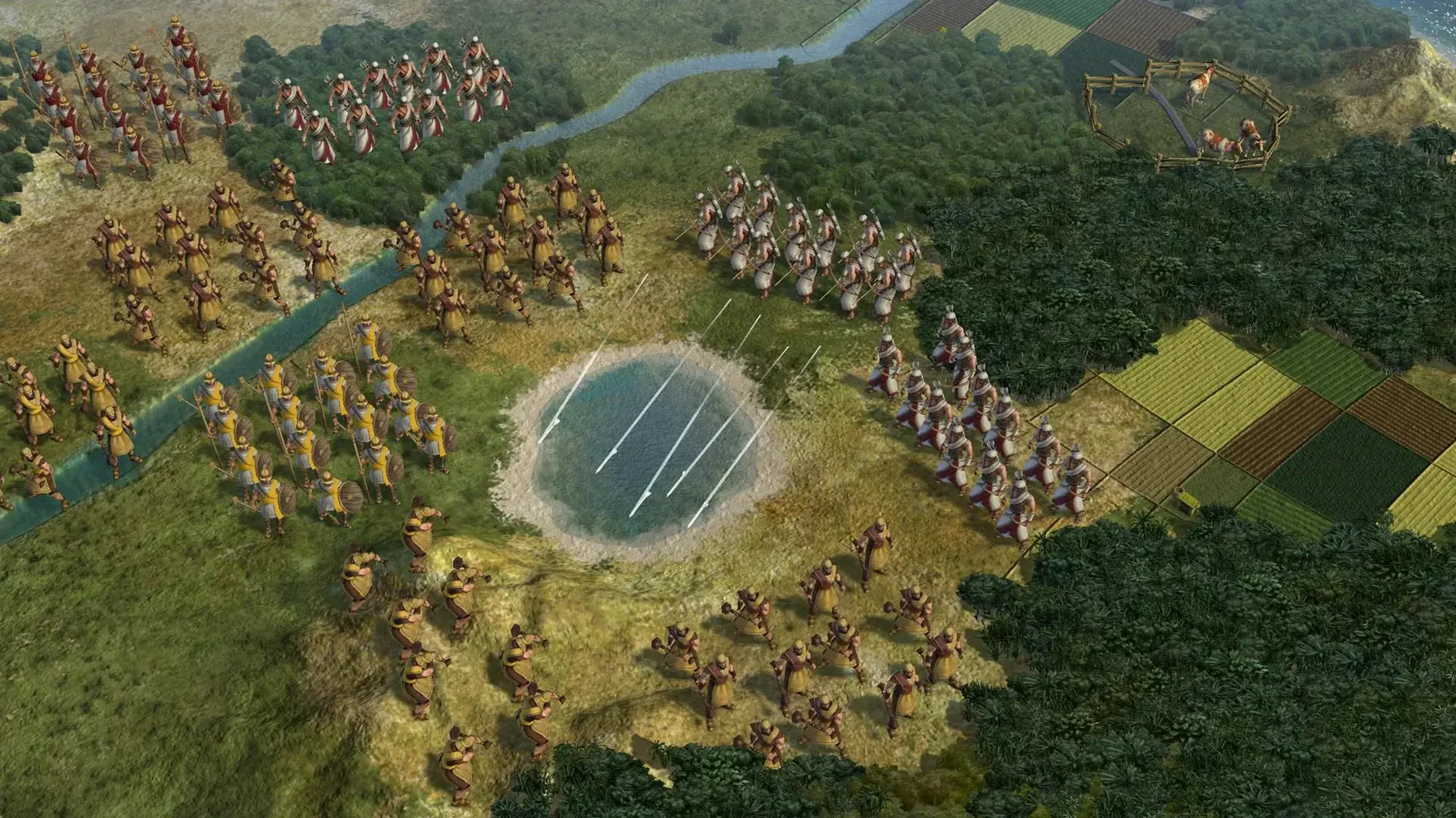
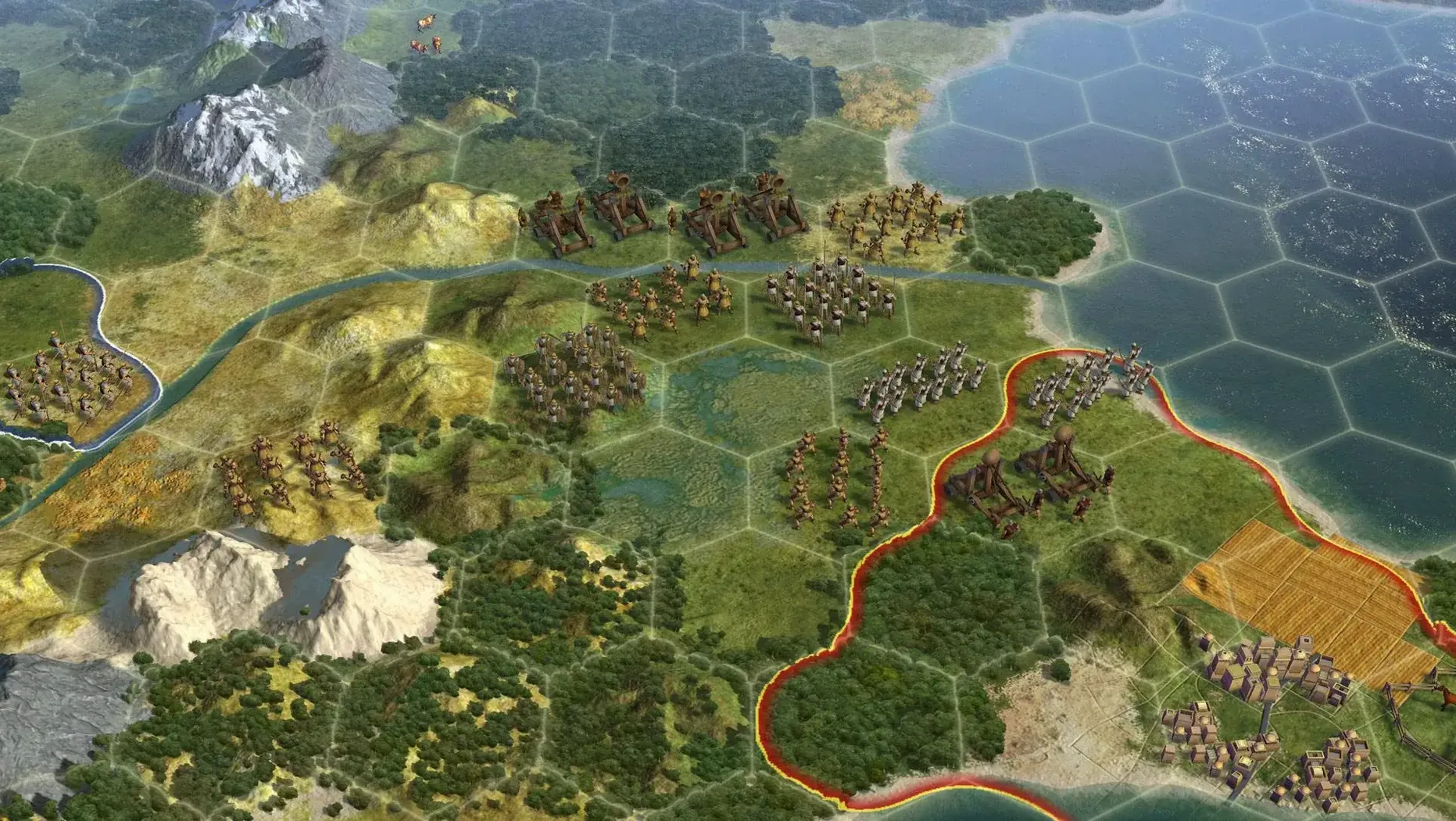

Original capitals cannot be razed. That single rule changes how an entire late-game campaign unfolds, and it’s the kind of design constraint that keeps a session of Civilization V alive long after the modern era arrives. On a Mac, the Aspyr port brings the same single-player and multiplayer turn-based strategy that defined the 2010 release, wrapped in a 64-bit Intel binary that still runs on Apple Silicon through Rosetta 2.
What does the Mac port actually include?
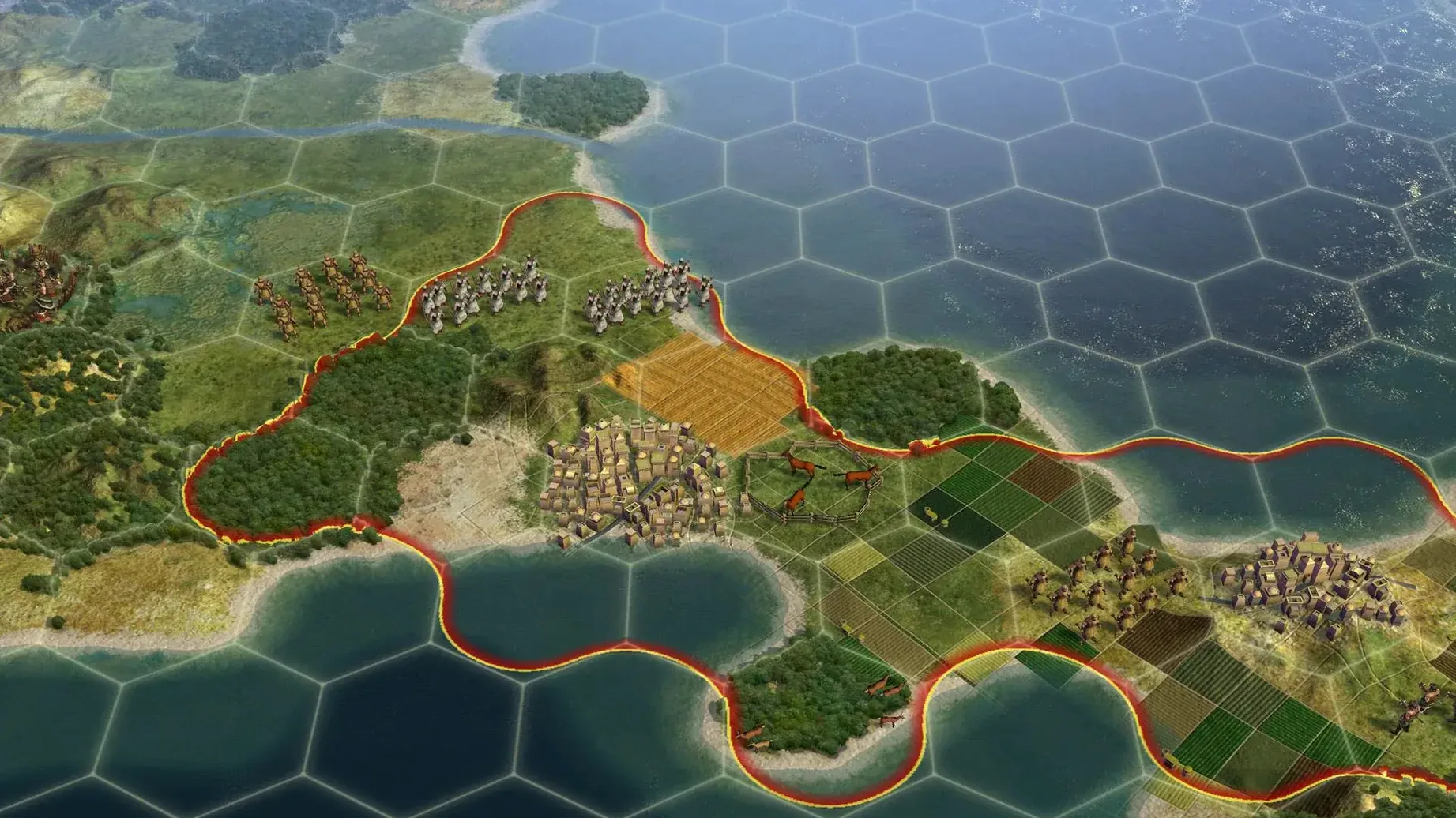
You guide a civilization from ancient times straight into the near future. Cities remain the center of activity and conflict: each one can garrison a combat unit, a non-combat unit, a ship, and up to ten air units simultaneously. Hex tiles out to a distance of three give every settlement its working radius, so placement matters from turn one.
How do city-states and diplomacy work?
City-state capitals follow the same un-razable rule as original player capitals, making them permanent fixtures on the map. If a civilization gets wiped out, liberating its cities can return it to play at the same development level it had before falling—turning a conquest into a diplomatic resurrection rather than a permanent elimination.
What controls and performance should I expect on a Mac?
The interface is standard point-and-click strategy fare: mouse-driven menus, keyboard shortcuts for unit actions, and a tech tree that rewards slow, deliberate navigation. Tested on an M1 MacBook Air, the frame rate stays smooth at standard resolutions; the port is Intel-only, so Rosetta handles translation automatically with no extra configuration.
Can I play in languages other than English?
The current build ships with English, German, French, and Russian. The Russian localization arrived in version 1.4.2, and the app is labeled as a multilingual build with Russian included alongside the original European language set.
Common snags people hit and how to sort them out
Rosetta 2 gets installed automatically the first time you launch the app on Apple Silicon, but the prompt sometimes vanishes behind other windows. If the game bounces once and quits, open Terminal.app and run softwareupdate --install-rosetta, then try again.
Some players report the launcher window sticking on a black screen. The fix is almost always a permissions hiccup: go to System Settings, Privacy & Security, Files and Folders, and make sure Civilization V has access to your Documents folder—that's where it stores save files and configuration data under ~/Documents/Aspyr/Sid Meier's Civilization 5/.
Multiplayer over LAN can get fussy with modern routers. If Hot Seat works but network games time out, check that your Mac's firewall isn't blocking the game's ports—Civilization V uses port 3074 by default, and you might need to add it manually in the firewall options. Steam and Mac App Store builds use the same networking code, so the fix applies to both.
Saved games occasionally fail to load after a macOS update. The Aspyr port stores its cache in ~/Library/Application Support/Sid Meier's Civilization 5/ and clearing the cache folder inside it usually gets things working again without touching your actual save files.
Impressions of speed, stability and resource use in daily work
On an M1 MacBook Air with 8 GB of RAM, the game holds a steady 30–40 frames per second at 1440×900 with settings on medium-high. Late-game turns on a standard map size take around 15–20 seconds for the AI to process—noticeably slower than an Apple Silicon native title, but perfectly playable for a turn-based game where you're not reacting in real time.
Memory usage sits around 2.5–3 GB during extended sessions, which is comfortable on 8 GB machines as long as you're not running a dozen browser tabs and a demanding IDE alongside it. The Rosetta translation layer adds a small CPU overhead, but the fan on the Air stays silent for the first hour and only becomes audible during late-game map scrolling or leader scene transitions.
Stability is solid. Crashes are rare and almost always trace back to mods that haven't been updated for the 1.4.2 build. The Aspyr port handles alt-tabbing cleanly on macOS Sonoma; you can switch to a browser to check a civilization 5 torrent or look up a strategy guide, then jump back in without the renderer glitching.
Practical tips for the first days after installing
Start with a small map and four civilizations for your first game. The Aspyr port defaults to the DirectX 9 renderer on Mac; switching to the OpenGL option in the graphics settings often yields smoother scrolling on integrated GPUs, including the M1's.
Turn on "Quick Movement" and "Quick Combat" in the game options before your first serious session. The animated unit walks and combat sequences eat turn time needlessly, and disabling them cuts late-game turn processing by nearly a third.
If you're coming from civilization vi mac torrent or earlier entries and expect hex-based movement to feel familiar, note that Civilization V uses single-unit-per-tile exclusively—no stacking combat units. That changes how you approach chokepoints and city sieges, so practice positioning archers behind melee units early to avoid frustration.
Keep your first few save files in multiple slots. The autosave system keeps ten turns by default, but a diplomatic misstep or barbarian surprise can cascade across more turns than that. Manual saves in the Single folder under the Documents path let you roll back further without losing the session.
Workflow: founding and growing an early empire from turn one to the classical era
The first thirty turns determine whether a civilization snowballs or stalls. Here's a start-to-finish workflow for a standard pace game on a continents map, focusing on science and expansion without overextending.
Turn 1–5: settling and scouting. Move your warrior one hex onto a hill for visibility, then settle your capital on a river tile if one is within one move. Rivers give fresh water for growth and a gold bonus on trade routes later. Queue a Scout as your first production; set your warrior to explore in a widening spiral around the capital. Research Pottery first—the Granary and Shrine come from it, and both accelerate growth and culture.
Turn 6–15: ruins and early policies. Scouts and the warrior should pop ancient ruins aggressively. Prioritize population boosts and free technology; a free culture ruin can unlock the Tradition policy tree a dozen turns early. Once Pottery finishes, research Writing for the Library and then Calendar to unlock luxury resources near your capital.
Turn 16–25: second city and worker timing. When your capital hits population 3 or 4, switch production to a Settler. Steal a Worker from a nearby city-state if you can do it without losing your warrior—declaring war on a city-state has minimal diplomatic penalty this early. If that's not possible, hard-build the Worker after the Settler finishes. Found your second city on a coastal tile with at least one luxury resource in range.
Turn 26–30: consolidation and classical entry. Connect luxury resources with improvements to keep happiness positive. Build a Library in the capital and start researching Philosophy to enter the Classical era. By turn 30, you want two cities, one Worker, two military units, and a clear plan for your third expansion. Everything after this scales off that foundation—and the Aspyr port handles all of it without a hitch, whether you grabbed the civilization v torrent or the Mac App Store build.
- Russian localization added to the existing English, German, and French set.
- Build now ships as a multilingual version with Russian included.
- macOS Sonoma
- Intel processor (64-bit); runs on Apple Silicon via Rosetta 2
- Tested on MacBook Air (M1, 2020)
Comments 0
Sign in or create an account to leave a comment.
No comments yet. A codec, a slice, a machine — they appear after moderation.