Command & Conquer: Generals for macOS
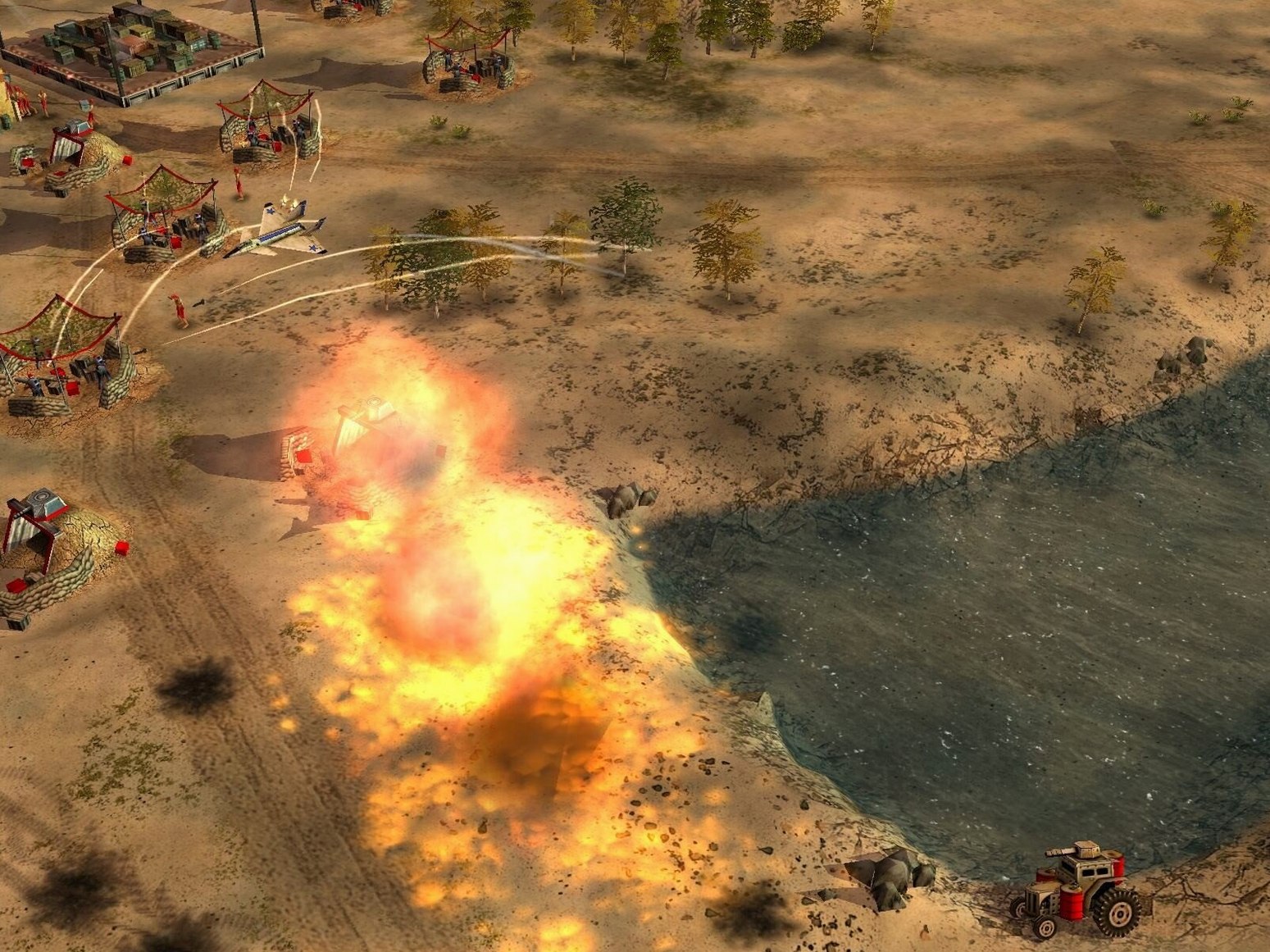
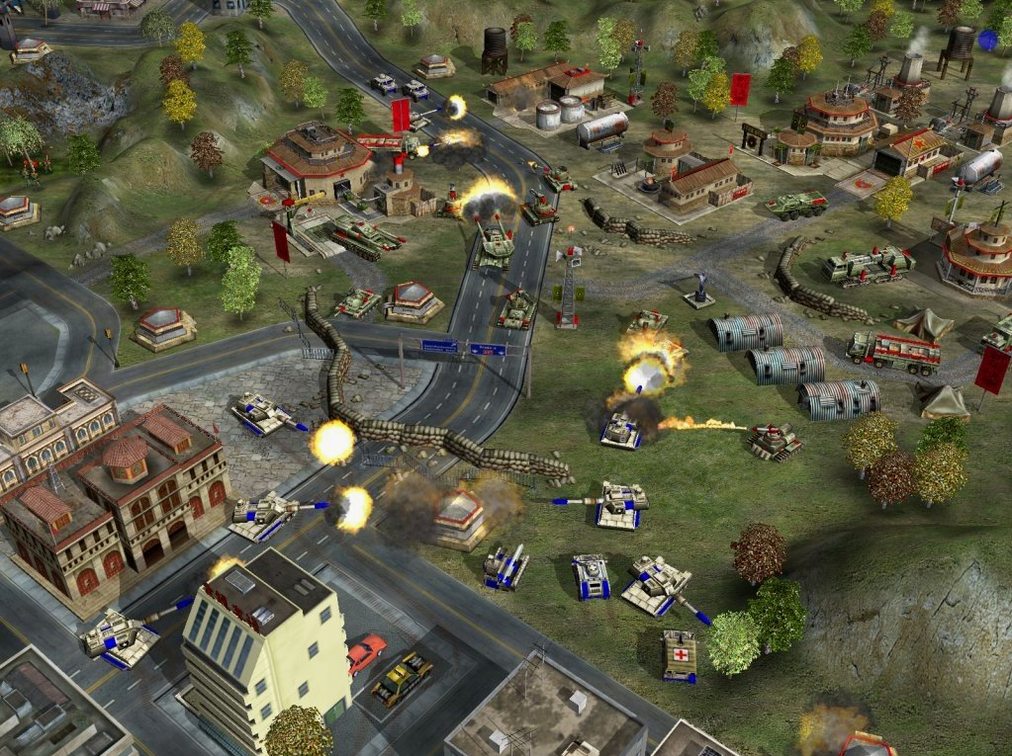
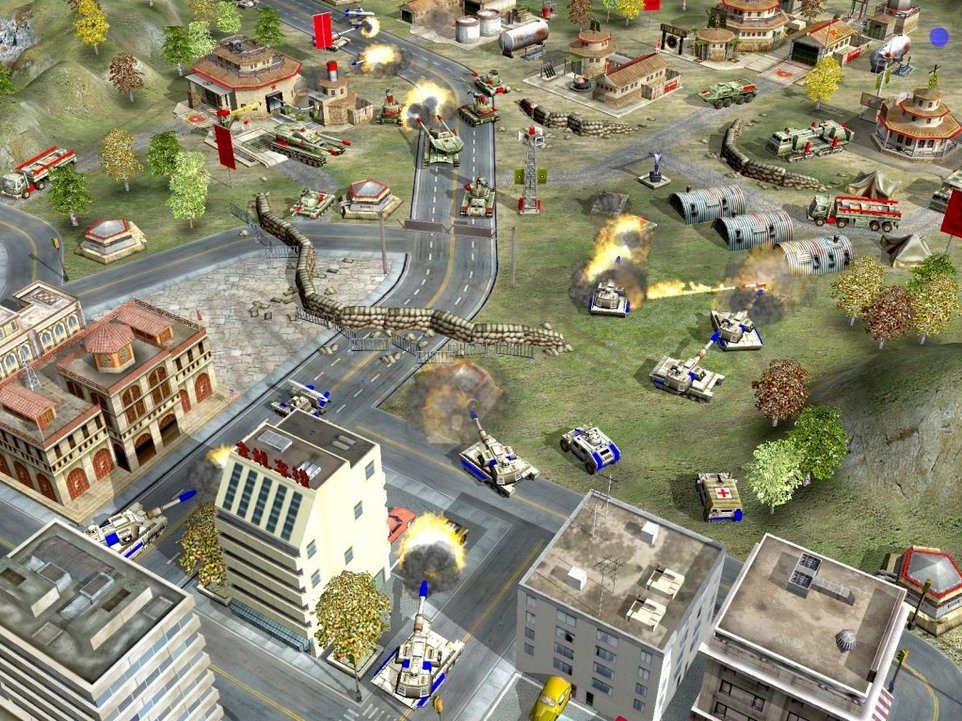
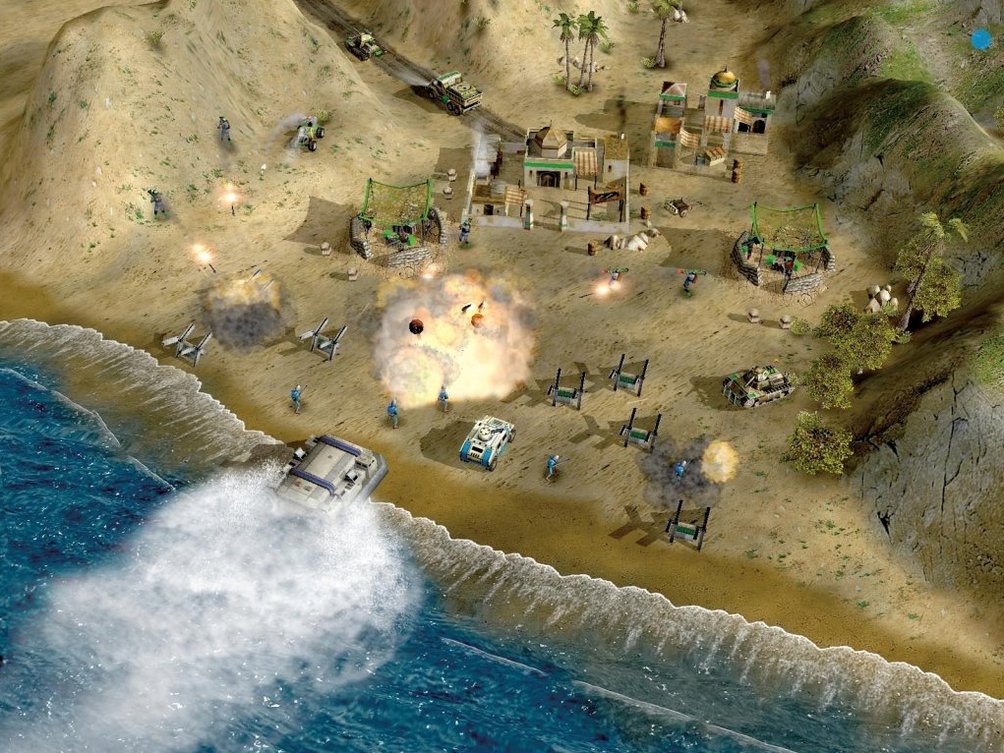
Version 1.04 — packaged through Wineskin — shifts the late-game deck. Super Strike is gone. In its place, each faction fields unique generals with passive or active abilities that bend your build order and unit composition. The underlying x86 code paths are unchanged, so the resource loop still revolves around harvesting, base construction, and unit training across the three classic factions.
| Detail | Info |
|---|---|
| Version | 1.04 [Wineskin] |
| Architecture | x86 (64‑bit) |
| Interface language | English |
| Tested on | macOS Monterey, MacBook Air (M1, 2020) |
New units and buildings land for all factions, which means the opening minutes play out differently depending on which general you pick. The expansion continues the original storyline with extra missions and events, but the emphasis stays on combat and capturing enemy bases rather than turtling. Because it is standalone, you don’t need the base game installed — just mount the .dmg and drop the app into /Applications.
Three sides share an economy, unlike StarCraft’s asymmetry
Put Generals next to something like StarCraft for Mac and the faction design hits differently. StarCraft leans into deep asymmetry — three races that barely share a unit — whereas Generals gives all three sides a shared economic skeleton then layers the uniqueness on top through generals and tech buildings. The resource gathering is simpler here: harvesters roll out, do their thing, and you skip the drone micro of Zerg or Protoss probe management. That makes the opening build sequence faster to learn but leaves less room for economic harassment in the early minutes.
Compared to Company of Heroes, another Mac-accessible RTS through similar packaging, Generals moves at a more traditional cadence. Company of Heroes ties units to cover, suppression, and directional armor — tactical layers that don’t exist in the Generals engine. What Generals offers instead is a cleaner base-building loop and a wider tech tree per faction. If you want squad-level tactics and destructible terrain, CoH pulls ahead. If you want to drop a nuclear missile on a tank column, Generals is the one you boot up.
Against Age of Empires II, the biggest difference is economy complexity. Age of Empires II asks you to juggle four resources, stone walls, and age-ups that gate every unit. Generals keeps it to one primary resource — cash — and accelerates you straight into unit production. The trade-off is strategic depth: Age rewards long-term planning; Generals rewards fast map control and knowing when to press your general’s ability. They scratch different itches, and plenty of players keep both on their Mac for exactly that reason.
Ignoring the general ability bar breaks against humans
The most common error is treating generals like cosmetic skins. A new player picks a faction, ignores the general ability charge bar, and plays the same build order across all three. That works against easy AI — it falls apart the moment a human opponent uses their general’s passive to out-harvest you or drops an active ability on your tank blob. Spend five minutes reading what your general’s trait actually does before you queue your first harvester.
Another classic slip: overbuilding static defense too early. Generals rewards mobility and map presence far more than a ring of turrets. Newcomers often sink their first cash into bunkers and watch the enemy take the rest of the map uncontested. Build one or two defensive structures to hold a choke, then pour everything else into mobile units that can contest resource nodes.
Ignoring the tech buildings scattered around multiplayer or skirmish maps is the third big one. Oil derricks, artillery platforms, and reinforcement pads swing games. Beginners tunnel-vision on their base perimeter and let an opponent capture every neutral structure on the map. By minute eight, the resource gap is insurmountable.
Replay opening missions to learn new unit tempo
Start with the campaign’s opening missions even if you’ve played the original. The new units and the general system change the tempo, and the campaign teaches you which abilities activate passively versus on command. It also introduces the new buildings without throwing all three factions at you at once.
Next, jump into a skirmish against the AI on a small map — one opponent, minimal water. Set the game speed one notch below default for the first match. Use it to test one general’s ability timing: how long does the charge take? What happens if you pop it during an engagement versus before? The difference between a well-timed ability and a wasted one is often the difference between holding a position and losing your forward base.
Bind your hotkeys on day one. The .cfg inside the Wineskin wrapper lets you remap production queues and camera positions. Ten minutes spent setting up control groups for your barracks, war factory, and airfield will save you dozens of clicks per match. If you plan to play online through a command and conquer generals torrent that includes multiplayer fixes, do a quick LAN test first — the network stack under Wineskin sometimes needs a port tweak, and catching that ahead of time makes for a smooth first match.
One last early habit: watch the post-match timeline. The stats screen shows resource income spikes, unit losses by type, and ability usage. Spend two minutes after each loss looking at where your opponent’s economy pulled ahead and which units they traded efficiently. It is the fastest way to spot build-order gaps before they become muscle memory.
One resource and no age-ups simplify coming back to RTS
RTS players returning to the genre after a break. The simplified economy — one harvestable resource, no tech-tree age-ups — lowers the re-entry friction. You focus on unit composition and map control instead of relearning multi-resource balancing. The general abilities add a layer of timing skill that keeps matches tense without demanding the micro intensity of a StarCraft ladder session. If you last touched an RTS in the mid-2000s and want to scratch the itch on a modern Mac, this wrapper fits better than wrestling with a C&C Generals torrent that expects a Windows install.
Command & Conquer fans who skipped the base game. Because the expansion is standalone, you don’t need the original installed. Longtime C&C players who missed Generals when it launched get the full faction set, the campaign continuation, and the general system — all in a single .dmg drag-and-drop. The storyline picks up threads from the base game but the mission briefings give enough context that you won’t feel lost.
Mac users who want a LAN-party staple. Generals shines in a room full of people on the same network. The system requirements are light enough that even older Intel Macs can push decent frame rates, and the Wineskin packaging means you’re not installing a full Boot Camp partition. Keep a generals torrent on a USB stick and you have a game that runs on half a dozen MacBooks with zero configuration beyond the initial drag to /Applications. The faction variety means four-player free-for-alls stay unpredictable, and the general abilities guarantee at least one “did you just do that?” moment per session.
- Standalone expansion — no base game required, with new missions and events continuing the storyline.
- New units and buildings added for all three factions, shifting early-game build orders.
- Super Strike removed; each faction now fields unique generals with active or passive abilities.
- Architecture: Intel (x86 64‑bit)
- Tested on: macOS Monterey, MacBook Air (M1, 2020)
- Interface language: English
$ man command-conquer-generals | grep -A2 "?"
Does this expansion include the base game?
No, it is a standalone expansion with its own missions and does not require the original Command & Conquer: Generals installed.
What replaced the Super Strike ability?
Super Strike was replaced with unique generals for each faction, each bringing distinct active or passive abilities.
Does it run on Apple Silicon?
It is an x86 build packaged via Wineskin and has been tested on a MacBook Air (M1, 2020) running macOS Monterey.
Comments 0
Sign in or create an account to leave a comment.
No comments yet. A codec, a slice, a machine — they appear after moderation.