Crimson Desert for macOS
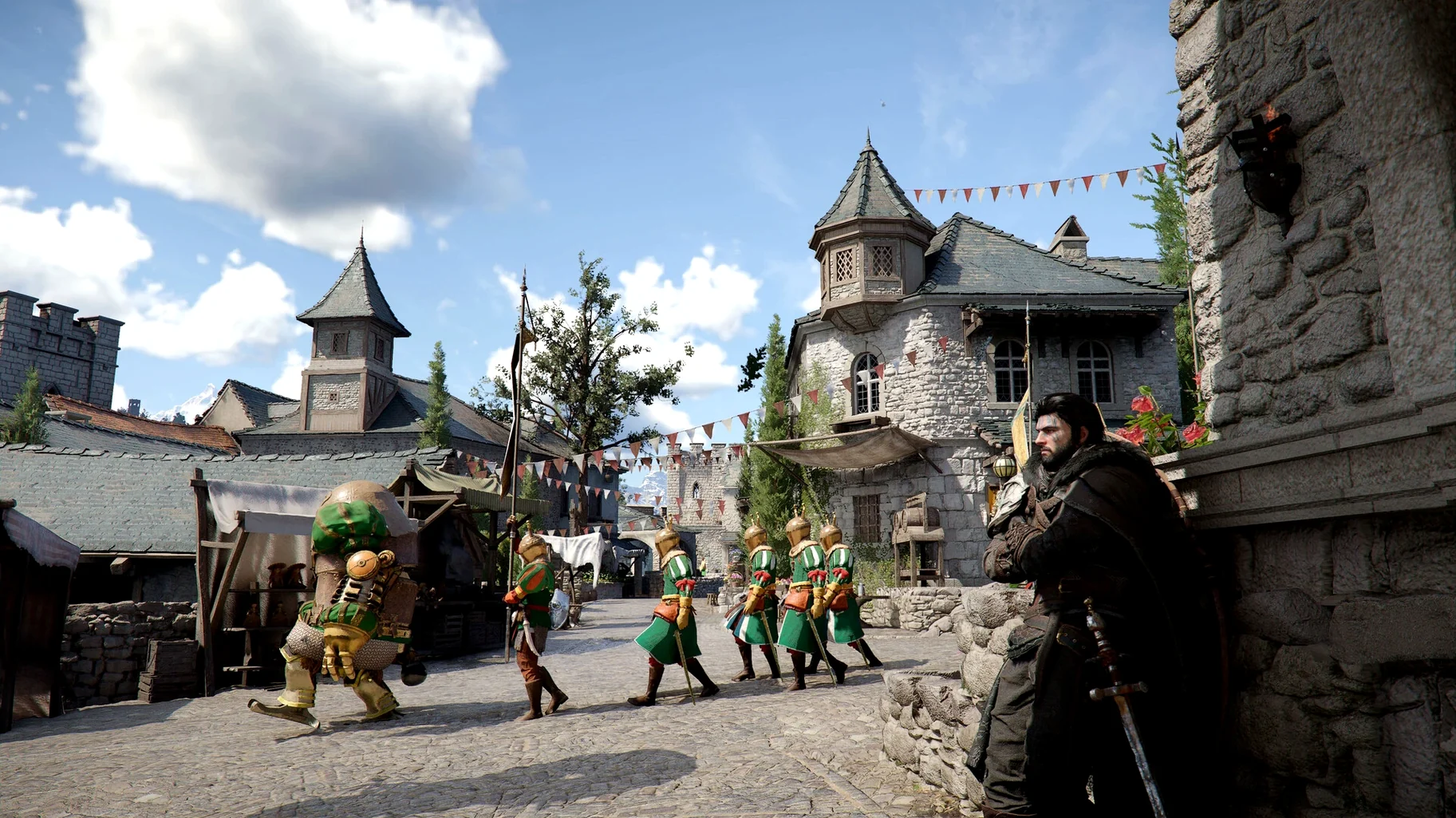
DLSS Frame Generation crashing on new game start was the kind of edge case that stings most right after you have dialled in all your graphics settings. That bug is gone in version 2.02.00. The patch also sorts out a progression-blocker in The Words of Alustin, where the key letter could simply not appear, plus a stubborn issue that kept Thornbriar Fortress from registering as liberated. Localization passes across all twelve supported languages round out the clean-up.
Riding dragons and piloting robots across Pywel
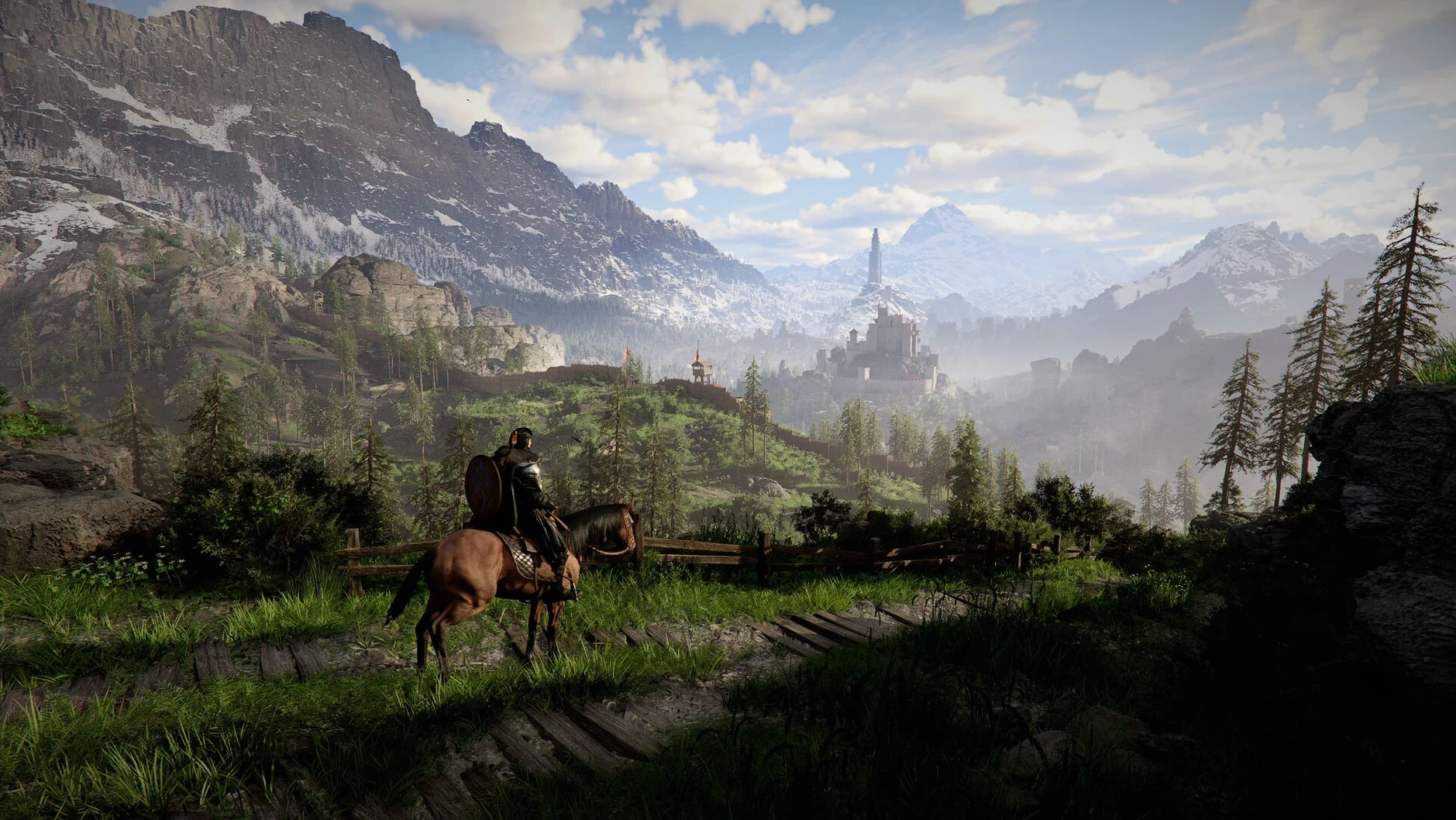
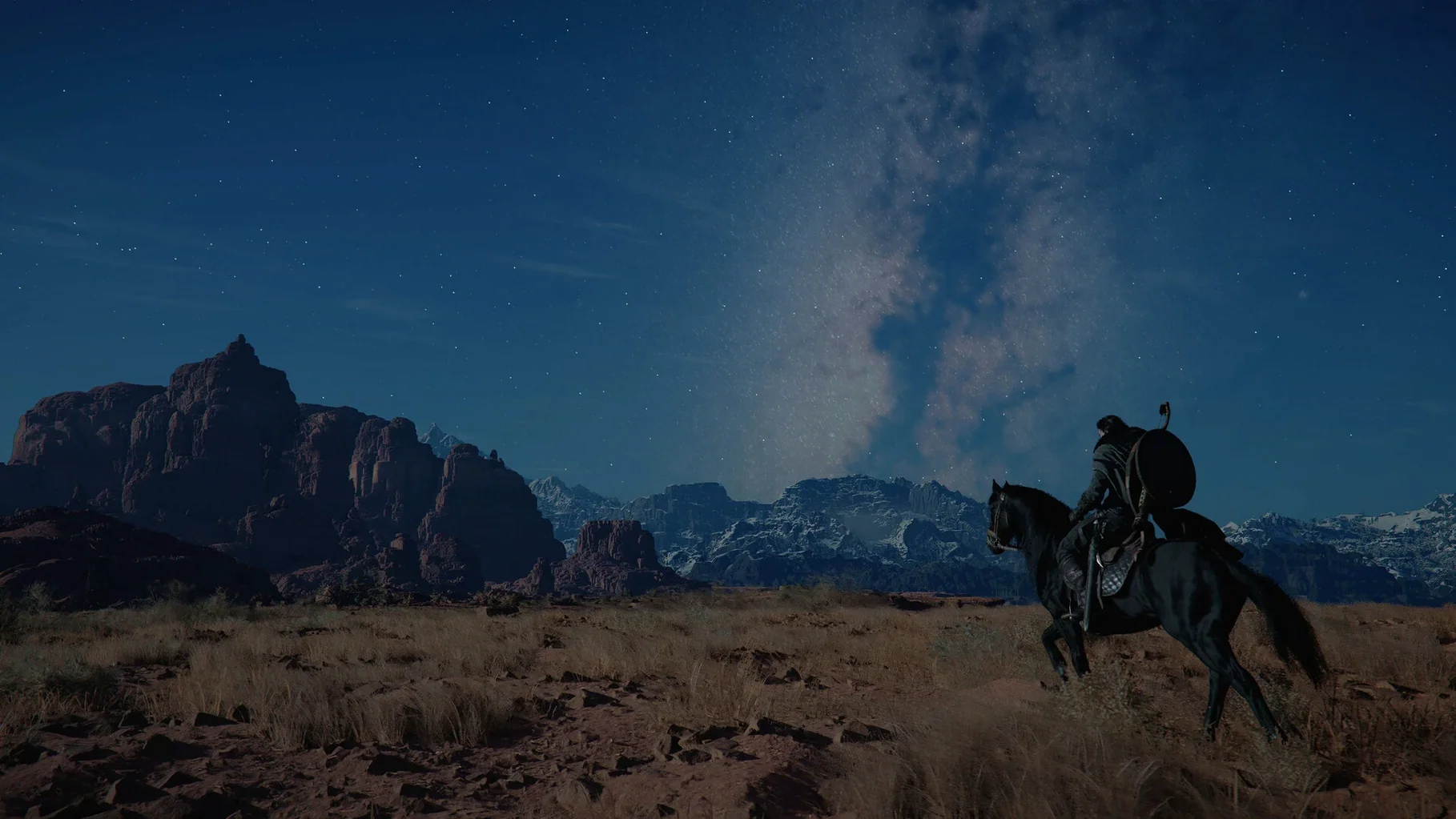
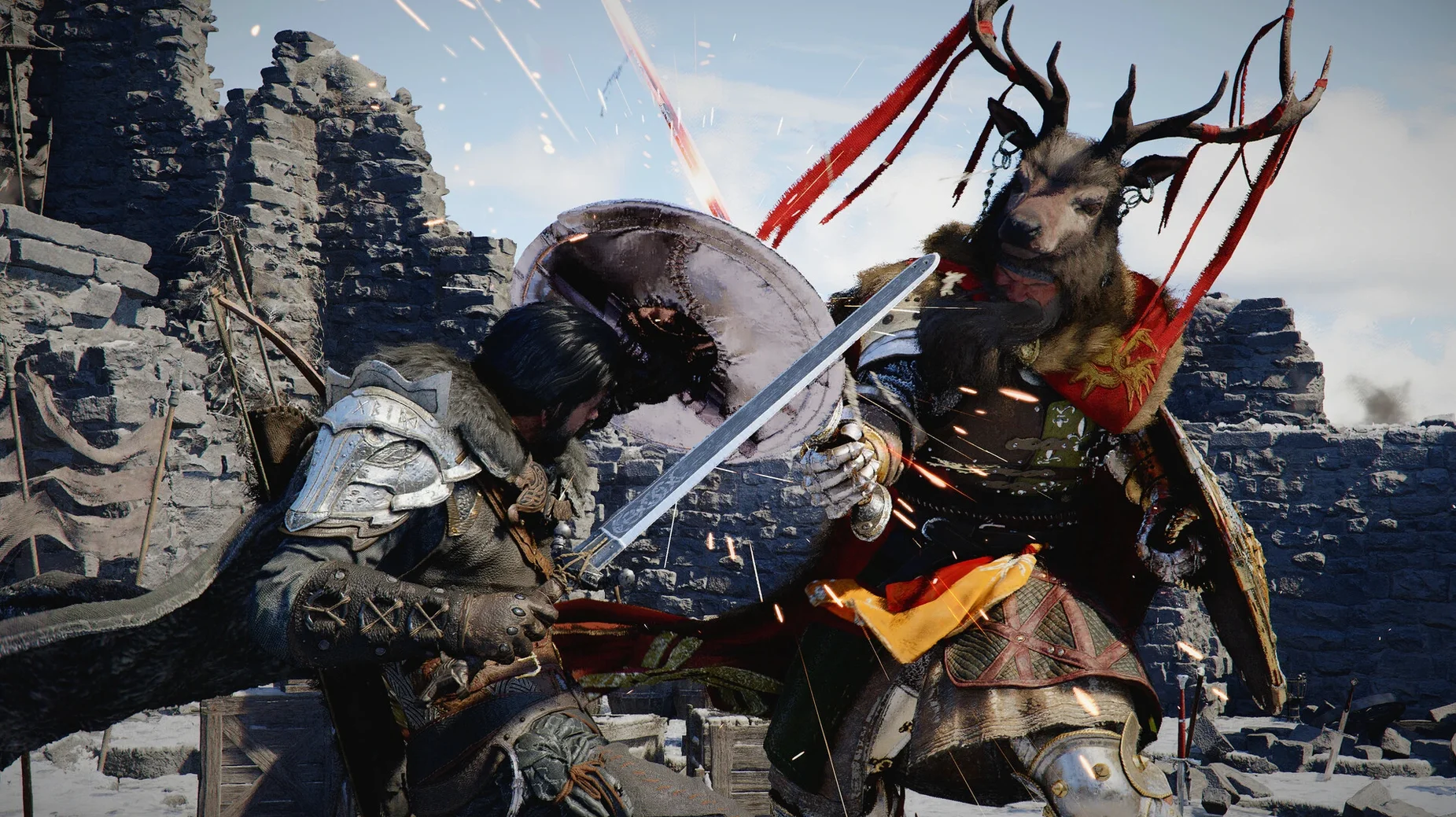
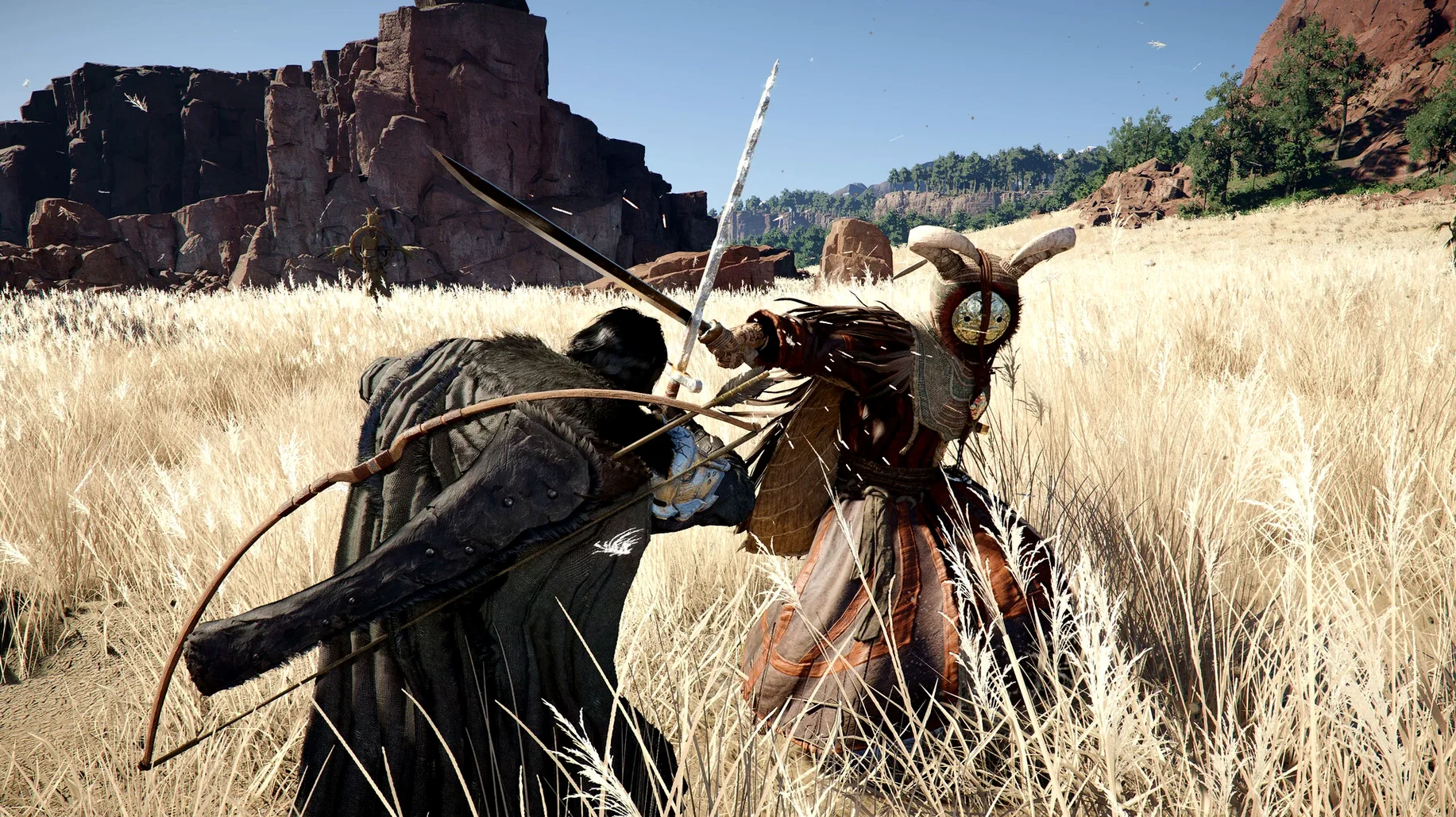
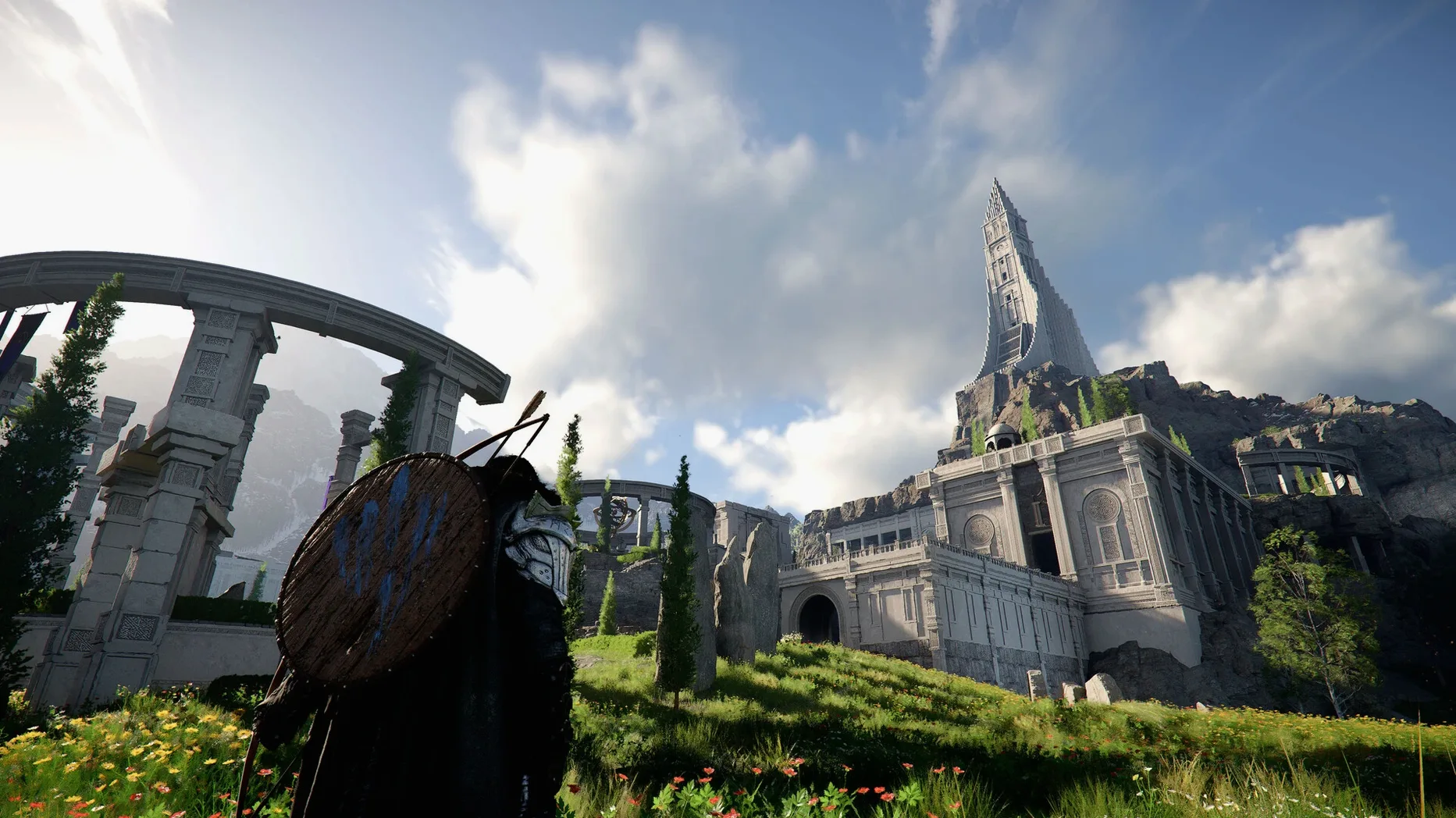
The continent of Pywel remains the star. You still ride across open plains on horseback, climb onto a dragon, or clank around in a pilotable robot while Kliff works to reunite the surviving Greymanes. The three playable characters — Kliff, Unca, and Damiana — each bring their own weapon sets and combat rhythms: spear, dual blades, two-handed sword, axe, bow, and more. Between fights you can expand a camp, fish, cook, hunt, gather resources, or waste an evening on mini-games with the locals. The structural loop is unchanged; this patch is all about stability and one quiet quality-of-life addition.
Cross-save arrives for Mac
The 2.02.00 update adds cross-save between Mac and other platforms. If you already have progress elsewhere, picking up on Apple Silicon means starting from where you left off, not from scratch. It is a small note in the patch log that changes the practical rhythm of playing on a Mac — especially for anyone who treats Pywel like a second home.
Does the Mac port run natively on Apple Silicon?
The question that comes up most often is whether the Mac port is a second-class citizen. It is not. The 2.02.00 build runs natively on Apple Silicon, which means no Rosetta overhead, no translation layer between the Metal API calls and the GPU. It is the same engine, the same frame-pacing logic, the same combat tick rate. The only real difference is the file path where your saves live.
Another recurring question: does the game need an always-online connection? The short answer is no. The single-player campaign on Pywel is fully offline. You will need a network connection to sync cross-save data across platforms, and the game checks for patches on launch, but you can ride from the plains to the Abyss without a single packet leaving your machine.
People also ask about controller support. The Mac build respects DualSense, DualShock 4, Xbox Wireless Controller, and Nintendo Switch Pro Controller over Bluetooth or USB. The button prompts remap automatically. If you plug in a controller mid-session, the game switches input glyphs without a restart — a small detail that saves real friction in the first hour.
Finally, there is the storage question. The install footprint sits north of 80 GB. The .dmg download itself is large, and after dragging the app to /Applications you will want that free space on an APFS volume. External SSDs work fine over Thunderbolt, but avoid USB 3.0 spinning drives — the texture streaming budget in open-world traversal does not forgive slow random reads.
Your horse can follow roads automatically
The tutorial area around the Greymane camp teaches you the basics, but the game does not explain everything in tooltips. One thing worth learning early: your horse can follow roads automatically if you set a waypoint and hold the run button without steering. It sounds minor, but when you are crossing the long stretch between Calpheon-style plains and the desert border, you will want your hands free to turn the camera and scan for ambushes.
Do not rush the camp expansion. New players often push the main questline and ignore the gathering loop, then hit a wall around the mid-game where cooking ingredients and hunting materials gate meaningful upgrades. Spend your first two evenings in Pywel fishing off the coast near Velia and stocking the camp storage with timber and stone. Your future self, staring down a boss fight with low stamina recovery, will thank you.
Switch between the three playable characters early. Kliff's sword-and-shield rhythm teaches fundamentals, but Unca's dual blades punish greed with longer recovery frames, and Damiana's spear gives you range control that changes how you read enemy tells. Spending a few hours on each before the story locks you into longer character-specific segments builds muscle memory you cannot easily cram later.
Why the sharpening filter starts at zero
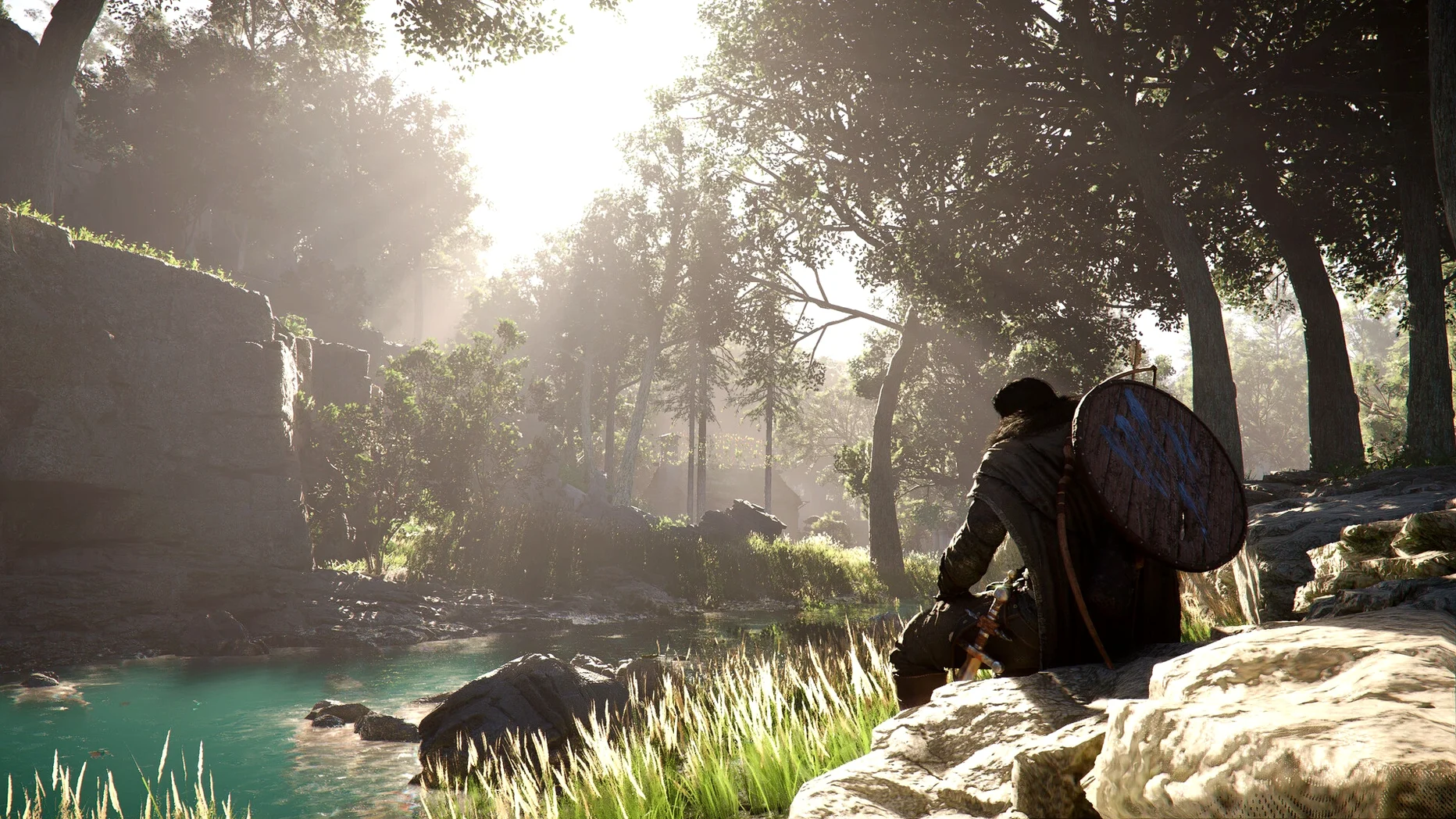
Open the graphics menu before you do anything else. The default preset leans toward frame rate stability over visual clarity, which is sensible, but the sharpening filter sits at 0% out of the box on Mac. Bumping it to 20-30% pulls texture detail forward without introducing haloing — noticeable on rock faces and leather armor.
Three other settings deserve a tweak:
- Camera auto-correction. Turn it down to 20% or off entirely. The default fights your right-stick input during combat lock-on, and against fast enemies like the Shadow of Garmoth it will cost you counterattack windows.
- Motion blur. Set to low or off if you play above 60 fps. The per-object blur is tasteful, but the full-screen pass smears distant detail during mounted traversal.
- Subtitle background opacity. The default semi-transparent strip washes out against Pywel's bright desert sand. Set it to full opaque or drop the background entirely and increase text size by one notch.
Keybind remapping is available, but the defaults are reasonable. The one rebind worth making is the grab action. It defaults to a two-button chord that is easy to flub in a close duel. Map it to a single extra button if your mouse or controller has one.
Howling Hill Camp housing finally works
The 2.02.00 patch notes are a list of bug fixes, but several of them quietly reshape the session-to-session experience. The housing availability fix at Howling Hill Camp is the kind of thing that seemed like a quest flag error at first — players stuffed their inventory, raised the banner, and the game simply did not acknowledge the camp upgrade. That is the sort of silent progression loss that erodes trust over a 60-hour playthrough. It is resolved now.
The Thornbriar Fortress liberation fix matters for completionists. Before 2.02.00, the fortress could remain flagged as contested even after you cleared every enemy on the ramparts, which locked related quest chains and denied access to the regional trade route. If you have a save stuck at that point, loading it after the patch should unblock the condition automatically.
The disappearing-letter bug in The Words of Alustin was a softlock with no workaround — the quest item simply vanished from the world, and reloading did not always bring it back. Combined with the Trade Goods Storage fix for disappearing items, the patch repairs the two main ways the game could silently lose player inventory. For a game where camp storage and trade goods are central systems, that is not a minor note.
The crash-on-new-game with DLSS Frame Generation enabled was Mac-specific in its symptom but engine-level in its cause. If you saw it, the workaround was to disable Frame Generation before starting a fresh save. That workaround is no longer necessary.
Localization improvements touch all twelve text languages — grammar fixes in the German and Polish subtitles, honorific consistency in Korean, and tighter line-breaking in Japanese dialogue boxes. Voice-over languages (English, Korean, Simplified Chinese) did not change, but the subtitles now stay in sync better during long cutscenes where timing used to drift by half a second by the end of a conversation.
The lantern-and-NPC fix is one of those patch notes that reads like a joke until it happens to you. Shine a light on a suspicious character, expect to see their belongings, get nothing. It broke a handful of stealth-lite sequences where visual inspection was the trigger. Fixed now, and the sequences play out as designed.
Version 2.03.02 Native is out with the developer's latest fixes and improvements.
- Apple Silicon Mac
Comments 0
Sign in or create an account to leave a comment.
No comments yet. A codec, a slice, a machine — they appear after moderation.