Cuphead for macOS
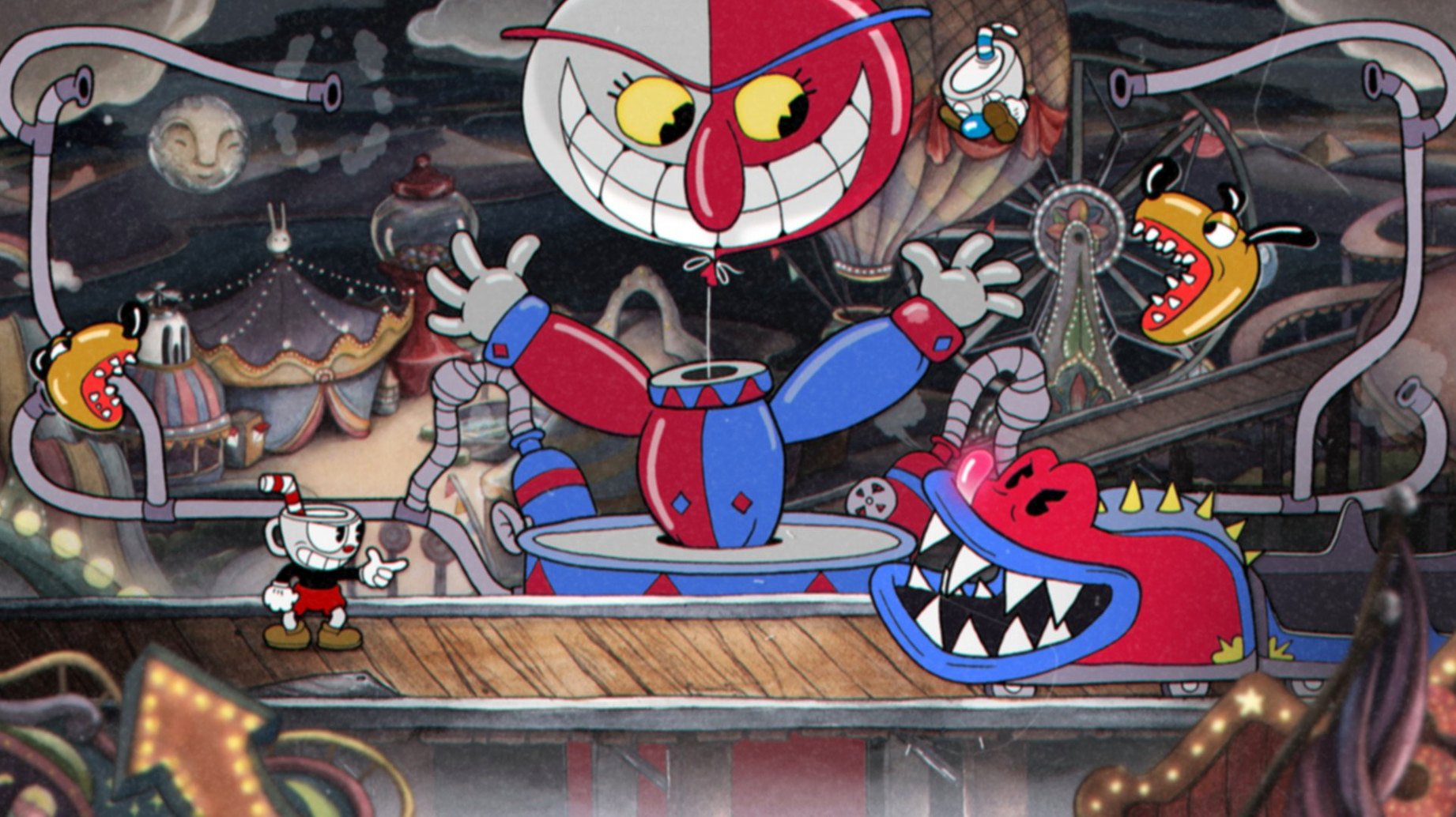
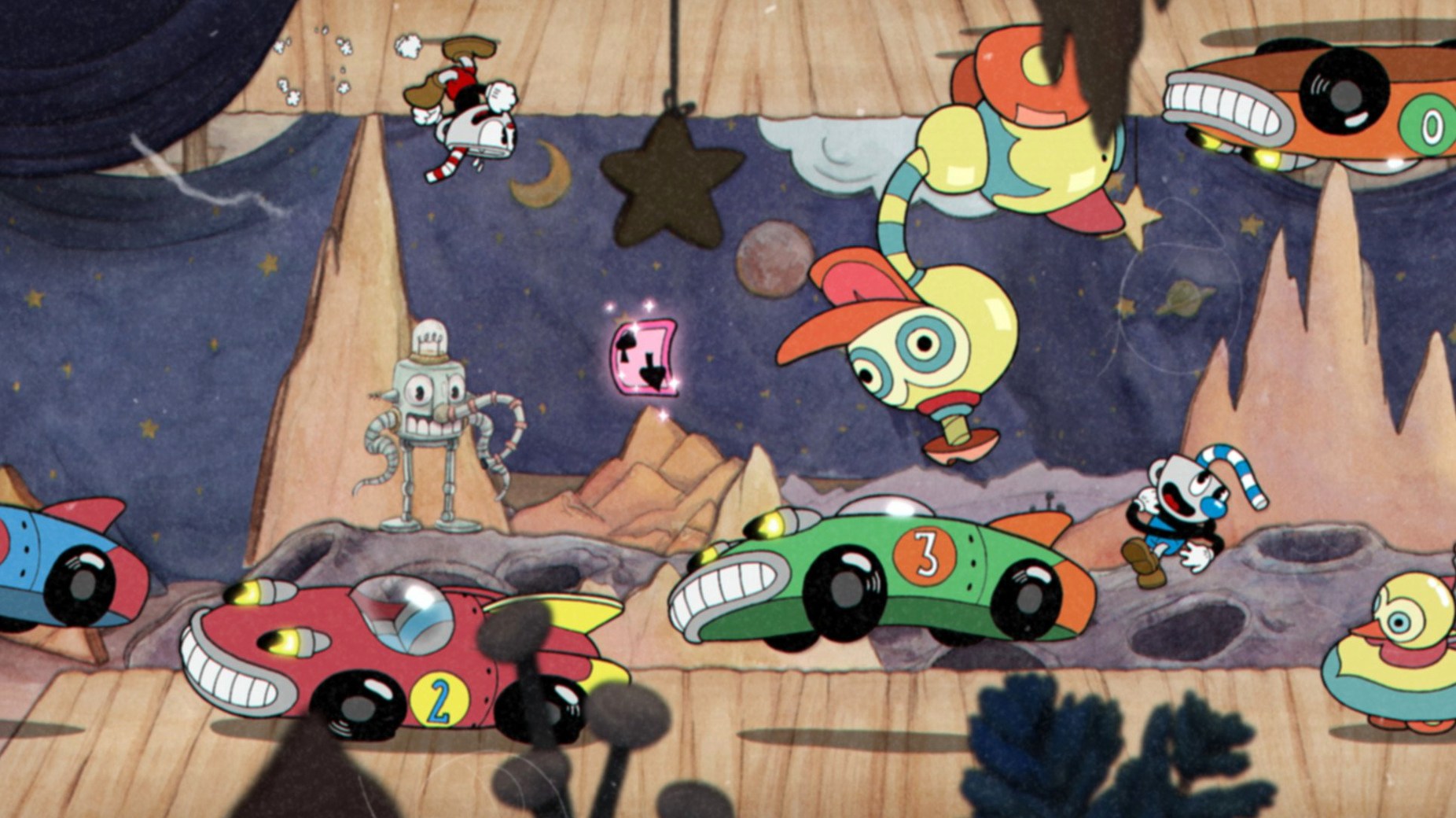
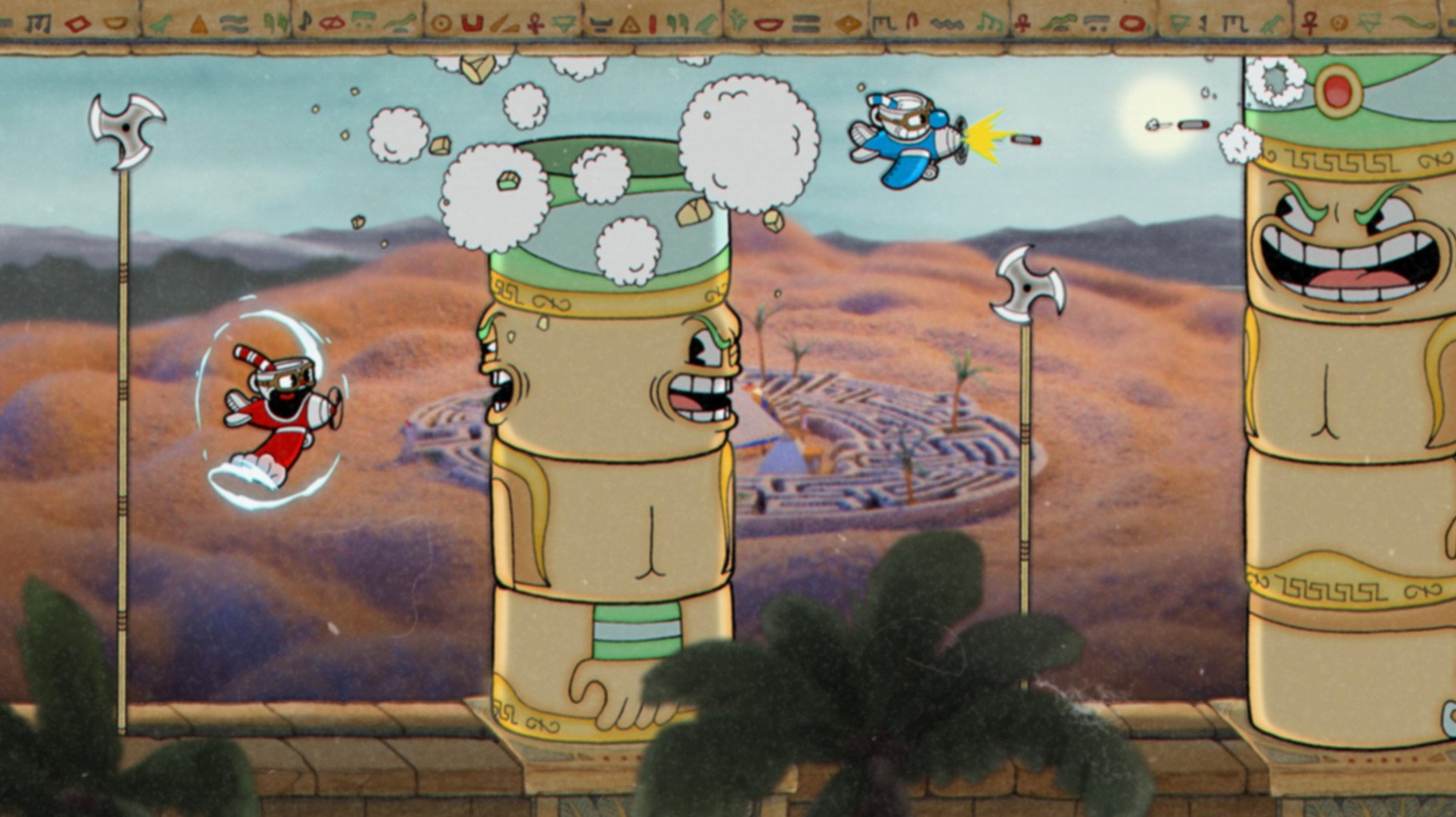
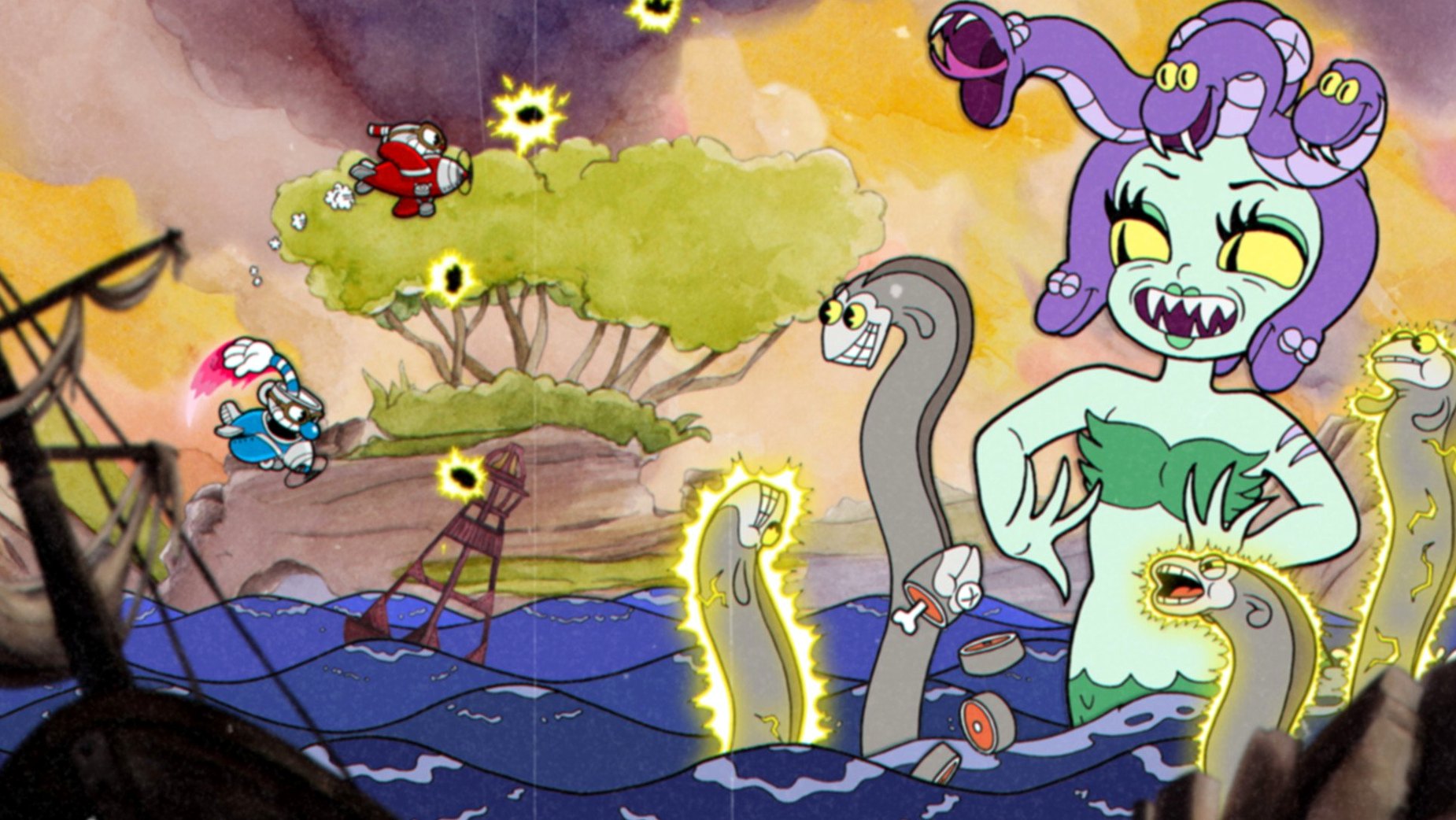
Cuphead finds its audience in players who enjoy learning a fight more than breezing through a level. It is not really a platformer in the traditional sense — the run-and-gun stages are a side dish. The main course is a gauntlet of hand-drawn boss encounters, each with multiple phases, and the game expects you to fail, memorize, and then execute. If you find satisfaction in nailing a tight pattern after twenty attempts, this is your kind of thing. If you want a relaxed, forgiving cartoon adventure, the aesthetic will deceive you.
Who clicks with the rubber-hose rhythm
- Players who treat boss fights as the highlight, not the interruption.
- Anyone drawn to hand-crafted animation — the watercolor backgrounds and frame-by-frame characters genuinely look like a lost Fleischer short.
- Co-op duos who communicate well. Friendly fire is off, but reviving a partner mid-chaos adds a layer of panic.
- Collectors who want every weapon and special move. Swapping between the roundabout shot, lobber, and spread changes how you solve a phase.
The hardware this cartoon needs
On Mac, the architecture is 64-bit Intel, and the developer tested it against macOS Catalina. There is no Apple Silicon native slice — it runs through Rosetta 2 on M-series machines — but the hand-painted 2D assets are not demanding in the way a modern 3D title is. Frame pacing matters far more than raw shader throughput here, so a stable 60 fps on a capable Intel MacBook is the target. The interface ships in eleven languages including Japanese, Korean, and Simplified Chinese, which makes the pattern-learning accessible to a wide crowd.
What changed once the 1.3.3 DLC Fix landed
The 1.3.3 (57402) build arrived as a targeted patch for players who had already added The Delicious Last Course expansion. In everyday play, the most noticeable fix addressed a lingering save-state hiccup that could roll back a few minutes of progress when the DLC island was active. Before the patch, swapping between the main game and DLC content occasionally left the game confused about which flags you had tripped — not a crash, just a silent progress misalignment. The fix also tightened the audio synchronization on a couple of Inkwell Isle IV boss transformations, where the original jazz cues would drift by a beat or two on longer attempts. If you never touched the DLC, the core game remained functionally identical to what shipped. For everyone else, the update meant fewer moments of staring at the map wondering whether you really earned that soul contract or whether you would have to redo the fight.
Preparing your reflexes for the Inkwell Isles
Does Cuphead run on an M1 or M2 MacBook?
Yes, through Rosetta 2. The binary is 64-bit Intel, and the hand-drawn assets are 2D bitmaps — there is no Metal ray tracing, no compute shader pipeline, no engine that discriminates between architectures in any way you can feel. People often assume a game this stylized must be a lightweight browser title, but the frame-precise collision detection and locked 60 fps tick rate mean the Rosetta translation adds no perceptible latency on Apple Silicon. Players on a base M1 MacBook Air report consistent performance with the fan never spinning up, which tells you everything about the thermal load.
Can I use a keyboard or do I need a controller?
Keyboard play is fully supported, though most people who stick with the game eventually grab a controller. The default bindings put jump on Space, shoot on X, dash on C, and special on V — a cluster that demands your left hand never leaves the home row while your right hand works the arrows. It is ergonomically fine for a few attempts, but the diagonal aiming required for aerial bosses makes an analog stick feel less like a suggestion and more like a survival tool. A Bluetooth PlayStation or Xbox controller pairs without extra software on macOS Catalina and later.
Is the download a full game or just a trial?
The package distributed as a .dmg contains the complete base game and the DLC content if the archive includes that expansion. There is no time limit, no locked gallery, no hidden paywall. The DRM-free build means the application bundle runs directly from the /Applications folder once you move it there; no online check, no launcher, no background service phoning home.
Mistakes beginners walk straight into
The tutorial island teaches you to dash and parry, then sets you loose. What it does not teach is the rhythm of weapon swapping, and that trips up almost every new player. The peashooter you start with is a fine all-rounder, but treating it as your permanent primary weapon turns manageable phases into endurance tests. Players who ignore the shop — tucked into the first overworld area — miss the roundabout shot, which fires projectiles that boomerang backward and cover angles you cannot safely aim at while dodging.
Another classic stumble: saving the super meter for the "perfect moment" that never arrives. The meter fills faster than newcomers expect, and sitting at five cards wastes every subsequent parry and hit. Firing a single-card super early in a phase often ends it before the attack pattern gets punishing. Holding out for the full three-card invincibility super only makes sense if you know the phase is about to become unreadable.
Co-op partners routinely forget that reviving a fallen teammate requires parrying their ghost — a pink, floating soul that drifts toward the top of the screen. In the panic of a boss fight, the instinct is to dodge everything pink because parry targets usually mean enemy projectiles. Beginners leave their partner's soul untouched for an entire phase, not realizing the parry window is generous and the reward is an instant revive with one hit point.
How an Intel Mac handles bullet-hell boss fights
On an Intel Mac meeting the Catalina baseline, the game launches in under eight seconds from an SSD and idles at around 1.2 GB of RAM. CPU usage during boss fights hovers near what you would expect from a well-optimized Unity title running 2D sprite batches — no single core gets pegged, and the integrated GPU in a 2017 iMac handles the watercolor parallax layers without dropping frames. The engine caps at 60 fps and holds that ceiling through screen-filling transformations, particle-heavy final phases, and co-op sessions where both characters are firing charged shots into a crowd of projectiles.
Stability in the 1.3.3 build is uneventful in the best way. Across dozens of sessions, the only reproducible quirk involved alt-tabbing during a loading screen — the window would sometimes return in a squashed aspect ratio until the next scene transition reset it. No save corruption, no mid-fight crashes, no audio dropouts. The DRM-free nature also means no always-online requirement that could introduce stutter from network polling. What you install is what runs, quietly and predictably.
For players who first tried cuphead mac on a borrowed machine or an older build, the current state feels like the definitive version — not because of sweeping rewrites, but because the rough edges that used to interrupt a long play session have been sanded flat. You notice it most when you are deep in a retry loop: the restart is instant, the music does not skip, and the hitboxes feel consistent across attempts. That kind of transparency is what makes a difficult game feel fair instead of broken.
- DLC Fix — resolves an issue tied to The Delicious Last Course content.
- macOS Catalina
- 64-bit Intel architecture
$ man cuphead | grep -A2 "?"
Does Cuphead support cooperative play on Mac?
Yes, it supports local two-player co-op. You can revive a fallen partner by parrying their ghost before it floats away.
What weapons and moves can you unlock?
You can obtain different weapons from the shop and learn special moves like the invincible dash and super arts, which change how you approach each boss phase.
What visual style is the game built from?
It is inspired by 1930s animation, using hand-drawn cel techniques, watercolor backgrounds, and an authentic jazz soundtrack to match the rubber-hose aesthetic.
Comments 0
Sign in or create an account to leave a comment.
No comments yet. A codec, a slice, a machine — they appear after moderation.