Chilla's Art Okaeri for macOS
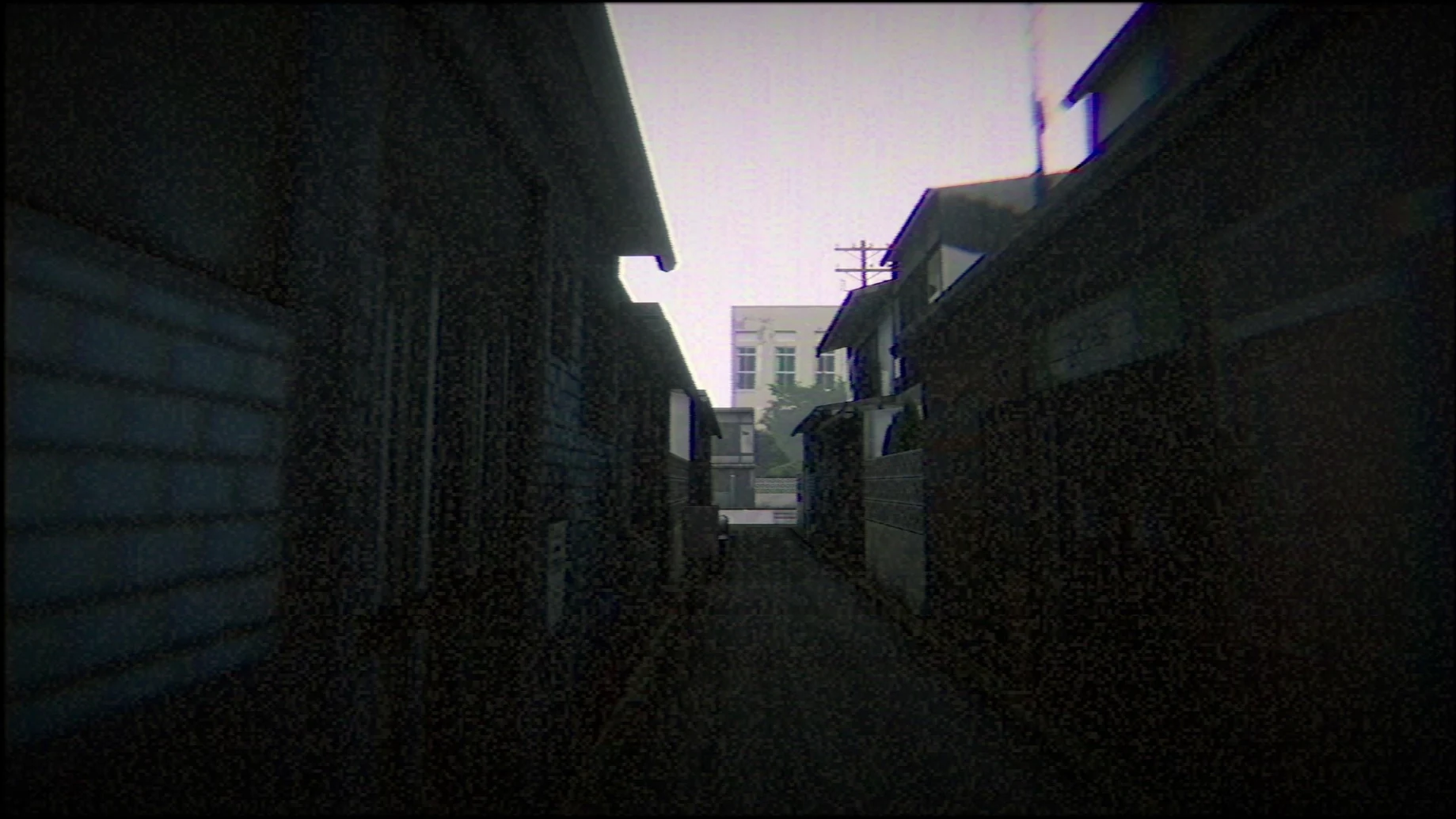
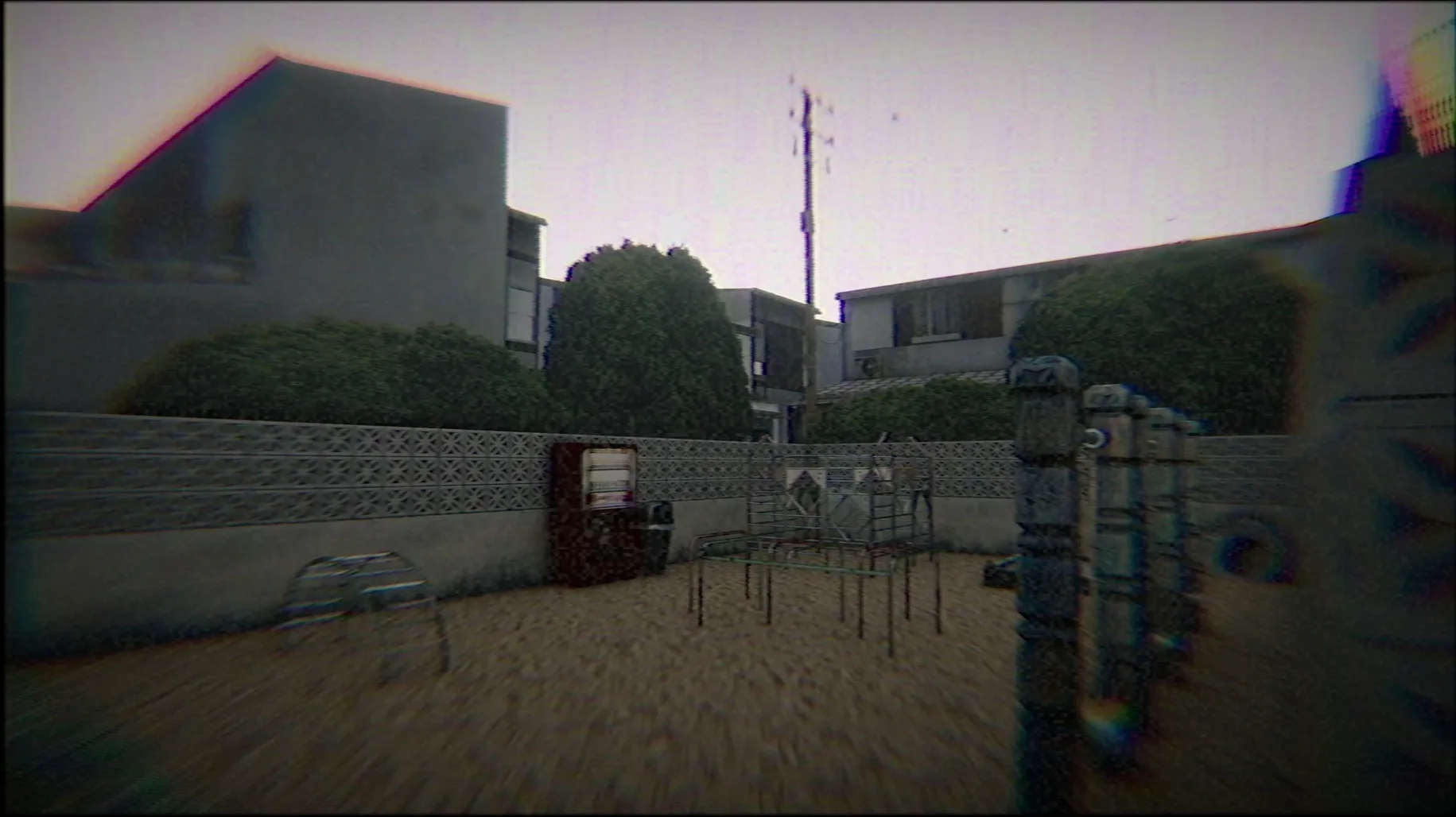
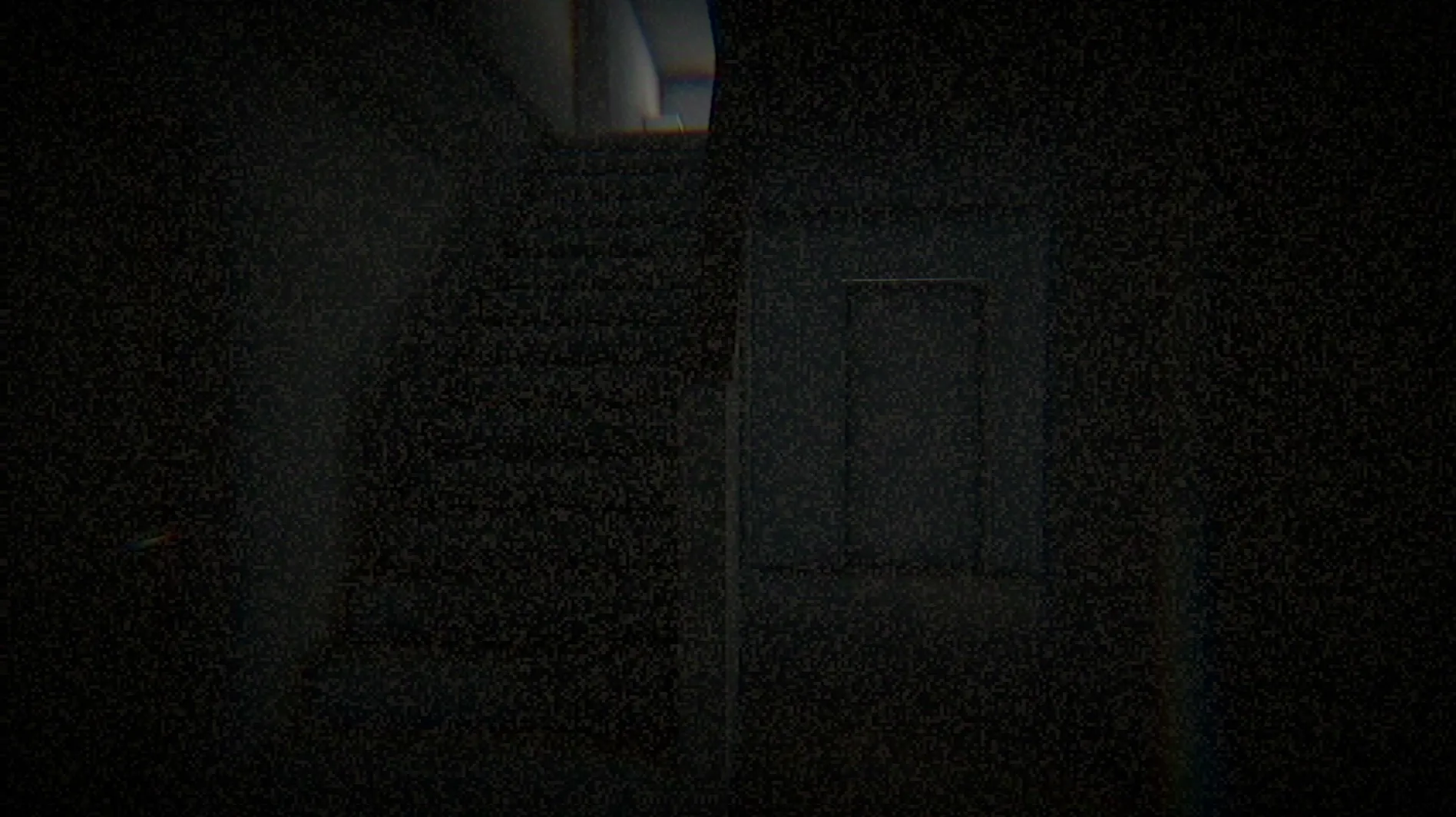
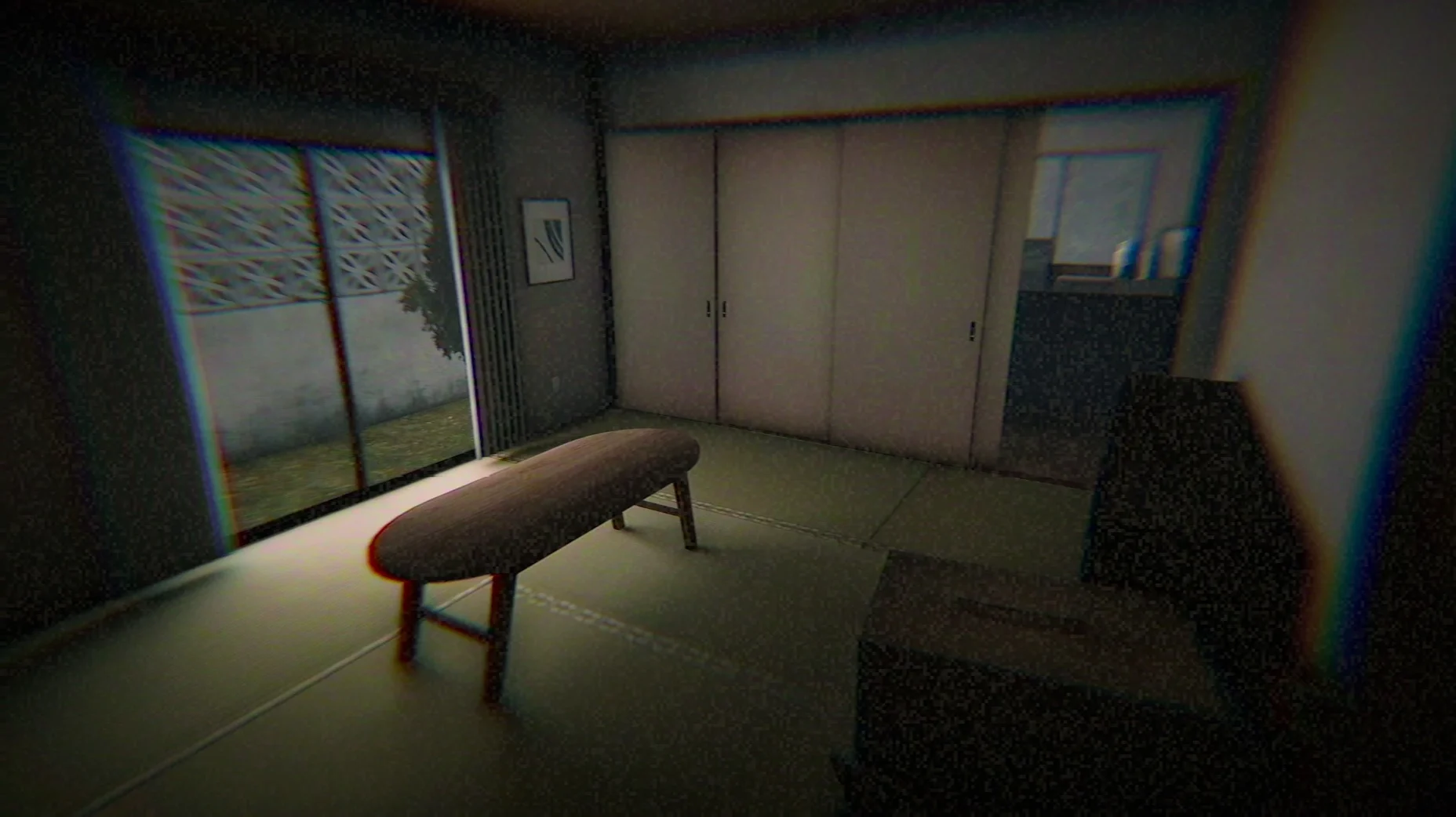
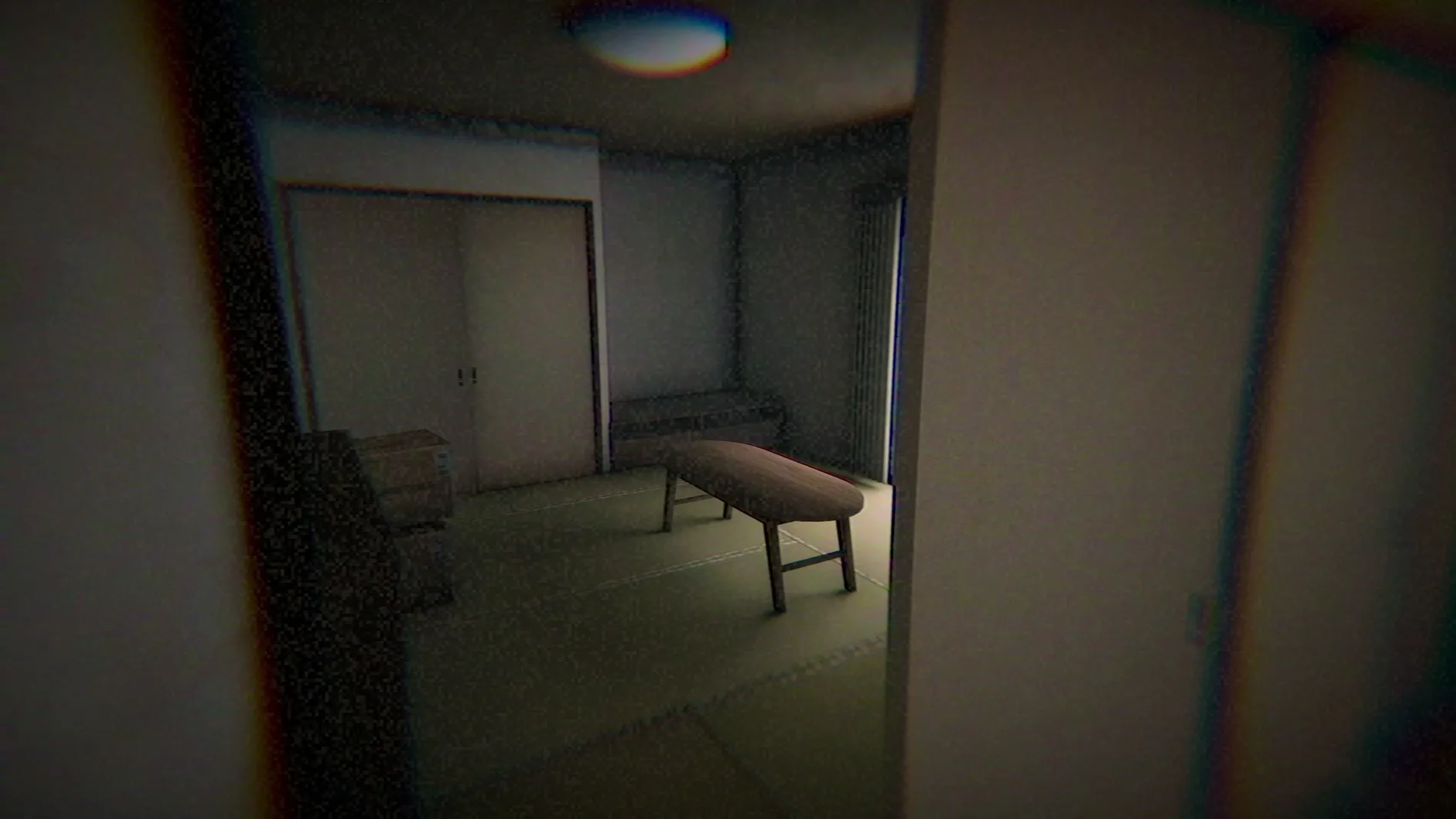
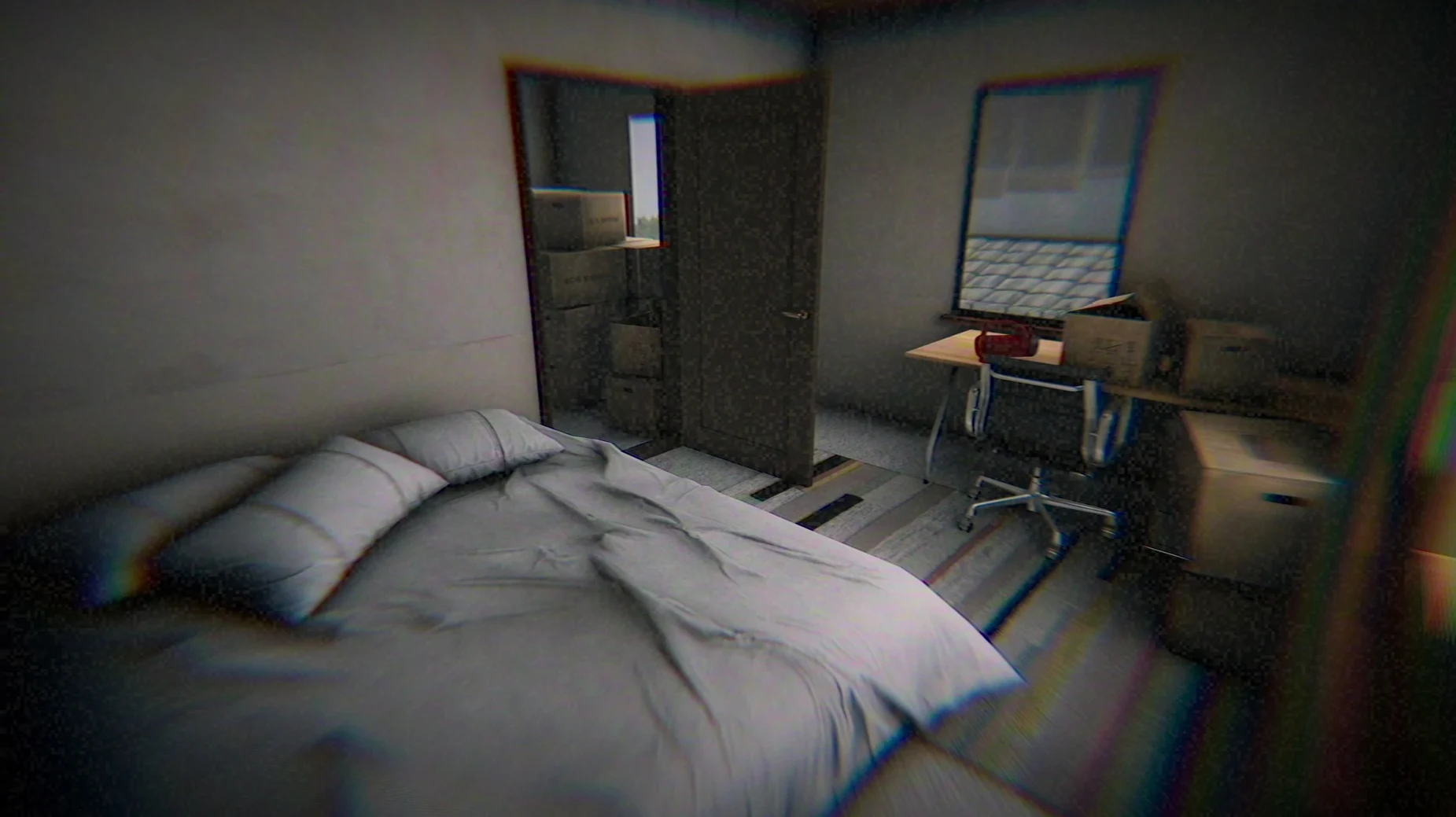
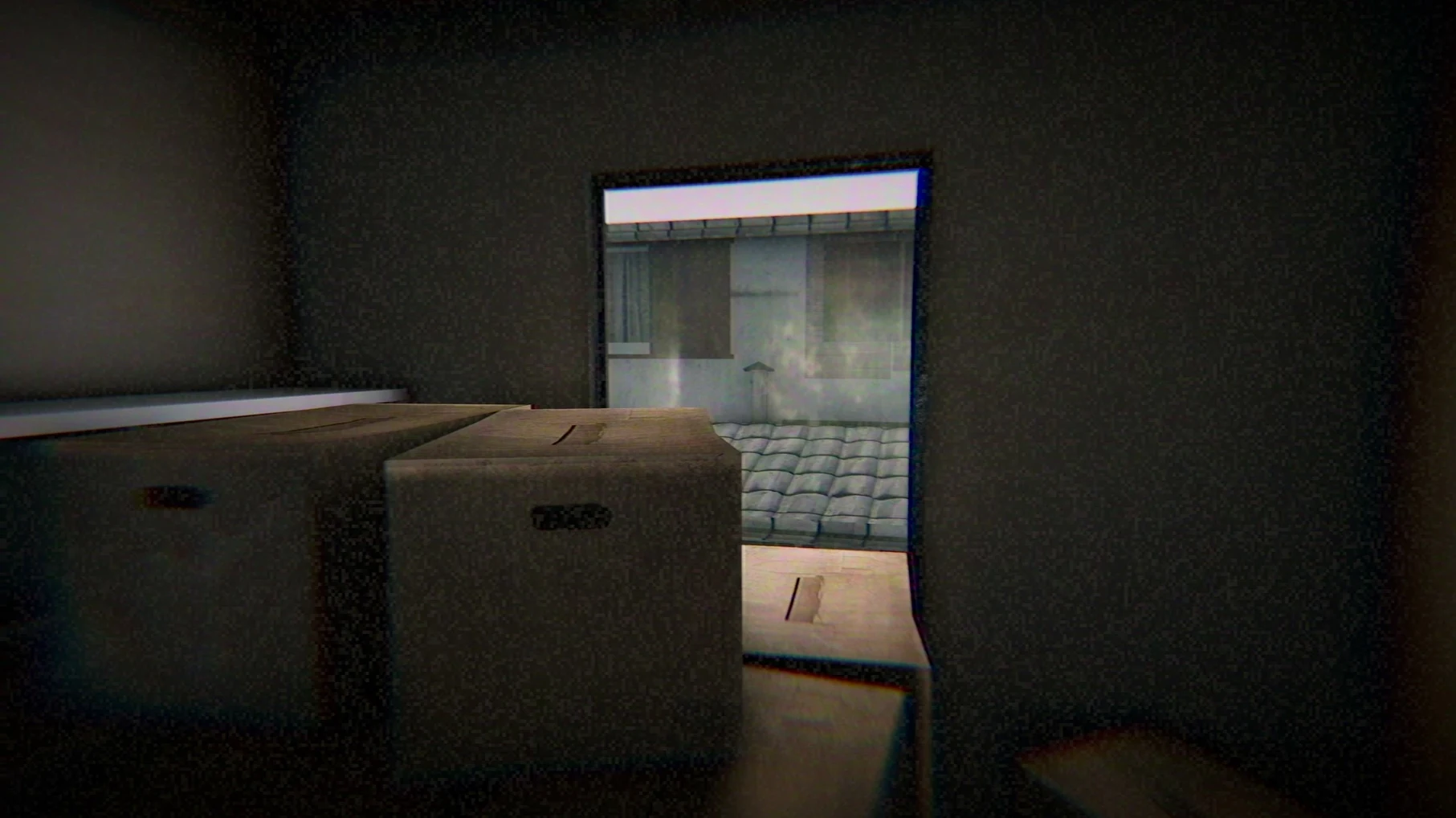
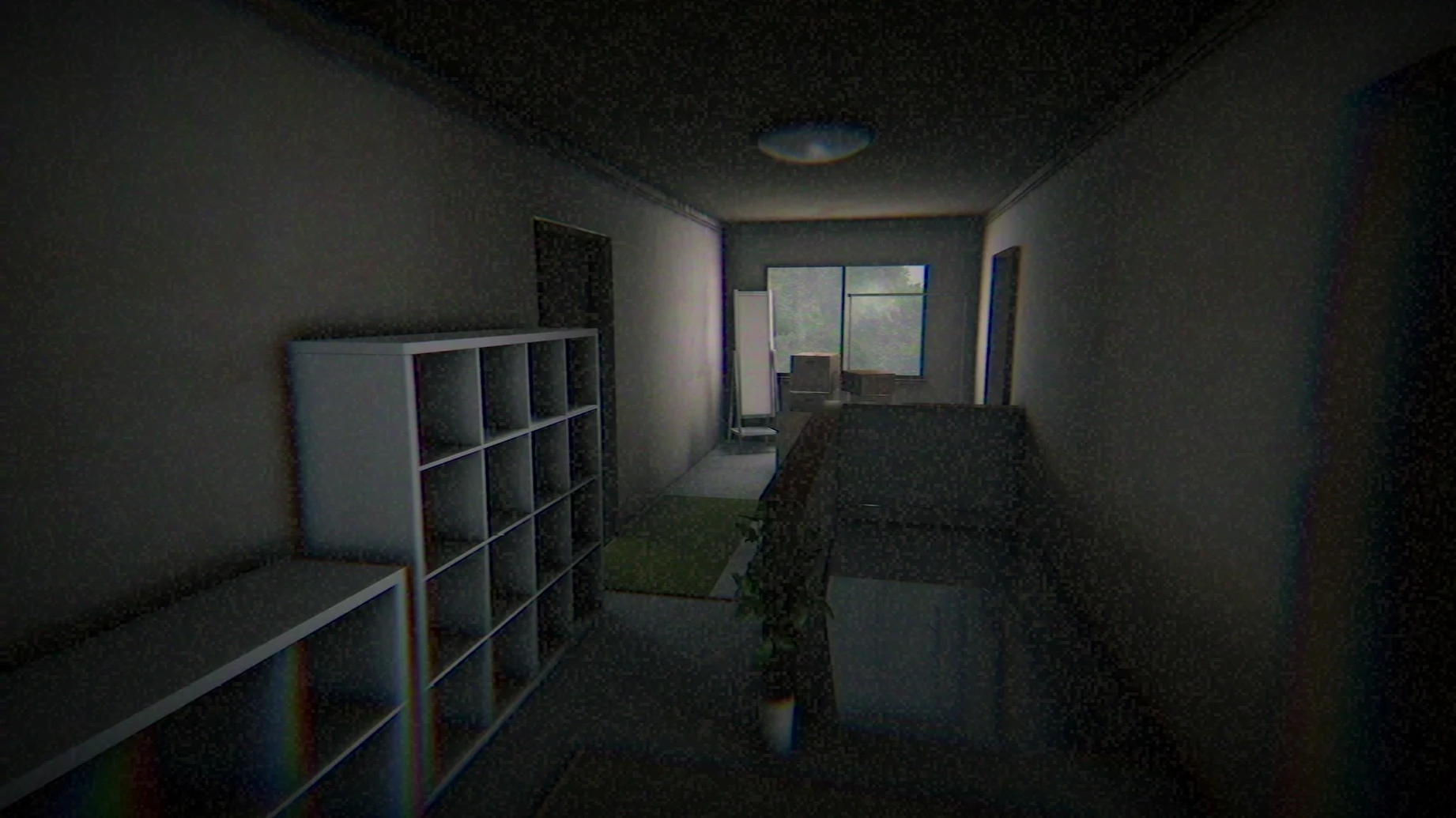
Version 1.0 [Wineskin] brings the complete 2019 release to Apple Silicon Macs with no content changes — the same short narrative, the same lo-fi video treatment.
Okaeri — A Japanese word meaning "welcome home." The title sets the tone for a domestic horror story that twists a familiar phrase into something unsettling.
Scenario — A middle school girl and her mother have just moved into a new house. What should be an ordinary evening becomes a compact exploration of dread lasting roughly 20 to 40 minutes.
Visual presentation — The game leans hard into analog video degradation. CRT phosphor trails, tape noise, interlacing artifacts, and frame jitter make the modern 3D environments feel like a recovered VHS recording. It is a deliberate stylistic choice that does more for the atmosphere than any high-resolution texture could.
Developer — Chilla's Art, a studio known for short-form Japanese horror games that prioritize mood and cultural specificity over jump scares.
Languages — A language selector sits in the top-right corner before you start. The interface supports 26 languages, including Japanese, English, Russian, German, French, Korean, and both Simplified and Traditional Chinese.
Quitting — Standard macOS shortcuts apply. Command+Option+Escape or Option+F4 will exit the game when the menu is not accessible.
What does a playthrough actually look like?
You launch the app from Launchpad and land on the title screen — CRT flicker and all. The first thing I do every time is hit that Language button in the top-right corner to confirm the interface is set correctly. Japanese voice acting is baked in regardless, so what you are really choosing is subtitle and menu language.
Starting a new game drops you on the street outside the house at 6:00 p.m. The protagonist's internal monologue sets up the move, the new neighborhood, the mother waiting inside. From here the workflow is straightforward: walk, observe, pick up objects that glow faintly with a prompt. There is no inventory screen to manage — collected items are narrative keys, not tools to combine. A photograph on the hallway table, a note in the kitchen, something out of place in the upstairs bedroom. Each discovery pushes the timeline forward.
The game does not pause for tutorials. Movement is WASD, looking around is mouse-driven, interaction is a single click. You piece together fragments of the past and present entirely through the protagonist's perspective — no cutscenes, no exposition dumps. The VHS degradation intensifies during moments of heightened tension, which is a neat bit of diegetic horror design. By the 30-minute mark you will have circled the house multiple times, each loop revealing details you missed on the first pass. The ending lands without warning, and then you are back at the title screen with the CRT hum still in your ears.
Saved data hides inside the .app bundle
Since this is a Wineskin-wrapped build, the game runs as a self-contained .app bundle — no external Wine installations, no Homebrew dependencies. The trade-off is that saved data lives inside the app bundle itself, under AppData\LocalLow\Yasuka Taira, Chilla's Art\Okaeri. This matters if you ever want to back up your progress manually or transfer it to another Mac. Right-click the app, choose Show Package Contents, and navigate to that path. Copy the folder out, and you have a portable save.
macOS features like Mission Control and desktop switching work fine — the game runs in a window by default, and you can swipe between spaces without crashing. Screen recording via QuickTime Player or OBS picks up both the game audio and the Japanese voice lines cleanly, which is useful for anyone capturing footage. The CRT effects do not trip up compression; the noise pattern is consistent enough that encoders handle it without bitrate spikes.
For those searching for chilla s art okaeri mac torrent sources, know that this Wineskin build is functionally identical to the Steam release — same assets, same audio, same runtime length. There is no missing content.
Your only graphics control is outside the game
The game offers no in-game graphics menu — resolution and quality are fixed to the original Unity build settings. What you can control lives outside the executable.
- Language — The Language button on the title screen is your only chance to change it before gameplay starts. Switching mid-session requires a restart.
- Mouse sensitivity — The Wineskin wrapper inherits macOS mouse acceleration, which can make camera movement feel floaty. If you prefer raw input, disable acceleration system-wide with a terminal command before launching, or adjust tracking speed in System Settings → Mouse.
- Window behavior — The game launches in a fixed-size window. Grabbing the corner to resize works, but the aspect ratio is locked, so you will get letterboxing rather than stretched geometry.
- The Fix file — If you see an error dialog on first launch instead of the title screen, open the disk image again and run the Fix file included alongside the app. This adjusts Wineskin registry entries that sometimes fail during the initial drag-to-Applications step.
- Architecture: Apple Silicon
- macOS: Tahoe or later
- Formats: Wineskin build, delivered as a
.dmg
$ man chilla-s-art-okaeri | grep -A2 "?"
What is the Mac build based on?
It is a Wineskin-wrapped version of the original Windows release, tested on a Mac mini 2024 M4 running macOS Tahoe.
How long is a typical play session?
Testing sessions lasted between 20 and 40 minutes. It is a short narrative experience, not a multi-hour campaign.
How do I change the interface language?
A Language button appears at the top right before starting the game. Click it to select from the 26 supported languages.
Comments 0
Sign in or create an account to leave a comment.
No comments yet. A codec, a slice, a machine — they appear after moderation.