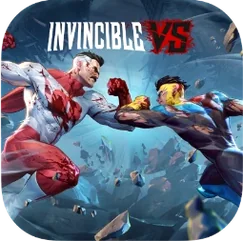
Invincible VS for macOS
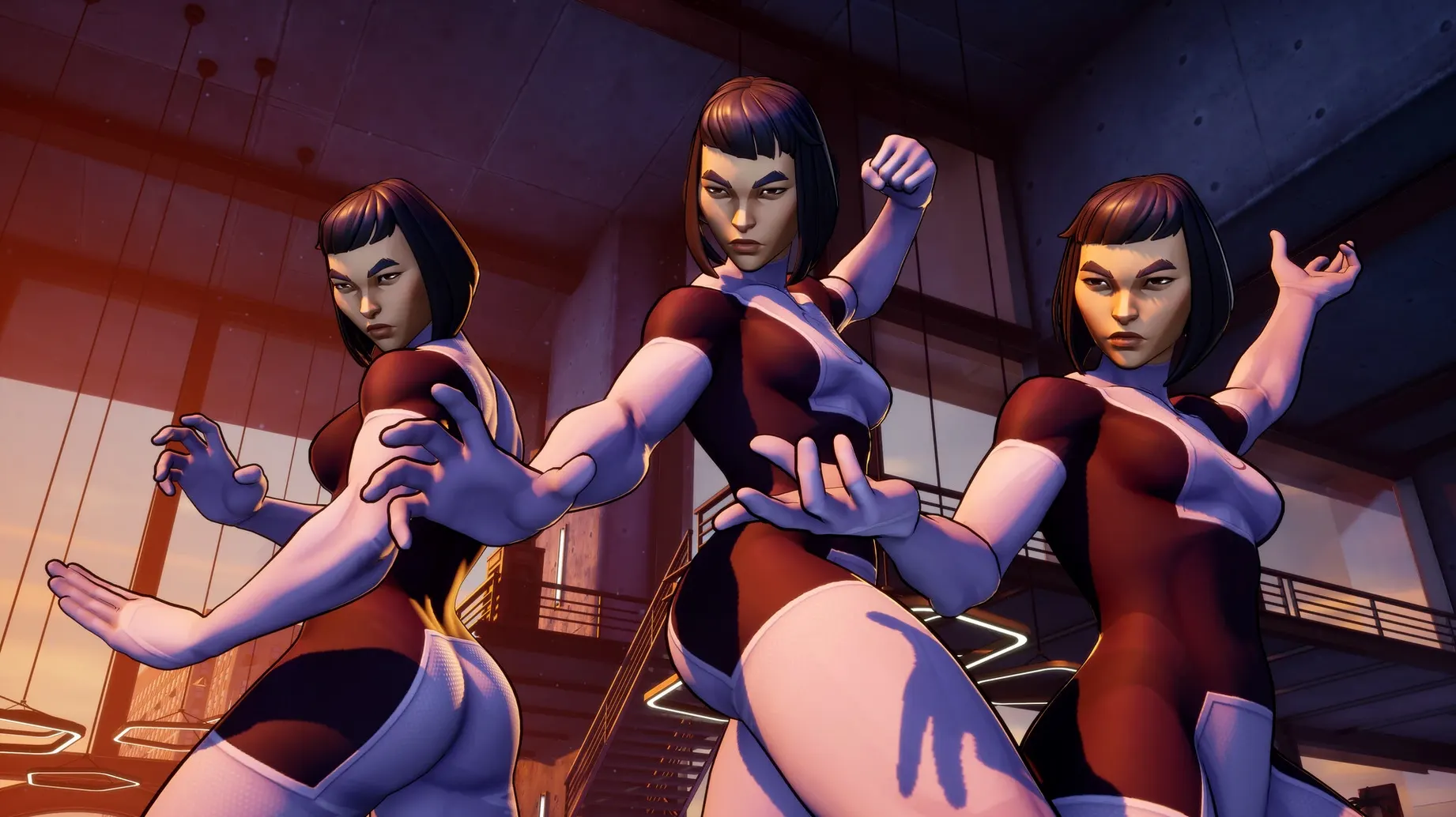
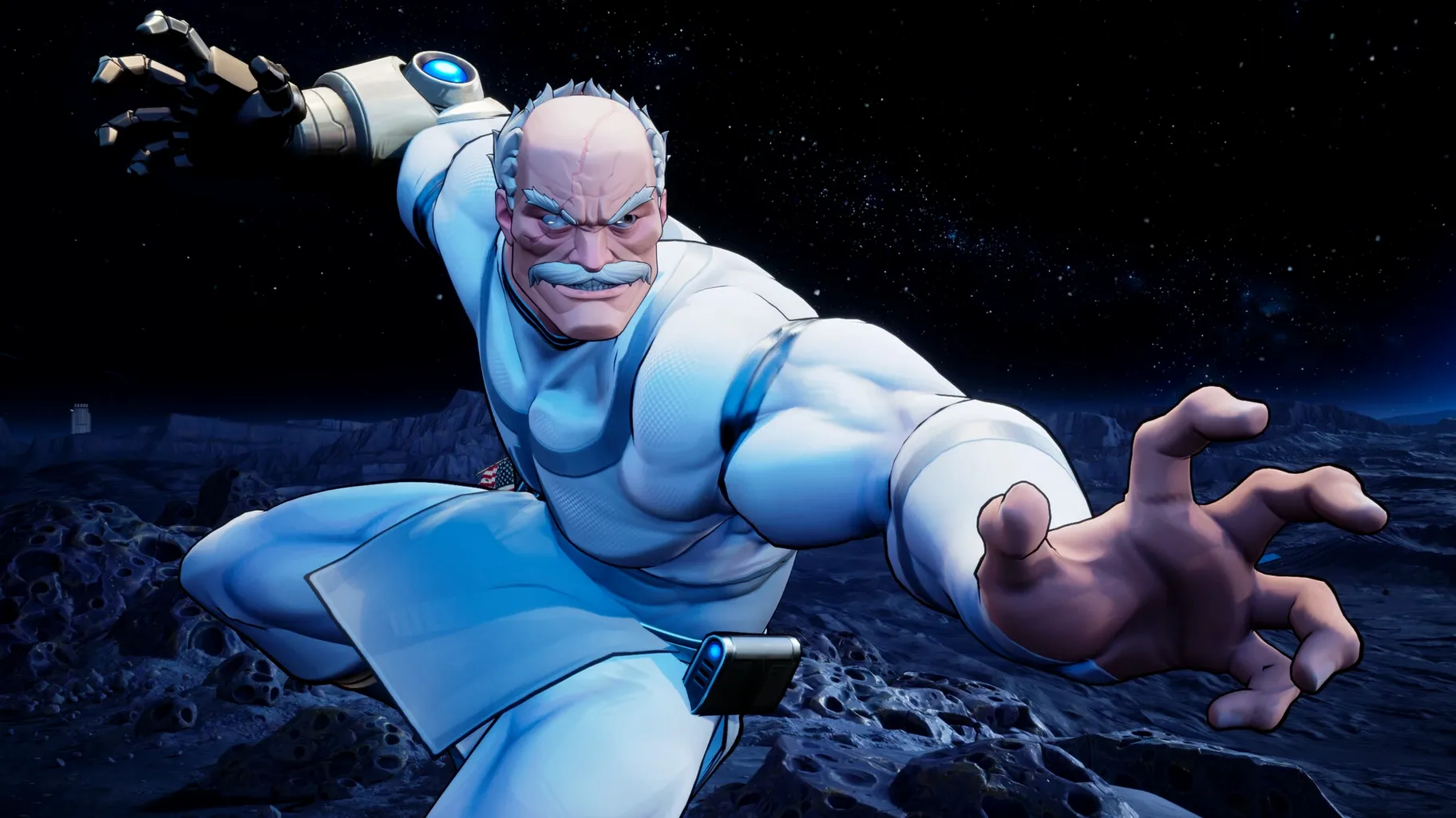
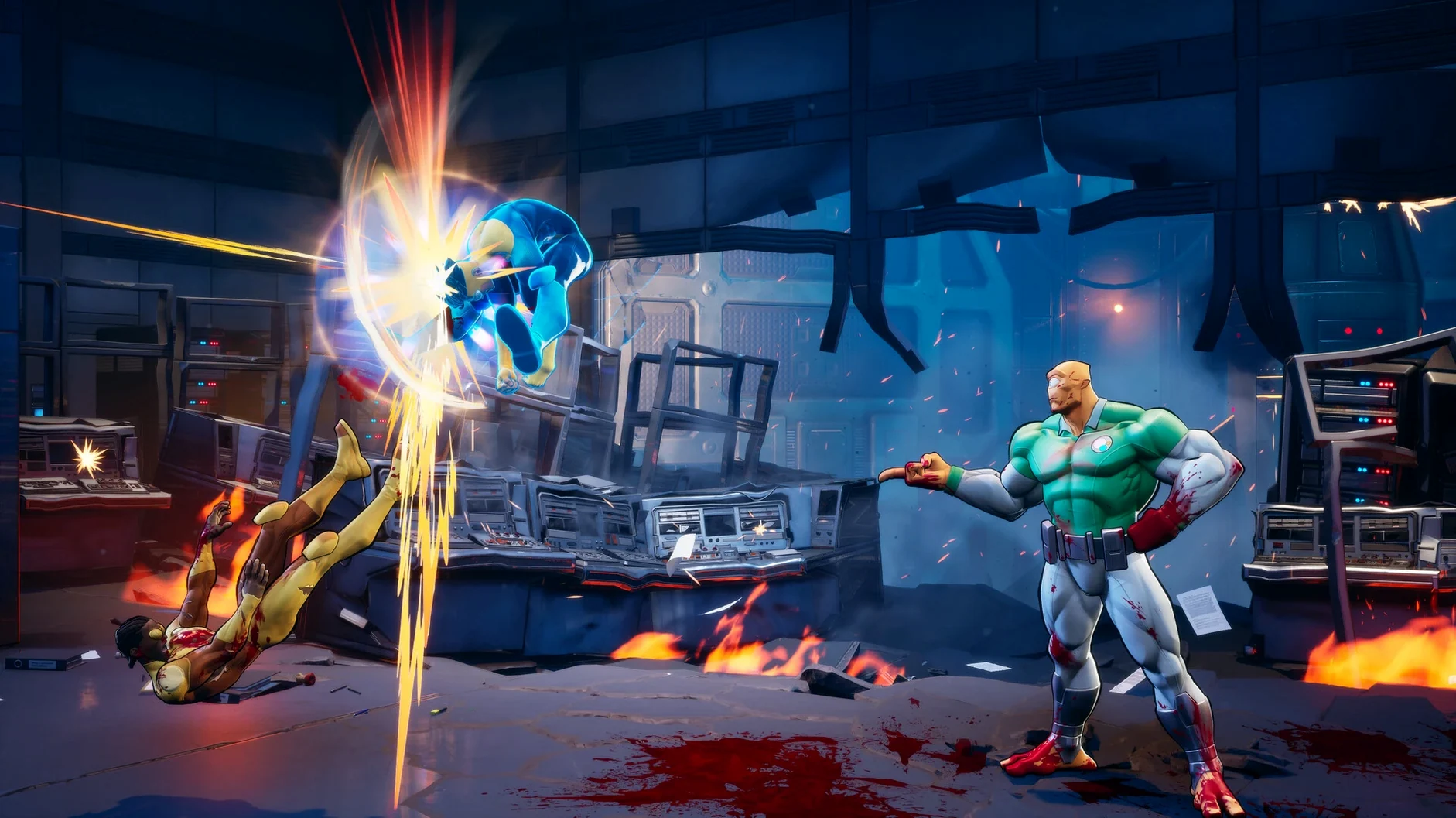
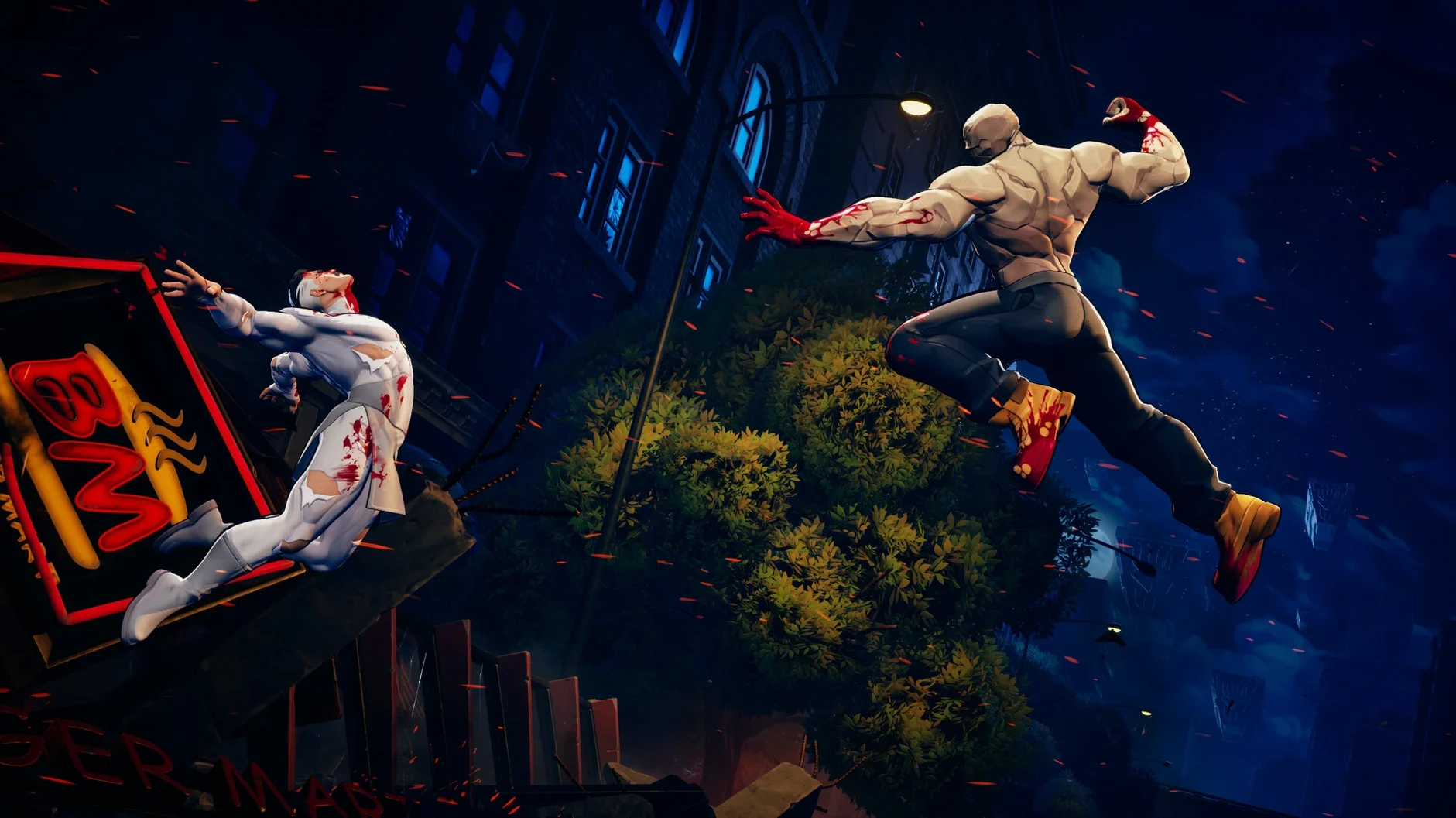
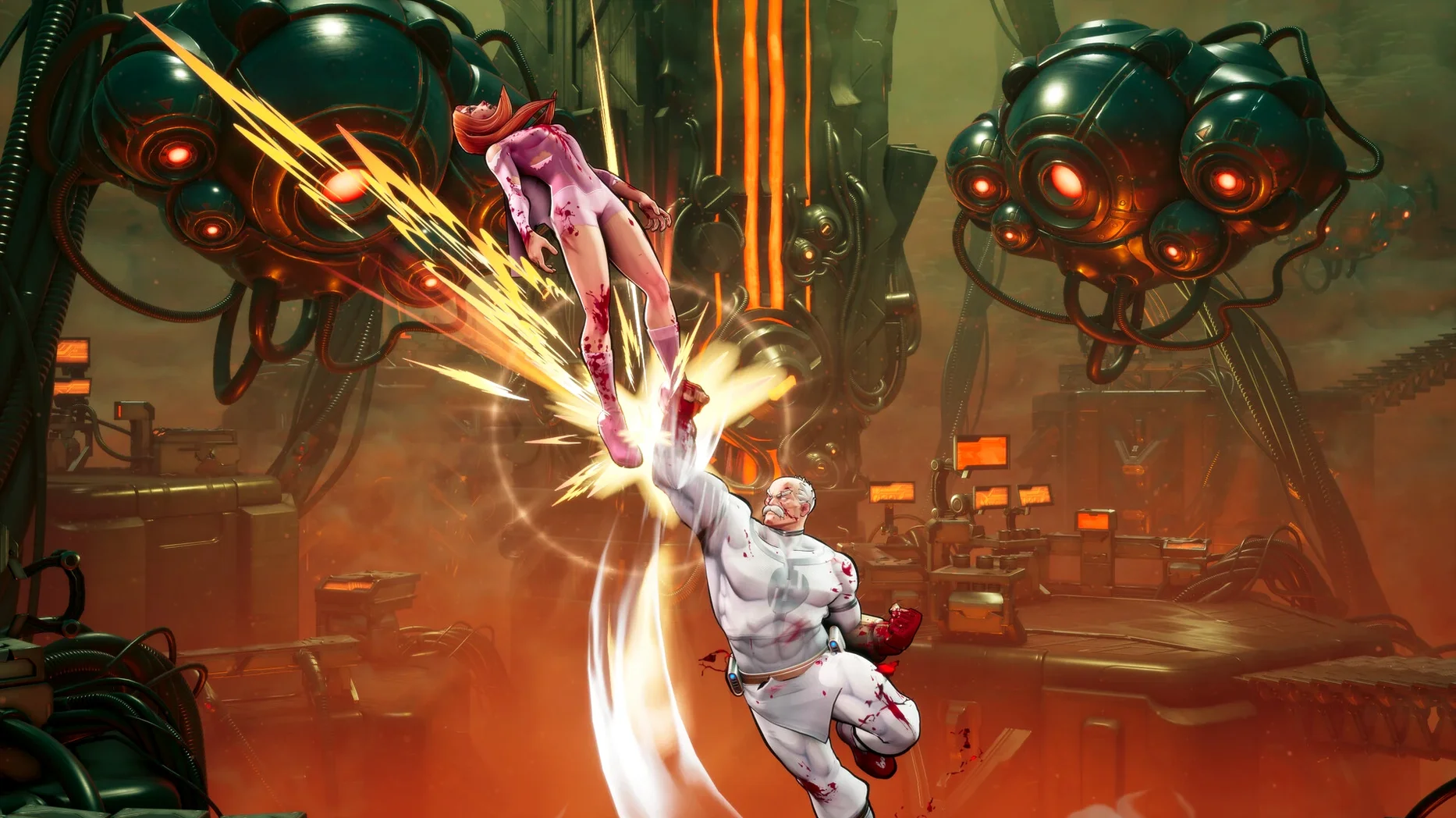
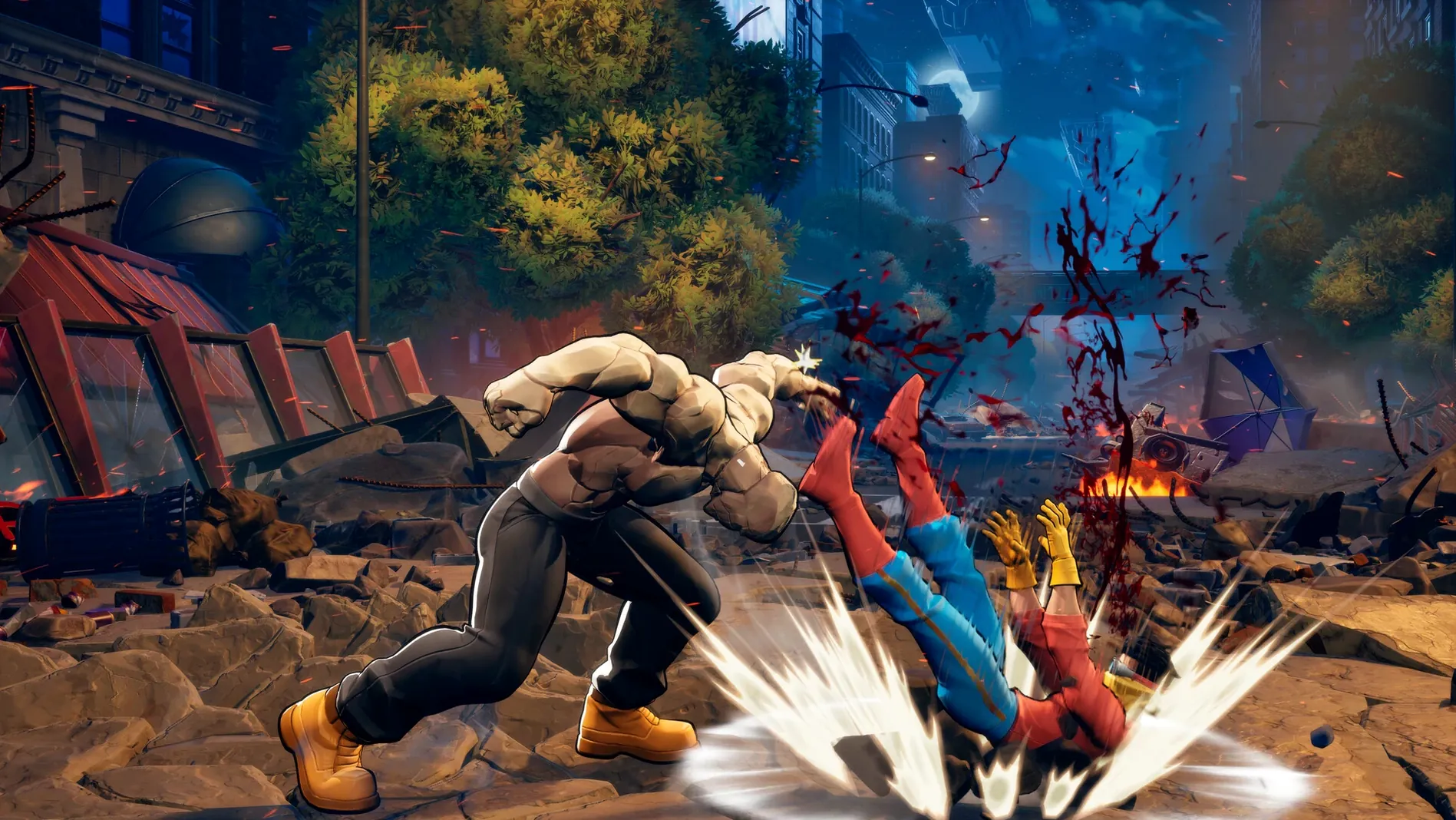
Build 22844029 Rev 1 wraps the game in a Wineskin port, which is how this Windows release ends up on macOS. It's strictly Apple Silicon, so older Intel machines won't see the icon bounce in the Dock.
What's the controls and local play situation?
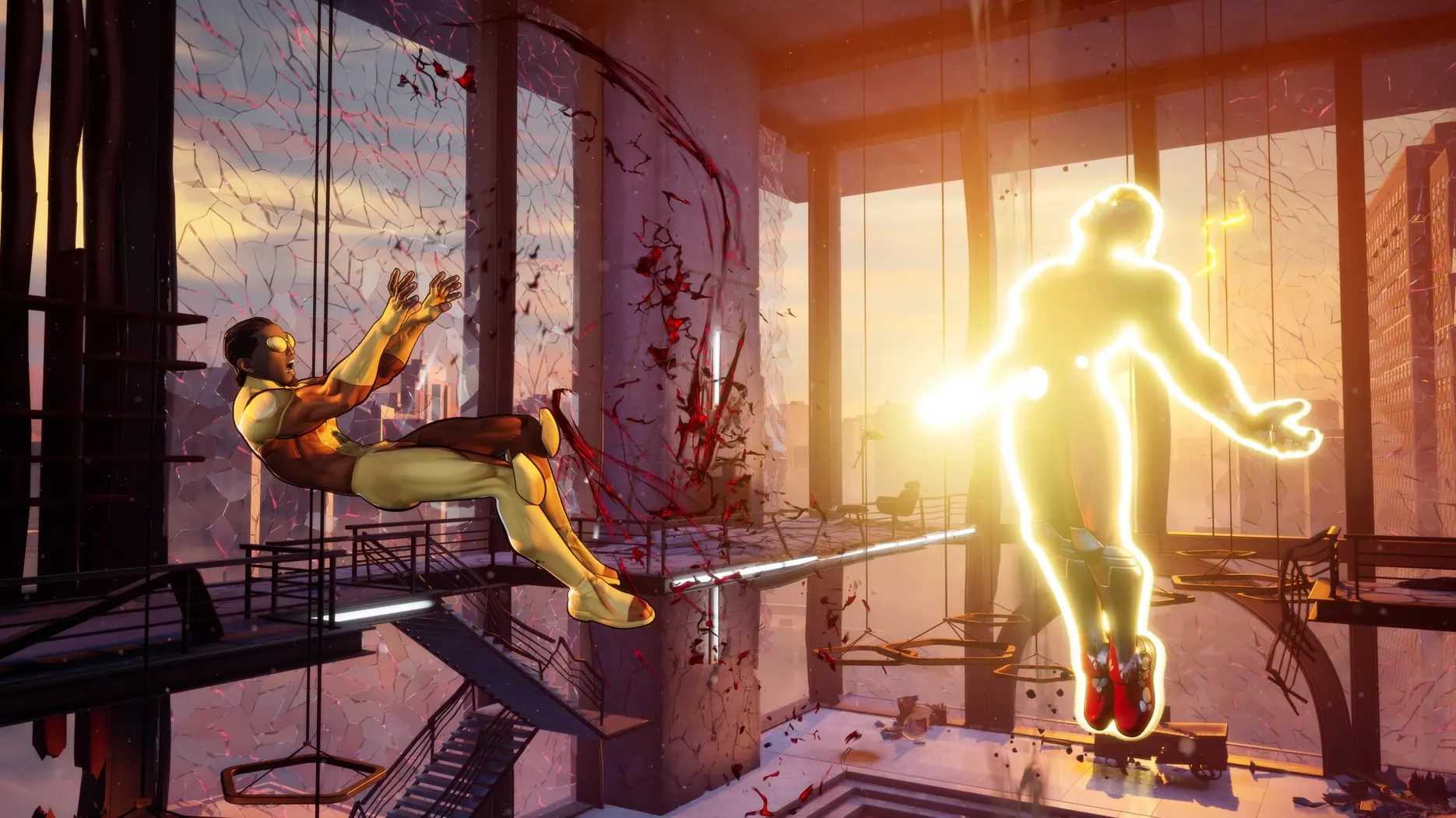
You'll want a controller. Keyboard mapping exists but the 3v3 tag mechanics feel cramped without analog sticks and shoulder buttons. Local play on one screen works exactly as you'd expect — grab a friend, pick a side, and switch characters mid-combo to extend strings. The tag system rewards timing more than button mashing, letting you call assists or snap in a fresh fighter while the opponent is still in hitstun from a cinematic finisher.
How does it actually run?
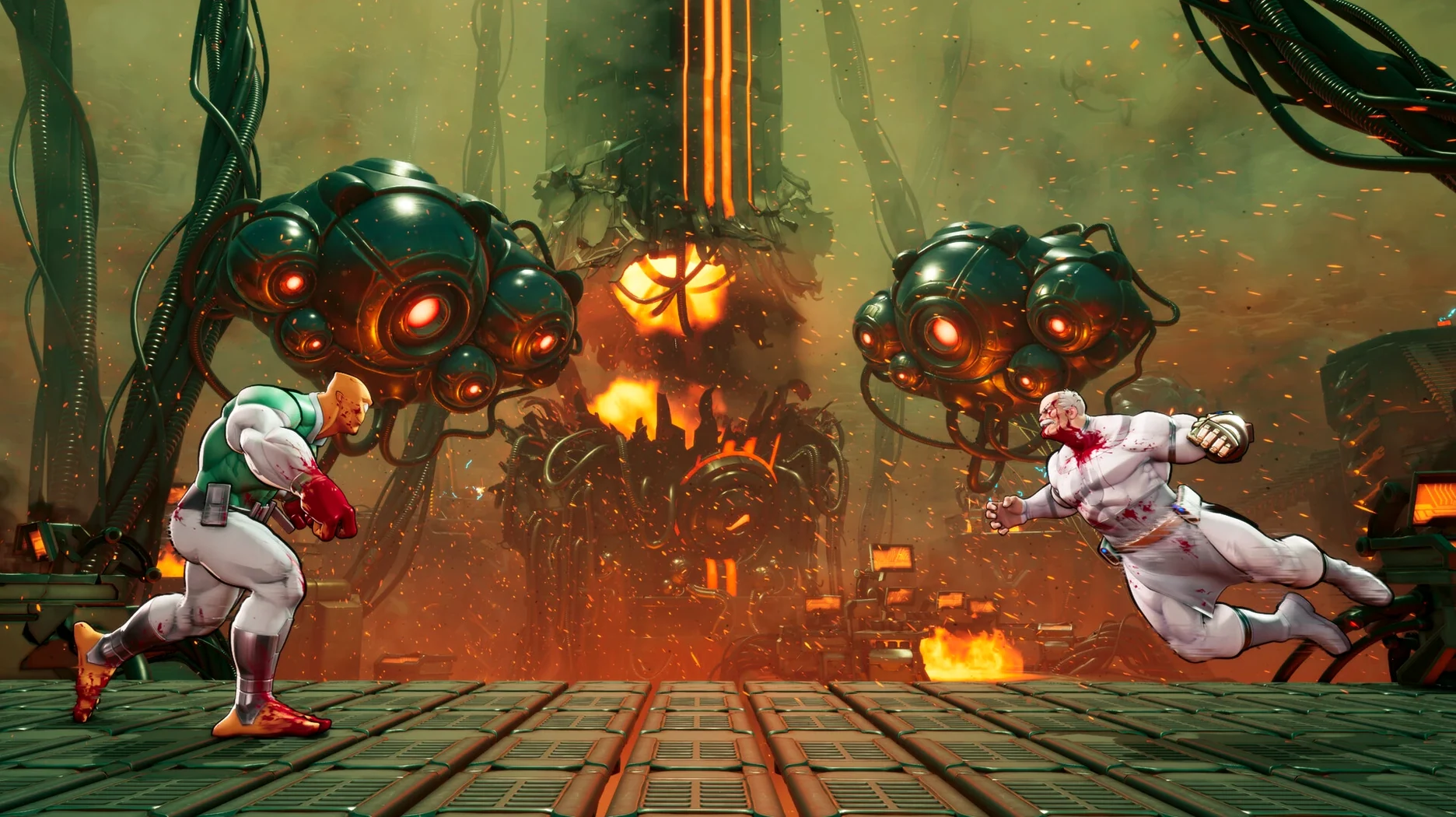
Performance sits where most Wineskin fighters land: frame pacing is solid during 1v1 moments, with occasional micro-hitches when particle-heavy finishers fill the screen. Those blood-filled cinematics push the render path harder than standard gameplay, but nothing that breaks the match flow. Save data lives deep inside the SharedSupport prefix at AppData/Local/TagFighter/Saved/SaveGames, which is handy if you ever need to back up your progress manually.
Why does launching from the .dmg break the wrapper?
Moving the app onto the desktop or leaving it in the .dmg and launching from there. The Wineskin wrapper needs a fixed path to its internal bottle, and macOS freaks out when that path includes a read-only disk image mount point. Drag it into /Applications first, always. Another one: ignoring the Fix file when the launch error pops up. People click OK, try again, click OK, try again — running that script once resets the bottle's runtime and usually clears things up immediately.
On the gameplay side, new players treat this like a 1v1 fighter with two characters sitting on the bench. The tag windows are tight and the combo scaling system punishes you for holding onto one fighter too long. Beginners also burn their defensive meter on raw push-blocks instead of saving it for the shared defensive moves that actually reset neutral pressure.
A quick story-mode run, step by step
You pick Invincible and Battle Beast as your first two, with Atom Eve in the anchor slot. The character select screen confirms your trio, then drops you into a cutscene — English voice acting only here, though the subtitles follow whatever interface language you've set from the six available.
First fight loads. You open with Mark for his balanced reach, land a ground string into a launcher, then tag Battle Beast mid-air. That's the workflow: initiate with a safe starter, switch to your damage dealer while the opponent's still airborne, and ride the juggle until scaling kicks in. When the opponent tags their own teammate, you snap in Atom Eve with a defensive assist to interrupt their incoming pressure. Rinse through two more matches, watch a blood-splattered cinematic finisher, and the story chapter closes. Progress auto-saves to that SaveGames folder inside the prefix — no manual save step needed.
Snappier character select and stage transitions on Apple Silicon
Build 22844029 Rev 1 is the first Wineskin-native port for Apple Silicon, which matters in one practical way: the bottle no longer thrashes through Rosetta 2 translation during load screens. Character select and stage transitions feel snappier than older Windows-on-Mac setups people tried before. The Fix script is also new to this packaging — earlier workarounds involved manually editing the wrapper's config, so having a one-click reset baked into the .dmg cuts down troubleshooting time to about ten seconds.
Interface languages got expanded to six in this revision. German, Spanish, Italian, Portuguese, and French now sit alongside English in the menus, though voice lines remain English-only. Nothing in the combo engine or character balance shifted — this is a packaging update, not a gameplay patch — so muscle memory from previous builds carries over intact.
- Apple Silicon Mac
$ man invincible-vs | grep -A2 "?"
What if the game shows an error right at launch?
Mount the disk image again and run the file namedFix — it patches whatever the Wineskin wrapper needs to get past that initial block.
Is this a solo-only game?
No, it supports local play on a single screen, so you can run 3v3 tag battles against a friend with character switching enabled during combos.
Comments 0
Sign in or create an account to leave a comment.
No comments yet. A codec, a slice, a machine — they appear after moderation.