inZOI for macOS
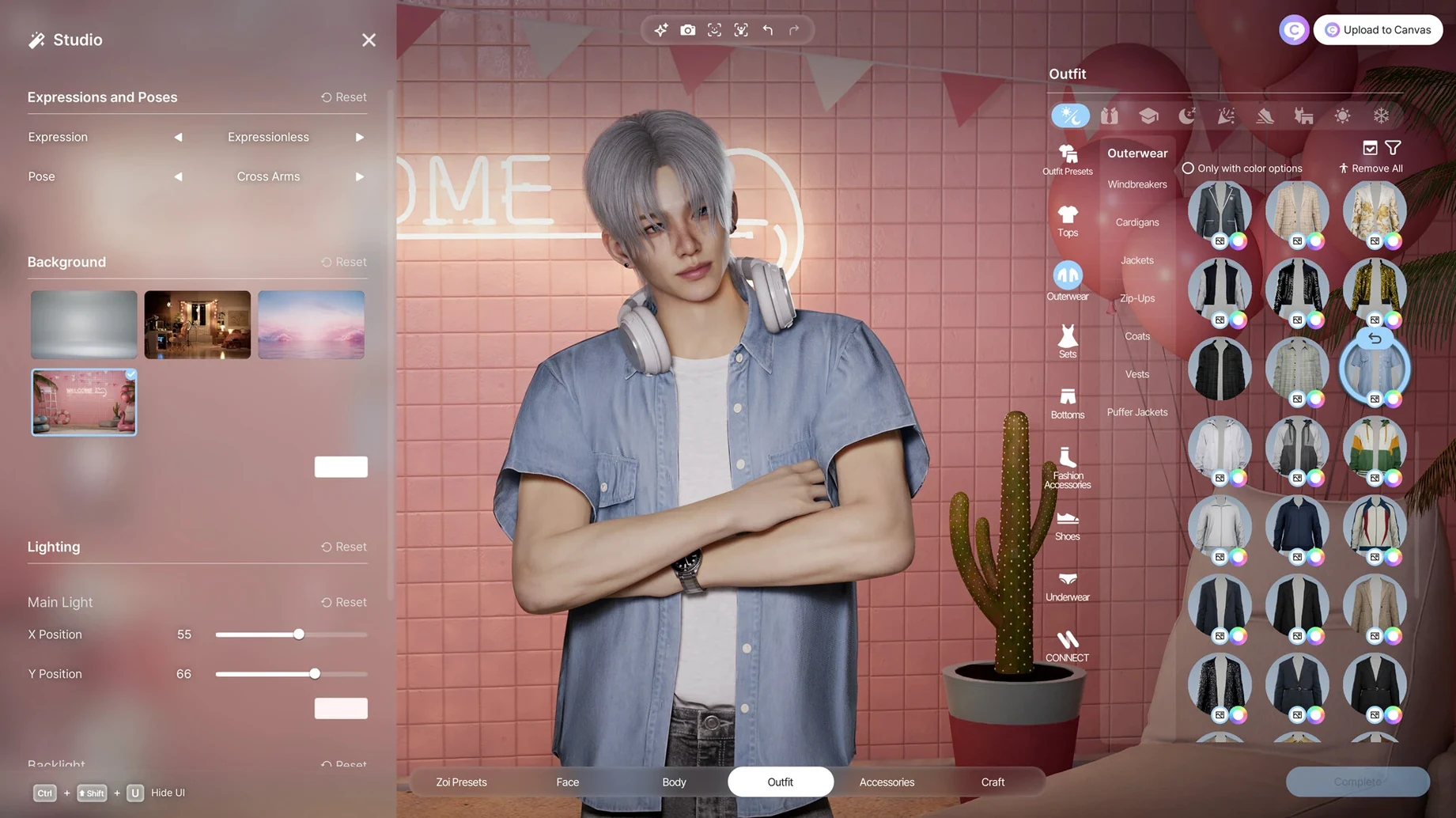
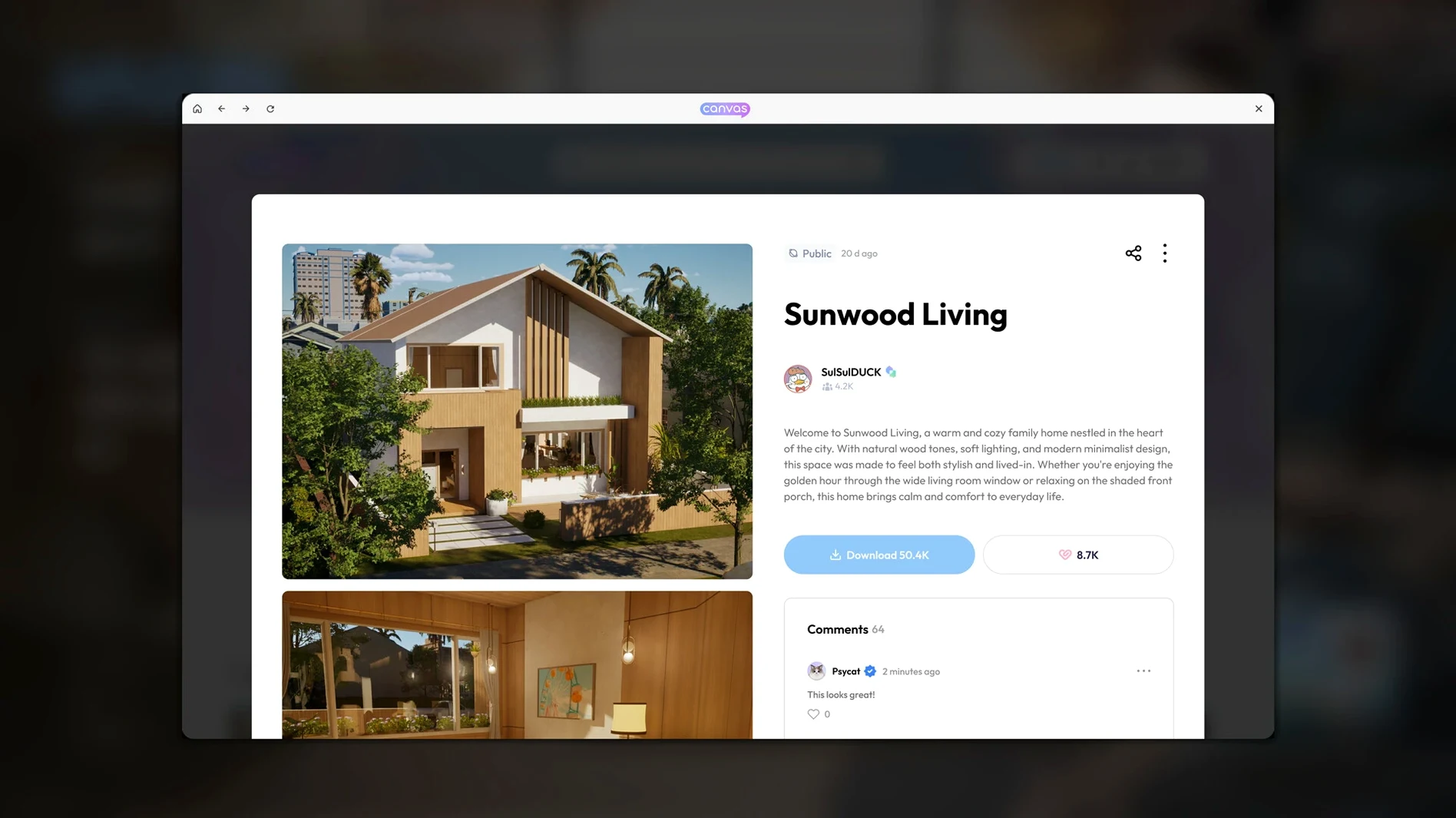
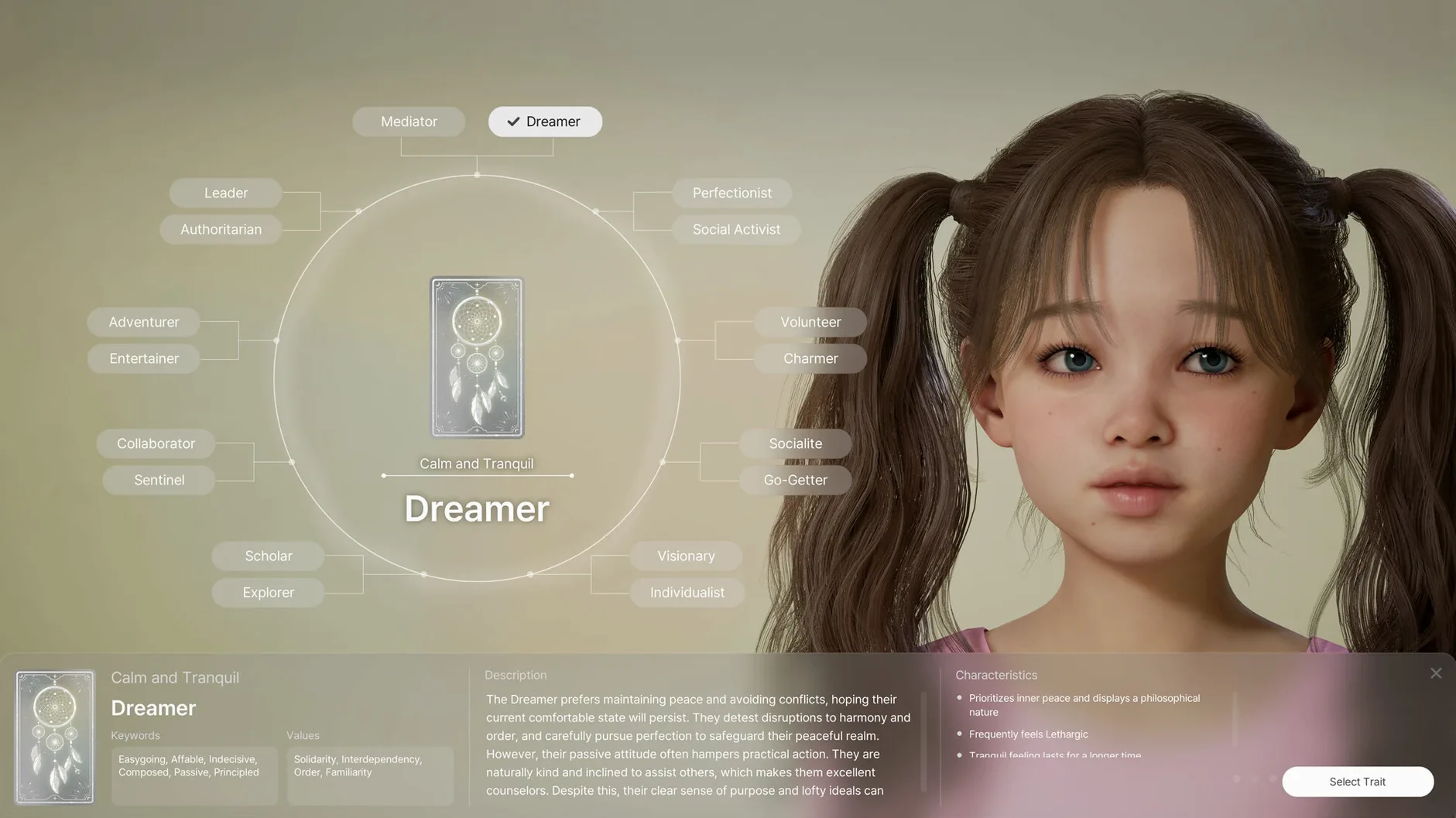

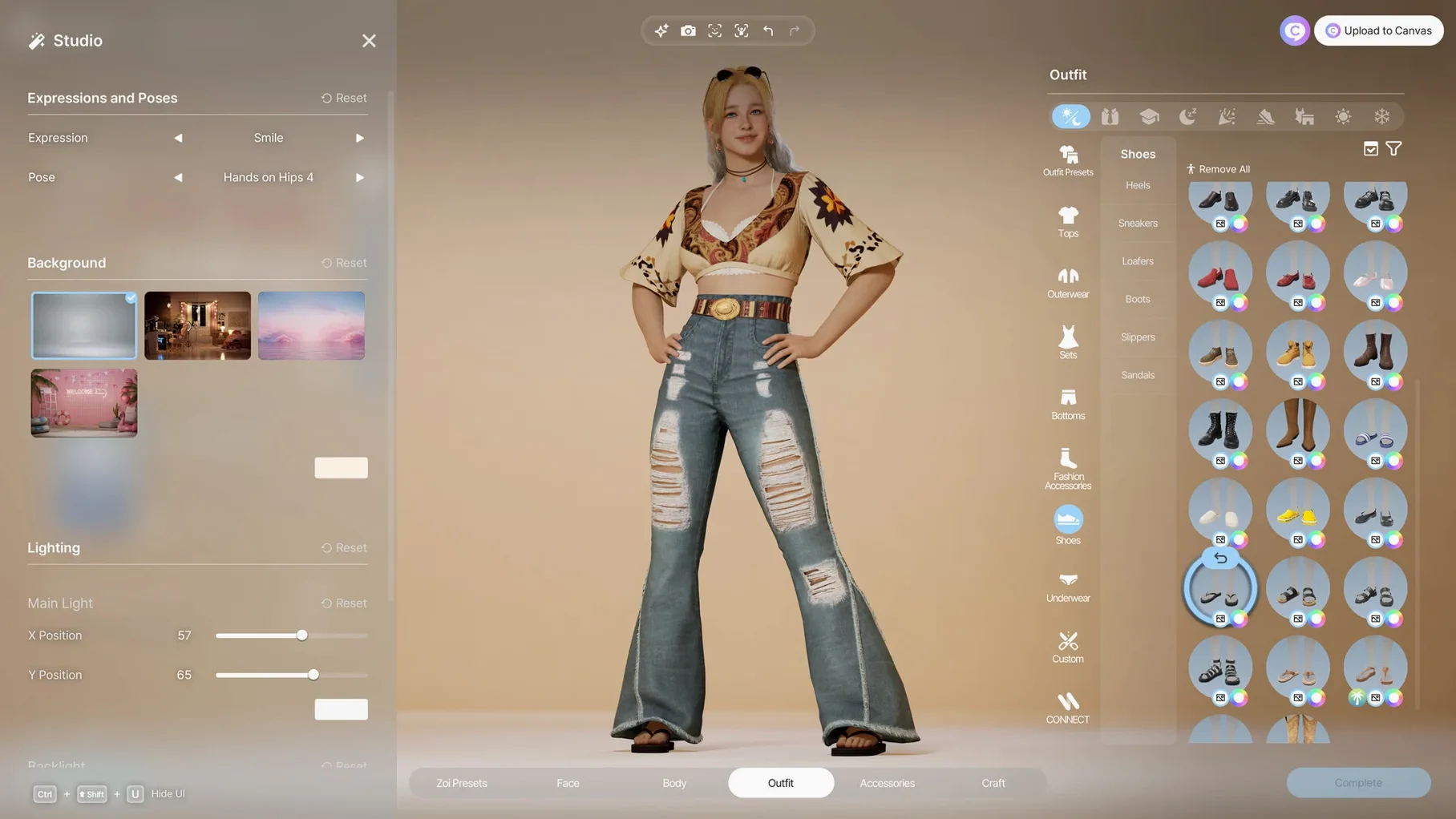
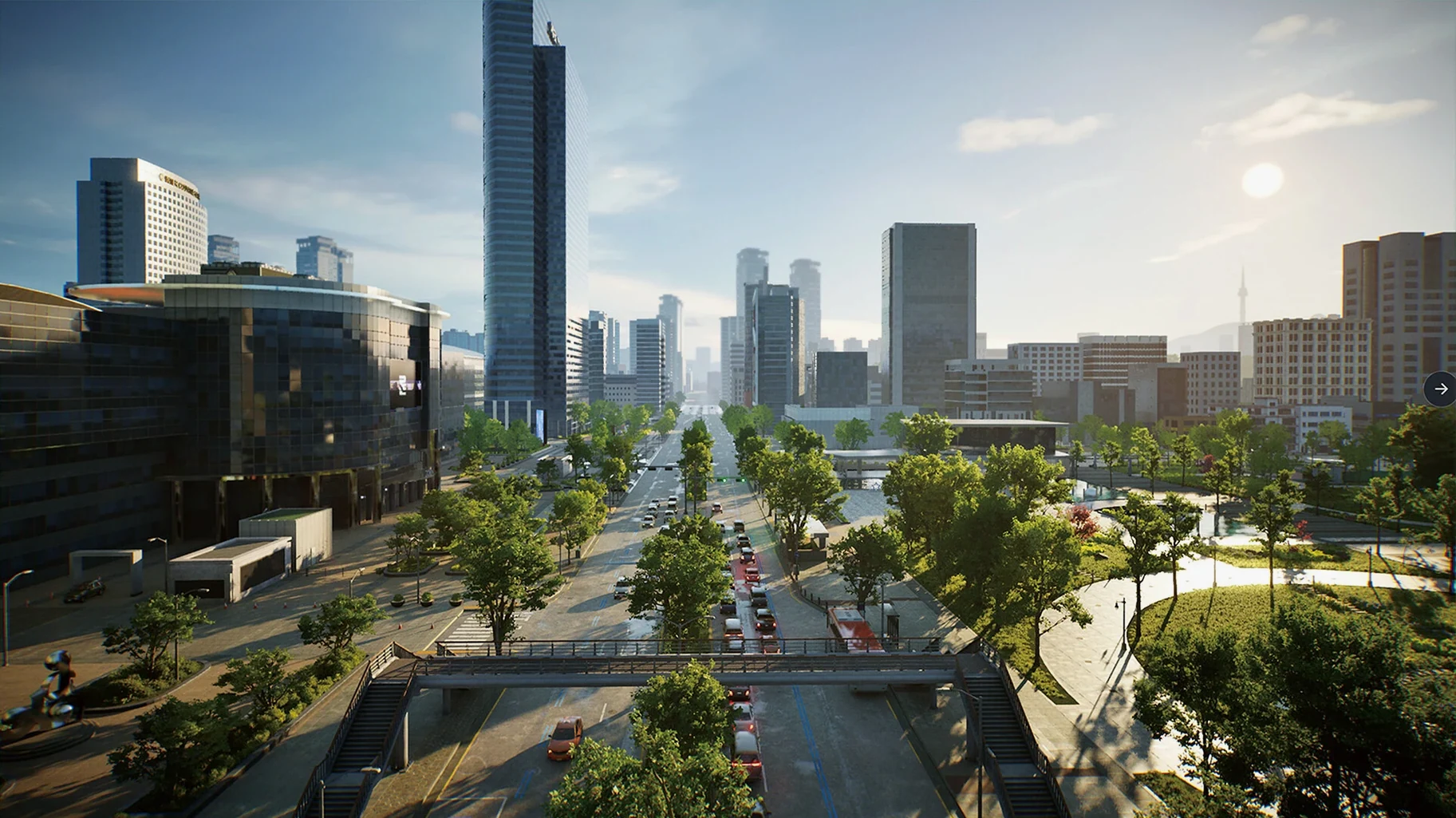
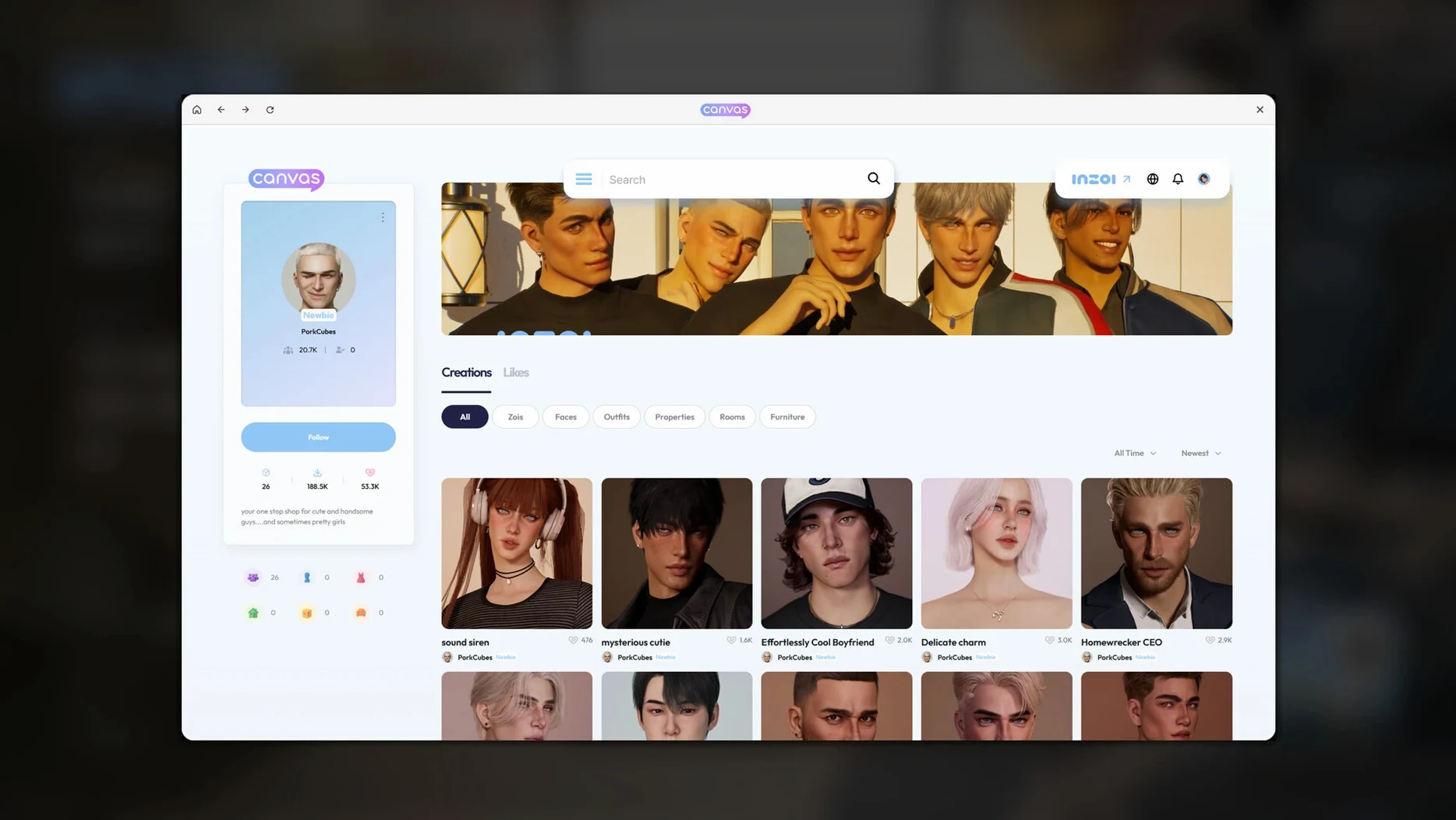
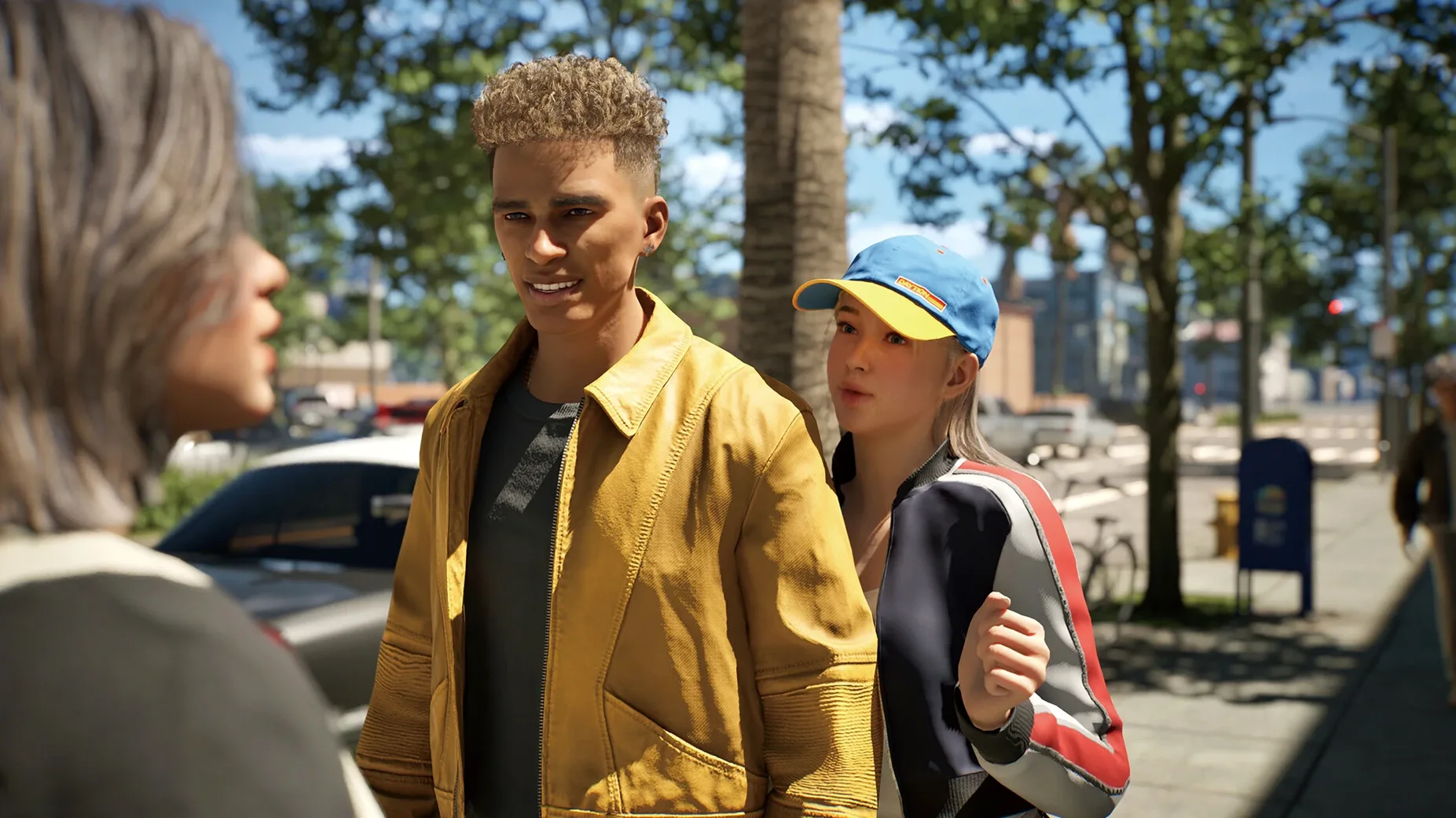
A local generative AI model works alongside the standard character creator, and you can turn 2D images into in-game 3D objects. That is one of the first things you notice in version 0.10.4: the customization pipeline goes deeper than sliders for hair and body shape.
Building a block from the ground up
The architectural toolset gives you walls, roofs, stairs, fences, platforms, and gates. You are not just decorating a pre-built lot — you shape the street itself. Weather, lots, and road layouts are all changeable. I started with a small residential corner and worked outward, placing fencing to define yards, then adjusting roof pitches so the houses read as a coherent block rather than a random collection. The game treats the area as a fully functional community, so the Zois who move in form relationships based on personality traits and life experience. That means the physical layout you build directly feeds the social simulation running underneath.
How does a reserved Zoi use enclosed courtyards?
Each Zoi carries a set of traits that interact with the environment you have built. A Zoi with a reserved personality will use the spaces differently from an outgoing one — narrower paths, enclosed courtyards, and gate placement all affect how they navigate and who they encounter. Because the simulation runs a full community loop, changes you make to a single lot ripple outward. Adding a public stairwell between two streets, for example, creates a new pedestrian flow that shifts relationship patterns over time. The early-access build is already tracking these dependencies, and the customization layer — clothing, accessories, manicure — means you can read a Zoi's history at a glance before you ever see their stat sheet.
How inZOI plays with the rest of your Mac
inZOI saves its worlds, Zois, and custom assets in a folder inside your home directory — ~/Documents/inZOI by default. That is a deliberate choice. It means your canvas library, generated textures, and motion data sit right where you can reach them from Finder, Shortcuts, or a backup tool like Time Machine without digging into a sandboxed container. The game does not hide its working files inside ~/Library/Application Support or bury them in a package bundle. If you ever want to move a Zoi to another Mac, you drag the folder.
The built-in generative tools produce PNG sequences and texture atlases that other apps can open directly. A pattern you generate for a Zoi's jacket is a standard image file. Drop it into Preview to crop it, or open it in Pixelmator Pro for retouching, then drop the edited version back into the game's watch folder. inZOI picks up changes on the next launch without a re-import step. The same applies to the 2D-to-3D pipeline: the source image you feed the local AI model can come from anywhere — a photo pulled from the Photos app via the media browser, a sketch you made in Freeform, or a PNG exported from Blender.
Continuity Camera and facial capture
Facial capture taps the same AVFoundation pipeline that FaceTime and QuickTime Player use. If your iPhone is mounted and Continuity Camera is set up in macOS Tahoe, inZOI sees it as a video source in the motion-capture setup panel. The game reads the depth data stream for expression tracking, not just the RGB feed, so the transfer to your Zoi's face carries subtle movements — eyebrow raises, mouth asymmetry — that a flat webcam feed would miss. Motion capture from uploaded video works separately: drag a clip into the importer, and the local model extracts a skeleton track without needing a dedicated motion-capture suit or depth sensor.
Why do rumors no longer stall between neighborhoods?
The community simulation loop tightened noticeably in 0.10.4. Before this build, rumors and trends could stall if a Zoi's social graph had no path to another neighborhood. Now the game recalculates information flow every few in-game hours, so a rumor that starts in a café on the east side of town reaches the residential blocks organically, provided there is physical connectivity — a road, a shared park, a stairwell between levels. Diseases work the same way. A Zoi who never leaves their apartment block is not magically infected; the transmission model follows actual movement patterns, which means your street layout and public-space placement now carry epidemiological weight.
The customization engine received a quieter but useful update: generated textures now respect the UV layout of the target clothing item more accurately. In earlier builds, a text-prompt pattern could stretch oddly across seams. Version 0.10.4 applies a local smoothing pass that reduces visible discontinuities at collar and cuff boundaries. The 2D-to-3D converter also gained support for images with alpha channels, so you can feed it a PNG of a chair silhouette with a transparent background and get a cleaner extrusion than before.
Workflow: making a Zoi from a photograph
Let us walk through a specific task — taking a photo from your library and turning it into a Zoi with custom clothing, then placing that Zoi into a neighborhood you built.
- Open the Photos app and find a portrait you like. Copy it to the desktop as a JPEG (right-click, Edit With > Preview, then export).
- Launch inZOI and enter the character creator. Choose New Zoi from Reference and point it at the desktop image. The local AI model generates a base face mesh and a suggested body shape.
- Refine the face using the 250-plus sliders — jaw width, eye depth, lip curvature. The reference image gave you a starting point; the sliders let you stylize or correct.
- Switch to the clothing tab. Write a text prompt for a pattern — something like "wool herringbone in charcoal and navy" — and apply the generated texture to a coat. Check the seams at the shoulders and collar. On 0.10.4 the smoothing pass should keep the herringbone lines unbroken across panels.
- Give the Zoi a name and a personality trait set. A reserved, creative Zoi will behave differently in the neighborhood than an outgoing, impulsive one, so pick traits that match the face you just built.
- Save the Zoi. Exit the creator and load your city save. Open the lot editor for an empty residential plot and place the new Zoi as a resident. The simulation starts immediately — within a few in-game hours, they will begin navigating the streets, encountering neighbors, and forming relationship links.
If you want to capture the Zoi's movements later, record a short video on your iPhone, AirDrop it to the Mac, and use the motion-capture importer. The generated animation clip can be assigned to that specific Zoi, so their gait and gestures match the personality you chose.
How fast does a city load on an M4 Mac mini?
I launch inZOI from Launchpad on a Mac mini M4 running macOS Tahoe. The game opens to the world-select screen in about twelve seconds — Unreal Engine 5 streams the city data from the internal SSD, so there is no shader compilation pause after the first launch.
I load a city I have been working on for a week. It is modeled loosely after a hillside town, with stepped terraces connected by public stairwells. The weather system is set to a variable spring pattern, so the light shifts every twenty minutes of real time. I zoom into the market district first. Three Zois are clustered near a fountain, and the thought-bubble system shows a rumor spreading — something about a disease outbreak in the lower residential block. I check the disease overlay, and sure enough, a Zoi in the cramped alley apartments is showing symptoms. The transmission path is visible as a dotted line: the affected Zoi walked through the market yesterday, brushed past two others near the fountain, and the simulation tracked the proximity event.
I decide to intervene not by curing the disease directly, but by reworking the alley. I open the architectural tools and widen the path, add a small public courtyard with benches, and connect it to the main road with a new gate. The idea is to reduce the contact density that made transmission so efficient. I place a few decorative items — planters, a low fence — and apply a generated texture to the courtyard paving using a text prompt: "worn terracotta tiles with moss in the cracks." The local model produces the pattern in under ten seconds, and I drag it onto the ground surface.
Back in live mode, the Zois reroute through the new courtyard. The disease overlay recalculates, and the transmission chain breaks. The rumored outbreak fizzles because the physical environment no longer forces the same crowding. I watch for a few in-game days as the social graph adjusts — new relationships form around the courtyard benches, and the Zoi who was sick recovers because the simulation's health model accounts for reduced stress from less-crowded living conditions.
Before quitting, I export a few generated textures to ~/Documents/inZOI/Exports so I can tweak them later in an external editor. The session took about an hour. I did not touch a single stat sheet or menu. Everything played out through the physical spaces I built and the movement patterns they created.
The developer hasn't published a detailed changelog for version 0.11.1 Native, so this release appears to carry forward the current feature set with routine under-the-hood maintenance. If you spot a new slider or a different idle animation that wasn't there before, it's a quiet bonus.
- Apple Silicon (M-series chip)
$ man inzoi | grep -A2 "?"
Does inZOI run natively on Apple Silicon?
Yes, the current build was tested on a 2024 Mac mini with an M4 chip running macOS Tahoe.
Can I import my own designs into the game?
You can turn 2D images into in-game 3D objects using a built-in tool, and a local generative AI model assists with customization.
What languages does the interface support?
Russian, English, German, Spanish, Italian, Traditional Chinese, Simplified Chinese, Korean, Polish, Portuguese, French, and Japanese are all available.
Comments 0
Sign in or create an account to leave a comment.
No comments yet. A codec, a slice, a machine — they appear after moderation.