Keep Driving for macOS
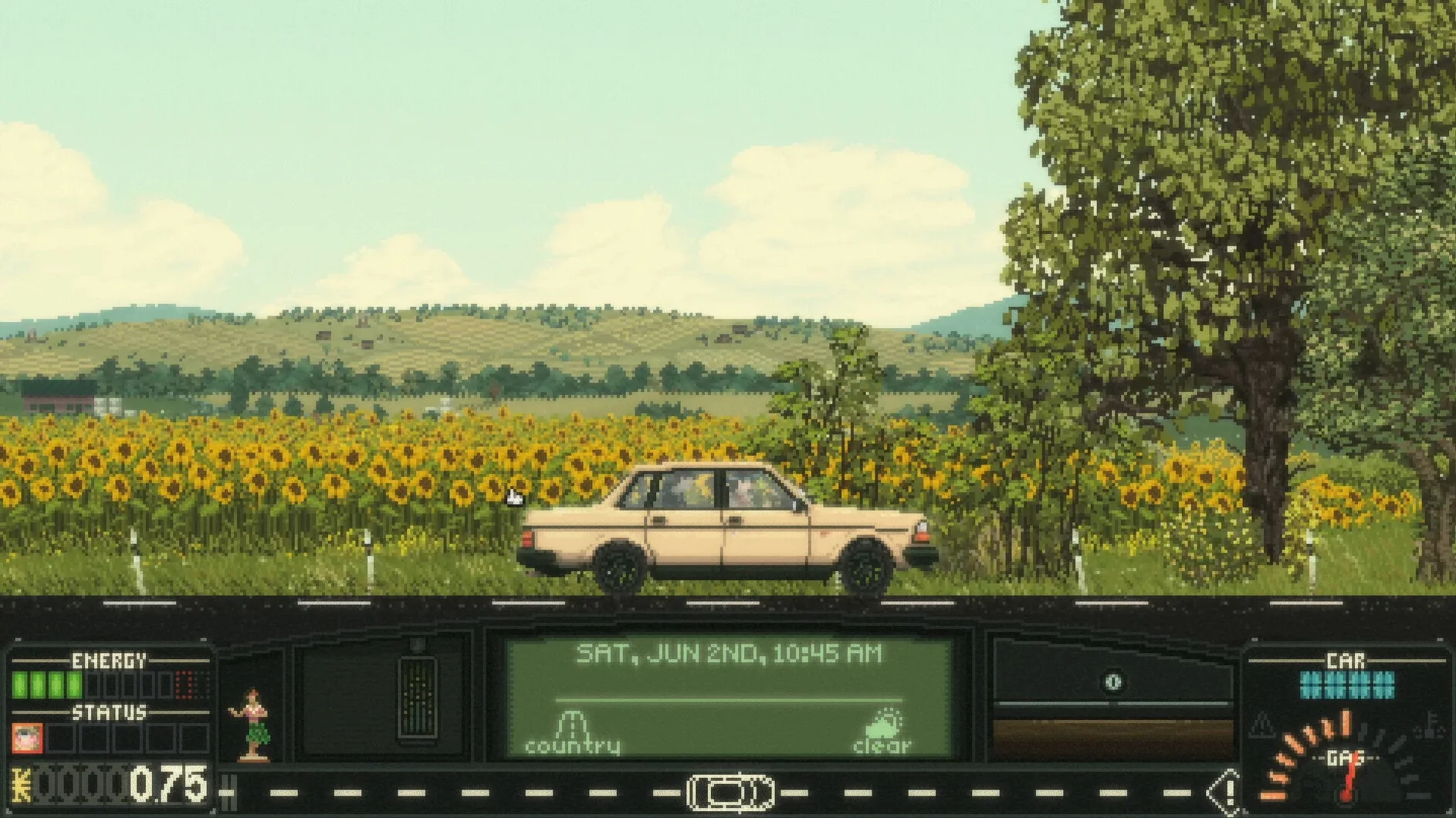
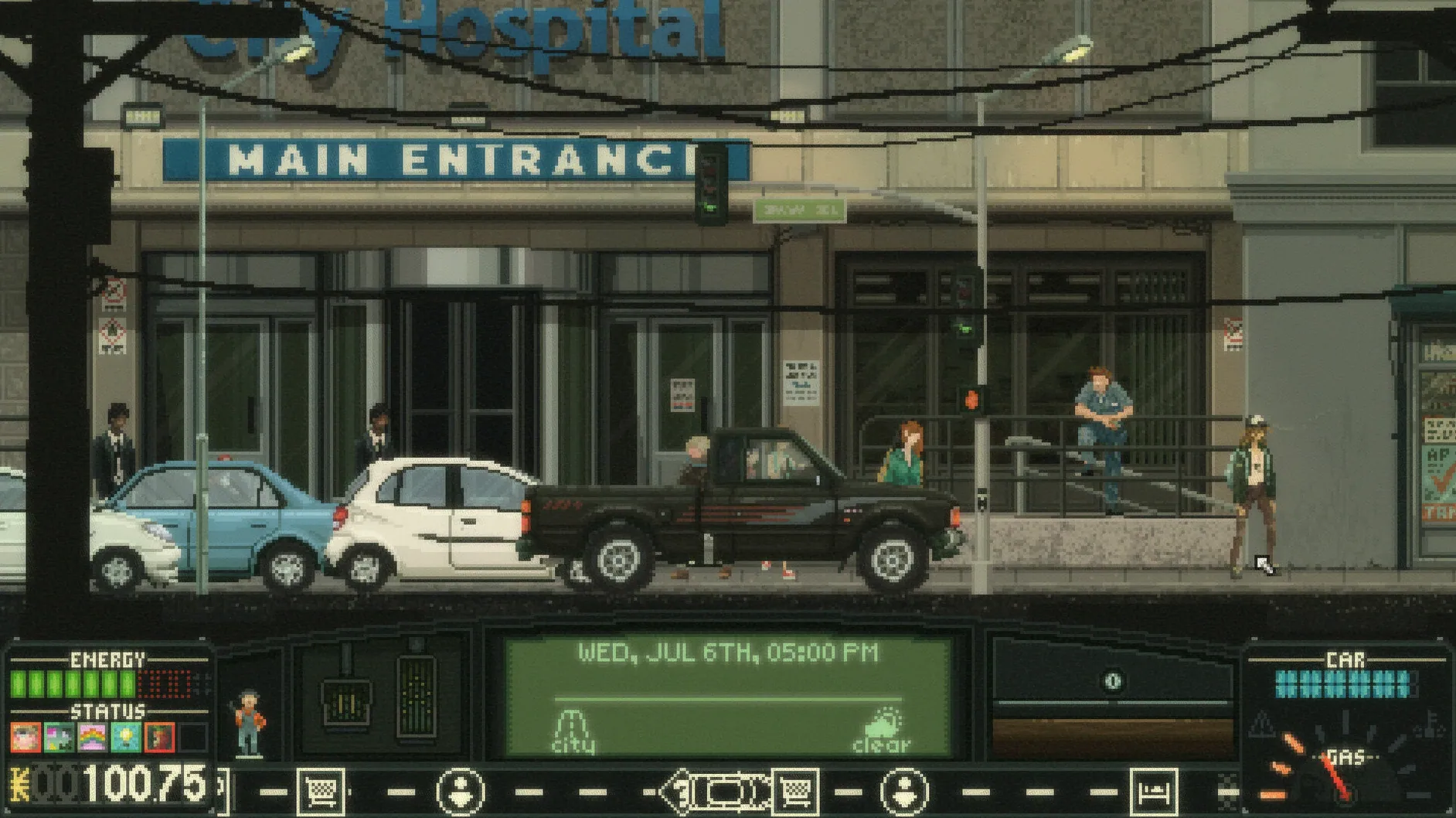
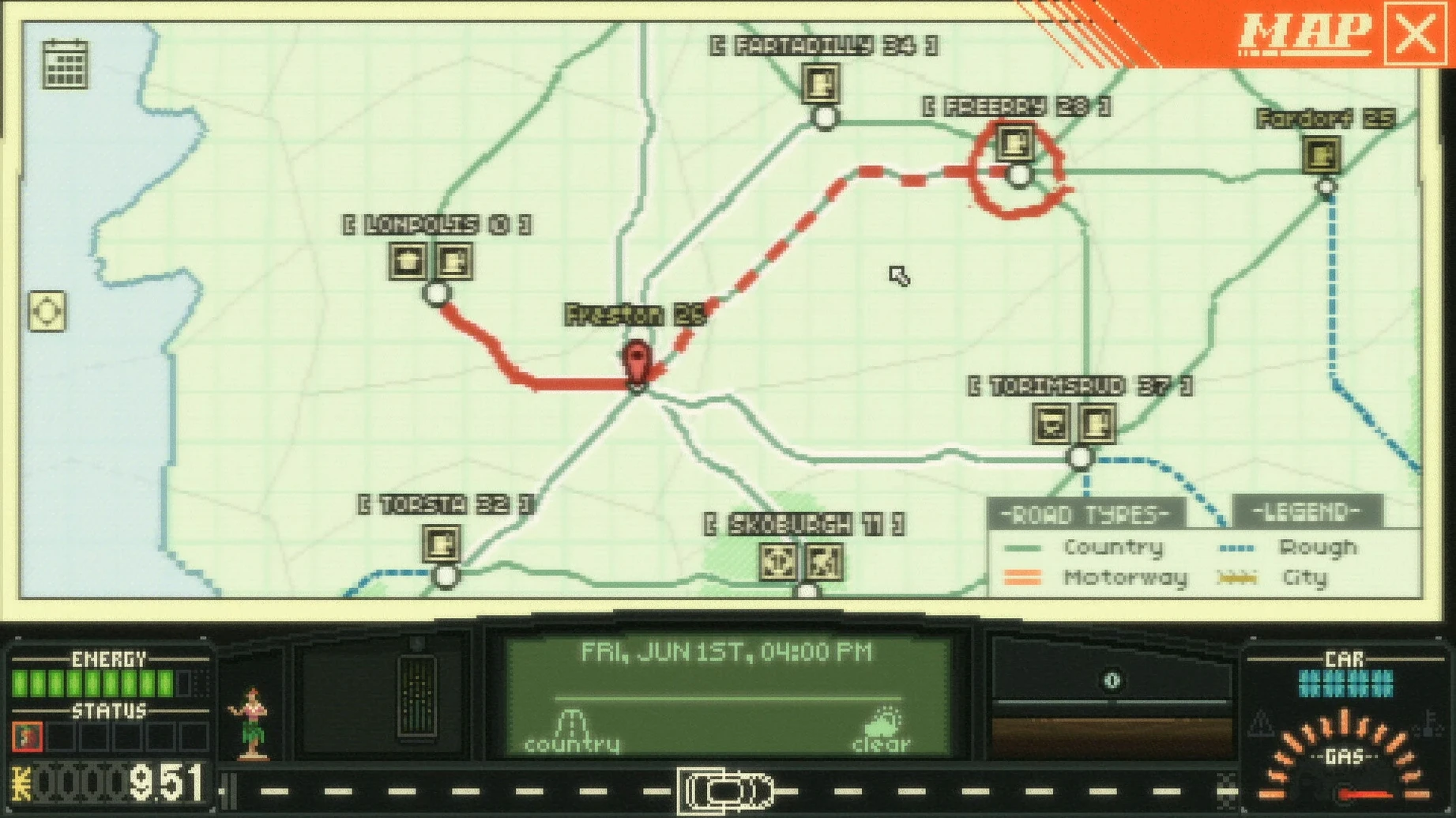
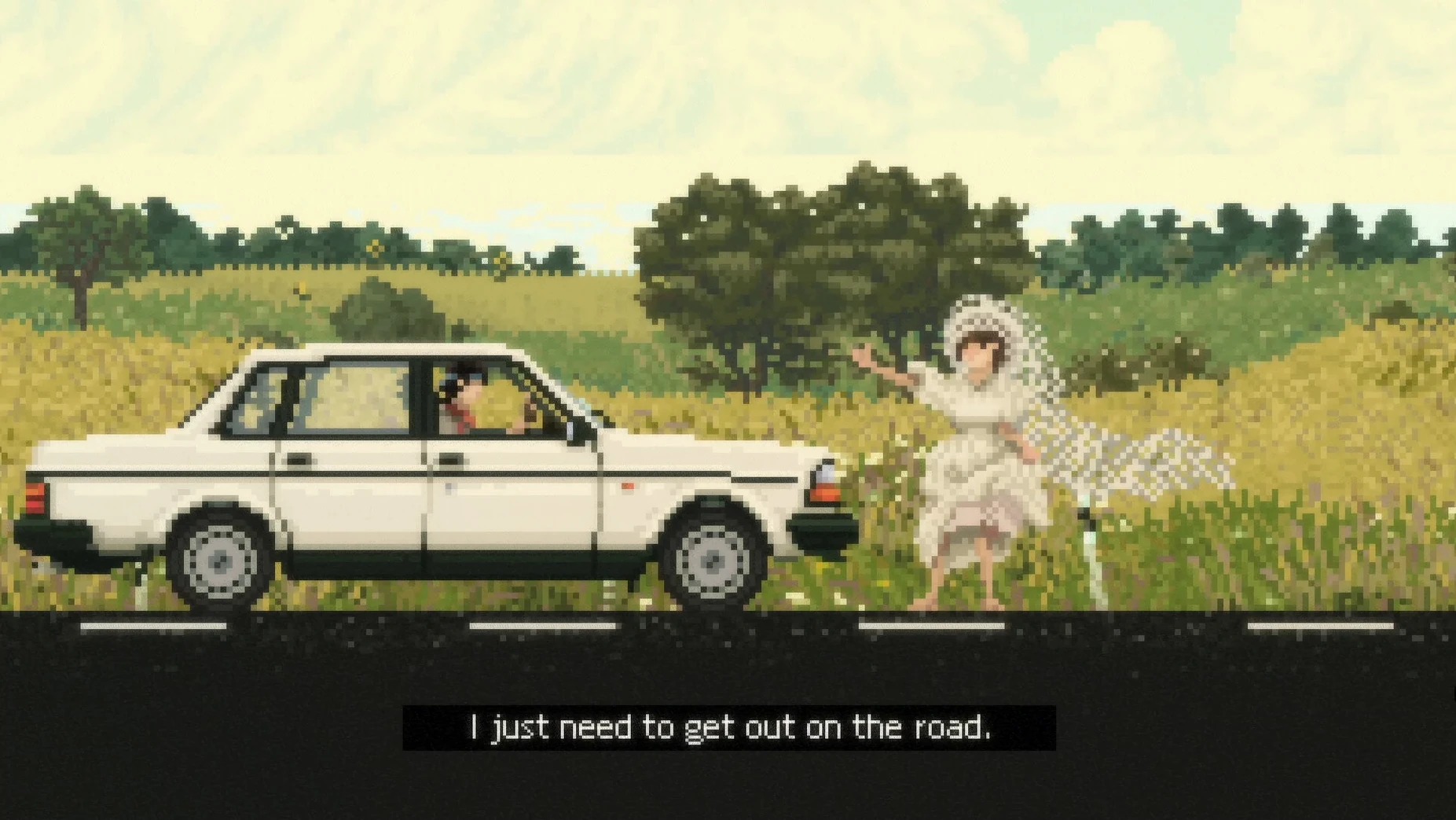
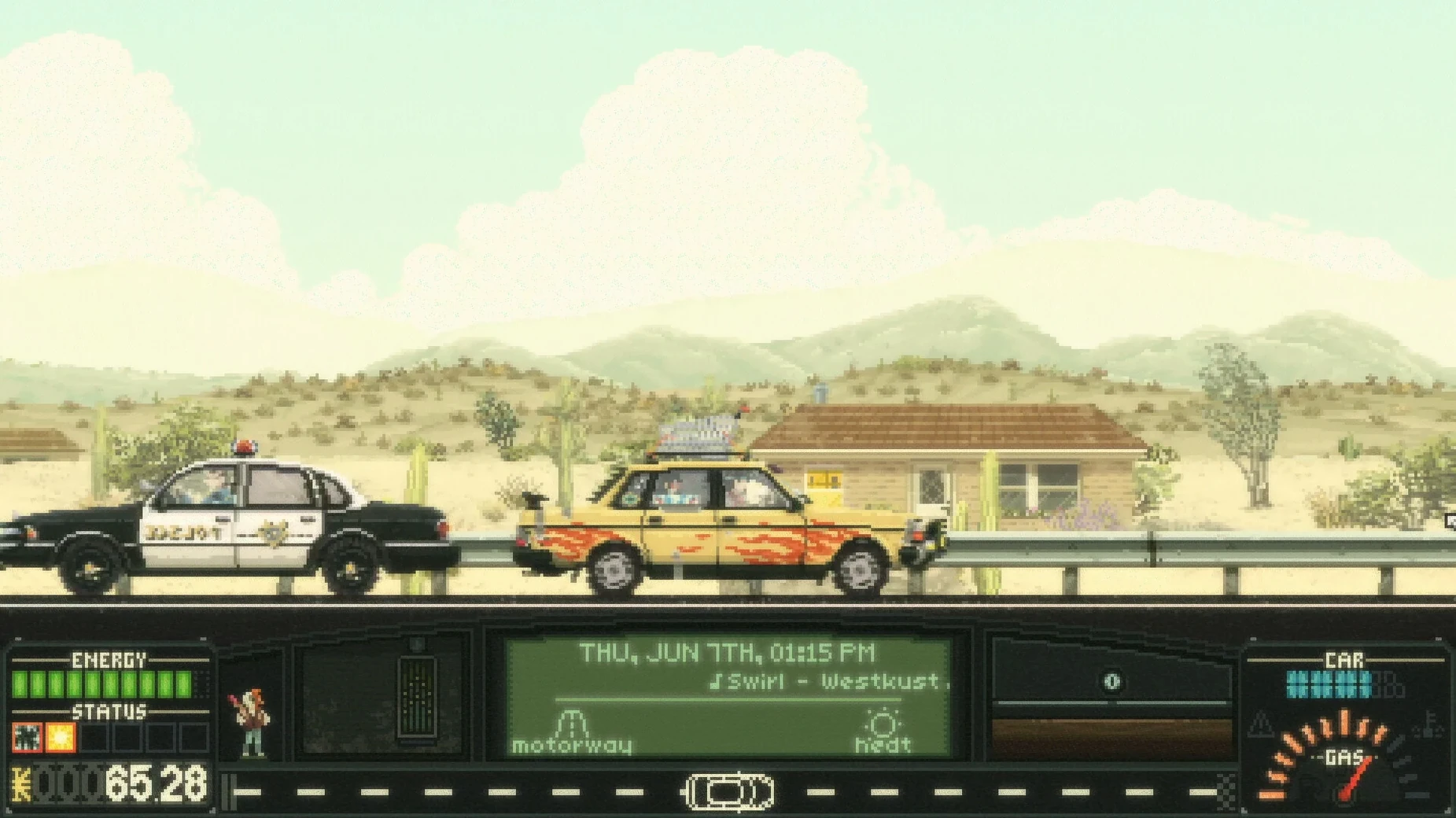
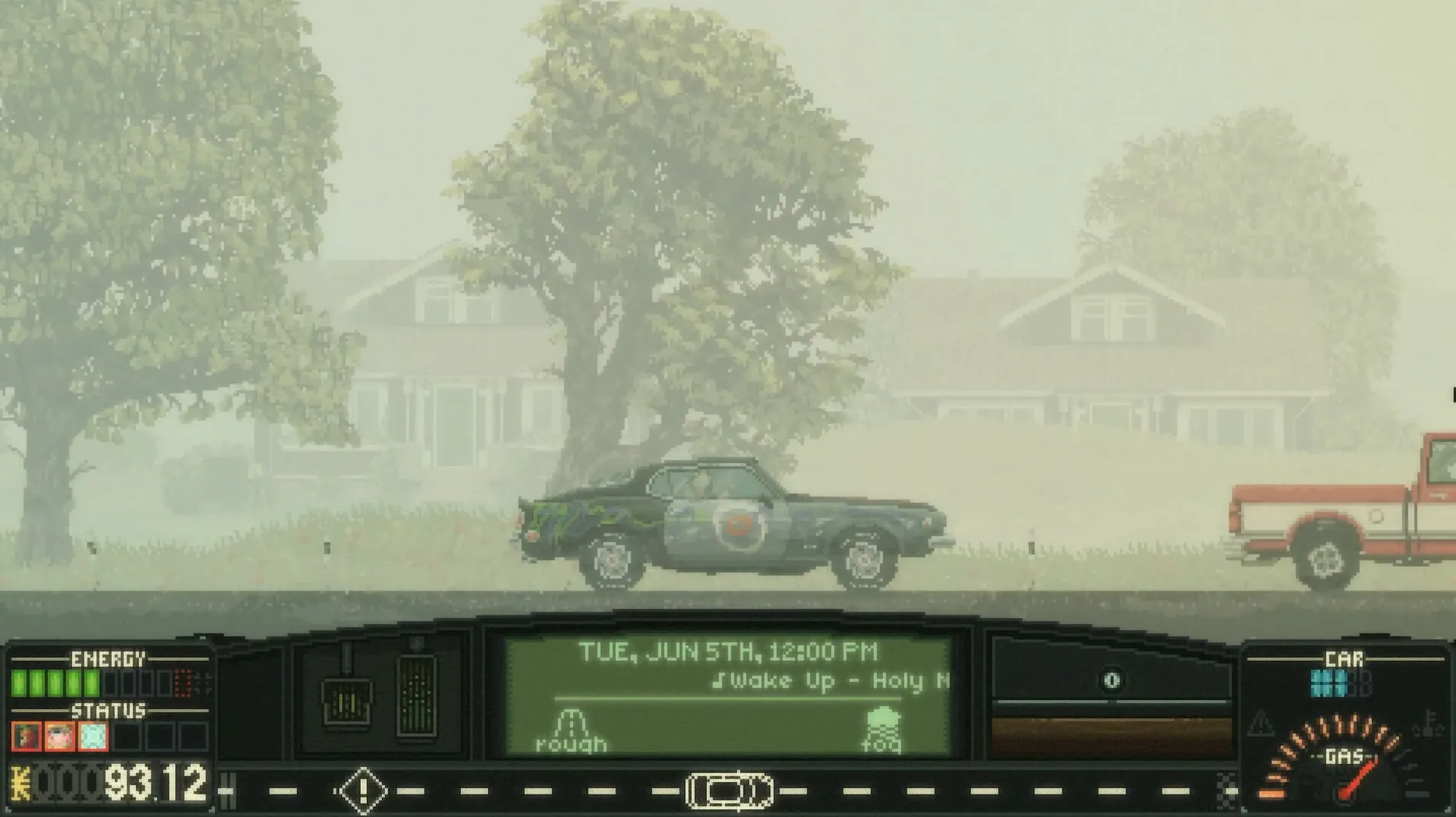
Version 1.3.1.1d is the current build, and while patch notes are sparse, the game's core loop remains a slow, thoughtful cruise through a procedurally generated pixel-art world. You manage a car, your resources, and the odd jobs you pick up along the way. Every hitchhiker and detour nudges the story toward one of several possible endings.
What you're actually managing
- Fuel, money, and your own energy — run out of any and the trip stalls.
- Passengers with their own stories. Picking someone up changes the route and the dialogue.
- Car parts that wear down. A busted headlight at night is a real problem.
- Time. The game doesn't rush you, but choices about when to stop matter.
Why an M-series Mac pushes it to a smooth 60 fps
It's an ARM-native build, so on an M-series Mac you're not running through Rosetta. On a Mac mini M4 with macOS Tahoe, it's a smooth 60 fps at high resolutions — the pixel art isn't demanding, and the game loads areas without stutter. Controls work with keyboard or a controller; the interface is built for a mouse but feels fine on a trackpad. If you're on Intel, the Steam page lists macOS support without specifying the minimum version, so expect it to run on anything recent. The only voice language is English, but the interface and subtitles cover eleven languages including Russian, Japanese, and Swedish.
Hoarding fuel money leaves you broke before the real challenge
New players tend to treat Keep Driving like a standard RPG where you hoard resources for a boss fight that never comes. The game punishes that instinct quietly. Filling the tank at every station seems smart until you're broke and can't afford a motel when your energy bar is flashing red. Money is tight in the early 2000s setting, and gas stations overcharge — the pump price isn't always the best deal you'll find down the road.
Another trap: ignoring hitchhikers because you want a solo run. A few passengers give you route shortcuts or split fuel costs, and skipping them means you'll grind through more random encounters with nothing to show for it. The turn-based road encounters aren't hard, but they drain your car's condition. Let that slide and you'll be stuck outside a repair shop with a cracked radiator and zero cash.
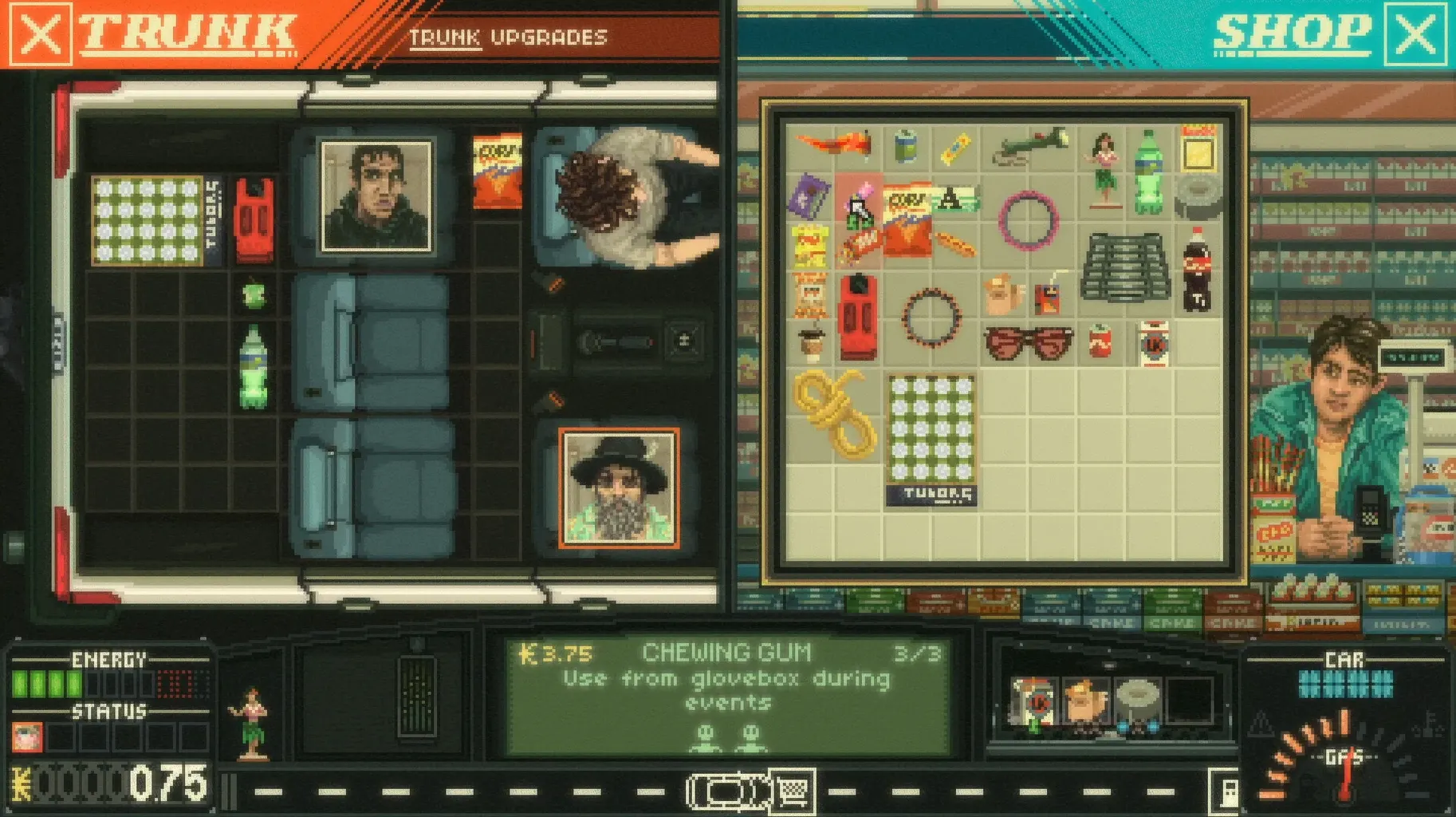
And then there's the tuning menu. Beginners either never open it or blow their savings on a turbo kit before fixing the brakes. Prioritize parts that keep you moving — tires, battery, headlights — before chasing horsepower. A fast car doesn't help when you can't see the road at night.
A session behind the wheel
You start in a driveway with a hand-me-down sedan and a tank that's three-quarters full. The map is fogged except for the first junction. You check the glovebox — a crumpled flyer for a diner two towns over — and decide that's your heading. Before pulling out, you open the trunk, rearrange the toolkit and a spare tire, and mentally note that you have just enough cash for one night at a cheap motel.
The first stretch of road is quiet. Pixel-art cornfields scroll past. Then a chime: a hitchhiker with a guitar case and a story about missing a bus. You let her in. She talks, the dialogue tree branches, and suddenly your planned route shifts — she knows a shortcut through back roads that skips a toll bridge. The trade-off is an extra hour of driving, which eats into your energy. You pull into a gas station, top up with the cheapest fuel, and buy a coffee to push the fatigue bar back into green.
Twenty minutes later, a random encounter fires. A truck is blocking the lane and the game drops you into turn-based actions — talk your way past, ram the shoulder, or wait it out. You pick dialogue, burn a few in-game minutes, and roll on. By the time you reach the diner, the sun is setting in the game world and your headlights flicker. You limp to a repair shop, swap the bulb for pocket change, and save the game at a motel parking lot. One ending down, several more to see.
The Apple Silicon launch error that needs multiple dismissals
The Wineskin wrapper on the 1.3.1.1d build can throw an error window at launch — a known quirk on Apple Silicon. The fix isn't intuitive: close the error window each time it pops up, usually two or three dismissals, and the game loads normally. If it hangs, the Fix file inside the .dmg sorts out permissions and registry paths that trip up the wrapper.
Some players report the camera drifting when using a controller. The game reads analog stick dead zones loosely, so an older gamepad with stick wear will register phantom input. Switch to keyboard controls in the settings menu or increase the dead zone if your controller software allows it. On a MacBook trackpad, the mouse cursor sometimes stays visible during driving segments — tapping Esc twice hides it.
Save files live inside the Wineskin sandbox, not in the usual ~/Library/Application Support folder. If you need to back up a run or transfer it to another Mac, dig into the app bundle: right-click Keep Driving.app, pick Show Package Contents, and navigate to drive_c/Program Files/Keep Driving/saves. Copy the whole folder out before reinstalling. People grabbing a Keep Driving Mac torrent build can keep their progress safe by knowing exactly where the wrapper hides saves — now you do.
- Apple Silicon Mac
Comments 0
Sign in or create an account to leave a comment.
No comments yet. A codec, a slice, a machine — they appear after moderation.