King's Bounty II for macOS
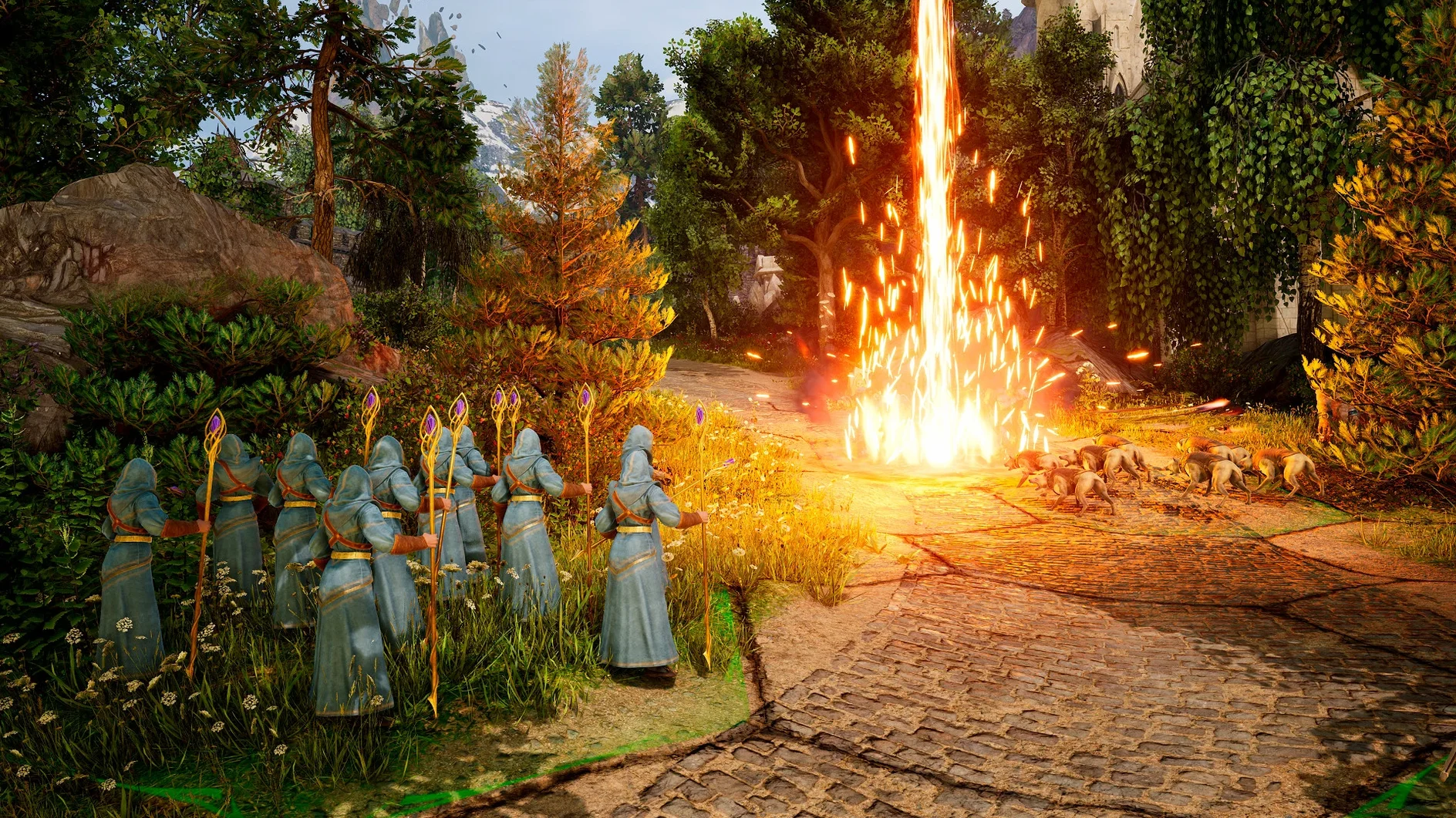
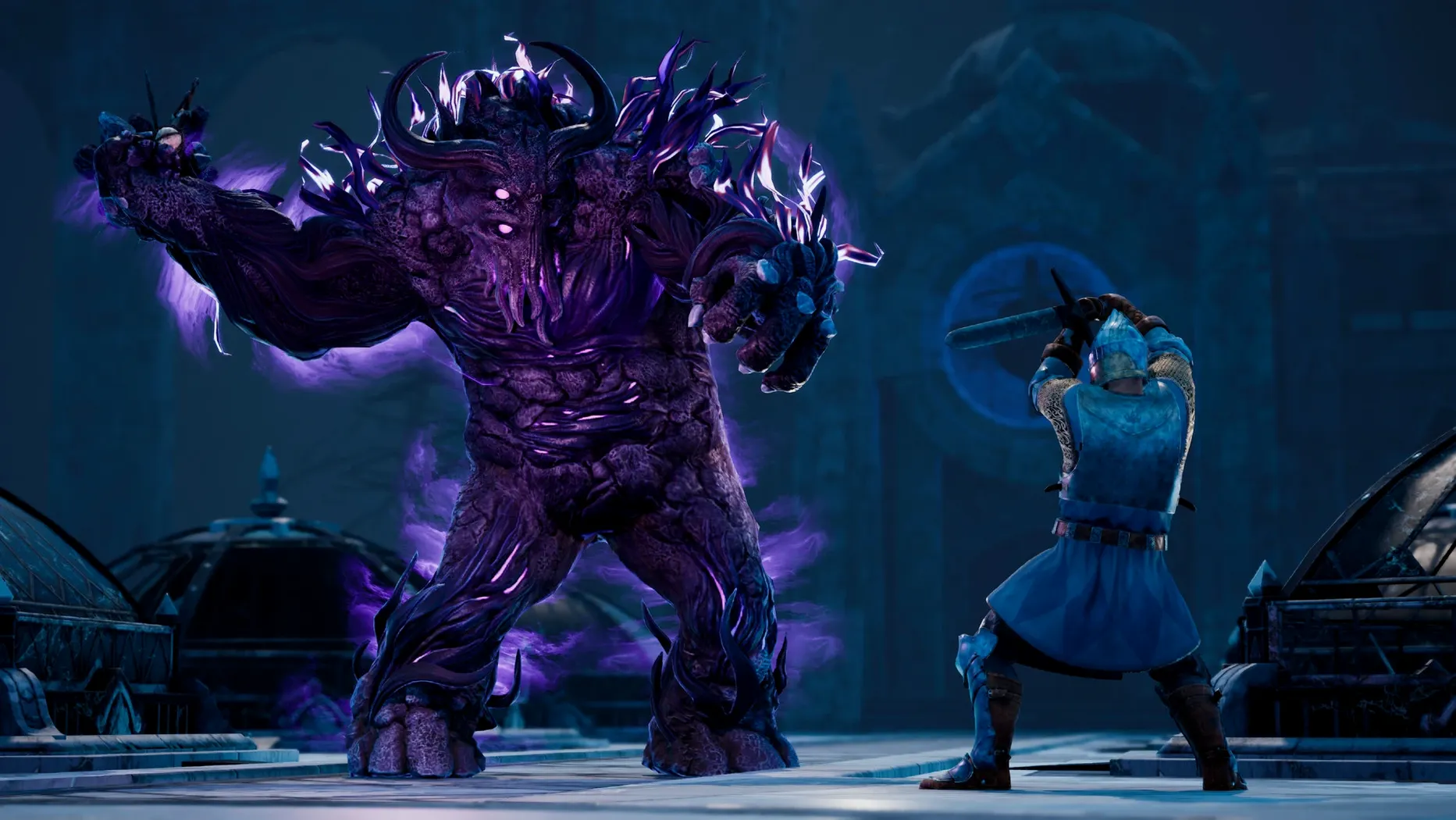
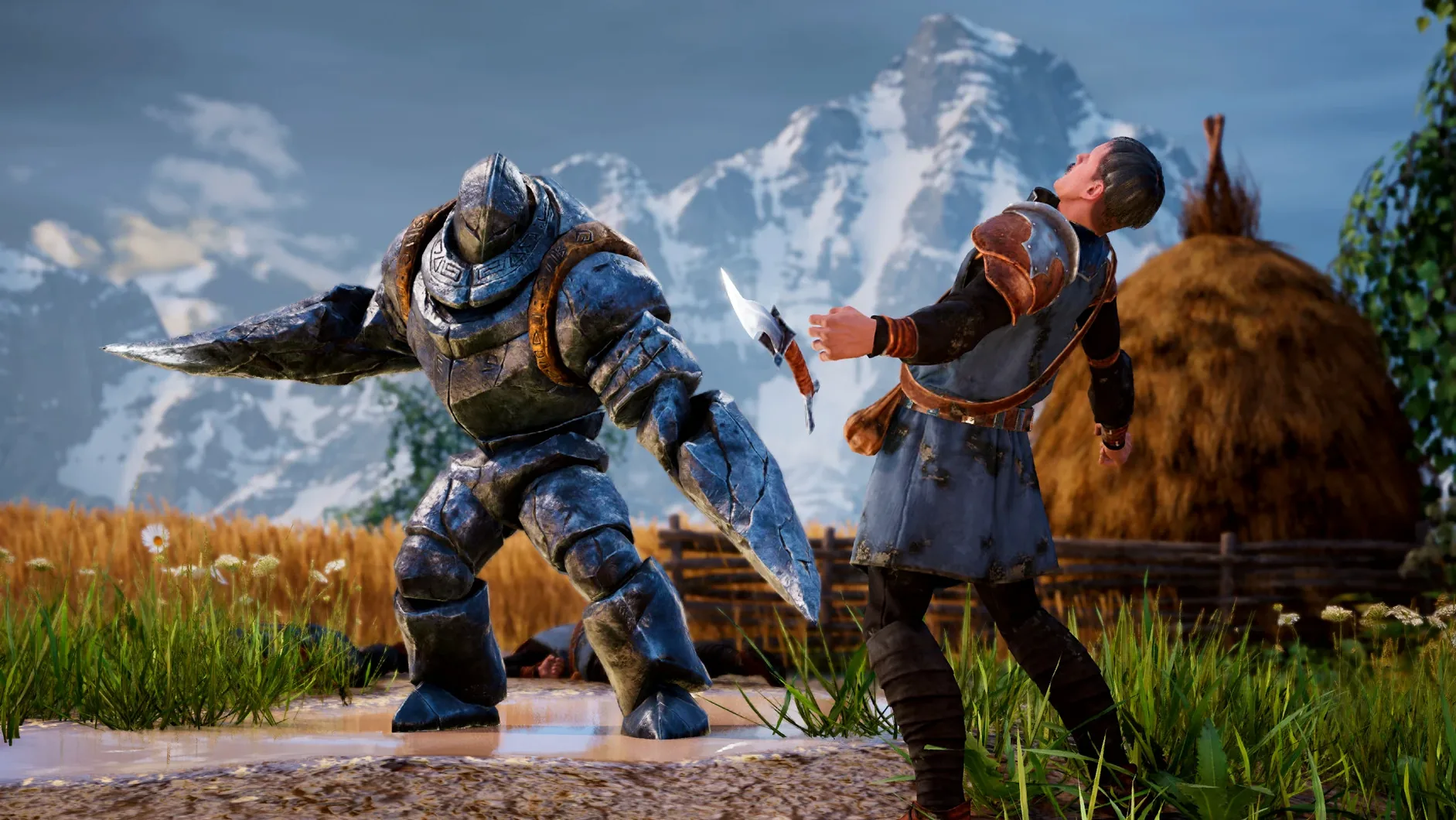
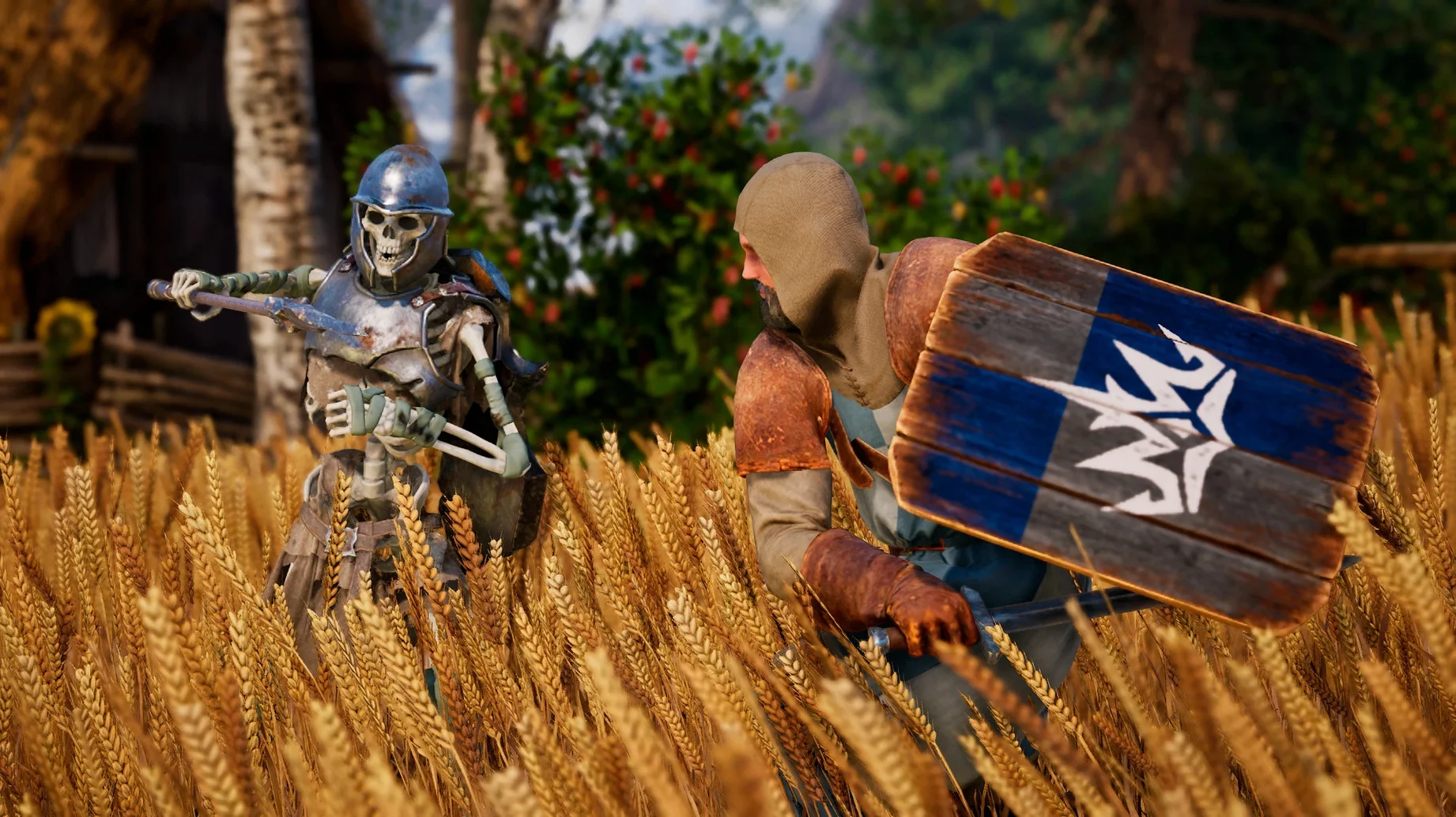
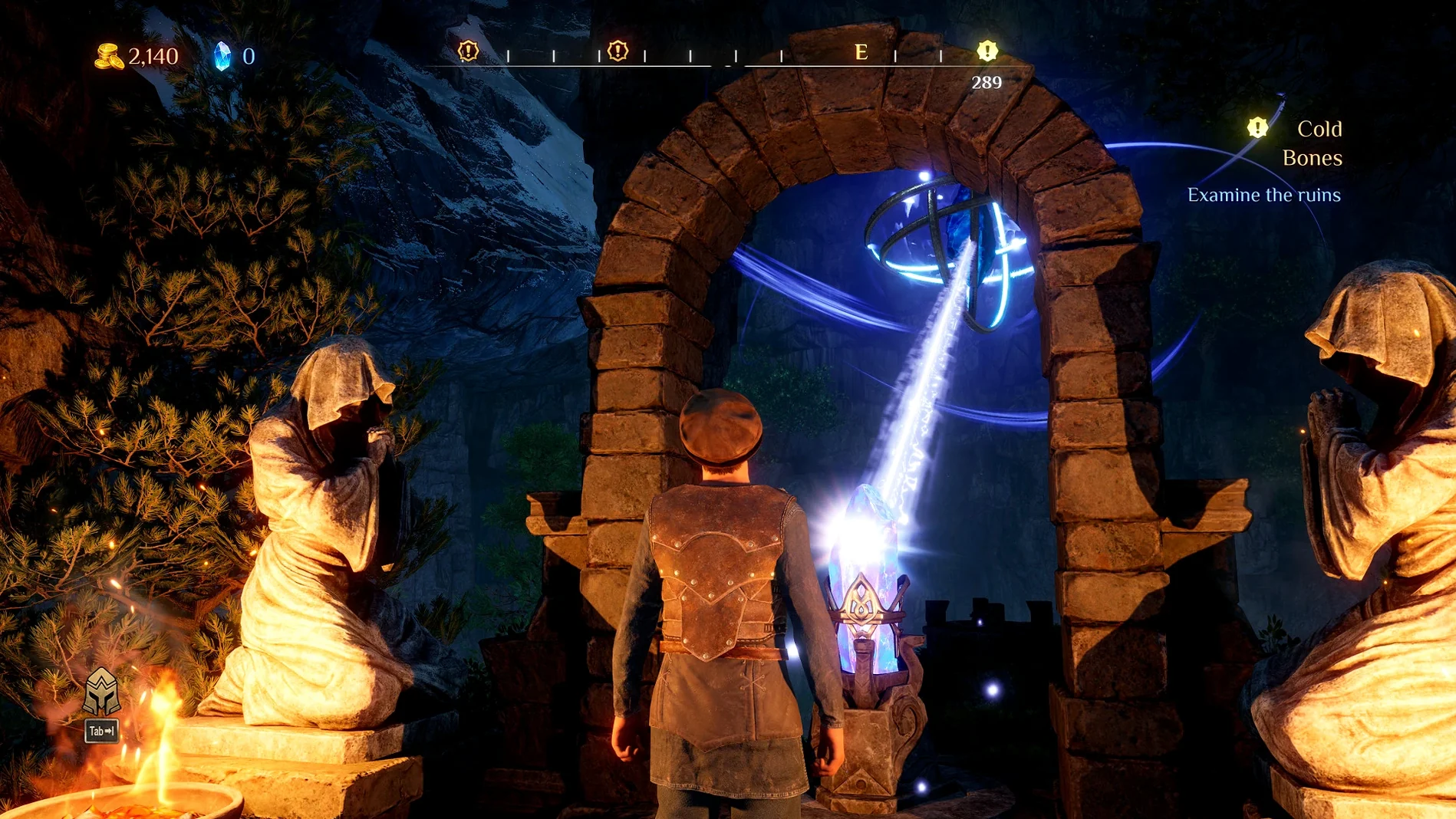
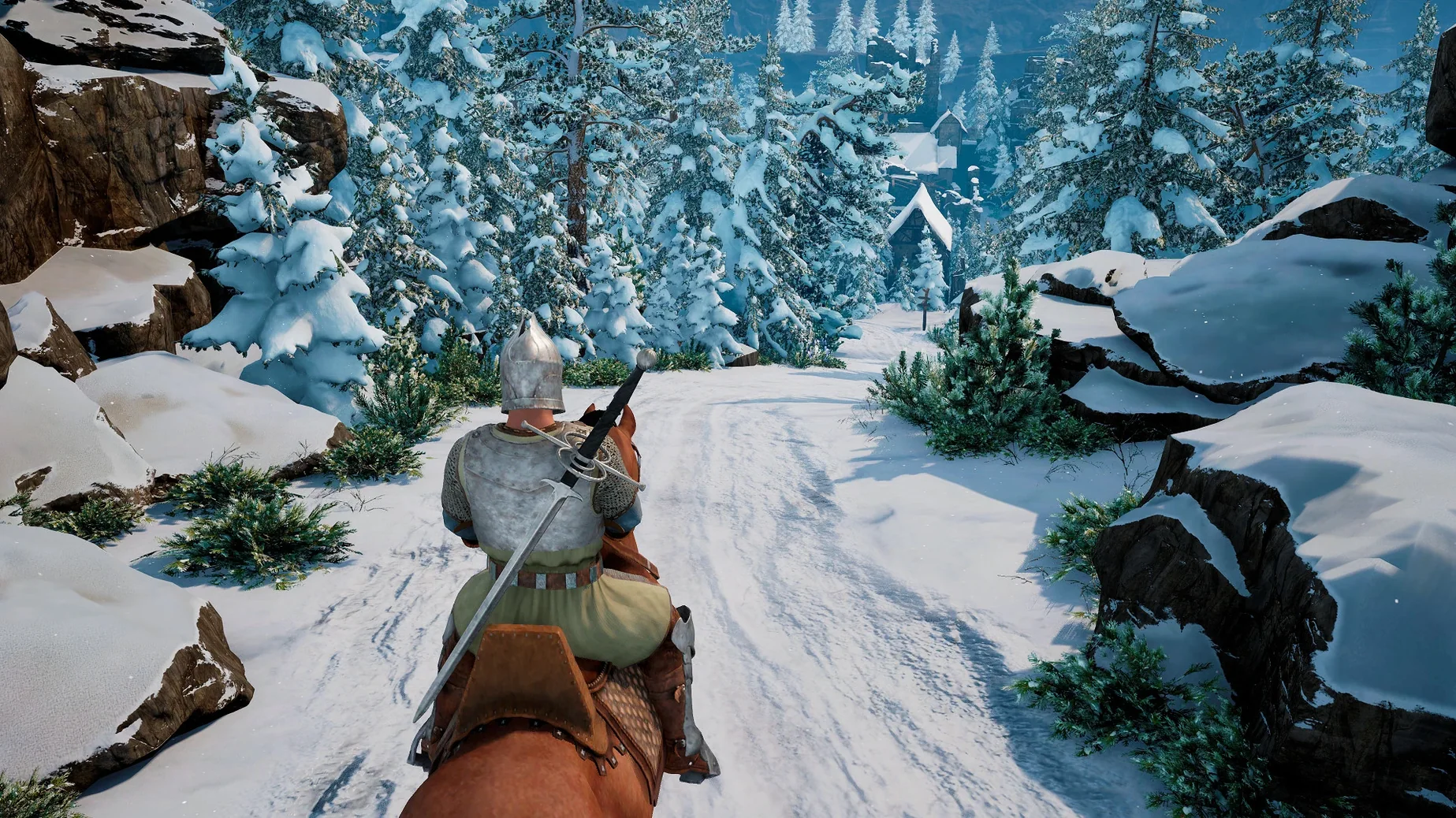
A single misclick in a tactical grid can scatter half your army. That is the tension running through every encounter in King's Bounty II, a turn-based RPG where you swap between an over-the-shoulder exploration of Antara and tight, hex-grid battles where positioning matters more than power level. You pick one of three characters—each with their own backstory and moral alignment—and slowly assemble a fighting force from dozens of fantasy unit types.
- Walk through forests, swamps, and royal courts in third person, picking up side quests and poking into corners for hidden caches of gold.
- Shift into turn-based combat on a hex grid when you bump into roaming monster stacks or scripted story fights.
- Recruit units like swordsmen, archers, trolls, and spectral wolves; each has a leadership cost that caps how many you can field at once.
- Manage army morale and unit synergies—dwarves fight better alongside dwarves, and mixing undead with living troops tends to backfire.
- Spend talent points across Might, Mind, and Magic trees to unlock passive buffs and active spells that reshape battles.
- Make dialogue choices that shift your alignment along Order, Anarchy, Power, and Finesse axes, gating certain units and side quests.
Minute to minute, you are weighing whether to spend gold on reinforcements now or save for that high-tier creature you spotted in a distant town. The build runs under Wineskin on Apple Silicon, drawing an .app bundle you copy straight to /Applications.
Does it trap saves inside the app bundle?
Because the game runs inside a Wine wrapper, it does not show up in the usual Mac gaming panels. Game Center achievements and iCloud sync are absent—saves stay local inside the .app bundle at Contents/SharedSupport/prefix/drive_c/users/Sikarugir/AppData/Local/KingsBounty2. That has one practical upside: you can back up an entire playthrough by copying that folder elsewhere, then drop it back in after a fresh install. No cloud dependency, no login prompts.
Mission Control and Spaces play nicely with the Wine window. You can toss the game onto a separate desktop and three-finger swipe back to the Finder while a battle waits on your turn—the app does not freak out when it loses focus. If you use a third-party mouse with custom button assignments, the wrapper reads the middle-click and side buttons as generic inputs, so mapping them to the camera rotate or unit inspect commands works straight away.
VoiceOver and other accessibility services ignore the Wine layer, so screen readers will not pick up in-game text. If you depend on those tools, plan to rely on the voiced dialogue—you get Russian and English voice tracks, and the substantial reading load (quest logs, stat sheets, item tooltips) remains visual-only.
Which graphics tweaks wake up an M3 Pro?
The default graphics preset skews conservative, and the Wine translation adds a whisper of overhead. On an M3 Pro or similar chip you can push most sliders right without dropping below 30 fps in busy fights. Start with these adjustments before your first real session:
- Shadow quality: drop it to medium if you notice camera stutter in forest zones. The dense tree cover in eastern Antara strains the Wine D3D-to-Metal translation fastest.
- Anti-aliasing: FXAA is the sweet spot. MSAA brings no visible gain through the wrapper and costs frames during spell effects.
- UI scaling: bump this early. The default interface assumes a 1080p signal, and on the Retina displays of recent MacBooks the text borders on unreadable.
- Camera sensitivity: halve it. The over-the-shoulder exploration camera ships with a twitchy default that makes looting precise spots feel like threading a needle.
The repair file on the disk image is not just a first-launch fix—keep it around. If a macOS point update tweaks the Metal driver, the Wine prefix can throw an error on next boot, and running the repair script rewinds any broken symlinks in drive_c without touching your save folder.
What helps during the first few days?
Your early army composition locks in harder than the tutorial suggests. The first three regions push you toward humans and dwarves, and the alignment system gates recruitment behind choices you make hours before you meet the recruiter. A practical rhythm for the opening ten hours:
- Check the tavern after every main-quest step. New unit stacks appear as the story clock advances, not when you level up. Miss a visit and a stack of cavalry you could afford sits there unseen for two chapters.
- Pick one alignment axis and ignore the other three. Spreading choices across Order, Anarchy, Power, and Finesse leaves you with a roster where nobody synergizes. Finesse unlocks rangers and assassins early, which pair well with the dwarf engineers you find in the mines.
- Rotate your save slots. The auto-save overwrites itself before major faction splits, and if you blunder into a choice that locks out a unit type you have been building around, a manual save from two hours back is far less painful than restarting. I keep three rolling slots named by region.
- Watch the terrain overlay before placing units. Hexes with elevation bonuses or swamp penalties are not cosmetic—a swordsman on high ground gets a damage multiplier that exceeds most early-game buff spells. Drag the deployment cursor slowly and read the pop-up numbers.
If the wrapper ever stalls during a loading screen, force-quit and run the repair file before relaunching. The Wine process sometimes caches a bad shader compilation, and the repair clears that cache. You will lose zero progress as long as you saved before the zone transition.
- Apple Silicon Mac
$ man king-s-bounty-ii | grep -A2 "?"
What languages does the interface support?
The game includes Russian, English, German, Spanish, Italian, Traditional Chinese, Simplified Chinese, Korean, Polish, French, Czech, and Japanese.
Where are the save files stored?
Saves live inside the bundle atKings Bounty II.app/Contents/SharedSupport/prefix/drive_c/users/Sikarugir/AppData/Local/KingsBounty2.
What should I do if the game crashes at launch?
Mount the original disk image and run the repair file included there; it resolves common first-run errors.
Comments 0
Sign in or create an account to leave a comment.
No comments yet. A codec, a slice, a machine — they appear after moderation.